MiniMax-Music3 Review: Open-Weight AI Music Model for 5-Minute Songs
MiniMax-Music3 is an open-weight AI music generation model that can create complete songs up to about five minutes long from lyrics and a detailed music…
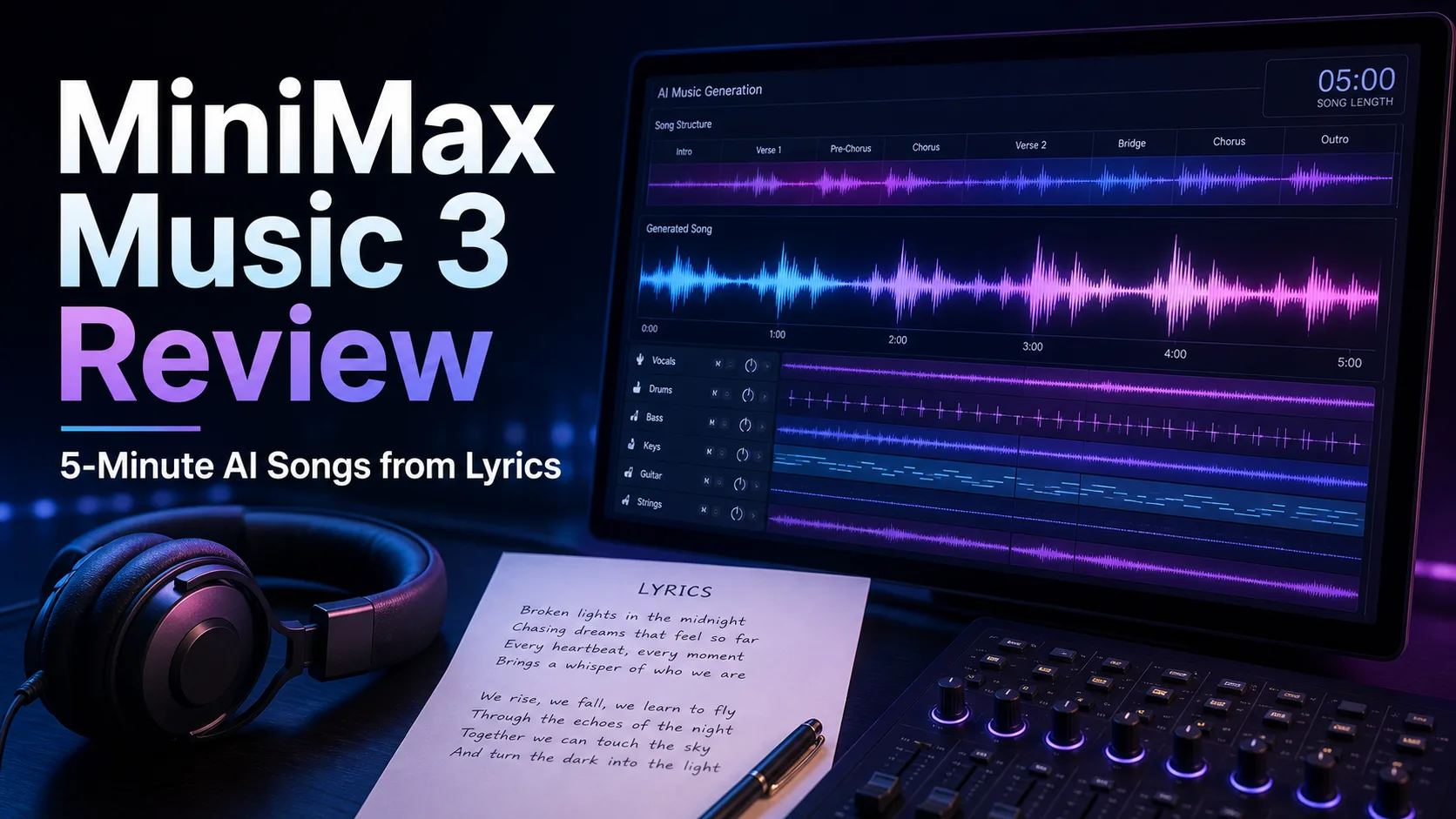

MiniMax-Music3 is an open-weight AI music generation model that can create complete songs up to about five minutes long from lyrics and a detailed music description. Instead of focusing only on short loops or background clips, it aims at full song structure: intro, verse, chorus, bridge, instrumental break, and outro.
The short verdict is simple: MiniMax-Music3 is not as frictionless as Suno or Udio for casual browser-based creation, but it is much more interesting for developers, ComfyUI users, researchers, and creators who want local workflows. Its strongest points are long-form structure, lyrics-plus-caption control, and documented paths for SGLang-Omni, Diffusers, and ComfyUI.
Contents
What MiniMax-Music3 Is
MiniMax-Music3 is a text-to-music model released by MiniMax. The official Hugging Face model card describes it as a high-performance music generation model for complete songs up to five minutes, conditioned on lyrics and a detailed music description. It produces expressive vocals, evolving arrangements, and 32 kHz, 16-bit stereo WAV audio.
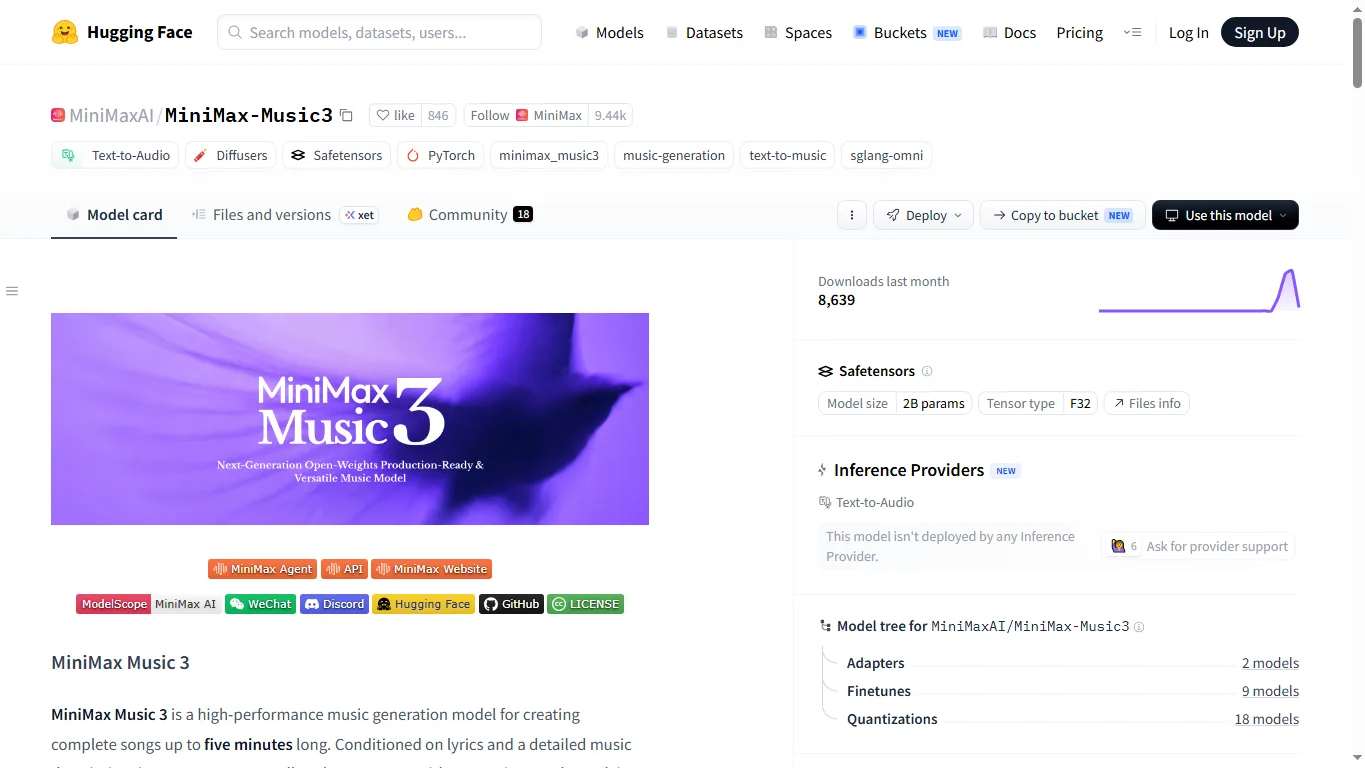
Architecturally, the model combines an 8B Global LLM for long-range musical structure with a 0.6B Local LLM for frame-level acoustic detail. Flow Matching and Flow-VAE are used for audio synthesis. That split matters because full-song music generation is not just about producing nice audio frames; the model has to maintain themes, rhythm, vocal identity, and arrangement progression over several minutes.
Key Features and Specs
| Item | Details |
|---|---|
| Model name | MiniMax-Music3 / MiniMax Music 3 |
| Main use | Lyric-based song generation, vocal music, short BGM, instrumental generation |
| Inputs | Lyrics plus music description / structured caption |
| Maximum length | Up to about five minutes |
| Output format | 32 kHz, 16-bit stereo WAV |
| Structure tags | [Intro], [Verse], [Pre-Chorus], [Chorus], [Bridge], [Instrumental], [Solo], [Outro] |
| Runtime routes | SGLang-Omni, Diffusers, ComfyUI |
| Model host | Hugging Face and GitHub |
| License | MiniMax-Music3 Community License |
The workflow is built around two inputs. Lyrics define the words to be sung, while the music description defines genre, subgenre, BPM, key, emotional arc, vocal style, instrumentation, arrangement, and production profile. For more precise control, the model card recommends a Structured Caption with Global Metadata, Vocal Details, and Arrangement.
This is one of the most useful differences from simpler music generators. A weak prompt says “upbeat pop song.” A stronger caption says “dance pop, 124 BPM, bright female vocal, side-chained synth bass, verse with sparse plucks, chorus with wide drums and layered harmony, clean radio-ready mix.” MiniMax-Music3 gives you a framework for writing that detail explicitly.
Hands-On Experience and Output Quality
The easiest way to understand the model is the official demo page. It includes examples across genres such as pop, rock, R&B, hip-hop, dance pop, country, soul, funk, blues, bossa nova, and urban. Several examples use English titles, and there are also Chinese-language examples, which makes the demo useful for checking both broad musicality and non-English handling.
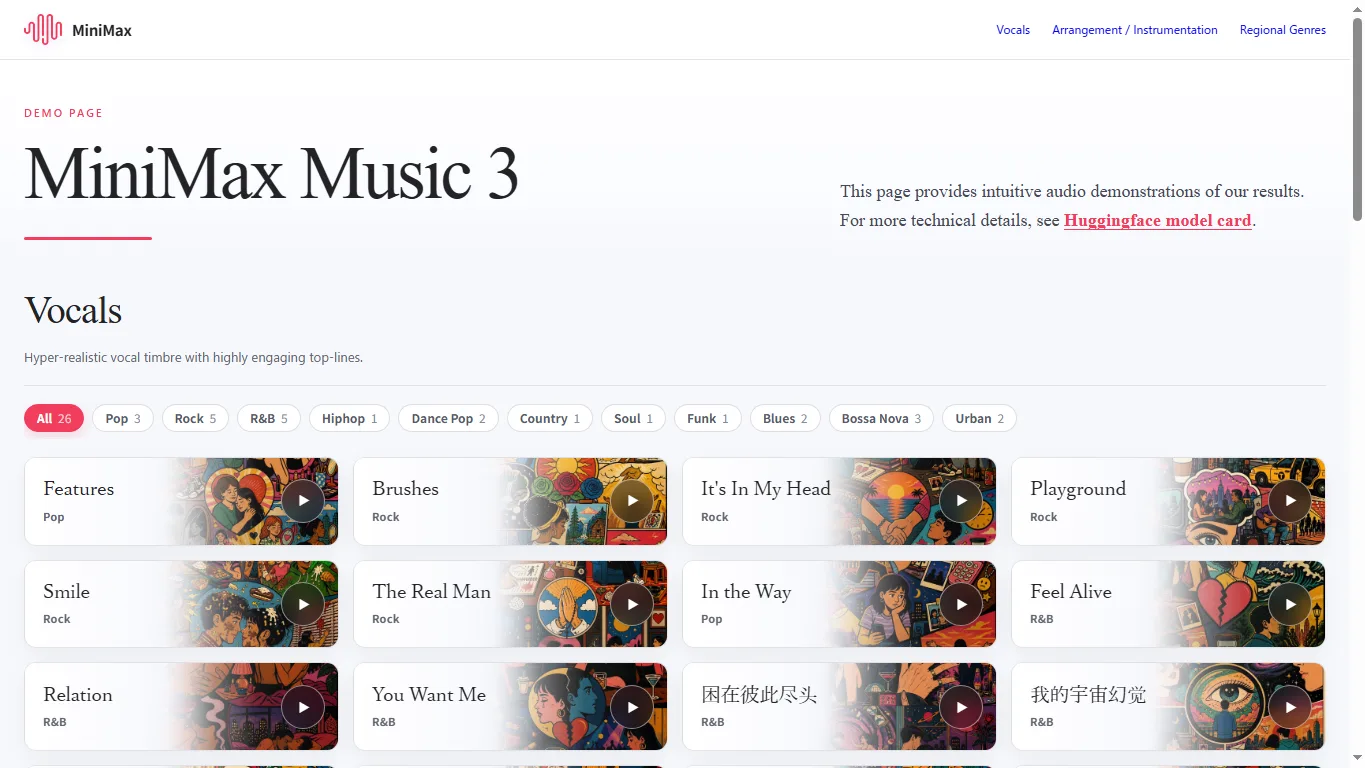
When listening to generated songs, judge more than the first hook. Check whether the verse-to-chorus transition feels musical, whether the vocal timbre stays consistent, whether the lyrics remain intelligible, whether the arrangement grows over time, and whether the song ends naturally. Many AI music systems can make an impressive 20-second clip; the real challenge is keeping a full song coherent.
Early community feedback is enthusiastic but practical. Hugging Face discussions include appreciation for the open-weight release, questions about ComfyUI support, low-VRAM setups, licensing, and generation speed. That gives the release a very specific character: impressive and promising, but still a model for people willing to test, tune, and read documentation rather than a one-click consumer product.
Download and Local Setup
The official model is available at MiniMaxAI/MiniMax-Music3 on Hugging Face, and the project repository is MiniMax-AI/MiniMax-Music3 on GitHub. For server-style inference, the model card points to SGLang-Omni. A minimal serving command looks like this:
sgl-omni serve --model-path MiniMaxAI/MiniMax-Music3 --port 8000Generation requests use the shared speech endpoint format: lyrics go into input, and the music caption goes into instructions. This is important because MiniMax-Music3 is not a TTS model with a selectable speaker. You do not control the result with a voice parameter; you describe the vocal gender, timbre, performance style, harmonies, and effects in the caption.
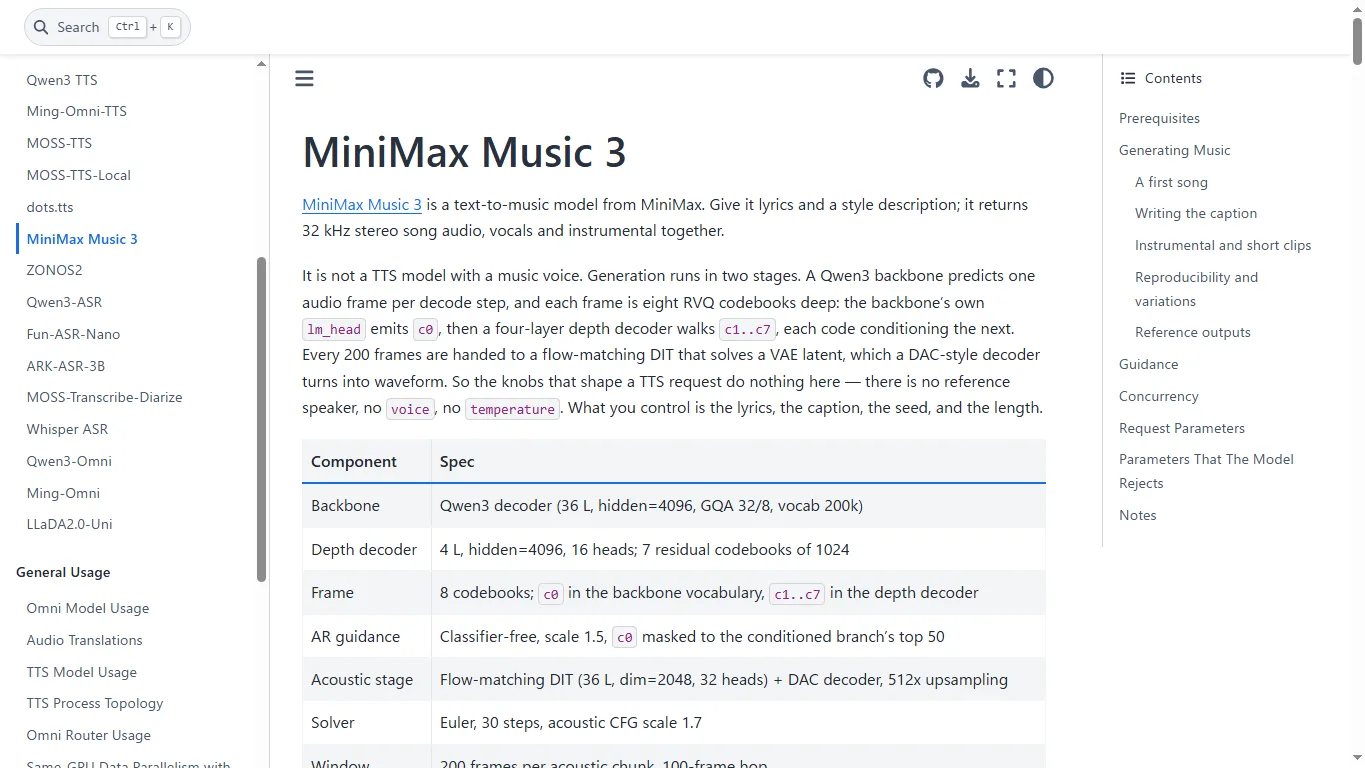
Diffusers support is also documented as a ModularPipeline route. At the time of the model card, the installation points to a specific Diffusers PR commit, so check whether full support has landed in your installed Diffusers version before assuming a standard pip install is enough.
VRAM and Hardware Requirements
The official model card gives a surprisingly clear hardware picture. Full precision fits under 24GB of VRAM. With automatic CPU offloading, generation takes around 22GB. With layer-by-layer streaming offload for the language model, the pipeline can fit on 8GB video cards, but this is slower and better treated as a low-VRAM fallback than an ideal production setup.
| Setup | Practical View | Best For |
|---|---|---|
| 24GB+ GPU | The cleanest local route; RTX 4090-class cards are more realistic for testing | Local AI users and researchers |
| ~22GB with CPU offload | Saves VRAM but can reduce speed | Users just below 24GB |
| 8GB with streaming offload | Possible according to the model card, but much slower | Short tests and feasibility checks |
| ComfyUI low-VRAM path | INT8 model files and tiled decode can make experiments easier | Node-based creators |
| Cloud GPU or API | Less setup pain and easier long-song testing | Teams and production evaluation |
For ComfyUI users, the official ComfyUI MiniMax Music 3 tutorial is the most practical starting point. It lists FP16 and INT8 diffusion models, an INT8 text encoder, VAE files, folder placement, the Text to Music workflow, prompt writing tips, and output location.
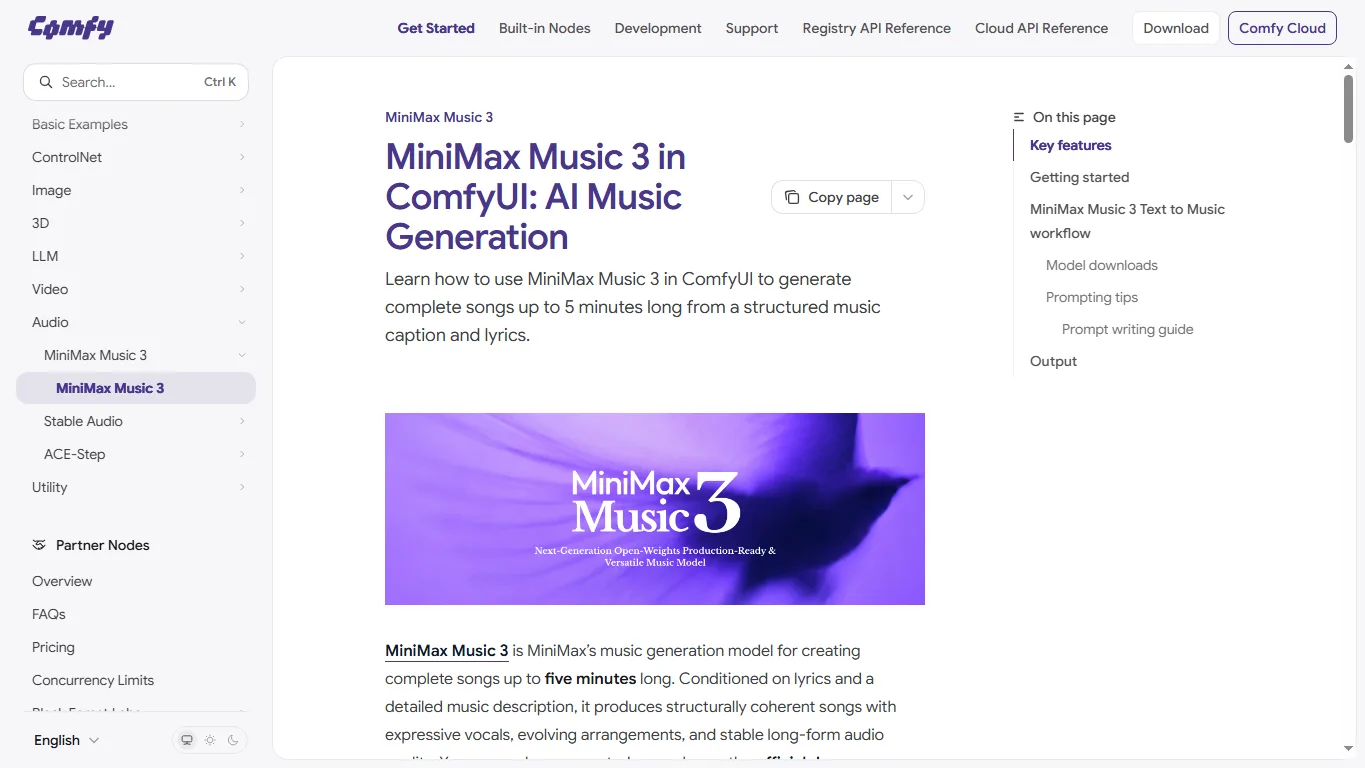
Download the Official ComfyUI Workflow
If you want to test MiniMax-Music3 in ComfyUI, use the official Comfy-Org workflow JSON: audio_minimax_music_3.json. Download the file, load it into ComfyUI, and you can inspect the Text to Music workflow directly. Make sure the required model files are placed in the correct ComfyUI folders before running it.
The official ComfyUI tutorial explains the model downloads, low-VRAM INT8 files, max_duration, seed, and tiled_decode settings. A practical approach is to test short clips first, tune the caption and lyrics, and only then render a full three-to-five-minute song.
Comparison With Leading AI Music Models
MiniMax-Music3 sits between consumer AI music services and local research models. Online tools such as Suno, Udio, and ElevenLabs Music are easier to use. Open models such as Meta MusicGen, Stable Audio Open, and YuE are closer in spirit to MiniMax-Music3, but they target different duration, control, and workflow needs.
| Model / Service | Type | Strength | Caution |
|---|---|---|---|
| MiniMax-Music3 | Open-weight model | Up to five minutes, lyrics + detailed caption, ComfyUI/SGLang/Diffusers routes | Needs setup, VRAM planning, and license review |
| Suno | Online service | Very easy browser workflow and strong consumer experience | No local model control or open-weight deployment |
| Udio | Online service | Strong for vocal songs, editing, and extension workflows | Results and usage rights depend on service terms |
| ElevenLabs Music | Online/API service | Good fit for production APIs and audio workflows | Not a local open-weight model |
| Stable Audio Open | Open model | Useful for short audio, effects, and background elements | Less focused on complete lyric-based songs |
| Meta MusicGen | Open model | Established research baseline for short music generation | Needs extra workflow design for full vocal songs |
| YuE | Open model | A relevant comparison point for full-song generation | Setup and output quality depend heavily on environment and version |
If your goal is to publish a quick social media song, Suno or Udio will usually be easier. If your goal is to test long-form song structure, control captions, manage seeds, build ComfyUI workflows, or study an open-weight music model, MiniMax-Music3 is the more interesting option.
MiniMax’s broader generation direction is also worth watching. The company’s video model is covered in our MiniMax H3 review, and recent video-generation trends are also relevant to our LTX-2.5 review. Music3 feels like part of the same movement toward longer, multimodal, workflow-friendly generation.
License, Commercial Use, and Copyright
MiniMax-Music3 uses the MiniMax-Music3 Community License, not a simple MIT or Apache-style permissive license. The license includes commercial product attribution, a revenue threshold that may require additional authorization, hosted-service safety requirements, and an acceptable-use policy.
Music generation also has copyright and rights-management risks beyond the model license. Lyrics, artist-style imitation, voice similarity, distribution-platform rules, and disclosure requirements all matter. If you plan to publish or sell generated music, keep records of prompts, lyrics ownership, model version, and any edits made after generation.
Prompt Example
A practical MiniMax-Music3 prompt separates lyrics from the music caption. For English songs, write both in English. For other languages, you can still keep the music description in English if that gives more stable style control.
[Verse] Morning light is breaking through the rain I keep walking past the places we became [Chorus] Hold on, we are brighter than the night Two hearts burning like a signal in the sky Music description: Emotional pop rock, 104 BPM, female lead vocal with airy harmonies, clean electric guitar in the verse, full drums and wide synth pads in the chorus, hopeful but nostalgic, radio-ready modern mix, gradual build to a final anthemic chorus.For efficient iteration, start with 30 to 60 seconds before rendering a full song. Once the voice, tempo, instrumentation, and chorus energy feel right, extend the duration. Long generations are more expensive in time and memory, so caption testing matters.
FAQ
Is MiniMax-Music3 free?
The model weights are available on Hugging Face, but local use still costs hardware, storage, and setup time. If you use cloud GPUs, hosted inference, or an API, those services may have their own pricing.
Can MiniMax-Music3 generate vocals?
Yes. It is designed to generate vocals and instrumental backing together. The vocal character is controlled through the music caption rather than a separate speaker-selection parameter.
Can it run on an 8GB GPU?
The official model card says it can fit on 8GB video cards with streaming offload, but expect slower generation. For a smoother local experience, a 24GB-class GPU or a ComfyUI low-VRAM workflow is more realistic.
Is it better than Suno or Udio?
Not for every user. Suno and Udio are easier for quick browser-based creation. MiniMax-Music3 is more appealing if you want open-weight access, local workflows, ComfyUI integration, reproducibility, and deeper caption control.
Can I use it commercially?
Potentially, but you must review the Community License carefully. Product attribution, revenue scale, safety safeguards, and third-party rights all matter. Music distribution also adds copyright and platform-policy considerations.
Can it make instrumental music?
Yes. Use a clear caption such as “instrumental cinematic ambient, no vocals” or “lofi background music, no vocal lead,” and test shorter durations first.
References
- MiniMaxAI/MiniMax-Music3 – Hugging Face
- MiniMax-AI/MiniMax-Music3 – GitHub
- MiniMax Music 3 Demo
- MiniMax Music 3 in ComfyUI
- SGLang-Omni MiniMax Music 3 cookbook
- MiniMax-Music3 Community License
Summary
MiniMax-Music3 is one of the more important AI music releases because it targets full songs rather than only short clips. Its support for lyrics, structured captions, five-minute duration, stereo WAV output, and local workflow routes makes it especially valuable for developers and advanced creators.
It is not a frictionless consumer app, though. Hardware requirements, slower low-VRAM modes, licensing, and copyright management all need attention. For most readers, the best path is to listen to the official demo, test short generations through ComfyUI or SGLang-Omni, and only then commit to longer songs or commercial workflows.
Related Reviews
MiniMax H3 Image Studio Review: ComfyUI Images, Reference Editing & Video Workflow

GPT-Image-2.5 Review (2026): Flare vs Sunburst, Pricing and NSFW Limits
Seedance 2.5 Review: 30s, 4K and Audio AI Video Generation in Dreamina
MiniMax H3 Review: Open-Weight AI Video Model With Native Audio

Wan 3.0 Review: 30s AI Video, Open Source Status and NSFW Limits
Qwen 3.8 Review: Benchmarks, Local Setup, GPU Requirements and NSFW Policy