Product Images
Create extra background space around products for Amazon, Shopify, online marketplaces, advertisements, and promotional banners.
Expand photos naturally with AI outpainting. Uncrop tight images, change aspect ratios, and add realistic background space without stretching or distorting the source image.
Drag and drop a JPG, PNG, or supported image file here to expand image edges with AI
Supported formats: *.pjp; *.jfif; *.jpeg; *.pjpeg; *.jpg; *.pngPreparing your expanded image...
A reduced-size preview is shown here. Download to get the full-resolution image.
Create the right image size for Instagram squares, YouTube thumbnails, TikTok/Reels 9:16 posts, website hero banners, Amazon or Shopify product images, presentations, and marketing materials. AI fills missing areas while keeping your original subject and composition intact.
Create extra background space around products for Amazon, Shopify, online marketplaces, advertisements, and promotional banners.
Convert one image into square, portrait, landscape, or vertical social formats without cropping important details.
Uncrop landscapes, restore tight crops, and reveal more of the scene without changing the original subject.
Generate extra room for headlines, text overlays, presentation covers, website banners, and campaign designs.
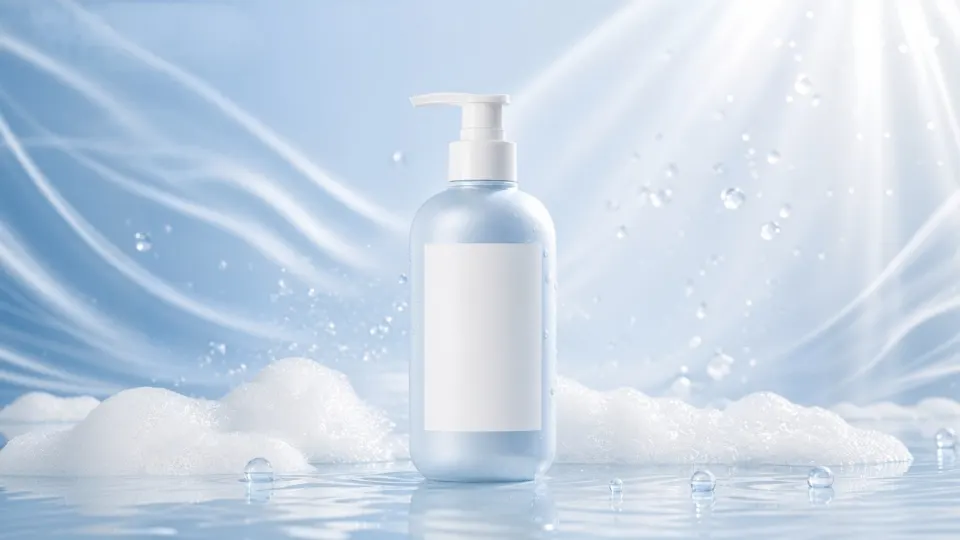
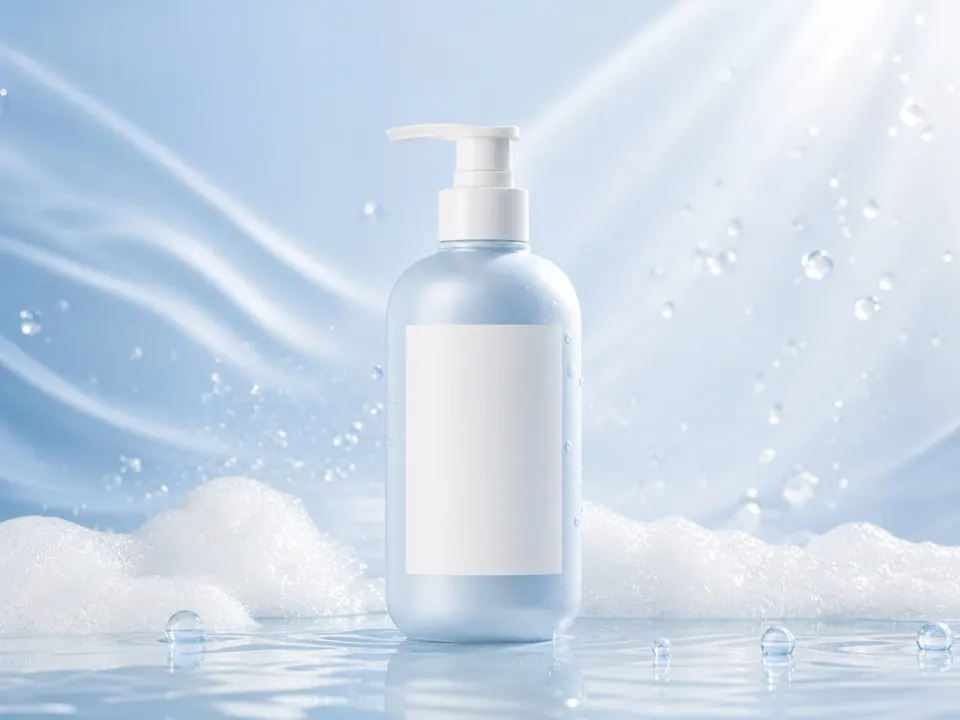
An image resizer changes the dimensions of the whole image, while an AI image extender adds new visual content around the original photo. Use resizing when you only need a smaller or larger file; use AI extension when you need more background, headroom, or a different aspect ratio without cropping.
Upload a JPG, PNG, or other supported image format you want to uncrop, extend, or adjust to a new aspect ratio.
Choose a preset aspect ratio or enter custom dimensions. Add an optional prompt to guide the AI-generated background.
Let AI fill the new areas, then download your high-quality image after processing.
AirMore AI Image Extender is best for expanding photos into new aspect ratios, adding background space for designs, uncropping tight images, and creating layouts for social media, product pages, banners, and marketing visuals. It does not stretch the original image; AI generates new areas around it.
AI analyzes your existing image composition and predicts realistic details beyond the original frame.
Your original photo remains unchanged while AI fills only the newly added areas.
Describe the background, atmosphere, or visual style to guide the AI-generated uncropped area.
Choose popular aspect ratios or custom dimensions for social media, websites, e-commerce, presentations, and marketing designs.
An AI image extender, also called an AI uncropping tool, uses generative AI to create new content beyond a photo's original borders. It helps you uncrop images, change aspect ratios, and extend backgrounds naturally without stretching the original image.
No. Your original pixels and main subject stay intact. AI generates new content only in the added canvas around your image.
Yes. Use the optional prompt feature to describe the background, atmosphere, subject, or visual style you want AI to create.
Supported formats: *.pjp; *.jfif; *.jpeg; *.pjpeg; *.jpg; *.png. Image dimensions must be between 64×64 and 4096×4096 pixels, with a maximum file size of 5 MB.
During AI uncropping, the added space is distributed around the original image while keeping the main subject centered and maintaining natural composition.
The generated download link remains available for one hour. Please save your expanded image after processing is complete.
Use an AI image extender to change aspect ratios, fill missing edges, and create more space while preserving the original composition.