Original framing preserved
Scale the width and height proportionally without cropping the composition.
Scale photos and artwork up to 16× for larger pixel dimensions and output files.
Drag and drop your images or choose JPG/JPEG/JFIF, PNG, BMP or WebP files.
Preparing the upscaled preview...
The preview may be resized for your screen. Sign in to download the full-resolution result.
Preparing your image...
Keep this page open to see the result as soon as it is ready.At 4× scale, a 320 × 320 px image becomes 1280 × 1280 px while keeping the same aspect ratio.

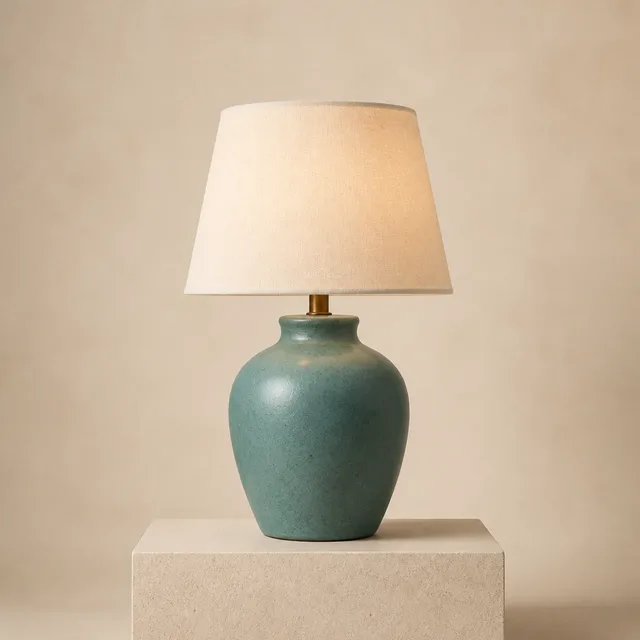
Scale the width and height proportionally without cropping the composition.
A 4× increase on each side creates 16× the total number of pixels.
Prepare larger dimensions for storefronts, presentations, social posts, and print drafts.
Illustrative output-size comparison. File size and appearance vary with the source, model, scale, and quality settings.
Prepare larger pixel dimensions for publishing, commerce, creative work, and print.
Increase resolution before restoring, reframing, or sharing a favorite photo.
Enlarge small product images for storefront pages and larger display areas.
Scale illustrations, generated art, and design assets for larger layouts.
Increase pixel dimensions before exporting posters, cards, and presentation graphics.
Choose a supported image from your device.
Choose an upscale model, scale, optional quality enhancement, and output format.
Review the comparison and save the full-resolution result.
Calculate the final width and height you need, then choose a scale. Higher scales usually create more pixels and larger files.
For example, output a 1000 × 1000 px image at 2000 × 2000 px.
For example, output an 800 × 800 px image at 3200 × 3200 px.
For small originals that need substantially larger pixel dimensions.
Creates a very large output. Check the target use and required file size first.
Choose a target from 2× to 16× and prepare the same composition at larger pixel dimensions for different output needs.
Choose 2×, 4×, 8×, or 16× output for different workflows.
Increase width and height proportionally without changing landscape or portrait framing.
Use fast 2K lossless upscaling for everyday sharing or max-size output for larger projects.
Service credentials and full result URLs stay behind the AirMore server.
It increases image width and height by the selected scale and produces an output with larger pixel dimensions.
Multiply the original width and height by the scale to confirm the target size. Most web and product images can start at 2× or 4×.
No. The output increases width and height proportionally and does not crop the image just to make it larger.
Guests can process one image per day. Signed-in users are charged per successful image: 1 credit for 2K or 2 credits for max-size, plus 1–3 credits when quality enhancement is enabled.
Upload a small image, choose a scale, and create a version with larger pixel dimensions.