P-H3-Image Review: Editing, NSFW Support, VRAM and LoRA
P-H3-Image explained: reference editing, 4MP and 8MP output, quantized VRAM requirements, full model versus LoRA, setup and regional license restrictions.


P-H3-Image is worth considering for high-resolution reference-based edits, especially when you already run MiniMax-H3 locally. Its attraction is not simply larger pictures: the same pipeline can generate a new image or use several references to change a pose, setting or object. The trade-offs are substantial hardware demands, possible changes outside the requested edit and a geographically restricted license.
Pruna AI released this still-image derivative on November 3, 2026. It is not a new MiniMax-hosted editing subscription and does not generate video or audio. For most local users, quantized ComfyUI files are a more realistic starting point than the full Diffusers pipeline.
Official model files and workflows
What the model changes—and what remains uncertain
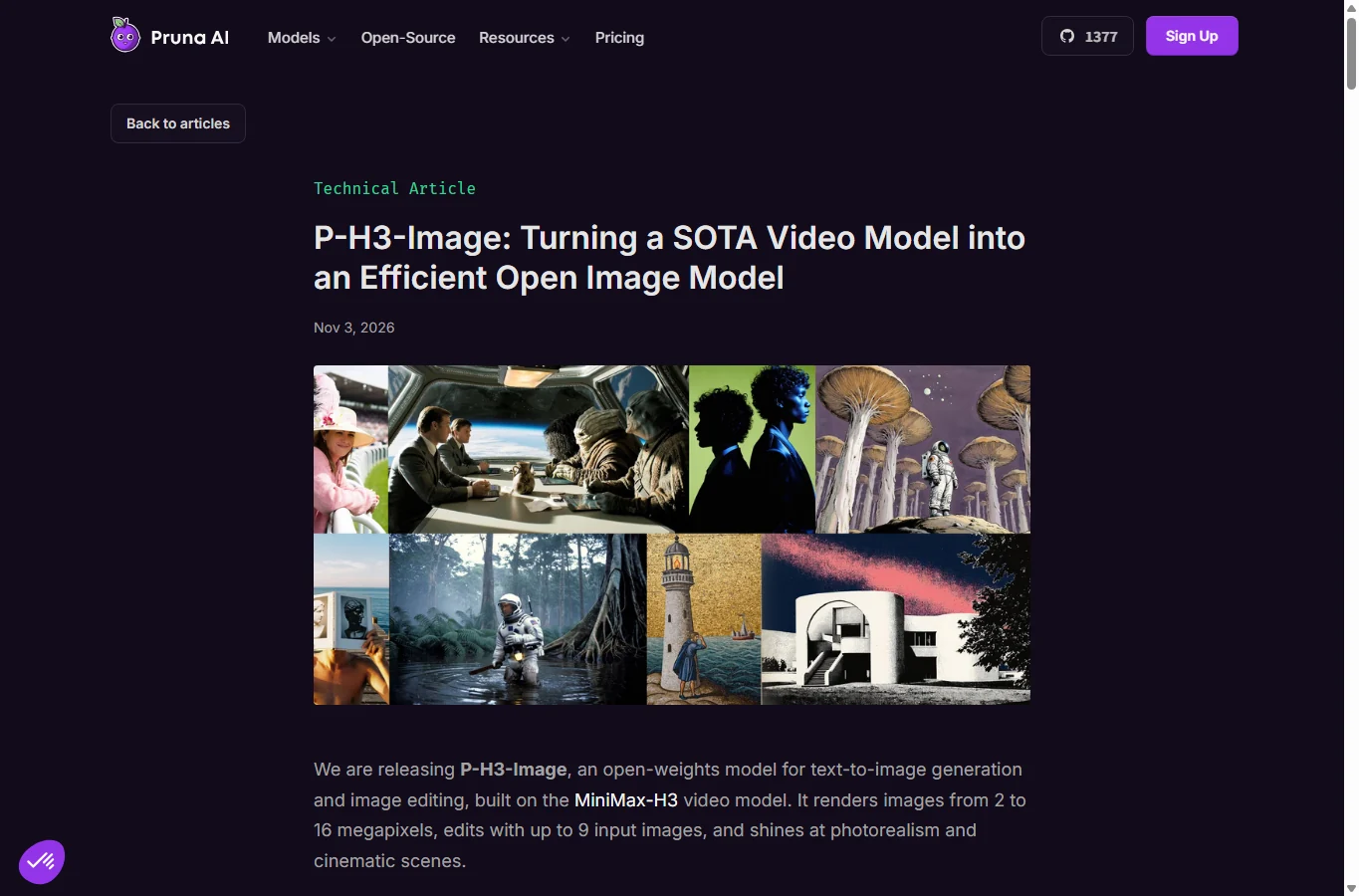
Pruna distilled H3’s text encoder to 4B, adapted sampling to eight steps and trained a single-image decoder. A Qwen3.5-9B-based prompt upsampler expands brief requests. These changes target still-image editing rather than replacing the video engine. The official workflow uses no CFG or negative prompt; importing familiar Stable Diffusion settings blindly is therefore unhelpful.
The release blog advertises 2–16MP and up to nine input images, while the current model cards specify eight images total and recommend 8MP generation or 4/8MP editing. Use the latter as the documented starting point: Picture 1 is the image being edited, followed by up to seven references. Do not confuse eight references with eight additional images. The blog also describes a 20B optimized backbone while the Diffusers card lists 33.1B; package-level memory figures are more useful for choosing hardware than treating those parameter counts as interchangeable.
Editing quality: promising identity control, not a universal winner
A November 9 ASCII.jp report demonstrates character reuse from a reference image, including a 16MP example. That is evidence of an outside workflow, not a controlled win over every competing editor. A November 6 user test on note.com used an RTX 5070 Ti with 16GB VRAM and 64GB RAM, roughly 15 images and comparisons with Qwen-Image 2.1. The sample supports trying reference-guided edits, but differing resolutions and sampling schedules prevent a general speed or quality ranking.
For your own comparison, keep the source, request, output area and upsampler setting fixed. Test a background change, a pose change and a small object replacement separately. Compare face shape, hair, accessories, garment structure, framing and background—not only sharpness. The same numeric seed across different model architectures is not a matched latent or a fairness guarantee. No controlled evidence found establishes superiority over Krea2 Identity Edit v2 or Qwen-Image 2.1 across all editing tasks.
Pruna acknowledges hands, small background people and dense text as weak points. Short quoted text is a better fit than paragraphs or code. There is no verified per-language accuracy benchmark here: Japanese, Traditional Chinese and accented Latin text should be checked character by character rather than inferred from a model’s English examples.
Outside reporting and user test: ASCII.jp · note.com — 秋葉原IT戦略研究所
VRAM and speed: distinguish files, runtime and prompt rewriting
Pruna’s ComfyUI table lists model+encoder+VAE downloads of approximately 55GB/30GB/20GB for bf16/int8/w4a8, with respective 8MP peaks around 56GB/31GB/21GB. The prompt upsampler is an additional download: about 19.3GB bf16, 9.7GB int8 or 6.7GB w4a8. Therefore “20GB download” is not necessarily the complete installation. A single 24GB GPU may be a candidate for the smallest configuration, not a guarantee for every reference count and workflow.
The much larger bf16 Diffusers pipeline is documented at about 101GB VRAM with prompt rewriting, or 83GB without. It is not the same optimized package as ComfyUI. The 16GB user test succeeded by moving weights into system RAM and reported 4MP edits in 16–32 seconds and one 8MP edit around 35 seconds. Those are that person’s measurements, not an AirMore benchmark or an 8/12GB compatibility promise.
Pruna reports 2.6 seconds at 4MP on B200 versus 12.4 seconds for base H3, and 6.3 seconds for a 4-bit 2048-square image on a 48GB L40S. Different hardware, offloading and prompt rewriting change end-to-end time. The advertised fivefold gain is a vendor comparison under specific conditions, not a consumer-GPU estimate. Start at batch one, leave RAM headroom and reduce resolution/reference count if allocation fails.
| Precision | Download excluding upsampler | Peak VRAM at 8MP |
|---|---|---|
| bf16 | 55 GB | 56 GB |
| int8 | 30 GB | 31 GB |
| w4a8 + int8 VAE | 20 GB | 21 GB |
Full model or LoRA: choose by what is already installed
The full optimized image checkpoint is the cleaner independent setup if you do not already maintain H3. Its w4a8 diffusion component alone is 13.4GB; it also needs the dedicated encoder, VAE and optionally the upsampler. Quantization is a trade-off: Pruna says int8 stays close to bf16, while w4a8 can alter details and sometimes composition. Recheck identity after changing precision.
The approximately 2GB LoRA is an alternative for existing MiniMax-H3 FL2VA installations. It still needs that H3 transformer and P-H3-specific components. The official route applies p-h3-image_lora_bf16.safetensors through Load LoRA (Bypass, Model Only), strength 1.0, using the supplied LoRA workflow. It is not a two-gigabyte standalone editor and is not automatically less demanding at runtime. “Full for long-term use, LoRA for trying” is too simplistic: reusing your existing H3 files is the meaningful distinction.
A practical ComfyUI editing workflow
1. Back up the current installation and workflow, then use a ComfyUI build that contains native P-H3 support. The model card initially points to master/nightly; a later user report documents Desktop 0.44.0. Missing P-H3 nodes usually call for checking the installed version before adding unrelated custom-node packs.
2. Open the official p-h3-image_edit.json workflow, or p-h3-image_lora_edit.json for an existing FL2VA+LoRA setup. Put the chosen diffusion weights in models/diffusion_models, text encoder and upsampler in models/text_encoders, VAE in models/vae and the adapter in models/loras. Select the actual filenames in each loader. The graph uses native nodes; an upsampler is separate from the diffusion text encoder.
3. Connect the source to image_1 and extra references in matching order in Batch Images and conditioning. Start with one image and 4MP. Typical square sizes are 2048×2048 at about 4MP and 2912×2912 at about 8MP; 16:9 examples are 2720×1536 and 3872×2176. Use multiples of 32 and verify the output dimensions; changing canvas dimensions does not automatically recrop every reference.
4. Keep the supplied eight-step schedule, Euler/Basic Guider configuration and prompt upsampler initially. A useful request is: ‘Change only the jacket to forest green. Preserve the face, hair, body proportions, pose, accessories, background and framing.’ This is an illustrative instruction, not a tested guarantee. Inspect the rewritten prompt if unrelated attributes drift; compare with rewriting disabled only after saving the baseline. Export the workflow, seed, files, precision and rewritten prompt alongside the result.
Anime, body drift and NSFW: what can actually be concluded
Reports of unwanted anatomy changes are relevant to editing fidelity: any unintended increase in body proportions, realistic skin detail or loss of an illustration’s style is a failure to preserve the reference. However, the supplied forum summary does not establish a reproducible frequency, and the accessible tests do not justify stating that automatic exaggeration always happens or that anime is categorically unsupported. Pruna lists anime among its target looks; quality still needs a reference-specific check.
No verified comprehensive NSFW acceptance test, moderation specification or reliable success rate was found. Local weights do not imply unrestricted permitted use, and a hosted demo can impose different rules. This review does not recommend non-consensual intimate edits. For legitimate adult creative work, check the license/AUP and inspect unintended explicit details before sharing. Clothing-removal anecdotes are not a reason to rate the model as a better general editor.
License, privacy and the real cost of using it
Open weights do not mean unrestricted global access. The MiniMax H3 license excludes the EU, UK, South Korea and United States from its standard territory; the text also restricts use of outputs outside that territory and provides a separate-authorization route. French, German and Spanish readers in the EU should not treat a translated tutorial as permission to deploy. The same issue matters for US/UK English readers. Language alone does not determine eligibility.
The license requires prior authorization above US$20 million annual revenue from commercial products/services and requires commercial product/service interfaces to display MiniMax H3. Redistribution has notice and agreement conditions; using outputs to improve unrelated AI models is restricted. This is a summary of published terms, not a legal clearance. The model card’s shorthand branding wording should not replace reading the actual license in the repository.
No universal per-image API price is established for the downloadable model. Budget for storage, GPU or rental time, electricity and setup. A local workflow can keep source images on your own machine if its nodes perform inference locally; cloud demos and third-party nodes have their own upload and retention behavior. Do not assume a model license supplies a privacy policy for a host.
Should you switch?
P-H3-Image is a credible candidate for high-resolution reference editing when your territory, hardware and workflow fit. Existing H3 users can evaluate the adapter without downloading a second large backbone. New users should start from the optimized image workflow and one non-sensitive reference, then judge preservation and total runtime before building a production pipeline.
Keep Krea or Qwen in the comparison if they already solve your edits reliably; there is no verified universal winner. Use an original reference with visible hair, accessories and background, perform the same three small edits, and reject results that change attributes you intended to preserve. A sharper 8MP picture is not an improvement if the identity or licensed distribution conditions no longer fit.
Review scope: official release/model documentation, published license, outside reporting and limited user tests checked November 9, 2026. AirMore did not run a local generation benchmark. Community outcomes are attributed and are not compatibility guarantees. AI assisted research, writing, localization and the editorial cover; the cover is not P-H3-Image output.
Related Reviews
The 5 Best Image Watermark Remover AI Tools in 2026

HiDream O1 Review: Open Image AI, LoRA, Local Setup and NSFW Policy

5 Best Video Quality Enhancers in 2026: AI Upscaling Compared
Wan 3.0 Review: 30s AI Video, Open Source Status and NSFW Limits
Top 10 AI Models in 2026: Arena Rankings, Prices and Best Uses
ERNIE-Image Review: Open-Source Image AI, LoRA, Local Setup and NSFW Policy