HiDream O1 Review: Open Image AI, LoRA, Local Setup and NSFW Policy
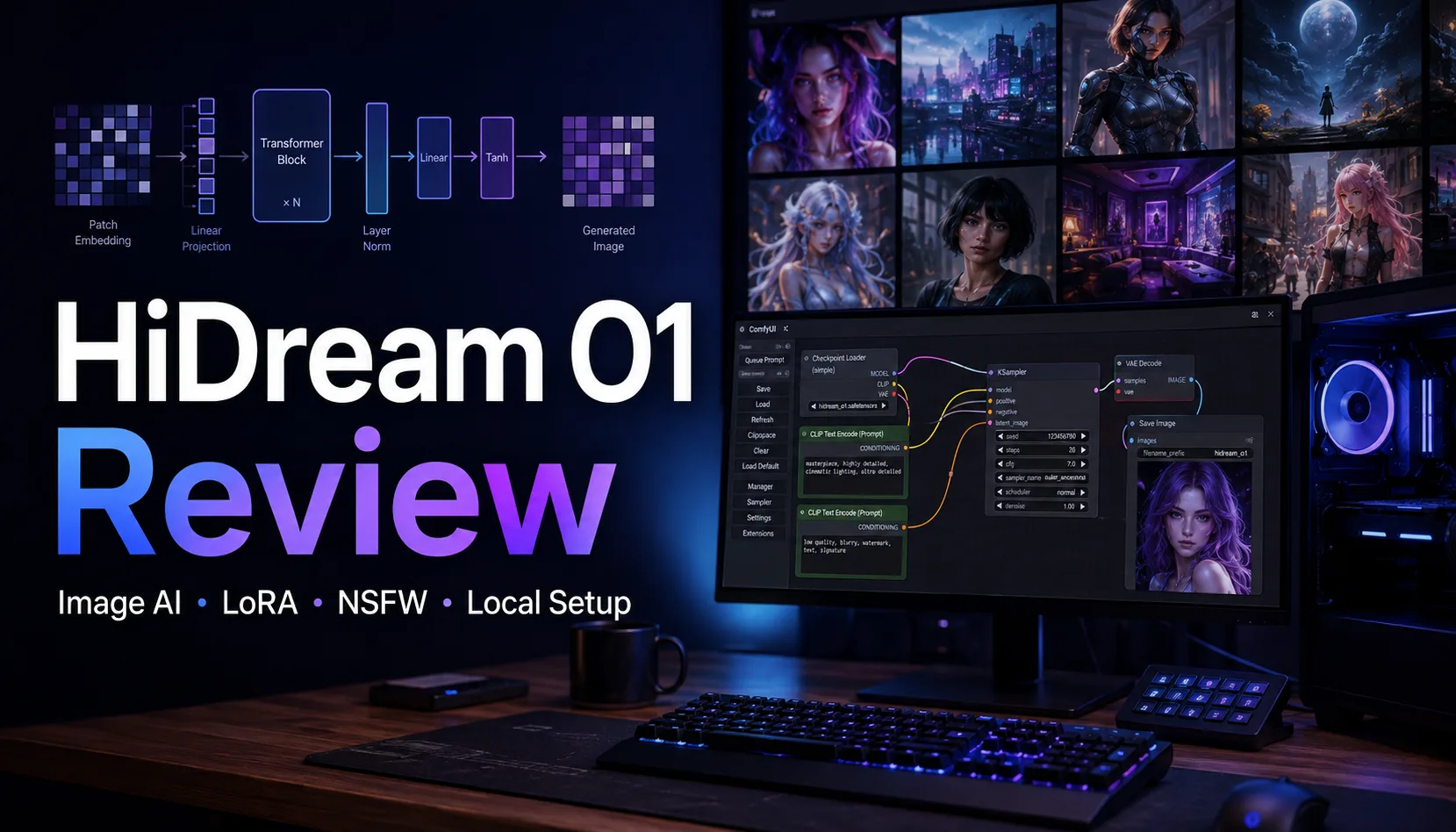

HiDream is no longer just the older HiDream-I1 text-to-image family. The model line now has HiDream-O1-Image, a newer unified image model that is more interesting for readers who want image generation, image editing and subject-driven personalization in one open local workflow.
The short verdict: HiDream O1 is a strong option if you want an MIT-licensed open image model with high-resolution output, ComfyUI support and room for community LoRA/quantization growth. It is not yet as ecosystem-rich as FLUX, SDXL, Pony or Illustrious, but it is clearly worth testing beside Qwen Image, Nucleus Image, ERNIE-Image and Z-Image.
For NSFW use, HiDream is more flexible when run locally than most hosted image tools, but it should not be marketed as a dedicated adult model. Online demos and commercial providers may apply moderation, while local use depends on the checkpoint, LoRA and workflow you choose.
Table of Contents
Quick Verdict
| Item | HiDream O1 Review |
|---|---|
| Best for | Open local image generation, editing experiments, subject personalization, high-resolution creative workflows |
| Not ideal for | Users who need a very mature LoRA ecosystem or a polished consumer web app |
| Latest main model | HiDream-O1-Image, with Dev-2604 and prompt refiner updates |
| Older important model | HiDream-I1 Full/Dev/Fast, a 17B open image generation family |
| License | MIT on the visible official Hugging Face pages checked for O1/I1 |
| Resolution | O1 model card states support up to 2048 x 2048 |
| NSFW | Local use is relatively open, hosted demos may filter, not an adult-specialized model |
If you are comparing local image models, also read our Qwen Image review, Nucleus Image review, ERNIE-Image review, Z-Image review and Anima review. HiDream O1 belongs in that same practical local-model cluster.
What Is HiDream O1?
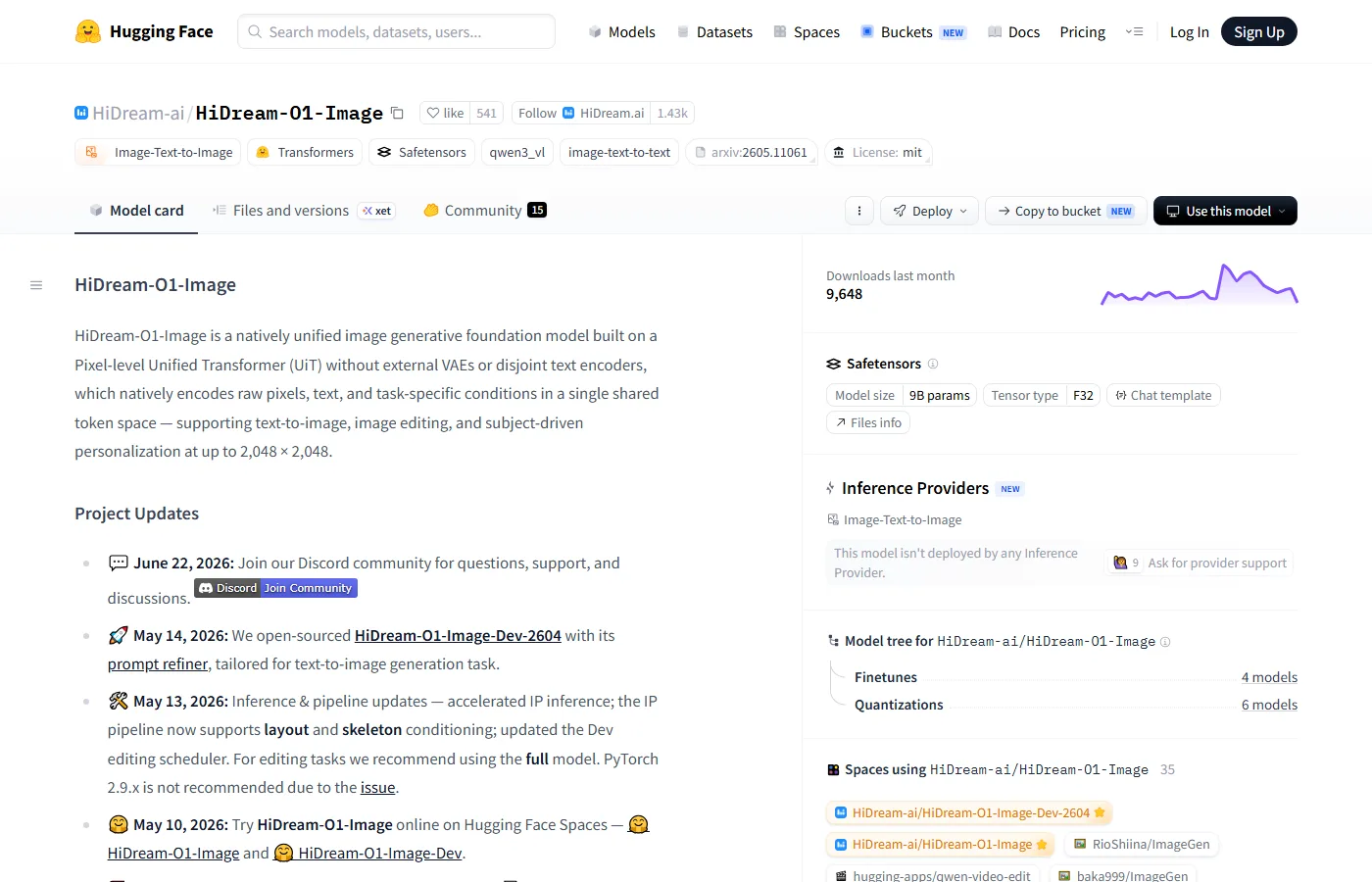
HiDream-O1-Image is described by the official model card as a natively unified image generative foundation model built on a Pixel-level Unified Transformer. Instead of treating text encoders, VAEs and task-specific components as separate islands, O1 tries to encode raw pixels, text and task conditions in one shared token space. The official page says it supports text-to-image, image editing and subject-driven personalization at up to 2048 x 2048 resolution.
That matters because many image models look impressive in gallery samples but become awkward when a creator wants to keep an identity, edit a subject, refine an existing picture or produce a consistent set of assets. HiDream O1 is trying to reduce that gap between generation and editing.
The model is still young. The Hugging Face page shows active project updates in May and June 2026, including Dev-2604, prompt refiner changes, IP-related pipeline updates and community support links. That pace is promising, but it also means users should expect workflows and recommended settings to keep changing.
Online Demo and Downloads
The most important starting point is HiDream-ai/HiDream-O1-Image on Hugging Face. There is also HiDream-O1-Image-Dev-2604, plus Hugging Face Spaces for HiDream-O1-Image and HiDream-O1-Image-Dev. The official product site is HiDream.ai.
For older HiDream-I1 workflows, the main downloads are HiDream-I1-Full, HiDream-I1-Dev and HiDream-I1-Fast. The Full version is the quality-oriented checkpoint, Dev is the more practical open development version, and Fast is intended for faster iteration.
| Resource | Link | Best use |
|---|---|---|
| Latest O1 model | HiDream-O1-Image | Main model to test first |
| O1 Dev-2604 | HiDream-O1-Image-Dev-2604 | Developer-oriented T2I updates and prompt refiner |
| Online O1 Space | Hugging Face Space | Quick browser testing |
| I1 Full | HiDream-I1-Full | Older 17B quality baseline |
| GitHub | HiDream-I1 GitHub | Installation and pipeline reference |
| ComfyUI docs | ComfyUI HiDream guide | Local node workflow |
Local Setup and VRAM
HiDream O1 is not a tiny model. The visible Hugging Face metadata labels O1 around the 9B range, while I1 Full is a 17B-class family. A comfortable local setup should start with a modern NVIDIA GPU, recent PyTorch/CUDA, enough system RAM and fast SSD storage. For the full-quality path, 24GB VRAM is the practical class to target. With optimized nodes, CPU offload, lower resolution and community quantization, 12-16GB cards may be workable for testing, but expect slower speed and more troubleshooting.
A sensible installation path is to start with ComfyUI, update custom nodes through ComfyUI Manager, follow the HiDream-specific workflow documentation, place model weights in the recommended folders and test at modest resolution before moving to 1536px or 2048px output. If your GPU is below 12GB, online Spaces or provider inference will usually be less painful.
| Hardware | Practical expectation |
|---|---|
| 24GB VRAM | Best target for full local experiments and larger resolutions |
| 16GB VRAM | Possible with optimized workflows, offload or lower resolution |
| 12GB VRAM | Test only; use lighter versions or quantized/community builds where available |
| 8GB VRAM | Not the recommended path for full O1/I1; use online demos or wait for proven low-VRAM workflows |
| No GPU | Use HiDream.ai, Hugging Face Spaces or hosted inference |
HiDream O1 vs HiDream I1
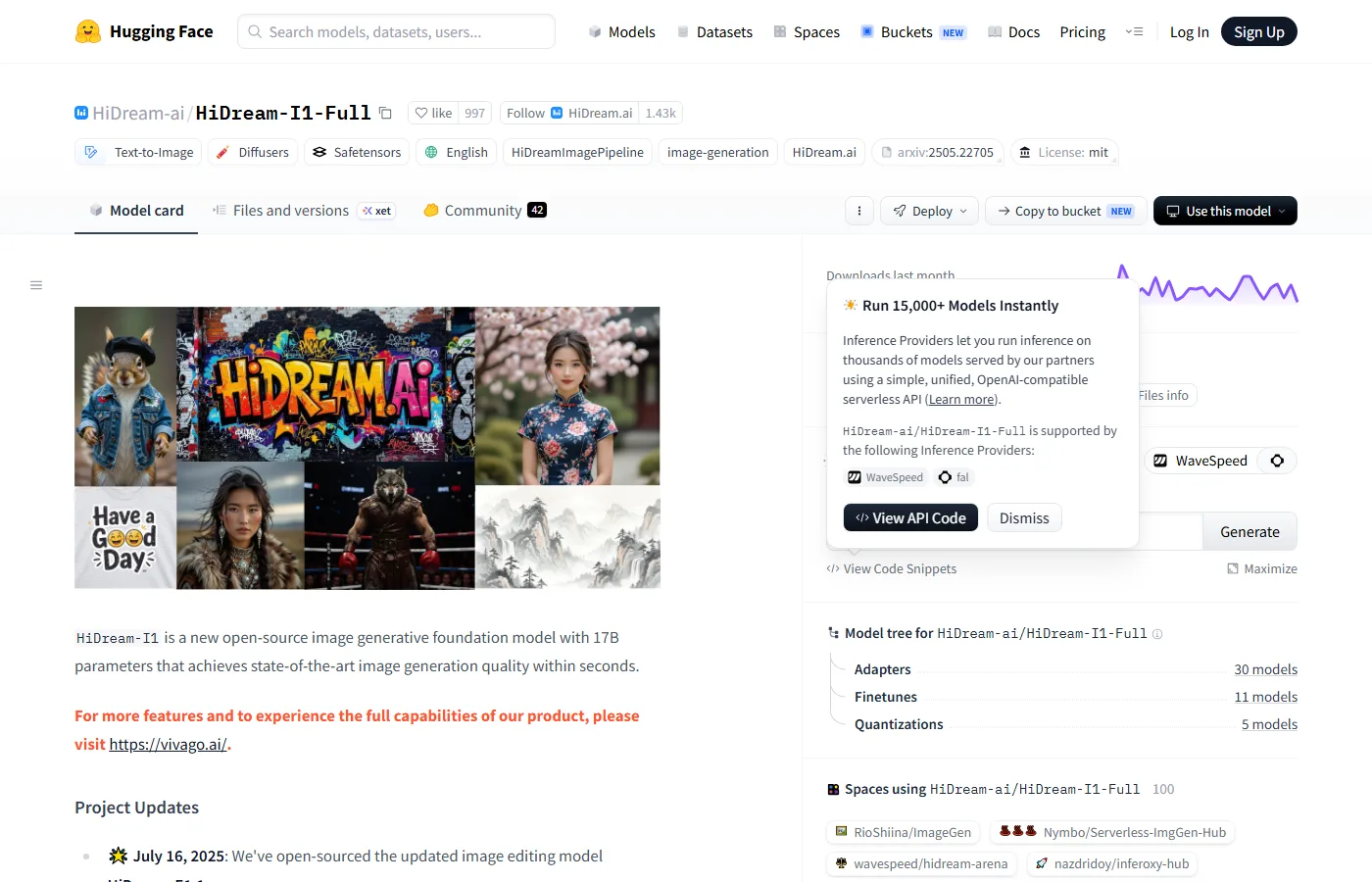
HiDream-I1 is still relevant because a lot of early community experimentation, adapters and quantizations were built around it. The official I1 Full page presents it as a 17B open-source image generative foundation model. It also points users to HiDream.ai for the full product experience and shows active adapters, finetunes, quantizations and Spaces in the model tree.
HiDream O1 is the version readers should pay attention to now because it changes the model direction: a unified pixel-level approach, image editing and personalization support, and 2048px-class output. I1 remains useful as a baseline and for older workflows, but O1 is the more forward-looking model line.
| Version | Main role | Best for |
|---|---|---|
| HiDream-O1-Image | Latest unified image foundation model | Generation, editing, personalization, current testing |
| HiDream-O1-Image-Dev-2604 | Updated development branch with prompt refiner | Text-to-image experimentation |
| HiDream-I1-Full | Older 17B quality model | Quality baseline and existing ecosystem |
| HiDream-I1-Dev | Open development variant | Practical local experiments |
| HiDream-I1-Fast | Speed-oriented I1 variant | Fast drafts and iteration |
ComfyUI Workflow Tips
ComfyUI already has a dedicated HiDream tutorial page, so local users should start from the ComfyUI HiDream guide instead of assembling every node by hand. The typical flow is familiar: load the HiDream checkpoint, connect the text conditioning and sampler, set the image size, then tune steps, guidance and seed based on the version you use.
Prompting should be direct and concrete. HiDream handles natural language well, but image models still reward structured prompts: subject, environment, visual style, lighting, camera/composition, output format and negative constraints. For editing or personalization, keep the identity description stable and change only the part you actually want to edit.
A simple starting prompt is: cinematic portrait of a futuristic designer in a neon studio, detailed face, natural skin texture, soft rim light, shallow depth of field, high-resolution editorial photography. For Japanese usage, a natural prompt such as 「夜のサイバーパンク都市でポートレートを撮影したような、自然な肌、柔らかいリムライト、映画的な構図」 can also be tested, but exact text rendering still needs iteration.
LoRA, Quantization and Community
The HiDream ecosystem is growing but not yet mature. The O1 Hugging Face page already shows finetunes, quantizations and Spaces in its model tree, while I1 Full shows a larger historical tree with adapters, finetunes, quantizations and many Spaces. That is a good sign for developers, but it does not yet equal the depth of SDXL, FLUX, Pony or Illustrious LoRA libraries.
For LoRA discovery, use the Civitai HiDream base-model search page and sort by highest rated, most downloaded or recently updated. Because HiDream O1 is newer, many LoRAs may target I1 or specific experimental branches; always check the base model field before downloading.
For speed experiments, watch community acceleration projects such as LightX2V and model-tree quantization branches on Hugging Face. The practical advice is to avoid mixing random LoRAs, samplers and quantized checkpoints on day one. First confirm that the base model produces stable images, then add one LoRA at a time.
Comparison with Other Image Models
| Model | Strength | Weak point | Best fit |
|---|---|---|---|
| HiDream O1 | Unified generation/editing/personalization, MIT license, high-resolution target | Young ecosystem | Local creators who want a flexible open image model |
| Qwen Image | Text rendering and dense layouts | Newest 3.0 is mostly API-side | Posters, documents, multilingual visual text |
| Nucleus Image | Sparse MoE efficiency and Apache 2.0 | Smaller community | Open-source architecture experimenters |
| ERNIE-Image | Structured prompts, text/layout tasks, Apache 2.0 | LoRA ecosystem still young | Commercial design and layout workflows |
| Z-Image | Fast local generation and active finetunes | Model branches can be confusing | Local users who like tuning |
| FLUX | Mature workflows and strong overall image quality | License/hardware considerations | General creators who want stability |
| Anima/Pony/Illustrious | Anime, characters and NSFW community depth | Less focused on unified editing and commercial layout | Anime and character-focused generation |
NSFW Support
HiDream O1’s official pages do not present it as a porn or adult-specialized model. In local use, however, open image checkpoints are usually less constrained than hosted consumer tools because the behavior depends on your local workflow, safety checker and LoRA choices. That makes HiDream more flexible for mature creative work, but not automatically better than dedicated NSFW anime or realistic checkpoints.
Online demos, hosted inference providers and commercial web apps may apply moderation regardless of the model license. If you need adult-oriented generation, local deployment gives more control, but you still need to avoid illegal or abusive content such as underage sexual material, non-consensual real-person sexualization, harassment, deepfake abuse and rights violations.
At the moment, HiDream’s NSFW ecosystem is thinner than Pony/Illustrious/Anima/SDXL. Readers who mainly care about NSFW character LoRA availability may find older mature communities easier. Readers who care about open general image generation plus occasional mature content may find HiDream worth watching.
FAQ
Is HiDream O1 the latest HiDream image model?
Based on the currently visible official pages, HiDream-O1-Image is the newer main image model line, while HiDream-I1 Full/Dev/Fast remains the older 17B family with more existing community artifacts.
Can I use HiDream online?
Yes. Start with HiDream.ai or the Hugging Face Spaces linked from the official O1 model card. Availability and limits can change, so check the page before relying on it for production.
Is HiDream O1 open source?
The checked Hugging Face model pages show MIT licensing. Still, confirm the exact license of every checkpoint, LoRA or quantized derivative before commercial use.
How much VRAM do I need?
For comfortable local testing, 24GB VRAM is the safest target. 12-16GB may be possible with optimized workflows or quantization, but it is not the smoothest path.
Does HiDream support LoRA?
The ecosystem exists and is growing, especially around Hugging Face model-tree derivatives and Civitai searches. It is still smaller than FLUX, SDXL, Pony or Illustrious.
Is HiDream good for NSFW?
It can be more flexible locally than moderated web services, but it is not currently the strongest dedicated NSFW ecosystem. Use appropriate safety and legal judgment.
Reference Information
- HiDream official site
- HiDream-O1-Image on Hugging Face
- HiDream-O1-Image-Dev-2604
- HiDream-I1-Full on Hugging Face
- HiDream-I1-Dev on Hugging Face
- HiDream-I1-Fast on Hugging Face
- HiDream-I1 GitHub repository
- HiDream O1 arXiv paper
- HiDream I1 arXiv paper
- ComfyUI HiDream tutorial
- Civitai HiDream search
Conclusion
HiDream O1 is a serious open image model to test in 2026 because it aims beyond ordinary text-to-image generation. Its unified pixel-level design, editing/personalization direction, high-resolution target and MIT-licensed model page make it attractive for local creators and technical users.
The caveat is ecosystem maturity. If you need a huge LoRA library today, FLUX/SDXL/Pony/Illustrious still feel safer. If you want to follow the next wave of open image models beside Qwen Image, Nucleus Image, ERNIE-Image and Z-Image, HiDream O1 deserves a place on your shortlist.
Related Reviews
LTX-2.5 Review: 4K AI Video, ComfyUI Workflows, Licensing and NSFW Policy

Best Local Anime AI Image Models Compared: LoRA, VRAM and NSFW Use

MiniMax M3.1 Flash Review: Coding, API Cost, Open Weights and Limits
6 Best AI App Builders in 2026: From Prompt to Product
5 Best PDF Enhancers in 2026
Grok 4.6 Review: xAI's Reasoning Model, Agents, Pricing and NSFW Policy