LTX-2.5 Review: 4K AI Video, ComfyUI Workflows, Licensing and NSFW Policy
LTX-2.5 is Lightricks’ newest video and audio generation model, and it is one of the more interesting open-weights releases for creators who want both local…
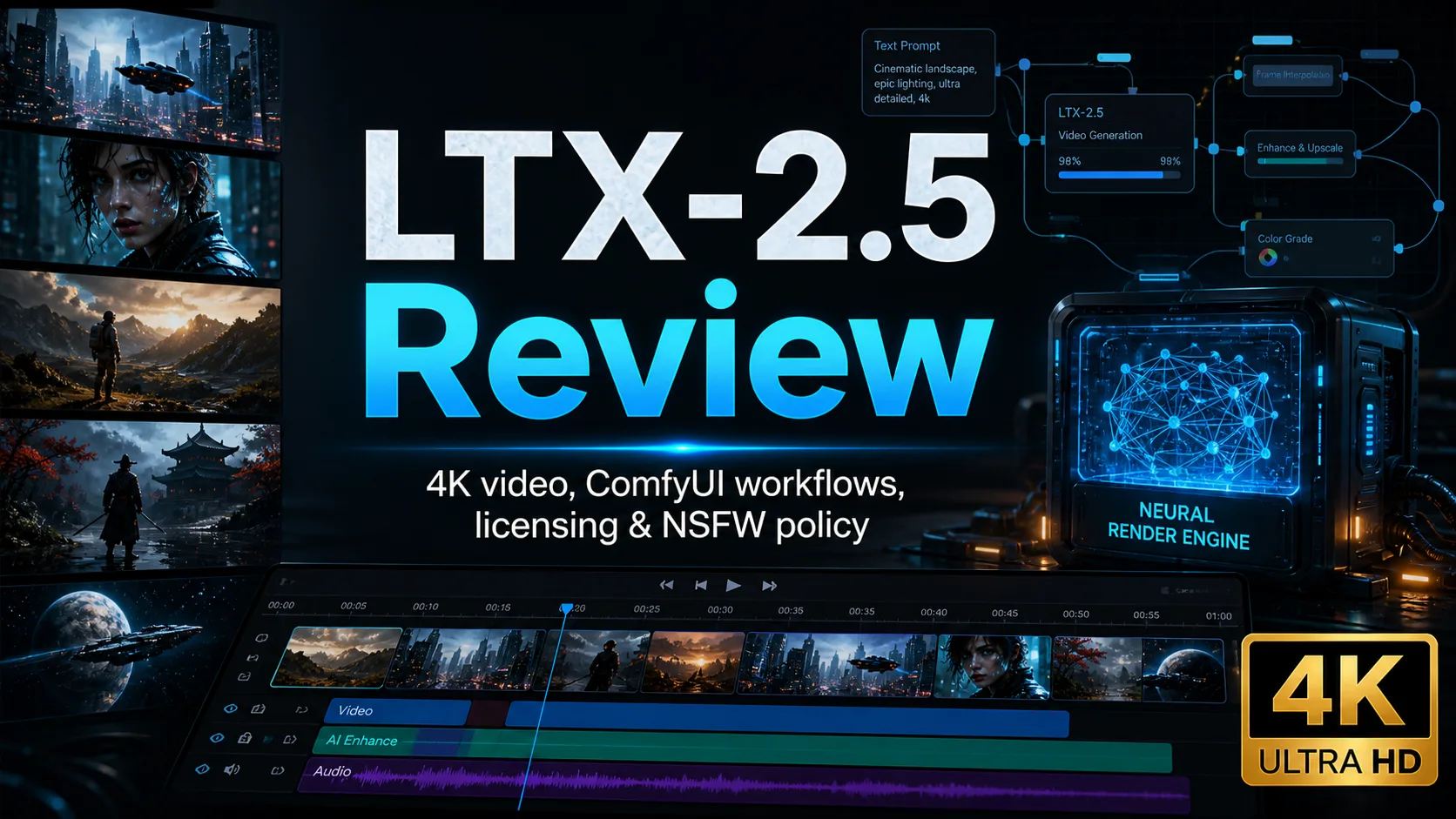

LTX-2.5 is Lightricks’ newest video and audio generation model, and it is one of the more interesting open-weights releases for creators who want both local workflows and API access. In practical terms, it is worth watching if you want to generate short cinematic clips, animate still images, test ComfyUI video workflows, or build video generation into an app. It is not, however, an unrestricted NSFW model, and the Hugging Face repository requires license acceptance and access approval.
The model family currently includes two API variants: ltx-2-5-fast for speed and lower cost, and ltx-2-5-pro for higher fidelity. According to LTX documentation, Fast supports portrait and landscape video up to 4K, while Pro tops out at 1080p. Both support text-to-video, image-to-video, and audio-to-video. ComfyUI also provides native LTX-2.5 templates, which makes the local testing path much easier than building a workflow from scratch.
The strongest use cases are short concept videos, image-to-video shots, product mood clips, storyboard exploration, audio-backed prototypes, and multi-shot visual tests. The main caveats are the large model download, GPU/VRAM planning, access gating, and the usual video-model limits around hands, exact identity consistency, fine text, long narrative continuity, and complex physical interactions.
Contents
What Is LTX-2.5?
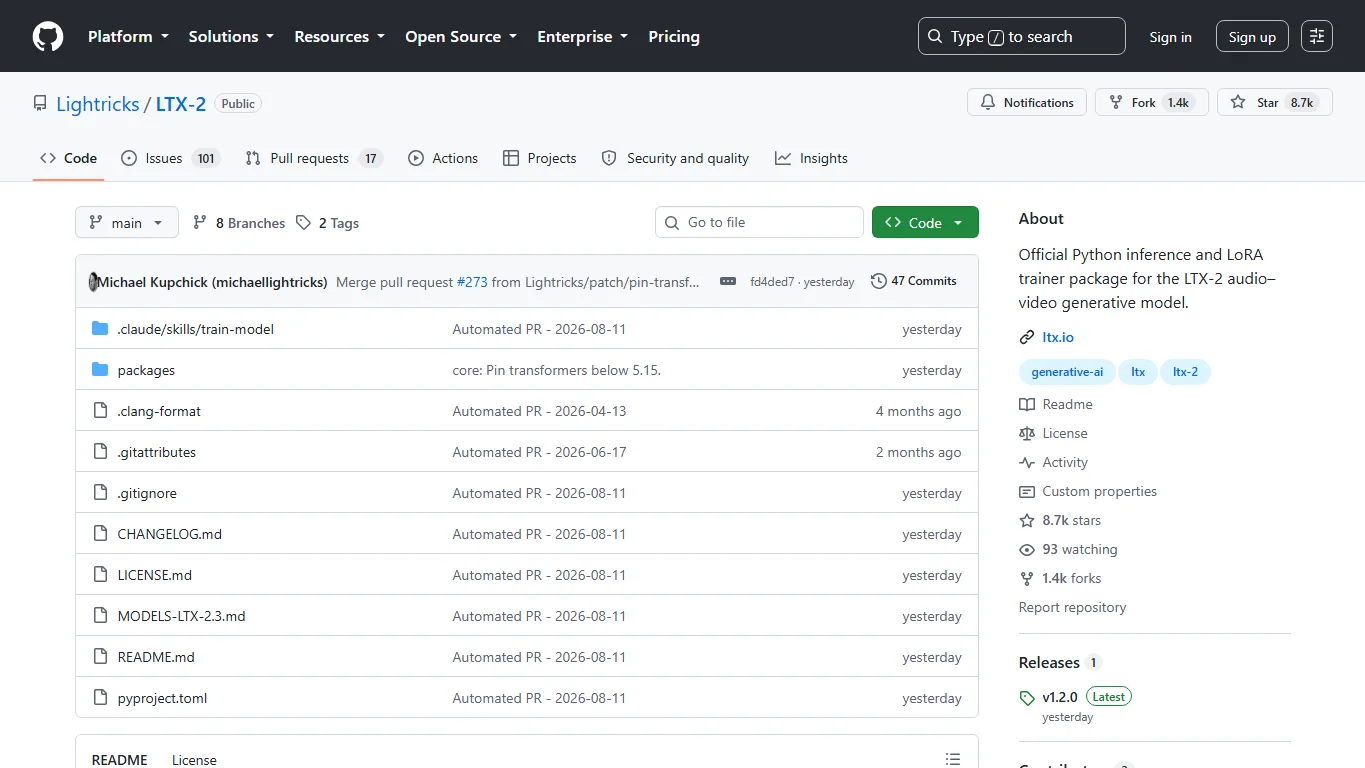
LTX-2.5 is an open-weights video generation model from Lightricks. The project positions it as a video, audio, and world-simulation model rather than a simple silent clip generator. The main model repository is available on Hugging Face at Lightricks/LTX-2.5, while inference code, local setup notes, ComfyUI integration, Python pipelines, and trainer resources are available in the LTX-2 GitHub repository.
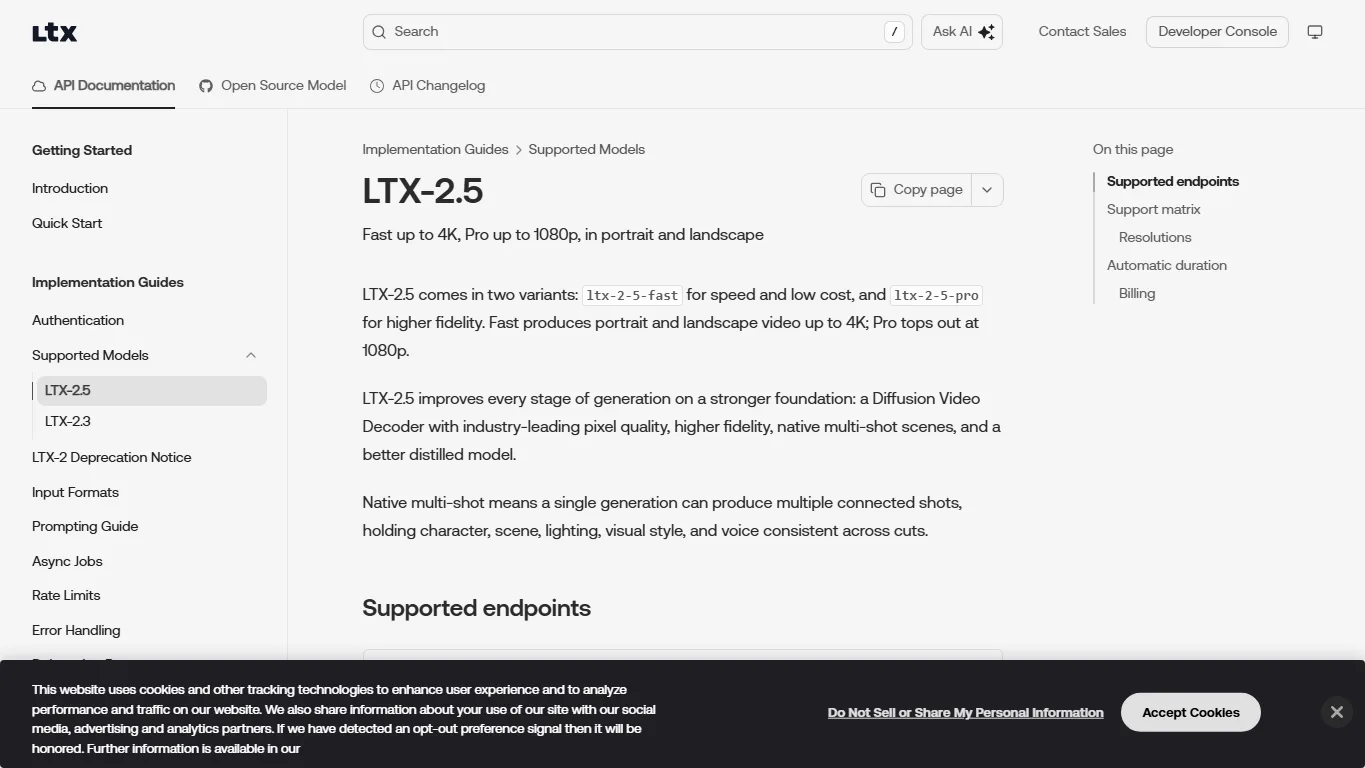
A key upgrade is native multi-shot generation. In plain English, one generation can include multiple connected shots while trying to preserve character, scene, lighting, visual style, and voice across cuts. That matters because AI video is often useful not as one perfect long scene, but as a few connected shots that can be edited into a short ad, pitch video, social clip, or storyboard preview.
Main Features and Specs
| Item | Details |
|---|---|
| Model variants | ltx-2-5-fast and ltx-2-5-pro |
| Input modes | Text-to-video, image-to-video, audio-to-video |
| Resolution | Fast up to 4K; Pro up to 1080p |
| Aspect ratios | Portrait and landscape |
| Core features | Diffusion Video Decoder, native multi-shot, automatic duration, optional audio generation |
| ComfyUI | Native T2V, I2V, and FLF2V workflow templates |
| Local storage footprint | The recommended Python pipeline download is roughly 66GiB |
| License | LTX-2.x Community License Agreement. Commercial and production use is allowed under conditions for entities under $10M annual revenue; entities at or above $10M need a paid commercial agreement. |
The Fast versus Pro decision is not just about quality. Fast is the better starting point if you need more iterations, lower cost, and 4K output. Pro is the better candidate if fidelity matters more and 1080p is enough. For production testing, a realistic approach is to ideate with Fast, then reserve Pro for shots that already have a clear prompt and composition.
Automatic duration is also useful but easy to misunderstand. When automatic duration is enabled, the model predicts the clip length from the described action. On prepaid API accounts, credits may be temporarily held for the maximum possible duration at the chosen resolution and frame rate, and unused credit is released after the job finishes.
Download and Local Setup
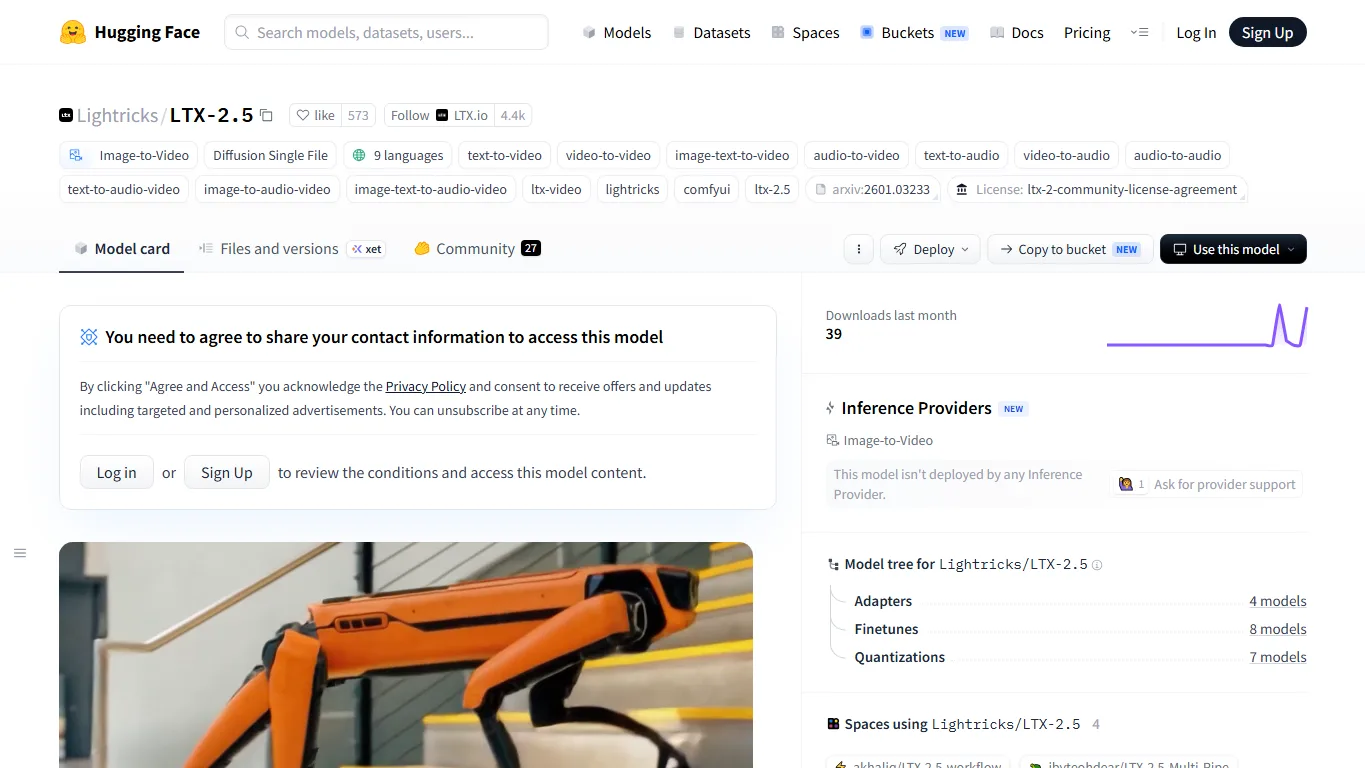
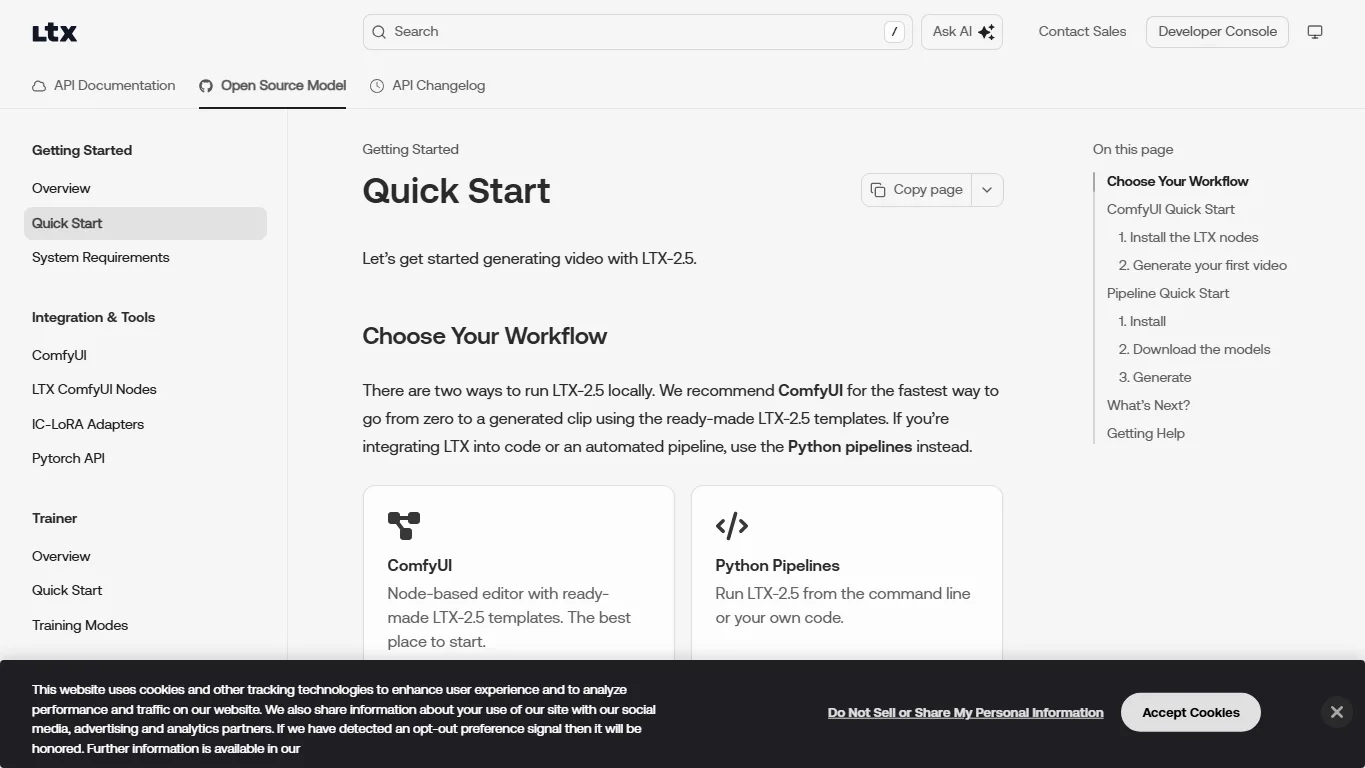
The official model download page is Lightricks/LTX-2.5 on Hugging Face. The repository is gated, so you need to sign in, accept the model license, and request access before downloading the files. If access has not been granted, ComfyUI or CLI downloads will fail even if the workflow itself is installed correctly.
For Python pipelines, the GitHub README shows a Hugging Face CLI download command that includes the 22B distilled transformer, Gemma 4 12B text encoder with projection, video VAE, audio VAE, and latent upscalers. The documented package is roughly 66GiB, so this is not a tiny one-click model. Plan storage, download time, and disk bandwidth accordingly.
- Model weights: Lightricks/LTX-2.5 on Hugging Face
- Inference code: Lightricks/LTX-2 GitHub
- License: LTX-2.x Community License Agreement
- Open-weights quick start: LTX open-source model quick start
VRAM requirements depend heavily on resolution, frame count, quantization, offloading, VAE choice, and workflow design. The LTX-2.5 repository mentions low-VRAM tips such as fp8 casting and CPU offload for Python pipelines, while ComfyUI uses model files aligned with its own workflows. Start with short clips, lower resolution, and quantized settings, then increase quality only after the workflow is stable.
ComfyUI Workflows
The easiest local entry point is the official ComfyUI LTX-2.5 workflow page. Update ComfyUI, open the Video template library, choose an LTX-2.5 workflow, and make sure your Hugging Face access is approved before the model download step.
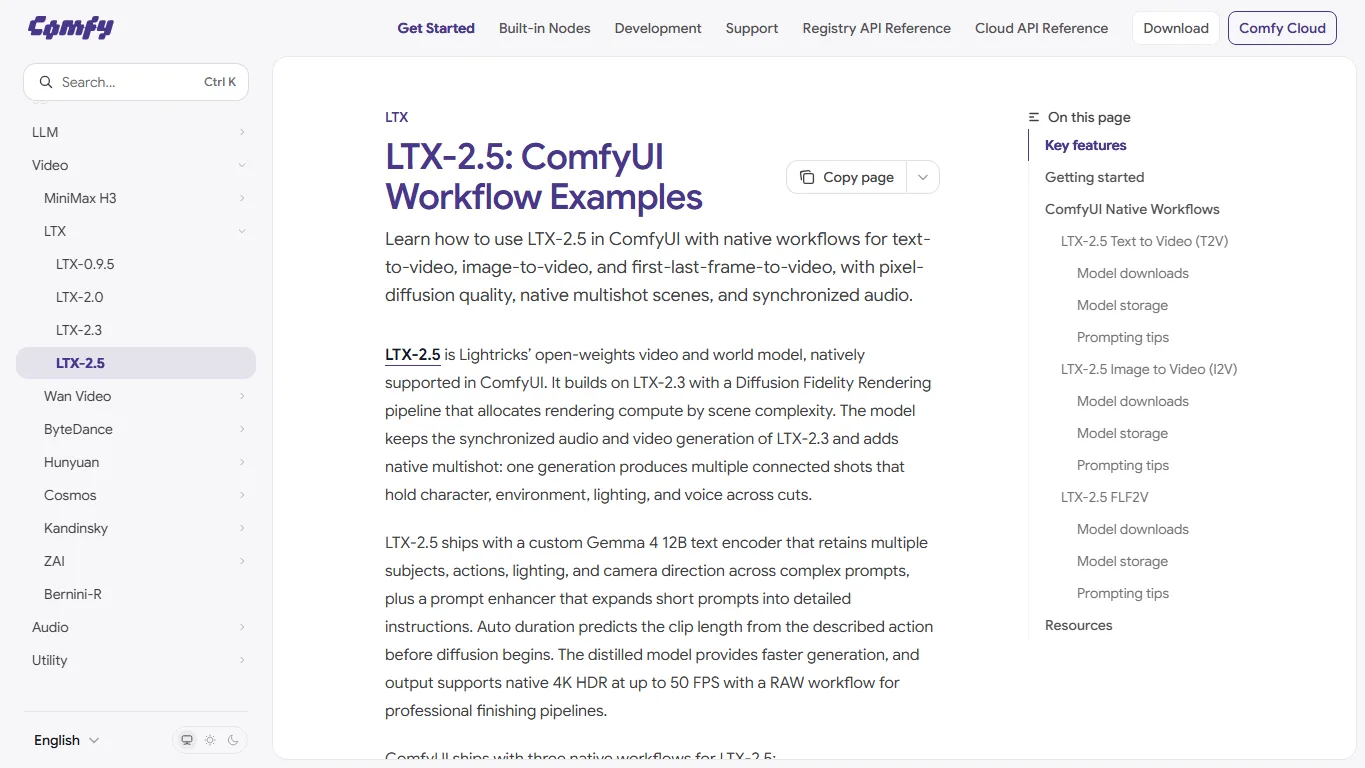
The three main workflows are T2V for text-to-video, I2V for image-to-video, and FLF2V for first-last-frame-to-video interpolation. Beginners should start with a short T2V prompt to confirm that the model loads correctly, then test I2V to lock the composition with an input image. FLF2V is more interesting once you already know the style and motion you want.
Prompting should be concrete rather than poetic. Describe the subject, motion, camera movement, environment, lighting, visual style, and audio mood in a compact way. LTX workflows can use prompt enhancement, but you still get better control when the base prompt clearly says who is in the scene, what happens, where the camera moves, and how the shot should feel.
Online Platforms and API Access
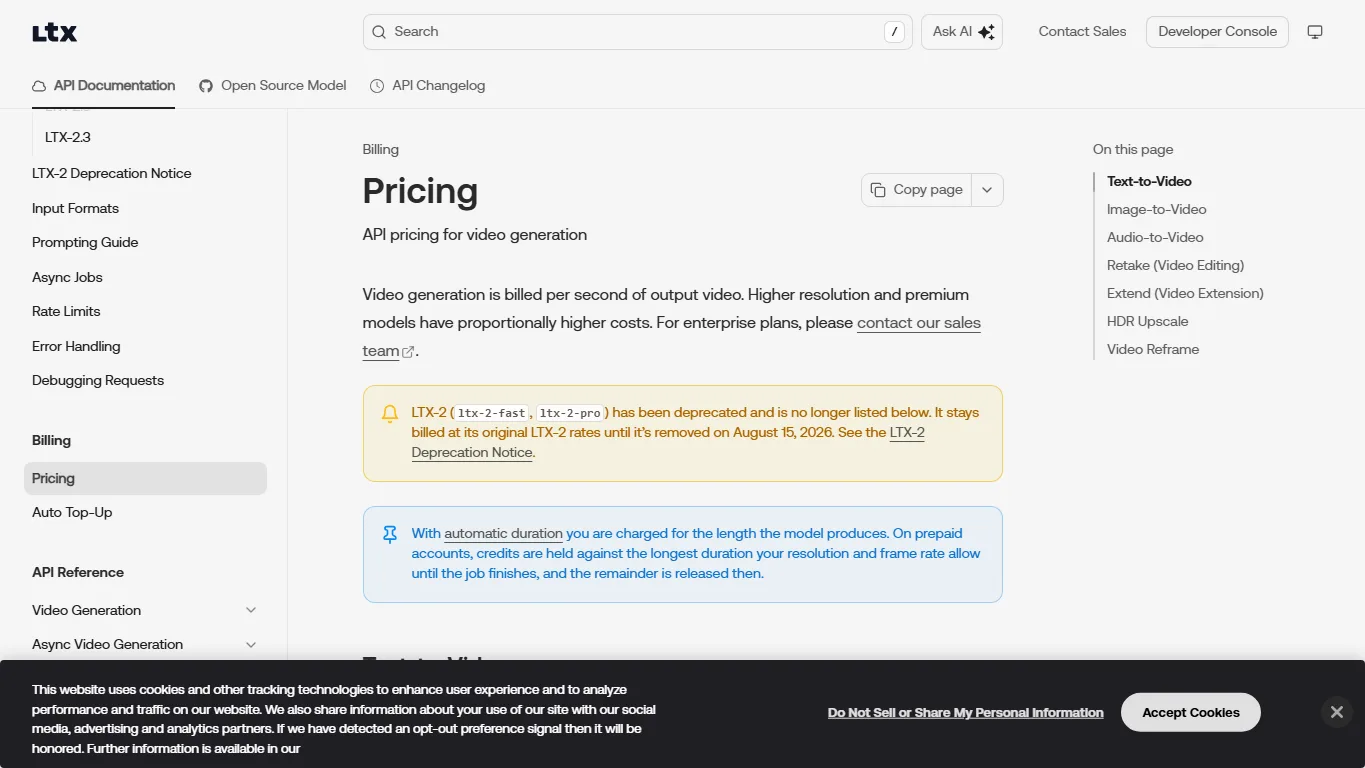
If you do not want to install the model locally, the most direct option is the LTX API Playground or LTX API. Pricing is billed per second of output video and changes by model and resolution. The official pricing page lists LTX-2.5 Fast at $0.09 per second for 720p, $0.13 for 1080p, $0.19 for 1440p, and $0.30 for 4K; LTX-2.5 Pro is listed at $0.12 for 720p and $0.17 for 1080p.
Comfy Cloud is another practical route if you want a browser-based ComfyUI workflow. Hugging Face Spaces is also starting to show experimental LTX-2.5 spaces, so the Hugging Face Spaces search results are worth checking before you build a local setup. General inference platforms such as fal.ai and Replicate may list LTX-family models, but LTX-2.5 availability can change by provider and date. Before using any hosted service for client work, review pricing, retention, output rights, privacy, and content-policy limits.
Real-World Experience
The most realistic early take is that LTX-2.5 is flexible and promising, but still requires hands-on testing and post-production discipline. It is strong when you need many short iterations, image-to-video motion tests, cinematic concept clips, audio-backed prototypes, or multi-shot mood exploration. It is less reliable when you need long continuous narratives, exact character identity over many cuts, precise hands, accurate small text, or physically complex interactions.
For real projects, it is better to generate several short shots and edit them together than to expect one long prompt to deliver a finished film. Treat LTX-2.5 as a production assistant for shot exploration, previsualization, and rapid video ideation. The final pass still benefits from human editing, color grading, sound cleanup, and selective regeneration.
The common friction points are predictable: Hugging Face access approval, large file downloads, ComfyUI updates, model placement, VRAM limits, and deciding between Fast and Pro. A calm first test is a 3-to-5-second low-resolution clip with a fixed seed. Once it runs consistently, increase resolution, duration, and audio complexity gradually.
The LTX-2.5 Hugging Face Discussions are also useful for early user experience. Public threads already include positive notes about speed and quality on an RTX 3060, workflow-optimization questions, requests for GGUF support and GGUF workflows, and questions about A2V and full-model settings. In other words, early sentiment is encouraging, but low-VRAM setups, shared settings, audio workflows, and lightweight packaging are still evolving.
NSFW Support and Safety Policy
LTX-2.5 should not be described as a free-for-all NSFW model. The LTX-2.x Community License includes an Acceptable Use Policy that restricts sexual exploitation of minors, non-consensual sexual content, explicit pornography, sexual services, and sexual content harmful to minors, among other categories.
Hosted platforms and APIs may enforce additional safety filters and account policies. Local execution can behave differently from a cloud service, but local access does not remove the license obligations or legal limits. Be especially careful with realistic people, celebrities, private images, sexual content, violence, medical or political misinformation, and any output that could be used for impersonation.
Commercial Use and Licensing
The LTX-2.x Community License allows commercial and production use under conditions for individuals or organizations with annual revenue under $10M. Entities with annual revenue of at least $10M need a paid Commercial Use Agreement for commercial use. Fine-tunes, derivatives, and redistribution can carry additional obligations, so companies should read the current license before deployment.
Commercial use also depends on more than the model license. You still need to consider input rights, actor or voice consent, trademark and character rights, platform terms, privacy obligations, and customer-specific restrictions. AI video can look convincing quickly, which is exactly why rights and safety checks matter.
FAQ
Is LTX-2.5 free to use?
The weights are available through Hugging Face, but access is gated and requires license acceptance. Local use still requires your own GPU and storage, while API use is paid by generated video duration, model, and resolution.
Should I use LTX-2.5 Fast or Pro?
Use Fast for more iterations, lower cost, and 4K output. Use Pro when fidelity matters more and 1080p is enough. For production testing, ideate with Fast and reserve Pro for selected shots.
Does LTX-2.5 work in ComfyUI?
Yes. ComfyUI has native LTX-2.5 workflow templates for text-to-video, image-to-video, and first-last-frame-to-video. You still need approved Hugging Face access to download the gated model files.
How much VRAM do I need?
There is no single practical number because resolution, frames, quantization, offload, VAE, and workflow design all matter. Start with short, low-resolution clips and low-VRAM options, then scale upward.
Does LTX-2.5 support NSFW generation?
It is not marketed as an unrestricted NSFW model. The LTX-2.x Community License includes an acceptable-use policy with restrictions on explicit pornography, non-consensual sexual content, child sexual exploitation, and related content.
Can I use LTX-2.5 for client work?
Potentially, yes, if your use complies with the license, acceptable-use policy, platform terms, and input/output rights. Organizations with annual revenue at or above $10M need a paid commercial agreement.
Summary
LTX-2.5 is one of the more practical AI video model releases for creators and developers who want open-weights access, ComfyUI workflows, and an API path. Fast is attractive for 4K and lower-cost iteration; Pro is for higher-fidelity 1080p output; ComfyUI makes experimentation easier; and the API is useful when you need hosted generation.
The model is not frictionless. You need gated Hugging Face access, a large local download, careful VRAM planning, and a clear understanding of the license and safety policy. Start small, test repeatedly, and treat LTX-2.5 as a powerful video ideation and shot-generation tool rather than a one-prompt finished-film machine.
References
Related Reviews
Gemini Omni 1.1 Flash Review: Google Video AI, 4K, API, and NSFW Limits
