Anima AI Model Review: Anime Image Model, LoRA, License and NSFW Use
Anima AI Model Review covering anime image quality, base/Turbo/Aesthetic versions, LoRA use, license limits, ComfyUI setup and NSFW considerations.


Anima is a 2B-class anime and illustration image model developed around the CircleStone Labs and ComfyUI ecosystem. It is worth watching because it is not just a single checkpoint: the project separates the flexible base model, the faster Turbo version and the more polished Aesthetic version, which makes it useful for creators who like to build their own local image workflow.
The short verdict is simple: Anima is best for users who want a local or ComfyUI-oriented anime image model with room for LoRA training, fine-tuning and style experiments. It is less convenient than an all-in-one online service such as NovelAI V5, but it gives more control to people who are comfortable with model files, samplers and workflow settings.
There are two important cautions. First, Anima is not mainly a photorealistic model. Second, the model card points to a non-commercial license for the model itself, so commercial deployment, derivative model distribution and platform integration need careful license review. NSFW use also depends on the local workflow and the rules of the platform where the result is stored or shared.
Table of Contents
Latest Anima Update: Turbo-v1.1 and Community Derivatives
As of late August 2026, the latest confirmed official Anima update is Anima Turbo-v1.1. CircleStone Labs updated the Turbo line on Civitai around August 24, 2026, with most of the distillation and style-adjustment components retrained. In practical terms, Turbo-v1.1 is meant to look less flat, preserve richer details and respond better to artist-style prompts than the earlier Turbo release.
| Official Anima line | Role | Best use |
|---|---|---|
| Anima-Base | Pretrained base model with the most flexibility. | LoRA training, finetuning and users who want maximum diversity. |
| Anima-Aesthetic | Aesthetic-tuned version with more stable default quality. | Regular image generation when you want better first-pass results. |
| Anima-Turbo | Distilled fast version. The official recommendation is CFG 1 and about 8-12 steps. | Fast prompt iteration, cheaper online generation and preview workflows. |
The formal Anima-Base v1.0 release arrived on May 15, 2026 after the earlier Preview 1-3 builds. Since then, the most visible official movement has been Turbo/Aesthetic iteration and official LoRA resources, while the community has become very active around derivatives and merges.
Community note: Anima-2.9B is not an official CircleStone Labs release. It is a community layer-expanded version that grows the original architecture from 28 to 40 layers, adds training on about 1.7 million anime and illustration samples, and lists a July 2026 knowledge cutoff. Experimental expansions such as Anima-3.8B and merge models such as AnimaIka are also appearing, but they should be evaluated separately from the official Base/Aesthetic/Turbo line.
What Is Anima?
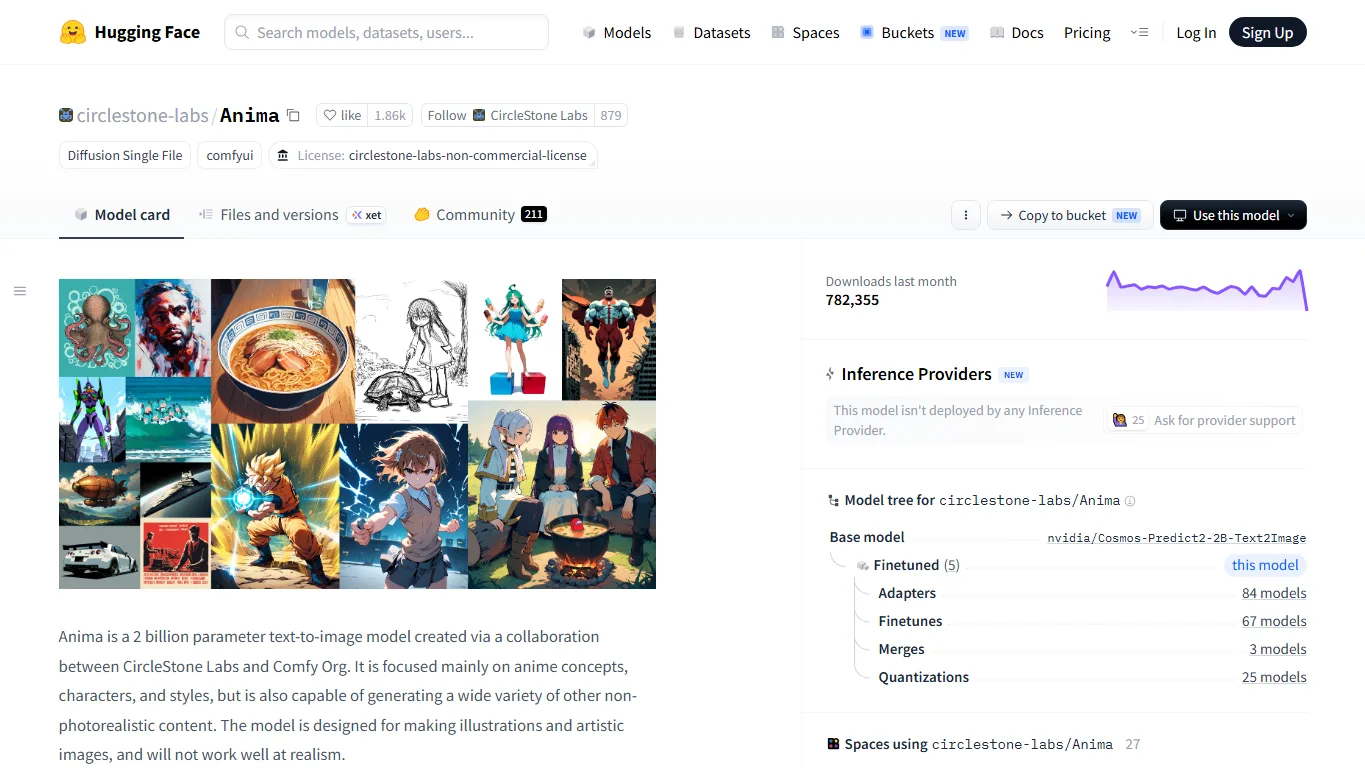
Anima on Hugging Face describes the project as an anime and non-photorealistic image generation model. In practice, that means it works best when prompts describe characters, illustration style, lighting, composition and visual mood rather than realistic camera capture.
Anima is interesting because it sits between a polished consumer image generator and a raw local model. You can use the base checkpoint as a flexible foundation, add LoRA files, test community checkpoints, or use the Turbo version when speed matters. That makes it a good candidate for creators who already use ComfyUI, Forge-like workflows or local image generation tools.
Base, Turbo and Aesthetic Versions
| Version | Main idea | Best use |
|---|---|---|
| anima-base-v1.0 | A flexible base model with broad style control. | LoRA training, fine-tuning and careful prompt experiments. |
| anima-turbo-v1.0 | A distilled version designed for faster generation. | Prompt exploration, batch previews and lower-cost iteration. |
| anima-aesthetic-v1.0 | A version tuned for prettier first outputs. | Users who want attractive anime images with less manual tuning. |
The base version is the safest starting point if you want to understand the model. It may look less dramatic at default settings than a heavily tuned community checkpoint, but it responds well to tags, natural language and style control. The Turbo version is more practical for rapid testing, while the Aesthetic version is easier when the goal is a visually pleasing image rather than model research.
Hands-on Review
Anima tends to produce soft, clean anime-style results with good character focus. It handles common Danbooru-style tags, quality tags and descriptive natural language reasonably well, so users can combine tags like character pose, outfit, camera angle and lighting with a short sentence describing the scene.
The model is less ideal for realistic portraits, strict typography or exact product photography. If you need a commercial banner with perfect English text, it is better to generate the visual concept first and then finish the text in Photoshop, Figma or Canva. For anime character art, concept sheets, style exploration and LoRA experiments, Anima feels much more natural.
LoRA and Civitai Resources
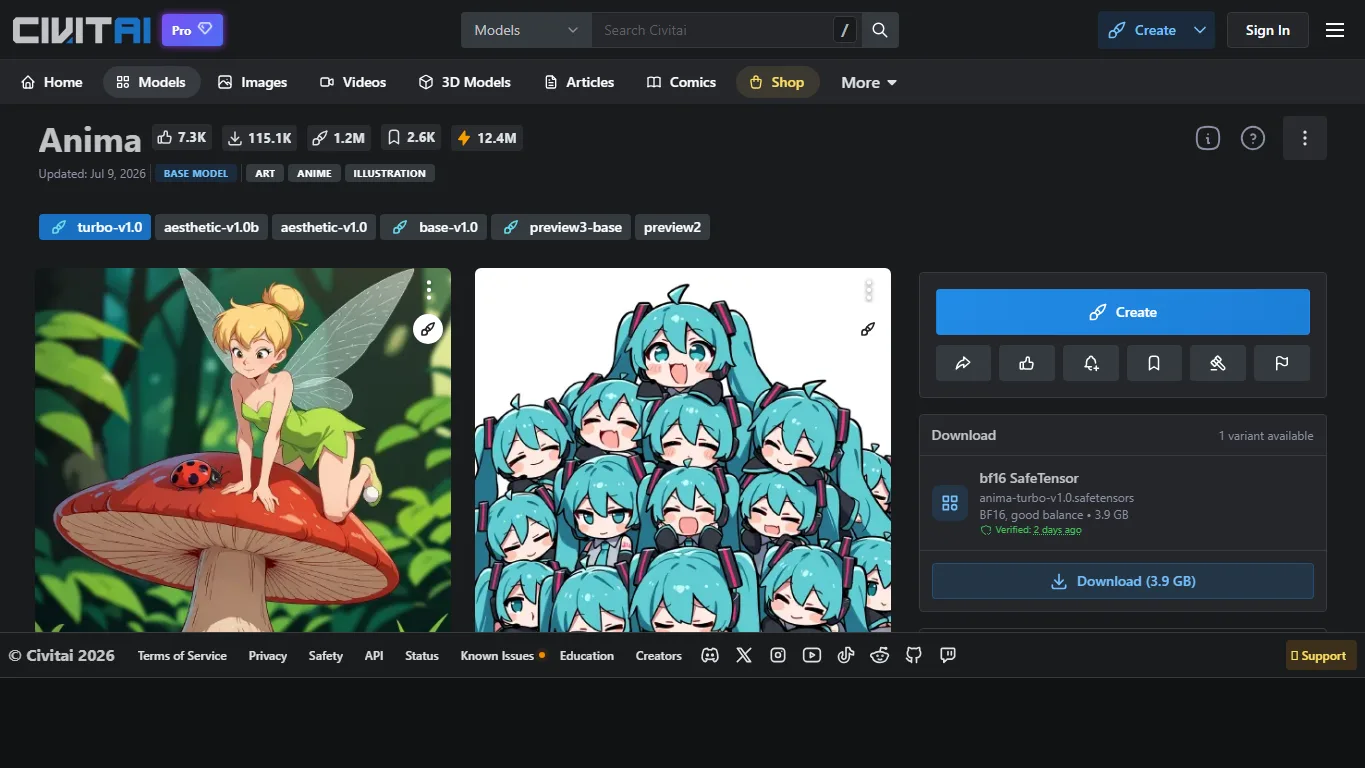
The Anima ecosystem is still younger than Pony XL or Illustrious XL, but it already has useful community resources. The official Anima Civitai page is a good place to check versions, sample images and update notes. Creators who want speed can look at Anima Turbo LoRA, while users who want stronger first-pass aesthetics can test aesthetic boost resources.
When using community LoRA files or checkpoints, check the base model, trigger words, recommended strength, license and NSFW policy. A LoRA trained for one Anima version may not behave the same way on another checkpoint, and a high download count does not automatically mean it is safe for commercial work.
NSFW, License and Commercial Use
Local Anima workflows do not necessarily include the kind of automatic NSFW moderation found in many online image tools. This can make experimentation feel more open, but it also shifts responsibility to the user. Avoid illegal, non-consensual, underage-looking, defamatory, private-person or rights-infringing content, and check the platform rules before uploading or publishing generated images.
The model license is just as important. Anima’s model files are released under CircleStone Labs’ non-commercial license terms, so using the model itself for a paid generation service, commercial model hosting or derivative model sale is not something to assume casually. Generated image usage may be treated differently from model-file usage, but serious commercial projects should read the license text directly.
Recommended Settings
| Goal | Suggested starting point |
|---|---|
| General anime image | 1024px class resolution, 30-50 steps, CFG around 4-5. |
| Turbo preview | Lower steps, often around 8-12, with the workflow recommended for Turbo. |
| LoRA testing | Start around 0.4-0.8 strength and compare seeds before increasing. |
| Prompt style | Use Danbooru-like tags plus a short English natural-language scene description. |
FAQ
Is Anima better than Pony XL?
Not in every case. Pony XL has a larger and more mature ecosystem, especially for character LoRA and stylized communities. Anima is newer and more focused on its base/Turbo/Aesthetic family, so it is attractive for people who want to follow a newer anime model ecosystem.
Can Anima generate NSFW images?
In a local workflow, there may be no built-in service-level filter. That does not mean every use is allowed. The model license, local laws, hosting platform rules and content safety responsibilities still apply.
Is Anima good for English text inside images?
It can handle short text better than many older anime models, but it should not be treated as a layout engine. For logos, long captions and commercial banners, finish the text manually after generation.
Can I use Anima commercially?
Be careful. The model itself uses non-commercial licensing terms, so commercial model use requires reading the official license and, if necessary, obtaining permission. Do not assume that a community checkpoint or LoRA has the same permissions.
Summary
Anima is a promising anime image model family for users who want local control, LoRA experiments and ComfyUI-style workflows. It is not the easiest option for casual image generation, but it rewards people who enjoy tuning prompts and comparing model versions.
If you want a simple paid browser tool, NovelAI may still be easier. If you want a local model with a growing ecosystem and more hands-on control, Anima is worth testing, especially through its base, Turbo and Aesthetic versions.
References
Related Reviews
Pony XL Review: Prompts, LoRA, VRAM, Furry Strengths and NSFW Use

Step 5 Preview Review: Pricing, API Access, Open Weights and NSFW Limits
Pony V7 Review: AuraFlow, LoRA Ecosystem, V6 Comparison, and NSFW Strengths
Dolphin 3.0 Review: Uncensored Local LLM for NSFW, Roleplay and Coding

Illustrious XL Review: Setup, LoRA, VRAM, Prompts and NSFW Local Use
Nucleus Image Review: 17B Sparse MoE, Local Setup, NSFW Support, and Apache 2.0 Open Weights