Pony XL Review: Prompts, LoRA, VRAM, Furry Strengths and NSFW Use
Pony XL is a distinctive local image model family for expressive characters, western cartoon styles, furry/kemono art, LoRA workflows and NSFW generation. It is powerful,…
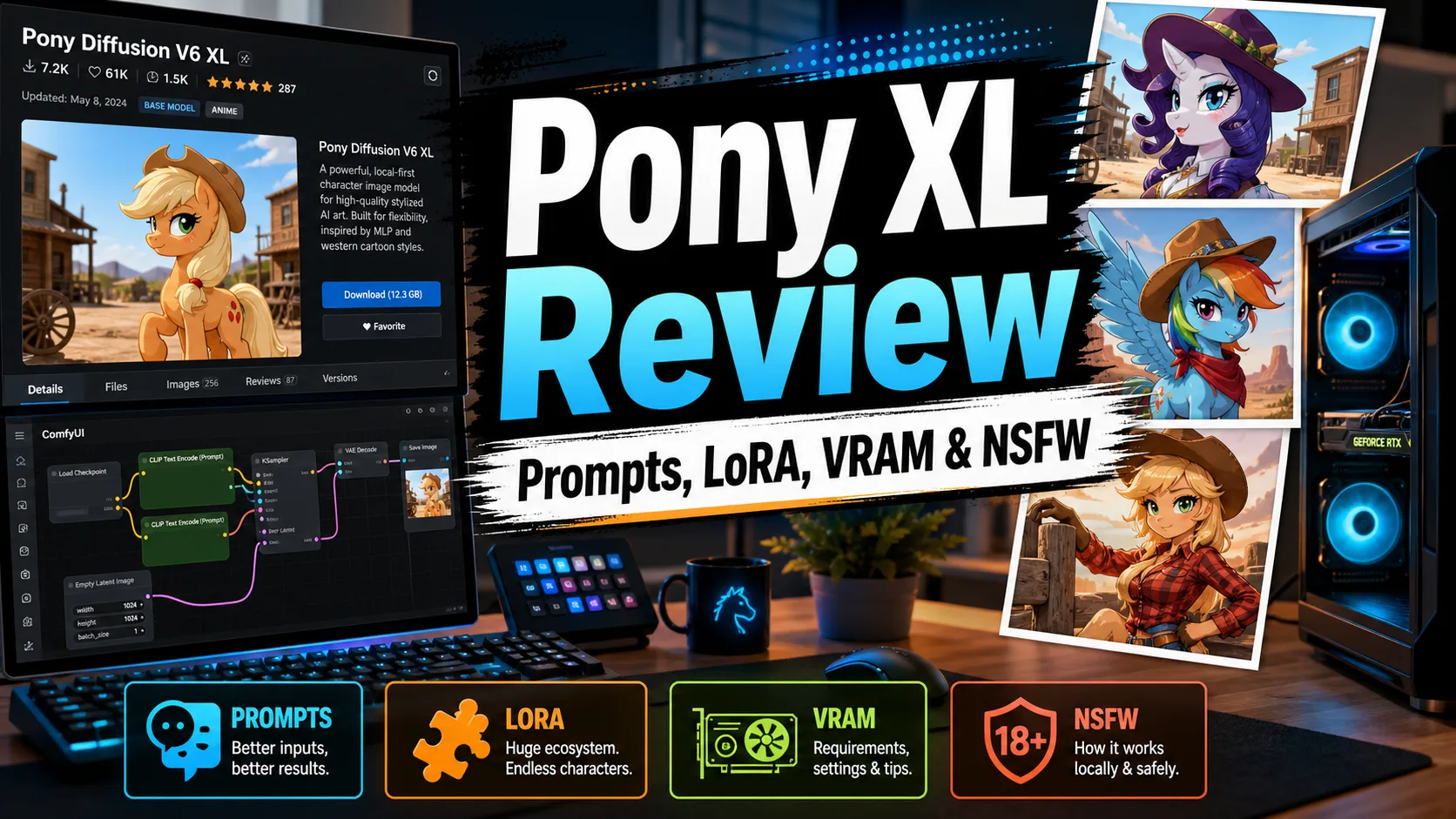

Pony XL is a distinctive local image model family for expressive characters, western cartoon styles, furry/kemono art, LoRA workflows and NSFW generation. It is powerful, but it has its own prompt culture, so users coming from ordinary SDXL anime models should not expect identical tag behavior.
The model is especially valuable when your target style is not standard Japanese anime. It handles stylized bodies, animal-like characters, western illustration and exaggerated poses better than many anime-only checkpoints.
Table of Contents
Quick Verdict
Choose Pony XL if you want furry/kemono, western cartoon, expressive fantasy characters or a large LoRA ecosystem built around Pony-specific prompting. Choose Illustrious or NoobAI if your priority is mainstream anime character tags.
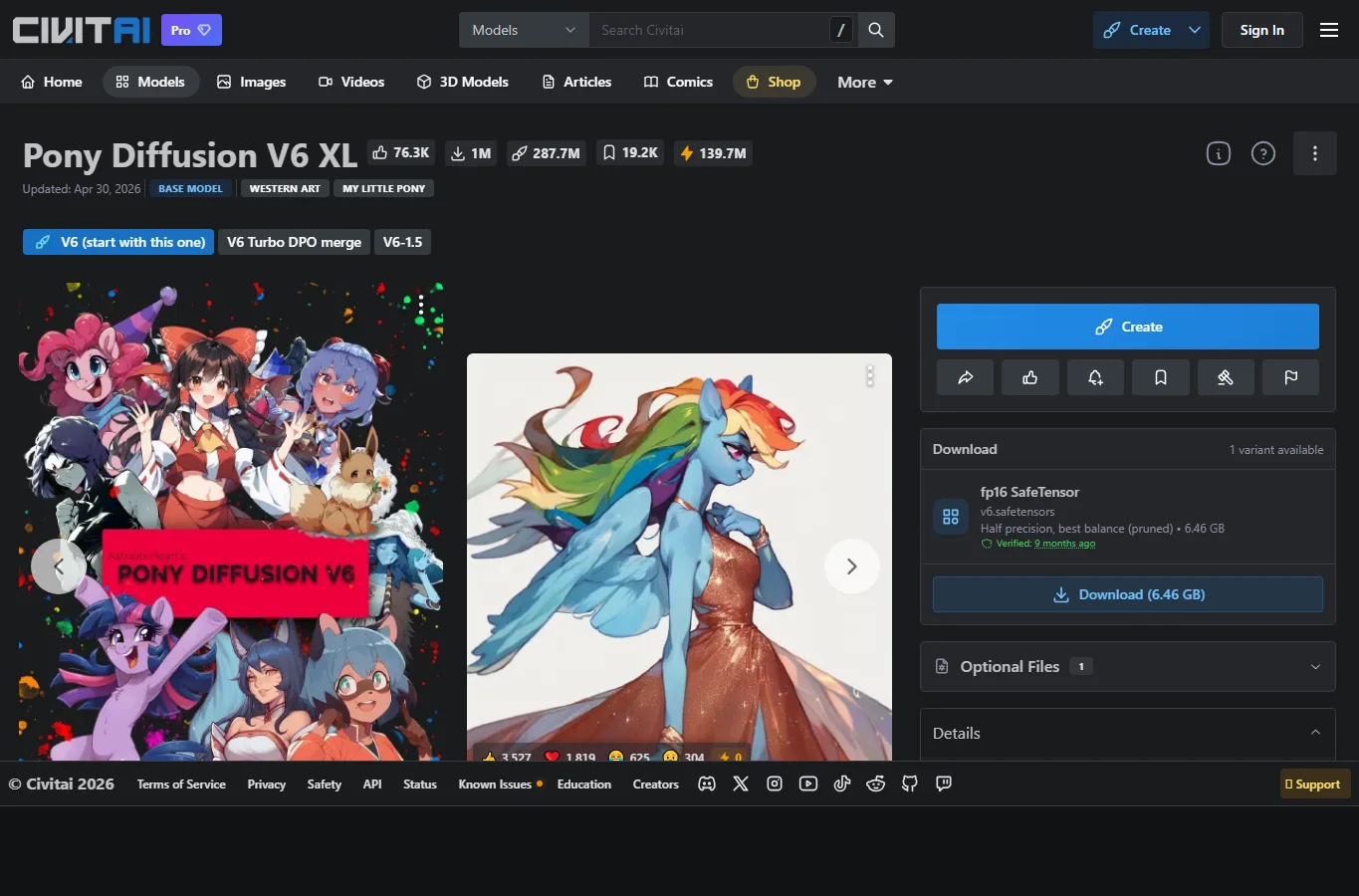
How to Use Pony XL with ComfyUI, WebUI, Forge and Neo-Forge
Pony XL can be used in the usual local interfaces: ComfyUI, AUTOMATIC1111 WebUI, Forge and Neo-Forge. The interface choice matters less than using the correct base model and compatible LoRA. Pony LoRA should be made for Pony or tested carefully before serious use.
For a stable first test, load the checkpoint, use a moderate resolution, avoid stacking many LoRAs, and copy a known working Pony sample prompt from the model page. Once output looks stable, change one variable at a time.
Prompt Style and Simple Sample
Pony XL uses a recognizable prompt style with quality/score tags. A simple starter prompt can look like this:
score_9, score_8_up, score_7_up, source_anime, 1girl, solo, dynamic pose, fantasy outfit, detailed eyes, clean lineart Negative: score_4, score_5, score_6, low quality, bad anatomy, blurryThe exact score tags and source tags vary by checkpoint and derivative. The key is to respect the model’s grammar rather than treating it like a normal SDXL anime model.
Civitai.red Checkpoints and LoRA
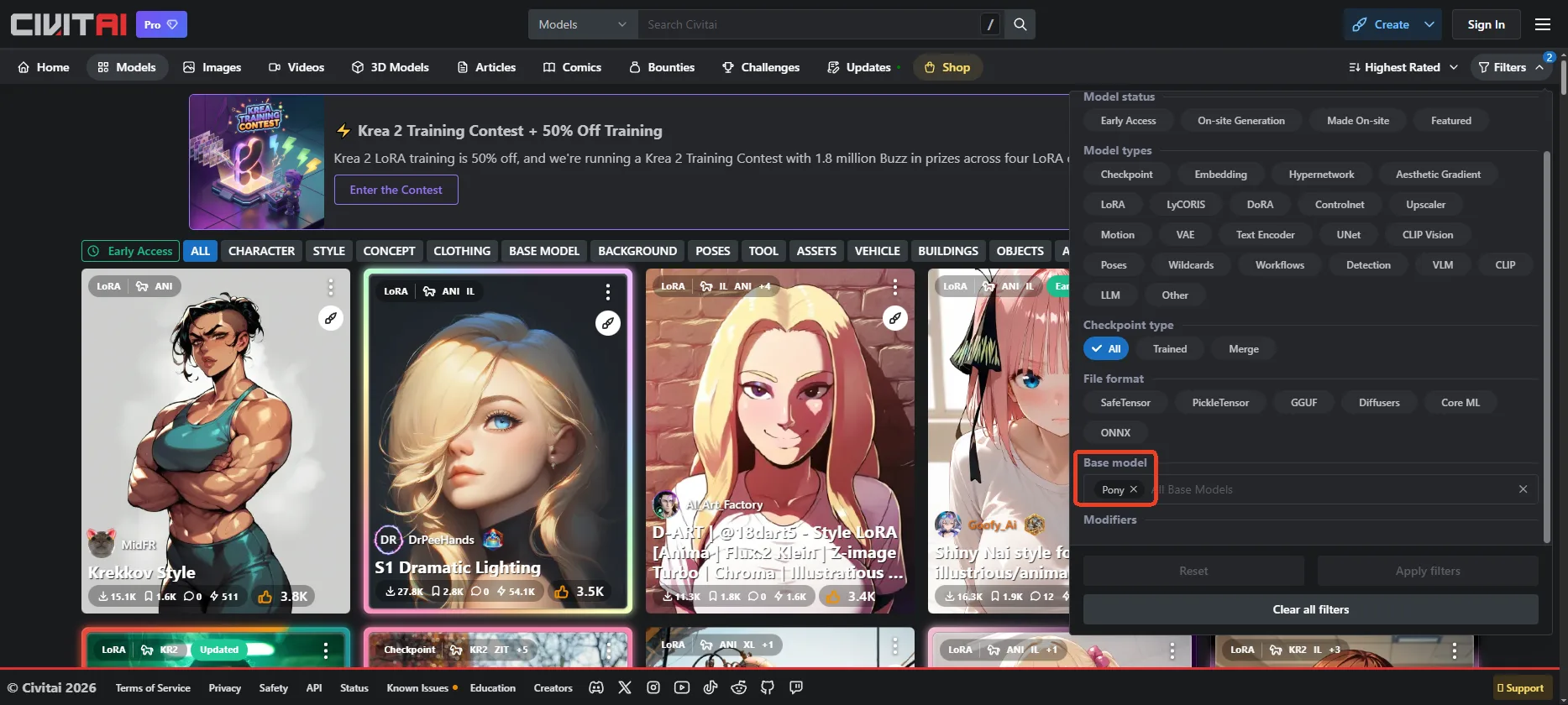
For Pony-specific resources, browse Civitai.red Pony model search. Popular Pony LoRAs can produce strong style and character control, but they also tend to be sensitive to weight and prompt order.
Check the resource card carefully: base model, trigger words, sample negative prompt, recommended sampler and license. If a LoRA was trained for a different base family, it may still load but produce weaker or distorted results.
VRAM, Samplers, CFG and Steps
Like other SDXL-class models, Pony XL is more comfortable with 12GB VRAM or more, but optimized 10GB setups can work at sensible resolutions. Lower VRAM users should reduce batch size and use memory-saving options.
Start around 25 to 35 steps with moderate CFG, then tune based on the specific checkpoint. Pony derivatives can vary widely, so the sample prompts on each model page are often more useful than generic SDXL defaults.
NSFW Notes
Pony XL has one of the stronger local NSFW ecosystems because many community checkpoints and LoRAs are built for expressive character art. This is also why filtering and license details should be read carefully for each derivative resource.
Use common sense around consent, real-person likenesses and illegal content. Local control does not remove responsibility.
FAQ
Is Pony XL only for My Little Pony-style images?
No. The family has grown into a broader stylized character ecosystem, including furry, cartoon, fantasy and anime-adjacent derivatives.
Why do prompts use score tags?
Score tags are part of the dataset and prompting culture around Pony models. They help guide perceived quality and style.
Can I use normal SDXL LoRA?
Sometimes, but Pony-specific LoRA is usually safer.
Is Pony XL good for mainstream anime?
It can be, but NoobAI or Illustrious may feel more natural for standard anime character tags.
Is Pony XL good for NSFW?
Yes, technically it is a strong local option, but resource licenses and legal limits still apply.
References
Related Reviews
FLUX 3 Review: Video, Image, Open Weights and NSFW Policy

Gemma 4 Review: Local Setup, GPU Requirements and NSFW / Uncensored Models
Grok 4.6 Review: xAI's Reasoning Model, Agents, Pricing and NSFW Policy
Anima AI Model Review: Anime Image Model, LoRA, License and NSFW Use
Llama 4 Review: Scout, Maverick, Behemoth, Local Deployment and NSFW Policy
Z-Image Review: Turbo, Base, VRAM, LoRA and NSFW Local Use
