Qwen Image Edit Review: Text Editing, Inpainting, ComfyUI and NSFW Policy
Qwen Image Edit is a practical image-editing model for text changes, local inpainting, object edits and prompt-driven corrections. It is especially interesting because it sits…
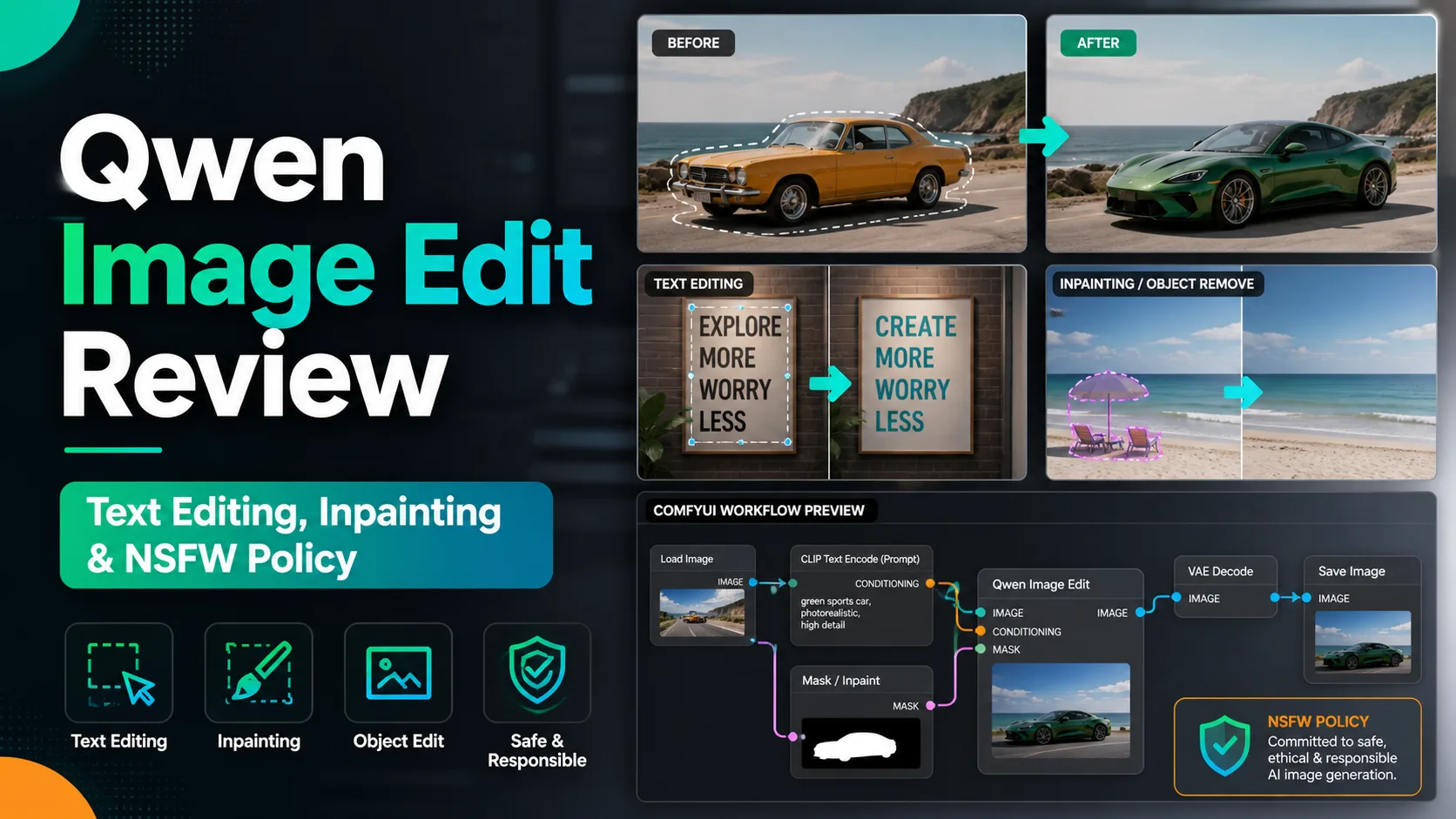

Qwen Image Edit is a practical image-editing model for text changes, local inpainting, object edits and prompt-driven corrections. It is especially interesting because it sits between consumer AI editors and local Stable Diffusion-style workflows: you can use it as an accessible image editor, but advanced users can also experiment with ComfyUI workflows and optimized community variants.
For NSFW use, the important point is to separate the model from the platform. Official online access and hosted demos may apply moderation. Local workflows can be more flexible, but users still need to respect the model license, local law and the rules of any interface or distribution site they use.
Table of Contents
Quick Verdict
Qwen Image Edit is worth trying when you want to modify an existing image without rebuilding everything from scratch. Text replacement, style-consistent edits and instruction-based inpainting are its most attractive areas. It is less ideal for users who only want a polished one-click web app with no setup at all.
What Qwen Image Edit Can Do
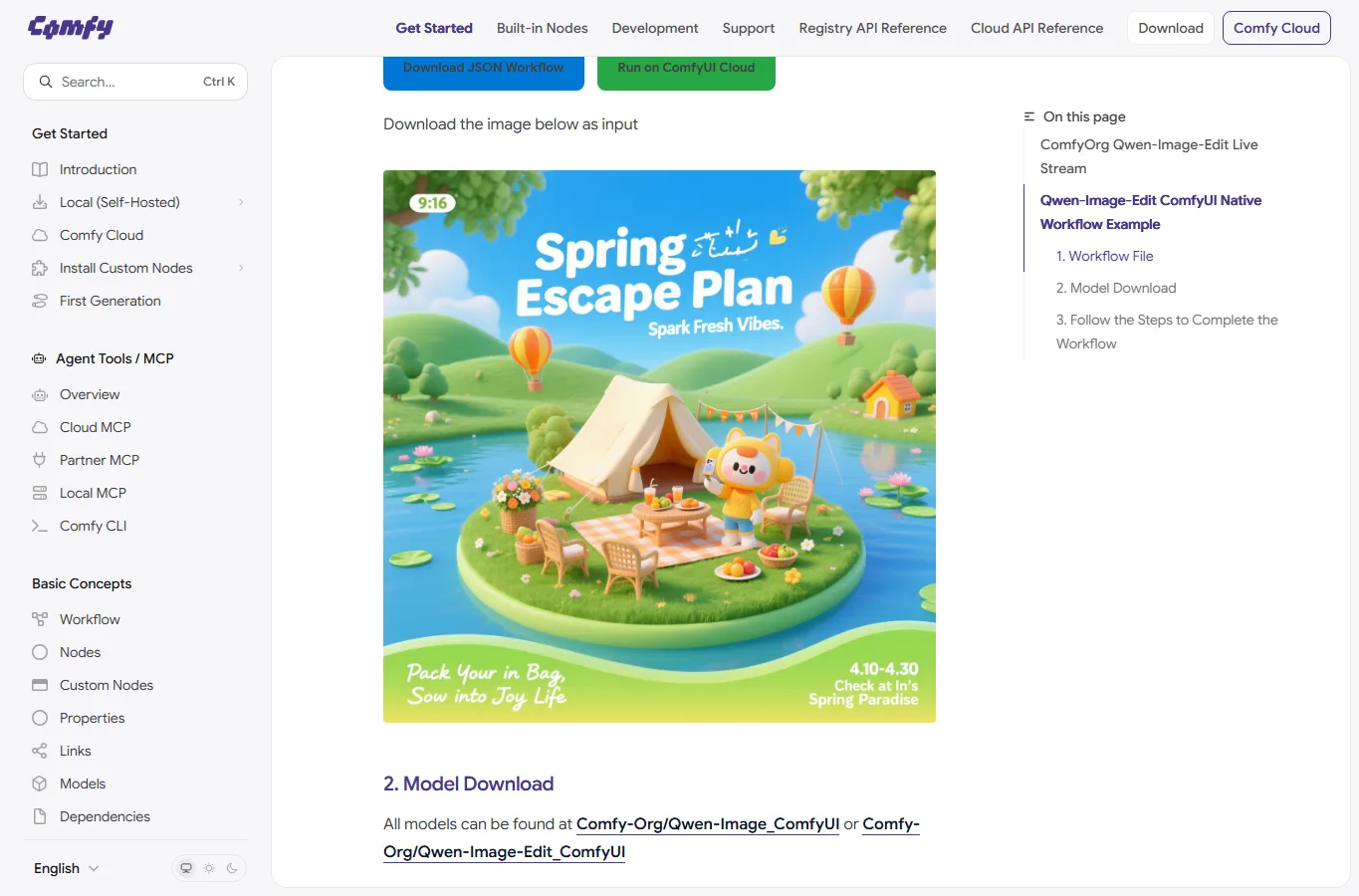
The model is designed for editing rather than only generating from a blank prompt. In practice, that means you can start with an image, describe the change, and ask the model to alter a specific part while keeping the rest of the image coherent.
Compared with basic object remover tools, Qwen Image Edit is more flexible because it can understand richer instructions: replacing signs, modifying clothes, changing background details, adjusting text, or turning a rough concept into a cleaner visual. The tradeoff is that it may require more experimentation with prompts and parameters.
Local Setup, ComfyUI and Faster Variants
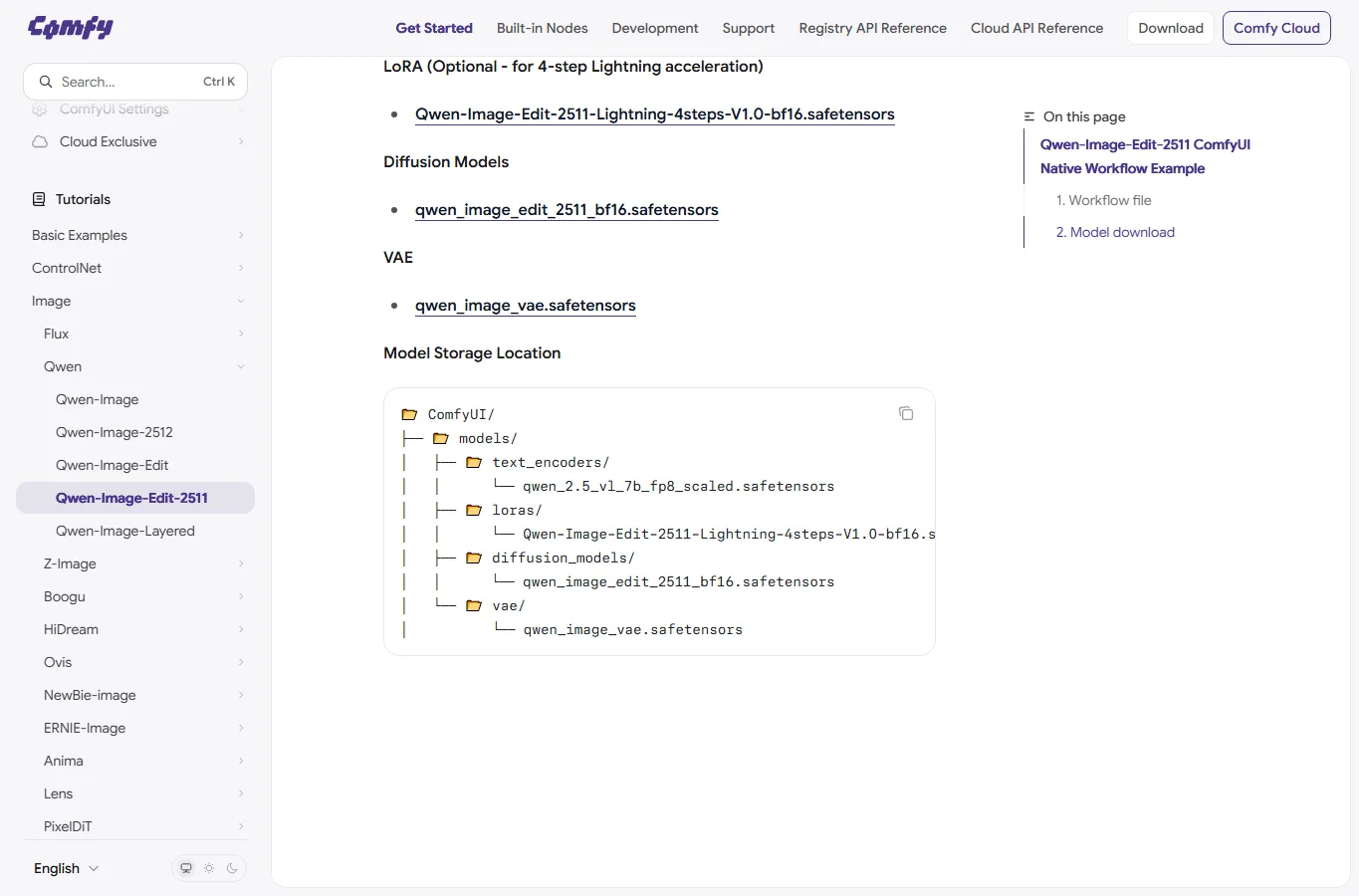
Advanced users can run Qwen Image Edit through local interfaces such as ComfyUI when a compatible workflow is available. ComfyUI is useful because it exposes the whole node pipeline: image input, model loading, mask/inpaint control, sampler settings and export nodes. For repeated production work, this is much easier to standardize than manual web editing.
Community resources such as Lightning variants or optimized workflows may reduce waiting time, but they can change output texture and prompt sensitivity. Start with the official model or a widely used workflow, then switch to accelerated versions only after you know what quality level you need.
NSFW and Safety Notes
Qwen Image Edit is not mainly marketed as an uncensored adult-image model. Hosted tools can block sensitive edits, while local use depends on the checkpoint, interface and safety layer. If NSFW generation is the primary goal, compare it with local anime models such as NoobAI XL, Pony XL and broader local model guides.
For real people, private photos and commercial work, be conservative. Editing identity, nudity, trademarks or copyrighted characters can create legal and ethical risk even when the software technically allows the edit.
Comparison
| Tool/model | Best use | Local workflow | NSFW fit |
|---|---|---|---|
| Qwen Image Edit | Instruction-based image editing and inpainting | ComfyUI workflows are practical | Depends on deployment |
| GPT Image | Natural language image editing | No local model | Policy-controlled |
| Flux Kontext-style editors | Object and style-preserving edits | Varies by implementation | Depends on checkpoint/platform |
| NoobAI XL / Pony XL | Anime generation and LoRA-heavy work | WebUI, Forge, ComfyUI | Strong local NSFW ecosystem |
FAQ
Is Qwen Image Edit only for developers?
No. Hosted demos and simplified interfaces can be easy to use, but the most controllable workflows are usually local or node-based.
Can it edit text inside images?
It can be useful for text editing, but short, clear text works better than long paragraphs.
Does it need a high-end GPU?
Local requirements depend on the exact workflow and precision. If your GPU is limited, look for quantized, Lightning or cloud options.
Is it better than Photoshop?
It is not a replacement for professional manual retouching, but it can create draft edits much faster.
Can it be used for NSFW edits?
Hosted versions may restrict it. Local behavior depends on the model package and interface settings.
References
Related Reviews
FLUX 3 Review: Video, Image, Open Weights and NSFW Policy

Hy4 Preview Review: Tencent Hunyuan 770B MoE, 1M Context, API, Local Hardware, and NSFW Limits

Best Local Anime AI Image Models Compared: LoRA, VRAM and NSFW Use
Qwen-Image-2.1 Review: Transparent Images, Editing, API Pricing and NSFW
NovelAI V5 Review: NSFW Anime Image Model, Prompting, Pricing and Limits
Gemini Omni 1.1 Flash Review: Google Video AI, 4K, API, and NSFW Limits