Gemma 4 Review: Local Setup, GPU Requirements and NSFW / Uncensored Models
Gemma 4 is the newest open-weight Gemma family from Google DeepMind, built for developers who want a capable local or self-hosted model without jumping straight…


Gemma 4 is the newest open-weight Gemma family from Google DeepMind, built for developers who want a capable local or self-hosted model without jumping straight to a closed API. The practical headline is simple: Gemma 4 looks attractive if you need a Google-backed local LLM with text and image input, long context, and several sizes from lightweight edge models to 31B-class quality testing.
For most local users, the first decision is not whether Gemma 4 is powerful, but which variant makes sense. Gemma 4 31B IT is the quality-first dense option, Gemma 4 26B-A4B IT is the efficiency-oriented MoE-style option, and Gemma 4 12B IT is the easier single-GPU starting point. The NSFW question is also important: official Gemma models and Google AI Studio are safety-aligned, while community uncensored / abliterated variants exist on Hugging Face and require more caution.
Contents
What Is Gemma 4?
Gemma 4 is Google DeepMind’s open-model family based on Gemini 3 research and technology. The official model card lists five sizes: E2B, E4B, 12B, 26B-A4B, and 31B. It also describes up to 256K context, text and image input across the family, and audio support on selected smaller variants. You can start from the Gemma 4 product page or the official Gemma 4 model card.
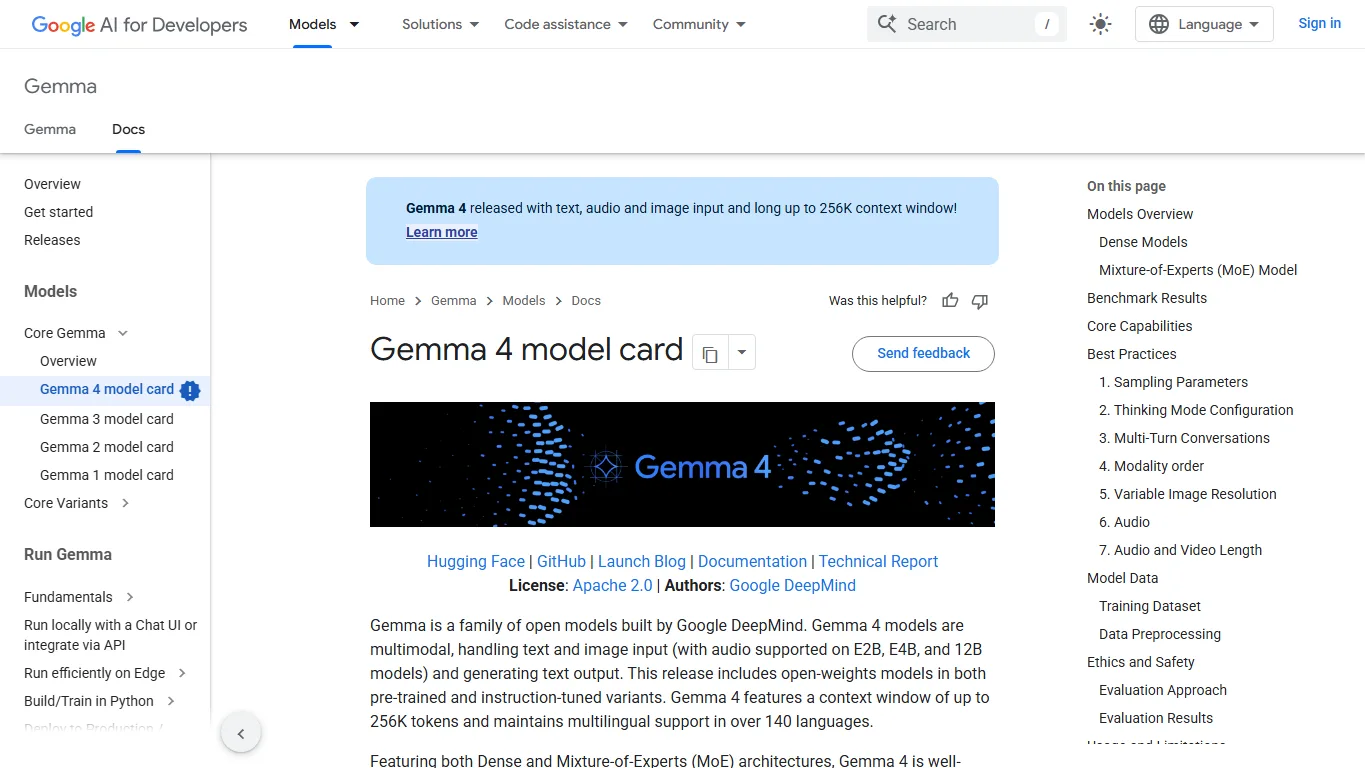
The model family is best understood as a spectrum. E2B and E4B target edge and lightweight use. The 12B model is the practical first local test for many users. The 26B-A4B model is designed around active-parameter efficiency. The 31B model is the heavier quality-focused local model for users with more GPU memory or a server setup.
Official Downloads
| Model | Best for | Download |
|---|---|---|
| Gemma 4 31B IT | Quality-focused local testing, longer reasoning, stronger general chat | Hugging Face 31B IT |
| Gemma 4 26B-A4B IT | Efficiency-oriented local or server testing where active-parameter cost matters | Hugging Face 26B-A4B IT |
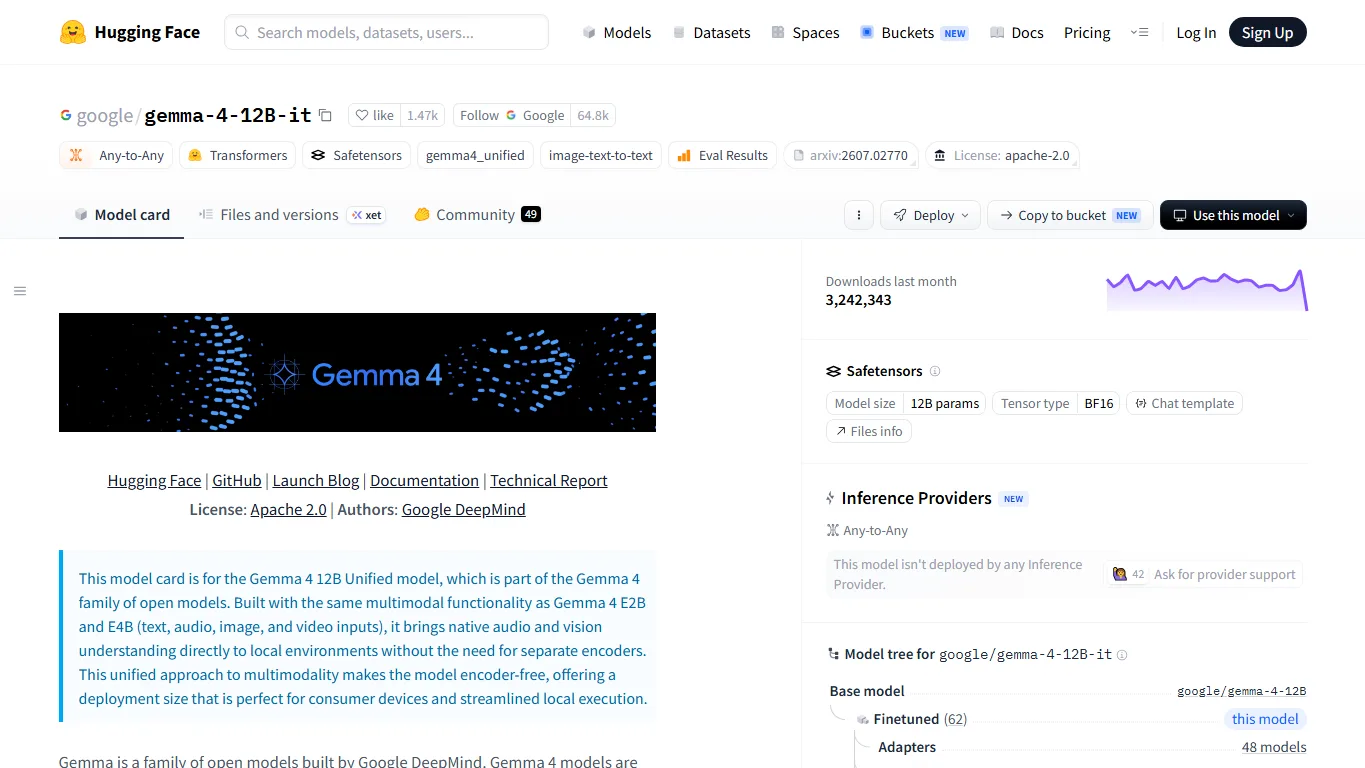
| Gemma 4 12B IT | Consumer GPU testing, smaller RAG prototypes, local chat experiments | Hugging Face 12B IT |
| Gemma 4 model card | Specs, safety notes, context length and supported modalities | Google AI Developers |
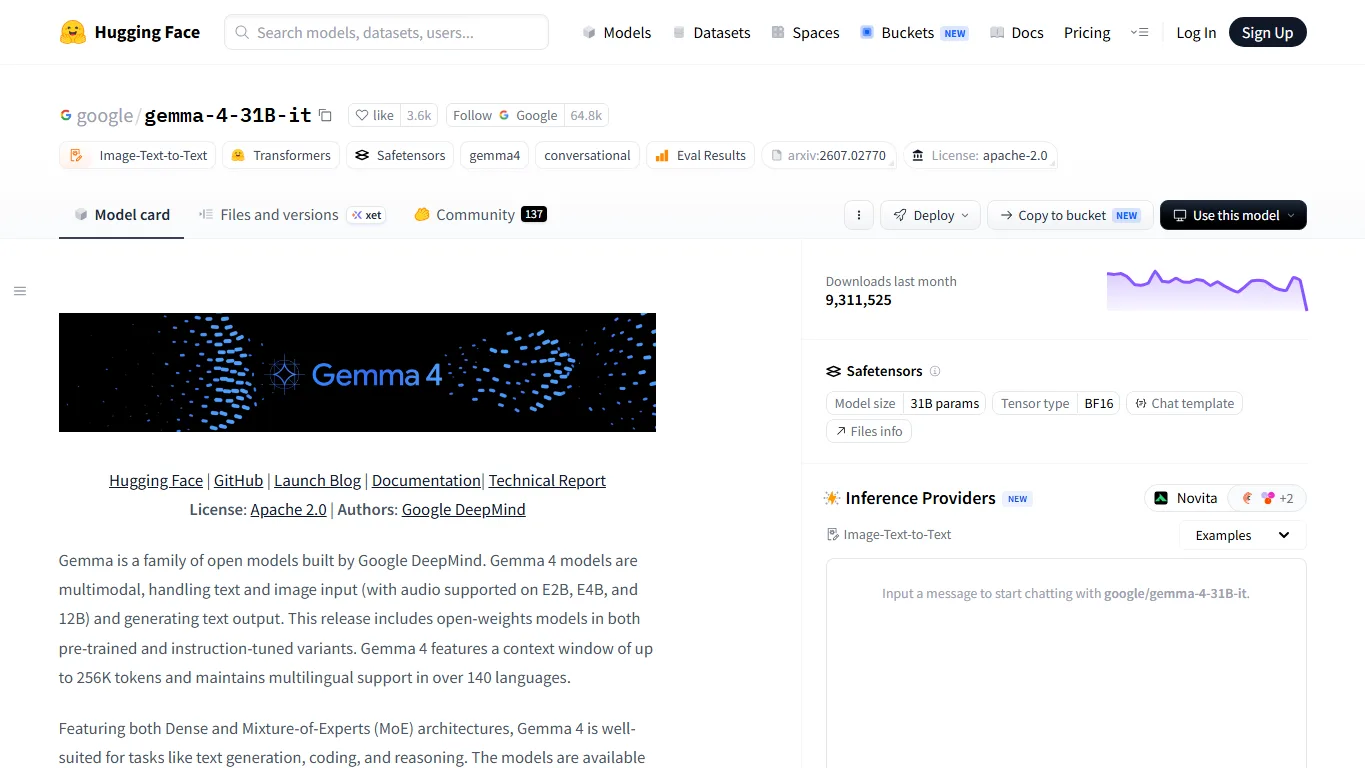

If this is your first Gemma 4 test, avoid starting with the largest model unless you already have the hardware. A 12B or quantized 26B/31B build is usually a better way to evaluate prompt style, Japanese or English writing quality, refusal behavior, and RAG performance before spending time on a heavier setup.
Benchmarks and User Impressions
Official positioning emphasizes intelligence per parameter, long context, multimodal input, and stronger developer usability. Early community discussion has focused less on a single benchmark winner and more on practical tradeoffs: the 31B model feels like the quality target, the 26B-A4B model is interesting because of its efficiency design, and smaller models matter because they fit into more local workflows.
Independent reviewers and technical writers have also highlighted the spread of model sizes and the 256K context target. Sebastian Raschka's release notes are useful for a technical overview of the model lineup and how it differs from earlier Gemma releases. For your own workflow, the best benchmark is still task-specific: code edits, summarization, local RAG, Japanese-English mixed writing, structured extraction, and tool-calling style prompts can produce very different rankings.
Comparison With Local LLMs
| Model | How it compares with Gemma 4 | Who should choose it |
|---|---|---|
| Gemma 4 | Google-backed open weights, multimodal input, long context, several sizes from small to 31B. | Users who want a polished local LLM family with good tooling and safety documentation. |
| Qwen 3.8 | Very strong multilingual and coding ecosystem, with large MoE and practical 27B options. | Users working across English, Japanese and Chinese, or comparing local code/RAG models. |
| Llama 4 | Large community ecosystem and many derivatives; Gemma 4 may feel more curated and documentation-heavy. | Users who value broad community quantization and fine-tune support. |
| DeepSeek V4 | Strong in reasoning and coding discussions; Gemma 4 is more Google-integrated and easier to try through AI Studio. | Users who prioritize reasoning/coding benchmarks over Google ecosystem integration. |
| Mistral / Mixtral | Mistral has mature MoE serving experience; Gemma 4 is newer and benefits from Google model-card clarity. | Teams already using European/open-source deployment stacks. |
Local Setup
For local use, start with Hugging Face Transformers if you only need simple testing. Use vLLM or SGLang when you want an OpenAI-compatible local server, batching, or better throughput. Desktop tools such as LM Studio can be convenient once quantized builds are available, but always check the model card and license of the exact file you download.
pip install -U transformers accelerate torch safetensors python - <<'PY' from transformers import AutoModelForCausalLM, AutoTokenizer model_id = "google/gemma-4-12B-it" # change to 31B or 26B-A4B if your GPU is ready tokenizer = AutoTokenizer.from_pretrained(model_id) model = AutoModelForCausalLM.from_pretrained( model_id, torch_dtype="auto", device_map="auto", ) PYFor server-style inference, check whether your chosen Gemma 4 variant is supported by vLLM and your CUDA stack. A simple vLLM workflow is attractive, but large models can still fail if the context length, KV cache, or batch size is too aggressive.
GPU and Hardware Requirements
| Variant | BF16 estimate | Practical local route | Notes |
|---|---|---|---|
| Gemma 4 31B IT | Around 62GB+ just for weights; 80GB-class GPU is comfortable | 48GB can be possible with careful quantization/offload; 24GB usually needs 4-bit and short context | Best quality target, but not the easiest desktop model. |
| Gemma 4 26B-A4B IT | Total weights are still large even if active parameters are lower | Quantized builds and efficient serving are recommended | Interesting for throughput and efficiency testing. |
| Gemma 4 12B IT | About 24GB+ for BF16 with overhead | 8GB-16GB may work with 4-bit quantization depending on context | Best starting point for many consumer GPUs. |
| E2B / E4B | Much lighter | Laptop, edge, mobile or small local demos | Better when privacy and low latency matter more than maximum quality. |
These numbers are practical estimates, not official minimum requirements. Real memory use depends on context length, quantization, KV cache, batch size, attention implementation, and whether you use vision input. For long-context work, budget far more VRAM than the raw model size suggests.
Online Use When Your GPU Is Not Enough
If your hardware is not enough, the easiest path is Google AI Studio. It lets developers try Google models in the browser and move from prompts to API experiments without preparing a local GPU stack. For most readers, this is the right first stop before downloading a 26B or 31B model.
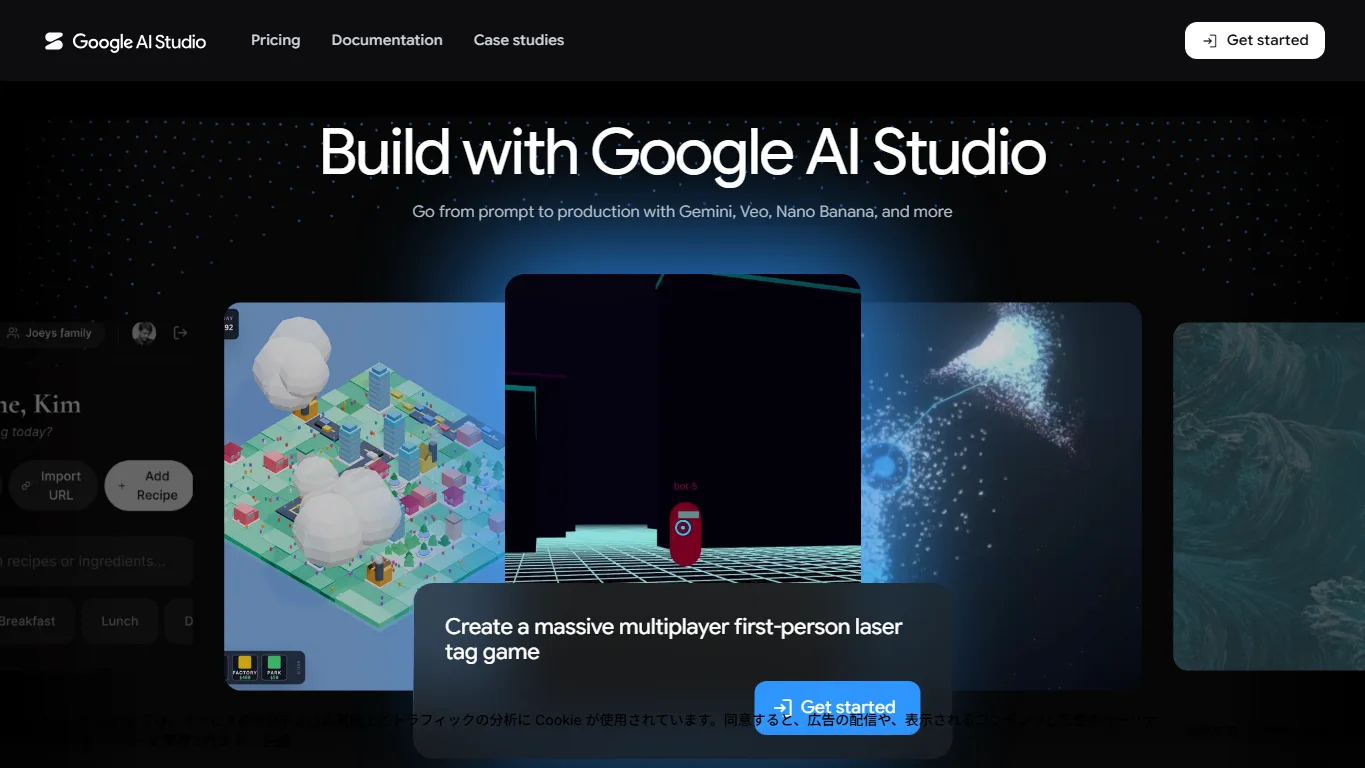
Online use also makes sense when you only need occasional testing, when you want to compare behavior before committing storage space, or when your local GPU cannot handle long context. The tradeoff is that cloud services use their own safety filters, quotas, logging rules, and terms, so private documents and sensitive prompts should be handled carefully.
NSFW, Uncensored and Abliterated Models
Official Gemma 4 models are safety-aligned and documented with responsible AI guidance. Google AI Studio and official hosted routes are not designed as unrestricted NSFW chat services. Adult sexual content, harmful instructions, illegal activity, and policy-sensitive requests may be blocked or answered cautiously. This is expected behavior for a mainstream model family backed by Google.
For users specifically researching refusal behavior, Hugging Face already has community variants such as Gemma 4 26B-A4B Uncensored / Heretic and Gemma 4 31B Abliterated. These are not official Google releases. They are community models that try to reduce refusal behavior or weaken safety alignment, which can make them more responsive to prompts that official models may refuse.
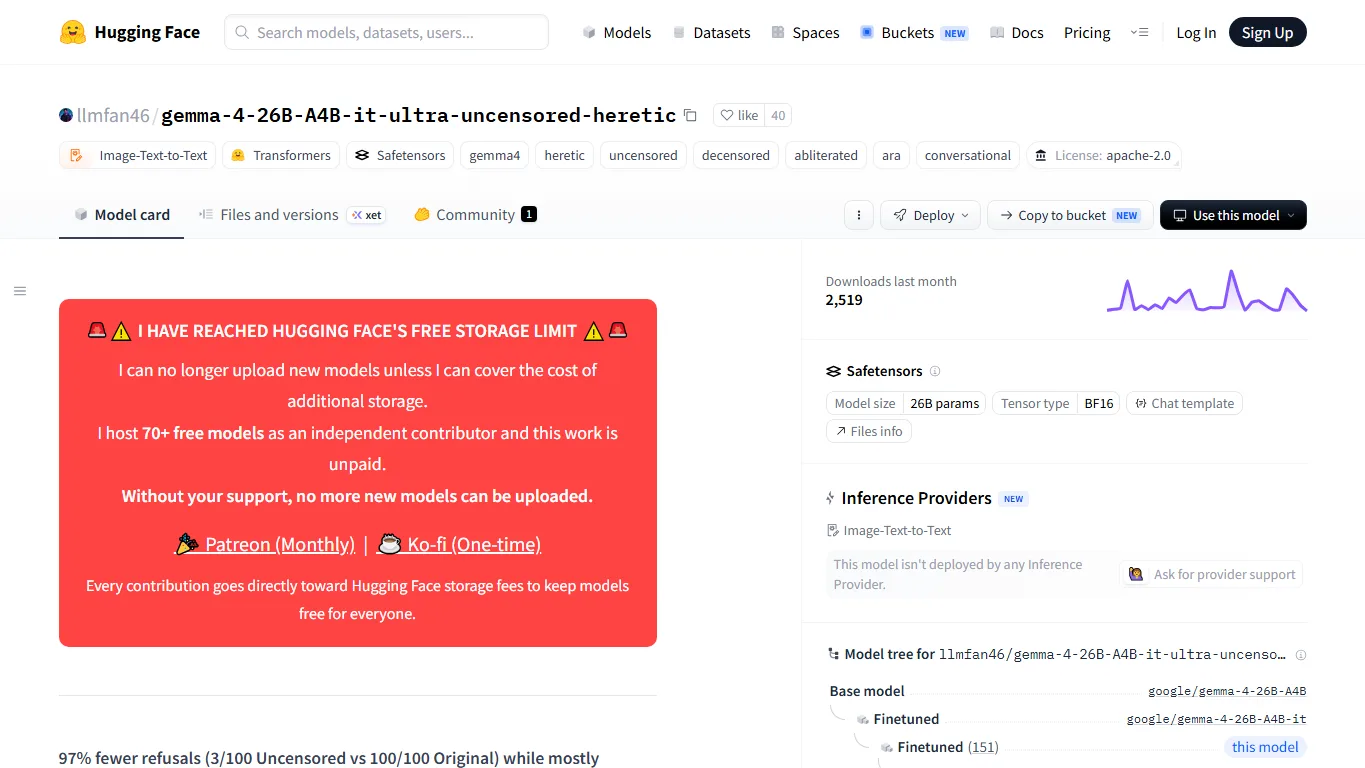
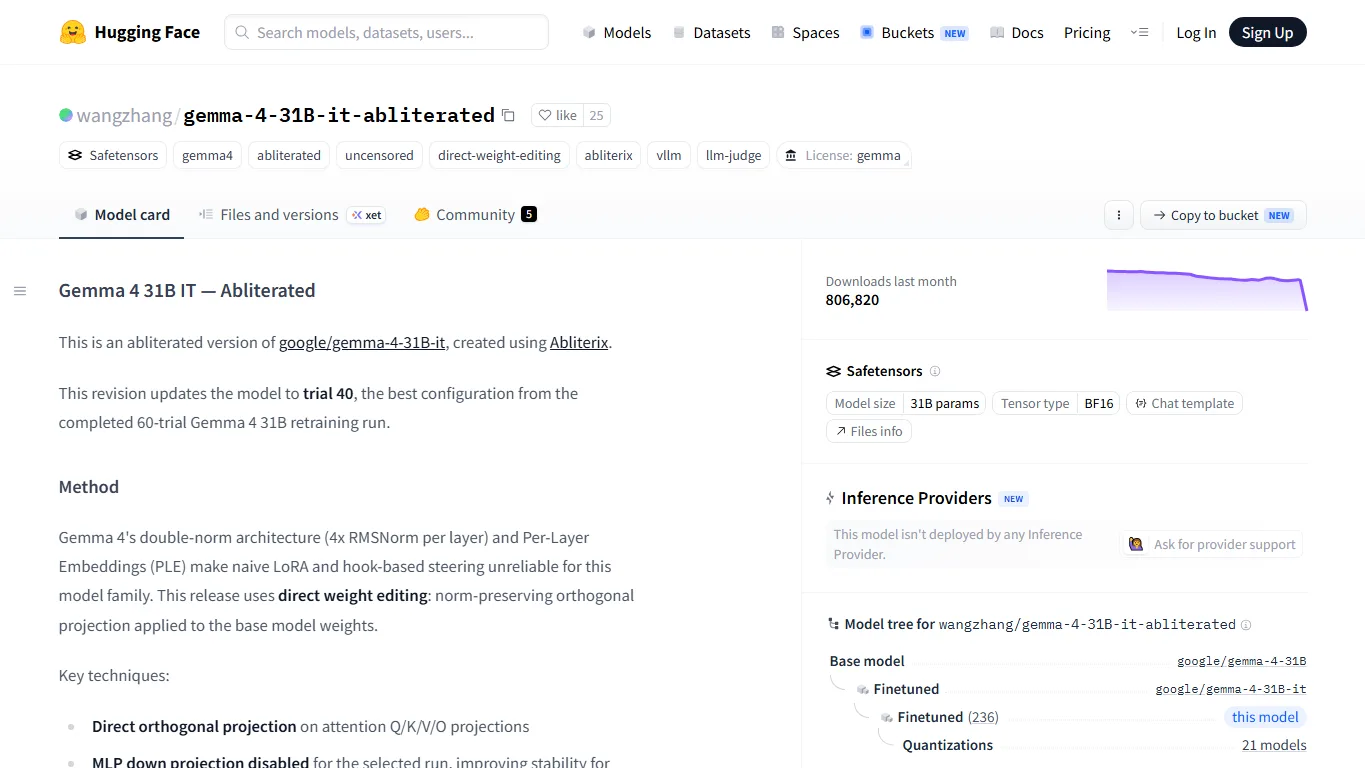
The practical warning is important: uncensored does not mean accurate, legal, safe, or suitable for public deployment. These models may generate adult, unsafe, biased, or legally sensitive content more easily. Before using them, check the exact Hugging Face model card, license, base-model license, local laws, and the rules of any platform where you deploy the model. For public apps, add your own moderation layer.
FAQ
Is Gemma 4 better than Qwen 3.8?
Not universally. Gemma 4 is attractive if you want Google-backed open weights, multimodal input, and clear safety documentation. Qwen 3.8 remains a very strong competitor for multilingual work, coding, and local deployment choices. Test both on your own prompts.
Which Gemma 4 model should I download first?
Start with Gemma 4 12B IT if you only have a consumer GPU. Try 26B-A4B or 31B after you confirm your engine, quantization, and context settings. Starting too large often wastes time on memory errors.
Can RTX 4090 24GB run Gemma 4 31B?
A full BF16 31B model is too large for 24GB VRAM. Quantized versions may run with short context and careful settings, but 12B or a smaller quantized model is usually smoother.
Does Gemma 4 support images?
The official Gemma 4 documentation describes text and image input across the family, with audio support on selected smaller variants. Make sure your inference engine supports the modality you plan to use.
Are the uncensored models official?
No. The Heretic and Abliterated models mentioned here are community uploads on Hugging Face. Treat them as experimental local options, not official Google releases.
Can Gemma 4 be used commercially?
Check the exact license for the model and file you download. Official Gemma releases and community derivatives can have different license and usage terms. Do not assume a fine-tune inherits simple commercial permission without reading the card.
Verdict
Gemma 4 is most interesting for readers who want a serious local LLM family with Google ecosystem support, long context, multimodal input, and several model sizes. It is not a single model you should blindly download; it is a lineup. The right choice depends on whether you need a lightweight edge model, a practical desktop model, or a heavier 31B quality target.
For ordinary local testing, start with 12B or a quantized mid-size build. For quality comparisons, evaluate 31B against Qwen 3.8, Llama, DeepSeek and Mistral on your own tasks. For NSFW or uncensored research, keep the community Heretic and Abliterated variants separate from official Gemma 4 and treat them as advanced local experiments that require careful moderation.
References
Related Reviews
Seedream 5.0 Pro Review: AI Image Model, API Access and NSFW Policy

Mistral AI Models Review: Latest Local LLMs, Large 3, Small 4 and NSFW Policy

NoobAI XL Review: VRAM, LoRA, V-Pred, Prompts and NSFW Local Use
Hy4 Preview Review: Tencent Hunyuan 770B MoE, 1M Context, API, Local Hardware, and NSFW Limits
Step 5 Preview Review: Pricing, API Access, Open Weights and NSFW Limits
Best Local Anime AI Image Models Compared: LoRA, VRAM and NSFW Use