Z-Image Review: Turbo, Base, VRAM, LoRA and NSFW Local Use
Z-Image Review covering Z-Image-Turbo and Base, local VRAM requirements, LoRA, ComfyUI use, Apache-2.0 license and NSFW considerations.
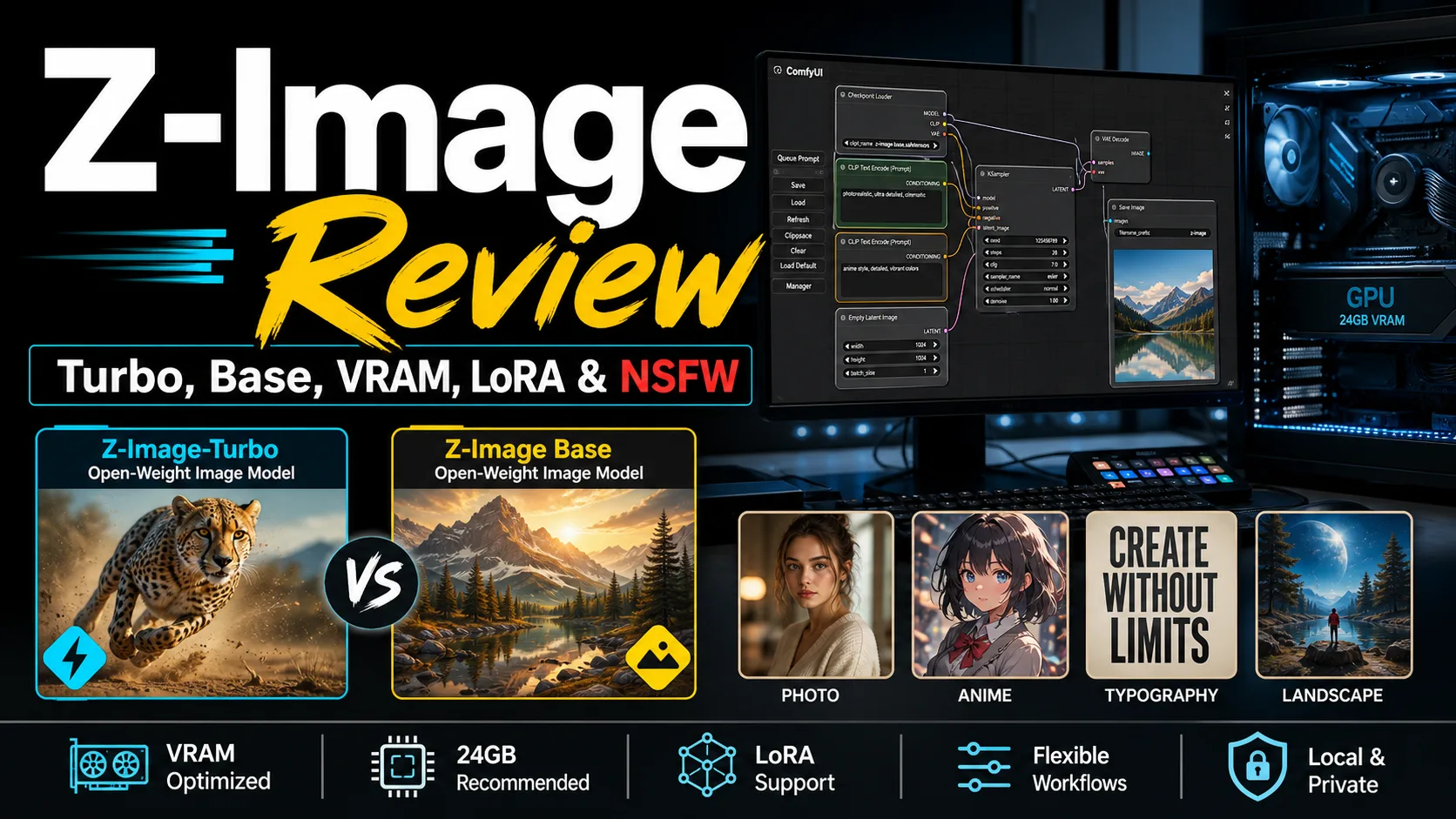

Z-Image is an open-weight image generation model family from Tongyi-MAI, with Z-Image-Turbo and Z-Image Base as the two most important versions. It is popular among local image generation users because it combines relatively efficient generation, ComfyUI-friendly workflows, LoRA potential and a permissive Apache-2.0 license.
The short verdict: Z-Image-Turbo is the practical version for people who want fast results in a local workflow, while Z-Image Base is better for deeper testing, LoRA training and derivative checkpoints. It is not a polished consumer website, but it is a strong option for users who want control.
Because it can be run locally, Z-Image should also be discussed honestly in terms of NSFW use. A local workflow may not include automatic cloud moderation, so content filtering, legal compliance, platform rules and output review become the user’s responsibility.
Table of Contents
What Is Z-Image?
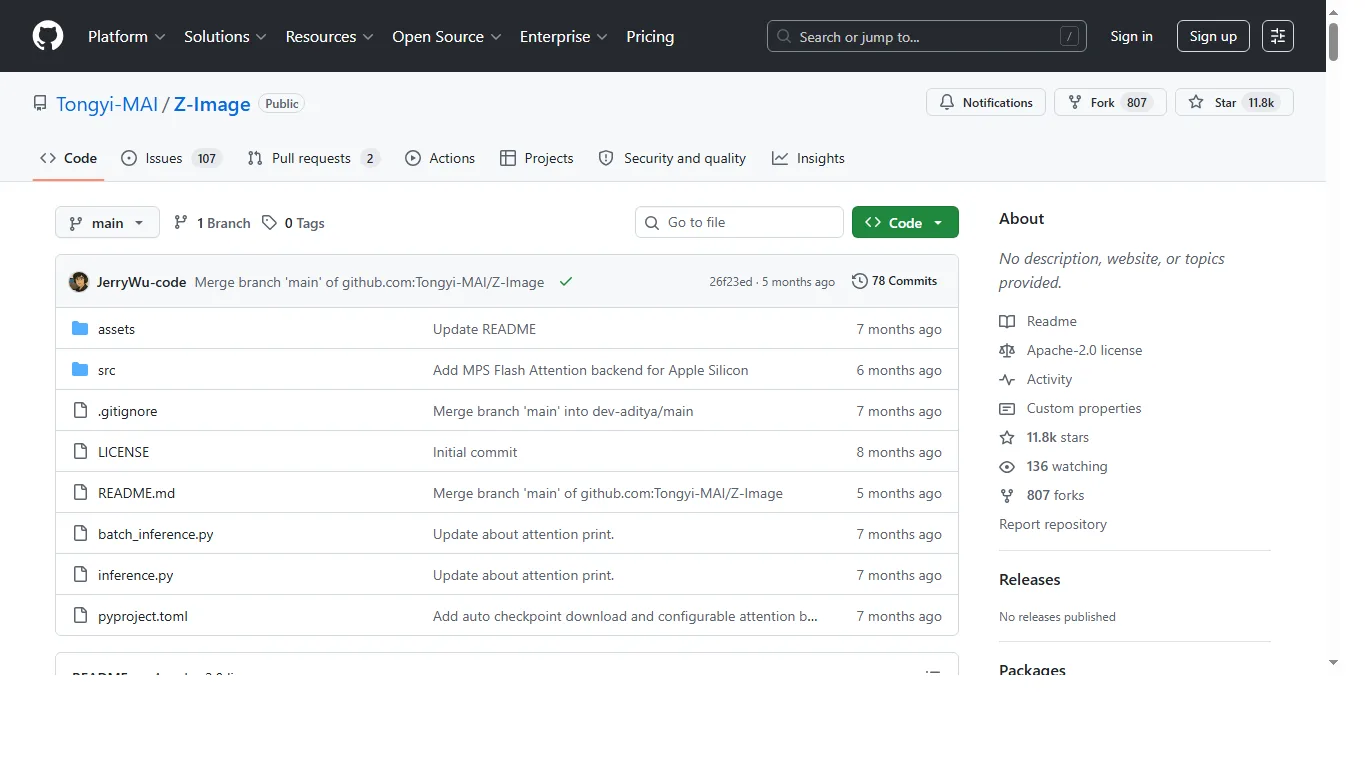
Z-Image is described as a high-efficiency image generation foundation model family. On Hugging Face, users can find both Z-Image-Turbo and Z-Image Base, with Diffusers and Safetensors-style model distribution.
Its appeal is clear: it gives local image generation users another serious model family to compare with FLUX-derived workflows, SDXL anime models, proprietary tools and newer Chinese image models. It is especially interesting if you want to test speed, text rendering, LoRA behavior and low-VRAM workflows.
Z-Image-Turbo vs Z-Image Base
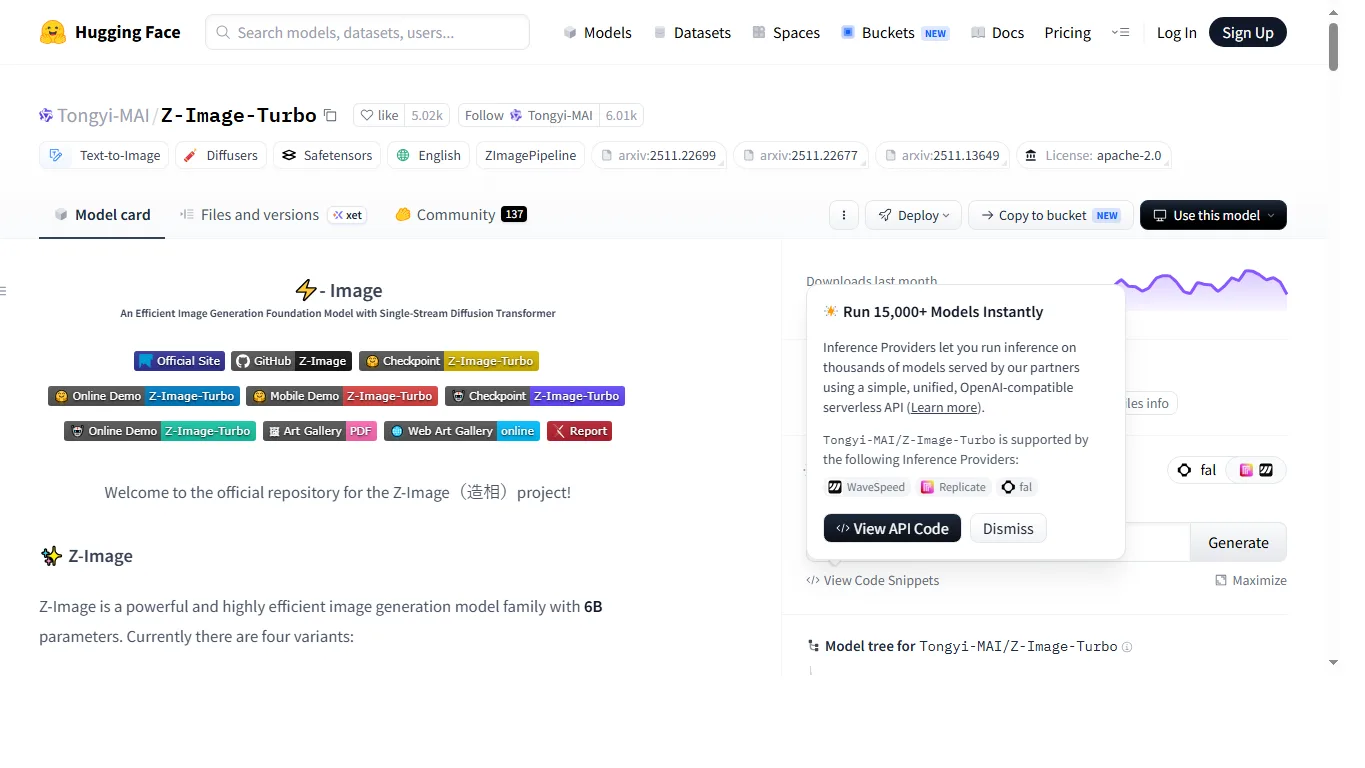
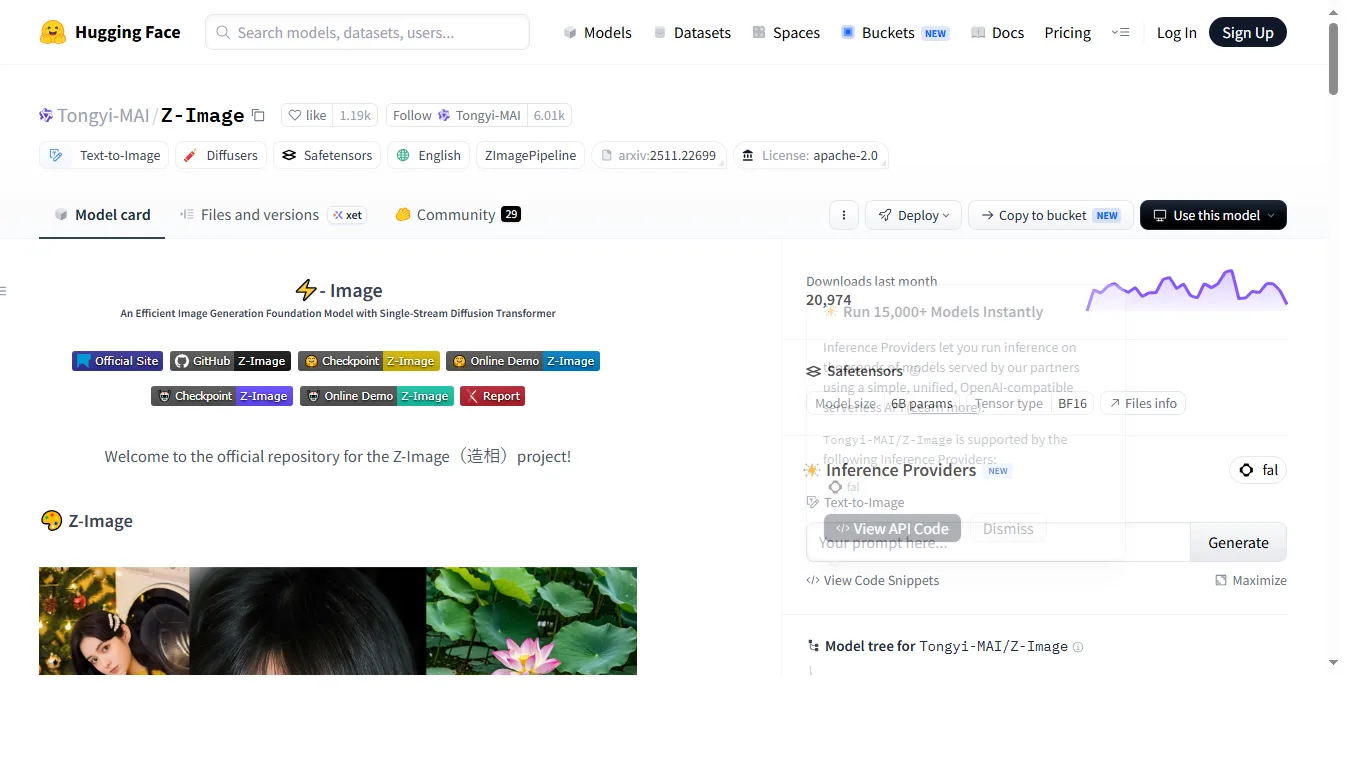
| Version | Best for | Reader takeaway |
|---|---|---|
| Z-Image-Turbo | Fast preview generation, prompt comparison, lower-step workflows. | Start here if you want usable results quickly. |
| Z-Image Base | Quality testing, LoRA training, derivative checkpoints and research. | Use it when you want to build or compare deeper workflows. |
VRAM Requirements
VRAM depends on resolution, precision, batch size, quantization, VAE, LoRA files and ComfyUI implementation. In practical testing, Z-Image-Turbo can run on a 10GB VRAM PC with lighter settings. That makes it more approachable than models that effectively require 16GB or 24GB just to start.
| Setup | VRAM guide | Comment |
|---|---|---|
| Z-Image-Turbo light workflow | 10GB can be workable | Use modest resolution, low batch size and efficient settings. |
| Z-Image-Turbo stable use | 16GB or more is safer | Better for longer sessions, higher resolution and LoRA testing. |
| Z-Image Base | 24GB class is more comfortable | More suitable for serious experiments and training-related workflows. |
| Quantized / FP8 / GGUF variants | 10-16GB may be possible | Quality and compatibility vary by implementation. |
Hands-on Review
Z-Image-Turbo is attractive because it makes iteration feel fast. You can test a prompt, adjust tags, compare a LoRA and move through seeds without waiting as long as with heavier image models. That speed matters when the goal is not one perfect image but many comparisons.
The output can work for anime, illustration, photo-like scenes and short text experiments, but strict English typography still needs manual checking. For serious design work, treat Z-Image as a generator for the visual base and refine logos, headlines and layout text in a dedicated editor.
NSFW and Safety
Z-Image is not the same as a cloud image generator with fixed service moderation. When used locally, NSFW prompts and outputs are controlled mainly by the workflow, add-ons and user behavior. This gives more freedom, but it also means more responsibility.
Avoid underage-looking subjects, non-consensual sexual content, real-person abuse, impersonation, private images, trademark misuse and copyrighted character misuse. If you publish images on Civitai, social platforms, client websites or app stores, follow the rules of those platforms even if the local model itself does not block the prompt.
LoRA and Community Resources
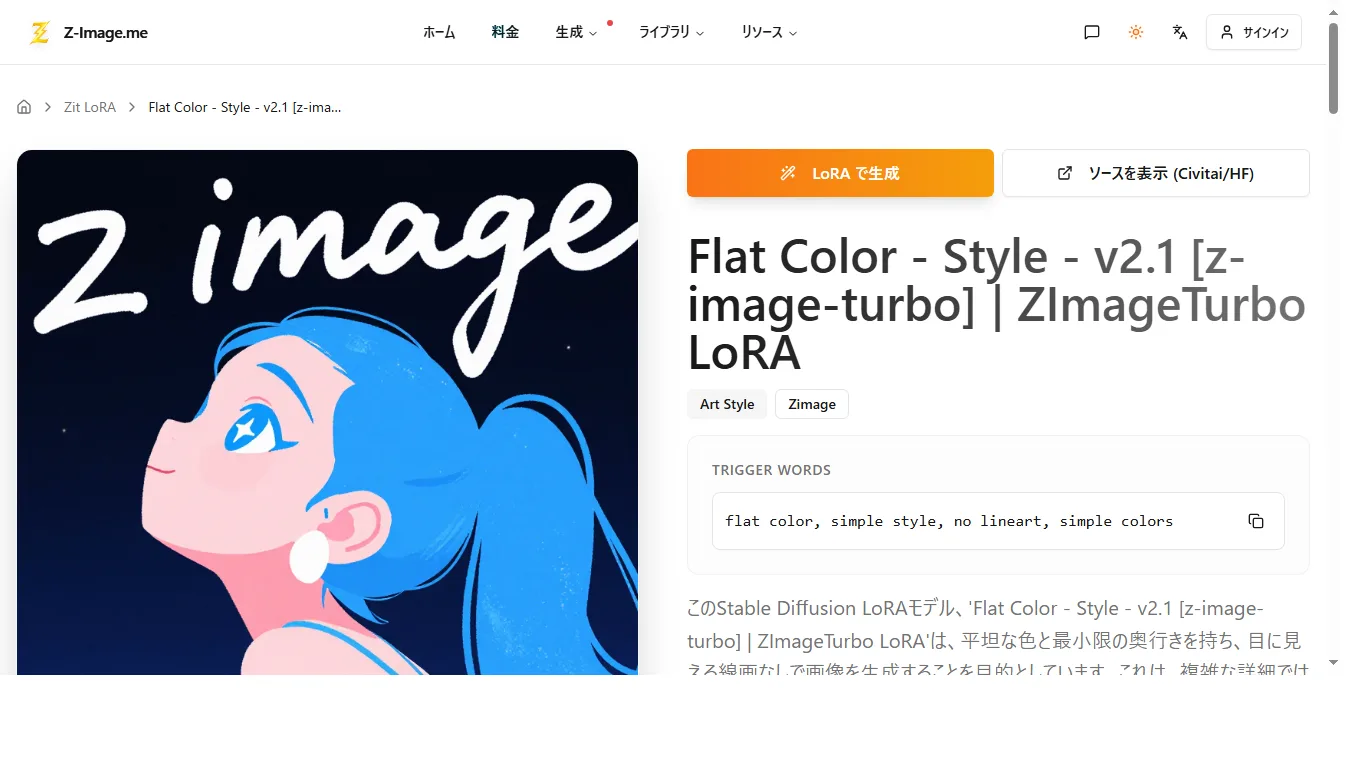
Community resources around Z-Image include official checkpoints, quantized versions, FP8/GGUF experiments, style LoRA files and derivative checkpoints. If you use Civitai search for Z-Image or Hugging Face search, look at the base model, sample prompts, trigger words, license and recommended strength before downloading.
For a practical first setup, start with the official Turbo model, then add one LoRA at a time. If you stack multiple LoRA files immediately, it becomes hard to know which one improved or damaged the output.
Recommended Settings
- Fast testing: begin with Z-Image-Turbo, low batch size and around 8 steps when using a Turbo-optimized workflow.
- Quality testing: increase resolution and steps gradually after finding a good seed.
- LoRA testing: start around 0.4-0.8 strength and compare with the same seed.
- Low VRAM: use smaller resolution, avoid multiple ControlNet-style add-ons and test quantized variants carefully.
FAQ
Is Z-Image open source?
The official model is released as open weights under Apache-2.0, which is permissive. That said, derivative models and LoRA files may have their own licenses.
Can Z-Image run on 10GB VRAM?
Z-Image-Turbo can be usable on a 10GB VRAM PC with lighter settings. For stable high-resolution work, 16GB or more is more comfortable, and Base workflows can benefit from 24GB-class GPUs.
Does Z-Image have an NSFW filter?
Local use does not necessarily include an automatic cloud NSFW filter. Users need to manage safety, legality and platform rules themselves.
Should beginners use Turbo or Base?
Most beginners should start with Z-Image-Turbo because it is faster and easier to evaluate. Base is better when you want to train LoRA or compare model behavior deeply.
Summary
Z-Image is one of the more interesting open-weight image model families for local generation users. Turbo is practical and fast, while Base gives more room for experimentation and community development.
The main tradeoff is that local freedom comes with operational responsibility: VRAM tuning, workflow setup, LoRA compatibility, licensing and NSFW safety all need attention. If that sounds acceptable, Z-Image is a strong model to add to your local image generation toolkit.
References
Related Reviews
Gemma 4 Review: Local Setup, GPU Requirements and NSFW / Uncensored Models

Dolphin 3.0 Review: Uncensored Local LLM for NSFW, Roleplay and Coding
ERNIE-Image Review: Open-Source Image AI, LoRA, Local Setup and NSFW Policy

Qwen Image Edit Review: Text Editing, Inpainting, ComfyUI and NSFW Policy
NoobAI XL Review: VRAM, LoRA, V-Pred, Prompts and NSFW Local Use
Nucleus Image Review: 17B Sparse MoE, Local Setup, NSFW Support, and Apache 2.0 Open Weights