Qwen Image Review: 3.0 vs 2.0, LoRA/GGUF, and NSFW Support
Qwen Image is one of the most interesting image generation families for people who care about text rendering, dense layouts, realistic detail, and local experimentation….
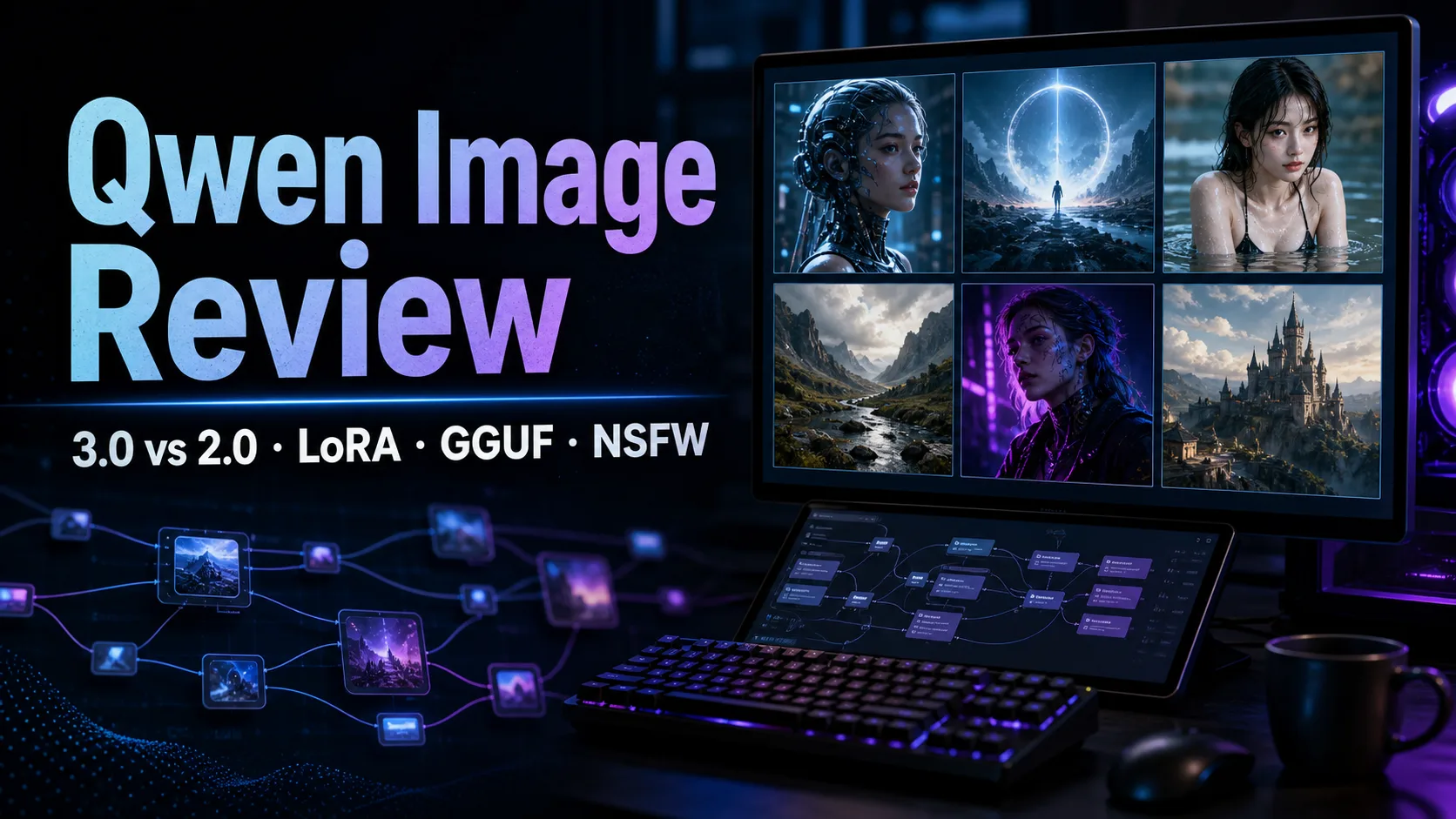

Qwen Image is one of the most interesting image generation families for people who care about text rendering, dense layouts, realistic detail, and local experimentation. Qwen-Image-3.0 is the newest official generation, focused on more realistic visuals, long prompts, complex compositions, and multilingual text-heavy images.
The important caveat is availability. Qwen-Image-3.0 is an official Chat/API model, not a public local weight release at the time of writing. Qwen-Image-2.0 is also presented as a newer generation in official materials, but the downloadable local ecosystem is still centered around Qwen-Image, Qwen-Image-2512, Qwen-Image-Edit, GGUF conversions, and community LoRAs.
That means the best choice depends on your goal: use Qwen Chat or Alibaba Cloud Model Studio for the newest official model, or use the open weights and GGUF/LoRA ecosystem if you want local control in ComfyUI.
Table of Contents
Quick Take
If you want the best official quality, start with Qwen Chat or Alibaba Cloud Model Studio API, where Qwen-Image-3.0 models such as qwen-image-3.0-pro and qwen-image-3.0 are the most relevant options.
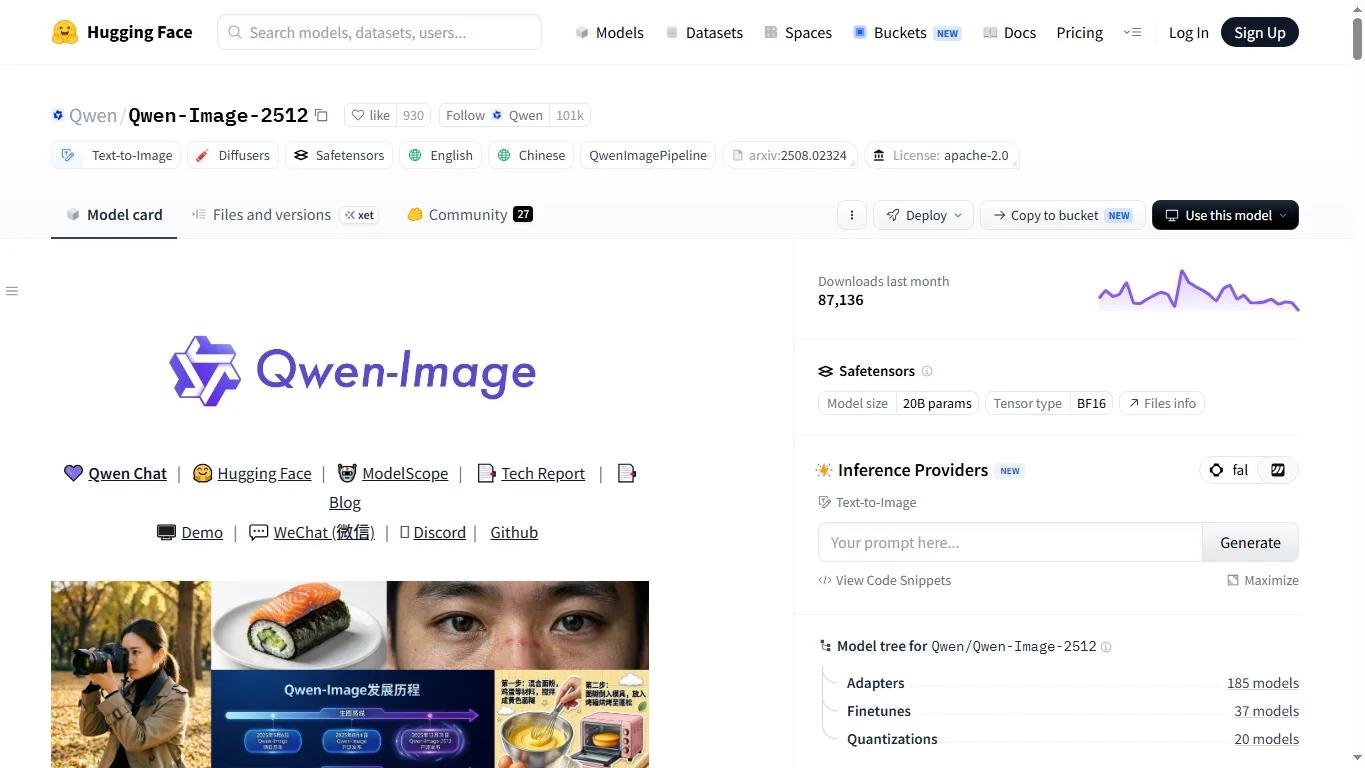
If you want to run locally, the practical downloads are Qwen/Qwen-Image, Qwen/Qwen-Image-2512, Qwen/Qwen-Image-Edit, and GGUF conversions such as unsloth/Qwen-Image-GGUF or QuantStack/Qwen-Image-GGUF.
For editing workflows, also see our Qwen Image Edit review.
Qwen Image Versions Compared
| Model | Role | How to Use | Local Weights | Best For |
|---|---|---|---|---|
| Qwen-Image-3.0 | Newest official generation for realism, long prompts, and dense layouts | Qwen Chat / Model Studio API | Not publicly released | Realistic visuals, posters, menus, newspapers, educational layouts |
| Qwen-Image-2.0 | Official newer generation focused on unified generation and editing | Qwen Chat / API | Official HF weight page should be checked carefully | Users who want one model family for generation and editing |
| Qwen-Image-2512 | Practical open local candidate | Hugging Face / ComfyUI | Available | Local generation, LoRA, ComfyUI testing |
| Qwen-Image | Original 20B image generation model | Hugging Face / Diffusers | Available | Text rendering and design-like images |
| Qwen-Image-Edit | Dedicated image editing model | Hugging Face / ComfyUI | Available | Text replacement, local edits, object-preserving changes |
The Qwen Image family became popular because it is unusually strong at images that contain text and structured information. Instead of only making pretty illustrations, it can be useful for signs, posters, UI-like layouts, menus, comparison tables, and instruction-heavy compositions.
Qwen-Image-3.0
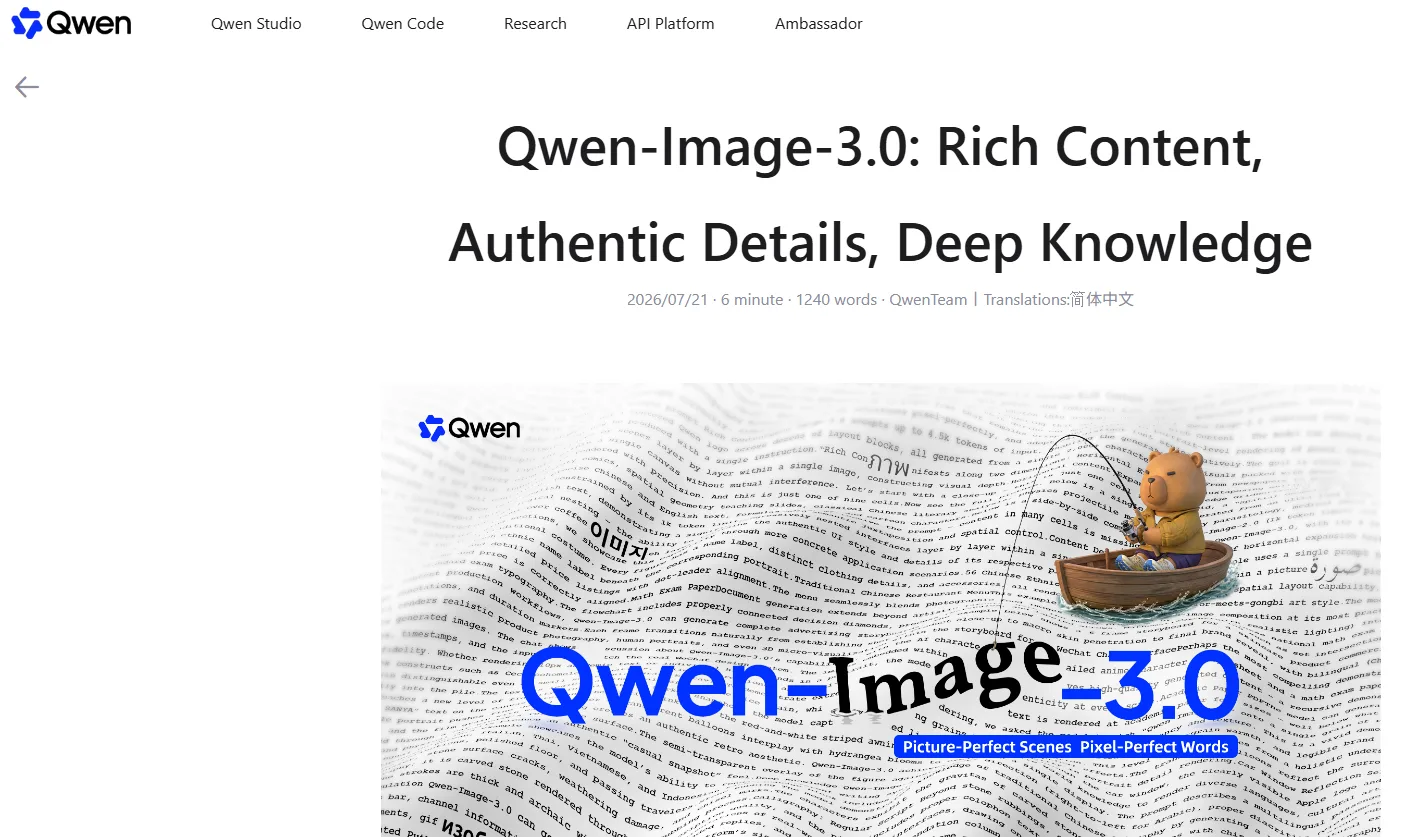
Qwen-Image-3.0 is positioned around “Rich Content, Authentic Details, Deep Knowledge.” In practice, that means more realistic material detail, better handling of long and specific prompts, and stronger composition for images with many visual elements.
The most interesting use case is not just a single beautiful image, but an image that needs text, structure, and reasoning: a menu board, a newspaper page, a study sheet, a product poster, or a multi-panel storyboard. These are still difficult for many image models, especially when the layout is dense.
The limitation is access. Qwen-Image-3.0 is currently an online/API model, so local ComfyUI users should not assume they can download the same weights.
Qwen-Image-2.0 and Open Weights
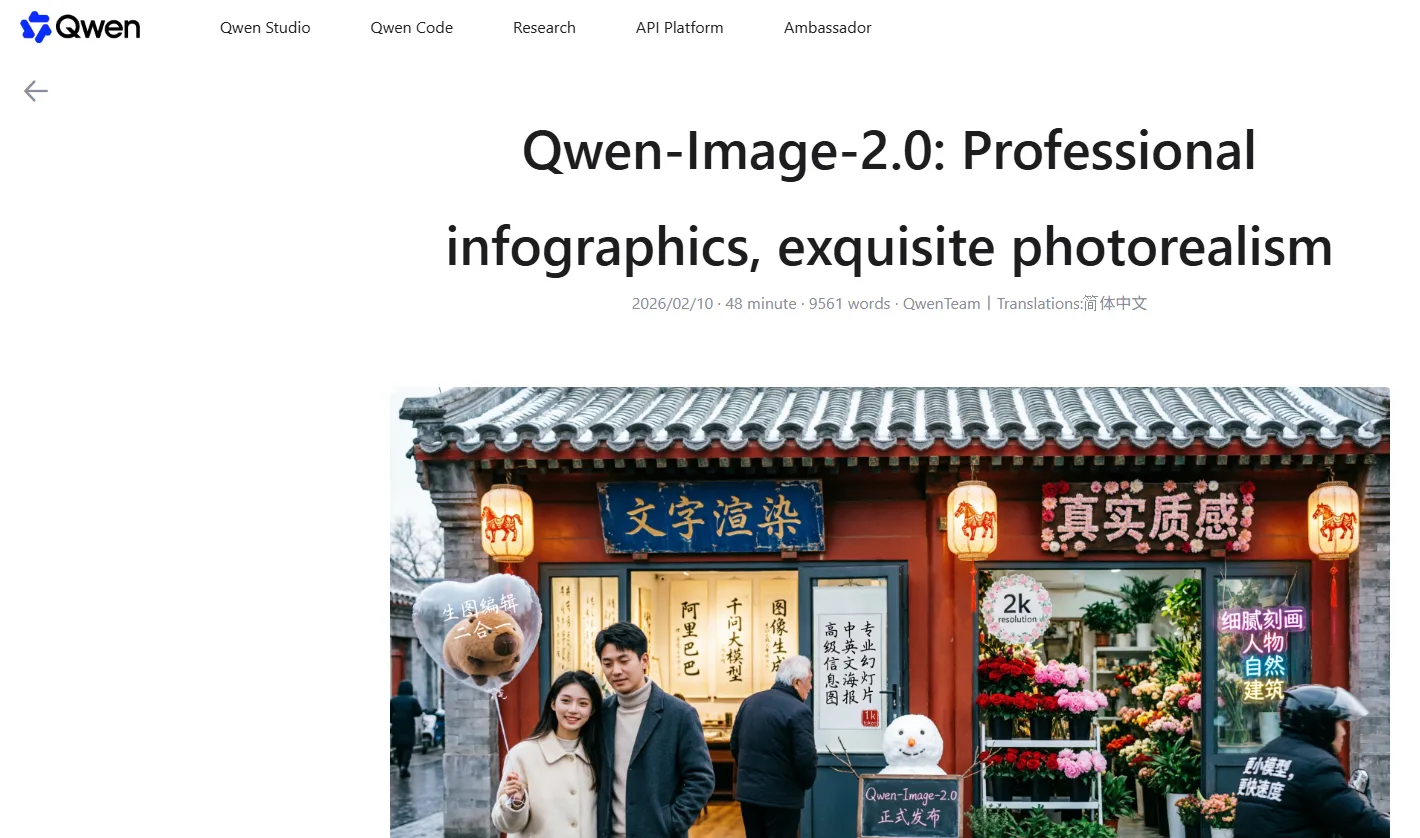
Qwen-Image-2.0 is described as a newer generation with better professional infographic ability, photorealism, and unified generation/editing behavior. It is relevant if you use Qwen Chat or the official API.
For local users, however, the public download situation should be described carefully. The most clearly available local downloads are Qwen-Image, Qwen-Image-2512, Qwen-Image-Edit, GGUF conversions, and LoRA resources. If a new official 2.0 weight page appears, check its license, base model, and required VRAM before building a workflow around it.
Download Links and GGUF Versions
| Purpose | Link | Notes |
|---|---|---|
| Original image model | Qwen/Qwen-Image | 20B generation, strong text rendering |
| 2512 generation | Qwen/Qwen-Image-2512 | Practical local candidate for people and texture quality |
| Image editing | Qwen/Qwen-Image-Edit | Local edits, text changes, object-preserving workflows |
| API | Model Studio Qwen Image API | Official online route for newer models |
| GGUF | unsloth/Qwen-Image-GGUF | Lower-VRAM ComfyUI option |
| GGUF | QuantStack/Qwen-Image-GGUF | Alternative quantized builds |
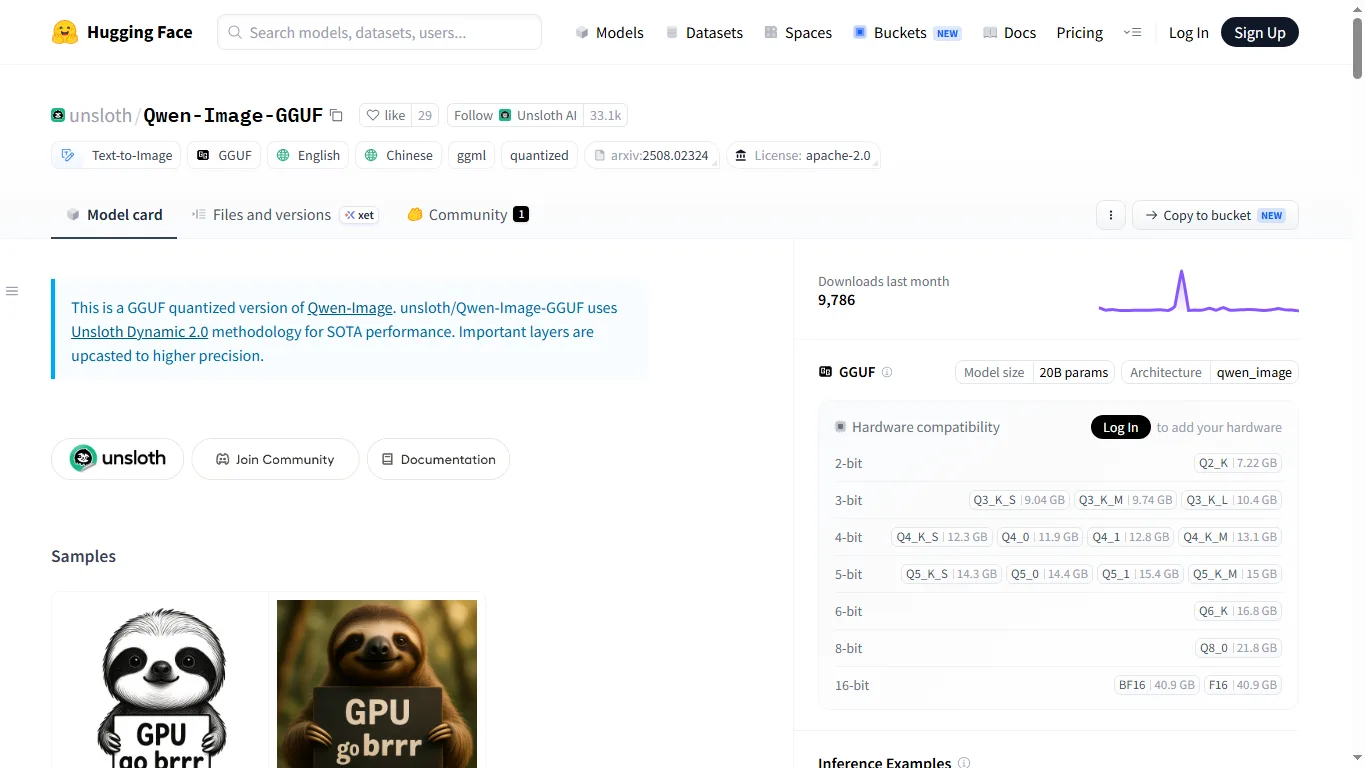
GGUF builds trade some precision for lower memory use. Q8/Q6 keeps more quality but needs more VRAM, Q5/Q4 is often a better balance, and Q3/Q2 is mostly for constrained setups or experiments.
Recommended LoRA and Speedups
| Resource | Link | Notes |
|---|---|---|
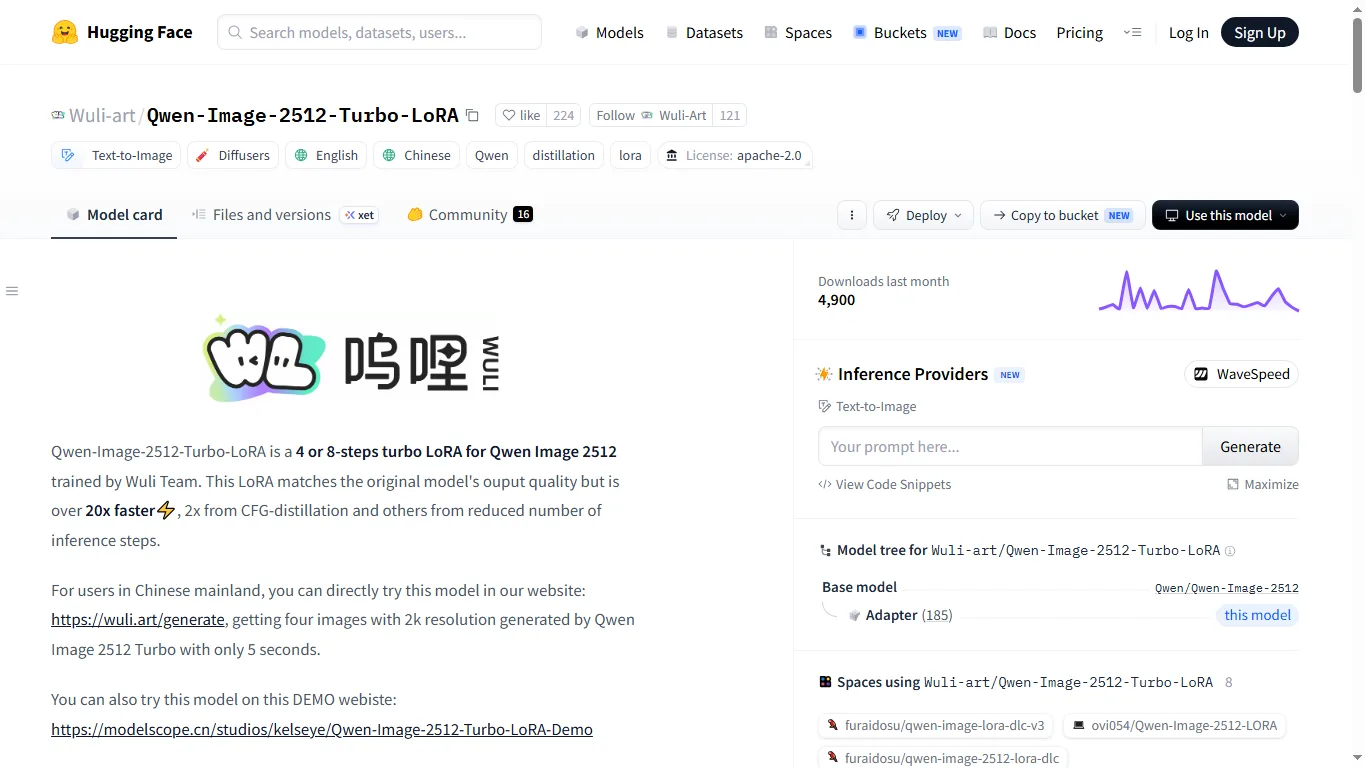
| Wuli-art Qwen-Image-2512 Turbo LoRA | Hugging Face | 2/4/8-step speedup target for ComfyUI workflows |
| Lightning / LightX2V LoRAs | Hugging Face search | Useful for low-step generation, but compatibility varies |
| Civitai.red Qwen Image LoRAs | Civitai.red search | Style, realism, anime, and character-focused LoRAs |
ComfyUI Setup and VRAM
In ComfyUI, local Qwen Image workflows usually depend on the specific weight format you choose. Standard weights use normal model loaders or dedicated community nodes, while GGUF builds require ComfyUI-GGUF support.
| GPU Class | Expectation | Suggested Direction |
|---|---|---|
| 24GB+ | Comfortable | Higher precision, larger resolution, more complex prompts |
| 16GB | Practical | Q6/Q5, moderate resolution, offload when needed |
| 12GB | Needs tuning | Q5/Q4, low batch, Turbo/Lightning LoRA |
| 8GB | Experimental | Q3/Q2, lower resolution, low-step LoRA, longer wait times |
NSFW Support
Official Qwen Chat and Model Studio API routes apply platform safety rules. Adult content, real-person sexualization, underage-looking characters, non-consensual edits, violence, and rights-violating content may be restricted.
Local open-weight and GGUF workflows do not have the same centralized server-side filter, but that does not make every output safe to create, publish, or sell.
Qwen Image also has an active adult-oriented local community, mostly around the 20B generation and related edit checkpoints. Useful starting points include starsfriday/Qwen-Image-NSFW, NaturalBeauty Qwen, QWEN 4 PLAY by DR34MSC4PE, META / SNOFS community LoRAs, and Phr00t Qwen-Image-Edit-Rapid-AIO-NSFW variants.
Most of these resources are intended for local workflows rather than official filtered API use. Before using them, check the target base model, license, recommended settings, and content restrictions on the model page. Local freedom does not remove legal or platform risk, especially around real people, non-consensual edits, underage-looking characters, and commercial redistribution.
Comparison With Other Image Models
| Model | Strength | Weakness | Best For |
|---|---|---|---|
| Qwen Image | Text, layout, dense prompts, practical design images | Newest 3.0 is API-first; local naming can be confusing | Posters, menus, infographics, text-heavy images |
| Ideogram | English typography and logo-like design | Less local control | Online text-design generation |
| Seedream | Photoreal commercial visuals | Official online/API use is central | Product and ad imagery |
| NovelAI V5 | Anime, manga, character control, permissive NSFW platform | Not mainly a corporate layout model | Anime and manga workflows |
| SDXL / Illustrious / NoobAI | Local freedom, LoRA ecosystem, NSFW flexibility | Text rendering needs more work | Local customization |
FAQ
Can I run Qwen-Image-3.0 locally?
Not as the official 3.0 weights at the time of writing. Use Qwen Chat or Model Studio API for the newest model.
Is Qwen-Image-2.0 open source?
Official materials describe the 2.0 generation, but local users should verify whether an official weight page is available. The clearly usable local ecosystem centers on Qwen-Image, Qwen-Image-2512, Qwen-Image-Edit, GGUF builds, and LoRAs.
What is the easiest local option?
Qwen-Image-2512 is a practical starting point for standard local use, while GGUF builds are better for lower VRAM setups.
Can an 8GB GPU run it?
It can be possible with low-bit GGUF, lower resolution, CPU offload, and low-step LoRAs, but it is experimental rather than comfortable.
Is Qwen Image good at text?
Yes, text and dense layout are key strengths, although Japanese text can still need cleanup or editing depending on prompt length and image complexity.
How is it different from Qwen Image Edit?
Qwen Image is mainly for generation, while Qwen Image Edit is better for modifying an existing image, replacing text, and preserving the subject during local edits.
References
- Qwen-Image-3.0 official blog
- Qwen-Image-2.0 official blog
- Alibaba Cloud Model Studio Qwen Image API
- Qwen/Qwen-Image-2512
- unsloth/Qwen-Image-GGUF
- Wuli-art Qwen-Image-2512 Turbo LoRA
Conclusion
Qwen Image is strongest when the image needs more than style: text, structure, layout, and specific visual reasoning. Qwen-Image-3.0 is the best official route for the newest quality, while local users should focus on Qwen-Image-2512, Qwen-Image, Qwen-Image-Edit, GGUF builds, and LoRA resources.
If your priority is professional posters, menus, study sheets, product graphics, and text-heavy visuals, Qwen Image is worth testing. If your priority is full local freedom, check the exact weight, license, VRAM requirement, and LoRA compatibility before building a workflow.
Related Reviews
The 5 Best Image Watermark Remover AI Tools in 2026

Best 5 SEO Tools in 2026: Detailed Features, Use Cases, Pros and Cons
Pony V7 Review: AuraFlow, LoRA Ecosystem, V6 Comparison, and NSFW Strengths

Claude Fable 5.1 / Mythos 5.1 Review (2026): Pricing, API, NSFW and GPT–Gemini Comparison
Best 5 Vibe Coding Tools Of 2026
Best AI Tools to Win January 2026: Top AI Tools to Start the Year Strong