Seedream 5.5 Review: Editing, AI Model Comparisons, Pricing and NSFW Support
Seedream 5.5 reviewed: multi-turn editing, transparent assets, text, pricing, NSFW limits and comparisons with GPT Image 2.6 and Nano Banana 2.1.
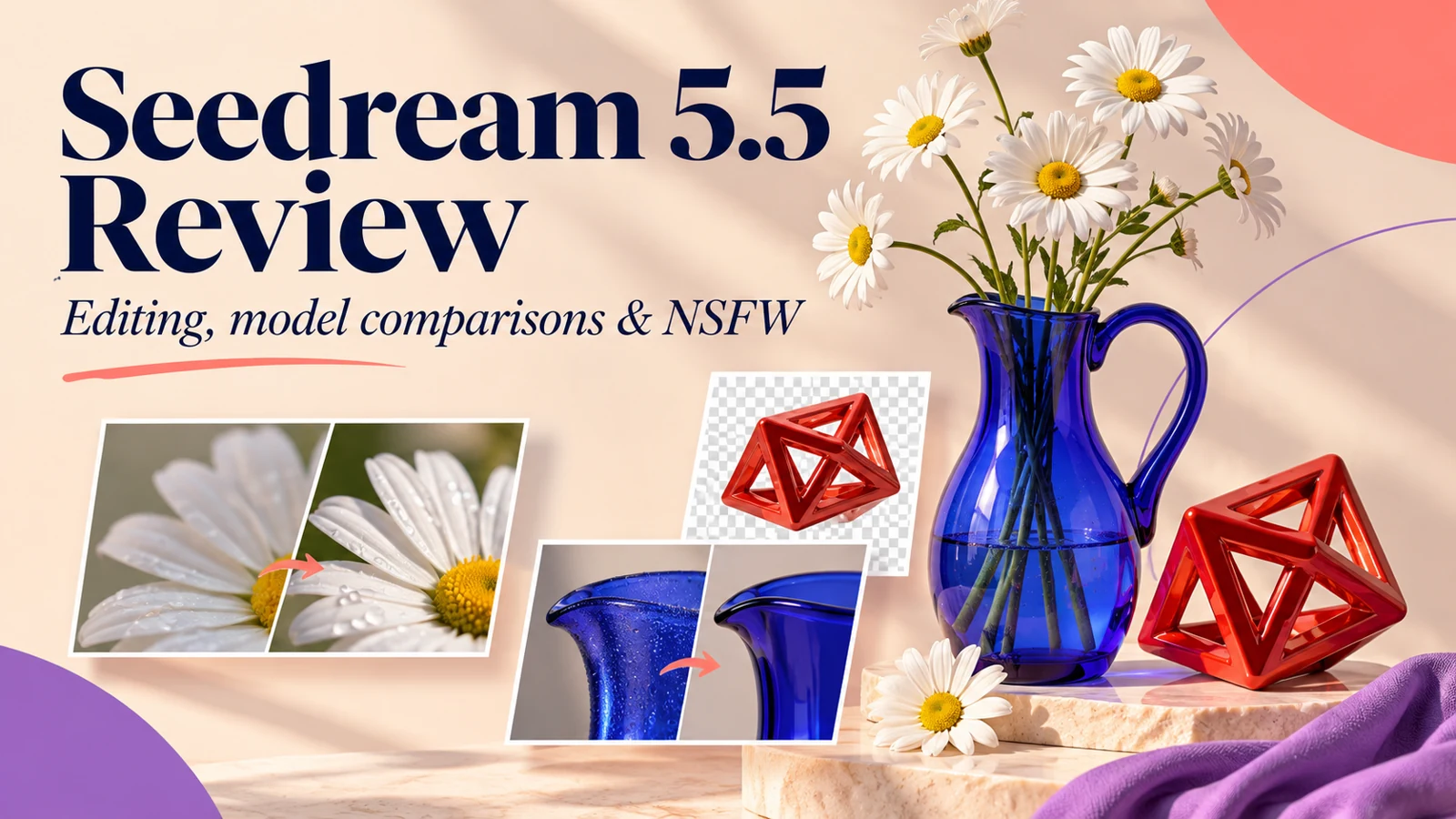

Seedream 5.5 looks most useful when an image must survive several revisions: a product shot whose label must stay intact, a character reused across layouts, or an isolated asset for a design. Its strongest new proposition is the combination of targeted editing, native transparency and improved realism. It is worth evaluating for those workflows, but the launch demonstrations do not establish perfect preservation on every image or a universal win over other generators.
ByteDance announced the model on November 9, 2026. It generates and edits still images; it is not Seedance video generation. Access, billing and moderation depend on the app or API host. There is no verified basis for describing the official service as an uncensored NSFW generator.
Updated November 10, 2026: this Seedream family review now covers 5.5, its rollout and comparison with online alternatives.
Seedream 5.5 official model page
What changed in 5.5
The official release emphasizes three upgrades: more stable repeated edits, native RGBA output and more natural photographs with clearer small text. In a vendor demonstration, each output feeds the next edit for 100 rounds while clothing, accessories and objects change. That is a useful preservation demonstration, not a 100-edit guarantee, a free-usage allowance or proof that every untouched pixel survives any request.
RGBA adds an alpha channel, including partial transparency. It can help create stickers, product assets and compositing elements without a separate background-removal pass. A rendered checkerboard is not transparency: the downloaded file must actually contain alpha values. Likewise, a transparent background does not prove that glass within the subject transmits the background correctly.
The launch text names a future Seedream 5.5 Pro, without a confirmed release date or specification. Do not apply the older 5.0 Pro label, limits or API identifier to 5.5. No official downloadable checkpoint or consumer-VRAM requirement was established in the sources checked; plan around an online service rather than assuming local ComfyUI or LoRA support.
Realism, text and the limits of the official benchmarks
ByteDance’s production evaluation covers e-commerce, marketing, film/TV, gaming, office work and fashion. Its MagicArena evaluators judged usability and quality; these remain vendor-organized results. The reported 0.4% severe and 1.7% minor text-corruption rates concern its Chinese/English test set, not a guarantee for every word or every supported language. The +55.62% image-to-image realism GSB result is a comparative preference metric, not 55.62% more accurate pixels.
The comparison names GPT Image 2.5 Sunburst and Nano Banana 2.1. OpenAI now documents GPT Image 2.6, so the launch chart cannot settle a contest against every current model. Published samples are also selected examples. Examine label spelling, hands, reflections, contact shadows and unwanted branding, rather than treating more pores or less gloss as a complete quality measure.
For multilingual artwork, give the exact text, line breaks and text to preserve. Chinese/English testing does not establish Japanese kanji, Traditional Chinese variants, French accents or German compound-word layout. For publication-critical copy, retaining editable text in a design app is safer than relying entirely on rasterized lettering.
What outside tests and user feedback actually show
Promptif’s November 9 evening update describes 35 WaveSpeedAI images: 28 generations and seven successive portrait edits. It reports US$0.77 total and a median 25.4 seconds, with individual runs taking 12.6–41 seconds. These are that publisher’s observations through one host, not AirMore measurements or an official latency SLA. Most prompts were tried once.
The informative failures matter more than a headline score. The report found real alpha in four outputs, but three transparent-material attempts did not make the glass transmit the background. It also describes an ignored smile request, unsolicited text/branding and errors in dense newspaper copy. These results suggest testing alpha and instruction-following separately instead of assuming both from a clean cutout.
Launch-day Reddit discussion is largely news sharing and promotion; older complaints about Seedream 4.x or 5.0 cannot be assigned automatically to 5.5. There is not yet enough independently reproduced community evidence to estimate reliability across hosts. The outside publisher also carries affiliate promotions; its disclosed examples are useful, but it is not a neutral laboratory or a blind large-scale benchmark.
Where to try it, price signals and practical costs
The BytePlus product page explicitly lists Seedream 5.5 and advertises pricing starting at US$0.02 per image. It also lists first-purchase packs of 700, 1,800 and 3,500 images, valid for 30 days without extending unused quota. That is a product-page offer, not confirmation that every account, resolution, edit or region has the same final rate. Check that the selected model actually says 5.5; a generic Seedream button can still expose another version during rollout.
IT Home reports rollout across Jimeng, Doubao, Doubao Work and Volcano Ark in China, and quotes approximately CNY0.28 for a 2K square edit with separate input/output image charging. This is reported regional pricing, not a universal dollar rate. The WaveSpeedAI test reports US$0.02 for small generation, US$0.027 for its 2K generation and US$0.028 for a one-input edit. Treat those as dated host-specific observations; do not mix them into an official unified tariff.
As a simple budgeting illustration, 100 outputs at US$0.02 would be US$2 before extras, retries, taxes and input charges. If only 70 are accepted, the effective cost per usable image becomes about US$0.029. This is arithmetic, not a measured success rate. Long edit chains consume additional requests; keep a checkpoint and rerun a bad step rather than blindly continuing 100 times. An exact public 5.5 model identifier, universal maximum size and guaranteed queue time were not established here.
Comparison with mainstream online image models
Compare the actual model, host, resolution and quality setting, not only service names. A ChatGPT subscription is not API credit, and a Gemini app limit is not the same as a third-party API allowance. The entries below compare documented workflows, not a new AirMore head-to-head quality ranking.
GPT Image 2.6 Sunburst / Flare
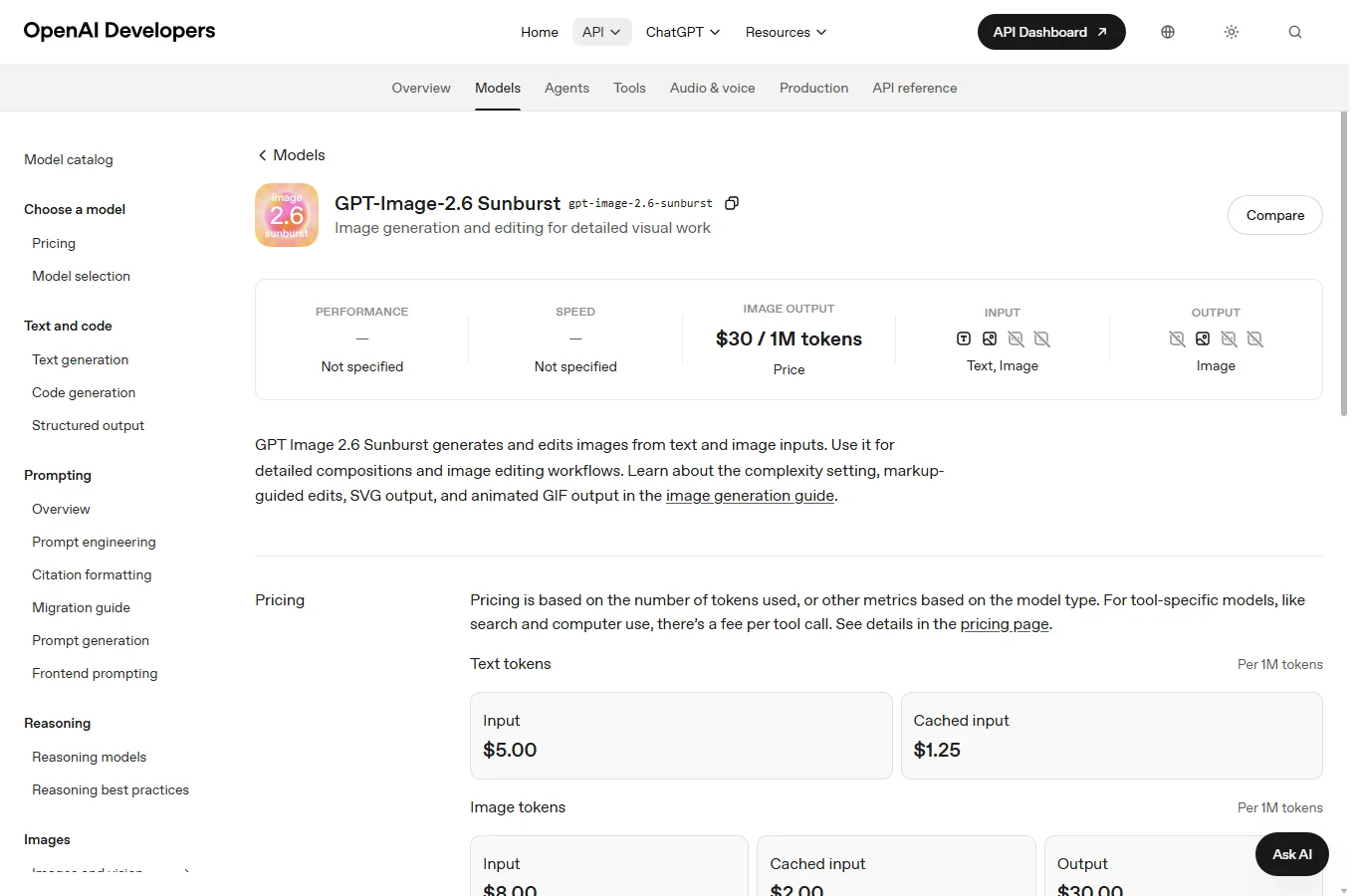
OpenAI’s current documentation lists generation and reference-based editing for the 2.6 family, with transparent asset workflows. Sunburst and Flare are distinct choices; preserve the exact model and quality tier when comparing. GPT Image already provides an alpha workflow, so native transparency is not unique to Seedream.
Prefer comparing this route when an existing OpenAI image workflow, explicit background/output controls and integration matter. Seedream’s vendor chart used 2.5 Sunburst, not 2.6. In Promptif’s five shared text prompts, the publisher reports one character error for GPT Image 2.6 Sunburst high versus two for Seedream, with differing costs. Five prompts cannot establish a universal winner, and these are outside measurements, not our tests.
Official documentation — GPT Image 2.6 Sunburst / Flare
Nano Banana 2.1
Google documents text/image input and image/text output for Nano Banana 2.1, with generation, editing and reference-based composition. It is a relevant comparison for conversational revisions and combining subjects. Access and limits differ between Gemini, AI Studio and other hosts; verify the actual selected image model rather than assuming a chat-model label fixes it.
Seedream’s own comparison includes 2.1, but no evidence here establishes a 100-edit lossless guarantee for Google or proves it lacks a feature merely absent from a demo. Compare subject identity, requested edit completion, layout and language on your own references. A transparent-background prompt should be checked at file level rather than assumed to produce alpha on every Google surface.
Official documentation — Nano Banana 2.1
NSFW support: official policy versus reseller claims
NSFW is not one capability. Non-explicit fashion, suggestive presentation, artistic nudity and explicit sexual material can trigger different rules. BytePlus’s current acceptable-use policy restricts sexually explicit material and non-consensual intimate imagery. It is therefore inappropriate to recommend official Seedream 5.5 as an unrestricted adult-content service. The exact enforcement boundary of each official app and each account has not been independently measured here.
A commercial reseller advertises a no-refusal 5.5 test dated November 7—before ByteDance’s November 9 announcement—and its related pages give inconsistent sample totals. A pre-launch date is not itself proof of deception, but without independently verified endpoint identity, access history and reproducible conditions, those figures cannot establish general 5.5 support. A vendor selling the endpoint is also not an independent evaluator. We do not reproduce its ‘freedom score’ or promise a success percentage.
A filter result on one host does not tell you what Dreamina, BytePlus or another reseller permits. Conversely, a false-positive block on 5.0 does not prove a 5.5 defect. For an ordinary permitted edit that is refused, make the intended non-explicit change clear or contact the host; do not rely on bypass instructions. Use only authorized references, avoid intimate edits of real people without consent, and check rejected-request billing before funding a large balance.
A useful first project and acceptance checks
Start with an original product image and a small request: ‘Change only the background to warm gray; preserve the bottle shape, label text, cap, framing and lighting on the product.’ This is an illustrative brief, not a tested guarantee. Save the original and first result. Then request one label-free prop change and one lighting change separately, comparing each step with the previous output and the original.
For an isolated asset, request transparent output and download a format that preserves alpha when the host offers it, such as PNG. Place it over black, white and a saturated color to reveal halos; test glass and shadows separately. Ask for a short local-language label and proofread the download at full size. A PNG extension alone does not prove partial transparency works.
Before judging a service, record exact version, host, dimensions, number of references, quality setting, final charge and end-to-end time. Verify output size, color drift, repeated-edit degradation, text, anatomy and exports. Use a few repeated examples for any important conclusion. Protect confidential references: an online API receives the images you upload, and account/host terms determine retention and permitted commercial use. No blanket no-training or privacy promise is established for every Seedream host.
Who should switch—and who should wait
Evaluate 5.5 if repeated local edits and reusable transparent assets are central to your work. Keep a working 5.0 Pro workflow until the new endpoint reproduces your actual labels, subjects and export requirements; launch claims alone do not justify replacing a reliable production route.
For conversational image work, compare Nano Banana 2.1 and GPT Image 2.6 with the same small brief. For alpha-critical production, validate the downloaded file rather than the preview. If NSFW generation is your main requirement, the evidence and official policy do not support calling Seedream 5.5 an uncensored recommendation. Choose on verified usable outputs, actual charges and the host’s rules, not on a single dramatic demo.
Scope: substantial update on November 10, 2026, based on official documentation, outside reporting and a limited published user test. AirMore did not run paid Seedream generations or an independent model benchmark. External results and vendor claims are distinguished. AI assisted research, writing, localization and the editorial cover; the cover is not Seedream output.
Related Reviews
FLUX 3 Review: Image, Klein, Local Hardware and Real Editing Limits

Step 5 Preview Review: Pricing, API Access, Open Weights and NSFW Limits
Gemini Omni 1.1 Flash Review: Google Video AI, 4K, API, and NSFW Limits

Qwen-Image-2.1 Review: Transparent Images, Editing, API Pricing and NSFW
Qwen Image Edit Review: Text Editing, Inpainting, ComfyUI and NSFW Policy
Meta Muse Review 2026: AI Agent, Pricing & Muse Spark