Nemotron-Labs-Image-30B-A3B Review: Quality, Local Setup, VRAM and NSFW Limits
A practical Nemotron-Labs-Image-30B-A3B review: real benchmark context, image quality, ComfyUI and Python setup, memory needs, NSFW feedback and research-only licensing.


Nemotron-Labs-Image-30B-A3B is an interesting research model for experimenting with language-model-style image generation. It is less convincing as a ready replacement for a production image service: the released weights have research-only terms, consumer-GPU performance depends heavily on the implementation, and the strongest advertised scores belong to a larger agentic system. For a local trial, an early community ComfyUI port is the more accessible route; NVIDIA’s reference example uses four H100 GPUs.
What NVIDIA released—and what is still missing
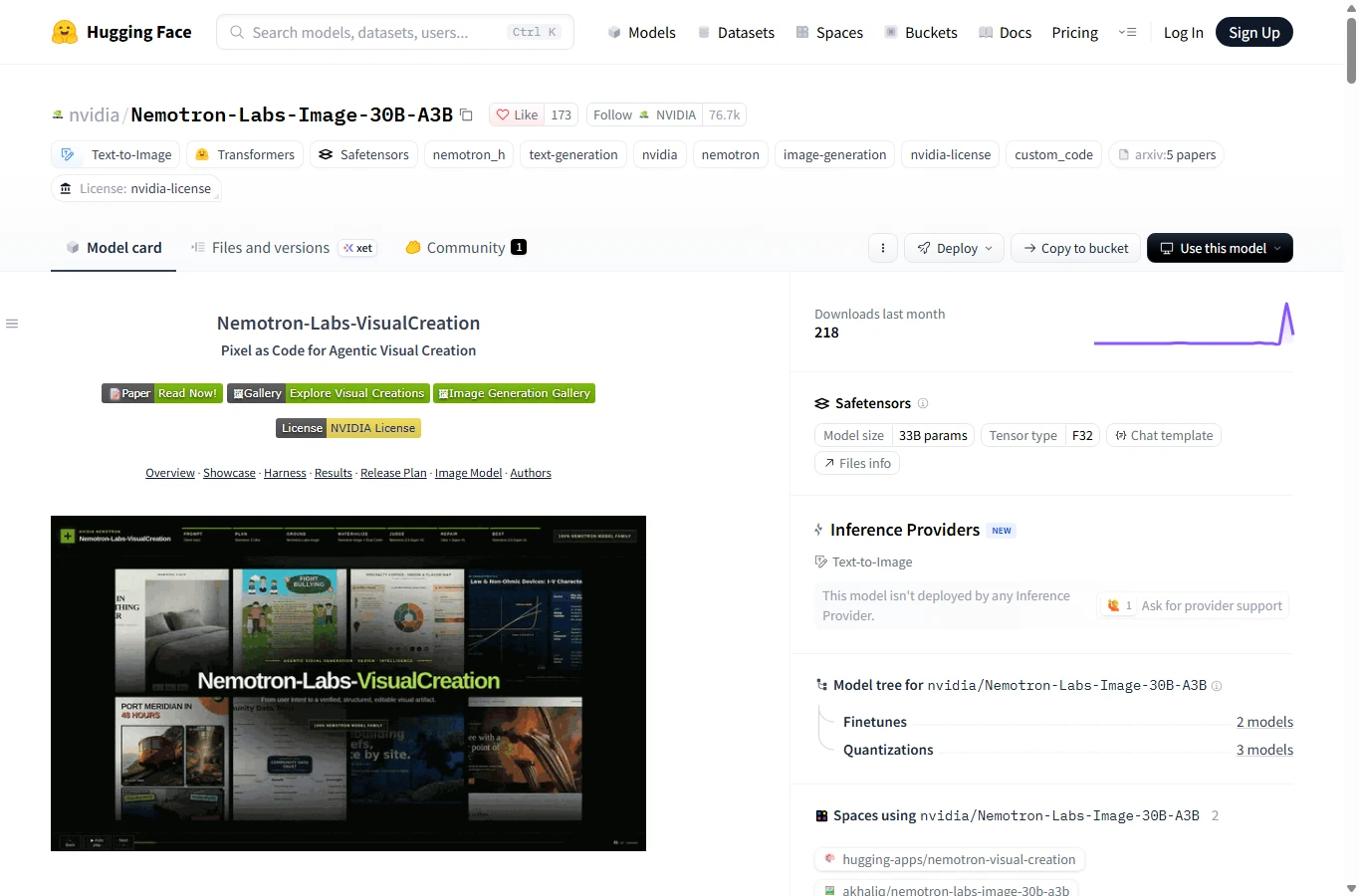
The image model is the raster-generation component of Nemotron-Labs-VisualCreation, described in NVIDIA’s November 23, 2026 “Pixel as Code” paper. PC Watch reported the public weights by November 25 in Japan. The release includes the generator, its model code and the bundled Nemotron-Labs-Image-Tokenizer. The broader harness and VisionCode models remain listed for release after legal clearance.
Its 30B-total/3B-active MoE design starts from Nemotron 3 Nano and combines Mamba and attention. Instead of repeatedly denoising an image, it predicts visual tokens sequentially; a separate decoder turns their 16×16-pixel representations into pixels. Three billion active parameters describes per-token computation, not a 3GB model or a guarantee of fast generation.
The download supports text-to-image. Editable slides, HTML/SVG artifacts, candidate judging and automatic repairs belong to other framework routes, not features you obtain simply by loading these weights. This is documentary analysis dated November 26, using official artifacts and attributed outside tests, without our own GPU or NSFW generation. AI assisted writing, localization and the editorial cover; the cover is not a Nemotron output.
Does it really beat GPT Image 2?
The headline needs its configuration attached. In the paper’s GenEval2 Soft-TIFA GM results, the standalone image model scores 31.71; adding Nemotron agents raises it to 52.56, and GPT-6 agents raise it to 65.43. GPT Image 2 scores 81.00. None of those numbers establishes standalone superiority over GPT Image 2.
On BizGenEval, the GPT-6-assisted framework reaches 86.0 versus GPT Image 2’s 83.2. The Nemotron-agent framework scores 64.7, and the standalone image-model score is not reported. Thus the winning figure is neither an isolated checkpoint result nor proof that the current public download reproduces the full workflow.
Text results also vary: standalone LongTextBench-EN is 94.30 versus GPT Image 2’s 96.00; the GPT-6-assisted system reaches 97.98. These are the developer’s benchmark results, not our independent measurements or percentages of flawless images. The comparison includes specific older Qwen, FLUX and SenseNova releases; it does not rank every latest model.
Image quality and early user experience
Official galleries demonstrate illustration, portraits, typography, product scenes and diagrams, but system-selected examples are not a random sample from the downloaded generator. Early StableDiffusion forum testers reported distorted faces, anatomy defects and unwanted text. Those observations matter for portraits and product work, although their prompts, quantization and runtimes were not uniform.
PedroMarinhoDev, the author of a ComfyUI port, initially described the quality as disappointing. A later repository test of 36 images across six prompts, two seeds and three quantizations found correct short text in 34 images, while another small test produced unsolicited signs in four of six fox images. These are the port author’s bounded observations—not a general accuracy rate or a third-party audit of the port.
The practical takeaway is to judge whole images, not only a readable headline. Inspect faces, hands, repeated objects, labels and small type. Different quantizations can produce different images with the same seed; a cherry-picked pair cannot measure the quality loss caused by quantization. No equivalent language-specific test was established for all localized editions.
Storage, GPU memory, speed and resolution
The original download is much larger than a “3B active” headline suggests. The generator index records approximately 130.54GB of FP32 weight data, before the bundled decoder and other files. BF16 inference does not make that original download half as large. Budget extra disk space for caching, environments and outputs.
The community port offers complete converted generators: W4A8 about 22.7GB, W4A8 with INT8 dense layers 21.6GB, W6A8 30.0GB, INT8 35.5GB and BF16 65.3GB; its decoder adds about 1.24GB. These are file sizes, not VRAM minima. Offloaded experts consume RAM, and the port says BF16 needs about 80GB of RAM for its faster path.
The port author reports warm 1024×1024 results on an otherwise idle RTX 4090: W4A8 26.1 seconds and W4A8/INT8-dense 21.8 seconds. The 6.6-second W4A8 batch figure is average throughput per image in a batch of eight, not single-image latency. The 12GB/16GB tests artificially reserved memory on a 4090, rather than testing real lower-end cards. Another port reported about 223 seconds on a 5090, illustrating why runtime details matter.
Recommended sizes are 1024×1024, 1184×880, 1248×832 and 880×1184, with both dimensions multiples of 16. A 1024 square needs 4096 visual codes plus framing. The official 4352 generated-token budget fits these choices; 2048 square alone needs 16384 visual codes. A 262144-token architecture context is not a promise of practical unlimited-resolution generation. Local runs still cost hardware, electricity and possibly rented GPU time.
Getting started in ComfyUI with community weights
ComfyUI-Nemotron-Image · PedroMarinhoDev
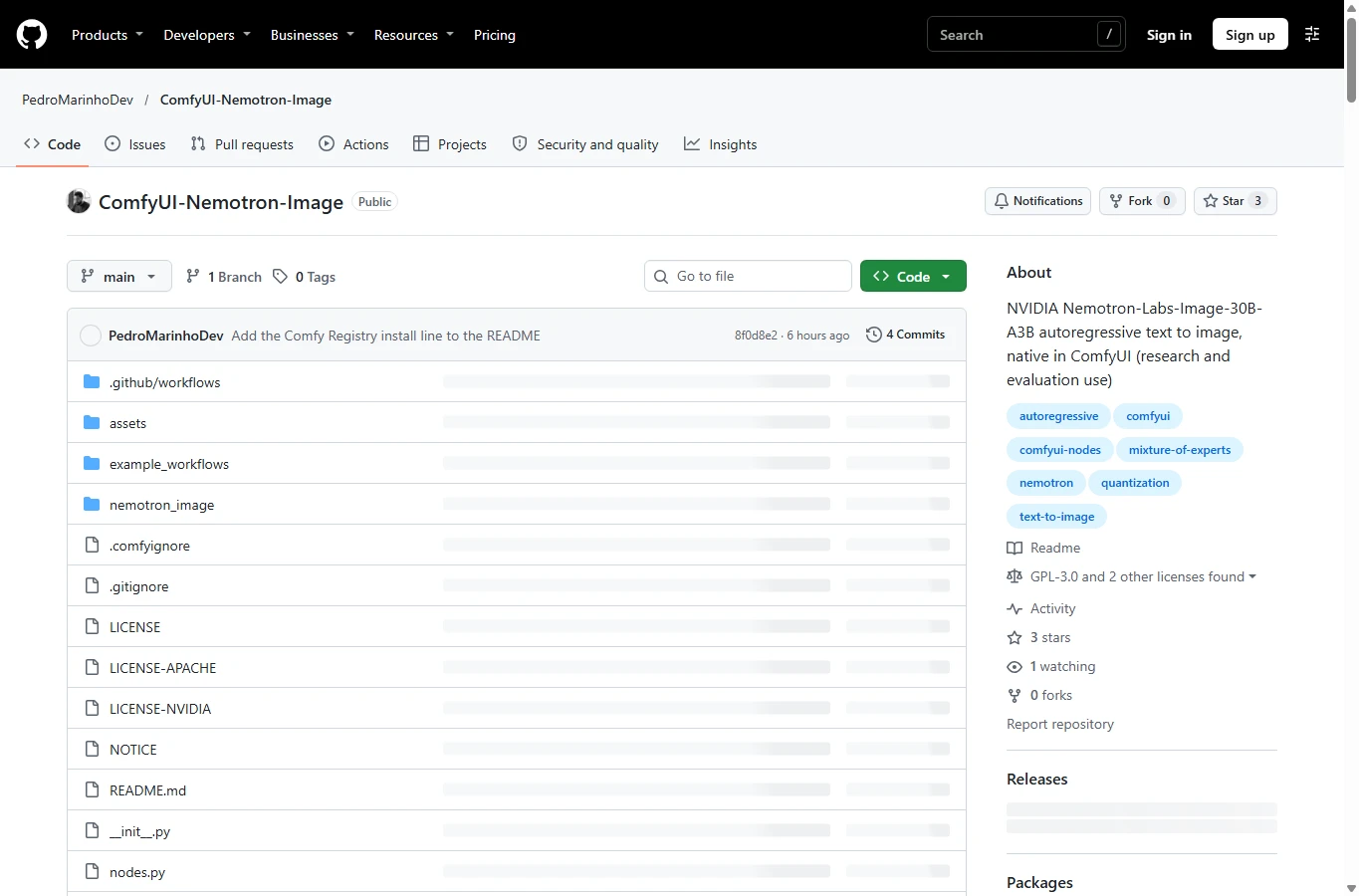
The following is PedroMarinhoDev’s early community implementation, not an NVIDIA-maintained integration or a standard ComfyUI model template. It uses three custom nodes and its own quantized files. Do not mix its files or node instructions with Luminatrixx’s separate core-patching implementation.
If you need ComfyUI on Windows, extract the official NVIDIA portable package with 7-Zip, run run_nvidia_gpu.bat, leave its terminal open and open 127.0.0.1:8188. Use a current GPU-compatible installation. The first code block below is run from your ComfyUI folder with Git available; the download commands require the hf client in the terminal environment. If necessary install that client with python -m pip install huggingface_hub.
Begin with W4A8 rather than downloading every precision. The main file goes under models/diffusion_models/nemotron-image and the separate decoder under models/vae/nemotron-image. Restart after installing nodes. The node loader also reads the prompt tokenizer internally, so this workflow does not require a separate Load CLIP or negative-prompt branch.
Use batch size 1, seed 42, temperature 0.9, top_p 1.0 and top_k 0 in this port; 0 means unrestricted top-k here, whereas NVIDIA’s vLLM example uses -1. Leave engine and experts on auto. The autoregressive Generate node replaces KSampler: adding diffusion steps or CFG will not improve this workflow.
git clone https://github.com/PedroMarinhoDev/ComfyUI-Nemotron-Image custom_nodes/ComfyUI-Nemotron-Image
git -C custom_nodes/ComfyUI-Nemotron-Image checkout 8f0d8e2d26814d815adbc1d93a3935e5faf417c7
hf download PedroMarinhoDev/Nemotron-Labs-Image-ComfyUI nemotron_labs_image_30b_a3b_w4a8.safetensors --revision 125b2ec3c90ea443664f42d0c9ce49965059e886 --local-dir models/diffusion_models/nemotron-image
hf download PedroMarinhoDev/Nemotron-Labs-Image-ComfyUI nemotron_labs_image_tokenizer_bf16.safetensors --revision 125b2ec3c90ea443664f42d0c9ce49965059e886 --local-dir models/vae/nemotron-image- Install the custom nodes using the first command block, then download the W4A8 generator and decoder using the next block. Preserve NVIDIA’s research-only terms.
- Restart ComfyUI and drag custom_nodes/ComfyUI-Nemotron-Image/example_workflows/nemotron_image_t2i.json onto the canvas.
- In Load Nemotron Image select the W4A8 file; in Load Nemotron Image Decoder select the separate BF16 tokenizer/decoder file.
- Confirm Loader → Nemotron Image Generate → VAE Decode → Save Image, with Decoder connected to VAE Decode. Enter your prompt, choose 1024×1024 and the baseline settings above.
- Queue the workflow and inspect the saved image in ComfyUI/output. Live preview is optional; decoder output, not a preview tile, is the final image. Save the workflow for comparison.
The official Linux and vLLM route
The official reference route requires Linux, Python 3.12, a CUDA 13.0-compatible NVIDIA driver and four H100 80GB GPUs in the documented example. Four H100s are the reference configuration, not a proved universal minimum. A single consumer card requires a different validated configuration, such as the community route above; simply setting tensor_parallel_size to 1 is not a memory solution.
The commands below install the reference versions and download a pinned model revision. The small extraction helper copies the official inference example out of the downloaded README into infer.py, so no manual search for the image framing/decoder code is needed. It validates the Python syntax without running inference. Read that file and LICENSE before running: trust_remote_code=True executes model repository code.
Keep the local model directory and Nemotron-Labs-Image-Tokenizer subfolder together. Run python infer.py to save output.png. Change PROMPT, WIDTH and HEIGHT near the top for later trials. The example uses BF16, Triton MoE, max_tokens 4352, max_model_len 6144, seed 42 and four-way tensor parallelism. It is not compatible with Diffusers AutoPipelineForText2Image. We checked the documentation and extracted script syntax, but did not validate the GPU installation ourselves.
nvidia-smi
python3.12 -m venv .venv-image
source .venv-image/bin/activate
python -m pip install --upgrade pip
python -m pip install "torch==2.11.0" "vllm==0.21.0" "transformers==5.23.0" "Pillow==12.3.0" "safetensors==0.8.0" "einops>=0.8,<1" "huggingface_hub>=1,<3"
python -m pip check
export VLLM_WORKER_MULTIPROC_METHOD=spawn
python -c "import torch; print(torch.__version__, torch.version.cuda); assert torch.cuda.is_available(); assert torch.cuda.device_count() >= 4"
hf download nvidia/Nemotron-Labs-Image-30B-A3B --revision d7c2ba6a59a384080f0bdd5b1e846da03804cdd1 --local-dir ./Nemotron-Labs-Image-30B-A3Bpython - <<'PY'
import ast, re
from pathlib import Path
text = Path("Nemotron-Labs-Image-30B-A3B/README.md").read_text(encoding="utf-8")
blocks = re.findall(r"\x60{3}python\s*\n(.*?)\n\x60{3}", text, re.S)
matches = [b for b in blocks if "def extract_l24sq_codes" in b and "SamplingParams" in b]
assert len(matches) == 1, "Expected one official inference example"
code = matches[0]
ast.parse(code)
Path("infer.py").write_text(code, encoding="utf-8")
print("Saved infer.py; review this file and LICENSE before running.")
PY
python infer.pyPrompting and checking your first results
Describe a scene in natural language: subject, counts, colors, materials, relationships, lighting and framing. Put essential text in quotes and say where it belongs. Start with a single object and a short English label because the paper’s cited text tests use English; a localized website or instruction does not demonstrate accurate small text in that language.
The prompts below are suggested trials, not verified outputs. Compare three seeds before deciding whether a defect is repeatable. Keep the model file, implementation version, dimensions, sampling settings and seed in the saved workflow. Separate first-load time, generation, decoding and total time to an acceptable result.
Do not use these text-to-image nodes as a substitute for a reference-image editor. There is no verified plug-and-play identity adapter, inpainting route or general LoRA ecosystem established by this release. For layout experiments, check object counts and relative positions explicitly; for type, zoom in and read every character.
Prompts to try
A studio photograph of one cobalt-blue ceramic teapot beside one white cup on a pale grey table. Soft light from the left, clearly separated objects, no lettering, no sign, no watermark.
A simple research poster. Exact title: “PIXEL LAB”. Exact subtitle: “ONE IDEA”. Title above a red cube resting on a blue platform, subtitle below, cream background, no other text.
NSFW support, licensing and privacy
The available evidence does not support calling this an uncensored NSFW model. One early StableDiffusion tester reported that topless imagery could appear while more explicit requests seemed restricted, but did not publish a controlled prompt-by-prompt adult-content evaluation. That is anecdotal feedback, not an official capability statement, a reliable refusal rate or proof that every local implementation has the same boundary.
Distinguish sexual-content acceptance from image quality. Even a prompt that produces an image may have anatomy defects; the broader reports of face and body problems make “NSFW supported” too crude a recommendation. No own adult-generation tests were performed for this review. Hosted demos, when offered, can add moderation independently of local weights.
NVIDIA License section 3.3 limits the model and derivatives to non-commercial research or evaluation. A quantized file or a community wrapper does not remove that restriction. Downloadable weights therefore should not be described as permissive open source or assumed ready for paid client work. Local inference can keep prompts on your machine, while external services change where data is sent; ownership and consent for input/output material remain separate issues.
Troubleshooting and who should try it
Try it if your goal is research into autoregressive visual tokens, quantization or agentic candidate selection. For a fast first experiment, the community W4A8 workflow is easier to budget than the original FP32 download. If you need dependable commercial artwork, accurate anatomy or immediate reference editing, the current license and maturity are substantial reasons to choose another workflow.
If the model is absent from a dropdown, check its exact subfolder and refresh/restart. Missing custom nodes call for installing the correct port, not searching for diffusion samplers. Black images or colored tile edges require the matching L24SQ decoder and ordinary VAE Decode; the port advises against tiled decoding. A slow fallback should be checked in the log for engine choice and RAM pressure.
For out-of-memory failures, start with one image at a recommended size, close other GPU workloads and use the port’s supported offload/quantization. Do not claim that fewer steps can unload these weights. For an incomplete image-block error in Python, check the size/token budget and full tokenizer files. Keep the known-good workflow before updating a rapidly changing community port.
Related Reviews
Best 5 AI Background Removers in 2026

Canva Craft Review: 2K Images, Wide Formats, Text and Editing Limits

GPT-6 Astra Review: Pricing, API Access, Strengths and Limits

Best 5 Certificate Creators and Certificate Makers in 2026
MiniMax H3 Review: Open-Weight AI Video Model With Native Audio
Best 5 Sticker Makers and Sticker Generators in 2026