Best 5 Sticker Makers and Sticker Generators in 2026
Compare the best sticker makers and sticker generators in 2026, including Canva, Adobe Express, Picsart, Fotor, and Sticker Mule.
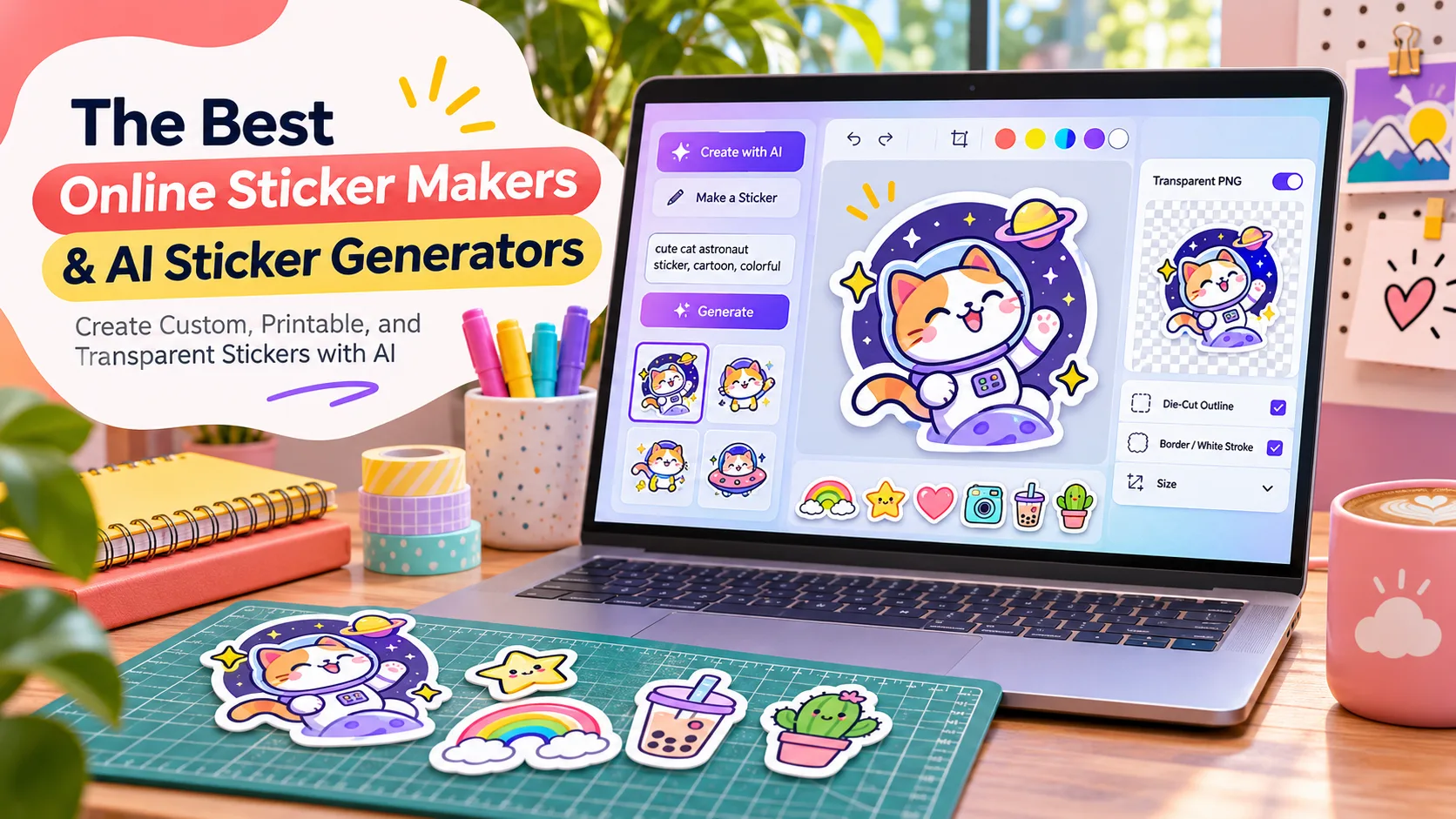

Creating custom stickers no longer requires illustration skills or expensive design software. An online sticker maker can turn a text prompt, photo, logo, or rough idea into a finished design in minutes.
The best sticker generators in 2026 support AI image creation, background removal, transparent PNG export, template editing, and print-ready layouts. This guide compares five useful options for digital stickers, labels, merchandise, and physical printing.
Best Sticker Makers at a Glance
| Sticker maker | Best for | AI generation | Transparent export | Printing |
|---|---|---|---|---|
| Canva | General-purpose sticker design | Yes | Yes | Available |
| Adobe Express | Professional branded stickers | Yes | Yes | Available |
| Picsart | Creative AI stickers | Yes | Yes | Limited |
| Fotor | Fast AI sticker creation | Yes | Yes | No built-in printing |
| Sticker Mule | Ordering physical stickers | Limited | Yes | Excellent |
How We Tested These Sticker Generators
We compared AI output quality, text-to-sticker and image-to-sticker tools, background removal, outline controls, template variety, editing flexibility, transparent export, print-readiness, ease of use, and free-plan limits.
1. Canva — Best Overall Sticker Maker
Best for beginners and small businesses
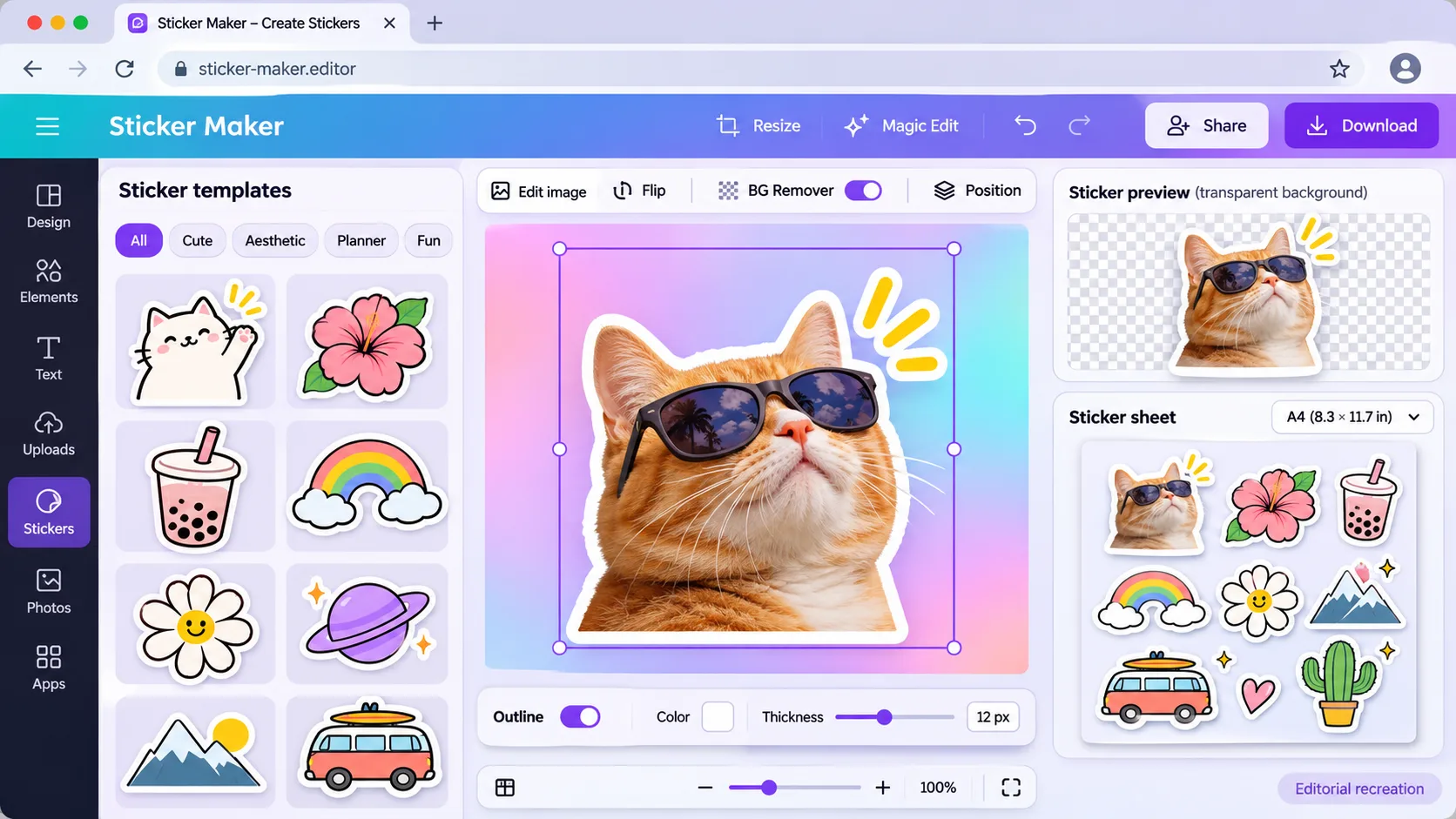
Canva is the most versatile choice for people who want to create stickers without learning professional design software. Its sticker maker combines templates, drag-and-drop editing, AI image generation, background removal, text effects, illustrations, and print layouts in one workspace.
You can start with a prompt, upload a photo, or choose a ready-made template. Canva supports logo stickers, planner stickers, messaging stickers, product labels, and complete sticker sheets. The editor makes it easy to adjust colors, fonts, borders, shadows, spacing, and composition.
Key features
- AI sticker generation from text prompts
- Large template library
- Background removal and transparent PNG export
- Sticker sheets and mockups
- Branding and collaboration tools
Pros
- Beginner-friendly
- Excellent template selection
- Strong combination of AI and manual editing
- Suitable for digital and physical stickers
Cons
- Some templates and elements require Pro
- AI results may need cleanup
- Advanced print controls are limited
Best for: beginners, creators, teachers, and small businesses wanting an all-purpose sticker maker.
2. Adobe Express — Best for Professional Sticker Design
Best for branded stickers and labels
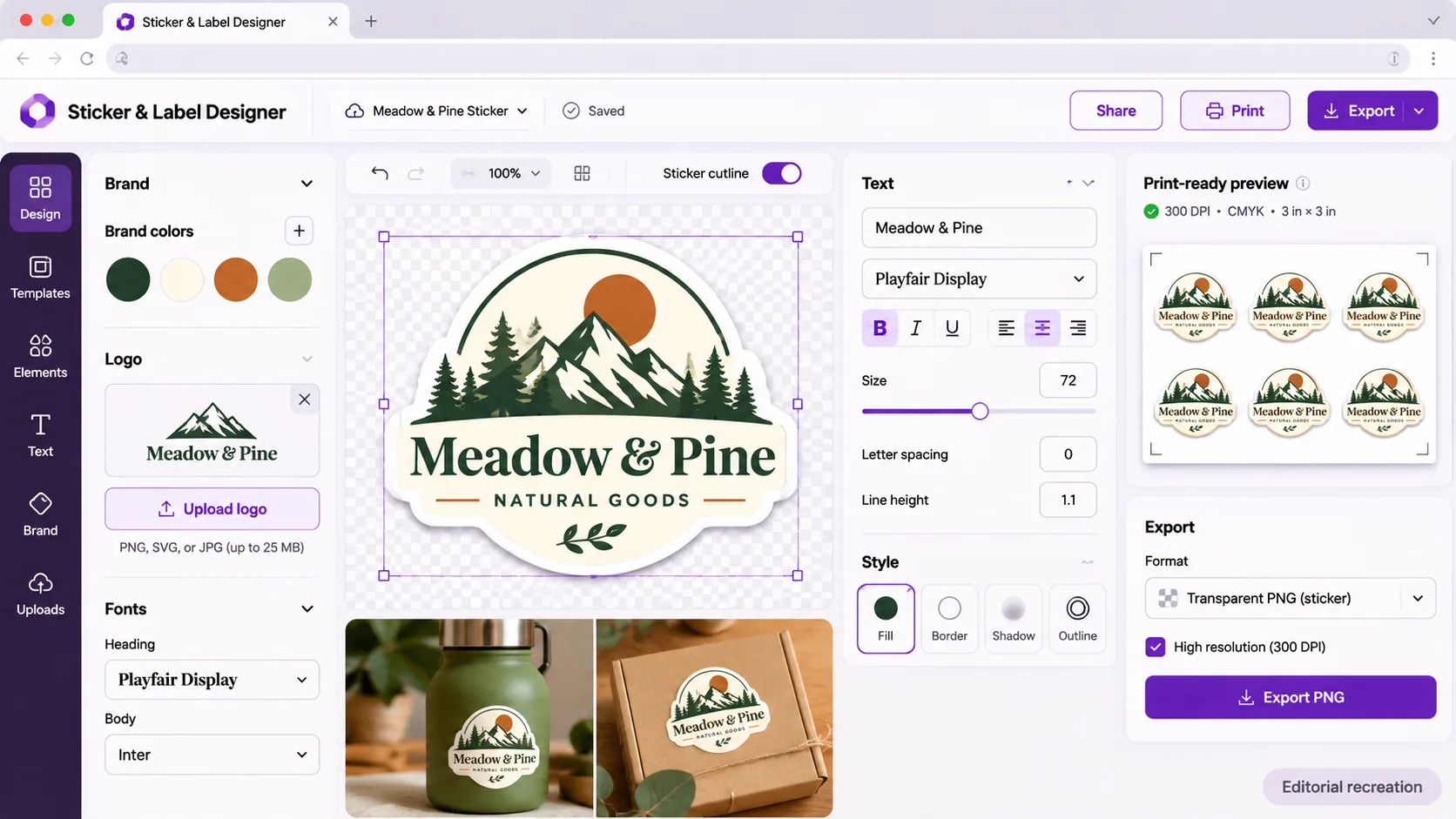
Adobe Express is a strong option for users who want polished, brand-consistent stickers. It offers professional templates, logo integration, background removal, typography controls, and generative design features. The workflow is simple enough for beginners while still providing refined control over alignment, spacing, and visual hierarchy.
Adobe Express is especially useful for businesses that need stickers, packaging, social graphics, and promotional materials to share the same colors, fonts, and logo treatment.
Key features
- AI-assisted image and design generation
- Professional sticker and label templates
- Background removal and transparent export
- Custom fonts, colors, shapes, and effects
- Brand kits and print layouts
Pros
- Professional-looking results
- Strong typography and layout controls
- Excellent for brand identity work
- Useful templates for business and marketing
Cons
- Some advanced features require a premium plan
- More complex than basic sticker apps
- AI designs may need refinement
Best for: businesses, marketers, and designers who need polished branded stickers.
3. Picsart — Best for AI Sticker Generation
Best for expressive digital stickers
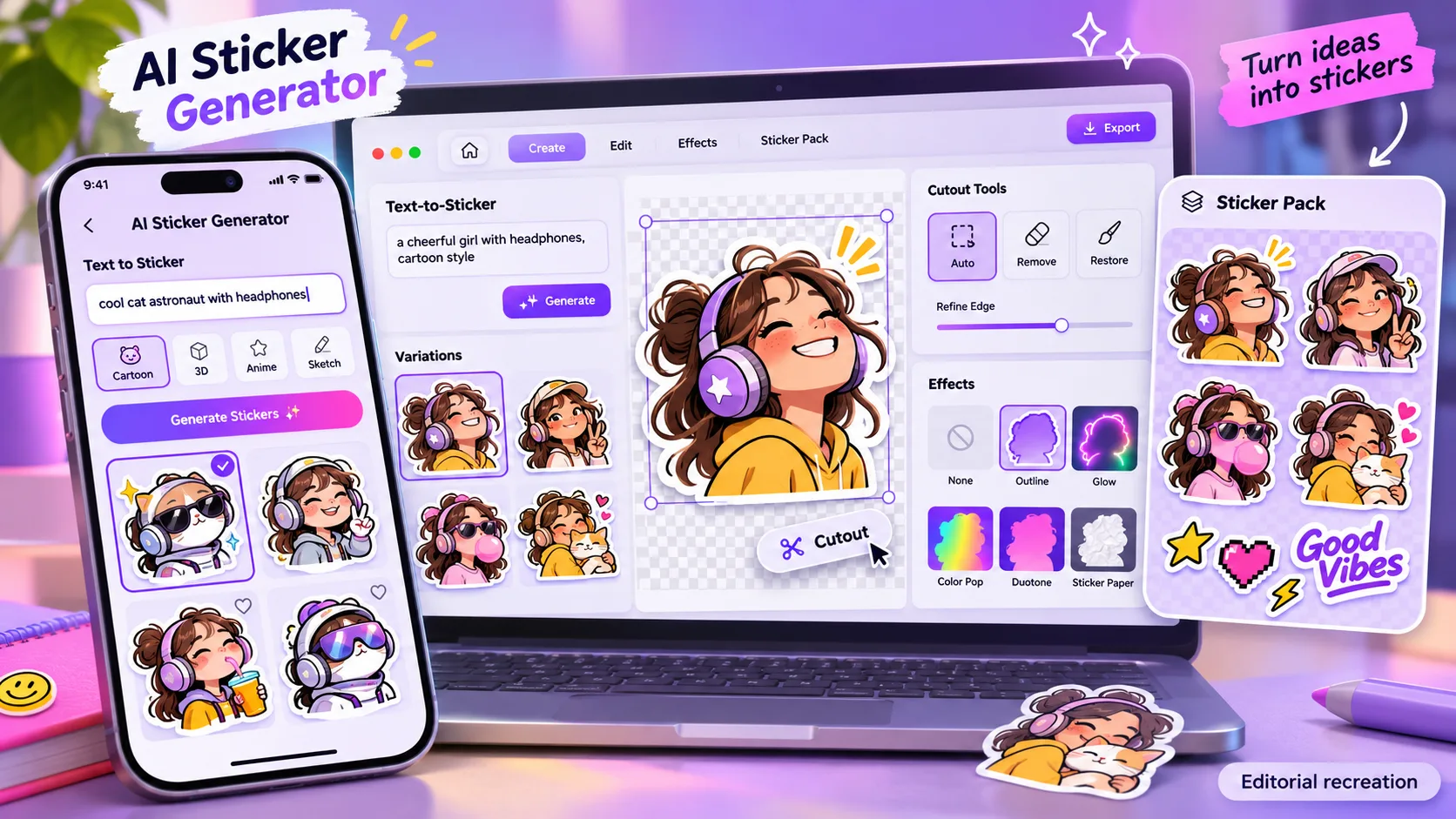
Picsart is a creative-first sticker maker with a strong focus on AI visuals, photo editing, and social content. Its AI tools can turn text prompts into illustrated stickers, while cutout tools, effects, filters, and outlines help you refine the result.
It works particularly well for cartoon characters, emojis, reaction stickers, themed graphics, and personalized digital sticker packs.
Key features
- Text-to-sticker AI generation
- Photo-to-sticker conversion
- Background removal and cutouts
- Filters, effects, outlines, and shadows
- Mobile and browser editing
Pros
- Strong creative AI tools
- Excellent for colorful designs
- Good photo-editing features
- Useful for social media
Cons
- Some generations require credits
- Results vary by prompt
- Less focused on professional printing
Best for: social creators, meme makers, and digital artists.
4. Fotor — Best for Fast AI Sticker Creation
Best for quick personal projects
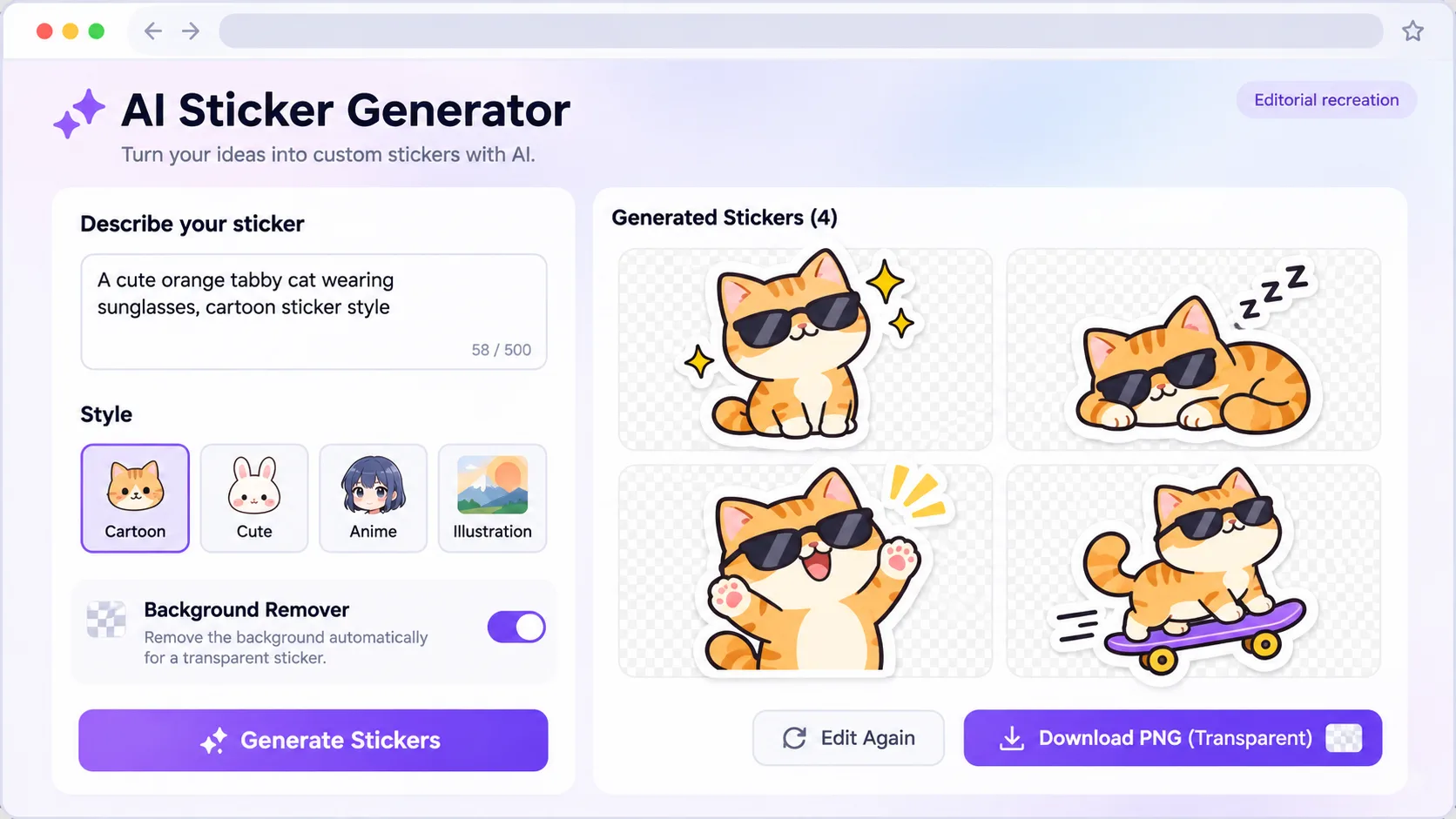
Fotor is a convenient online sticker generator for users who want to create a design quickly. Its AI tool converts a short description into a sticker-style image, while the editor provides templates, text controls, filters, backgrounds, and simple layout adjustments.
Fotor is best when speed matters more than deep customization. It works well for event graphics, social posts, simple product labels, and casual designs.
Key features
- Text-to-sticker AI generation
- Multiple cartoon and illustration styles
- Background removal
- Templates, fonts, and effects
- Transparent image export
Pros
- Fast and easy to use
- Minimal learning curve
- Useful range of AI styles
- Good for casual designs
Cons
- Advanced controls are limited
- Some exports require a paid plan
- Print workflow is basic
Best for: users who want fast stickers for personal projects or social content.
5. Sticker Mule — Best for Ordering Custom Stickers
Best for physical sticker printing
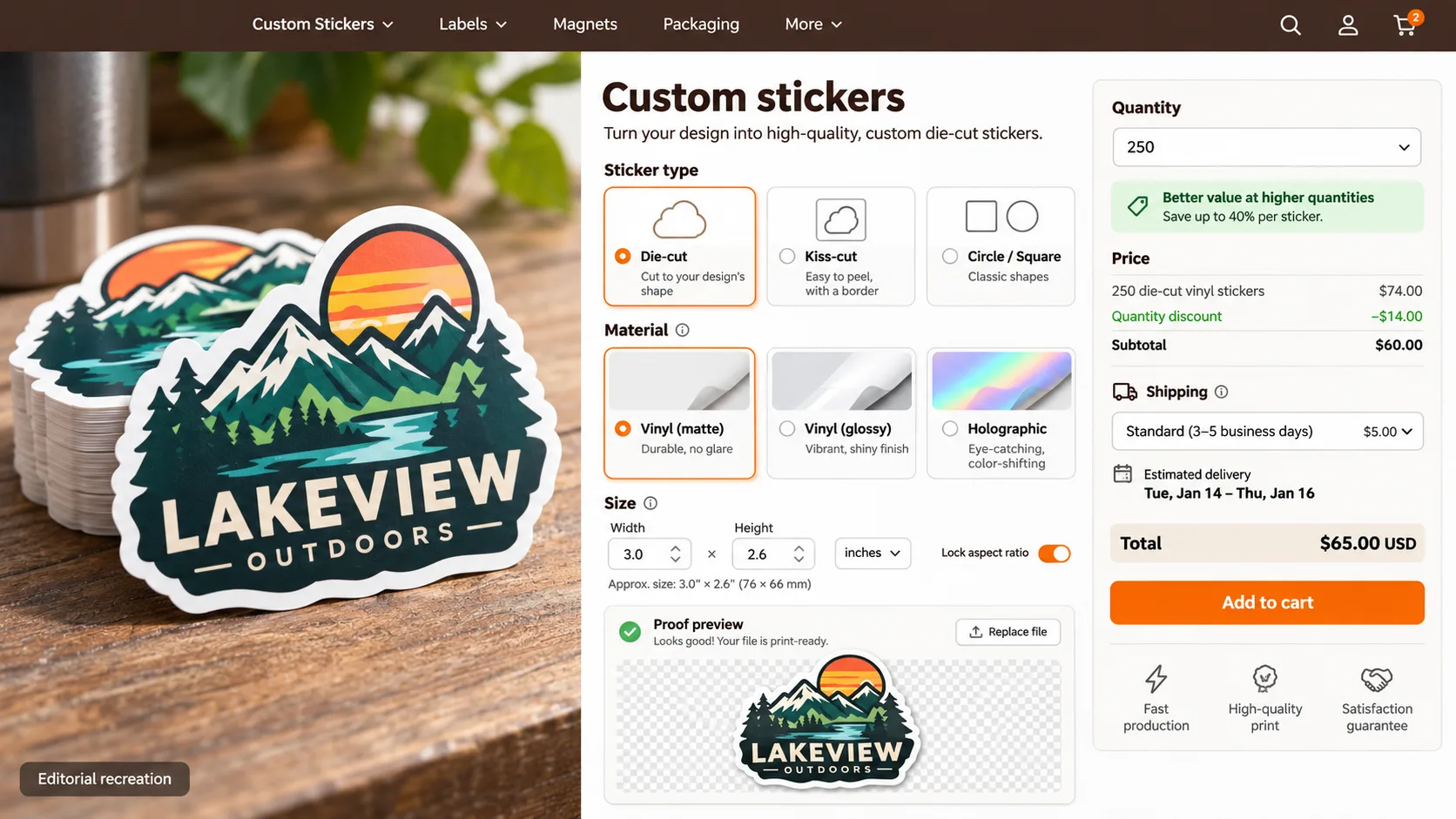
Sticker Mule focuses on physical sticker production rather than AI image generation. You upload artwork, choose a format, review a proof, and order printed stickers in different materials and finishes.
It is useful for creators, startups, bands, events, and small businesses that already have a logo or illustration and want professional physical stickers. Options include die-cut, transparent, holographic, and bumper stickers.
Key features
- Die-cut and custom sticker printing
- Waterproof and durable materials
- Transparent, holographic, and bumper options
- Online proofing
- Custom sizes and finishes
Pros
- Strong physical printing workflow
- Suitable for business merchandise
- Multiple materials and finishes
- Professional proofing
Cons
- Not a full AI sticker generator
- Design tools are limited
- Physical orders cost more than digital downloads
Best for: users who already have artwork and want professionally printed stickers.
Which Sticker Maker Should You Choose?
- Best overall: Canva.
- Best for professional branding: Adobe Express.
- Best for creative AI stickers: Picsart.
- Best for quick generations: Fotor.
- Best for physical printing: Sticker Mule.
How to Make a Sticker Online
- Choose between a digital sticker and a printed sticker.
- Start with a prompt, photo, logo, or template.
- Remove the background and add an outline.
- Adjust colors, typography, spacing, and size.
- Export a transparent PNG or print-ready file.
- Review a proof before ordering physical stickers.
FAQ
What is a sticker maker?
A sticker maker is an online design tool for creating stickers from text, photos, logos, illustrations, or templates.
What is an AI sticker generator?
An AI sticker generator creates artwork from a text prompt or reference image and applies a sticker-style treatment.
Can I make stickers for free?
Yes. Canva, Adobe Express, Picsart, and Fotor all provide free features, although some AI generations, templates, and exports may require payment.
What file format is best for digital stickers?
Transparent PNG is usually the most convenient format for messaging apps, social platforms, and design software.
Which sticker maker is best for businesses?
Adobe Express is a strong choice for brand-focused designs, Canva is flexible for teams, and Sticker Mule is better when you need physical printing.
Final Verdict
Canva is the most balanced sticker maker, Adobe Express is better for polished brand work, Picsart offers creative AI generation, Fotor is ideal for speed, and Sticker Mule is the practical choice for physical orders. Choose the tool based on whether you need a digital asset, a branded design system, or finished printed stickers.
Related Reviews
5 Best AI Wallpaper Generators in 2026

Best 5 AI Image Editors in 2026

Pony V7 Review: AuraFlow, LoRA Ecosystem, V6 Comparison, and NSFW Strengths
SenseNova U1.6 Review: Text Accuracy, Image Editing, ComfyUI Setup and NSFW Limits
Best 5 AI Background Removers in 2026

Tsubaki.3 Review: Anime, Manga, Pricing & NSFW (2026)