5 Best AI Wallpaper Generators in 2026
Discover the best AI wallpaper generators for phones, desktops, and ultrawide monitors. Compare Adobe Firefly, Midjourney, Canva, Microsoft Designer, and Zedge pAInt.
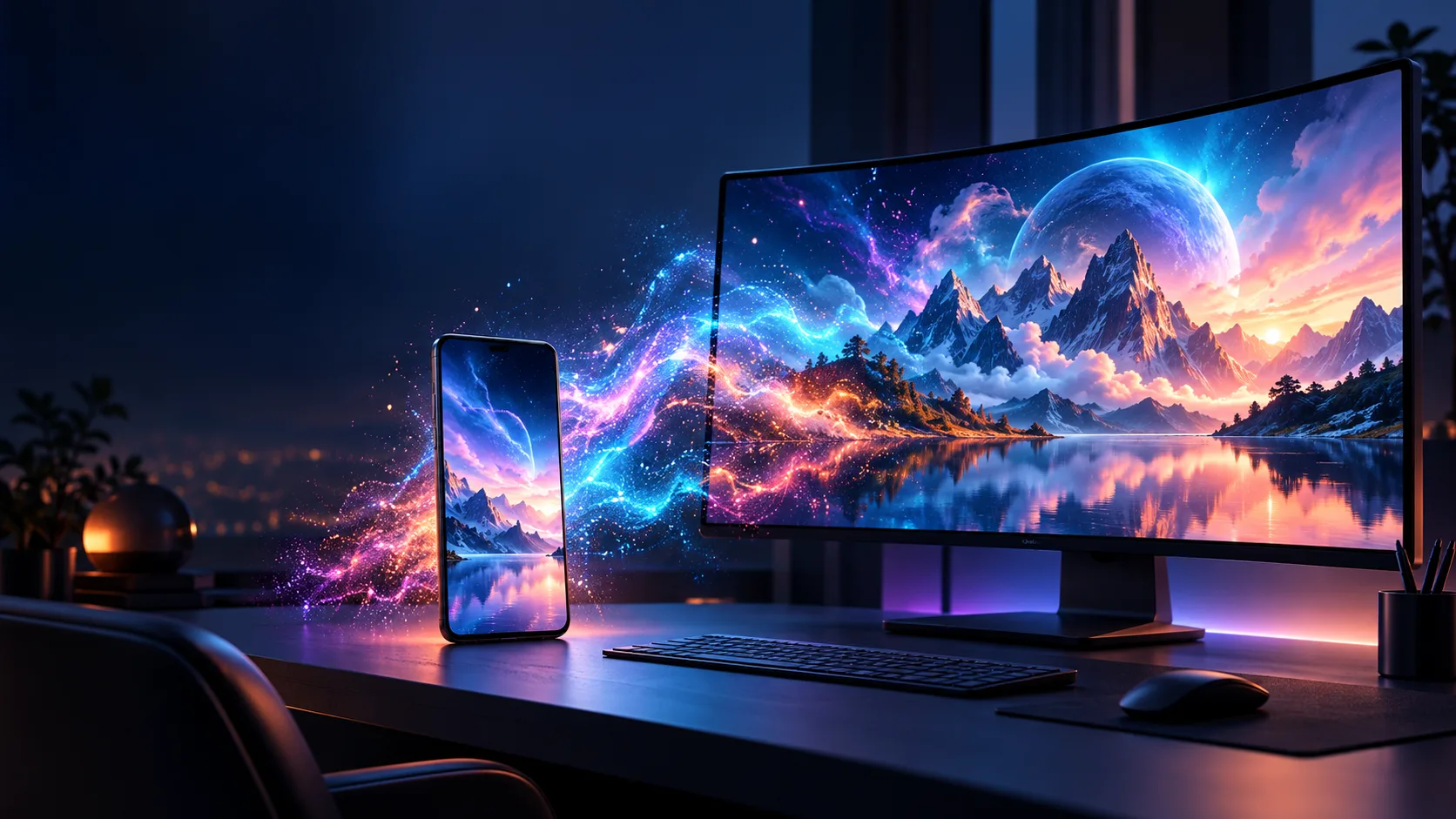

Your wallpaper is one of the few things you see every time you unlock a phone or sit down at a computer. An AI wallpaper generator gives you a faster route to something personal: describe a mood, subject, palette, and screen shape, then refine the results until they fit your device.
The best tools do more than produce a striking image. They let you choose a useful aspect ratio, leave space for icons, iterate without starting over, and export a file that still looks sharp on a large display. This guide compares five strong options for phone, desktop, and ultrawide wallpapers.
Table of Contents
- Best AI Wallpaper Generators at a Glance
- Adobe Firefly
- Midjourney
- Canva
- Microsoft Designer
- Zedge pAInt
- How to Choose an AI Wallpaper Generator
- Prompt Tips for Better Wallpapers
- FAQ
Best AI Wallpaper Generators at a Glance
| Tool | Best for | Standout strength | Free option | Watch out for |
|---|---|---|---|---|
| Adobe Firefly | Device-ready wallpapers and polished edits | Screen ratios, reference images, and refinement tools in one workspace | Yes, with limited generations | Some models and higher generation limits need paid credits |
| Midjourney | Distinctive, highly art-directed looks | Excellent visual style control and a capable web editor | No ongoing free plan | It takes more prompt practice than simpler tools |
| Canva | Wallpapers that need a final design pass | Generate, resize, add text, and edit in the same familiar canvas | Yes, with limited AI uses | Premium tools and asset access vary by plan |
| Microsoft Designer | Fast, straightforward image generation | Simple prompt workflow with ready-made size controls and editing options | Yes, with monthly credits | Creative controls are lighter than dedicated image platforms |
| Zedge pAInt | Phone wallpapers and quick inspiration | Mobile-first wallpaper discovery and generation | Yes, subject to in-app limits | Less suitable for detailed desktop production |
1. Adobe Firefly — Best Overall AI Wallpaper Generator
Adobe Firefly is the most rounded choice when you want to make a wallpaper and finish it in the same place. Start from a written prompt, choose a format that suits a phone or monitor, then use reference images, styling controls, expansion, and editing tools to improve the composition. It is especially useful when your first image is close but needs more empty sky for icons or a wider canvas for a desktop.

Key features
- Text-to-image generation with multiple visual directions
- Aspect-ratio settings for portrait, landscape, and wide screens
- Reference-image and style controls
- Tools to expand, upscale, crop, and refine an image after generation
Pros
- Good balance of generation and practical finishing tools
- Easy to make versions for more than one device
- Suitable for users who want guided controls rather than prompt-only creation
Cons
- Credit limits can affect frequent experimentation
- Advanced model choices may feel more complex for first-time users
Best for: creating a cohesive wallpaper set for a phone, tablet, and desktop without changing tools.
2. Midjourney — Best for Artistic and Cinematic Wallpapers
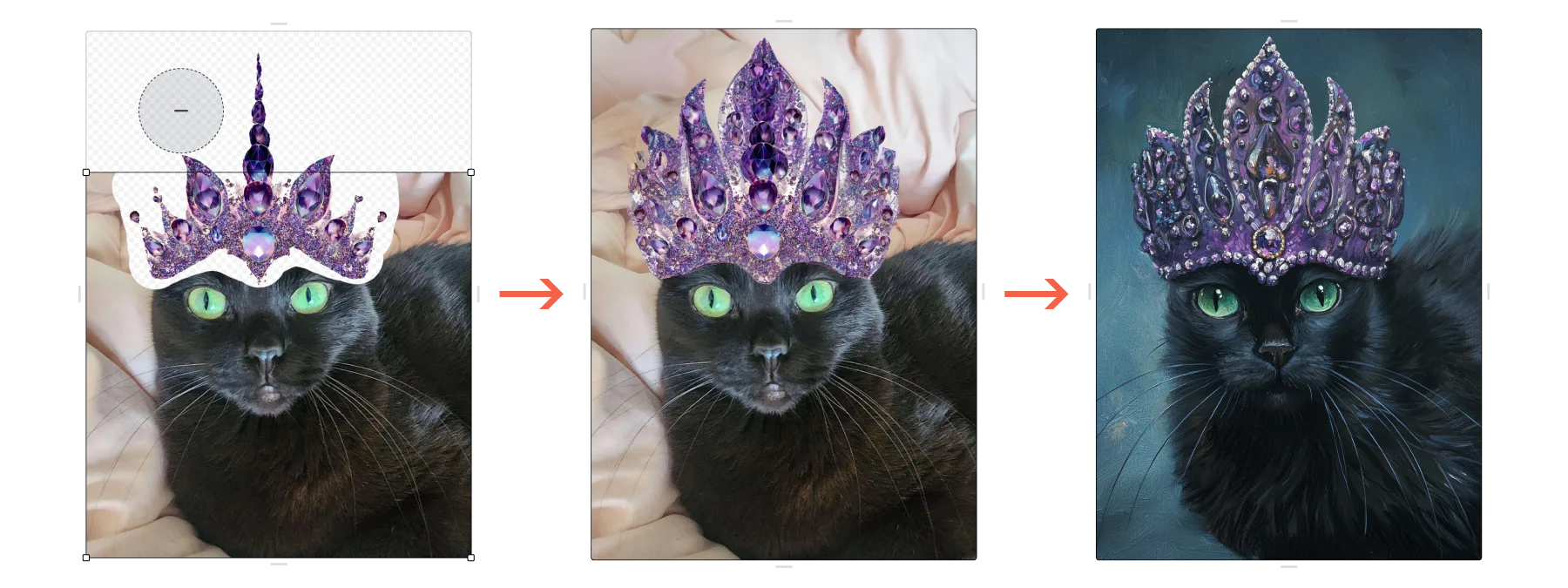
Midjourney remains a compelling option for people who care most about atmosphere. It can be a strong fit for surreal landscapes, elaborate fantasy scenes, moody abstract art, editorial-looking photography, and other wallpapers where style matters as much as the subject. Its web editor is also useful when you need to change the framing, extend the scene, or revise part of a promising generation.
Key features
- Strong prompt interpretation for cinematic and illustrative styles
- Aspect-ratio parameters for phone and desktop layouts
- Web editing tools for canvas changes, selective regeneration, and exports
- Reference-based workflows for maintaining a visual direction
Pros
- Often delivers an immediately distinctive visual identity
- Excellent for wallpaper art that is meant to feel less generic
- Flexible enough for iterations once you learn its prompting style
Cons
- Requires a paid subscription for regular use
- Less beginner-friendly when you need predictable, utilitarian results
Best for: artists, gamers, and visual enthusiasts who want a dramatic or highly stylized background.
3. Canva — Best for Wallpapers You Want to Customize
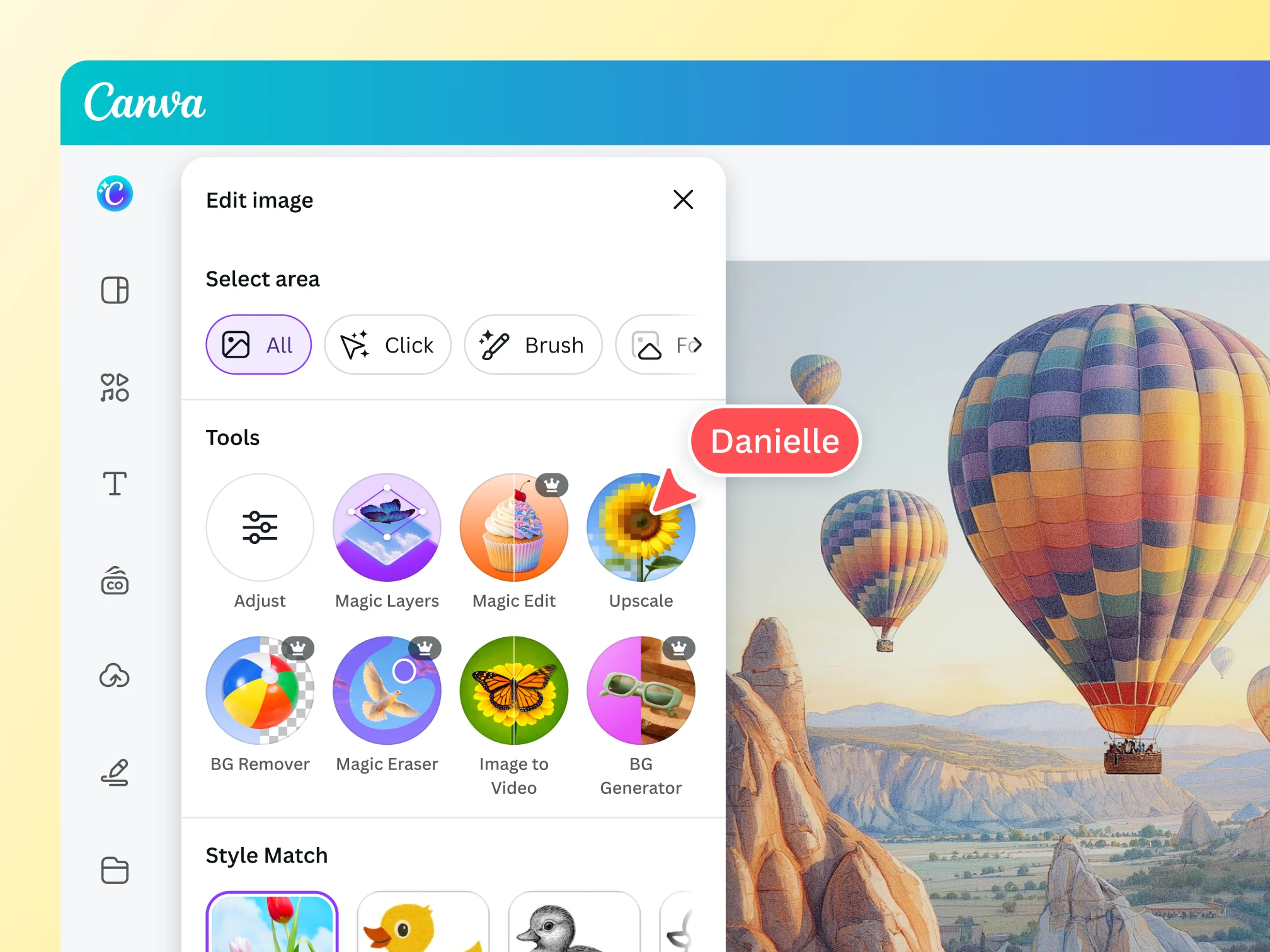
Canva is a practical choice when your wallpaper is part of a larger design idea. You can create an image from a prompt, place it on a correctly sized canvas, and then make it your own with text, overlays, color treatment, frames, or brand elements. That makes it particularly useful for a motivational desktop background, a team event screen, or a phone wallpaper with a deliberately minimal layout.
Key features
- AI image generation inside a drag-and-drop editor
- Preset and custom canvas sizes for common screens
- Magic Edit, background tools, enhancement, and resize options
- Text, shapes, templates, and simple collaboration features
Pros
- Approachable for non-designers
- Excellent for adding a final layout rather than exporting raw AI art
- Helpful when one idea needs versions for several devices
Cons
- Some AI and resizing features sit behind paid plans
- Pure image generation offers fewer specialist controls than art-first tools
Best for: creators who want to design a finished wallpaper, not just generate an image.
4. Microsoft Designer — Best for Quick, Simple Creation
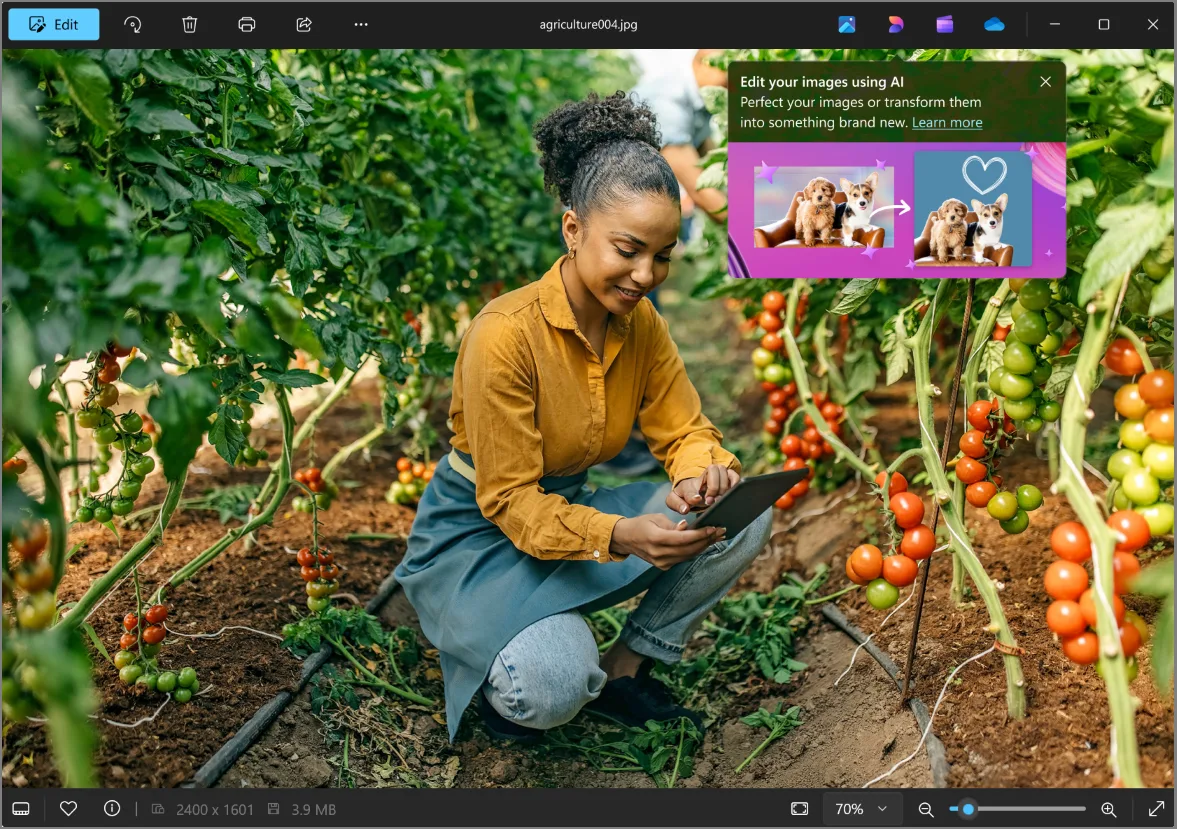
Microsoft Designer keeps the process uncomplicated: write what you want, select a size, generate options, and make lightweight edits if necessary. It is a sensible starting point for people who want a fresh background without learning a dense creative interface. Designer also works well for adapting a generated image into a simple personalized design.
Key features
- Prompt-based image generation with selectable sizes
- Quick AI enhancements and basic image edits
- Background removal, reframing, and object-focused editing options
- Convenient access across Microsoft’s consumer creative tools
Pros
- Clean interface with a short learning curve
- Useful for fast wallpaper concepts and simple refinements
- A free option is available for personal use
Cons
- Fine-grained control is limited compared with Firefly or Midjourney
- Monthly credit limits can shape heavier use
Best for: beginners who want a fast, no-fuss way to create a personal background.
5. Zedge pAInt — Best for Phone Wallpapers
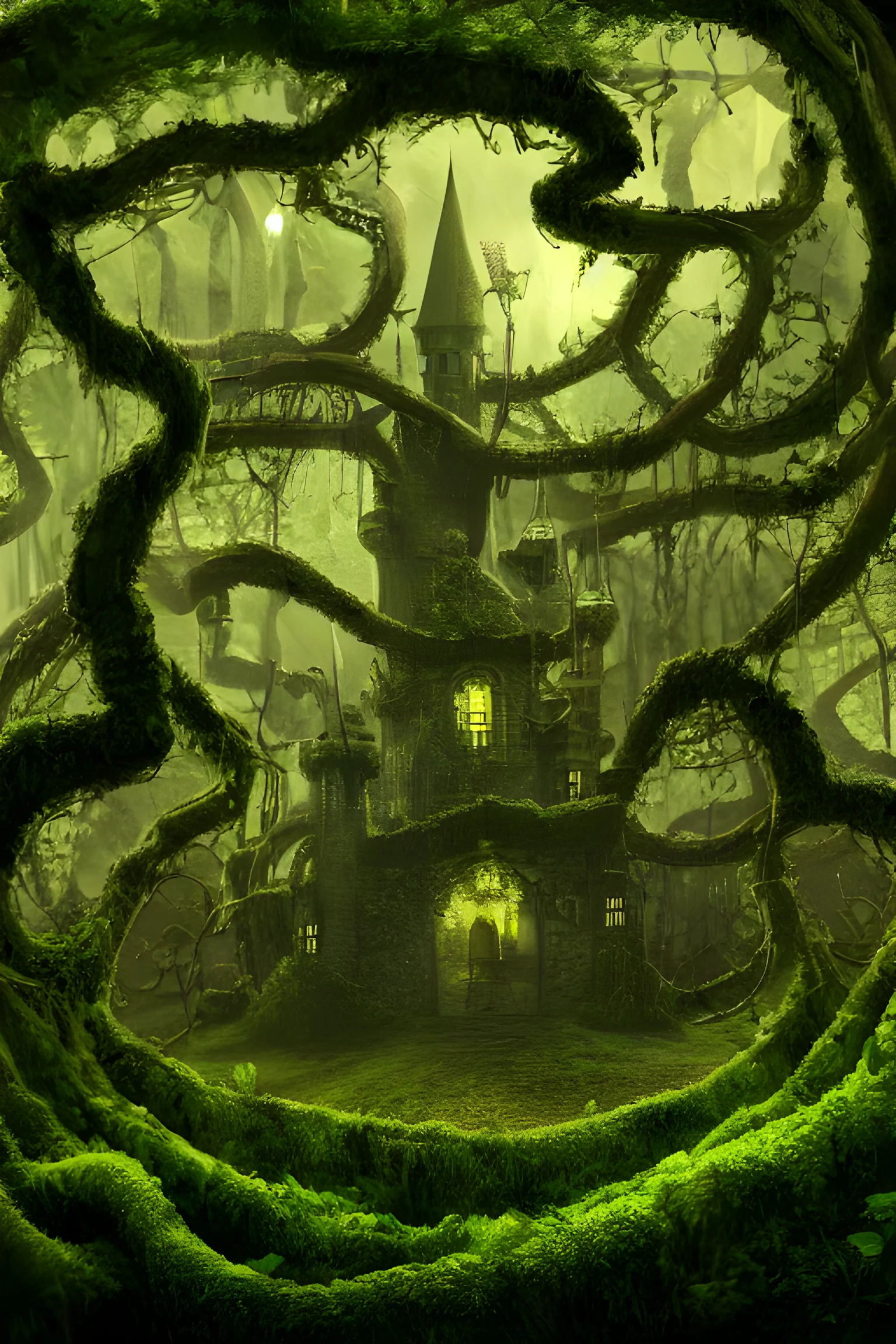
Zedge pAInt is built around the way many people actually look for phone wallpapers: browse ideas, make something in a favorite theme, and set it as a lock screen or background. Its mobile-first focus makes it a natural choice for vertical artwork, character scenes, fantasy landscapes, and aesthetic styles that are meant to be enjoyed on a phone.
Key features
- Prompt-based AI wallpaper creation
- Mobile-focused wallpaper and lock-screen workflow
- Style exploration and community inspiration
- Quick saving and wallpaper-setting options
Pros
- Well matched to phone-first wallpaper discovery
- Simple path from idea to a vertical background
- Good for quick experimentation with themes and aesthetics
Cons
- Desktop-oriented editing is not its core strength
- Less control over a complex multi-device design workflow
Best for: people who mainly want fresh lock-screen and phone wallpaper ideas.
How to Choose an AI Wallpaper Generator
The best choice depends less on a single “best” model and more on what the finished wallpaper needs to do.
- Choose Adobe Firefly if you need flexible sizing and a polished editing workflow.
- Choose Midjourney if the main goal is a memorable, art-directed look.
- Choose Canva if you want to add typography, layout, or brand elements after generating.
- Choose Microsoft Designer if you want a quick, accessible first result.
- Choose Zedge pAInt if your priority is finding or making a phone wallpaper fast.
Prompt Tips for Better Wallpapers
Most disappointing AI wallpapers fail for composition, not imagination. Give the model enough information to protect the areas where your icons, clock, or desktop shortcuts will sit.
- State the device shape first: “vertical phone wallpaper,” “16:9 desktop background,” or “ultrawide 21:9 wallpaper.”
- Name the focal point and where it belongs: “mountain range low in the frame” or “subject on the right side.”
- Request clear negative space: “quiet dark sky in the upper third for icons.”
- Describe a restrained palette instead of listing many colors.
- For a matching set, keep the subject and palette fixed while changing only the aspect ratio.
Example prompt: “Wide 16:9 desktop wallpaper of a calm alpine lake at blue hour, deep navy and violet palette, distant peaks along the lower third, subtle reflections, clean open sky on the left for desktop icons, detailed but uncluttered.”
FAQ
What is an AI wallpaper generator?
An AI wallpaper generator turns a written description, and sometimes a reference image, into a custom background for a phone, tablet, or computer. Many tools also let you choose an aspect ratio and refine the result.
Can I make a wallpaper for both my phone and computer?
Yes. Generate the image in the correct format for each screen rather than cropping one image heavily. Keeping the same prompt, palette, and subject usually produces a more coherent set.
What size should an AI desktop wallpaper be?
Match the image to your display’s aspect ratio and, when possible, its native resolution. For most modern monitors, 16:9 is a safe starting point; ultrawide monitors need a wider composition.
How do I stop icons from covering the main subject?
Tell the generator where you need empty space, then select a composition with the focal point away from your icon area. An editor with expansion or repositioning tools can help rescue an otherwise good result.
Are free AI wallpaper generators good enough?
They can be excellent for trying ideas and making occasional personal backgrounds. Paid plans are most useful when you need more generations, specialist models, or more time to refine a single concept.
Can AI-generated wallpapers look sharp on a 4K screen?
They can, provided you start with the right composition and export a sufficiently large file. Use an upscaling tool when available, then check the result at full screen before setting it as your background.
Final Thoughts
Adobe Firefly is the best overall AI wallpaper generator for people who want both generation and refinement in one workflow. Midjourney is the artistic pick, Canva is the design-friendly pick, Microsoft Designer is the easy pick, and Zedge pAInt is the mobile-first pick. Start with the tool that matches your screen and your desired level of control, then spend one extra generation on composition—it makes the difference between attractive AI art and a wallpaper you will actually keep.
Latest Reviews
Best 5 AI Meme Generators in 2026

Canva Craft Review: 2K Images, Wide Formats, Text and Editing Limits

HunyuanVideo 1.5 Review: Quality, VRAM, ComfyUI, Pricing and Limits
Generate Stained-Glass Designs from Written Ideas
MiniMax M3.1 Flash Review: Coding, API Cost, Open Weights and Limits
Best Antivirus Software in 2026: 5 Reliable Choices for Malware Protection