Seedance 2.5 Review: 30s, 4K and Audio AI Video Generation in Dreamina
Seedance 2.5 is an online AI video generation model available through Dreamina. Its practical pitch is clear: longer 30-second video generation, audio, up to 50…
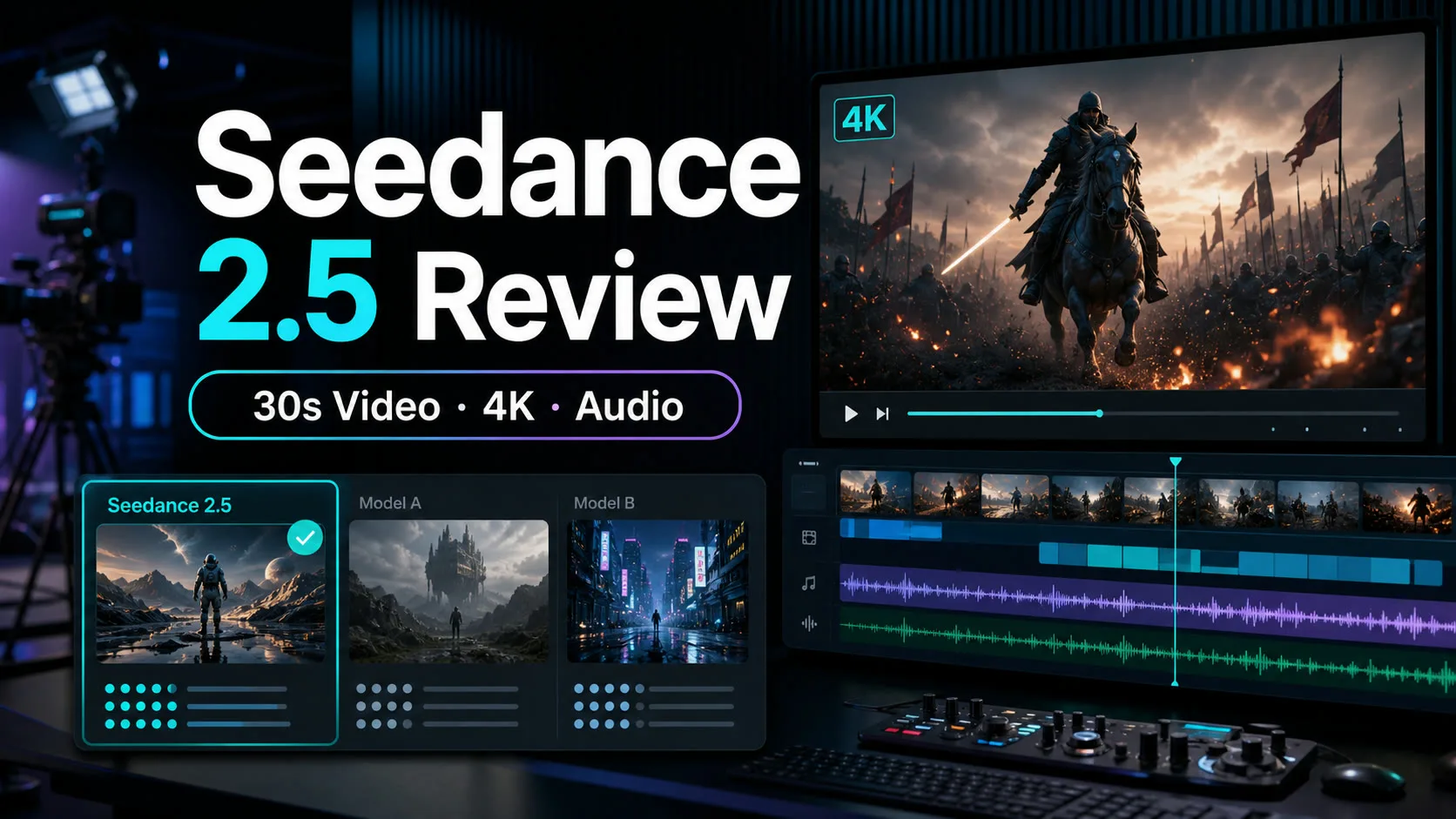

Seedance 2.5 is an online AI video generation model available through Dreamina. Its practical pitch is clear: longer 30-second video generation, audio, up to 50 reference inputs, R2V references, local editing, and 4K-oriented output inside a browser-based creative workflow.
The important caveat is that these headline features should be tested in your own account before production use. Export resolution, generation length, audio quality, editing limits, credit cost, and commercial terms can depend on region, plan, settings, and current Dreamina availability. The most useful way to judge Seedance 2.5 is to compare it with today’s leading online AI video models such as Veo, Kling, Runway, Luma, and Pika.
Contents
What Is Seedance 2.5?
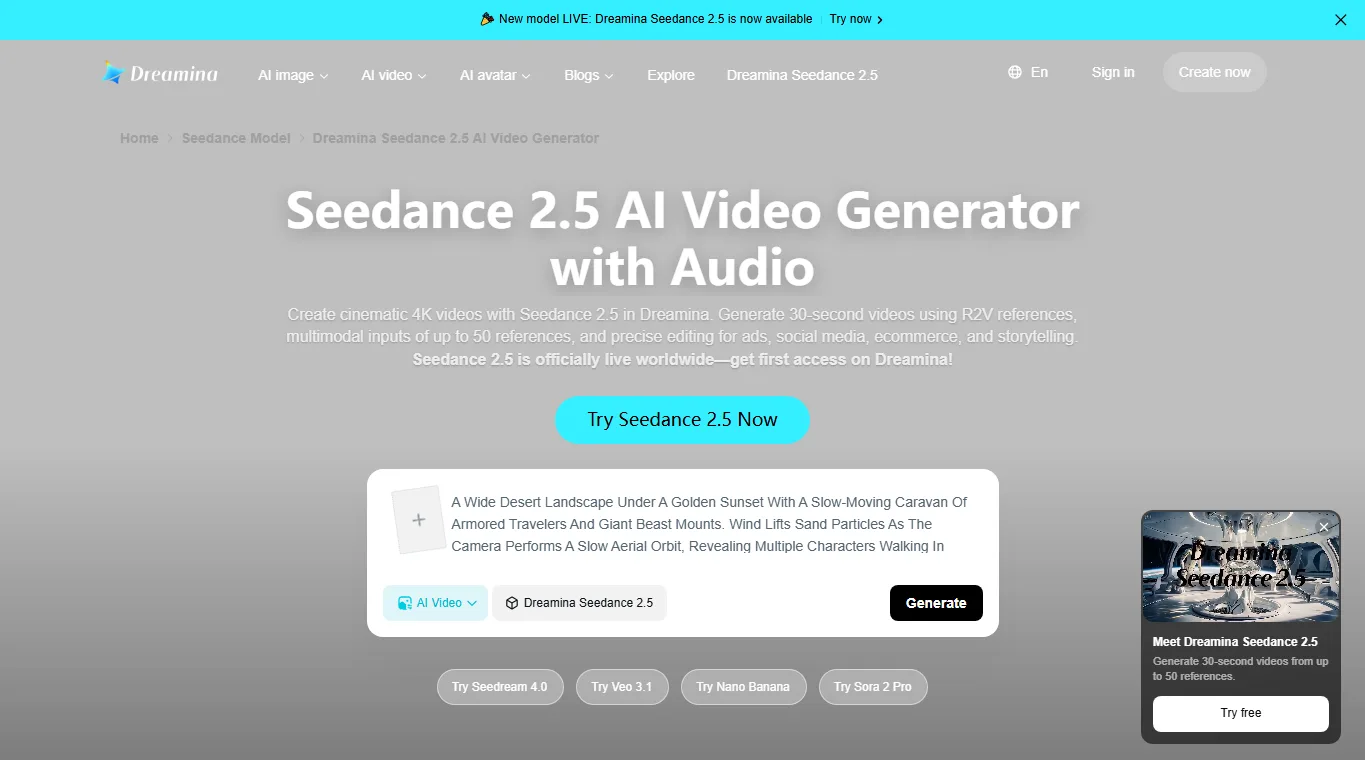
Seedance 2.5 is a ByteDance/Dreamina AI video model focused on browser-based video creation. On its official page, Dreamina positions it as a model for cinematic 4K videos, 30-second generation, R2V references, multimodal inputs, and precise editing for ads, social media, ecommerce, and storytelling.
That positioning matters. Seedance 2.5 is not only competing as a raw text-to-video model; it is trying to sit inside a complete creative workflow where reference assets, audio, editing, and social-format production are handled in one place.
Official Website to Use Seedance 2.5 Online
The official place to try it is the Dreamina Seedance 2.5 page. From there, users can open Dreamina, sign in, and generate videos using the Seedance 2.5 model in the web interface.
Because this is an online service, you do not need a local GPU, ComfyUI setup, or model file downloads. The tradeoff is that you depend on Dreamina’s account availability, credits, export options, content policy, and current regional rollout.
Key Features and Specs
| Feature | Seedance 2.5 Claim | Practical Meaning |
|---|---|---|
| Video length | 30-second video generation | More useful for social ads, product videos, and short narrative clips |
| Resolution | 4K-oriented video output | Check actual export settings and plan limits before production |
| Audio | Video generation with audio | Useful for drafts with ambience and effects, but final mix still needs review |
| References | Up to 50 reference inputs and R2V references | Helpful for product consistency, characters, visual style, and scene control |
| Editing | Precise/local editing inside Dreamina | More practical than regenerating the entire clip every time |
| Access | Online via Dreamina | No local hardware setup, but credits and terms matter |
The standout combination is the longer duration plus references. Many AI video tools can create impressive five-to-ten-second clips, but Seedance 2.5 is clearly aiming at a more complete short-form production loop.
Real-World Use Experience
Early creator reactions focus on the same three strengths: longer clips, integrated audio, and more structured reference-based generation. For ads, social media, product demos, and storyboards, this is more valuable than a model that only produces visually impressive but hard-to-control short snippets.
Still, there is not enough long-term independent testing to treat every official claim as production-ready in every setting. Like other video models, Seedance 2.5 can still struggle with fine hand motion, strict camera continuity, complex multi-character action, detailed text, and perfect lip or sound synchronization. It is best used as a strong generation-and-editing engine, not a one-click replacement for human editing.
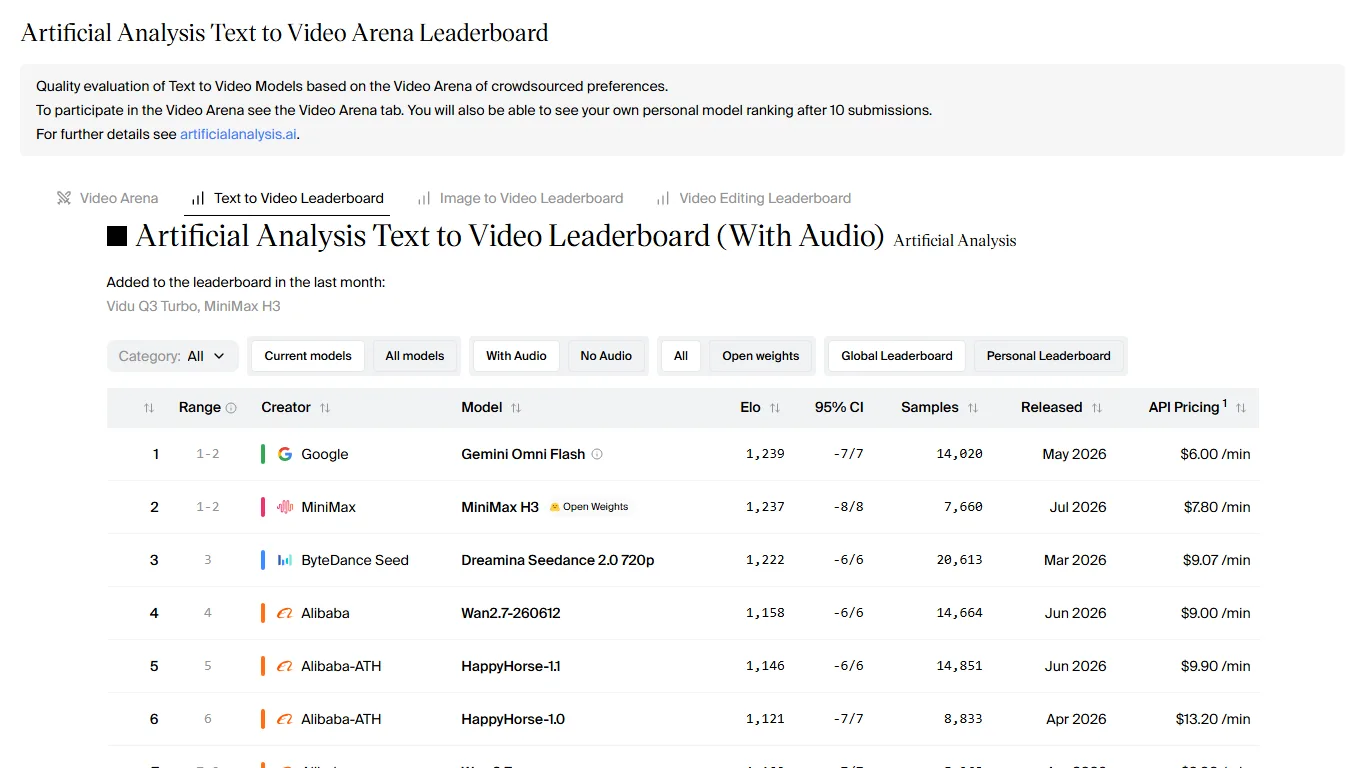
Seedance 2.5 vs Other AI Video Models
| Model | Main Strength | How It Compares to Seedance 2.5 |
|---|---|---|
| Seedance 2.5 | 30s video, audio, references, Dreamina editing | Best framed as a creator workflow model for ads, social clips, and ecommerce |
| Google Veo 3.1 | Cinematic quality, audio, strong prompt following | Often strong for premium visual quality; access and workflow depend on Google tools |
| Kling | Motion, image-to-video, creator community adoption | Very popular for dynamic clips; Seedance 2.5 emphasizes longer reference-based production |
| Runway Gen-4 | Professional editing ecosystem and controlled video workflows | Runway has a mature filmmaking toolkit; Seedance is attractive inside Dreamina’s all-in-one flow |
| Luma Ray series | Natural motion and camera movement | Strong for realistic motion; Seedance pushes references, audio, and social video workflow |
| Pika | Fast short clips, effects, social-friendly generation | Pika is easy and playful; Seedance 2.5 looks stronger for longer guided productions |
If your main goal is cinematic realism, Veo and Runway should remain on your shortlist. If your goal is to build a 30-second social or ad video from references, sound, and iterative editing, Seedance 2.5 is especially interesting.
Short Films and Demos to Watch
At the moment, widely recognized short films that are clearly attributed specifically to Seedance 2.5 are still limited. Dreamina’s official demos are the most direct examples. Dreamina-related AI filmmaking work, including Cláudio Sá’s AI short film THE NOSE, is useful for understanding the broader Dreamina/Seedance creative pipeline, but it should not be presented as a confirmed Seedance 2.5-only production unless the creator or platform states that explicitly.
For serious evaluation, the best demo is your own. Test with your product images, brand assets, character references, and target video length. Then judge motion stability, audio quality, editability, cost, and final export quality.
Limitations and Cautions
- Audio still needs human review: generated ambience and effects may be useful for drafts, but commercial work needs final mixing and rights checks.
- Longer clips raise consistency risk: the longer the video, the more important it is to check hands, objects, faces, and background continuity.
- 4K claims need export confirmation: check actual output settings, plan limits, and upscaling behavior.
- Commercial use requires terms review: review Dreamina’s content policy, input asset rights, likeness issues, trademarks, and music/audio usage.
- Model rankings change fast: Veo, Kling, Runway, Luma, Pika, and Seedance can all shift after updates.
Recommended Workflow
Seedance 2.5 works best when treated as a short-form production system rather than a one-prompt toy. Start with a short script, divide it into three to five visual beats, prepare reference images, and keep each prompt focused on one camera idea at a time.
- Write a 15- to 30-second script with a clear beginning, middle, and ending.
- Prepare references for product, character, style, and setting separately.
- Generate several lower-risk variations before spending credits on final outputs.
- Use local editing only on the clips that already have strong structure.
- Review audio, subtitles, trademarks, likeness, and rights before publication.
If you also want open-weight or local video model options, the MiniMax H3 review is a useful contrast because it covers a very different type of AI video workflow.
FAQ
Where can I use Seedance 2.5?
You can use it through Dreamina’s official Seedance 2.5 page. It is a browser-based online service, so no local GPU is required.
Is Seedance 2.5 free?
Availability and free usage depend on Dreamina’s current account, region, campaign, and credit rules. Longer or higher-quality outputs may consume more credits.
Is Seedance 2.5 better than Veo or Runway?
Not universally. Veo and Runway remain strong for cinematic quality and professional workflows. Seedance 2.5 is especially appealing for 30-second reference-based social, ad, and ecommerce videos inside Dreamina.
Can Seedance 2.5 generate audio?
Dreamina promotes Seedance 2.5 as a video generator with audio. For production use, still check sound quality, synchronization, rights, and final mixing.
Are there famous Seedance 2.5 short films?
Confirmed Seedance 2.5-specific famous shorts are still limited. Official demos and Dreamina-related AI short films are useful references, but verify model attribution before citing a film as a Seedance 2.5 work.
Verdict
Seedance 2.5 is one of the more practical online AI video models to watch because it focuses on a complete creator workflow: 30-second clips, references, audio, 4K-oriented output, and editing in Dreamina. That makes it a good fit for social media ads, ecommerce videos, product storytelling, and fast concept production.
It is not magic, and it should not be evaluated only by official demos. Test it against your own assets, compare it with Veo, Kling, Runway, Luma, and Pika, and keep human editing in the loop. Used that way, Seedance 2.5 is a serious candidate for practical AI video production.
References
Related Reviews
MiniMax H3 Image Studio Review: ComfyUI Images, Reference Editing & Video Workflow

MiniMax H3 Review: Open-Weight AI Video Model With Native Audio

YuE2-3B Review: Local AI Music, Suno Comparison & ComfyUI
Qwen-Image-2.1 Review: Transparent Images, Editing, API Pricing and NSFW
Tsubaki.3 Review: Anime, Manga, Pricing & NSFW (2026)
Wan 3.0 Review: 30s AI Video, Open Source Status and NSFW Limits