MAI Image 2.7 and Flash Review: Editing, Canvas, Pricing and NSFW Limits
Microsoft’s image models compared: editing quality, 4MP output, Flash costs, Canvas and API setup, commercial-use restrictions and NSFW filtering.
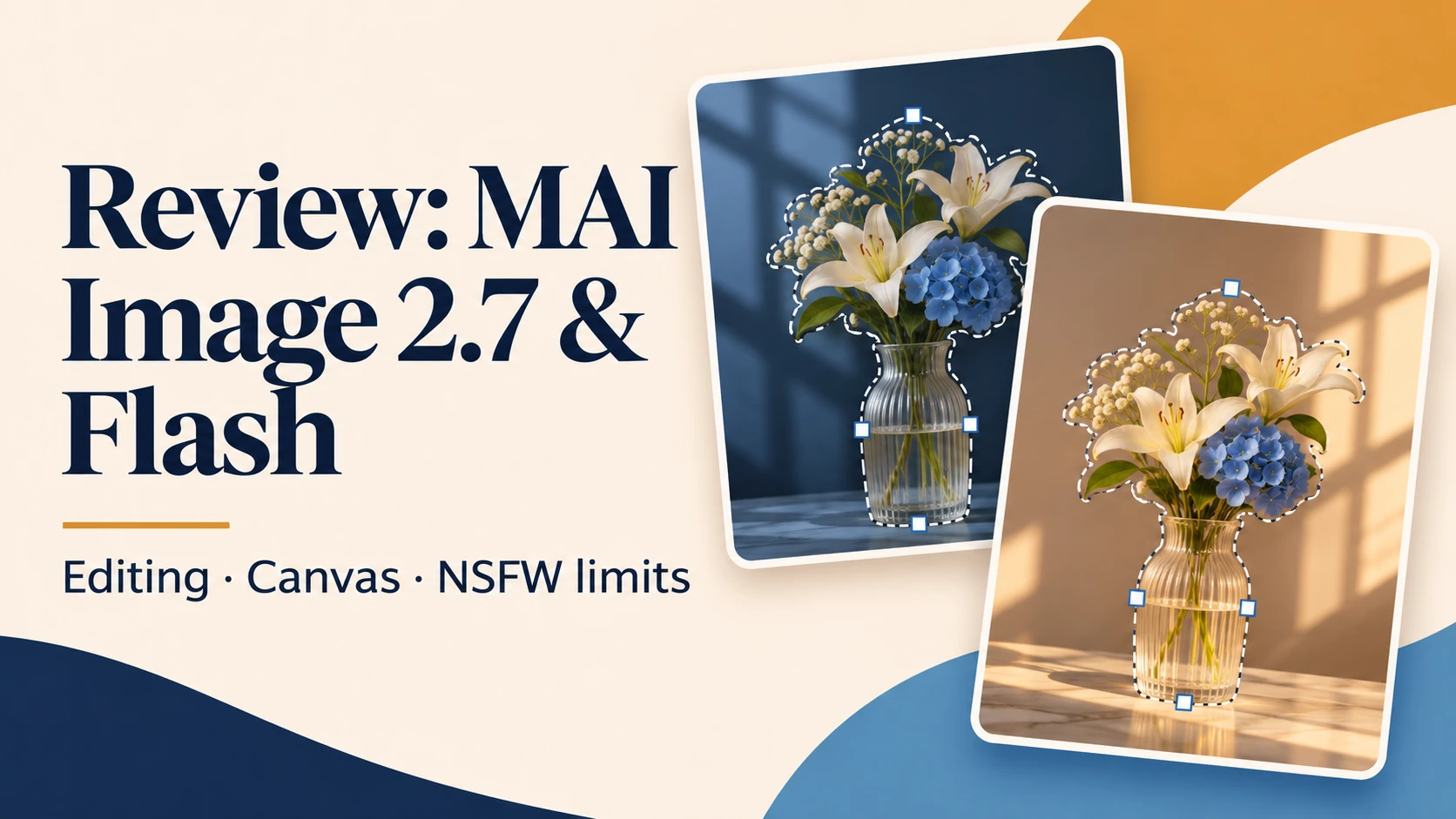

MAI Image 2.7 is most interesting when you need to change an existing image without rebuilding the entire scene. Flash is the cheaper, faster iteration tier, while the full model is the more defensible choice for demanding final edits. Canvas gives Flash a visual workspace. The main caution is access: the personal MAI Labs preview is not a commercial production license.
What launched, and how the two models differ
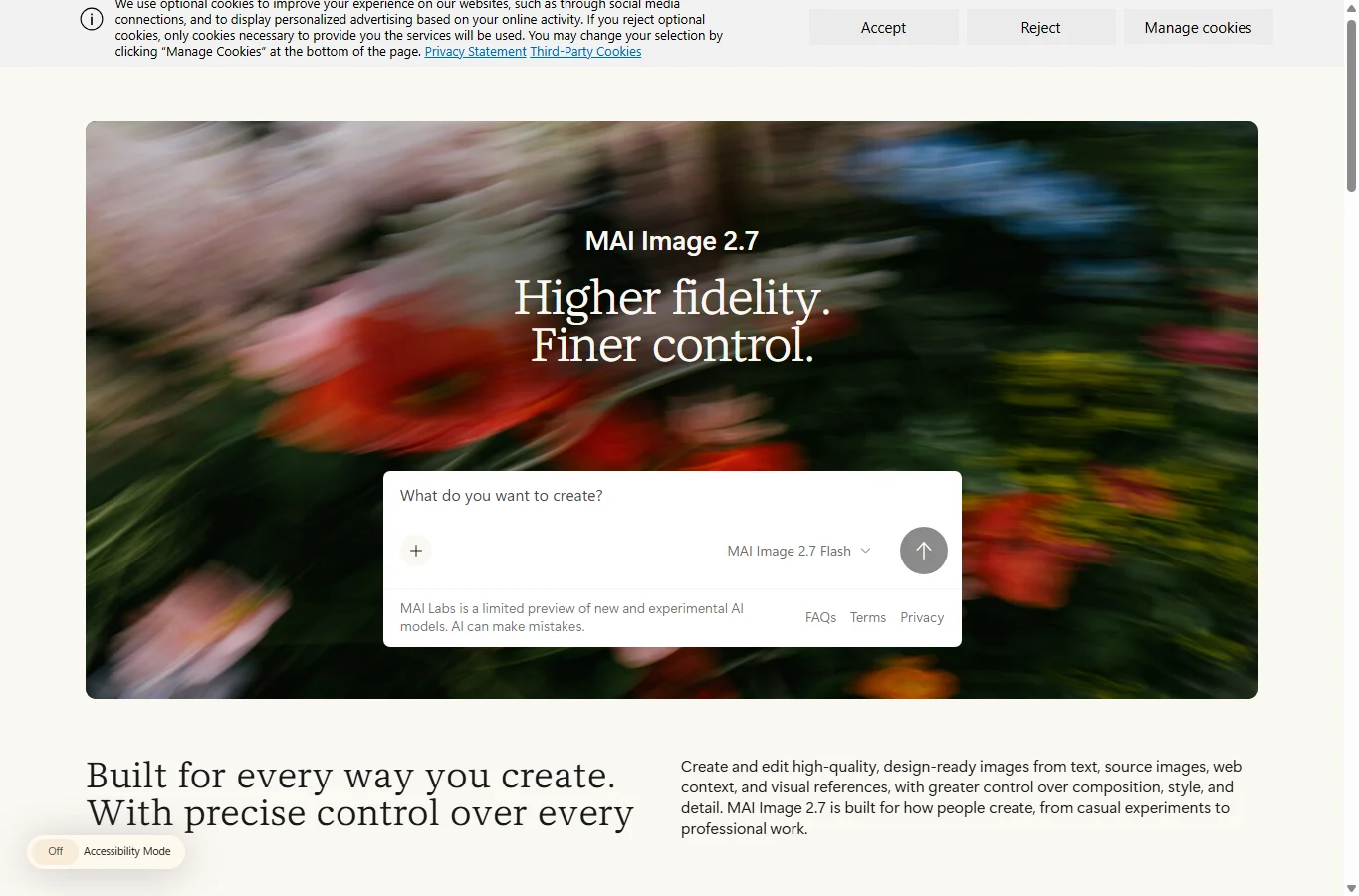
Microsoft announced the two-model generation-and-editing release and Canvas on 17 November 2026. This follows an October editing preview; old claims that 2.7 cannot generate from text or has no API are now outdated. Foundry still labels the new models public preview. Canvas is an application powered by Flash, not a third model, and Bing’s use of the MAI family does not prove every Copilot surface uses this exact version.
The shared model card describes a diffusion/flow-matching approach, 20 billion non-embedding parameters and a 32K-token context. Flash is an optimized version; a separate Flash parameter count is not established. These are hosted services, not a verified downloadable ComfyUI checkpoint. Microsoft advertises both transparent backgrounds and targeted edits; verify that your chosen host exposes those controls.
Editing quality, text and comparison with rivals
The useful tasks are object replacement, relighting, background changes, text updates and restoration. State what must stay fixed as well as what changes. A result that preserves the subject but invents a logo or changes a face is still a failed edit for many workflows. Keep the original and compare unaffected regions after each pass; repeated editing should not be treated as lossless pixel editing.
Artificial Analysis, checked 18 November, shows the full model at 1,215 editing Elo versus GPT Image 2.6 Sunburst (max) at 1,211; their uncertainty intervals overlap, so a four-point lead is not a decisive universal victory. In text-to-image the full model is fourth at 1,214, while Flash is lower at 1,158. Flash’s editing score is 1,179. The practical tradeoff is budget versus task success, not identical quality for less money. GPT, Kling, Krea and Seedream remain worth evaluating on your exact brief; an editing preference board does not certify text accuracy, identity preservation or licensing.
What independent tests and early users actually establish
CIAOPS published an espresso-machine cutaway comparison on 18 November. Its single brief produced readable, detailed diagrams from both variants, with more densely packed detail from the full model. Older comparison images used different dates and resolutions, so the gallery is a useful example, not a controlled speed or accuracy benchmark. Invented technical labels still require checking.
An early Polish-language test by Piotr Olszewski reported strong sign editing and restoration, but also a wrong diacritic on a poster from the full model while Flash got that particular word right. One example does not prove Flash is better at typography. Check every character, accent, number and logo in the language you actually need. First-day forum discussion is too sparse to establish reliability or an NSFW consensus; partner testimonials are endorsements, not independent experiments.
Price, resolution and realistic operating costs
Microsoft’s launch estimates are about US$35 per 1,000 images for 2.7 and US$10 for Flash in Foundry preview: roughly $0.035 and $0.01 per image under the quoted conditions. A planning example of 100 Flash drafts plus 10 full-model finishes is about $1.35, before taxes, host fees, input-image costs, higher-resolution differences or retries. Ten attempts to obtain one usable image changes the effective price substantially. Do not treat these figures as a fixed all-host 2K tariff or a Labs subscription price.
The model-card output ceiling is 4,194,304 pixels, equivalent to 2048×2048. Either side may exceed 2048 within that area ceiling; this does not promise every arbitrary size is accepted by every API. Check the host’s supported ratios and sizes. The maximum is not the default. No controlled latency benchmark was run for this review: Flash is positioned for speed, but queue, resolution, editing inputs and provider routing affect the wait.
How to start in MAI Labs and Canvas
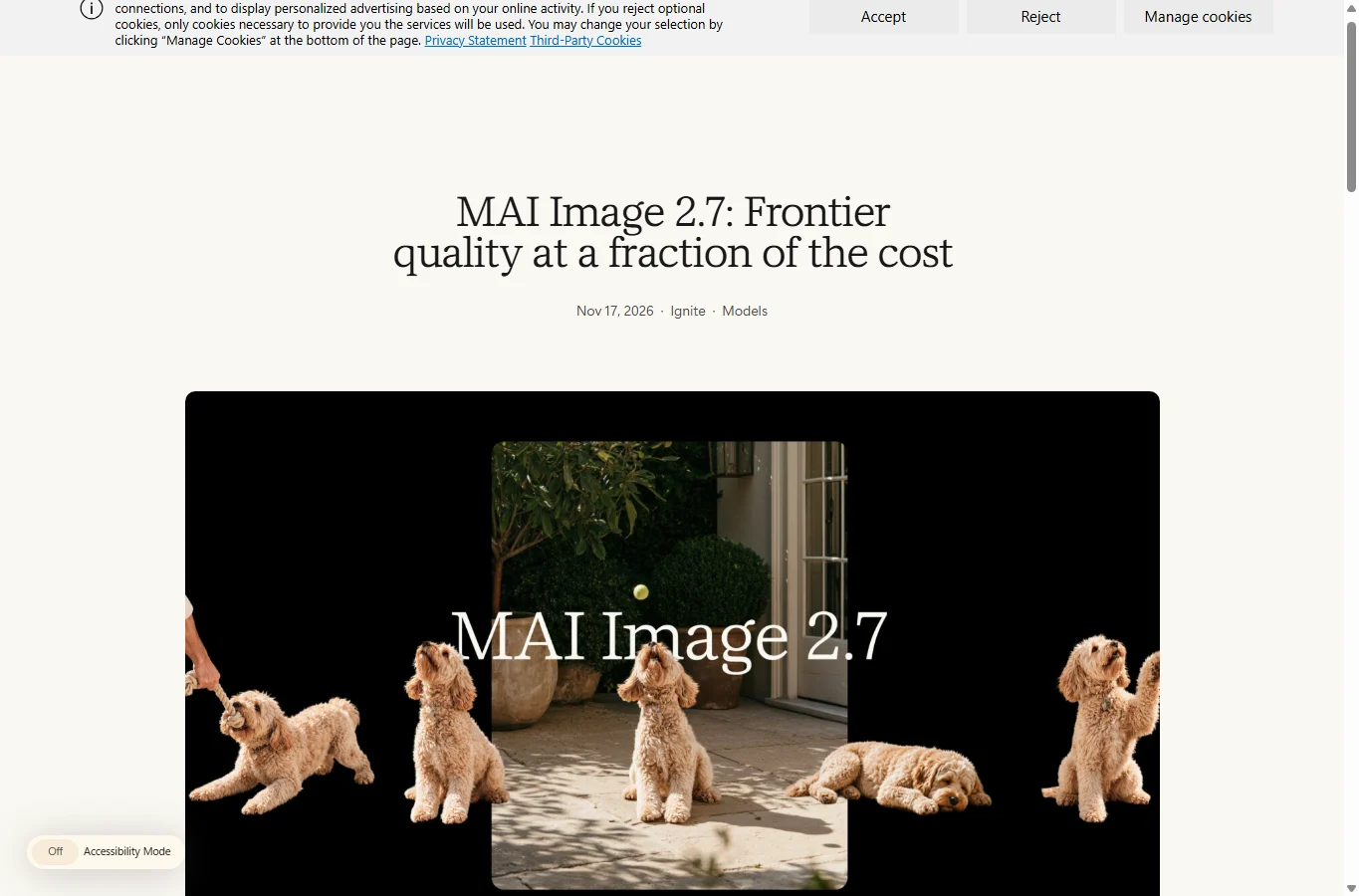
Open the official MAI model page, sign in with a Microsoft account and complete the displayed eligibility/consent steps. Labs requires adults aged 18 or over, and availability varies by country. Its entry notice limits the preview to personal, non-commercial use and excludes school/work activity. Do not upload a client asset simply because the model page advertises commercial design capabilities.
Choose MAI Image 2.7 or Flash in the image-model selector, enter a scene description, submit and inspect the result. For editing, attach your own permitted image; the interface allows up to five references. Identify the role of each image explicitly. Changing the model keeps the current image for the next request, which makes comparing an edit easier. Save the actual output using the interface’s download action where available, then verify its dimensions and transparency rather than relying on a preview thumbnail.
In Labs, open Canvas when available to your account. Start with a prompt or sketch, generate a base, select the region to change, and request a replacement, movement or style adjustment. Make one change per iteration and retain a copy of the last good result. Canvas uses Flash; do not assume a Canvas edit silently uses the flagship. If Canvas is unavailable, use the standard image-edit workflow rather than a similarly named product from another vendor.
How to use the models through Microsoft Foundry
For a developer workflow, obtain an Azure subscription with billing, create a Foundry project in a supported region, and ensure your account can deploy models. In the catalog select MAI-Image-2.7 or MAI-Image-2.7-Flash, confirm preview terms, deploy and record the deployment name, resource endpoint and authentication method. Use the playground for a harmless first request before integrating. Region/quota availability is account-specific; a model catalog entry does not guarantee deployment permission.
Microsoft documents a generations request to /mai/v1/images/generations with JSON fields model (your deployment name), prompt, width and height; transparent background is exposed through background when supported. Editing uses /mai/v1/images/edits with multipart fields model and prompt, plus repeated image file fields, up to five. Authenticate with the documented API key or Entra method, never put a key in a public browser page. Decode returned b64_json to an image file. A generic OpenAI image URL or another host’s model ID is not interchangeable with this endpoint.
If you prefer a partner’s web playground, fal, OpenRouter, Genspark and Vercel are named distribution routes, but their balances, billing, controls and terms differ. For commercial work, verify that route’s rights and data handling before upload. For a preview deployment, plan for limits and failures rather than assuming a production SLA.
NSFW support, privacy and commercial rights
These are not uncensored NSFW models. The model card describes training-time safety work and deployment filters for prompts and outputs, including sexual/nude and violent/gory content. An 18+ eligibility check is not permission for pornography. No reliable first-day rejection-rate study was found for these versions, and this review did not run explicit-content probes. There is no verified unrestricted local checkpoint or supported “disable all safety” workflow.
A benign fashion, swimsuit or medical-art prompt can still be evaluated under the host’s contextual policy; neither universal approval nor universal blocking is established here. If a harmless request is rejected, clarify its legitimate intent without trying to disguise prohibited content. Do not use the tools for non-consensual sexual imagery or deceptive impersonation. Policy and moderation may vary by deployment, and anecdotal successful outputs do not change permitted use.
Labs, enterprise Foundry and partner hosts have different data and licensing arrangements. Treat uploaded images as data sent to a service, not offline local processing. Use non-sensitive references you have rights to; do not assume no training, instant deletion or exclusive copyright without the relevant service terms. A commercially permitted route still does not guarantee trademark, likeness or copyright clearance for the output.
Prompts, troubleshooting and who should choose it
Try this editing brief with your own photo: “Replace only the background with a softly lit pale-blue studio. Keep the bottle shape, label text, camera angle and position unchanged. Match the contact shadow to the new surface. Do not add text.” For multiple references: “Image 1 supplies the product; image 2 supplies only lighting and background style. Preserve image 1’s proportions and wording.” These are suggested starting prompts, not outputs measured in this review.
For text, put the exact wording in quotation marks, specify where it belongs and request no other words. For a local-language poster, use a short sentence containing the accents or characters you need and inspect it at full size. For transparency, select the supported transparent-background control and check alpha in the downloaded file; a checkerboard drawn into the image is not transparency. If a long sequence drifts, return to the original reference and restate constraints rather than endlessly editing an already damaged result.
Start with Flash for exploration and low-cost alternatives; use 2.7 when small details, composition preservation and difficult edits justify extra attempts and cost. Keep an existing editor for exact typesetting, masks and final retouching. This AI-assisted review synthesizes official specifications, independent preference data and explicitly attributed early tests as of 18 November 2026; it is not an in-house generation benchmark or a promise of fluent text in every language.
Related Reviews
MOSS-Image Review: Text, Layout Control, NSFW, VRAM and ComfyUI

Kling 4.0 Review: 30-Second AI Video, Pricing, Keyframes and NSFW Limits
Seedance 2.5 Review: 30s, 4K and Audio AI Video Generation in Dreamina
MiniMax-Music3 Review: Open-Weight AI Music Model for 5-Minute Songs
5 Best AI Wallpaper Generators in 2026

YuE2-3B Review: Local AI Music, Suno Comparison & ComfyUI