Design.com vs Canva: Which Logo Maker Is Better for Building a Complete Brand?
Design.com and Canva can both help businesses develop a brand identity, but they take different approaches to logo creation and complete brand building.

Type the same request into two different logo makers and you’d expect broadly similar output. In our test, Design.com and Canva didn’t come close. While one surfaced thousands of relevant options in seconds, the other returned four samples built around a single visual idea.
Design.com and Canva can both help businesses develop that identity, but they approach the process differently. Design.com starts with logo creation and builds a coordinated brand around it. Canva is a broader content-design platform that includes logo creation alongside its many other tools.
To compare them fairly, we entered the same prompt into both platforms:
“Generate logos for a professional cleaning service called Metropolitan Cleaners. The business specializes in cleaning services for commercial buildings.”
We kept the prompt intentionally short, supplying only a name, industry, and target market, to see how each platform would interpret an open-ended brief. The results pointed to a clear difference between a logo-specialized tool and a general-purpose design suite. However, as with any single-prompt test, results can vary by industry, business name, and how a platform’s AI happens to interpret a given brief on a given day.
30-Second Verdict
Overall winner: Design.com
Design.com produced the stronger logo-generation experience in our test. It surfaced more than 10,000 options in seconds, displayed the Metropolitan Cleaners name correctly, and provided varied but commercially relevant concepts. Canva generated only four initial samples, followed one narrow visual direction, and failed to reproduce the business name correctly in one design.
Design.com also offers a more connected route from logo creation to business cards, websites, social posts, signage, and other branded materials.
Final result: Design.com wins seven of nine rounds.
Design.com vs Canva at a Glance
| Category | Design.com | Canva | Winner |
| Initial test output | More than 10,000 options | Four generated concepts | Design.com |
| Business-name accuracy | Correct across the reviewed samples | Incorrect text in one of four samples | Design.com |
| Visual variety | Multiple icons, layouts, colors, and styles | Similar building icons and one dominant aesthetic | Design.com |
| Logo editing | Standard controls and conversational AI editing | Flexible drag-and-drop editor | Design.com |
| Brand consistency | Automatically branded templates | Brand Kits and Brand Templates | Design.com |
| Creative tools | 50+ branding and design tools | Extensive visual content suite | Canva |
| Logo formats | PNG, JPG, SVG, EPS, PDF, GIF, and MP4 | Common image, document, and video formats | Design.com |
| Collaboration | Favorites, polls, and lightweight sharing | Shared workspaces and team controls | Canva |
| Starting price | From $3 per month when billed annually | Free and paid plans; prices vary | Design.com |
How We Tested Design.com and Canva
We deliberately kept the prompt short. It supplied a business name, industry, and target market without specifying colors, symbols, or a preferred design style.
The short prompt gave both platforms room to interpret the brief. We wanted to see whether they could recognize that Metropolitan Cleaners serves commercial buildings and translate that positioning into a professional visual identity.
We evaluated:
- Generation speed and number of results
- Accuracy of the business name
- Relevance to commercial cleaning
- Variety of visual directions
- Editing and AI capabilities
- Ability to create matching brand assets
- Logo file formats and commercial-use options
- Pricing and overall value
- Collaboration features
Both platforms produced results within seconds. The similarity ended there.
Round 1: Logo Generation and Setup
Winner: Design.com
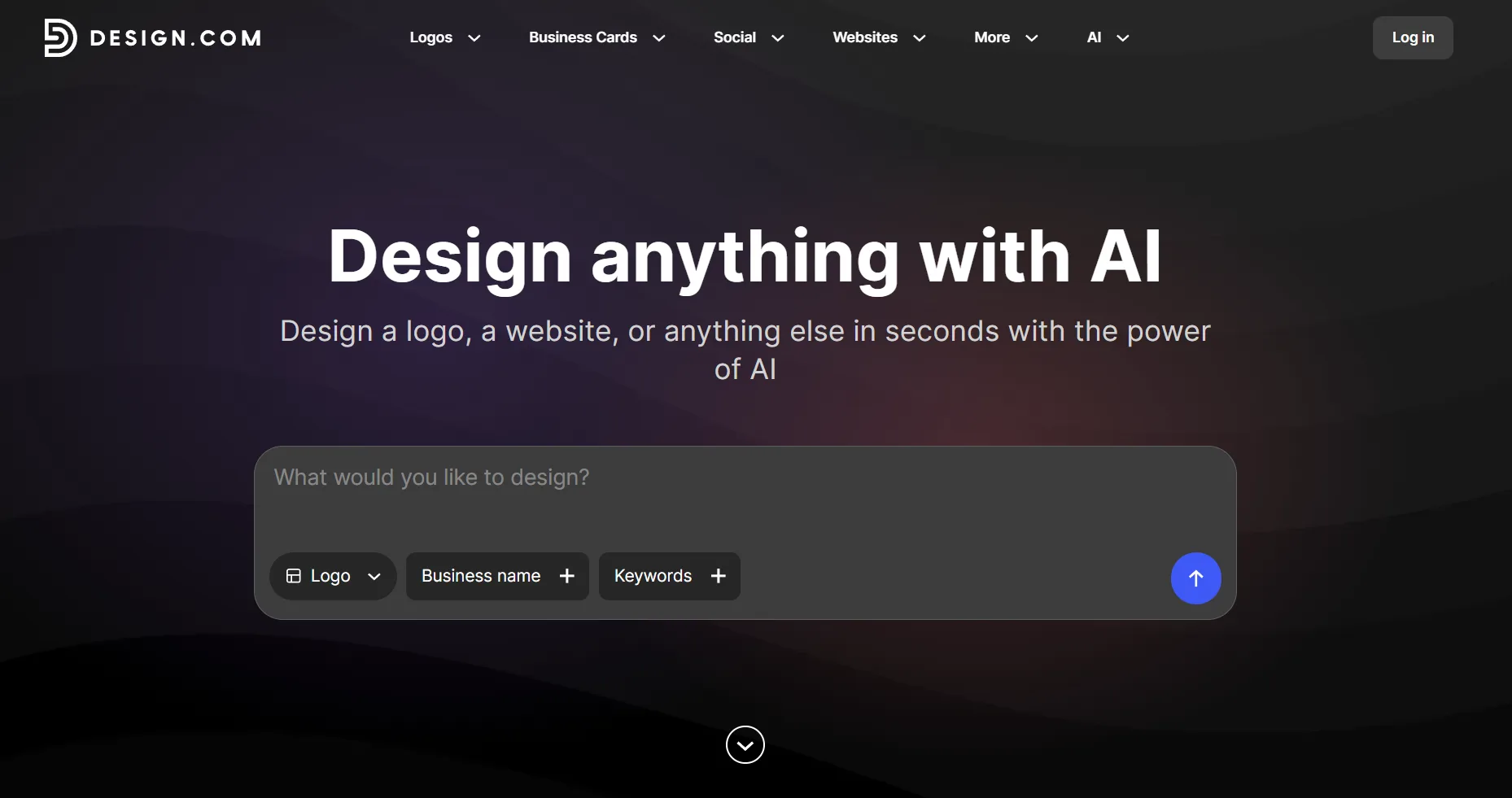
Design.com surfaced more than 10,000 logo options in seconds. The reviewed samples consistently displayed “Metropolitan Cleaners” clearly (in different fonts, no less), allowing us to focus on the quality of each concept rather than correcting the company name.
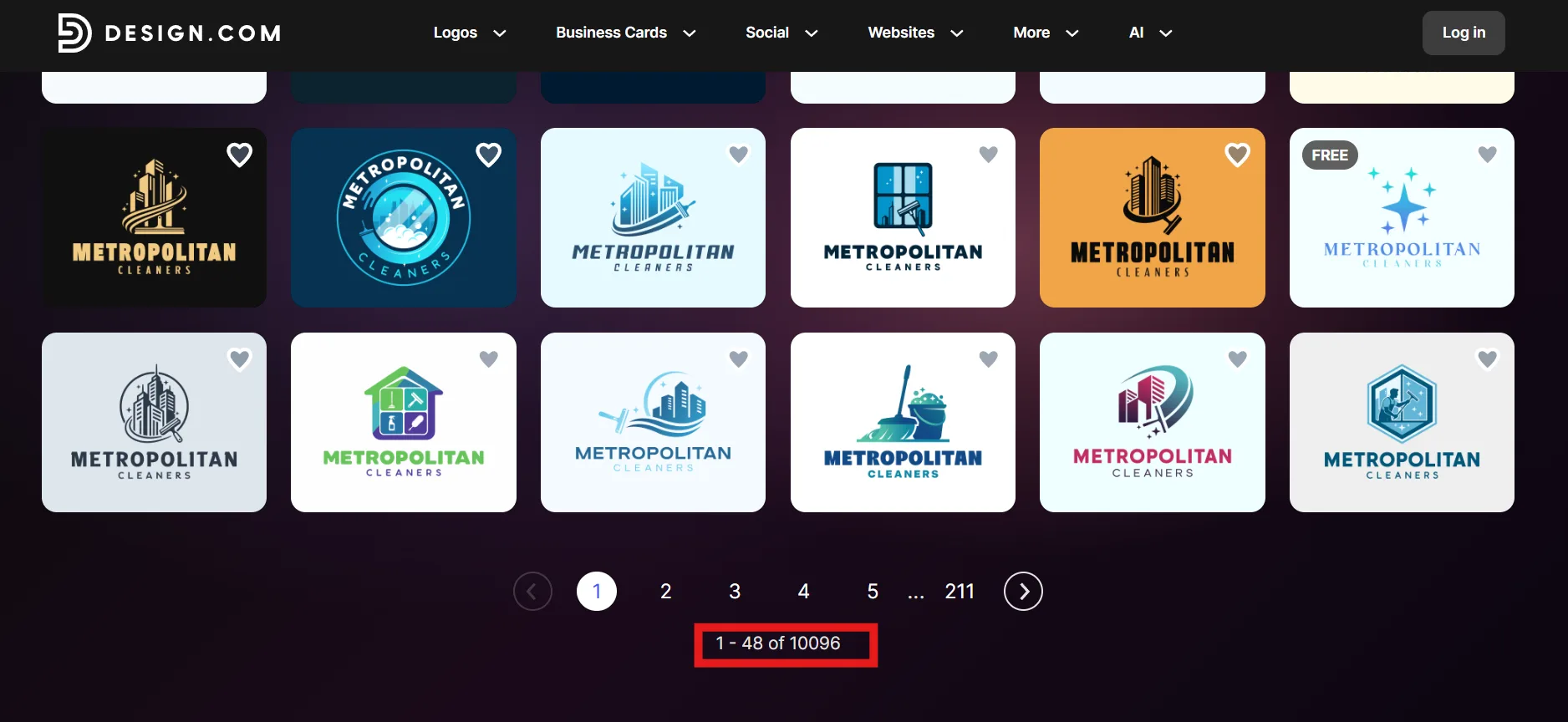
The number of options also changed the nature of the experience. Canva presented a small batch to refine. Design.com created a much larger field of ideas to explore, shortlist, and compare.
For a business still deciding what its identity should look like, Design.com provides a stronger starting point.
On the other hand, Canva generated four logo samples from the prompt. All four used illustrations of multistory commercial buildings, showing that the platform understood the main industry context. Sparkles, clouds, and clean architectural lines helped communicate a polished commercial property.
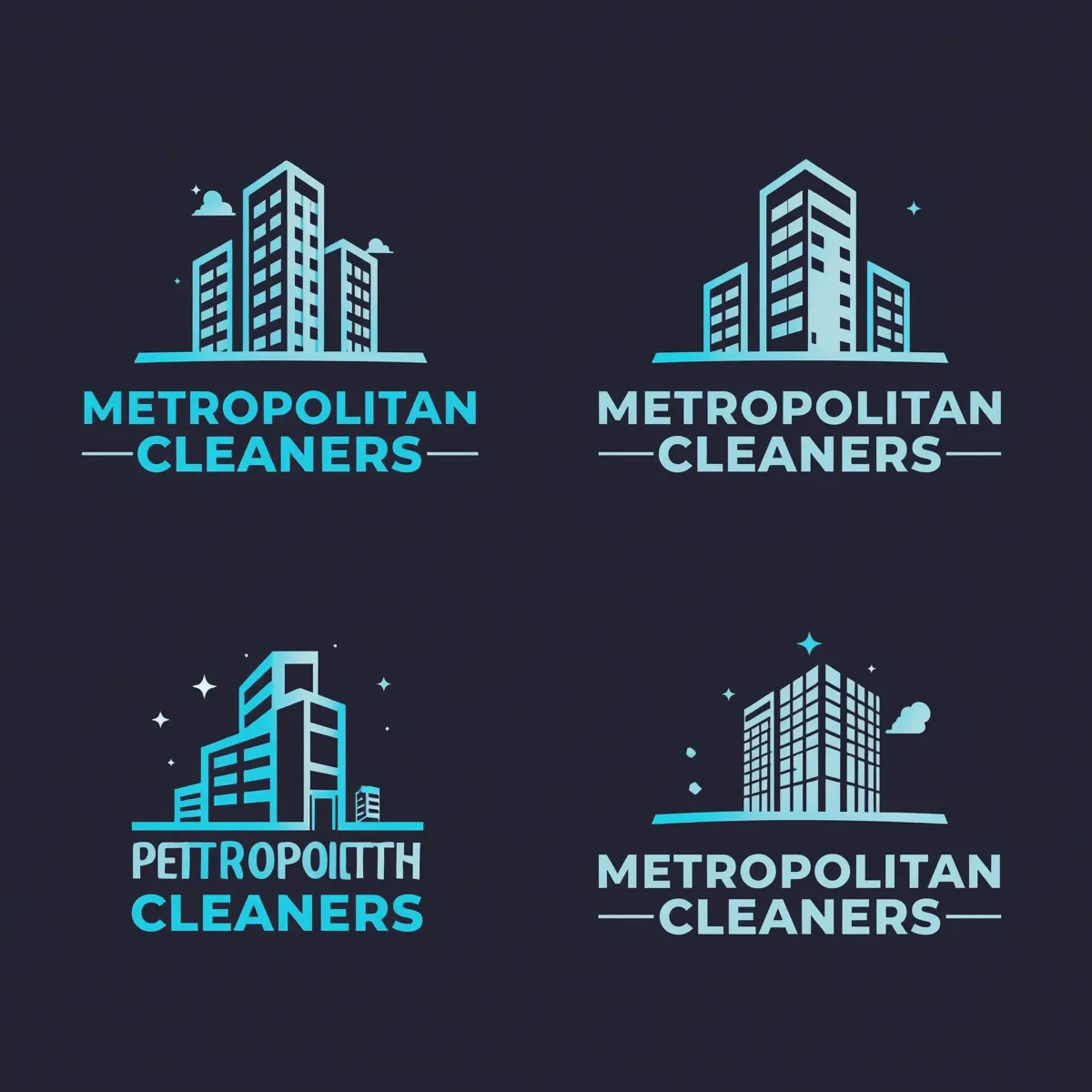
The quick response was useful, but four concepts left little room for exploration. Three displayed the Metropolitan Cleaners name correctly. The fourth contained garbled text instead of the requested business name, meaning it would need to be corrected before the design could be evaluated properly.
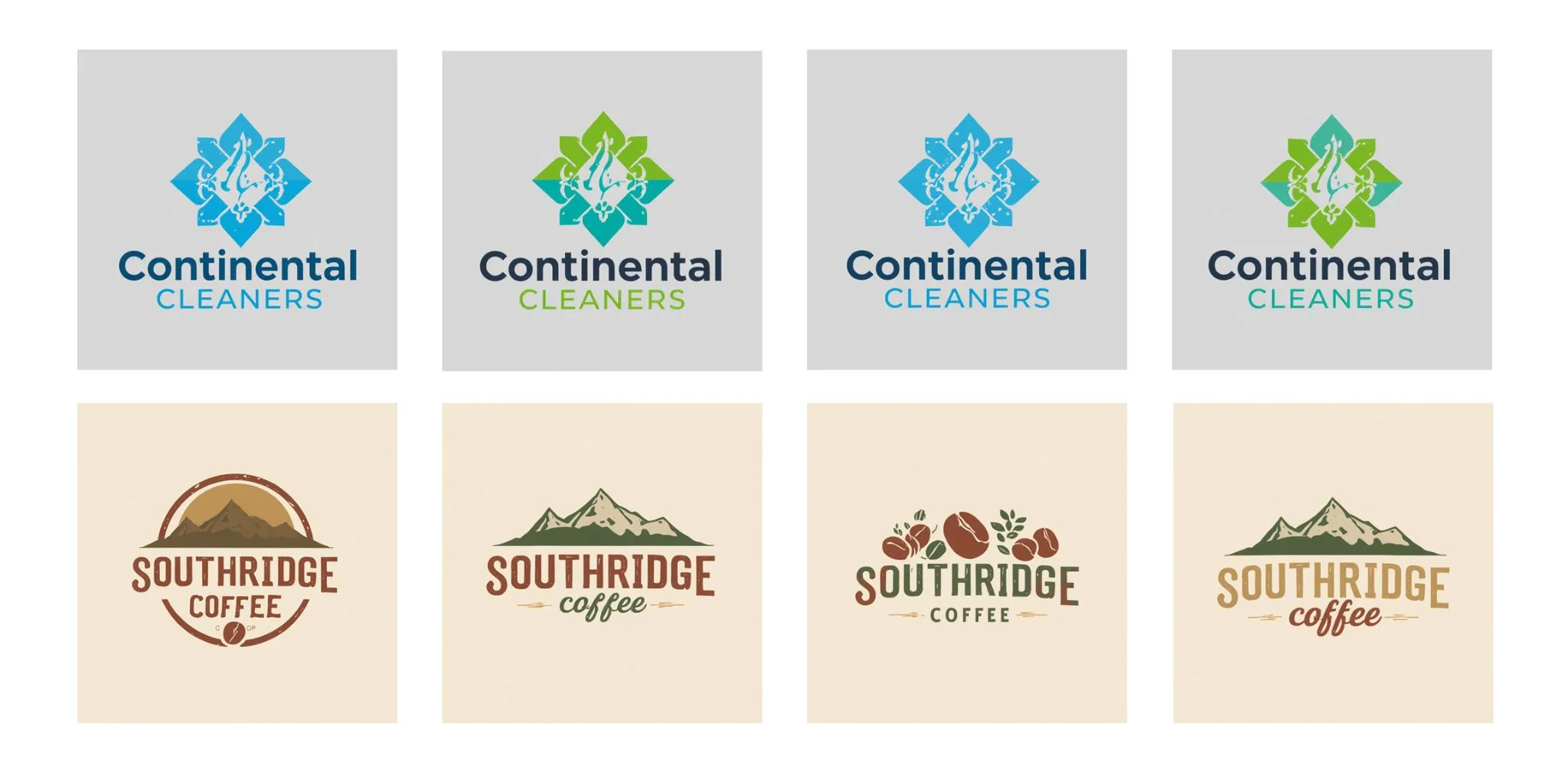
On a side note, we did test a couple of other business names and we didn’t get garbled text on either of them. So it is possible that this is just a glitch in the system. However, it did surface another issue. For one of the other tests, Continental Cleaners, it only gave us one logo sample, colored in two different ways.
Round 2: Logo Quality, Relevance, and Variety
Winner: Design.com
Canva’s four samples were reasonably relevant to commercial cleaning. Each used a building icon, bold uppercase typography, and a dark navy background with turquoise or pale-blue details.
The buildings suited the commercial focus, while the sparkle symbols suggested cleanliness. However, the designs leaned heavily toward the same color palette, composition, and architectural aesthetic. They felt more like variations of one idea than four distinct creative directions.
Design.com also used commercial buildings frequently, but it interpreted the industry in more varied ways. The samples included office towers paired with squeegees, spray bottles, mops, buckets, windows, sparkles, shields, and cleaning workers. These combinations connected commercial property with the actual service being offered.
Here are five up close of the 10,000+ we generated:
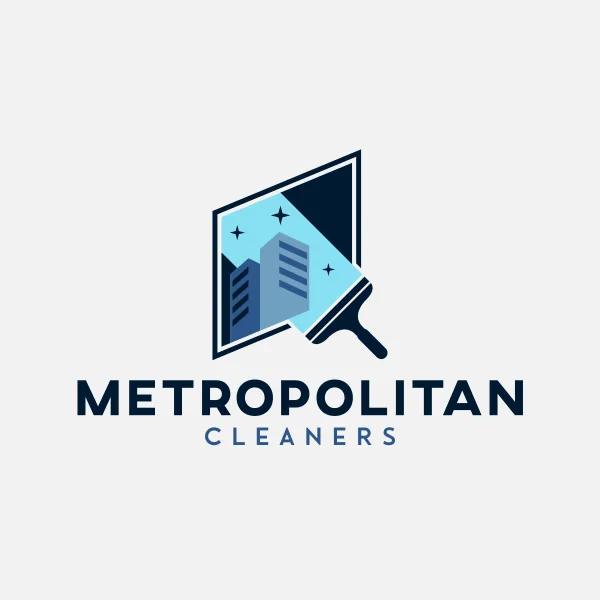
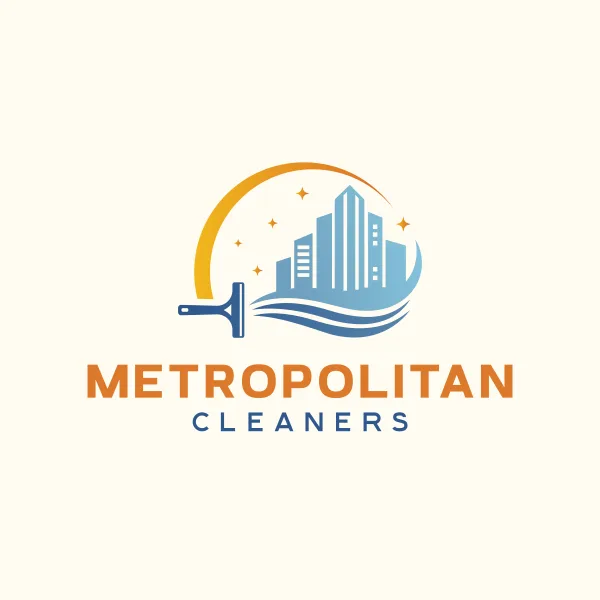
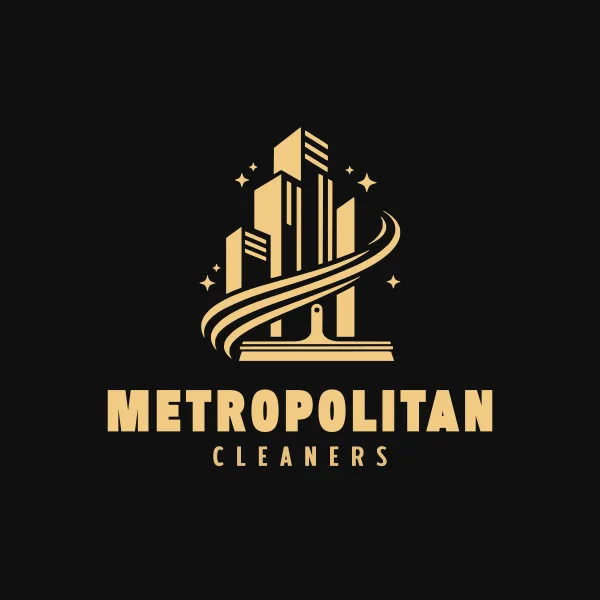
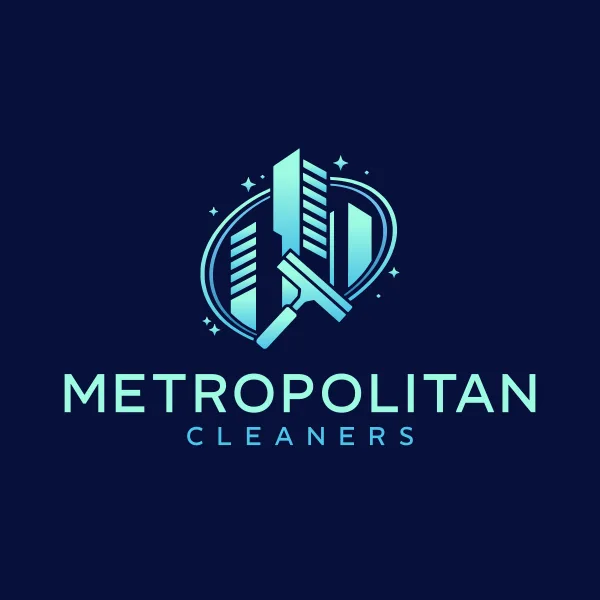
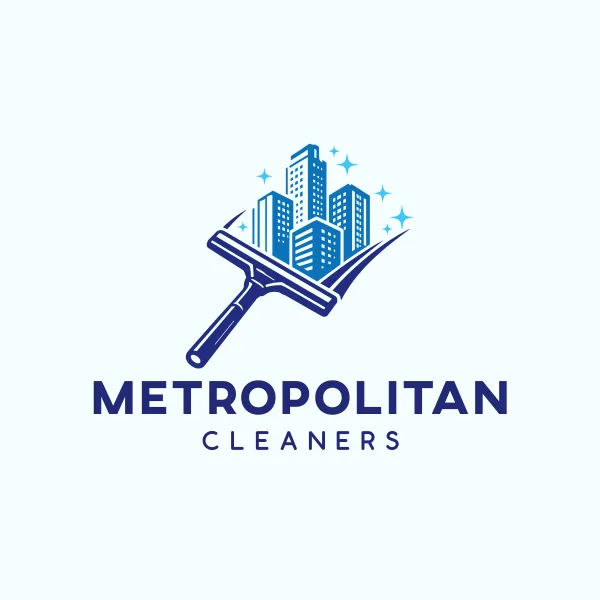
There was also greater stylistic variety. The results included compact emblems, circular badges, horizontal combination marks, icon-led designs, and restrained corporate layouts. Most used suitable blues and teals, but the selection also introduced green, orange, pink, black, and darker premium-looking backgrounds.
Not every Design.com concept would suit Metropolitan Cleaners. Some were busier than others, and a few icons leaned closer to residential or general cleaning. The advantage was the ability to reject those options without running out of relevant alternatives.
Canva understood the “commercial buildings” part of the prompt. Design.com understood both “commercial buildings” and “cleaning services” while providing more ways to express that positioning.
Round 3: Editing and AI Assistance
Winner: Design.com
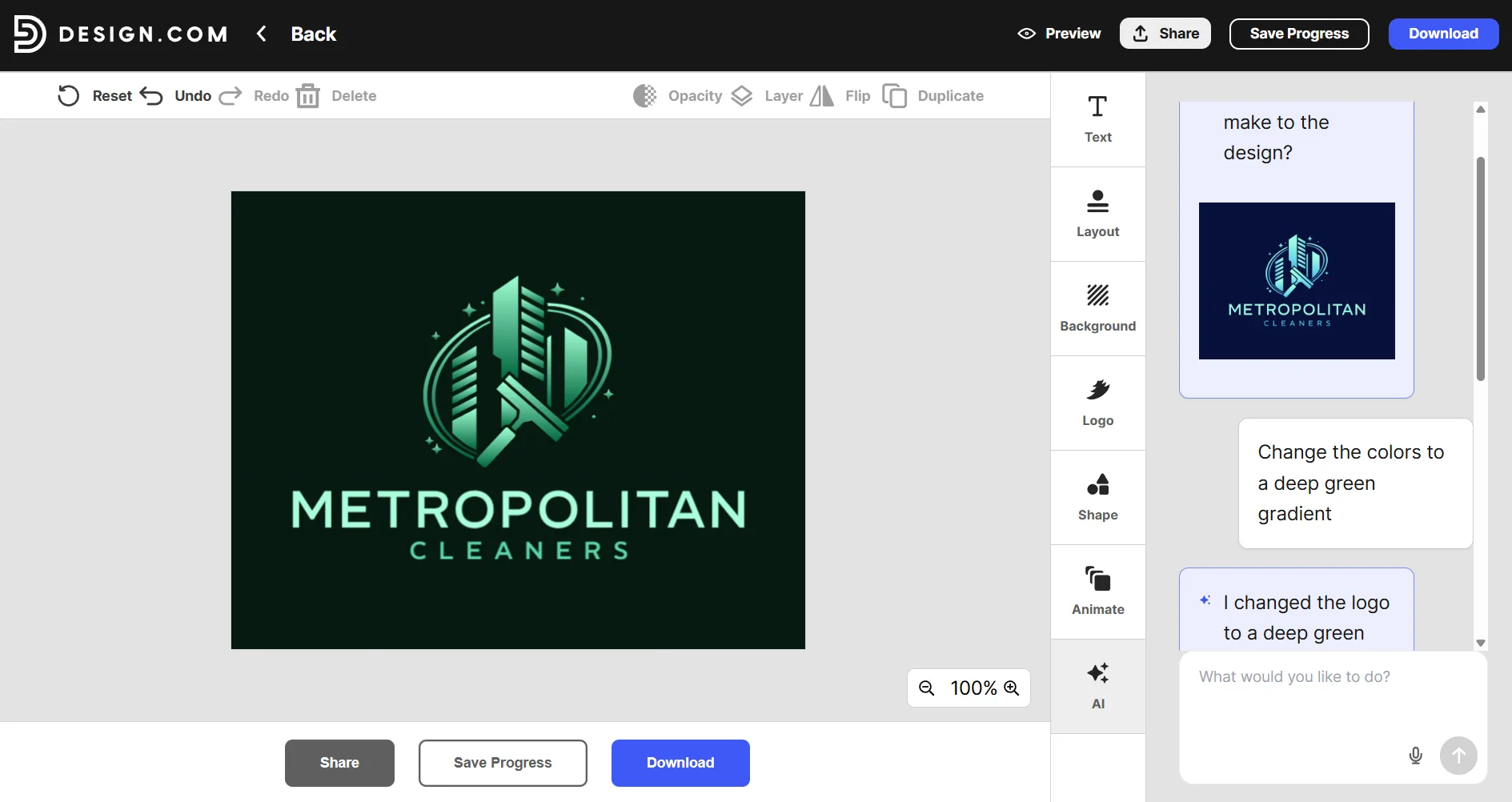
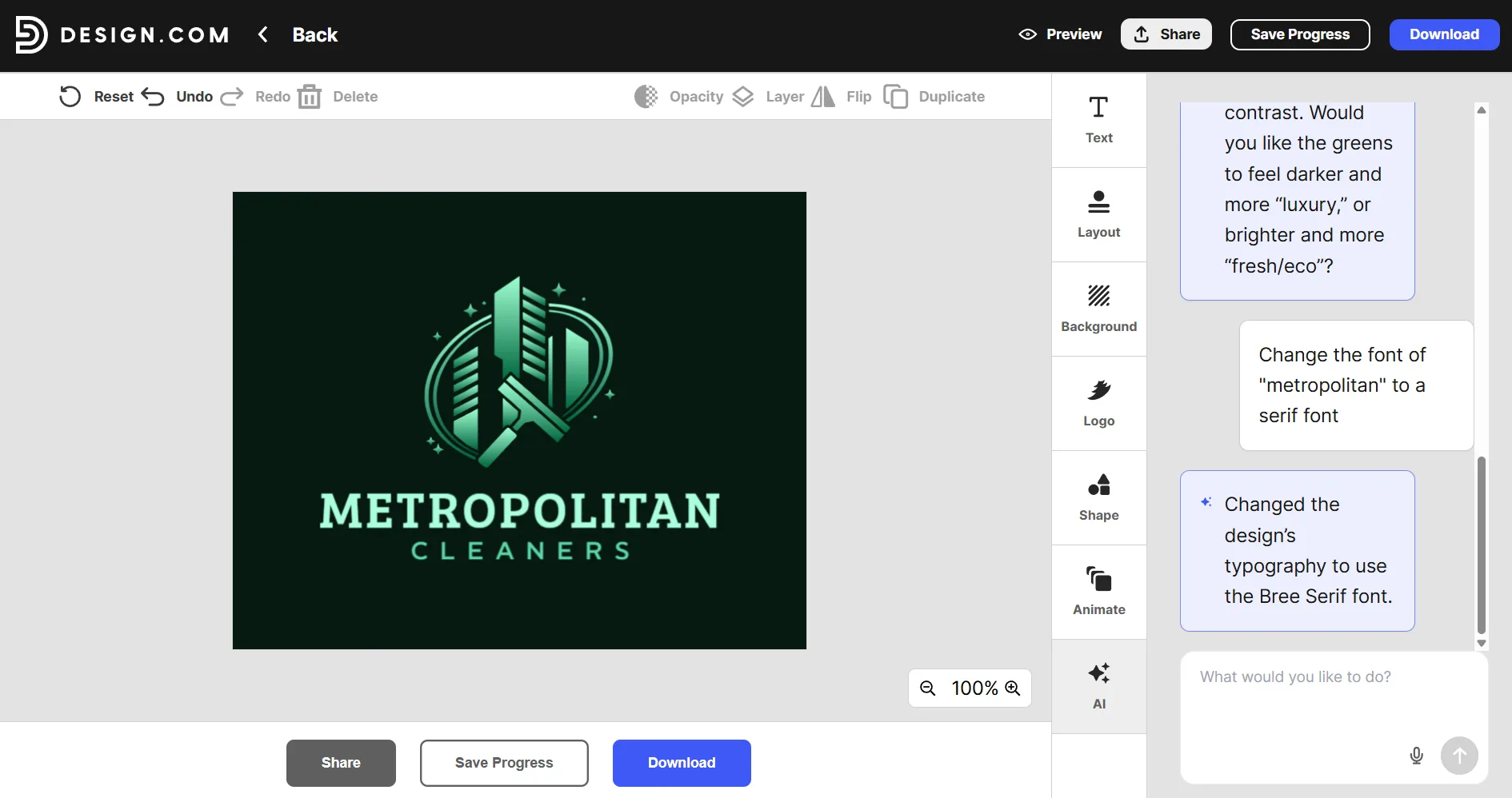
Design.com provides conventional editing controls alongside logo-specific AI tools. Users can edit logo icons or text through a chat-style interface and request changes in plain language.
For Metropolitan Cleaners, that might mean asking for a simpler building, a more corporate font, a subtler cleaning symbol, or an icon that remains recognizable on a uniform. This guided approach is useful for business owners who know the result they want but do not know which design controls will produce it.
In our sample, we asked the AI editing feature to change the color to a deep green:
And then we asked it to change the font:
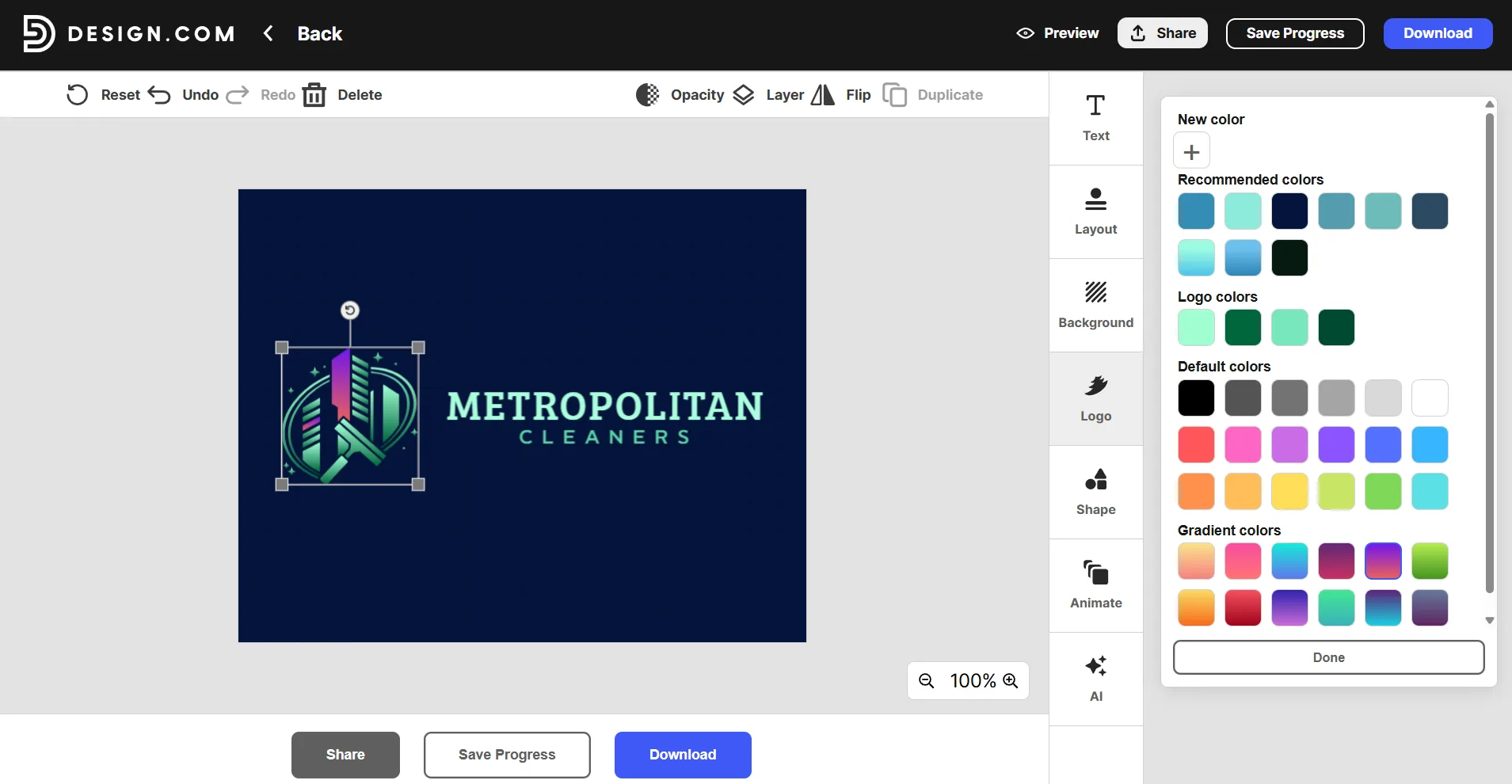
Design.com also has manual editing controls where you can do anything from changing the font, the layout, and the colors. You can also add different shapes or animate your logo. Interestingly, Design.com even allows you to change the colors of components of the logo design itself. For example, in the image below, we changed some of the parts of the building to a different color.
Canva’s drag-and-drop editor remains one of its biggest strengths. Users can reposition elements, change typography, update colors, and add graphics through a familiar visual workspace. Anyone who already creates content in Canva will find the editing environment easy to understand.
Canva’s AI logo generator has also introduced AI editing as soon as you generate a logo:
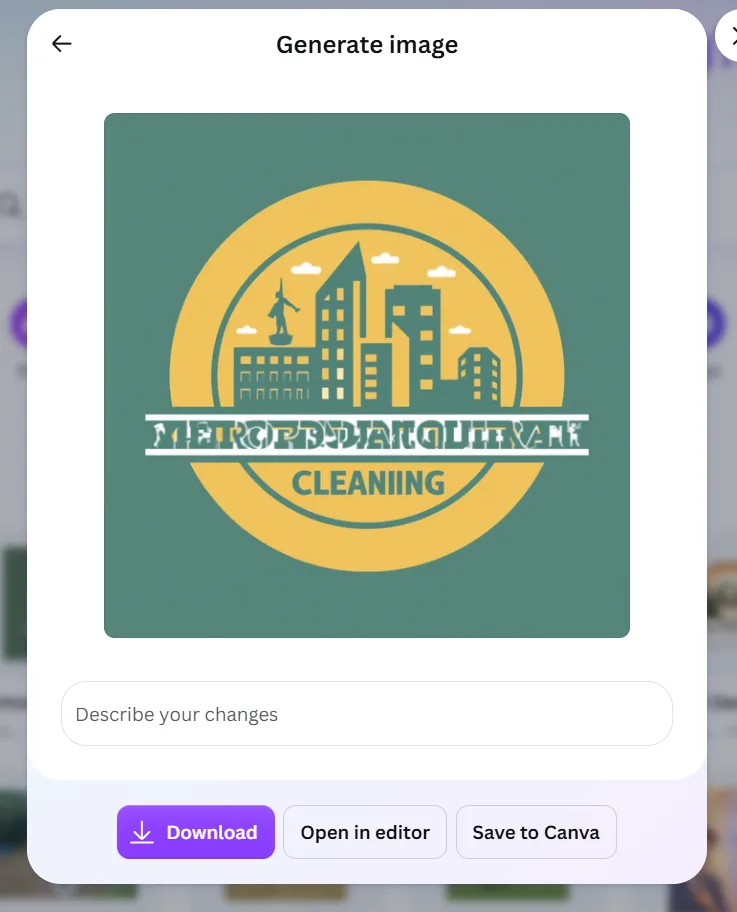
That flexibility would help correct the malformed name in this logo that we generated for a second run of Metropolitan Cleaners. It could also be used to introduce different colors or replace the building illustration. However, those changes require the user to recognize what is wrong and make the creative decisions manually.
Canva offers excellent manual flexibility. Design.com wins because its editing experience is more focused on turning an initial logo into a practical brand mark.
Round 4: Building a Consistent Brand
Winner: Design.com
The comparison becomes more important after the logo has been chosen.
Design.com can automatically apply the selected logo colors to templates for business cards, social posts, email signatures, flyers, posters, letterheads, presentations, websites, and other materials. This reduces the need to rebuild the Metropolitan Cleaners identity one asset at a time.
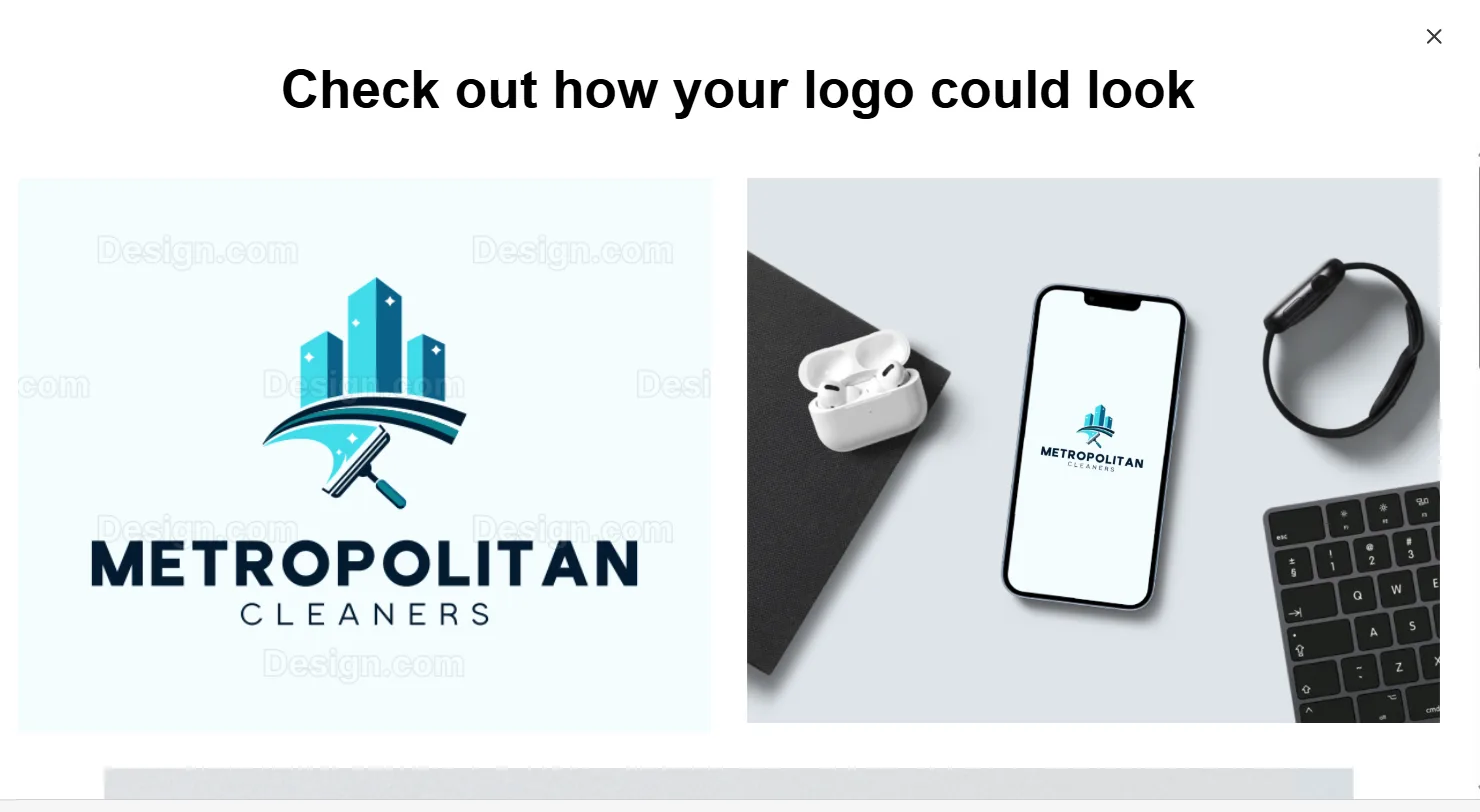
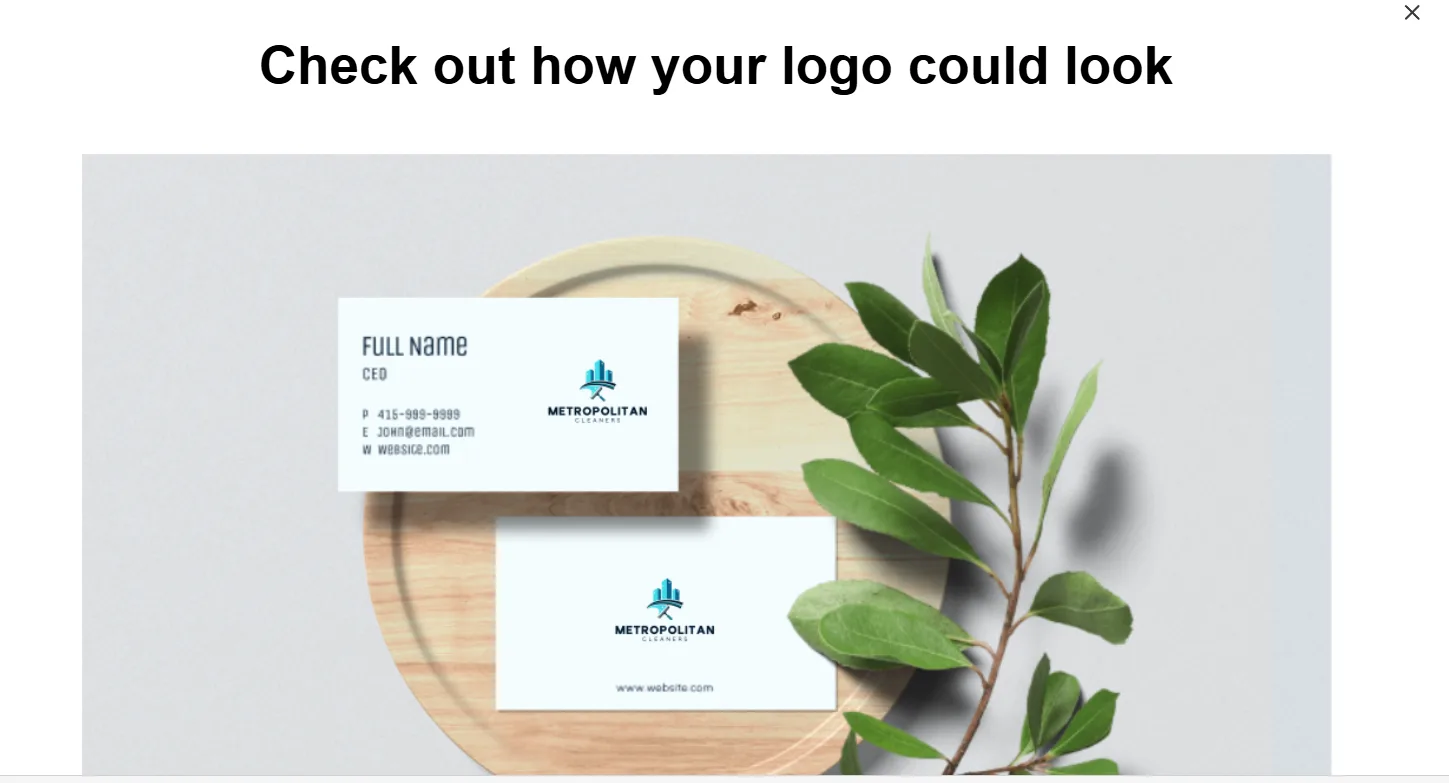
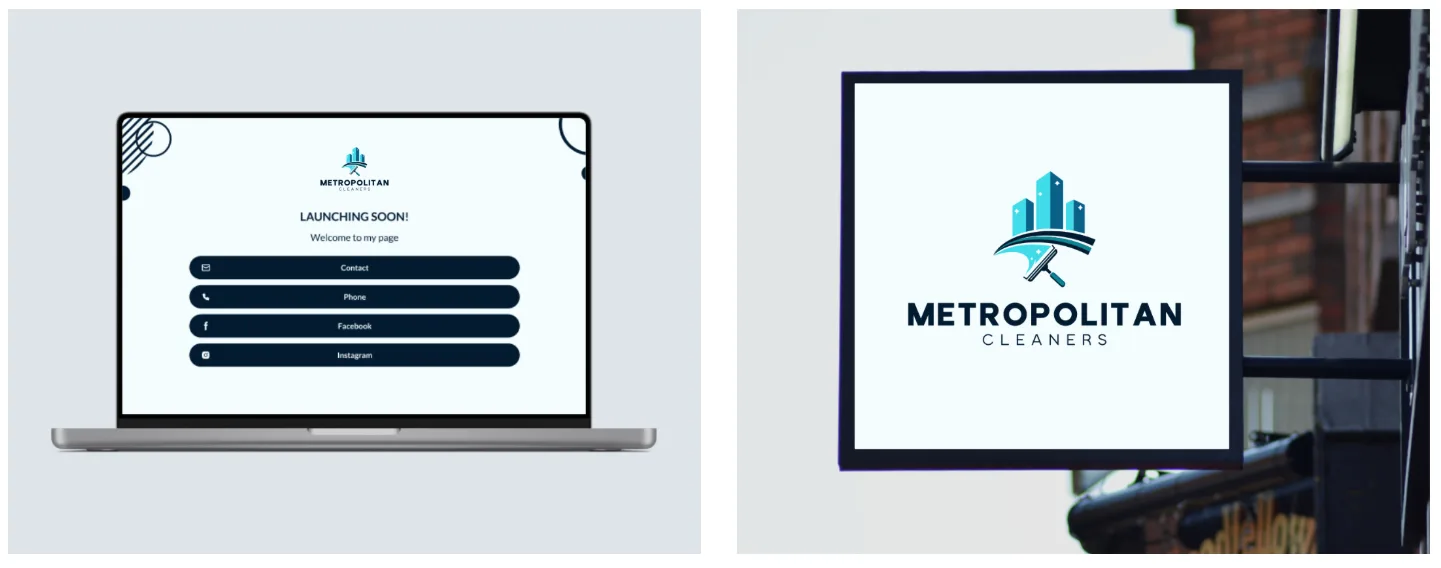
That continuity matters for a commercial cleaning company. The logo may need to appear on staff uniforms, service vehicles, identification cards, proposals, invoices, building signage, and sales materials. A consistent identity helps property managers recognize the same company at every point of contact.
Canva also has strong brand-management features. Its Brand Kit can organize logos, colors, fonts, guidelines, and visual assets, while Brand Templates help teams create approved content. These tools are particularly effective when a company already has a finished identity to upload and manage.
Design.com’s advantage is the connection between discovery and rollout. Users can find the logo, customize it, and immediately begin creating matching assets inside the same branding journey.
Canva helps businesses maintain an established brand. Design.com is better at building the initial brand around a newly created logo.
Round 5: Creative and Marketing Tools
Winner: Canva
Canva takes this round because it is designed for a wider range of visual communication.
Its platform supports social graphics, presentations, documents, videos, websites, whiteboards, print materials, and other content formats. It is better suited for marketing teams that create new campaigns every week.
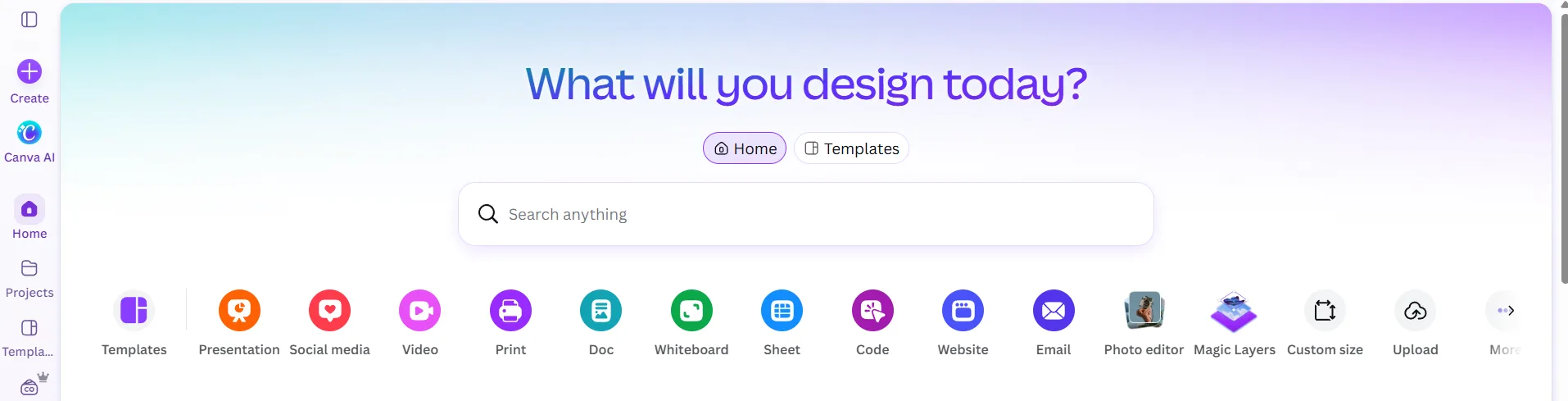
A growing Metropolitan Cleaners team could use Canva for employee-training presentations, recruitment posts, client proposals, safety documents, short videos, and recurring social campaigns.
Design.com is not limited to logos. It provides more than 50 design and branding tools covering websites, business cards, digital business cards, presentations, flyers, posters, social posts, QR codes, letterheads, menus, and email signatures.
Those tools cover the main launch requirements of most small businesses. Canva still offers the broader environment for ongoing content production, especially when video, presentations, and collaborative campaign work become major priorities.
Round 6: Logo File Formats and Versatility
Winner: Design.com
A commercial cleaning logo has to function across very different surfaces. A small social profile image and a large vehicle wrap cannot always rely on the same file.
Design.com provides raster files such as PNG and JPG, along with scalable SVG, EPS, and PDF files. Animated GIF and MP4 formats, transparent-background versions, and icon-only options are also available. These file formats are also available if you happen to download a free logo.
The vector formats are especially important for uniforms, building signage, printed proposals, and vehicle graphics because they can be enlarged without becoming pixelated. An icon-only file can be useful when the complete Metropolitan Cleaners name is too wide for a small space.
Canva supports the common formats needed for digital and print content, although availability may depend on the user’s plan and design type.
Design.com wins because it treats the logo as a reusable professional asset rather than simply another graphic to download.
Round 7: Commercial Use and Exclusivity
Winner: Design.com
Design.com states that its designs are checked for originality and quality and are commercially safe to use. It also offers extended licenses for eligible logos, allowing customers to remove a selected template from the library and obtain exclusive use.
That option may be attractive to Metropolitan Cleaners if the business plans to expand into several cities and wants greater control over its identity.
Canva allows many commercial uses under its content license. However, incorporating a stock element into a logo does not necessarily give the business exclusive ownership of that individual element.
Neither platform can guarantee that a logo is available for trademark registration in every jurisdiction. Before registering a final design, a business should conduct an appropriate trademark search and review the latest licensing terms.
Design.com nevertheless provides a clearer pathway for a company concerned about logo exclusivity.
Round 8: Pricing and Brand-Launch Value
Winner: Design.com
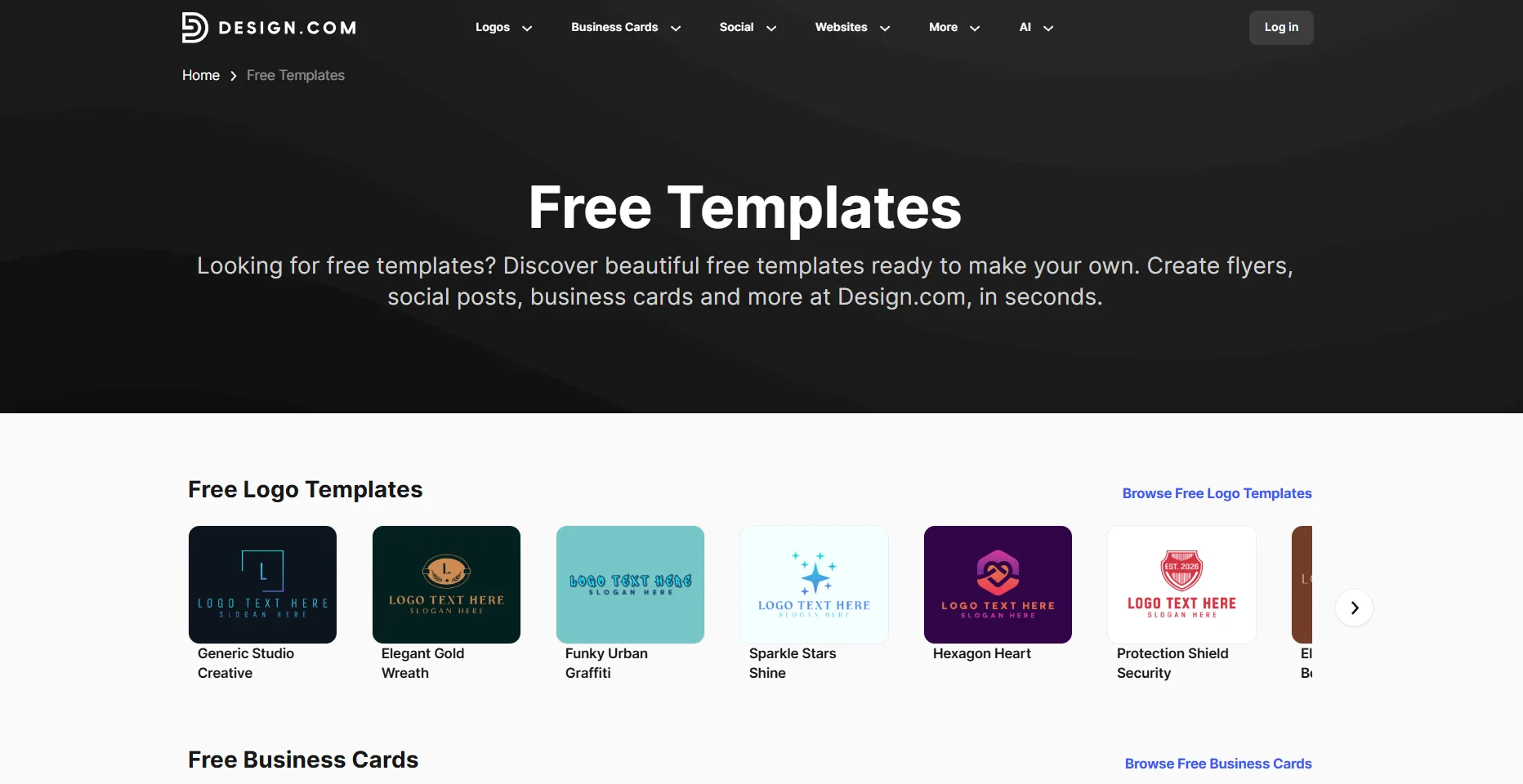
Design.com’s paid plans offer several tiers. The Starter plan begins at $3 per month when billed annually. Its Value plan starts at $4 per month annually and adds a website. Premium starts at $5 per month annually and adds a link-in-bio page and digital business cards.
The plans include high-resolution and vector logo files, unlimited changes, business cards, social posts, email signatures, letterheads, and access to more than 50 design tools.
Selected logos, business cards, and websites are also available for free. In fact, the company states that if you download a free logo template, you gain access to a free website builder, free digital business card, and a free link-in-bio. Some designs created with the additional tools require a premium subscription to download.
Canva has a capable free plan, while paid plans unlock more premium content, AI usage, brand features, and other tools. Its value becomes particularly strong when users need to produce high volumes of different content.
For the narrower task of launching Metropolitan Cleaners with a professional logo and coordinated brand assets, Design.com delivers more focused value at a lower stated starting price.
Round 9: Collaboration
Winner: Canva
Design.com lets users save favorites and create voting polls. Metropolitan Cleaners could use a poll to ask managers, employees, or prospective customers which of the shortlisted logo feels most professional.
These tools are practical for a founder or small team making an initial decision.
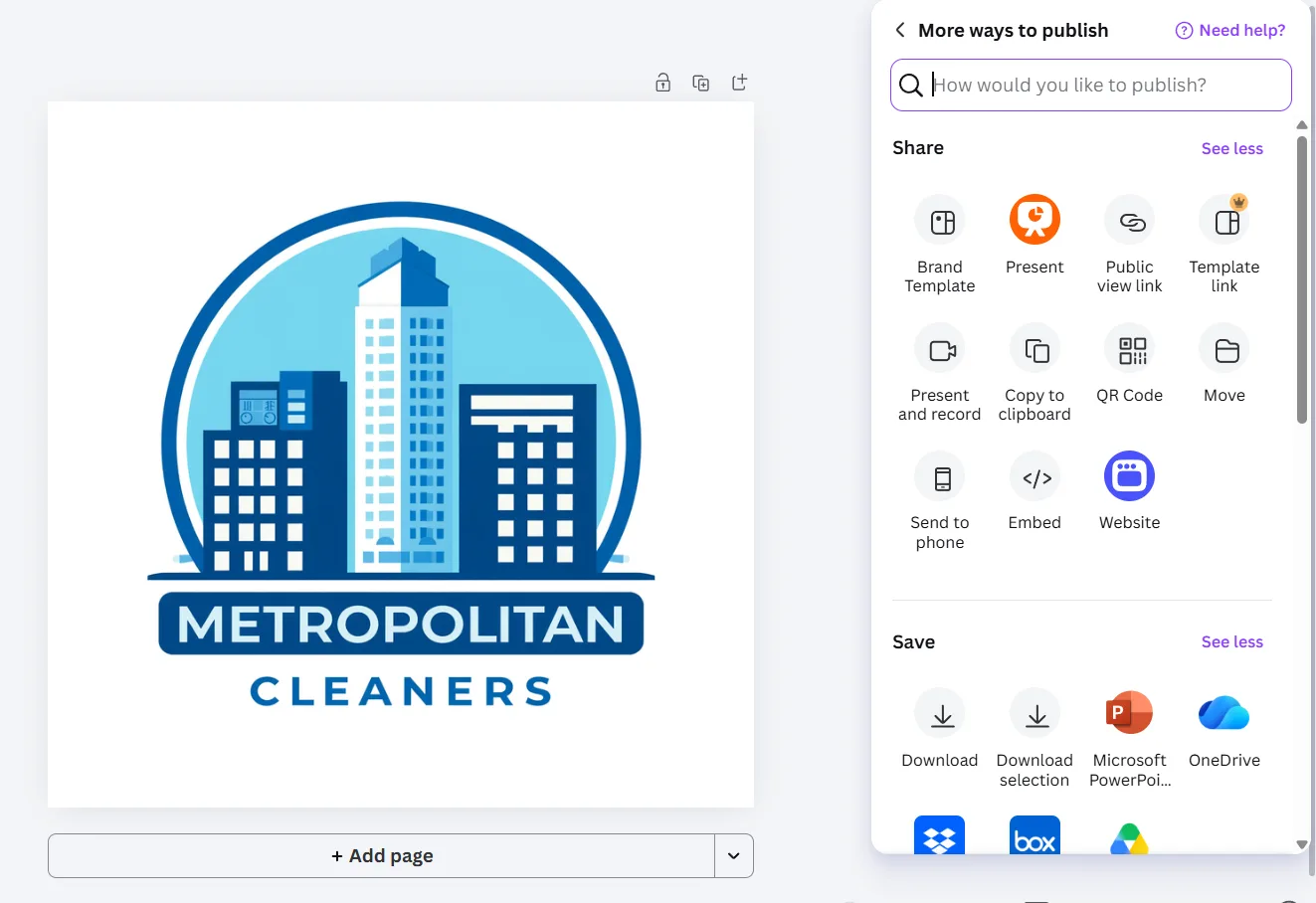
Canva goes further with shared workspaces, team roles, organized brand assets, Brand Templates, and more advanced brand controls. These features make it easier for several employees to produce materials without departing from approved fonts, colors, or layouts.
Design.com offers enough collaboration for simple logo selection and small-business workflows. Canva is the better choice for larger marketing departments and organizations with more complicated approval processes.
Who Should Choose Design.com?
Design.com is the better choice if you:
- Are creating a business identity from scratch
- Want more than a handful of initial logo concepts
- Need accurate business-name rendering
- Want multiple styles rather than variations of one concept
- Prefer guided or AI-assisted logo editing
- Need coordinated business, print, social, and web assets
- Require vector, transparent, animated, or icon-only files
- May want extended licensing for greater exclusivity
The logo maker is particularly suitable for entrepreneurs and small businesses that want to move from a basic prompt to a complete visual identity without assembling several separate services.
Its browser-based platform, lighter integrations, and relatively simple collaboration tools may not satisfy advanced design departments. For beginners and small teams, however, its focused workflow makes brand creation easier to manage.
Who Should Choose Canva?
Canva is the better choice if you:
- Already have an approved logo and brand guidelines
- Produce social, video, presentation, and campaign content frequently
- Prefer a flexible drag-and-drop environment
- Need shared templates and team workspaces
- Work with a larger marketing or communications department
- Want one platform for many types of visual content
The generated samples showed limitations in initial variety and text accuracy, but Canva remains a capable editor. A user willing to refine the concepts manually could turn one of its commercial-building ideas into a suitable Metropolitan Cleaners logo.
Final Scorecard
| Category | Design.com | Canva | Winner |
| Logo generation and setup | 10 | 8.0 | Design.com |
| Logo quality, relevance, and variety | 10 | 7.0 | Design.com |
| Editing and AI assistance | 9.5 | 9.0 | Design.com |
| Complete brand creation | 10 | 9.0 | Design.com |
| Creative tool breadth | 9.0 | 10 | Canva |
| Logo files and versatility | 10 | 8.5 | Design.com |
| Commercial and exclusivity options | 9.5 | 8.0 | Design.com |
| Pricing and launch value | 9.5 | 8.5 | Design.com |
| Collaboration | 8.0 | 10 | Canva |
| Overall score | 9.5/10 | 8.7/10 | Design.com |
Final Verdict: Design.com Is Better for Building a Complete Brand
Our Metropolitan Cleaners test gave Design.com a decisive advantage at the most important stage: finding the right logo.
Canva generated four concepts quickly and correctly recognized that the company serves commercial buildings. However, the designs followed one narrow aesthetic, and one failed to reproduce the business name correctly.
Design.com gave us more than 10,000 options in seconds. Its samples displayed the correct name and explored commercial cleaning through a wider selection of icons, colors, compositions, and styles. That variety made it easier to compare genuinely different brand directions.
Canva remains the stronger general workspace for ongoing content and team collaboration. Businesses with an established identity can use it to produce a wide range of marketing materials efficiently.
Design.com provides a better start-to-finish branding experience. It combines stronger logo generation with AI editing, automatically coordinated templates, professional export formats, and affordable access to more than 50 supporting tools.
For a test company like Metropolitan Cleaners, the logo would not remain an isolated image. It could become the foundation for uniforms, commercial vehicles, business cards, proposals, signage, social profiles, and a website.
Latest Reviews
Top 6 Vendors for Zero-Day Protection in End-of-Life Open Source

GPU Unlock Review: NVIDIA Tensor Gains, Tools and Real Limits

5 Best AI Wallpaper Generators in 2026
Best 5 AI Meme Generators in 2026
Canva Craft Review: 2K Images, Wide Formats, Text and Editing Limits
HunyuanVideo 1.5 Review: Quality, VRAM, ComfyUI, Pricing and Limits