GPU Unlock Review: NVIDIA Tensor Gains, Tools and Real Limits
GPU Unlock, KohakUnlock and Ada ports reviewed: supported RTX cards, ComfyUI timings, LLM limits, power use and experimental firmware risks.

GPU Unlock can make some older GeForce cards substantially faster at local AI work without buying new hardware. Its strongest case is a supported GPU spending much of its time on floating-point Tensor Core computation. It does not add VRAM, make every model twice as fast, or offer a supported RTX 5090 upgrade.
For a recoverable Linux experiment on a spare RTX 30-series system, the evidence is worth examining. For a production workstation, an INT8-heavy workflow or a Windows user seeking a universal installer, the trade-off is much less attractive. The software is real; the useful question is which implementation and workload justify the boot-level changes.
On this page
- What GPU Unlock actually changes
- Four projects, different deployment jobs
- Which RTX cards and operating systems fit?
- What the published compute tests establish
- ComfyUI, LLMs and training: the practical gains
- Power, heat and energy per completed task
- Installation, recovery and maintenance costs
- Verdict: who should consider it?
What GPU Unlock actually changes
The targeted path multiplies low-precision values and accumulates into FP32. That last distinction matters: FP16 inputs with FP16 accumulation, ordinary FP32 CUDA arithmetic and integer Tensor Core operations are different paths. NVIDIA’s Ada white paper already lists different rates for these modes; an “AI TOPS” headline is not an interchangeable baseline.
These community tools use privileged firmware execution before the normal NVIDIA driver takes ownership, change compute speed selectors and hand the GPU back to the stock driver. Calling this only a driver switch hides the boot/firmware mechanism. The reviewed approaches do not require a VBIOS flash or voltage increase; that does not make privileged execution risk-free.
The developers describe the limit as market segmentation. The measurable distinction is the rate of particular instructions, not proof that every consumer workload was slowed by half or that NVIDIA has endorsed these modifications. No verified gaming-FPS uplift is established by the tests below.
NVIDIA Ada architecture white paper
Scope: documentary review checked October 29, 2026, using project documentation, published owner measurements and media coverage. No unlock, CUDA benchmark or hardware endurance test was run by AirMore. Calculations below reinterpret published timings; project-page screenshots show documentation, not our performance results. AI assisted research, writing and localization; the cover is an editorial illustration.
Four projects, different deployment jobs
gpu-unlock — Zagitta
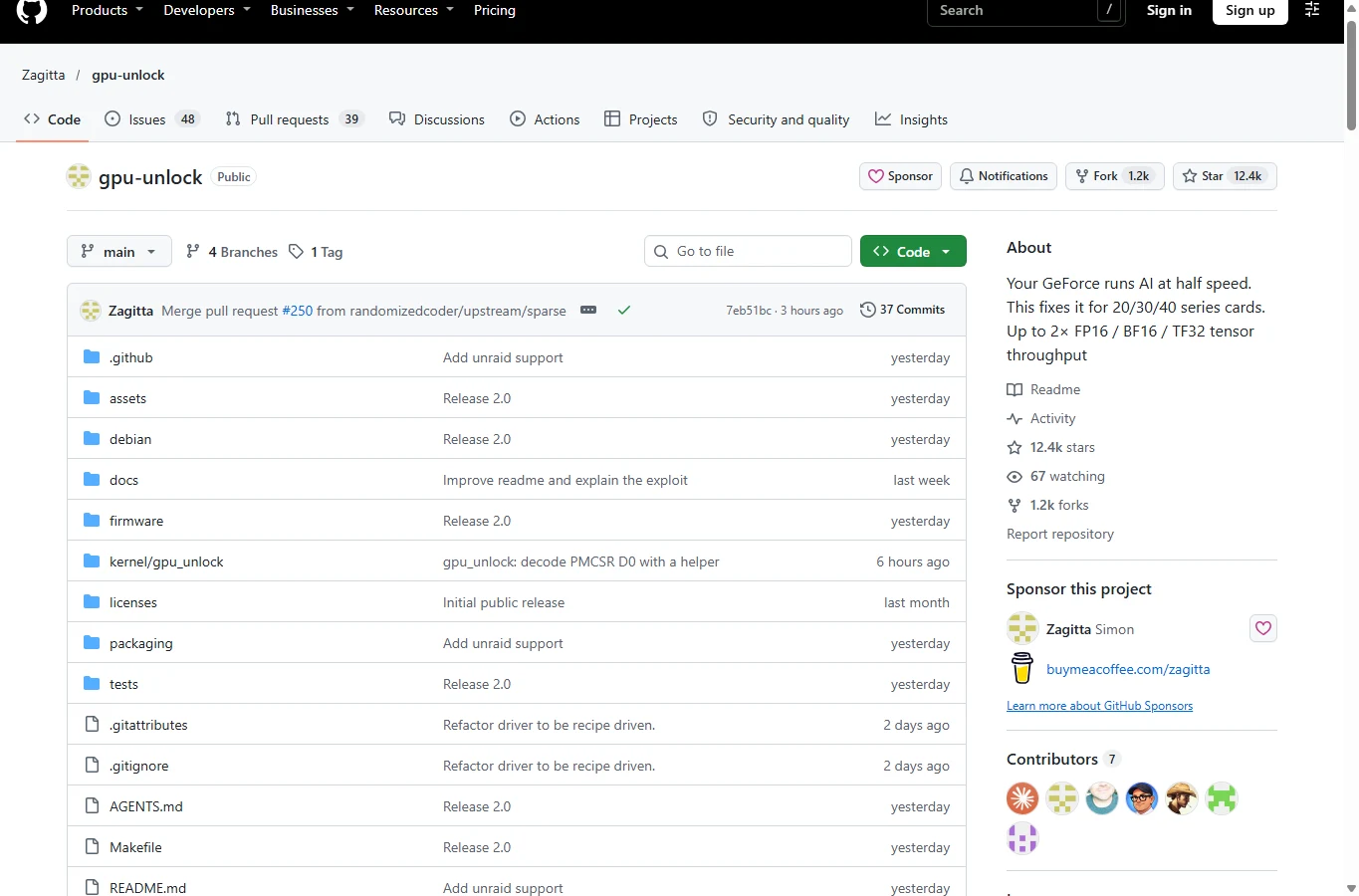
The upstream Linux project is the most direct starting point for Ampere investigation. The checked README labels itself v2.0.0, includes distribution packaging and initramfs integration, and now lists experimental Turing/Ada coverage as well as RTX 30 cards. A listed family or “stable” label is the maintainer’s status, not independent certification for every board.
It runs before NVIDIA binds the card; manually loading it after the normal driver has taken ownership does not unlock that card. Kernel headers, early boot order, exact PCI identity and a working fallback boot entry matter more than the marketing GPU name. Its GPL-2.0-only module is free source software; NVIDIA firmware keeps separate terms.
The maintainer explicitly says there is no affiliated website, coin or universal installer. Search results using the project name therefore do not establish official distribution. Prefer its source identity and inspect the selected revision. Existing source packages still require kernel/boot integration and regression checks after system changes.
gpu-unlock-ada — JustAResearcher
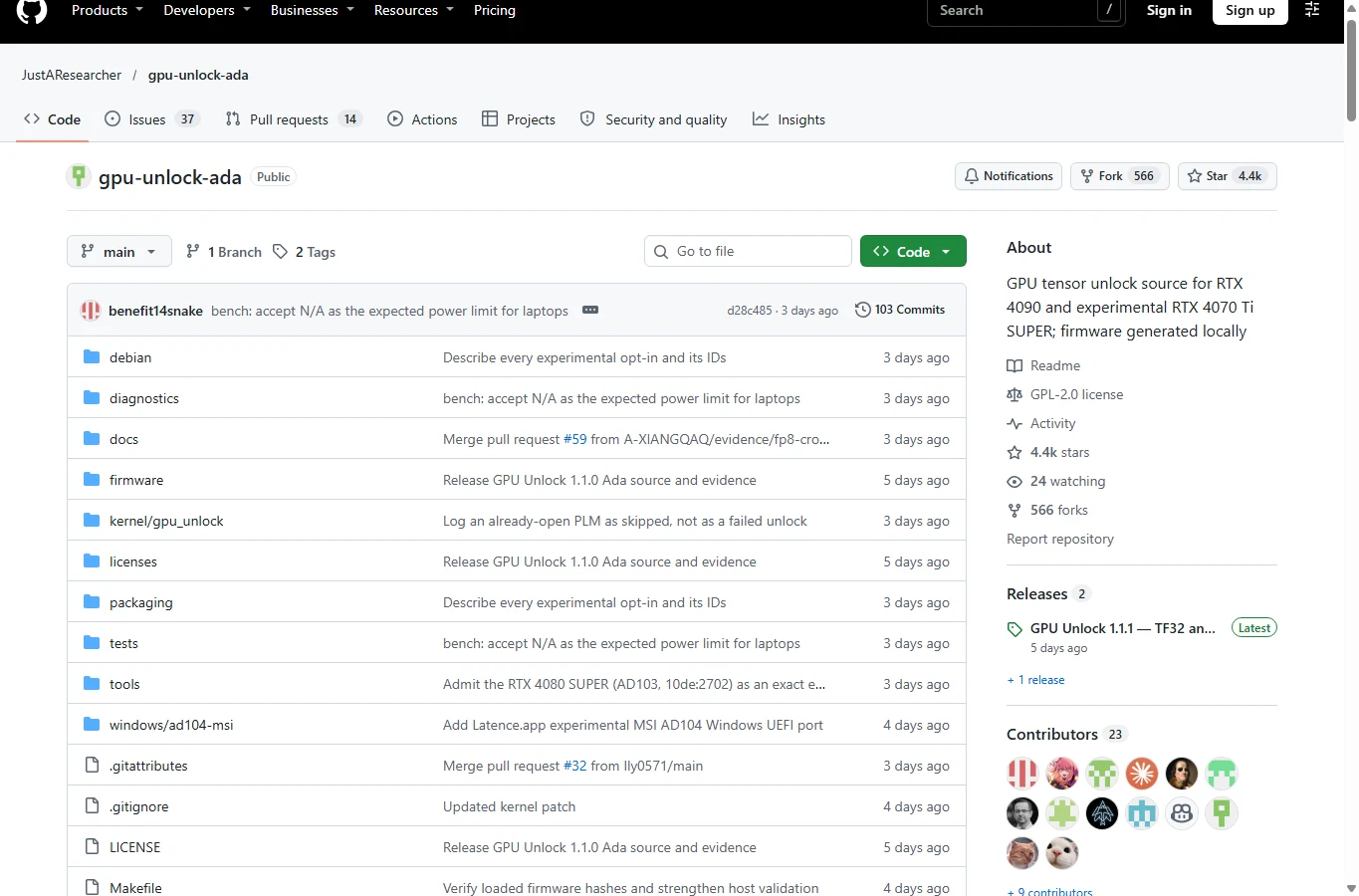
gpu-unlock-ada — JustAResearcher
This Linux fork specializes in Ada firmware/payload integration, with a checked v1.1.1 README and detailed RTX 4090 evidence. An independent owner’s matched run kept the same GPU, binaries, driver and 450 W cap, making it more useful than comparing unrelated peak screenshots. Experimental RTX 4070 Ti SUPER evidence also exists; it does not validate every RTX 40 board.
Its main strength is separating instruction throughput, cuBLAS GEMM and correctness checks. Its biggest limitation is the small hardware sample and lack of extended application/endurance validation. A separate Windows reference port for one MSI RTX 4070 Ti profile is not blanket Windows support or Linux support for that GPU.
FP8 needs special care. Ada evidence shows that FP8 with FP32 accumulation can benefit at the instruction level, while one matched FP8 GEMM barely changed. Neither “all 8-bit models speed up” nor “FP8 can never benefit” is a safe rule. The actual kernel, accumulator and bottleneck decide.
KohakUnlock — KohakuBlueleaf
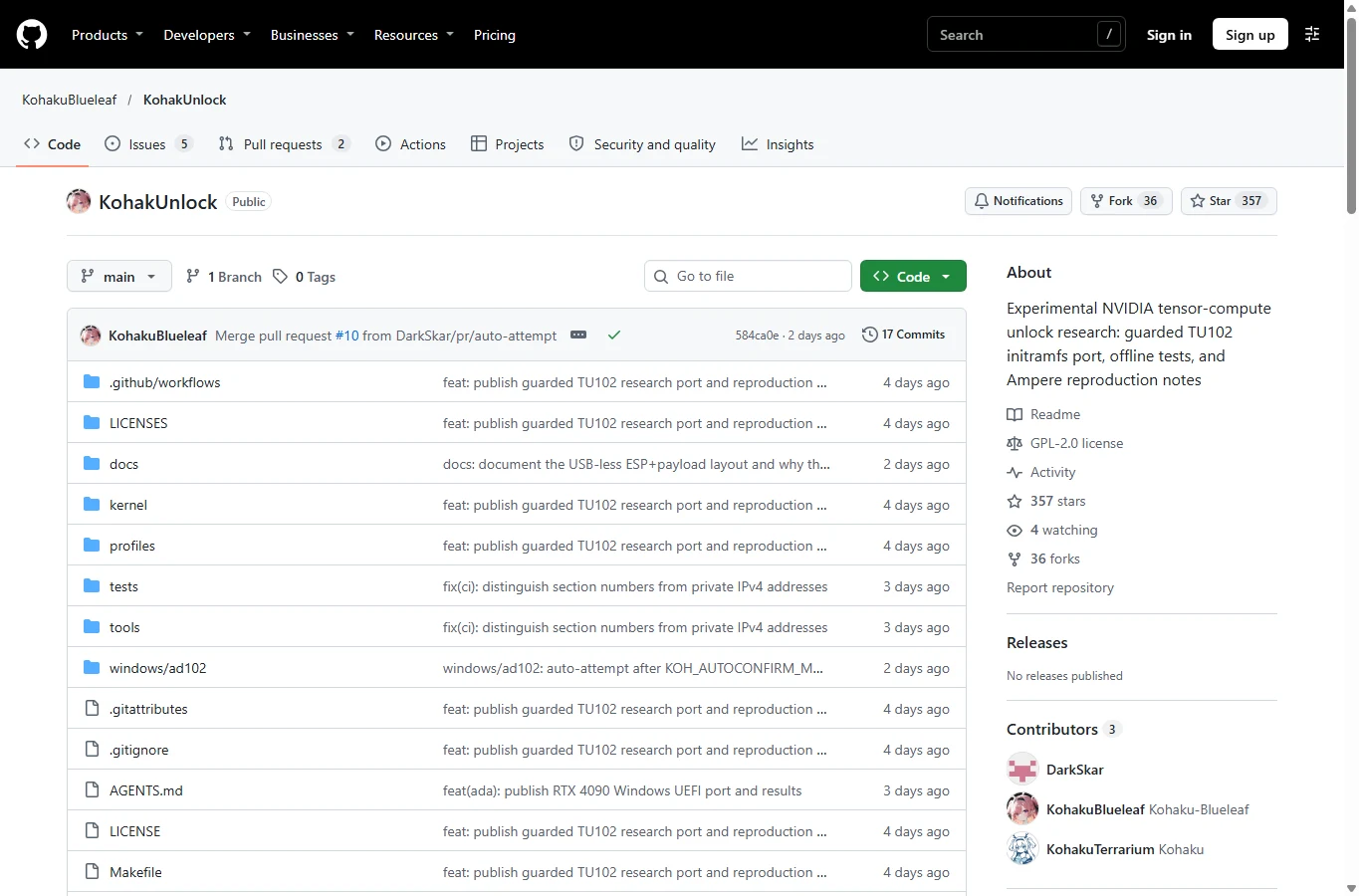
KohakUnlock is a source-first research project, not a universal one-click replacement. Its documented work includes physically memory-modified RTX 2080 Ti Linux experiments, an RTX 4090 Windows/UEFI path, and RTX 3090 deployment using Zagitta’s upstream implementation. The extra 22 GB or 48 GB seen in some reports comes from hardware modifications, not this software.
The public Linux executor defaults to hardware execution disabled and has narrow identity/firmware guards. The Windows path uses a locally prepared EFI transaction before handing off to the stock Windows driver. A successful signed-EFI trial used Secure Boot off; signature support in code is not proof of a successful Secure Boot-enabled hardware test.
The project publishes unusually useful limits: a 2080 Ti matrix sweep compared two already modified cards, and its recovered 3090 baseline used a different power cap. Those are informative measurements, not perfectly controlled A/Bs. Public packaging also differs from historical tested binaries. This is a reference for experienced developers with recovery access, not a low-effort recommendation for an everyday PC.
AD103_win_unlocker — TOTORONG
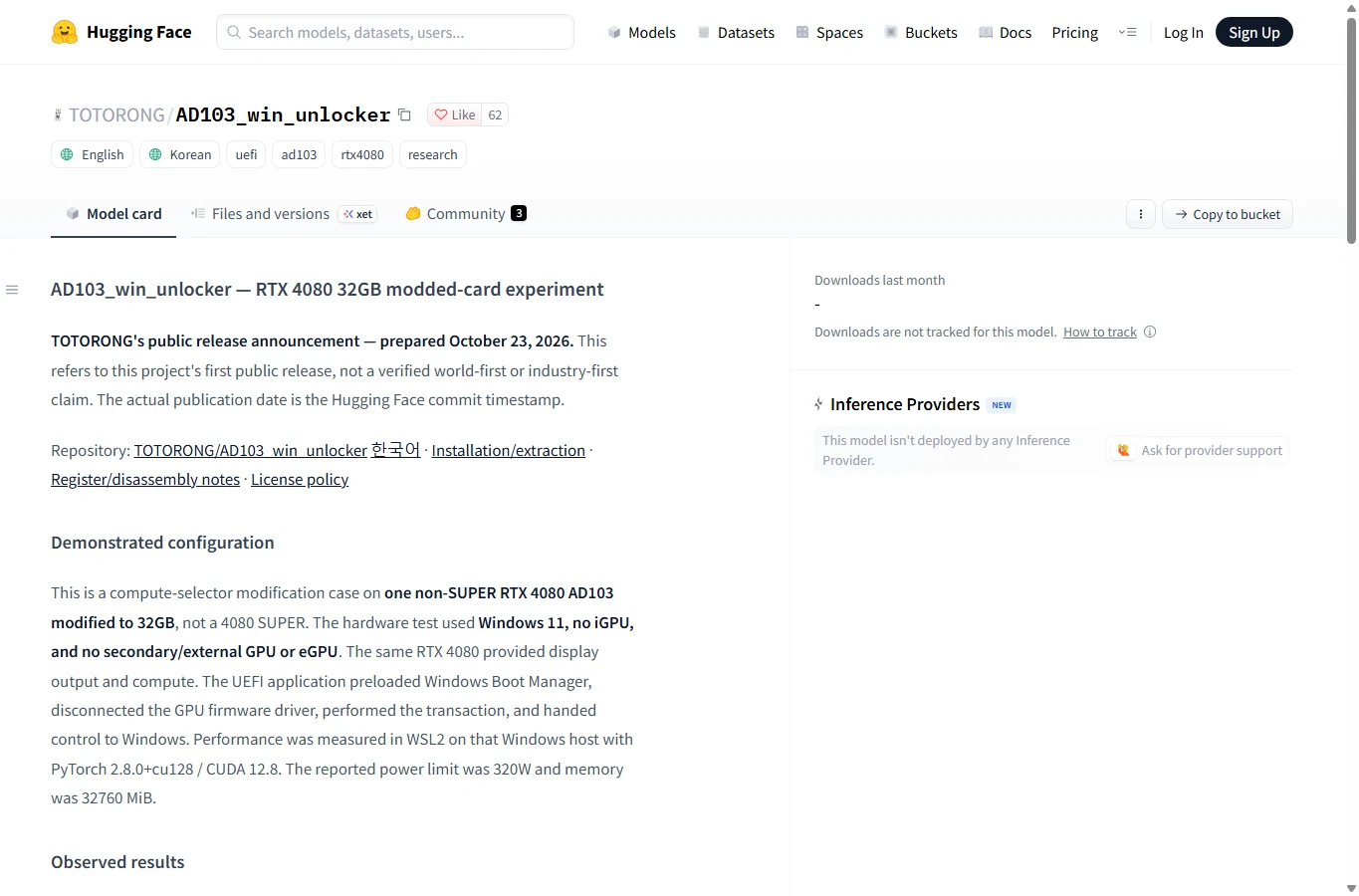
This Hugging Face release is an Ada Windows/UEFI research artifact, not an image model or hosted GPU service. Its demonstrated setup was one non-SUPER RTX 4080 physically modified to 32 GB, Windows 11 and WSL2/PyTorch measurement at a reported 320 W limit. It is an important part of the Ada work’s lineage.
Its distributed EFI is tied to device/subsystem identity and a ROM hash; another “RTX 4080” may be rejected. Reported GEMM gains depend on matrix size, and the author does not claim application-level LLM, DLSS or ray-tracing acceleration. It provides source and extraction tooling, but changing an ID or hash is not a validated port. Choose it as a precise research reference, not a generic Windows download.
Which RTX cards and operating systems fit?
| Generation | Evidence worth using | Boundary |
|---|---|---|
| RTX 30 / Ampere | 3090/3090 Ti and 3060 reports; upstream’s broadest deployment base | Confirm board/PCI ID, kernel, driver and revision; not every listed model is equally tested |
| RTX 40 / Ada | 4090 matched results; other exact-board experimental ports | Linux and Windows/UEFI paths differ; one successful board is not family-wide support |
| RTX 20 / Turing | 2080 Ti FP16→FP32 measurements | No native BF16/TF32 added; memory-modified samples are not stock-card guarantees |
| RTX 50 / Blackwell | Not supported by the reviewed approach | No verified 5090 unlock here; “difficult” is not a working release |
The October 29 upstream README is broader than the October 24–26 news coverage. Treat those dates as different snapshots, not contradictory guarantees. Laptops add another issue: powering off the dedicated GPU can clear volatile state; runtime power management and sleep/resume behavior need board-specific validation.
Application language is not a compatibility factor: these are technical repositories and boot tools, not multilingual generation services. Their documented source pages are predominantly English, with Korean material in TOTORONG’s release. Translating a guide does not broaden supported hardware or make the process easier.
What the published compute tests establish
A matched RTX 4090 report in the Ada repository used Linux 7.2.11-arch1-1, NVIDIA 615.78.08 and the same 450 W cap. FP16/FP32 instruction throughput rose from 160.4 to 320.4 TFLOPS; BF16/FP32 rose from 159.7 to 320.2. Yet cuBLAS GEMM median FP16 gains were only 12–34%; BF16 gained about 16–20% at two sizes and was essentially unchanged at 4096³. These are one owner’s measurements, not twofold application gains.
Zagitta issue #150 documents a 12 GB RTX 3060 at 170 W with Ubuntu 26.04.1, NVIDIA open 595.99.02 and PyTorch 2.14.1+cu130: reported 8192³ GEMM gains were approximately 78% FP16, 81% BF16 and 76% TF32. This supports 3060 feasibility on that configuration; it is not a measured image-generation increase for every 3060.
KohakUnlock’s 2080 Ti same-card instruction test rose from 59.9 to 111.0 TFLOPS on FP16→FP32, while FP16→FP16 and INT8 controls stayed roughly flat. Its best matrix-sweep medians, 57.71 versus 88.24 TFLOPS, came from two different modified cards and different best shapes. The distinction prevents a misleading “53% faster on the same card” claim.
Tom’s Hardware and Notebookcheck reported the releases and workload-dependent gains. Their coverage points back to developer and owner tests; it should not be counted as two additional independent lab reproductions.
Tom’s Hardware · Notebookcheck
ComfyUI, LLMs and training: the practical gains
A more relevant ComfyUI test was posted by u/under-_-null: one EVGA FTW3 RTX 3090 Ti, Ubuntu, NVIDIA 615.71.09, ComfyUI 0.42.1, stock clocks and a 450 W ceiling. Each still-image configuration used three excluded warmups and 15 measured images per state, batch 1, with matched prompts, seeds and model files. The medians cover complete requests except initial model loading.
Owner’s ComfyUI test and conditions
| Workflow | Stock → unlocked | Throughput increase | Time saved |
|---|---|---|---|
| MOSS-Image SFT BF16 | 71.98 s → 45.40 s | +58.5% | 36.9% |
| MOSS-Image SFT INT8 | 27.31 s → 27.23 s | +0.3% | 0.3% |
| Qwen-Image 2.1 Turbo BF16 | 8.51 s → 5.41 s | +57.3% | 36.4% |
| Qwen-Image 2.1 Turbo INT8 | 3.92 s → 3.75 s | +4.5% | 4.3% |
| Z-Image Turbo BF16 | 6.79 s → 4.35 s | +56.1% | 35.9% |
| Krea 2 Turbo BF16 | 15.65 s → 10.70 s | +46.3% | 31.6% |
MOSS used 1024×1024 and 50 steps; the Qwen, Z-Image and Krea Turbo runs used 1024×1024 and 8 steps. The table recalculates throughput as stock time ÷ unlocked time − 1, and time saved as 1 − unlocked time ÷ stock time. Small differences from the author’s percentages reflect rounding. A 59% throughput increase means about 37% less waiting, not 59% less waiting.
The owner reported identical decoded RGB pixels in 150 matched still-image pairs. That is useful evidence for those workflows, not a general proof of numerical equivalence. Their FLUX FP8 checkpoint actually computed in BF16, illustrating why the file’s precision label is insufficient. INT8 pipelines may retain floating-point stages, so small or larger mixed-pipeline gains need profiling rather than a blanket rule.
For LLMs, distinguish prefill from decode. A separate community test at fixed caps reported about 15% more prefill throughput on a 3060 and essentially unchanged decode; quantized integer kernels, memory bandwidth, CPU offload and PCIe transfers can dominate. BF16 training or LoRA work may benefit, but a matmul chart cannot establish shorter full training runs or unchanged convergence.
An illustrative bottleneck calculation: if eligible math is 40% of runtime and becomes exactly twice as fast, the whole job becomes 1 ÷ (0.60 + 0.40/2) = 1.25× faster, saving 20% of time. This is a calculation, not a measured GPU result. It explains why kernel-level doubles coexist with modest application improvements.
Community prefill/decode report
Power, heat and energy per completed task
Finishing sooner can reduce energy per image even if instantaneous power rises. Energy is the integral of power over time; watts, joules per task and temperature answer different questions. No reliable universal “unlocking lowers power” conclusion follows from the published samples.
The 3090 Ti owner recorded MOSS BF16 average core temperature at 77.9°C stock and 78.7°C unlocked. Other workflows ran cooler, but starting and ambient temperatures were uncontrolled, and VRAM-junction/hotspot data were absent. This is neither proof of cooler operation nor evidence of long-term safety.
Keep the same power limit for an A/B comparison. A lower cap can be a separate efficiency experiment, but may reduce available gain; changing it mid-test confounds attribution. Measure complete jobs, output checks, energy and thermals rather than raising voltage or power to chase an advertised TFLOPS figure.
Installation, recovery and maintenance costs
No VBIOS flash does not mean guaranteed recovery. KohakUnlock explicitly lists GPU/host hangs, failed boot, data corruption and possible hardware damage. Warm reboot may not clear every state; a known-good boot path and full power control matter. A persistent early-boot installation can simply reapply the unlock after reboot.
Before considering an experiment, identify the exact board and revision, retain backups and disk-encryption recovery keys, preserve an untouched normal boot entry, and arrange local or BMC console access. Do not casually disable Secure Boot or IOMMU, bypass profile checks, or launch against a driver-owned GPU. A machine that stops before networking cannot be rescued by assuming SSH will work.
A useful acceptance test has three gates: successful boot and stock-driver handoff; repeatable numerical checks with no Xid errors; then your complete application benchmark at matched settings. None alone certifies endurance. Recheck after kernel/driver updates and after suspend/resume. Keep firmware assets local and respect their licensing; remove host identifiers before sharing logs.
There is no subscription to the reviewed source projects. The real costs are setup, recovery capability, maintenance and downtime. These are privileged local components, not a cloud privacy feature: running untrusted binaries grants far more access than opening a model file.
Verdict: who should consider it?
Worth evaluating: experienced owners of a supported spare RTX 30 card or an exact documented Ada/Turing profile, with BF16/FP16-heavy work and a recovery plan. Benchmark the unlocked configuration against the fastest acceptable existing quantized workflow, not only against a deliberately slower precision choice.
Prefer the stock setup for a critical workstation, an unsupported 5090, an unknown laptop profile, or mostly memory-bound/INT8 work with little eligible computation. The promising result is better use of particular existing Tensor Core paths. The purchase decision is whether verified time saved on your workload outweighs boot complexity and uncertain long-term stability.
Related Reviews
5 Best AI Image Detectors in 2026

How to Organize Gmail: Filters, Labels, and a Practical Inbox Zero Workflow
Claude Fable 5.1 / Mythos 5.1 Review (2026): Pricing, API, NSFW and GPT–Gemini Comparison
6 Best AI App Builders in 2026: From Prompt to Product
GPT-6 Astra Review: Pricing, API Access, Strengths and Limits

Best 8 Free Stock Photo Sites in 2026