Best 5 AI 3D Model Generators in 2026
Compare the best AI 3D model generators in 2026 for text-to-3D, image-to-3D, texturing, retopology, animation, and production-ready exports.
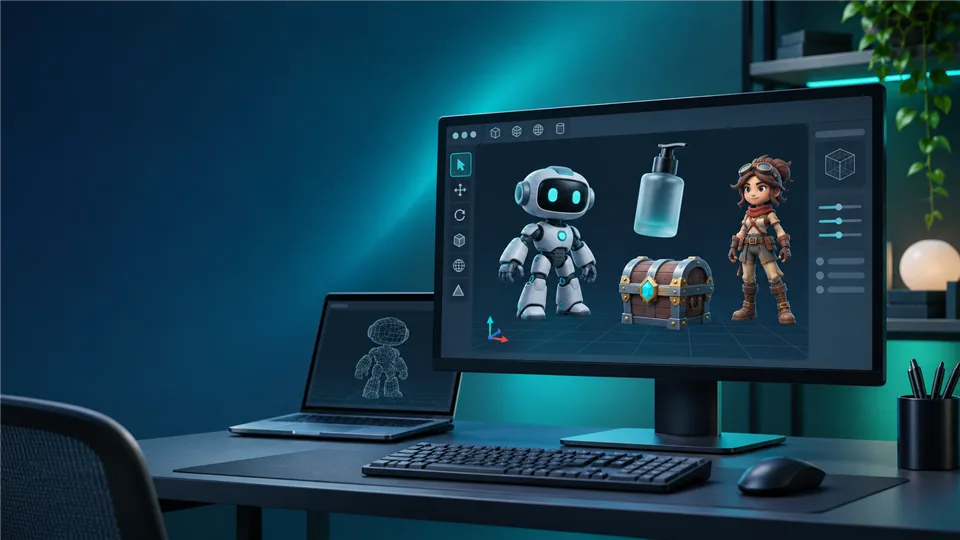

An AI 3D model generator can turn a text prompt, reference image, or multi-view set into a textured 3D asset in minutes. That makes it useful for game prototypes, product visualization, e-commerce, AR experiences, 3D printing, and early concept work.
The difficult part is choosing a generator that fits your workflow. Some prioritize fast ideation, while others provide cleaner topology, better materials, rigging, batch processing, or integrations with Blender and game engines. We compared five leading options across output quality, controls, editing tools, export formats, and ease of use.
Best AI 3D Model Generators at a Glance
| Tool | Best for | Input | Notable strengths |
|---|---|---|---|
| Meshy | All-round creators | Text, image | Texturing, animation, printing tools, approachable workspace |
| Tripo AI | Fast concept-to-model work | Text, image, multi-view | Rapid generation, retopology, rigging, stylization |
| Hyper3D Rodin | Detailed assets and control | Text, image, sketch, multi-view | ControlNet options, strong geometry, pipeline integrations |
| Alpha3D | Game-ready production assets | Text, image, multi-view | Retopology, UV unwrap, texturing, rigging, export workflow |
| 3D AI Studio | Flexible experimentation and automation | Text, image | Multiple generation engines, remeshing, batch work, API options |
1. Meshy — Best Overall AI 3D Model Generator
Best for: creators who want a broad set of tools in one workspace
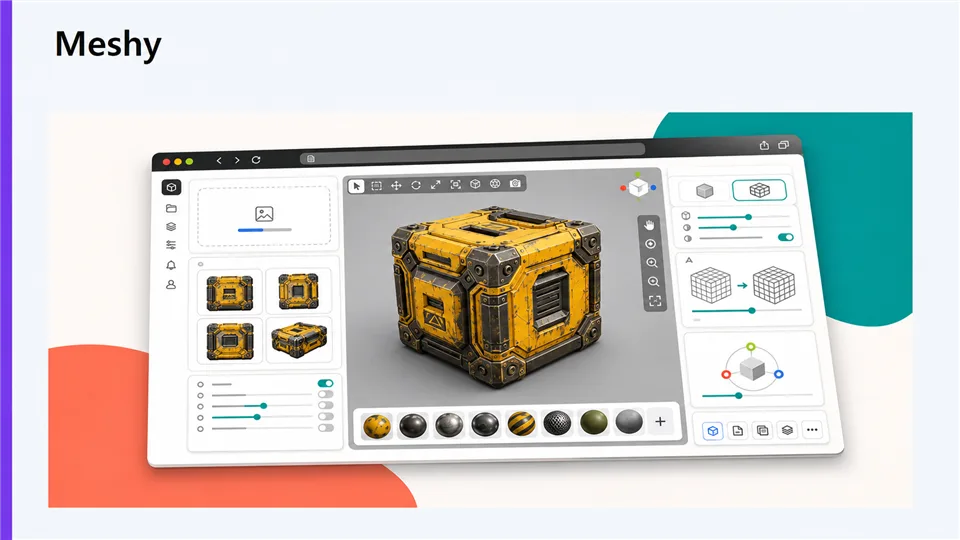
Meshy is the most balanced pick for people who want to move from an idea to a usable asset without stitching together several services. Its text-to-3D and image-to-3D modes are straightforward, and the same workspace can handle texturing, retexturing, animation, and print preparation.
The main advantage is breadth. Beginners can start with a prompt or reference image, while more experienced users can refine materials, inspect the mesh, and prepare a model for downstream work. Results are strongest when the prompt describes one clear subject with a defined camera angle and material style.
- Wide feature set for modeling, texturing, animation, and printing
- Simple interface for first-time users
- Useful image-to-3D workflow
- Complex scenes may need cleanup
- Fine topology control is limited compared with a full DCC tool
2. Tripo AI — Best for Fast Concept Development
Best for: quickly turning references into multiple 3D directions
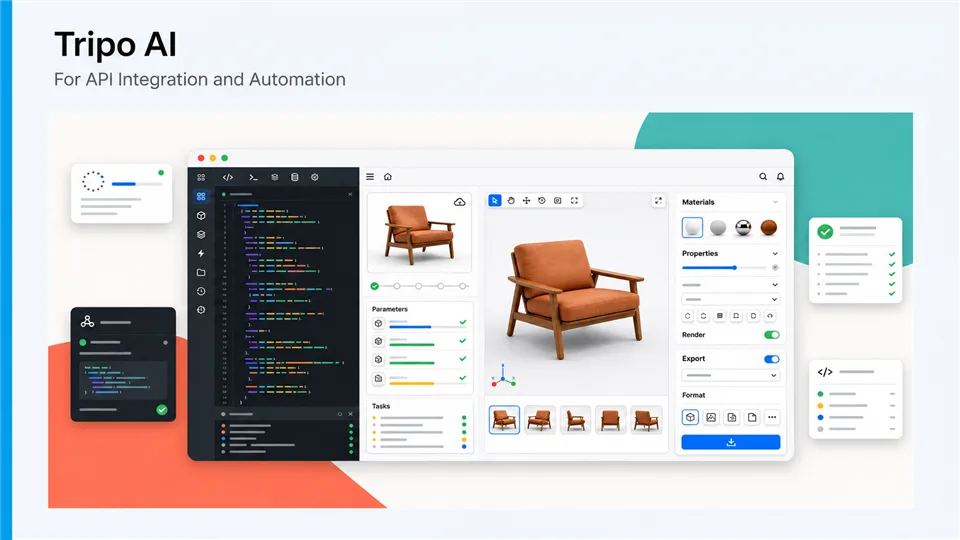
Tripo AI is built around speed. You can start from text, a single image, or several views, then iterate quickly before committing to a final version. Its workflow also includes practical steps such as segmentation, retopology, texturing, rigging, and stylization.
It is a strong choice for mood boards, prototype games, social content, and product concepts where you need several plausible options quickly. The trade-off is that very specific mechanical details or production topology may still require manual correction after export.
- Fast generation and easy iteration
- Supports text, image, and multi-view inputs
- Built-in refinement stages beyond the first mesh
- Fine details can vary between generations
- Professional cleanup may still be necessary
3. Hyper3D Rodin — Best for Detail and Generation Control
Best for: artists and developers who need more control over shape and detail
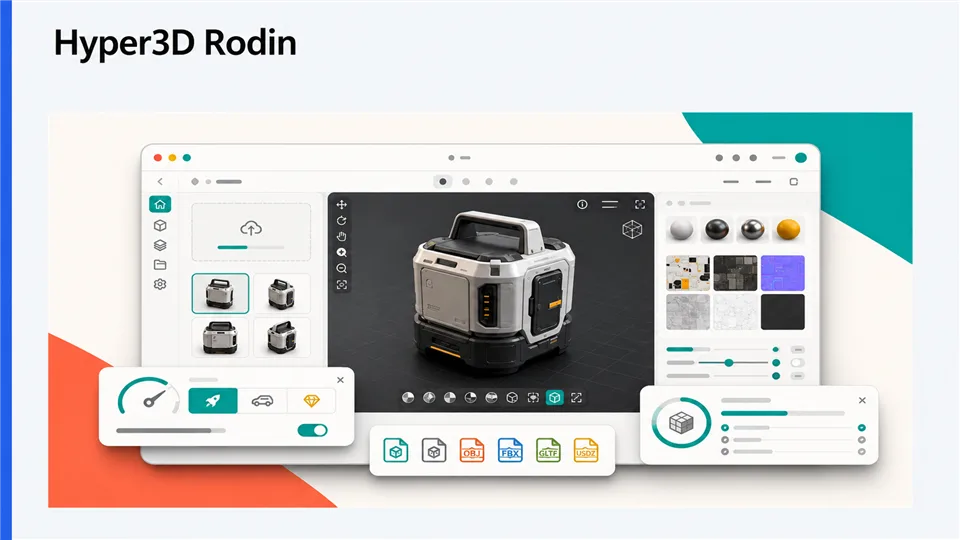
Hyper3D Rodin stands out when you want to guide the result instead of accepting a single black-box generation. Along with text and image inputs, it offers spatial controls such as bounding-box, voxel, and point-cloud guidance. These controls are helpful when proportions matter or when a concept must stay close to a reference.
Rodin also targets real production pipelines with UV-ready output, low-poly optimization, texture tools, and connections to common creative and game-development software. It has a steeper learning curve than simpler generators, but that extra control can reduce the number of retries on important assets.
- Detailed geometry and strong reference matching
- Useful controls for shape and proportions
- Good fit for game and DCC pipelines
- Advanced controls take time to learn
- Best results may require higher usage tiers
4. Alpha3D — Best for Game-Ready Asset Preparation
Best for: teams that need a repeatable path from generation to engine-ready output
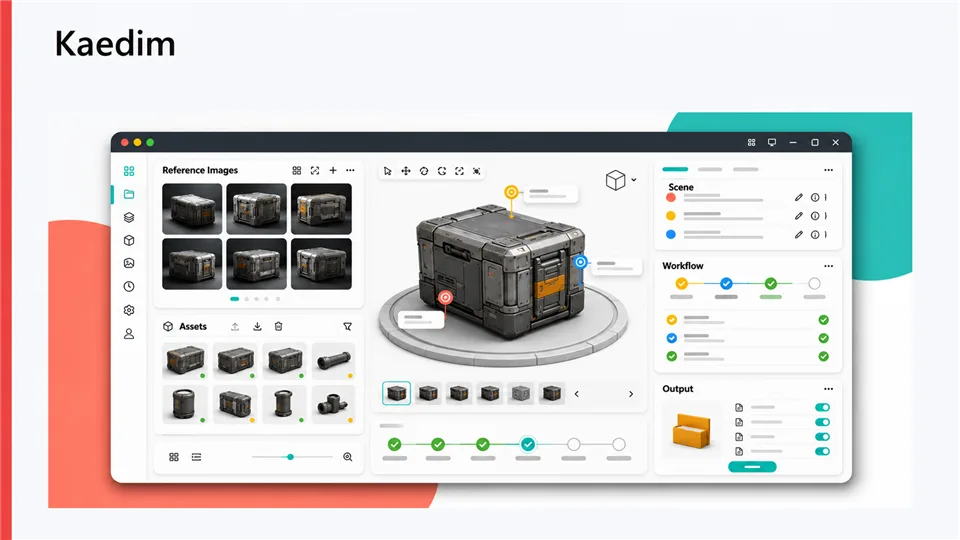
Alpha3D is designed around the steps that follow generation. After creating a model from text, an image, or multiple views, you can continue with retopology, UV unwrapping, texturing, rigging, and format conversion. That makes it more useful for teams that need assets to survive contact with a real-time engine, not just look good in a preview window.
The platform is particularly appealing for e-commerce catalogs, game teams, and agencies building repeatable asset pipelines. It is less focused on playful one-off experiments, and the most advanced workflow features make more sense when you already know your target engine, polygon budget, and material requirements.
- Clear production pipeline beyond initial generation
- Retopology, UV, texture, and rigging steps in one flow
- Useful export options for real-time workflows
- More process-oriented than casual tools
- Output quality still depends on the source image or prompt
5. 3D AI Studio — Best for Flexible Experimentation
Best for: users who want multiple generation options and automation features
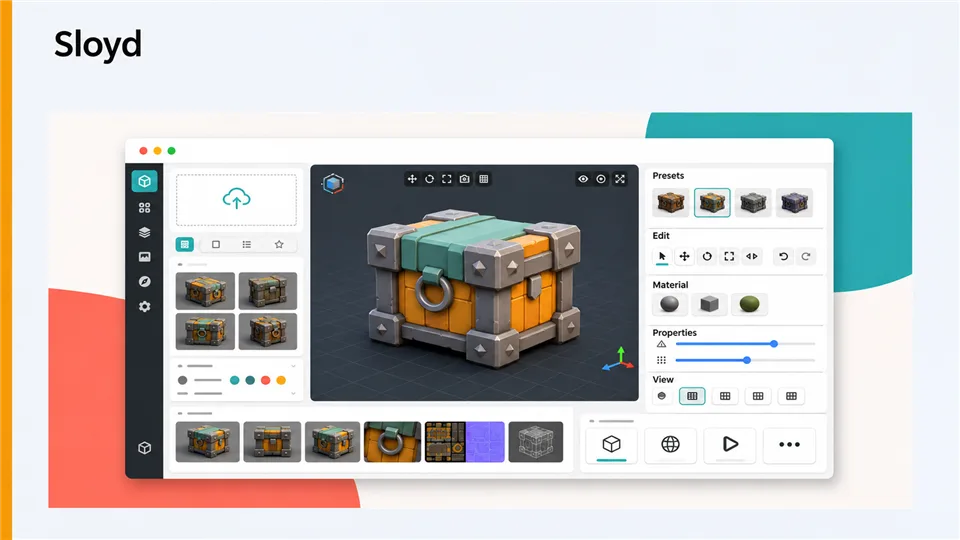
3D AI Studio is a versatile option for experimenting with different approaches to the same concept. It supports text-to-3D and image-to-3D generation, then adds tools for texturing, remeshing, and batch processing. This is useful when you are comparing styles, testing references, or preparing a larger set of related assets.
Its broader toolset also makes it attractive to technical users who want API access or connections with creative software. The interface can feel denser than a single-purpose generator, so it rewards users who are comfortable choosing a model, adjusting settings, and reviewing several versions.
- Several generation and refinement options
- Batch and automation features for repeated work
- Wide export and integration focus
- More settings to learn at the start
- Results can vary across generation engines
Which AI 3D Model Generator Should You Choose?
- For an all-round starting point: Meshy offers the broadest mix of generation and creative tools.
- For rapid concept variations: Tripo AI makes it easy to iterate from text, images, and multi-view references.
- For detailed, controllable results: Hyper3D Rodin gives you more influence over shape and geometry.
- For game-ready preparation: Alpha3D is the clearest fit for retopology, UVs, rigging, and export.
- For batch work and automation: 3D AI Studio is worth considering when you need flexibility at scale.
How to Get Better Results from an AI 3D Model Generator
- Describe one subject at a time and specify its viewpoint, materials, and style.
- Use a clean reference image with the object centered and separated from the background.
- Generate several versions before spending time on textures or rigging.
- Check silhouette, hidden surfaces, scale, and polygon density before export.
- Test the model in the final destination, such as Blender, Unity, Unreal, or a 3D printer slicer.
FAQ
What is an AI 3D model generator?
It is a tool that uses machine learning to create a three-dimensional asset from text, images, sketches, or multiple views. Most tools generate a mesh and may also add textures, UVs, or rigging.
Can AI 3D generators create production-ready models?
They can create a strong starting point and, in some cases, an engine-ready asset. You should still inspect topology, scale, materials, and licensing before using a model in a commercial project.
Is text-to-3D or image-to-3D better?
Text-to-3D is convenient for exploration. Image-to-3D is usually better when the shape, color, or proportions need to follow a specific reference.
What formats should I look for?
GLB or GLTF are practical for web and real-time previews, FBX is common in game and animation workflows, OBJ is widely supported for editing, and STL is useful for 3D printing.
Final Verdict
There is no single best AI 3D model generator for every job. Meshy is the easiest all-round recommendation, Tripo AI is excellent for fast ideation, Hyper3D Rodin is the strongest choice when control matters, Alpha3D is built for production preparation, and 3D AI Studio suits flexible, repeatable experimentation. Start with the tool that matches your output requirements, then test it with the same references and export settings you use in real projects.
Related Reviews
ERNIE-Image Review: Open-Source Image AI, LoRA, Local Setup and NSFW Policy

Nucleus Image Review: 17B Sparse MoE, Local Setup, NSFW Support, and Apache 2.0 Open Weights
MOSS-Image LoRA Training: Fizgig, AI Toolkit, KohakuMossTrainer and sd-scripts
MOSS-Image Review: Text, Layout Control, NSFW, VRAM and ComfyUI
MiniMax H3 Image Studio Review: ComfyUI Images, Reference Editing & Video Workflow
5 Best AI Wallpaper Generators in 2026
