OpenClaw 2.0 Review: Local AI Agent Gateway, ClawHub Skills, Hardware, and NSFW Limits
OpenClaw 2.0 is best understood as a self-hosted AI agent gateway, not as another large language model. It runs on your own machine or server,…
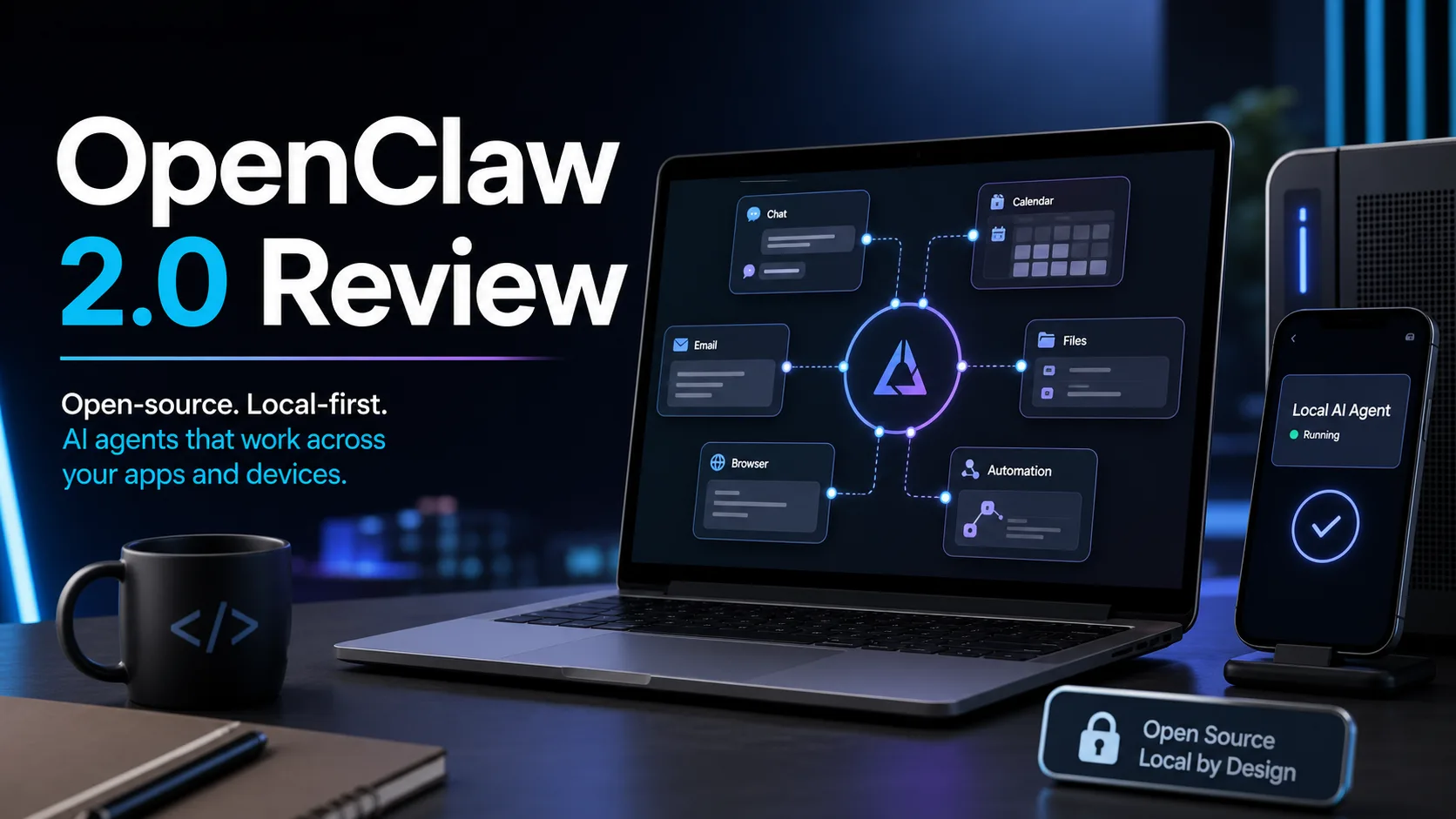

OpenClaw 2.0 is best understood as a self-hosted AI agent gateway, not as another large language model. It runs on your own machine or server, connects chat apps and local tools, and lets different AI agents work through a shared messaging and automation layer.
The 2.0 update matters because it tries to solve a practical problem many power users already feel: ChatGPT, Claude Code, Codex, local models, browser automation, Slack, Telegram, WhatsApp, and scheduled jobs are useful separately, but hard to operate as one always-on assistant. OpenClaw’s answer is to put a gateway in the middle.
The short verdict: OpenClaw 2.0 is promising for developers, automation-heavy teams, and users who want an open, local-first agent system. It is less suitable for people who simply want a polished one-click chatbot or a closed SaaS assistant with no setup work.
Table of Contents
Quick Verdict
| Item | OpenClaw 2.0 Review |
|---|---|
| Best for | Self-hosted AI assistants, multi-channel workflows, developer automation, team handoff, local model users |
| Not ideal for | People who want a no-configuration consumer chatbot |
| Model type | Not a model; it is an AI agent gateway and orchestration layer |
| License | The npm package is MIT; always review repository/package license details before production use |
| Hardware | No GPU required for the gateway itself; local model needs depend on the model backend |
| NSFW | Depends on the connected model/provider, not OpenClaw itself |
If your main interest is the model behind an agent, our Qwen 3.8 review, Gemma 4 review, and Dolphin 3.0 review are better starting points. OpenClaw is the layer that can connect those models, cloud subscriptions, browser control, skills, and messaging channels into one workflow.
What Is OpenClaw 2.0?
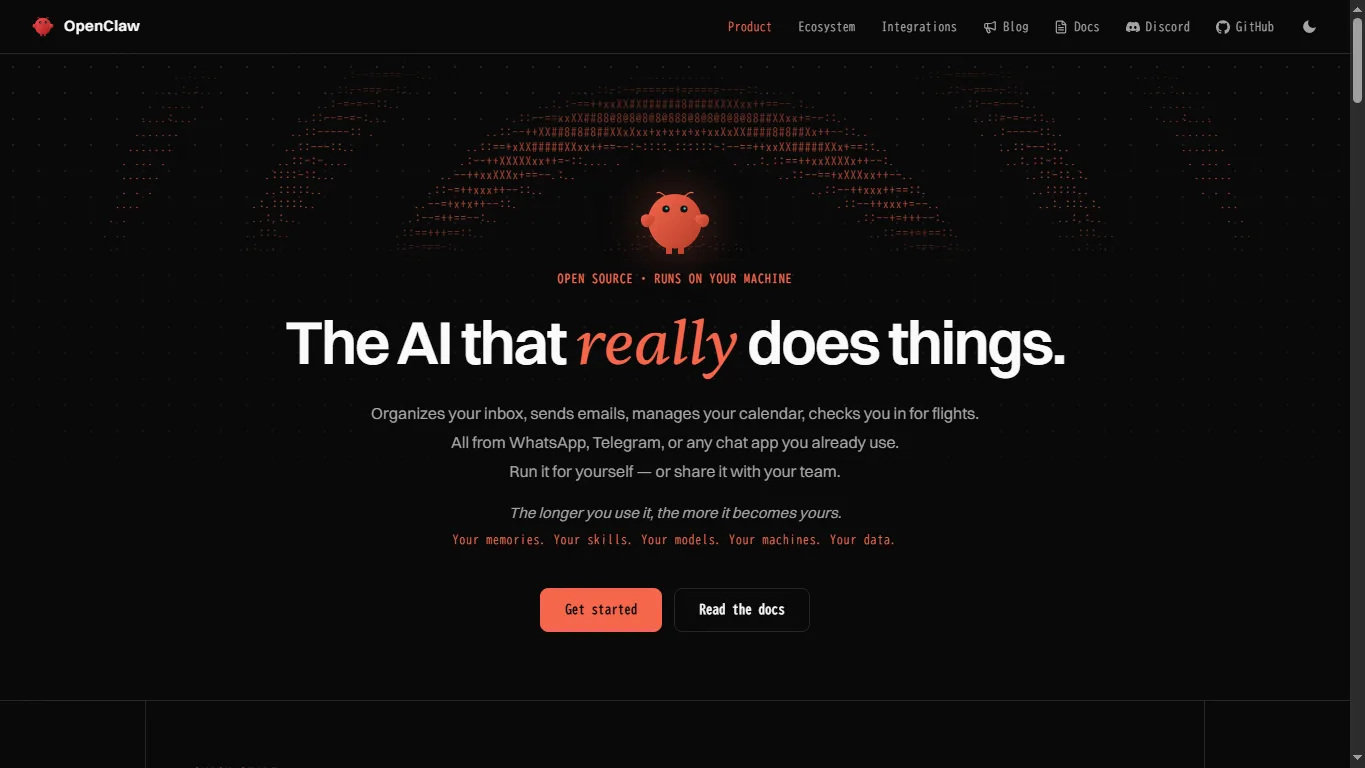
OpenClaw is an open-source, self-hosted AI assistant gateway. A long-running Gateway process handles channels, agents, plugins, memory, browser control, scheduled jobs, and local or cloud model providers. Users interact with it from familiar surfaces such as chat apps, a web dashboard, native companion apps, or mobile nodes.
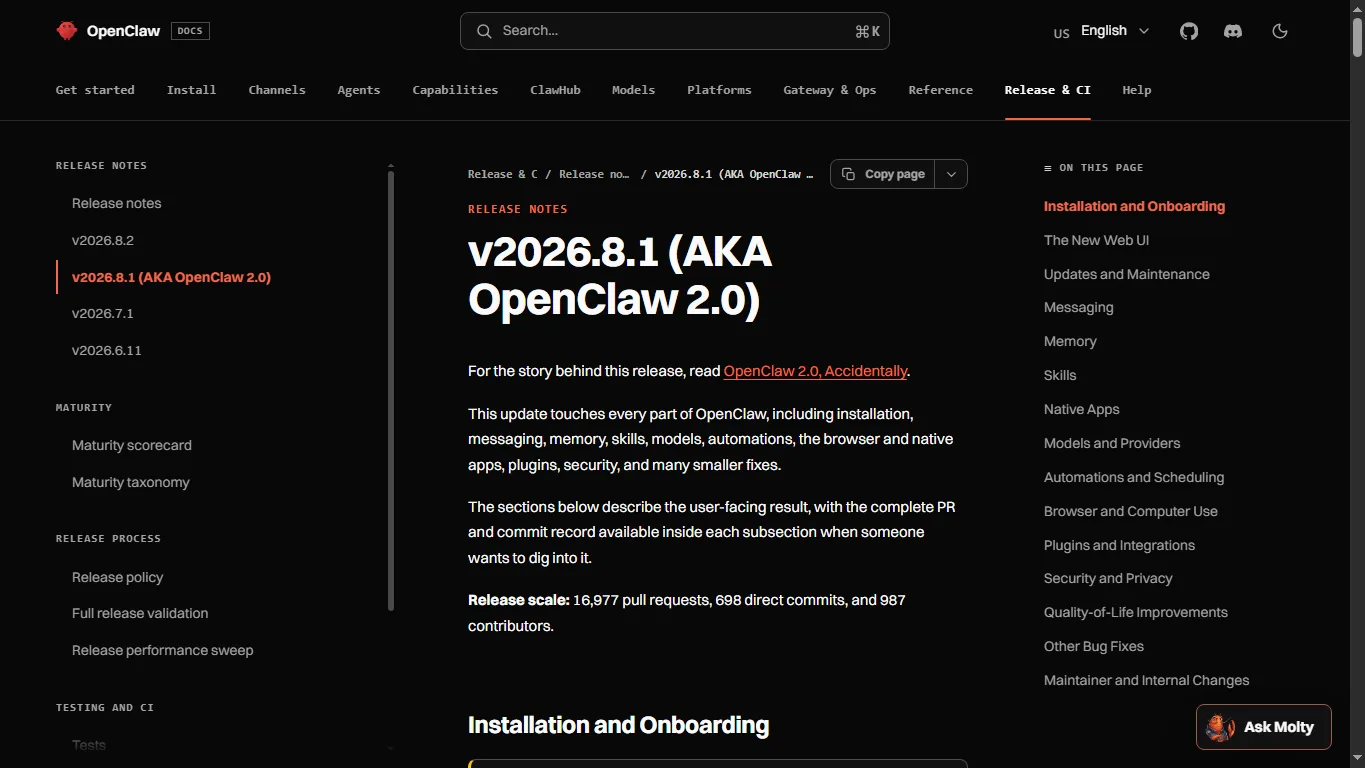
Version 2026.8.1 is described in the official release notes as OpenClaw 2.0. The release rebuilt the web experience, simplified onboarding, strengthened memory and session continuity, and touched installation, messaging, skills, models, automations, browser support, native apps, plugins, and security. AIbase also described it as the project’s largest historical update, with a major foundation and delivery-flow rebuild.
Download and Install
The main official entry point is openclaw.ai. For code, releases, and issue tracking, use the official GitHub repository. The package is also available on npm as openclaw.
| Method | Command or Link | Best for |
|---|---|---|
| macOS / Linux / WSL2 | curl -fsSL https://openclaw.ai/install.sh | bash | Fast CLI setup |
| Windows PowerShell | iwr -useb https://openclaw.ai/install.ps1 | iex | Windows users who prefer CLI |
| npm | npm install -g openclaw@latest --allow-scripts=openclaw | Node users and repeatable installs |
| Source build | git clone https://github.com/openclaw/openclaw.git | Developers who want to inspect or modify the code |
| Desktop companion apps | GitHub Releases | Windows/macOS users who want companion apps |
The local dashboard normally runs on a loopback address such as 127.0.0.1:18789. After installation, useful checks include openclaw –version, openclaw doctor, and openclaw gateway status.
Local Deployment and Hardware Requirements
OpenClaw itself does not require a gaming GPU. The gateway is a Node-based orchestration layer, so CPU, RAM, disk, and network stability matter more than graphics hardware. A small personal setup can run on a normal laptop or mini PC, while a team gateway should be treated like a persistent service.
The model backend is a separate decision. If you connect ChatGPT, Claude, Gemini, Qwen API, DeepSeek API, or another cloud provider, OpenClaw mainly needs credentials and stable connectivity. If you connect Ollama, LM Studio, llama.cpp, vLLM, or SGLang, hardware depends on the local model you run.
| Setup | Practical Hardware View |
|---|---|
| Gateway only | Modern CPU, 8GB RAM minimum, 16GB recommended for comfortable use |
| Gateway + cloud models | No local GPU required; API/subscription cost becomes the main factor |
| Gateway + 7B local model | 16GB system RAM or 8GB+ VRAM is a realistic starting point depending on quantization |
| Gateway + 20B-30B local model | 24GB+ VRAM or large unified/system memory is more realistic |
| Team/shared gateway | Dedicated host, encrypted disk, backups, and stricter access rules recommended |
Key Features in OpenClaw 2.0
The most valuable OpenClaw features are not flashy demos; they are boring in the good way. It gives agents a place to live, receive messages, remember useful context, call tools, run automations, and hand work across channels.
| Feature | Why It Matters |
|---|---|
| Multi-channel gateway | Connects messaging channels such as Slack, Telegram, WhatsApp, Signal, Matrix, Microsoft Teams, Discord, LINE, Google Chat, and others through plugins. |
| Model/provider flexibility | Can work with cloud AI services, coding agents, local model servers, and search providers. |
| Browser and tool control | Lets agents operate browser workflows, shell tools, files, and external integrations when allowed. |
| Memory and session continuity | Useful for long-running personal assistants and team workflows. |
| Automations | Supports scheduled jobs and heartbeat-style recurring tasks. |
| Shared cloud sessions | Lets team members collaborate around persistent sessions and hand off agent work. |
For readers who mainly use OpenAI’s coding workflow, our Codex tutorial gives useful context. OpenClaw does not replace every dedicated coding tool; it can act as the connective tissue around several of them.
ClawHub Skills and Plugins
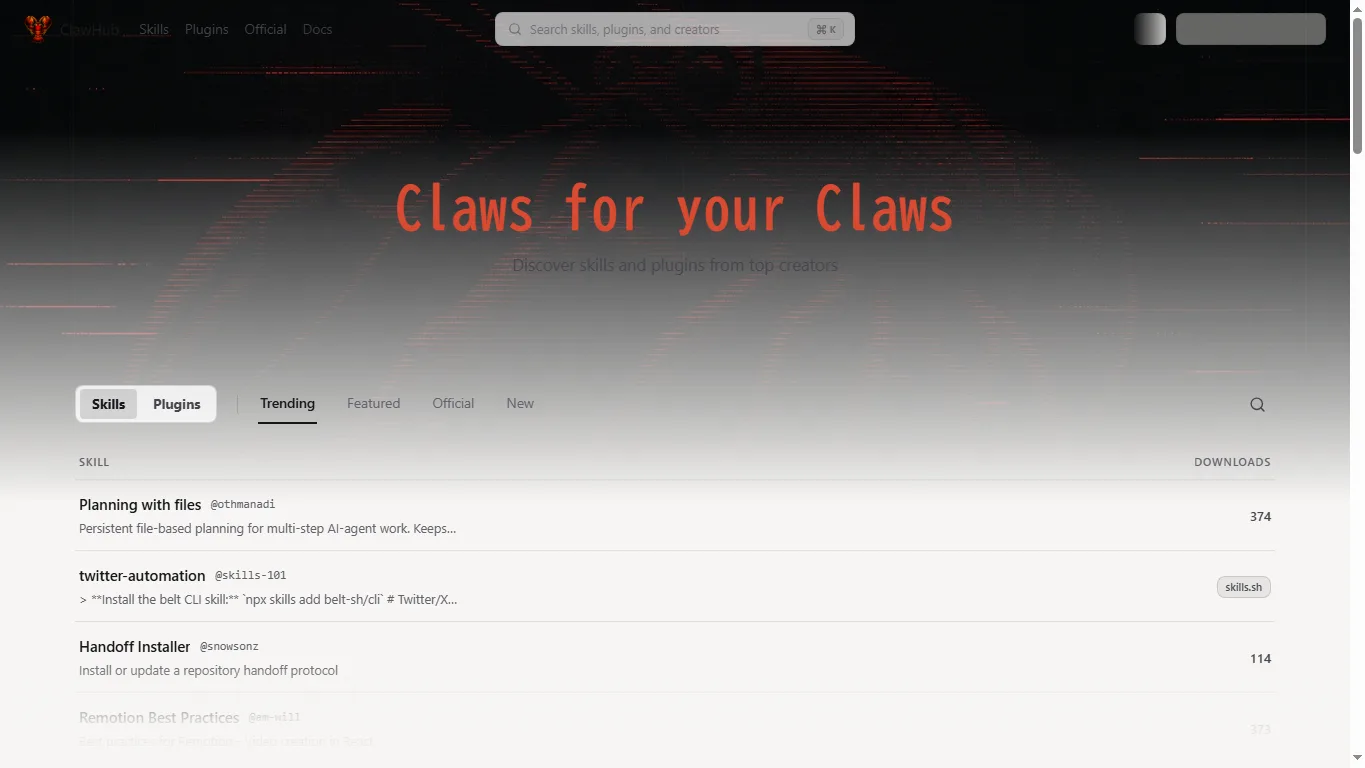
ClawHub is the public registry for OpenClaw skills and plugins. It matters because agent systems become useful only when they can reliably repeat tasks: checking mail, summarizing files, searching the web, reviewing code, sending notifications, running reports, or coordinating across chat tools.
Commonly useful skill/plugin areas include email triage, calendar and reminder workflows, browser research, code review, repository handoff, document/PDF summarization, Slack or Teams notifications, CRM updates, local file processing, image/video/music generation pipelines, and scheduled monitoring.
| Task | Useful Skill or Plugin Direction |
|---|---|
| Find skills | openclaw skills search "calendar" |
| Install a skill | openclaw skills install @openclaw/demo |
| Update skills | openclaw skills update --all |
| Find plugins | openclaw plugins search "calendar" |
| Install a plugin | openclaw plugins install clawhub:<package> |
| Browse registry | clawhub.ai |
Before installing community packages, check the package page, version history, permissions, and security scan status. OpenClaw can reach messages, files, browsers, credentials, and external services, so a low-quality plugin is not just an annoyance; it can become an operational risk.
OpenClaw 2.0 vs Other Local Agent Tools
| Tool | Main Focus | How It Differs from OpenClaw |
|---|---|---|
| OpenClaw 2.0 | Multi-channel, self-hosted agent gateway | Best when you want chat apps, skills, browser tools, automations, and model providers under one gateway. |
| OpenHands / OpenDevin-style tools | Software development agents | Better for coding tasks, but less focused on always-on chat-channel orchestration. |
| AutoGen / CrewAI | Multi-agent frameworks | More developer-framework oriented; you build the product layer yourself. |
| LangGraph | Agent workflow graph framework | Excellent for structured agent logic, but not a ready multi-channel personal assistant by itself. |
| Dify / Flowise | Visual LLM app building | Easier for no-code flows and chatbots; less local-first and channel-native than OpenClaw. |
| n8n | Automation workflows | Great for app integrations; less focused on AI agent memory and multi-channel conversation. |
| Claude Code / Codex | Coding and repository work | Stronger as specialized coding assistants; OpenClaw can coordinate around them. |
This comparison is why OpenClaw is interesting. It is not trying to win as the smartest model, the best IDE agent, or the easiest no-code builder. Its niche is the local gateway: the place where channels, agents, tools, permissions, and recurring work meet.
NSFW Support and Security Limits
OpenClaw does not generate NSFW content by itself. It routes requests to the model or provider you connect. If you use a hosted model with strict safety filters, those filters still apply. If you connect a local uncensored model, the generation behavior may be more permissive, but tool access becomes much more sensitive.
For adult or sensitive roleplay, the safer pattern is to separate the model from powerful tools. Do not give a permissive model broad browser, file, email, payment, or team-chat access unless you understand the risk. Keep private logs secure, avoid processing illegal sexual content, and never use an agent system for non-consensual real-person sexualization, underage sexual content, credential theft, harassment, or harmful automation.
OpenClaw’s own security documentation is worth reading before serious deployment. It recommends thinking in terms of one trust boundary per gateway, limiting inbound access, auditing tool permissions, checking network exposure, and protecting state directories that may contain credentials, sessions, and transcripts.
Who Should Use OpenClaw 2.0?
OpenClaw 2.0 is most useful if you already have workflows that cross several apps: messages, browser pages, local files, scheduled jobs, model APIs, and coding tools. It is also useful for teams that want shared sessions and handoff rather than one person’s private AI chat history.
It is less compelling if your only need is asking occasional questions. In that case, a normal chatbot, Claude Code, Codex, Gemini, or a simple local model UI may be faster and easier.
FAQ
Is OpenClaw 2.0 a language model?
No. It is an AI agent gateway. You connect models, providers, skills, plugins, channels, and tools to it.
Where can I download OpenClaw 2.0?
Use the official OpenClaw website, GitHub repository, GitHub Releases, or npm package.
Does it need a GPU?
The gateway itself does not. A GPU is only needed if you want to run local models that benefit from GPU acceleration.
Can OpenClaw use local models?
Yes. It can work with local model runtimes and servers such as Ollama, LM Studio, llama.cpp, vLLM, and SGLang, depending on your setup.
Is it safe for teams?
It can be used by teams, but it should be deployed carefully. Access rules, separate gateways, limited tools, log handling, and security audits matter.
How do I find OpenClaw skills?
Use ClawHub or the built-in search commands such as openclaw skills search and openclaw plugins search.
Reference Information
- OpenClaw official website
- OpenClaw Docs
- OpenClaw installation guide
- OpenClaw v2026.8.1 release notes
- OpenClaw v2026.8.2 release notes
- OpenClaw GitHub repository
- openclaw npm package
- ClawHub registry
- AIbase news report on OpenClaw 2.0
Conclusion
OpenClaw 2.0 is a serious step toward a local-first, multi-channel AI assistant. Its biggest strengths are not model benchmarks, but orchestration: channels, skills, providers, browser control, memory, automation, and team handoff in one self-hosted gateway.
The tradeoff is setup and responsibility. If you connect powerful tools and permissive local models, you also inherit the burden of access control, logs, credentials, and safety boundaries. For developers and power users, that tradeoff may be worth it. For casual users, a simpler chatbot remains easier.
Related Reviews
How to Design Wedding Invitations Online: A Complete Guide for 2026

How to Create More Authentic Content With AI Tools

Best 6 Free QR Code Generators in 2026
Hy4 Preview Review: Tencent Hunyuan 770B MoE, 1M Context, API, Local Hardware, and NSFW Limits
Best 10 AI Chatbots in 2026
DeepSeek V4 Review: Flash, Pro, Local Setup, Benchmarks and NSFW Policy