Gemini 4 Hydrogen Review: Coding, 1M Context, API Pricing and NSFW Limits
Gemini 4 Hydrogen explained: real strengths and limits, four thinking levels, free access, app versus API, setup steps, long context, costs and NSFW policy.

Gemini 4 Hydrogen is Google’s fast execution model for everyday coding, document analysis and tool-based tasks. Its attraction is a combination of capable reasoning, multimodal input and a lower price than the frontier tier, rather than a promise to solve every hard problem faster. For a dependable trial, choose the exact model in AI Studio or the API: a free Gemini app conversation can be automatically routed and is not always a controlled Hydrogen test.
What Hydrogen is, and where it fits
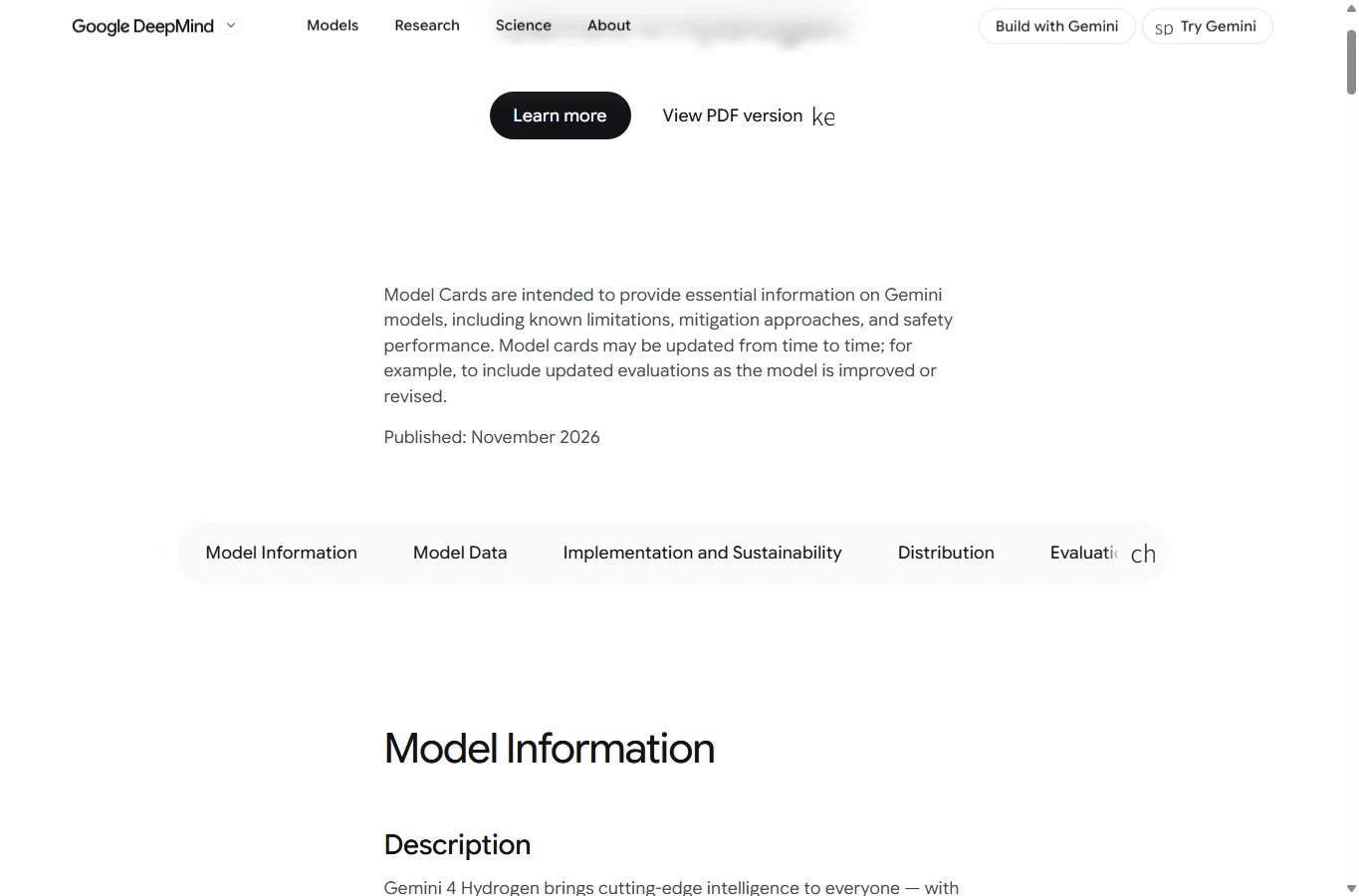
Google released Gemini 4 Hydrogen on 12 November 2026 under the stable API ID gemini-4-hydrogen. It is a hosted proprietary model, not downloadable open weights; there is no verified local GGUF or consumer-GPU installation path. Google has not provided a parameter count in the specifications reviewed here, so a guessed size is not a useful hardware requirement.
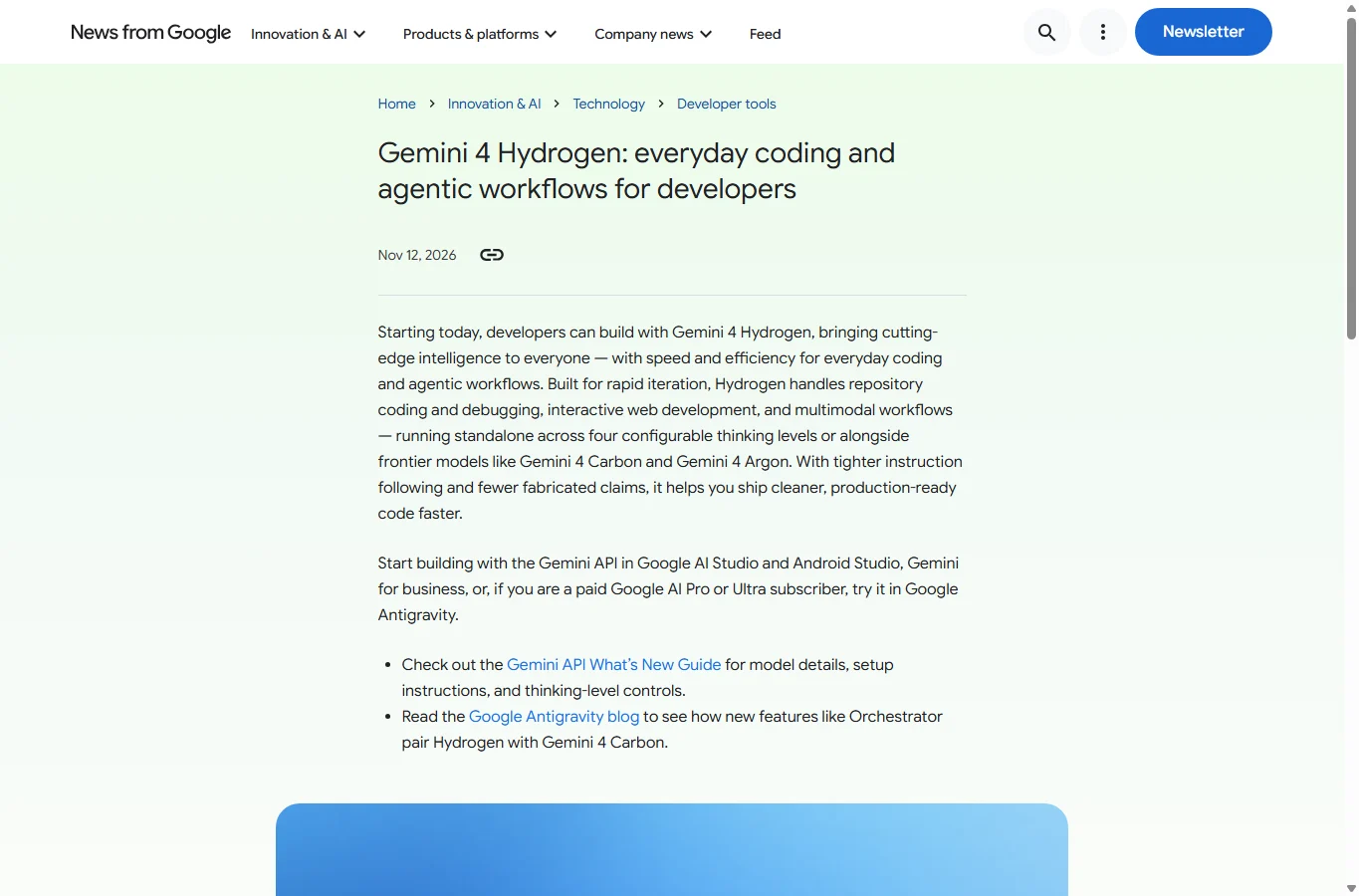
Hydrogen targets rapid implementation and everyday agents. Carbon is positioned for harder long-horizon reasoning, while the newly introduced Neon is another balance of depth and efficiency; Argon belongs to the frontier family too. Pick by your task and thinking configuration, not the element’s name or a single rank. Antigravity’s Orchestrator can combine models: a successful mixed-model run is not a Hydrogen-only benchmark.
Coding, reasoning and multimodal capabilities
Useful jobs include repository Q&A, small patches, debugging, PDF/chart extraction and converting recorded material into structured text. The model accepts text, image, video, audio and PDF but outputs text. Native picture generation, speech generation and Live API are not capabilities of this specific endpoint. If the Gemini app makes a picture, do not attribute the separate image-generation tool’s quality to Hydrogen.
The API lists function calling, structured output, code execution, file search, URL context, Search/Maps grounding and computer use. These are supported integrations, not automatic access to your disk or permission to execute arbitrary actions. A computer-use agent still needs a connected environment and appropriate controls. Ask for a minimal patch, inspect the diff and run relevant tests before trusting generated code.
Google reports fewer fabricated claims and faster tasks than Gemini 3.8 Flash under its evaluations. That is evidence of a measured improvement in those conditions, not elimination of hallucinations. For document work require the original quotation and page/document ID; for images ask the model to mark unreadable labels. A confident explanation without a verifiable source remains a failure.
Independent benchmarks and real user reports
Artificial Analysis, checked 19 November, identifies its detailed result as Xhigh: Intelligence Index 54, about 169 output tokens/s and 15.3 minutes per index task. Fast token generation did not make total task time fast; the evaluation describes substantial verbosity. Google’s published high result is 51, so do not compare 54 at xhigh with competitors’ default settings without saying so. These are outside measurements, not tests run by this publication.
TechRadar’s 16 November practical review found better retention of instructions in an ongoing home-energy project. That is a useful task example, not proof of permanent memory. Developer Vladislav Guzey’s early tests produced small apps but also two screenshot-to-app attempts with no output. These contrasting cases suggest trying your actual input type rather than inferring universal reliability.
A published Antigravity coding comparison by Lesia Kapliuk found similar checklist scores to 3.8 Flash with less time/quota on that task; Extra did not improve its score and consumed more. Reddit includes both positive coding reports and complaints of rapidly consumed app allowances. Plans, account trials, surfaces and thinking levels differ, so quota percentages from different people are not a reproducible tariff or a consensus that the model has become worse.
1M context, output limits and thinking levels
The documented window is 1,048,576 tokens shared by input, thinking and output. Normal synchronous output is capped at 65,536; longer generation needs background execution or continuation. You cannot submit a completely full 1M input and then demand another 1M output in the same unified window. These API limits are not a guarantee that the consumer app accepts an equally large upload.
There are four thinking levels: low, medium, high (default) and xhigh. Try low for straightforward extraction or responsive drafts, high for difficult code and xhigh only when a lower setting fails your acceptance test. More thinking can raise waiting time and billed output without improving a simple answer. max_output_tokens must leave space for both thinking and the final response.
A large window does not establish perfect recall, persistent memory across chats or correct reasoning over every page. Begin with a small representative document, test facts near the start, middle and end, then increase size. Request missing-evidence flags and verify arithmetic outside the model. Long decode is a special workflow, not a sensible default for a short question.
How to use the Gemini app and AI Studio
In the Gemini app or website, sign in and inspect the model selector. Choose Hydrogen if your plan offers an explicit option; free access may route to it automatically when appropriate. Availability, quotas, age and region conditions vary. A model name claimed inside a generated answer does not verify routing. Use the interface label or an API model ID when comparing results.
For a more repeatable start, open Google AI Studio, sign in, create a chat and select Gemini 4 Hydrogen. Set a thinking level, enter one bounded task and run it. For a PDF or image, attach a non-sensitive file, then ask a specific question and request supporting page references. Check the response and usage information before adding more files. This review did not generate paid test outputs from the account.
For coding, give the current files or relevant snippet, expected behavior and a small acceptance checklist. Ask for one change at a time and a minimal diff. In Antigravity, selecting a model and enabling Orchestrator are different choices; retain terminal/network/tool approval controls. A browser preview that looks right is not proof that persistence, validation or authentication works.
API setup and a working request template
In AI Studio create or select a project and generate an API key. Check whether it is on the free tier or has billing enabled, and set project spending/usage controls as available. Keep the key in an environment variable on your own machine or backend. Do not put it into a public webpage, screenshot or repository. The example below uses Python and the current google-genai package; it is a documented request template, not a benchmark call executed for this article.
Install the package, set GEMINI_API_KEY and save the Python block as hydrogen_demo.py. Run it from the same environment. It targets the Interactions API and the exact stable model, with low thinking and a modest token cap for the first test. Change low to high after it succeeds. Changing the Gemini app subscription does not automatically fund an API project.
If generation is blocked or empty, inspect status and safety information rather than repeatedly retrying the same request. A missing model or permission error can reflect account/region/project setup; a 429 is a limit/rate problem, and a timeout may need a smaller task or background execution. Upgrade an old SDK if interactions is missing. Do not swap parameter names from a different provider’s OpenAI-compatible interface.
python -m pip install -U google-genaiWindows PowerShell
$env:GEMINI_API_KEY="YOUR_API_KEY"
python hydrogen_demo.py
hydrogen_demo.py
from google import genai

client = genai.Client()
interaction = client.interactions.create(
 model="gemini-4-hydrogen",
 input="Explain a safe retry policy for a small web app. Mark assumptions.",
 generation_config={"thinking_level": "low", "max_output_tokens": 4096},
)
print(interaction.output_text)
Pricing, quotas and data handling
The paid standard reference is US$1.50 per million input tokens and $7.50 per million output tokens, including billed thinking. A request with 10,000 input and 2,000 total billed output tokens is about $0.03, before tools, taxes or other charges. A visible 2,000-token answer may cost more if thinking adds tokens. Free API access has project-specific limits; “free” does not mean unlimited or an equal allowance in the app and Antigravity.
The pricing page lists implicit cache hits at $0.075 per million input tokens; explicit caching is not supported for Hydrogen. Do not budget every repeated prompt as a cache hit. Search/Maps grounding has separate paid-tier conditions and charges; it is not included simply because text tokens are cheap. Batch, Flex and Priority have their own tradeoffs. Inspect the account’s actual tier and usage before scaling.
The API pricing table marks free-tier content as used to improve products and paid-tier content as not used for that purpose, subject to applicable terms. This is not a guarantee of zero retention or identical treatment in consumer Gemini, Workspace and enterprise services. Use redacted test files first, and check the specific service’s settings and contract before supplying confidential or client documents.
NSFW support, troubleshooting and verdict
Hydrogen is not an unrestricted NSFW or erotic-roleplay model. Google’s generative-AI policy prohibits sexually explicit content for pornography or sexual gratification, with contextual exceptions possible for educational, documentary, scientific or artistic purposes. That distinction does not guarantee a particular health or fiction request will be accepted. API safety settings configure some filtering; reducing a threshold does not remove the service policy, model alignment or all protections.
No reliable Hydrogen-specific cross-language refusal-rate study was established here, and this review did not test explicit prompts. Adult relationship discussion, non-explicit romance, medical questions and explicit roleplay are different use cases. For character chat, test benign consistency, memory within the session and writing style first; do not buy a plan expecting uncensored behavior. If a harmless prompt is rejected, clarify its legitimate context rather than disguising prohibited content.
Start with: “Use only the supplied files. For each conclusion give a document ID and exact quotation; say unknown if evidence is absent.” For code: “Change only this function, list assumptions and supply a test; do not claim a test passed unless it ran.” The recommendation is Hydrogen for repeatable everyday execution, with a deeper model reserved for hard architectural decisions. This AI-assisted documentary review, checked 19 November 2026, distinguishes official claims, outside benchmarks and attributed user experiences; it is not an in-house coding, NSFW or million-token stress benchmark.
Related Reviews
MAI Image 2.7 and Flash Review: Editing, Canvas, Pricing and NSFW Limits

Krea 3 Review: Editing Quality, Ultra, Real Costs and Open-Weight Status
Krea 2 Edit Review: Downloads, ComfyUI Workflows and Prompt Examples
MiniMax H3 Image Studio Review: ComfyUI Images, Reference Editing & Video Workflow
GPT-6 Astra Review: Pricing, API Access, Strengths and Limits

HunyuanVideo 1.5 Review: Quality, VRAM, ComfyUI, Pricing and Limits