
To save a YouTube video on your phone, choose the method that matches your goal: official offline viewing for a trip, a copy of your own upload, or an authorized video file you can open in another app. These options do not put the same kind of download on your device.
For watching inside YouTube without a connection, start with its official download feature where your plan, region and video allow it. If you need a standalone file, check your own source video or upload-download options first. A browser downloader such as AirMore AI is another option where available and permitted.
Three ways to save a video
| Method | Result | Best use |
|---|---|---|
| YouTube offline download | Playback inside YouTube | Watching while travelling |
| Your own upload or original export | A separate video file | Backing up your channel |
| Authorized browser download | A file in the browser’s download folder | A permitted link-to-file task |
Choose a method before paying for a subscription or installing software. A Premium offline download is not an MP4 export that you can freely move into an editing app.
Use AirMore AI in your browser
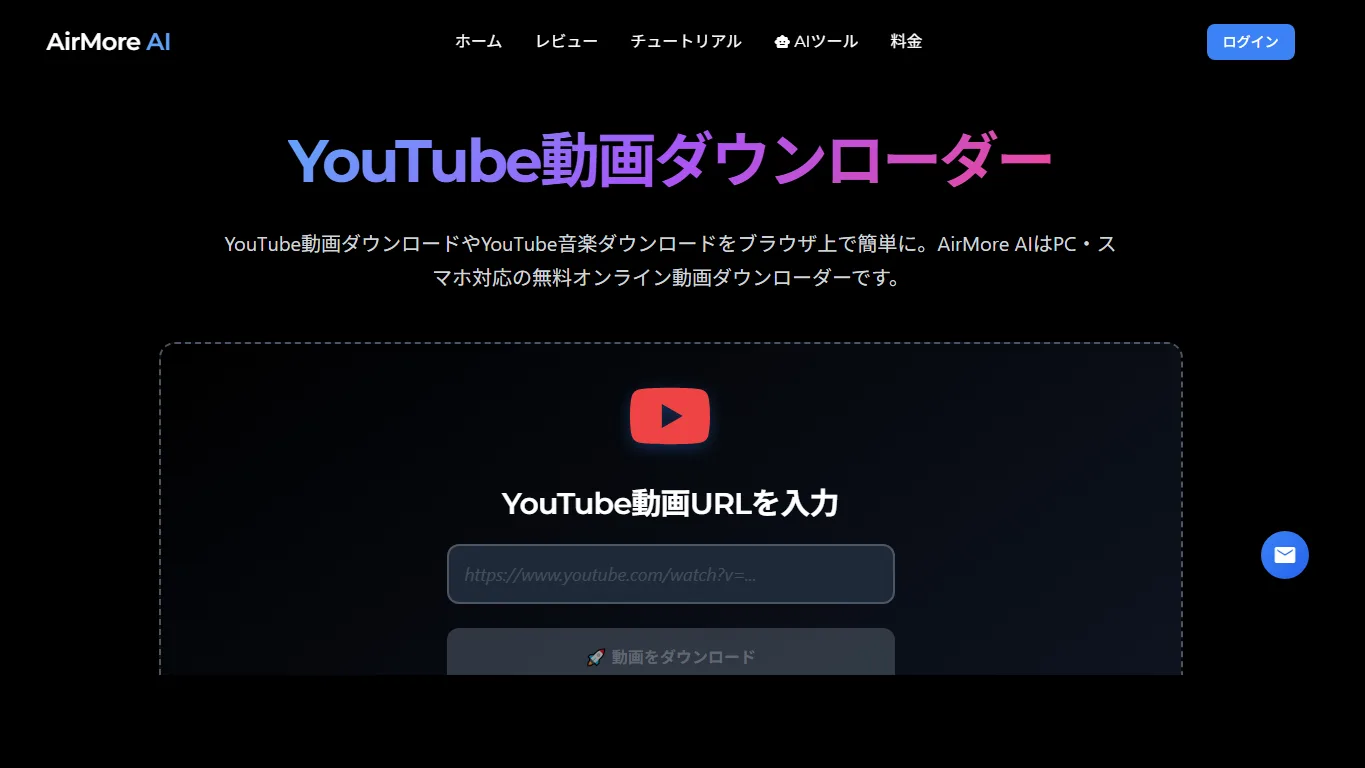
AirMore AI’s online downloader lets you submit a YouTube link from a phone browser and select among the options returned for that video. This approach is convenient for an occasional permitted download when you do not want another mobile app.
- Copy the video’s share link from YouTube.
- Open AirMore AI in Safari or Chrome and paste the link into the video field.
- Check the returned format and quality. Choose a video output rather than audio-only if you want both picture and sound.
- Save the file, then locate and play it in your phone’s file manager.
Availability varies by region, and individual videos can fail to process. If the page says the service is unavailable, use an official option available to you. Do not assume that a visible video can be downloaded or that a “highest quality” choice includes audio.
Use YouTube’s official offline feature
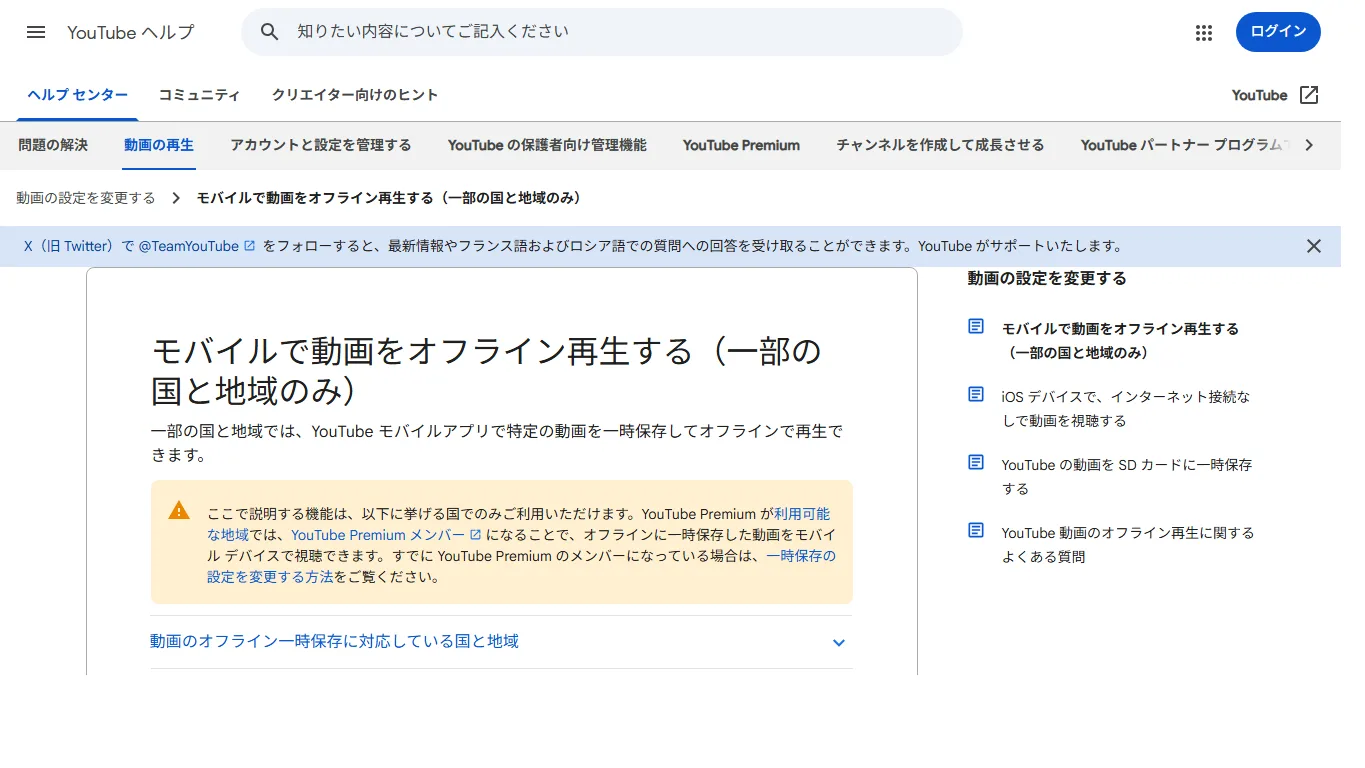
Open the video in the YouTube app and use Download if it is offered for your account. Then open the app’s downloads area to play it offline. This keeps viewing within YouTube and avoids moving files between apps. See YouTube’s regional offline-viewing guidance for the applicable conditions.
Video availability, subscription requirements and periodic online checks depend on your location and account. Check the download before leaving Wi-Fi, and confirm that the account used to save it remains signed in. This method is for playback within YouTube, not exporting a video to Photos.
Recover a video you uploaded
For your own channel, follow YouTube’s upload-download instructions. On a phone, the available menu depends on whether you use the YouTube app, Studio or the website; use the official device-specific guidance instead of assuming every Studio desktop menu also appears in the mobile app.
An existing original in Photos, Files or your editing app is usually the better archive. An upload download may be lower quality than that original. Keep a second copy in storage you control and verify that the file is complete before deleting any source material.
Find a downloaded video on iPhone
- Open Files and check Downloads under iCloud Drive or On My iPhone, depending on your Safari download setting.
- Sort by date or search the filename if the folder is busy. Confirm that the download has finished.
- Open the video and use the Share menu. If Save Video is offered, select it to add a compatible file to Photos.
- If it does not appear in Photos, keep the file in Files and check its format, available storage and playback compatibility.
Saving a web page or adding a link to the Home Screen does not save the video itself. An HTML file in Downloads is a clue that you downloaded a page instead of the media. Do not repeatedly tap advertising buttons to resolve this.
Find a downloaded video on Android
In Chrome, open the menu and look in Downloads. Your device’s Files app or file manager can also show the Download folder. The Gallery or Google Photos app may not immediately display every folder or video format.
- Wait for the download-complete notification before moving the file.
- Check internal storage if an SD card or removable location is unavailable.
- Open the file in a compatible player before sharing it.
- Use Wi-Fi for large files and confirm that you have enough free storage.
If the file is present but not visible in your gallery, that is a file-location or compatibility problem, not necessarily a failed download. Avoid renaming an unsupported file extension to “.mp4”; a new name does not convert the video.
Frequently asked questions
Can I do this without a computer?
Yes, supported official app features and browser downloads can work entirely on a phone. Which route is suitable depends on whether you need app-only viewing or an actual media file.
Why is there no Download button?
The video or feature may not be available for your account, plan or region. Check the official help for your location and use a source file you own when you need an editable copy.
Why can I hear sound but see no picture?
You may have selected an audio format, or your player may not support the video codec. Check the file type and the original download option before assuming that the video is damaged.
Can Premium downloads go into Photos?
Official offline viewing does not provide a normal MP4 export to your photo library. Keep the distinction in mind if your real purpose is editing or transferring a file.
Should I give a downloader my Google login?
Do not enter your Google password or paste account cookies into an unrelated download site. Use the official account interfaces for your own uploads and backups.
Can I share the file with someone else?
Permission to watch or save something does not automatically include permission to redistribute it. Sharing the original YouTube link is often the simplest way to direct someone to the creator’s upload.
Make the download usable before you leave
For a journey, download inside YouTube while connected and test playback. For an archive or editing project, keep an authorized standalone file and verify its video and audio in the app where you intend to use it.
The final step is file management: know whether the video is in YouTube, Files, Downloads or Photos. Our YouTube downloader guide compares the broader browser and desktop options.
Related
5 Best Free Sound Effects Websites for Videos, Games and Podcasts

How to Save TikTok Videos on iPhone, Android and PC
YouTube Shorts Download Sites: Free Options for Mobile and PC
Where Do Telegram Downloads Go? Save Videos on iPhone, Android and PC
How to Save Vimeo Videos on PC, iPhone and Android
7 Free Music Websites in 2026: Ads, On-Demand & Offline Limits