
The quickest way to save a TikTok video is to open its Share menu and choose Save video when the creator allows downloads. A favourite keeps the post in your account; a saved video creates a file on your device.
For a public video link, start with AirMore TikTok Video Downloader: paste the individual post URL, analyze it, and choose a format actually supplied by the source. The first tool section below explains the steps and limits.
For your own clips, keep a copy before publishing. For other people’s content, a download option does not automatically grant permission to edit, repost or use the soundtrack elsewhere. Browser downloaders and screen recording should be reserved for content you are authorized to save.
Choose a method
| Method | Best use | Main limitation |
|---|---|---|
| AirMore TikTok | Public video links; source-provided formats | Public, free-to-view videos only |
| TikTok Save video | A creator-enabled mobile download | Not offered on every post |
| Save your own video before posting | A local copy of your work | Keep the original export separately |
| RecCloud or phone screen recording | An authorized playback recording | Real-time recording; audio support varies |
| TikGo / ssstik / RobinReach | An authorized public video URL | Processing and availability can change |
| Download account data | Account records and activity information | Not a guaranteed archive of original video files |
Make the file type part of your decision. A link, a text/JSON account export and an MP4 video serve different purposes.
Use TikTok’s Save video control
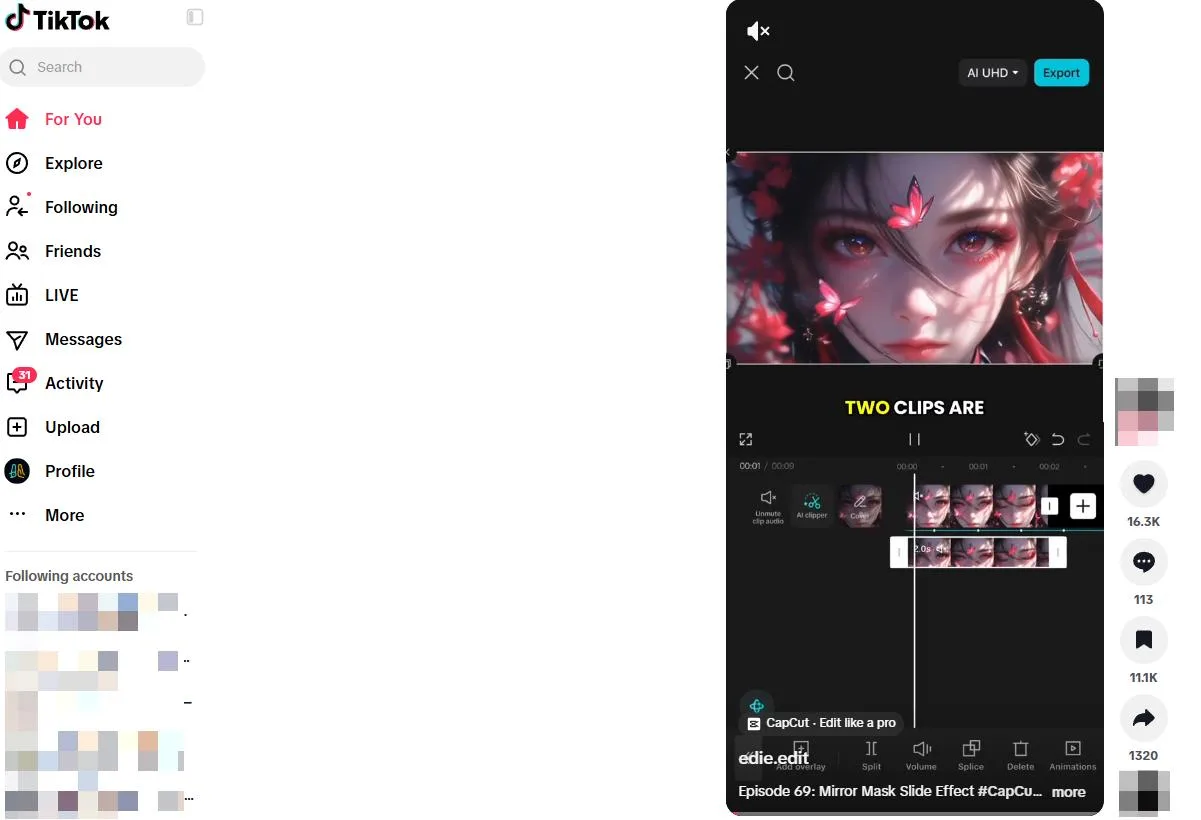
Open the video in the TikTok app, tap Share and choose Save video when available. TikTok’s official instructions explain that the creator controls whether other people can download the post. Check Photos or your device’s gallery after saving.
If the option is absent, keep a favourite or share the link, or ask the creator for a copy. For your own work, use the save-to-device option offered before posting and retain the original editing export. This also gives you a backup if the published version later becomes unavailable.
Browser tools and desktop recording
1. AirMore: download public TikTok videos in your browser
AirMore offers a free web tool for public TikTok videos that can be viewed without logging in. It works in a modern mobile or desktop browser without installing software. The page lists the usable formats and qualities supplied by the source, making it a convenient first option when you want to choose from the available files.
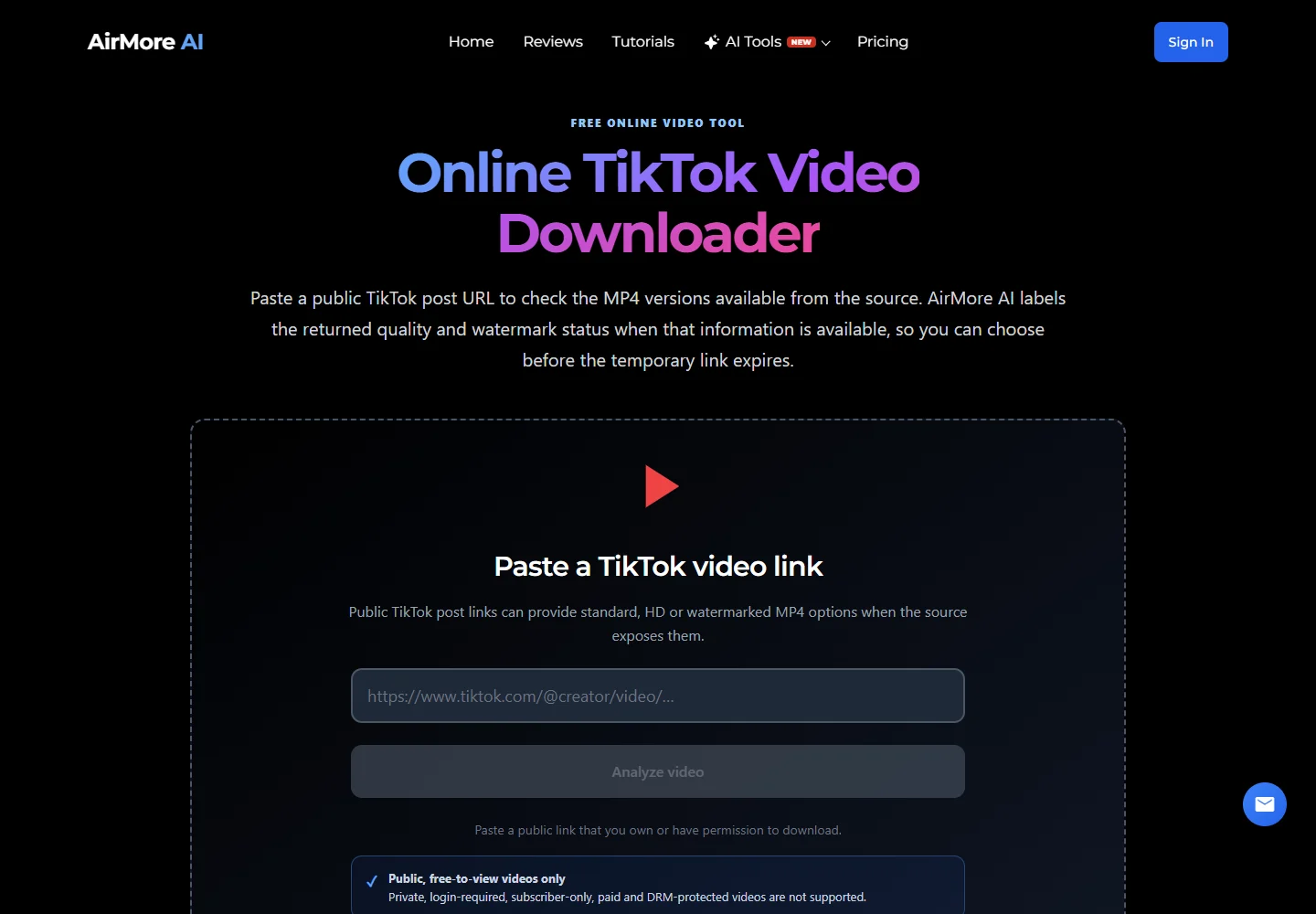
- Open the public TikTok video post and copy its full link.
- Open AirMore, paste the link into the TikTok video URL field, and select Analyze video.
- If formats are returned, choose an available quality or format and use its download option before the temporary link expires. Then check your browser’s Downloads list and play the file.
Use the individual TikTok post URL, not a profile. Compare the returned MP4 quality and watermark labels: HD or watermark-free versions are available only if the source exposes them. If a media link expires, analyze the original post again.
2. RecCloud online screen recorder

RecCloud can record a permitted TikTok playback or an instructional demonstration on a computer. Choose the tab or screen area and an available audio source, run a short test and then record the intended clip.
It records what is played on screen, not the original uploaded media. Notifications, player controls, buffering and browser audio limitations can appear in the result. Check the available export format and any service limits before recording a long session.
3. TikGo
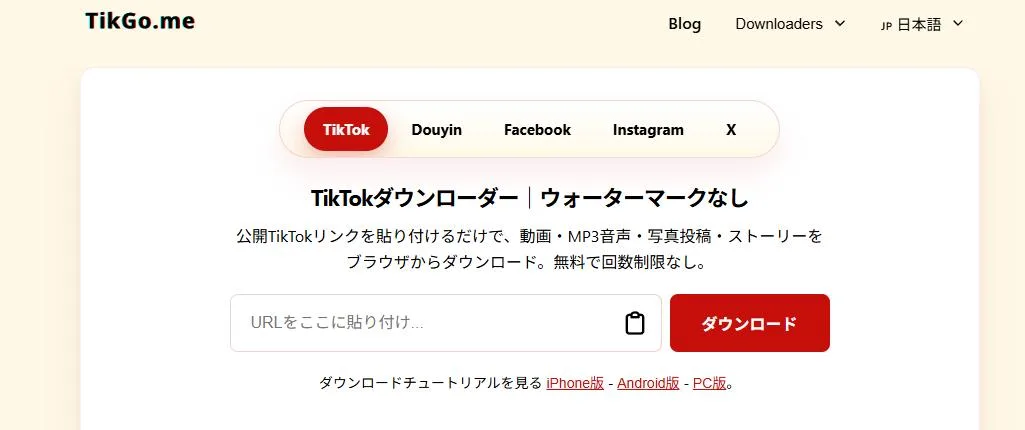
TikGo offers a link-based TikTok workflow and also has an Instagram section. Copy a permitted video’s share URL, paste it into the correct field and inspect the returned preview before choosing a file.
It is a candidate for occasional public-link tasks, not a substitute for your own source archive. If a request fails, check that the original link still opens. Do not give the site your TikTok password or session cookies to retrieve restricted content.
4. ssstik
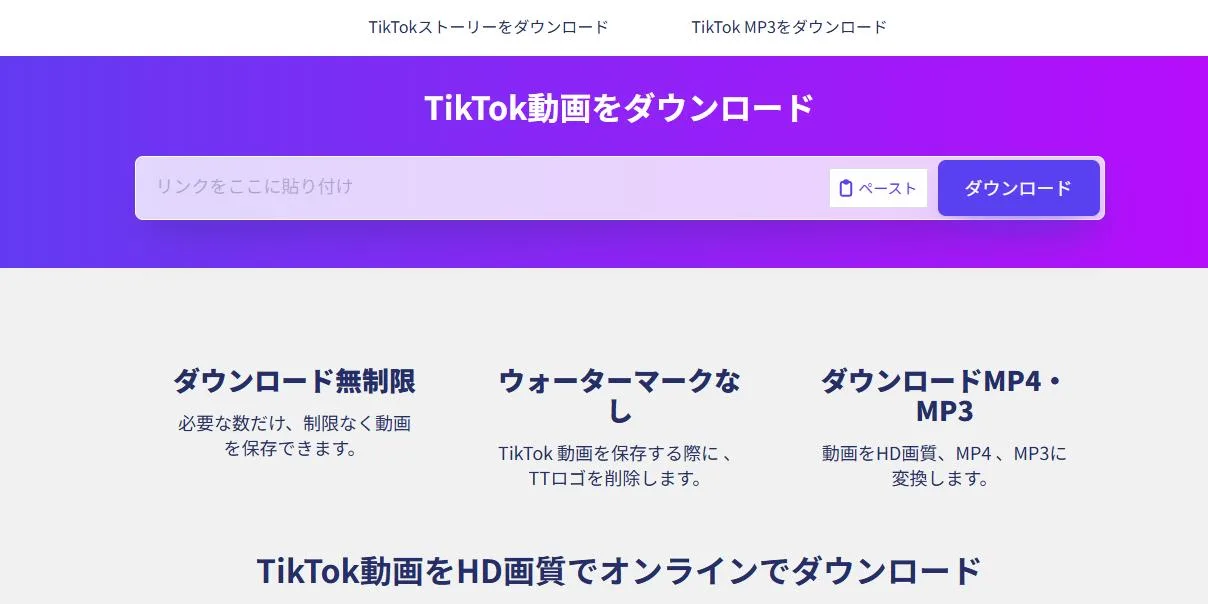
ssstik focuses on TikTok URLs. Its workflow is to paste a link, process it and select an offered download. Choose a video file rather than an audio-only choice when you need both picture and sound.
Check that the download button belongs to your result rather than an advertisement. Claims about removing an overlay or retaining quality do not establish reuse rights, and an available public page does not guarantee that every video can be processed.
5. RobinReach TikTok Video Downloader
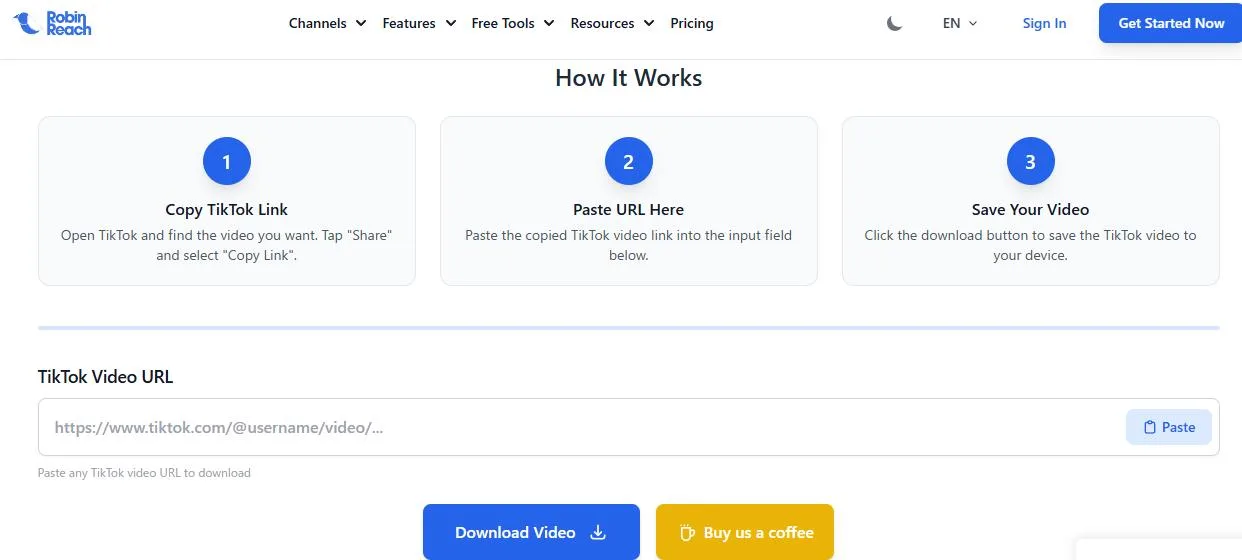
RobinReach offers a dedicated TikTok download form within its social-media toolkit. It can fit a creator’s workflow for collecting copies of their own public clips or material supplied with permission.
Paste the video URL and verify the resulting clip. Keep downloading separate from any optional scheduling, editing or paid account features. Before including a saved clip in marketing material, check the permissions for music, people and other included content.
Screen recording on a phone
iPhone
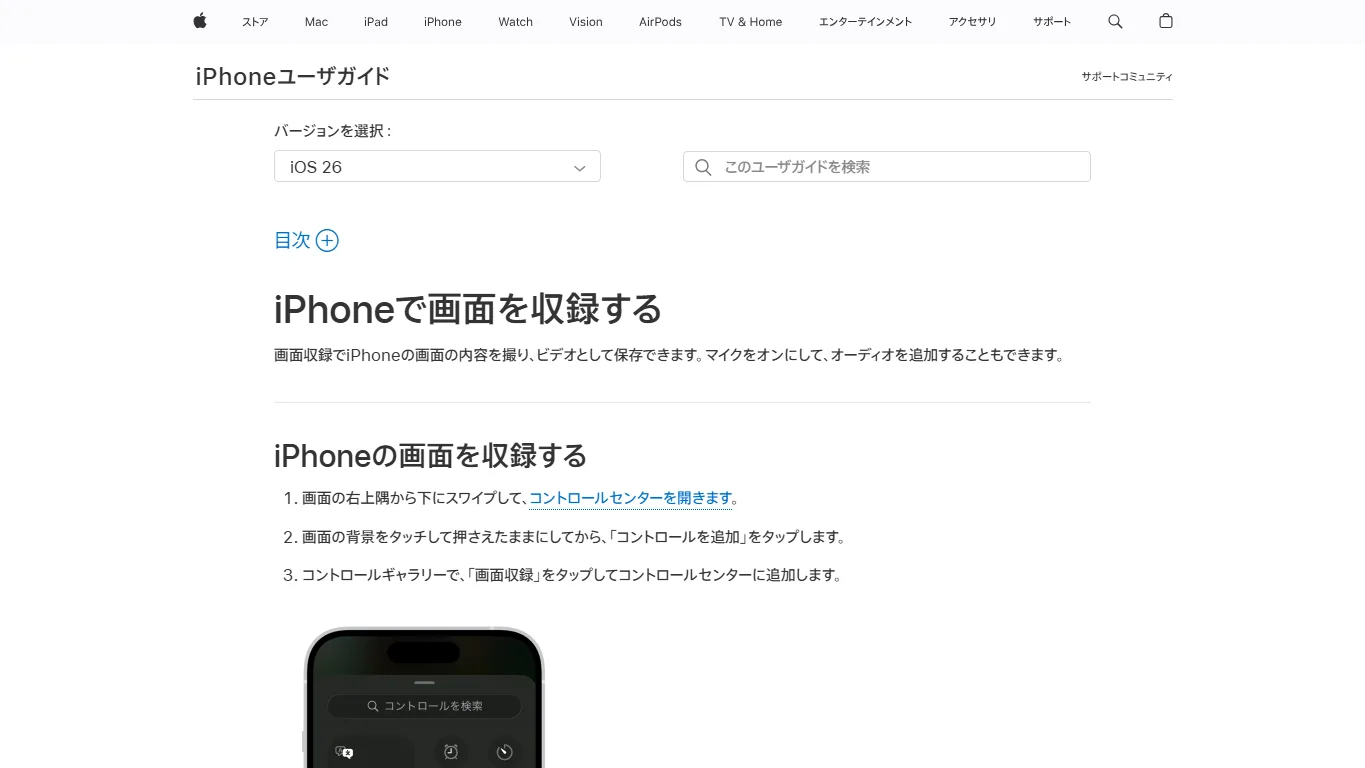
For a permitted recording, open Control Center, start Screen Recording and play the clip. Stop when it finishes and inspect the video in Photos. Apple’s guide explains the recording control and where the recording is stored.
Test sound before recording the full clip. Turning on the microphone may capture room noise instead of clean app audio. Hide notifications and avoid recording personal information or private messages.
Android
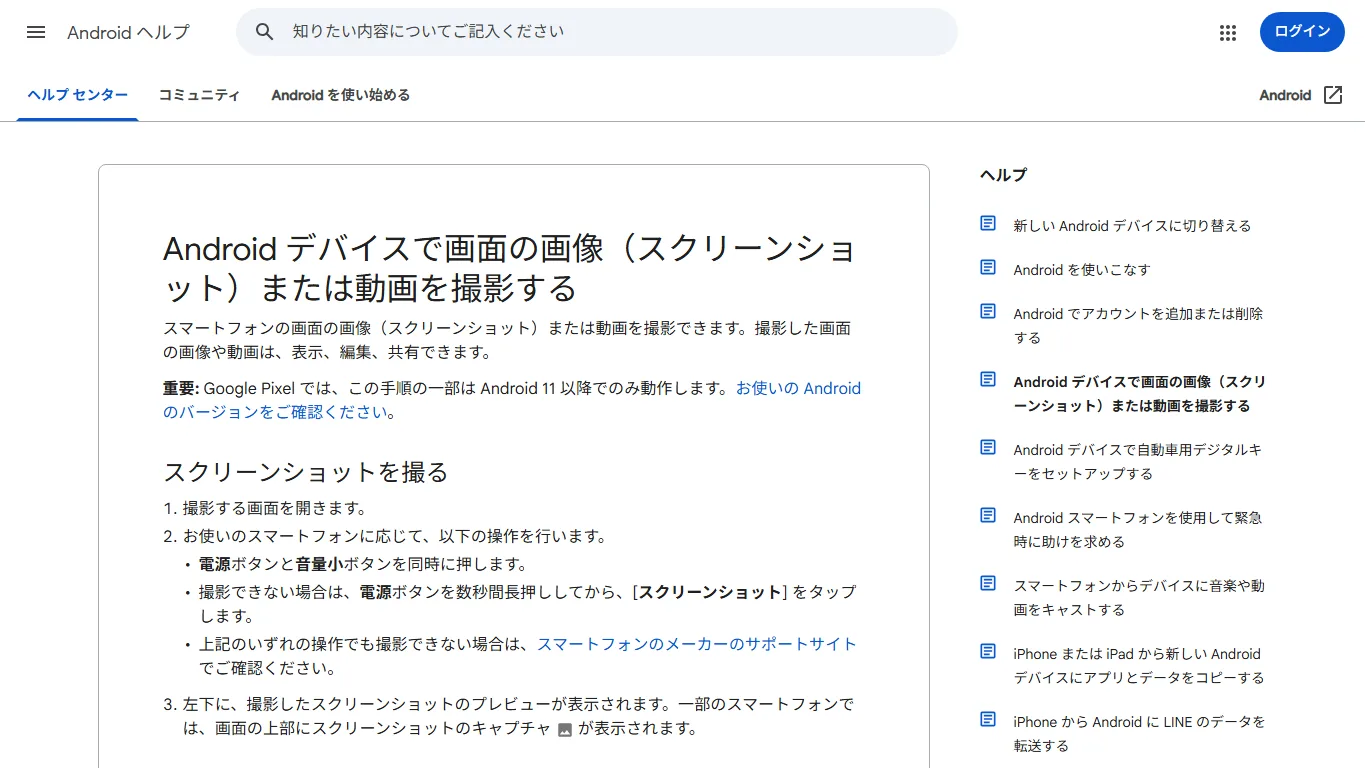
Use Screen Record in Quick Settings when available, select the audio option your device provides and start playback. After stopping, check the gallery or file manager. Android help covers the standard workflow, though manufacturer interfaces differ.
Neither phone recording method improves the source quality. Buffering, screen overlays and unsupported audio capture can all affect the result. For professional reuse, ask for the original file whenever possible.
Account-data export is a different backup
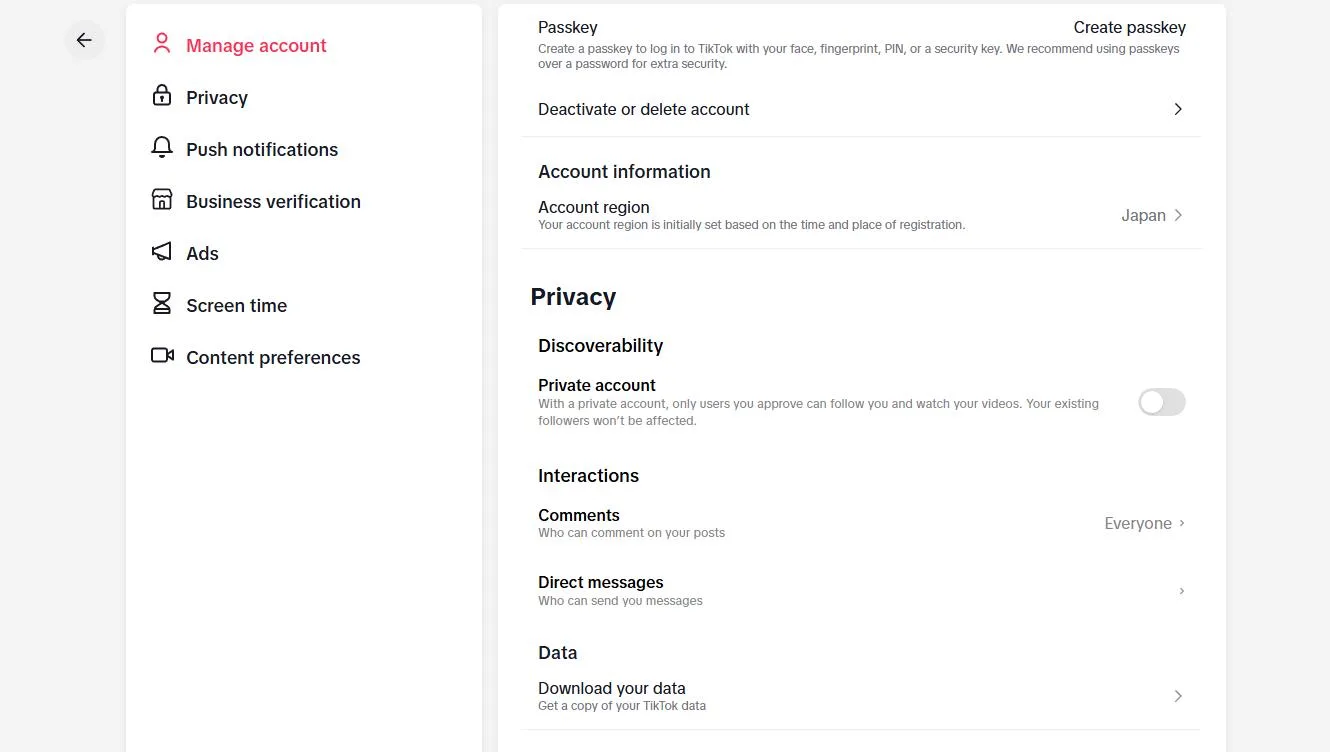
TikTok’s account-data request is intended for obtaining the information categories the service makes available for your account. Request the export from the official settings, wait for it to be prepared and inspect its contents.
Do not treat an account-data archive as a guaranteed collection of all your original video files. Keep your exported clips and source projects separately. Before deleting any originals, verify that the media you need is actually present and playable in your backup.
Frequently asked questions
Why is Save video missing?
The creator may not allow downloads. Use TikTok’s own controls and the creator’s permission as your guide; a missing option is not an invitation to unlock restricted content.
Where is the saved file?
Official app downloads generally appear in your device’s photo or media library. A browser download may instead be in Files or Downloads. Check the route you used and wait for completion.
Can I keep a video without its watermark?
Prefer the original export for your own work. A service’s ability to remove an overlay does not grant ownership or permission to republish somebody else’s clip.
Why does screen recording have no audio?
The browser, app or device may not support the selected audio source. Test the settings with a short clip. Microphone audio is different from the app’s internal sound and can introduce noise.
Is the account-data download a full video backup?
Do not assume that it is. Inspect the actual export and keep separate copies of the video files and editing projects you need.
Can I repost a saved video?
Obtain the relevant permissions first, including the soundtrack and any third-party material. Sharing the original TikTok link is a different action from uploading a new copy elsewhere.
Save your own originals first
Use TikTok’s available Save video control for a straightforward download. For your own channel, preserve a local copy before posting so that you are not dependent on a later download service.
Use link-based tools or screen recording only for authorized content, then check the file’s sound, duration and storage location. Keep account records and actual media backups separate.
Related
Where Do Telegram Downloads Go? Save Videos on iPhone, Android and PC

How to Save Facebook Videos on PC, iPhone and Android
How to Save Vimeo Videos on PC, iPhone and Android
How to Save YouTube Videos on iPhone and Android
8 Best Free Movie and TV Show Websites in 2026: Where to Watch Online

How to Save Twitch VODs and Clips on PC, iPhone and Android