
Need a local copy of a Short you created or have permission to save? Start by deciding whether you need an editable video file or simply want to watch offline. A bookmark keeps a link; it does not create an MP4 on your device.
Browser download sites offer a convenient URL-to-file workflow, but the available formats and results depend on the video and the service. AirMore AI’s YouTube downloader is one option where available. For your own uploads, YouTube’s download tools are also worth checking before using an external site.
Choose the right way to save a Short
For a backup of your own published content, check YouTube’s instructions for downloading your uploads. Keep your original exported video when you have it: a downloaded copy may not match its resolution or bitrate. Official offline viewing and a standalone MP4 are different outcomes.
Use third-party tools only for content you are authorized to download, and check YouTube’s terms as well as the creator’s permission. A publicly viewable video is not automatically cleared for downloading or reuse.
Download-site comparison
| Site | Useful for | What to check |
|---|---|---|
| AirMore AI | A general YouTube workflow | Regional availability and the formats returned |
| Viddly | A dedicated Shorts page | Browser download versus desktop-app offers |
| AnyUkit | A simple link-based interface | MP4 video versus audio-only output |
| Reclip | A clip-creation workflow | Separate download and editing features |
| Giststack | A straightforward desktop page | Processing checks and the final download link |
Free access to a download page does not guarantee unlimited processing or a successful download for every link. Check any account, usage or paid-feature conditions shown before you continue.
Five sites to consider
1. AirMore AI
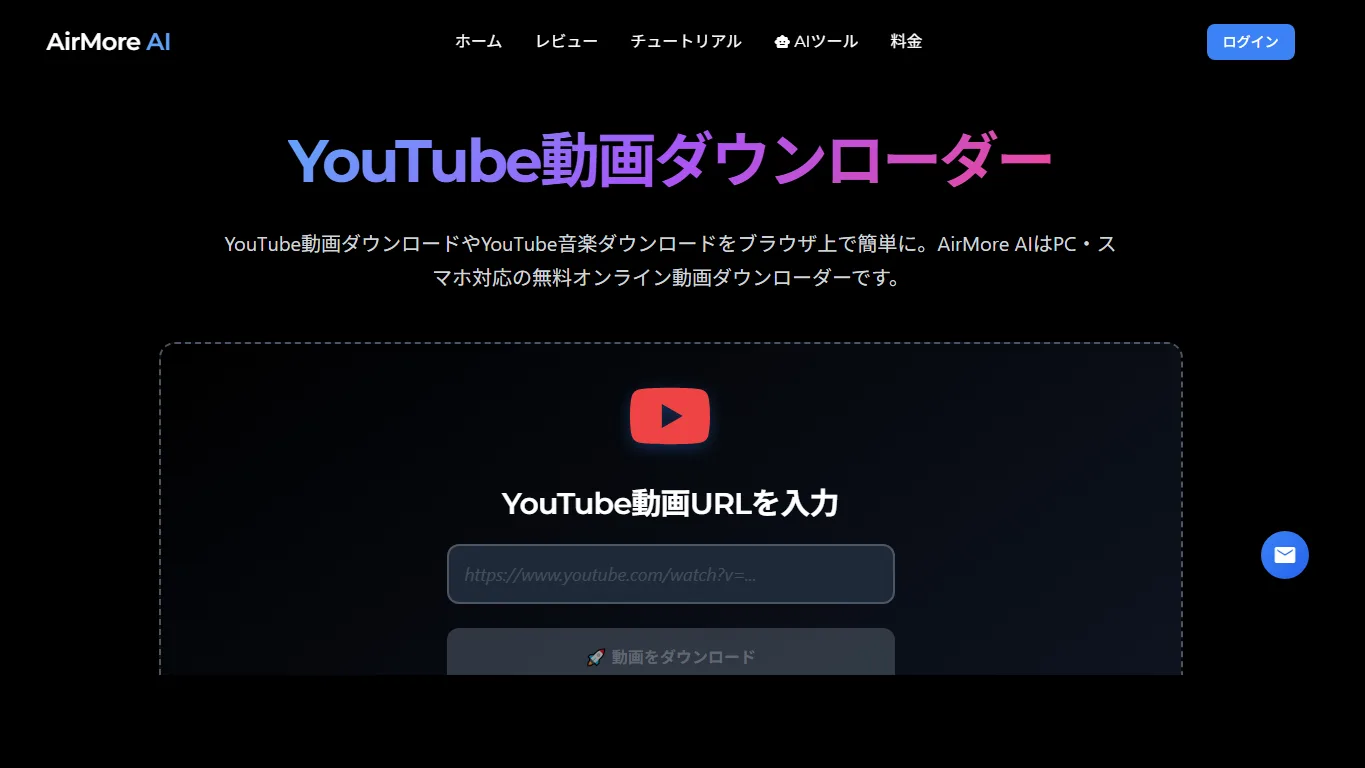
AirMore AI puts YouTube link entry and available download choices in one browser page. It suits a quick, occasional download when you want to avoid installing another application. Paste the Short’s own share link rather than the channel address.
The service is not available in every region. If it is available to you, select an actual video output and play the saved file to check its sound and quality. Do not assume that every Short has a 4K version or that an MP3 choice contains video.
2. Viddly
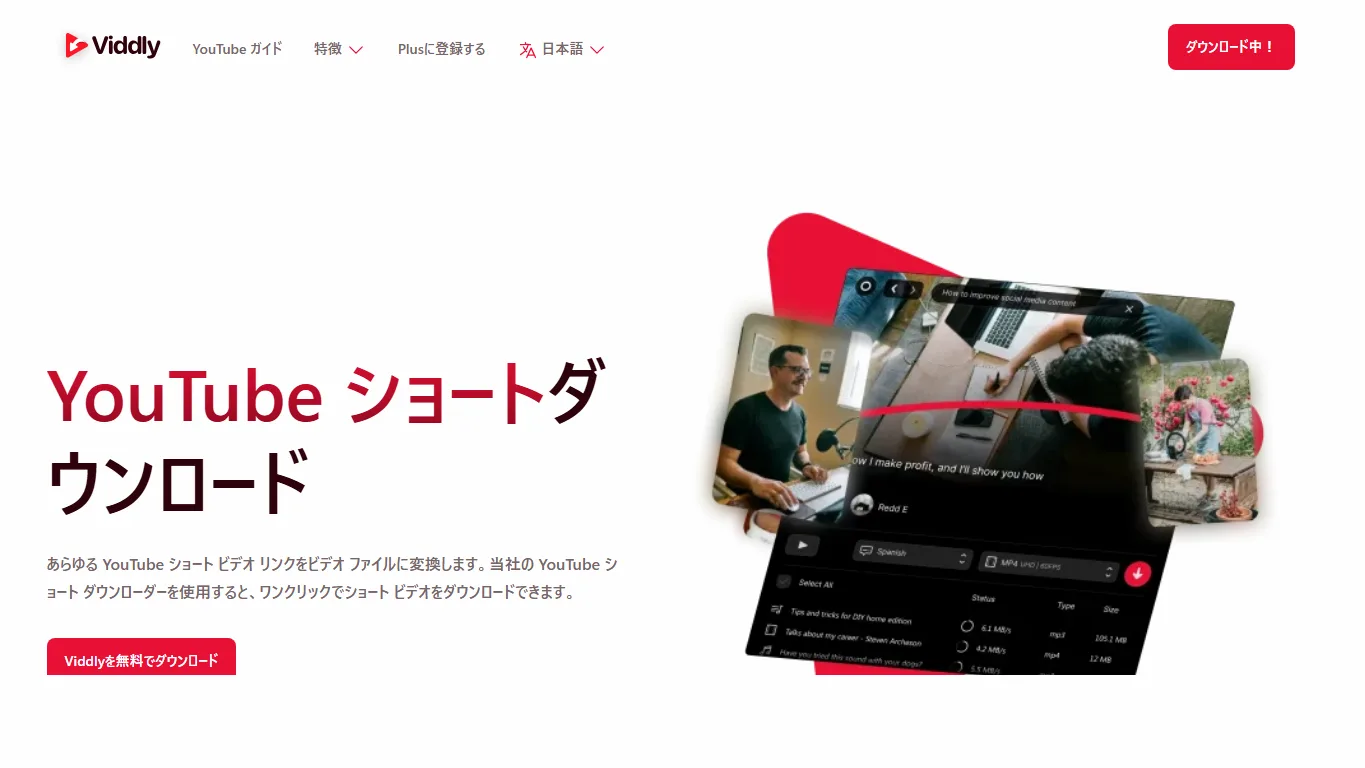
Viddly’s Shorts page focuses on short YouTube links and explains the conversion workflow. It is a useful alternative when you prefer a page devoted to Shorts rather than a general social-video downloader.
The site also promotes desktop software. Keep those offers separate from the browser task: check whether the action you choose returns a video file or downloads an installer. Select the resolution you need, not simply the largest number displayed.
3. AnyUkit
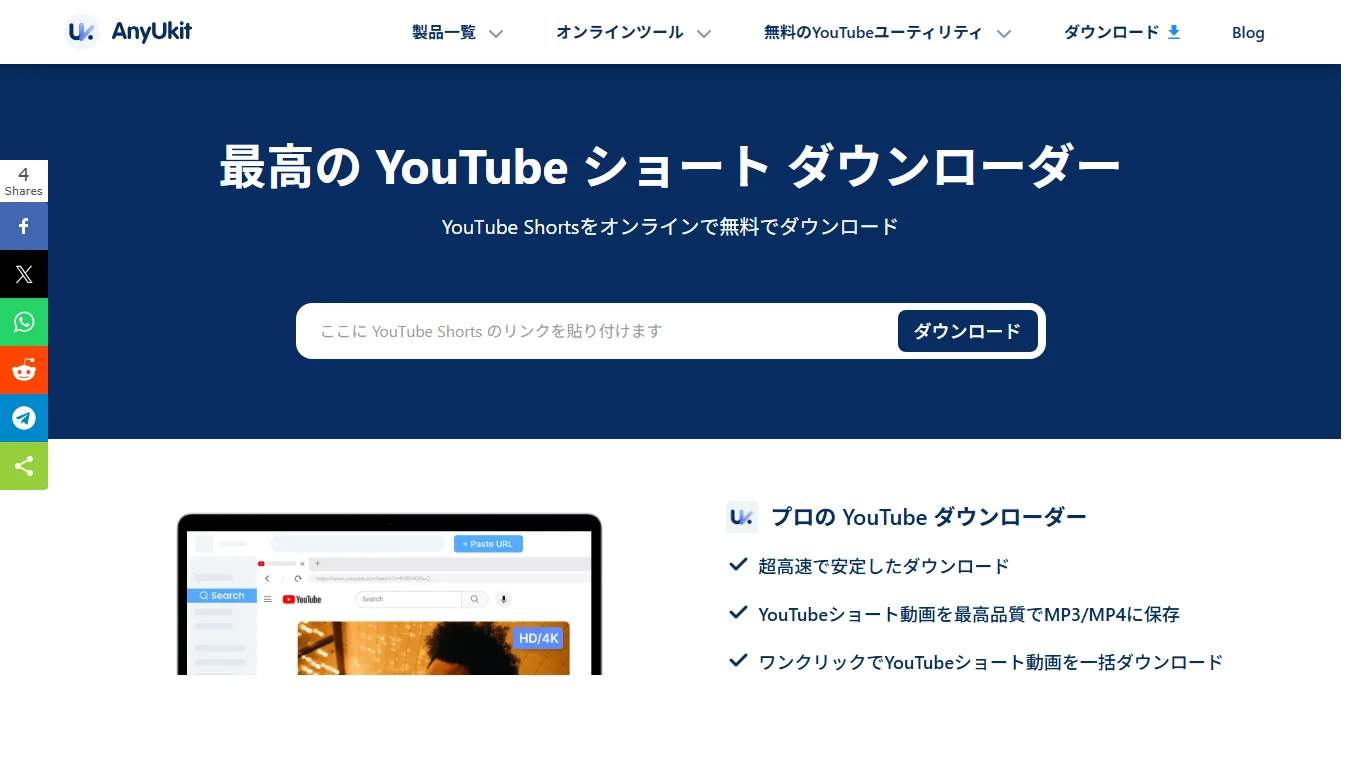
AnyUkit provides a prominent URL field and video/audio choices. That makes it a practical candidate for someone saving a permitted clip from a phone, where a simple page is easier to navigate than a large editing dashboard.
Copy the direct Shorts link, paste it into the field and examine the returned options. Choose MP4 for a video. Audio extraction is a different operation, and repeated conversions cannot restore detail or sound that the source does not contain.
4. Reclip
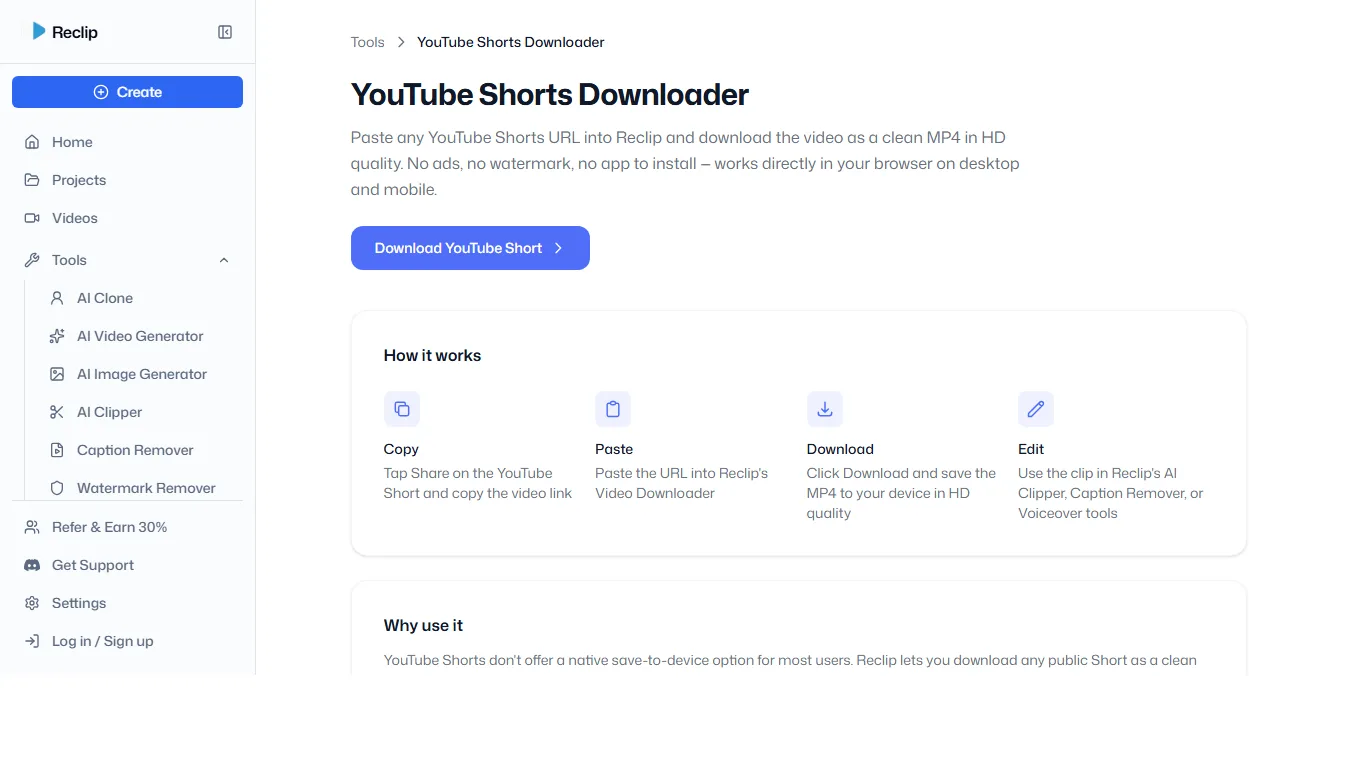
Reclip includes a Shorts downloader among its video-creation tools. It may suit creators who want to organize or edit their own clips after saving them, rather than only keep a file for playback.
Treat downloading and editing as separate steps. Check any sign-in or plan requirement before moving into the editor, and keep the downloaded source unchanged until you have verified the result. Availability of the download page can vary.
5. Giststack
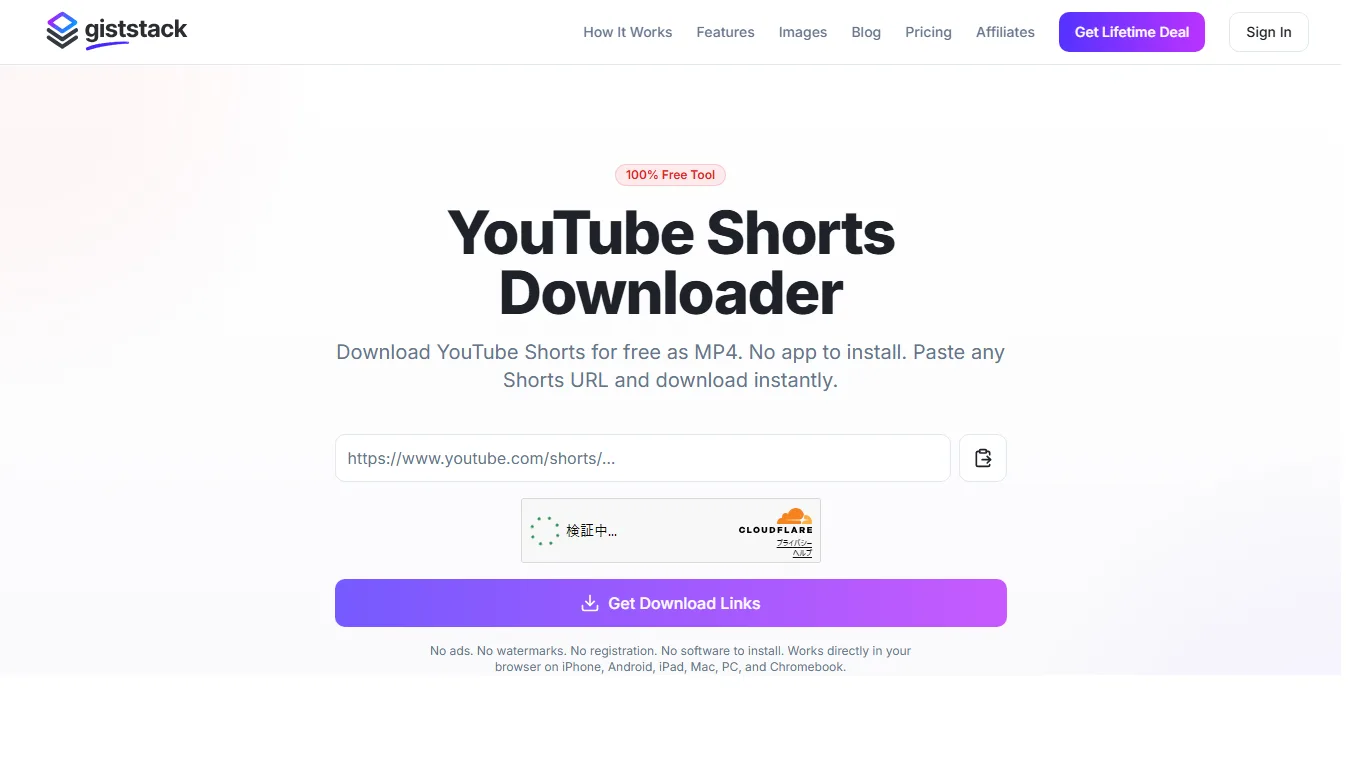
Giststack offers a dedicated page for entering a Shorts URL and requesting a download link. Its focused layout is useful for occasional desktop use without configuring a full video application.
The page can display a verification check before processing. Wait for the result associated with your own link and inspect the file before saving. A clean-looking interface alone is not evidence of privacy, safety or guaranteed download success.
Save the file on iPhone, Android or PC
- Open the Short and copy its share link. Confirm that you have permission to download it.
- Paste the link into your chosen service. Select a video format with sound, such as an available MP4 option.
- On iPhone, check Files → Downloads. Open a compatible video and use Share → Save Video if you want it in Photos.
- On Android, check the browser’s Downloads list or your file manager. On a computer, check the browser’s configured download folder.
- Play the file from beginning to end. Confirm the aspect ratio, audio, duration and resolution before using it.
If a preview opens instead of a file download, look for its download or share control. Avoid unrelated adverts or installer buttons. If the service cannot handle the link, check the original upload or use the creator’s supplied file.
Frequently asked questions
Can I save Shorts for free?
Some browser services offer free downloads, but support and limits can change. Official tools for your own uploads are another option. Check the actual result and conditions rather than relying on a “free” headline.
Does saving to a playlist work offline?
A playlist or bookmark stores a reference inside YouTube. It is not the same as an offline download or a video in your phone’s Files or Photos app.
Why is the file silent?
You may have chosen a video-only stream, or the source or conversion may lack audio. Check the original, try an output explicitly containing sound, and verify playback in another compatible player.
Will the download be 4K?
Only if the source and service offer it. Upscaling a lower-resolution file does not recover the original detail of a higher-resolution recording.
Why is a Short unavailable?
The upload may have been removed, made private or restricted, or the service may not currently support it. Do not provide your Google password to an external downloader to try to unlock it.
Can I repost the downloaded clip?
Downloading does not grant reuse rights. Confirm permission for the video, music and other included material before publishing or using it in an advertisement.
Which option should you choose?
Choose the official upload-download route for a personal archive. For an authorized public link, compare the browser tools by whether they produce the file you need on your device, not by claims about unlimited quality or speed.
A useful final check is simple: the saved video opens, includes the intended sound and remains usable without the original web page. For ordinary YouTube videos, see our YouTube downloader comparison.
Related
5 Best Free Music Download Websites in 2026: Songs, MP3s and Background Music

How to Save Pinterest Videos on PC, iPhone and Android
5 Free Online Radio Websites for Music, News and Language Learning
5 Best Free Audiobook Websites and Apps in 2026: Downloads, Library Loans and Limits
How to Save Vimeo Videos on PC, iPhone and Android
How to Save Facebook Videos on PC, iPhone and Android