
Start with Spotify or YouTube Music if you want familiar songs, Radio Paradise if you want an ad-free mix, and Jamendo if you want independent music with artist-authorized downloads. SoundCloud is useful for discovering creators, Bandcamp for trying albums before buying, and Radio Garden for exploring live stations around the world.
The catch is that “free music” describes several different experiences. Choosing a song, hearing it without ads, keeping it playing when your phone locks, and saving it for a flight are separate features. A website can offer the first while charging for the others—or offer free radio without letting you pick a particular track.
Compare the seven free music websites
On a phone, swipe the table sideways to see every column.
| Website | Best for | Ads or interruptions | Can you choose a song? | Free offline music? |
|---|---|---|---|---|
| Spotify Free | Familiar artists and personalized playlists | Ad-supported | Song selection is available; free controls and limits can vary by device and account | No music downloads on Free; podcast downloads are a separate exception |
| YouTube Music | Official releases, performances and covers | Ads on free music listening | Yes, for available tracks in the web player | No standard free music downloads; Premium adds offline music |
| SoundCloud | Independent artists, electronic music and creator uploads | Ads may appear; some tracks are previews | Yes, for tracks available to your account and region | Only files explicitly enabled for download by the uploader; app caching is different |
| Bandcamp | Discovering albums before buying | Purchase prompts after the artist’s streaming limit | Yes, where full-track streaming is enabled | Selected free or zero-minimum releases; not the whole catalog |
| Jamendo Music | Independent music and downloadable discoveries | Licensing promotions on the site; do not assume a blanket ad-free guarantee | Yes, within its independent catalog | Downloads under the track’s stated terms |
| Radio Garden | Live radio from different cities | Platform advertising and the station’s own commercials may appear | Choose a station, not the next song | No general offline-download feature in the web player |
| Radio Paradise | Human-curated music without commercial ads | No commercial ads; listener-supported | Choose a mix; it is not an on-demand catalog | Official mobile apps offer cached listening; not a browser MP3 library |
Details checked on September 17, 2026. The comparison concerns ongoing free access, not a temporary Premium trial. Track availability, advertising and account features can differ by country. “Offline” below distinguishes app storage from an actual downloadable audio file.
1. Spotify Free: the practical starting point for familiar music
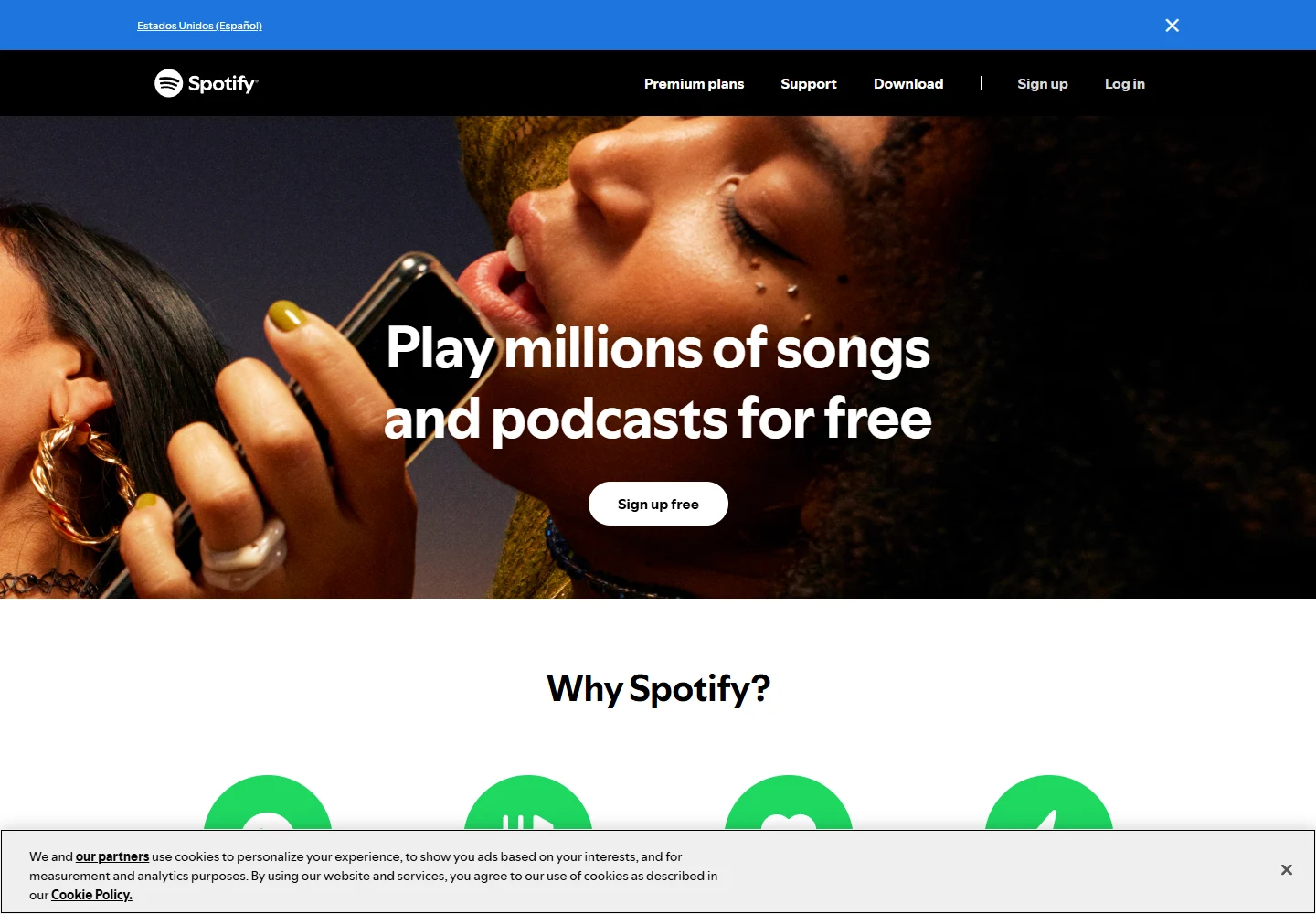
Spotify Free makes sense when you already know the artists you like but want help finding the next song. Its playlists and recommendations are more useful for building a daily listening habit than a directory of disconnected audio files. Open the web player, sign in with a free account, search for an artist and start with a track or playlist. A credit card is not required for the Free plan.
Do not rely on old comparisons that describe free mobile listening as universally shuffle-only. Spotify’s September 2025 update introduced Pick & Play, Search & Play and Share & Play for the free experience. That does not make Free identical to Premium: ads remain. In an interview with Spotify representatives, Music Business Worldwide confirmed a daily on-demand allowance for free mobile listening, without a publicly specified number of minutes. Check your current player rather than assuming unlimited Premium-style control or a guaranteed daily duration.
The offline limit is clearer: Spotify’s download guidance reserves music downloads for Premium; Free can download podcasts. Saving a song to Your Library or adding it to a playlist does not store it for offline playback. Choose Spotify for its catalog and discovery, not as a free MP3 source.
2. YouTube Music: useful when the version matters
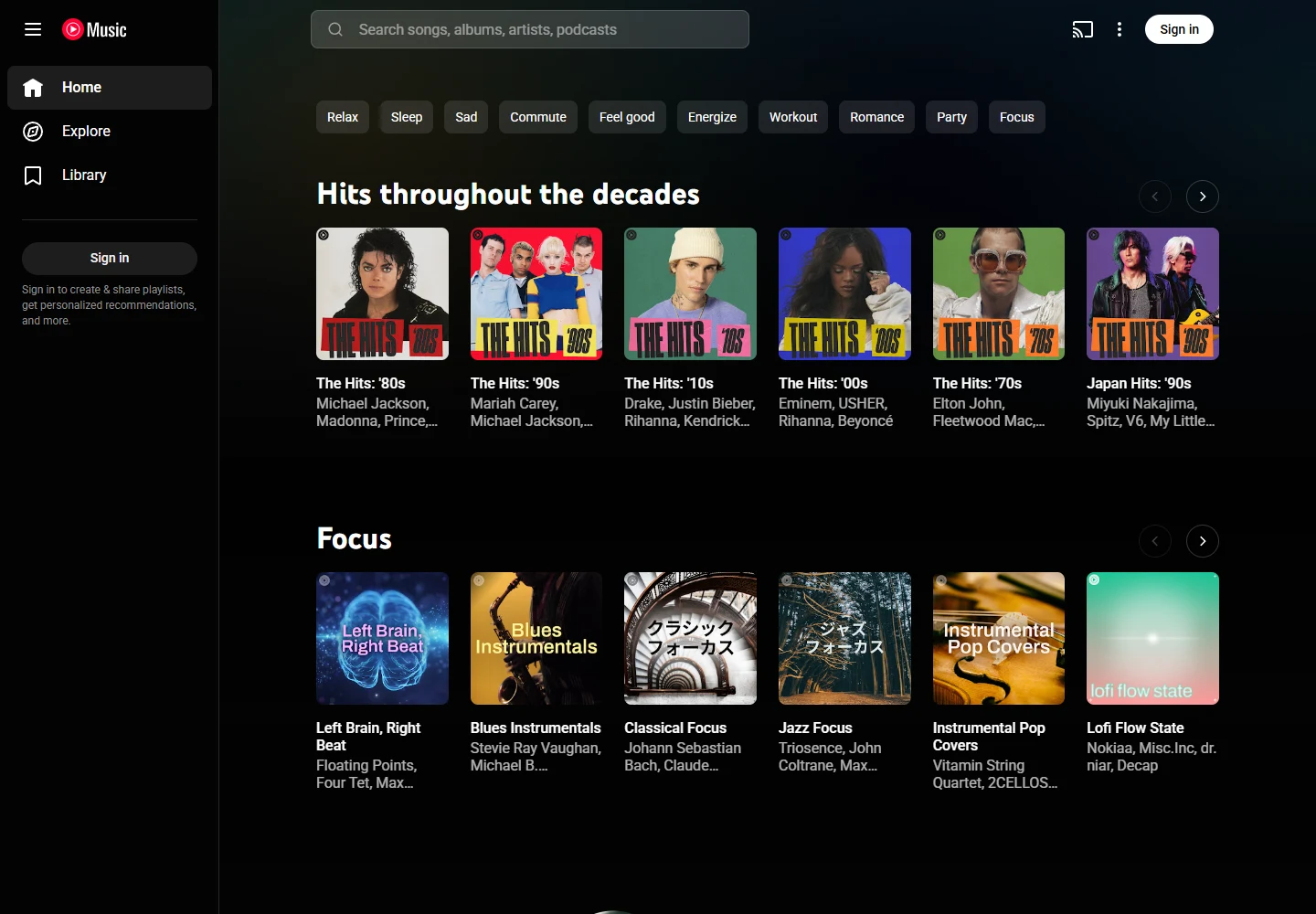
YouTube Music is particularly helpful when you want a live performance, official music video or cover alongside a standard release. Search for the song and artist, then inspect the performer and version before playing. A cover, live recording and studio master may share similar titles but sound very different. Signing in adds your library and personalized recommendations.
Free web listening includes ads. Google’s Premium benefits list ad-free music, background playback and offline music downloads as subscription features. Being able to play a song in a desktop tab is not a promise that the free mobile experience will keep music playing with the screen locked. Podcast exceptions should not be read as free offline access to the music catalog.
For a desk session with occasional ads, it is an accessible choice. For a commute with the screen off or a flight without data, test the exact app and account conditions before relying on it. Choose the official artist upload when the same song appears in several versions.
3. SoundCloud: creator discovery, with track-by-track rules
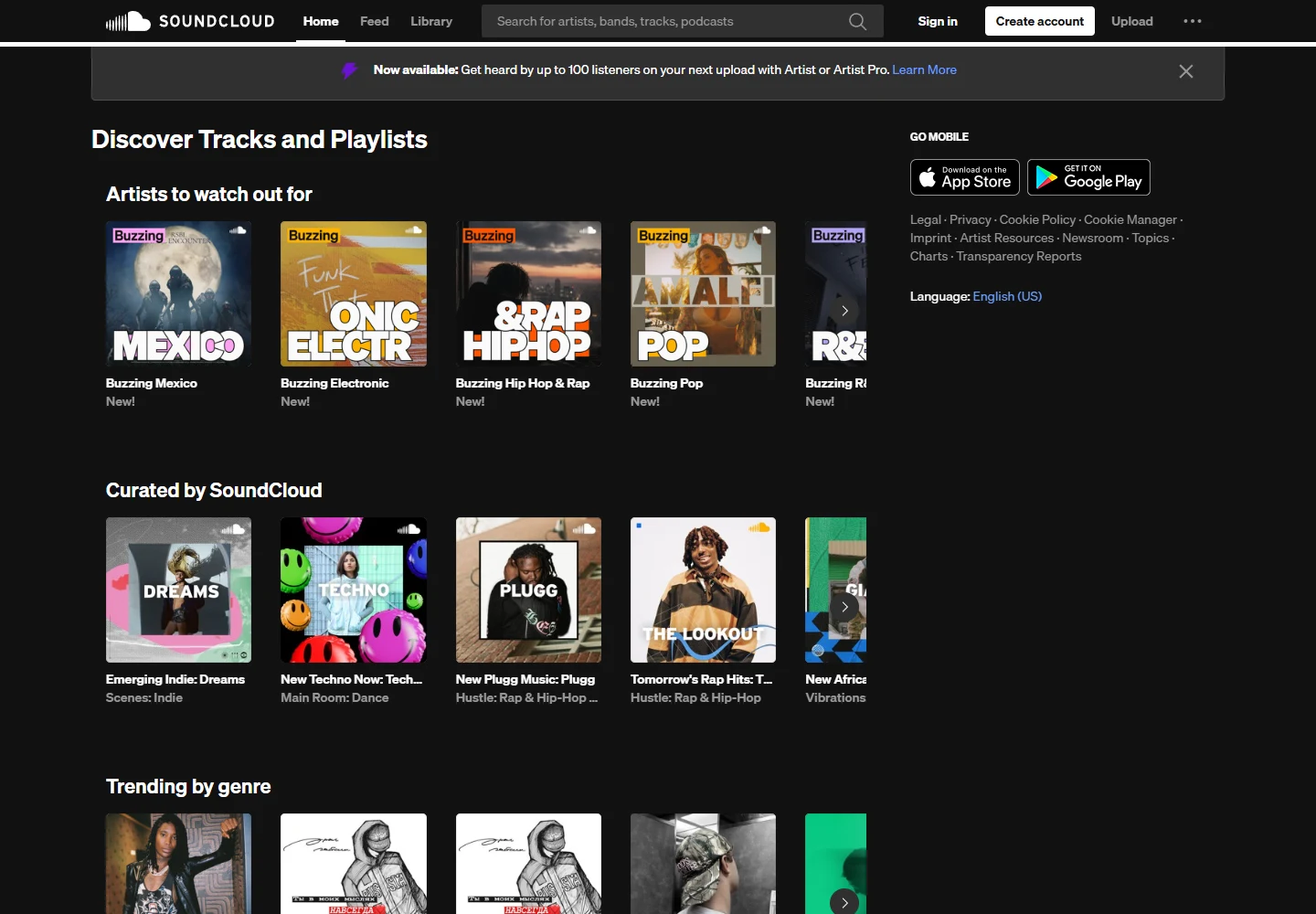
SoundCloud is worth opening when mainstream recommendations feel repetitive. Creator uploads, emerging artists and electronic music scenes give it a different character from a conventional album catalog. Search by artist or genre, inspect the uploader’s profile, and follow creators whose work you want to hear again. A familiar track title does not by itself identify an official upload.
You can choose available tracks, but free access is not uniform. SoundCloud’s Go information explains that some songs are restricted to short previews without Go+, and rights holders can limit regional availability. Free listening may include advertising. Go and Go+ availability also varies by country; Japan is not included in the current official Go availability list, so Japanese readers should not plan around a locally available paid offline upgrade.
There are two separate ways music can be saved. On the website, a logged-in listener can use Download file only when the uploader has enabled it; SoundCloud’s download help says this applies to individual tracks, not whole playlists. Go/Go+ offline storage in the mobile app is a subscription feature, not the same as receiving the original audio file. If a track has no authorized download button, treat it as streaming-only.
4. Bandcamp: album discovery rather than unlimited free streaming
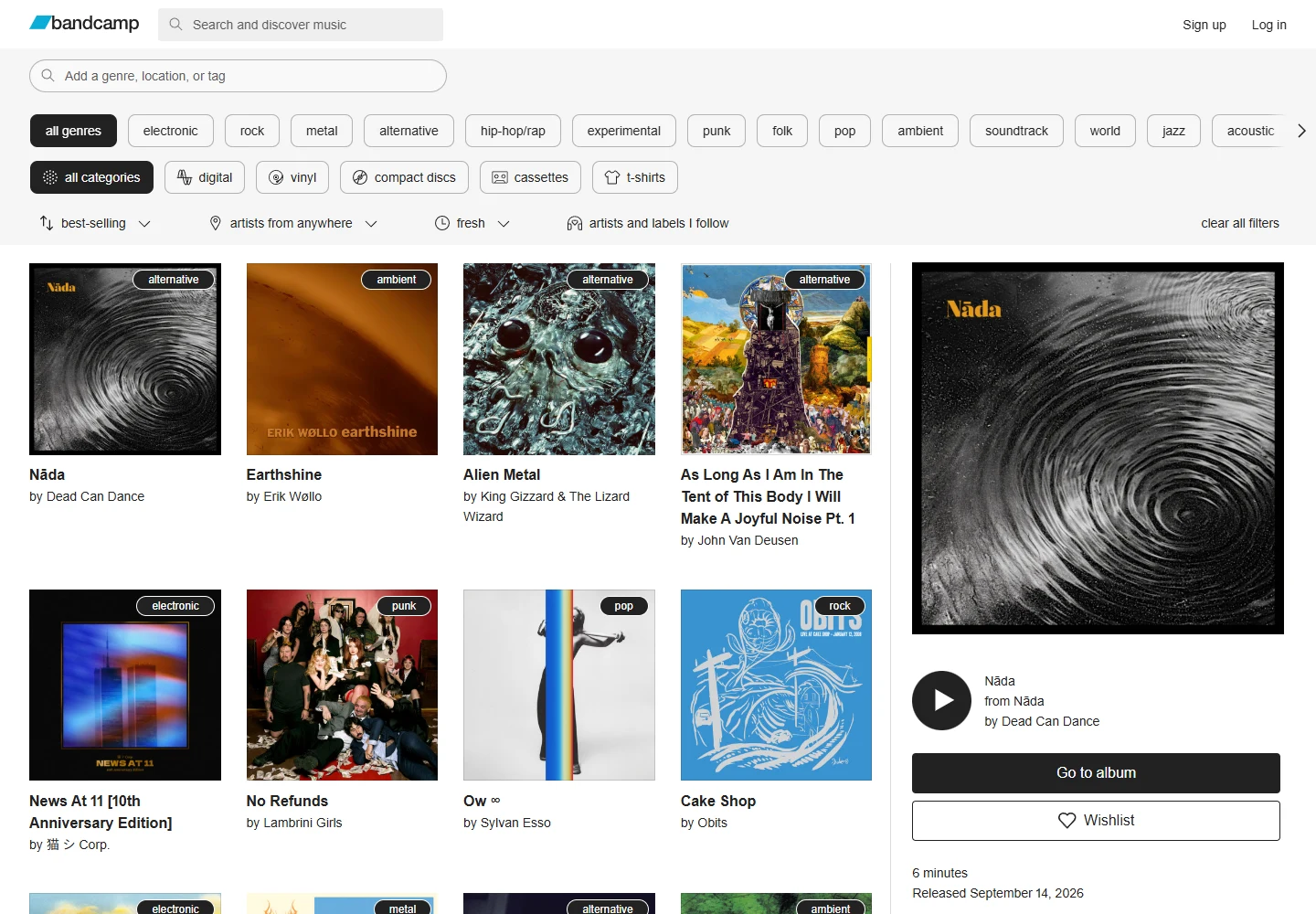
Bandcamp is best approached like an independent record shop. Browse a genre, open an artist’s album page, read the release notes and try the tracks that are available. It is particularly rewarding when you care about a label, a local scene or an album as a complete work. The page also makes it easy to see how to support the artist directly.
Its restriction is a purchase prompt rather than a Spotify-style free tier. Bandcamp’s streaming-limit explanation says the default is three full plays before a purchase prompt, with artists able to raise or disable the limit. Some tracks may not offer streaming. Do not mistake the ability to preview a full song for a promise of unlimited repeat listening.
Some releases are free or use “name your price” with no minimum. Others require payment even though a player is visible. The download-credit explanation confirms that zero-price downloads depend on the artist’s setup and available credits. Check the actual purchase/download dialog before assuming a release is free. This is a strong discovery option, but a weaker choice for an all-day, no-purchase listening routine.
5. Jamendo Music: independent tracks you can also download
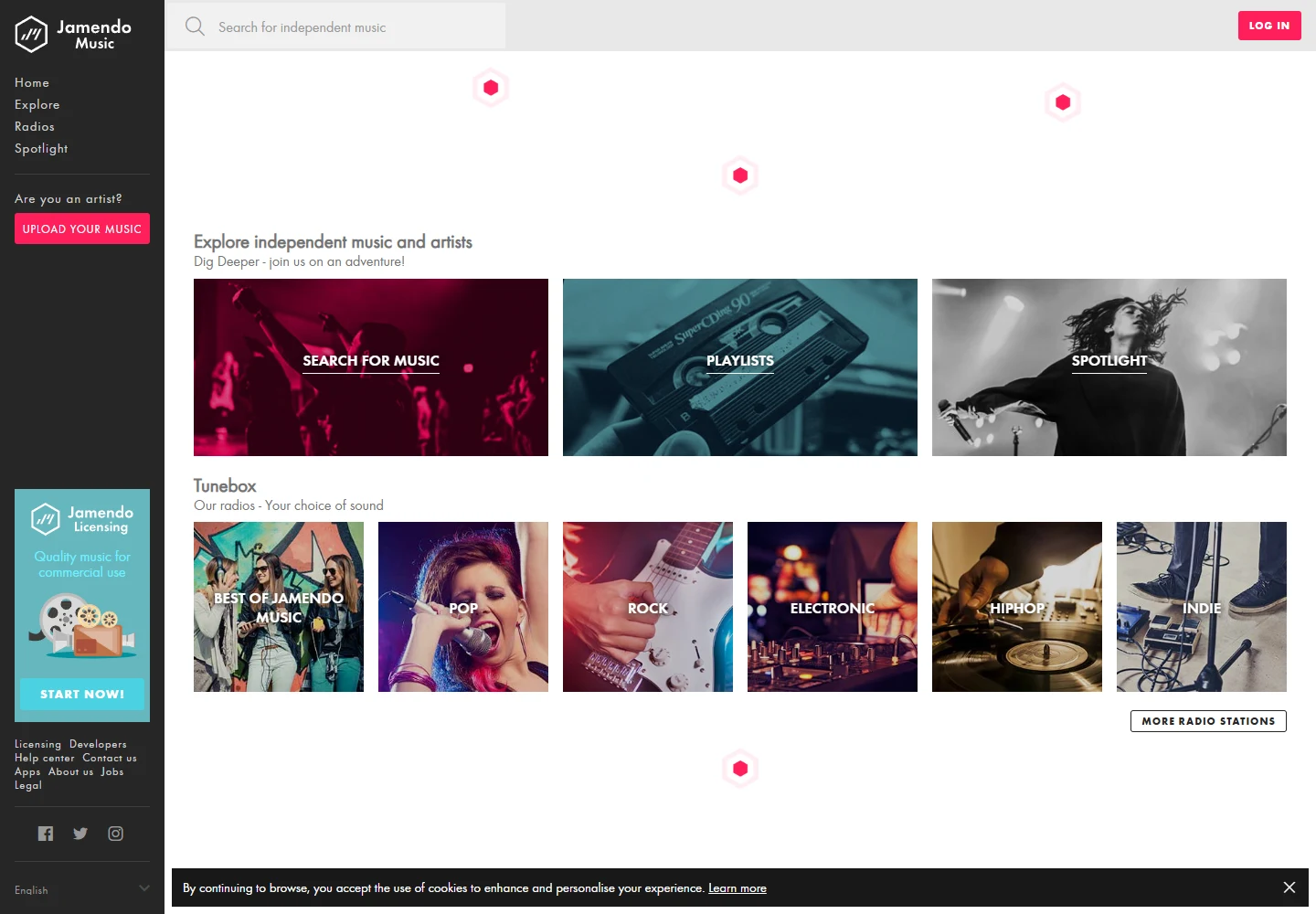
Jamendo Music is a better fit for exploring unfamiliar independent artists than searching for every current chart hit. Start with a playlist or genre, open a track you like and check its download option. The site separates its music-listening experience from Jamendo Licensing, which serves different commercial needs; seeing a licensing offer does not mean you must buy a license simply to listen personally.
Jamendo’s platform explanation describes its catalog as music released under Creative Commons licenses, with listening, downloads and sharing governed by the artist’s chosen terms. This makes it a useful starting point for a collection of legitimately offered files. Follow the site’s account prompt if one appears and keep the track’s license information with anything you download.
The trade-off is the catalog: this is not a free mirror of Spotify’s major-label library. The pages also promote licensing products, so “free” should not be turned into an unverified claim that every screen or playback session is advertising-free. For using a song in a video, podcast or business, inspect that track’s permissions separately; free personal listening does not settle those uses.
6. Radio Garden: choose a place, then hear its radio
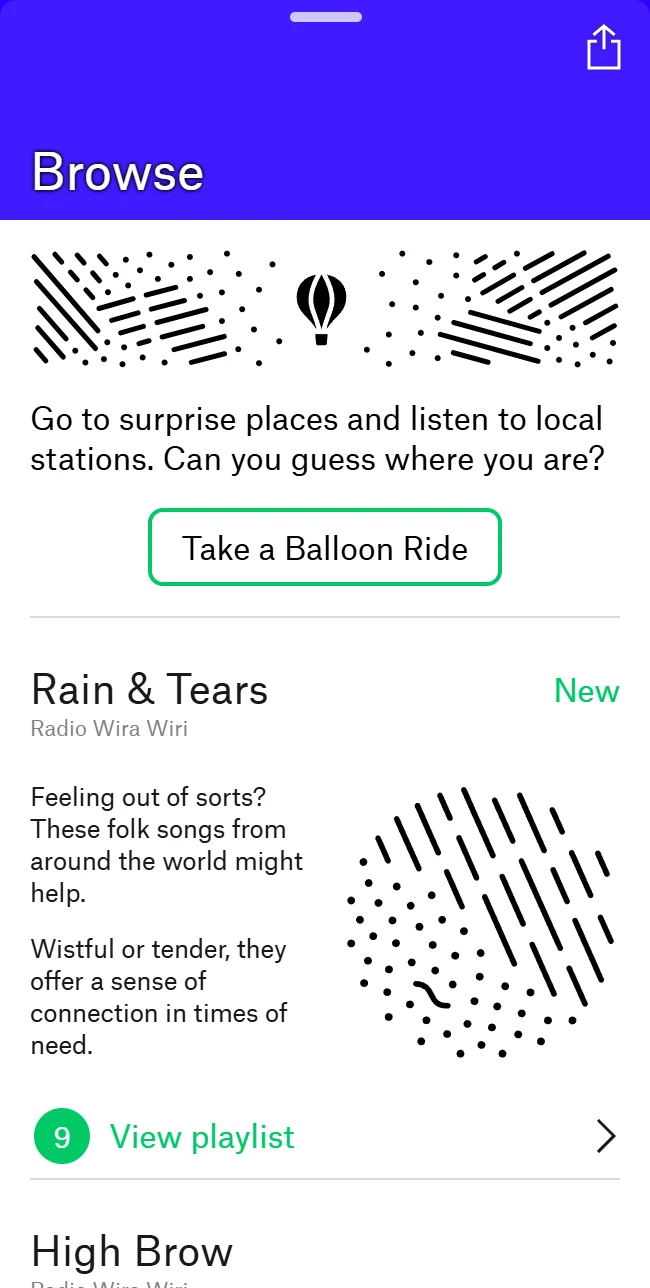
Radio Garden changes the question from “Which song?” to “What is playing there?” Start the player, move around the globe or search for a city, then select a station. It works well for discovering regional music and hearing another place’s broadcasting style. Expect talk, news and local programming alongside music: the station controls the schedule.
This is live radio, so switching stations is not the same as skipping to the next track. Advertising may come from the platform or from the broadcaster itself; the platform policy confirms advertising support. A radio directory cannot guarantee that every station will be commercial-free, accessible from your country or online at all times.
Use it when variety matters more than exact song choice. If a station will not start, try another station and check whether the browser has paused audio or the stream is unavailable. Do not plan on the website as an offline music library: its core experience requires a working live stream.
7. Radio Paradise: the strongest fit for ad-free background listening
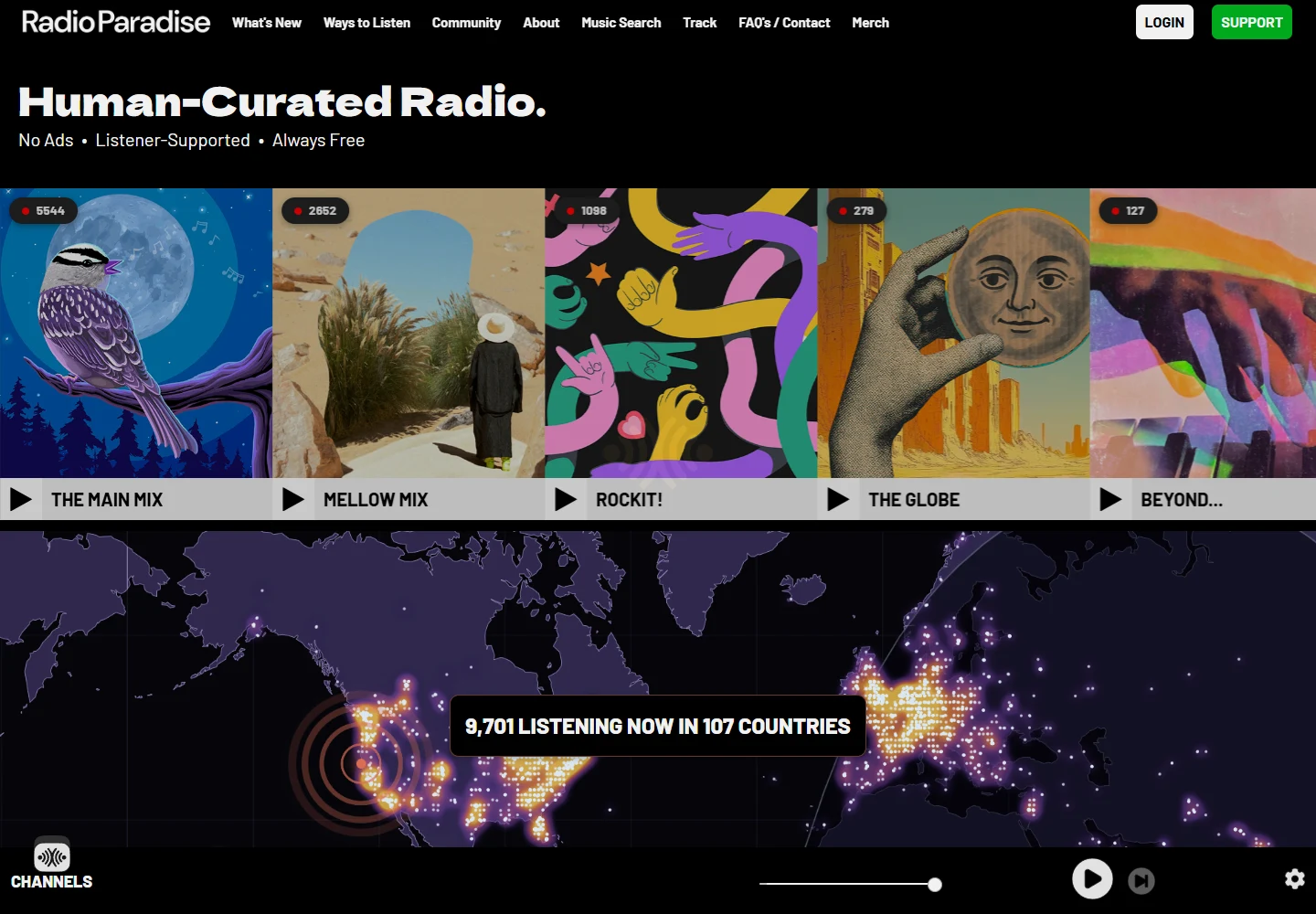
Radio Paradise explicitly offers free, listener-supported music without commercial ads. Pick a mix such as Main Mix or Mellow Mix and let the sequence run. It suits a long work session when you want coherent musical choices without maintaining a playlist. Voluntary support funds the service; a paid subscription is not the entry requirement.
The compromise is control. A mix and a next-track button are not an on-demand library where you can request any song immediately. Artist or song information helps you identify what you heard, but the service’s main value is its programming. If your goal is one specific new album, start with Spotify, YouTube Music or the artist’s Bandcamp page instead.
Radio Paradise also offers official listening apps with offline caching. Downloading a mix inside a supported app is different from exporting individual MP3s from the website. Prepare a cache while connected, check the app’s current storage settings, and test it without a connection before traveling; browser playback alone does not prepare that cache.
Before a commute: check four separate features
On-demand playback: can you select the exact song, or only a station or mix? Background playback: will it continue when your phone locks? Offline app storage: has audio actually been saved inside an app? File download: do you receive a file that can be opened in another player? A heart, bookmark or playlist button proves none of the last three.
For free offline listening, begin with an explicit Jamendo download, an uploader-enabled SoundCloud file, a qualifying free Bandcamp release, or Radio Paradise’s official app cache. For Spotify and YouTube Music’s standard music catalogs, expect offline listening to be part of a paid plan. A browser page still visible after losing Wi-Fi is not evidence that a full playlist is stored.
Try one short listening session before committing: search for three songs you actually want, note whether ads disrupt your activity, lock your phone, and test the saved item without a connection. Regional catalog gaps and phone behavior matter more than a headline promising “millions of free songs.”
Frequently asked questions
Which site is best if I want no ads and no subscription?
Radio Paradise is the clearest choice here for a continuous, commercially ad-free mix. It is not a substitute for a complete on-demand catalog. Bandcamp can be pleasant for browsing and previews, but its purchase prompts make it unsuitable as an assumed unlimited free service.
Can I listen without creating an account?
Public Bandcamp artist pages, Jamendo browsing and the radio options let you explore before creating a paid account. Spotify expects a Spotify account, while YouTube Music sign-in enables personal library features. A download, shared playlist or particular track may introduce an account prompt even if the homepage did not.
Why does music stop when I lock my phone?
Mobile background playback is separate from desktop web playback. It may depend on a subscription, the app, battery restrictions and browser behavior. For YouTube Music, background music listening is a Premium benefit; do not infer it from the behavior of a podcast.
Can I get free MP3s from every site in this list?
No. Use a file download only where the artist or service explicitly offers one. A paid service’s offline button usually saves content within that app, not as an MP3 you can move elsewhere. A library bookmark is not a download at all.
Why is a song unavailable or only a short preview?
Possible reasons include regional rights, the uploader’s settings, a subscription restriction or a Bandcamp play limit. Check the artist, version and account requirement first. An available remix or cover is not necessarily the original recording you searched for.
Does free listening include permission to use the music in my videos?
No. Listening access and reuse permission are separate. Jamendo tracks have specific license conditions; other artists may grant permission separately. For a video, inspect the actual license and attribution requirements rather than treating a free download button as blanket permission.
Choose by the restriction you can live with
For familiar songs, begin with Spotify or YouTube Music and decide whether the ads and mobile limits are acceptable. For new creators, alternate between SoundCloud, Bandcamp and Jamendo. For something to leave on while working, Radio Paradise removes commercial interruptions, while Radio Garden offers the variety of live stations.
An offline requirement narrows the choice much more than a zero-price label. If you need files, choose explicitly authorized downloads; if a prepared radio mix is enough, try an official app cache. Start with one service for deliberate song choice and one for discovery, rather than opening seven accounts before you know what you actually need.
Related
5 Free Online Radio Websites for Music, News and Language Learning

YouTube Shorts Download Sites: Free Options for Mobile and PC
5 Best Free Sound Effects Websites for Videos, Games and Podcasts
How to Download Netflix for Offline Viewing: Steps, Limits and Fixes
How to Download X (Twitter) Videos When There’s No Save Button
How to Save Facebook Videos on PC, iPhone and Android