
Table of Contents
- What Does It Mean to Convert MP4 to MP3?
- Can AI Help Convert MP4 to MP3?
- Best AI Tools to Convert MP4 to MP3
- 1. AirMore AI MP4 to MP3 Converter
- 2. AirMore AI Video to MP3 Converter
- 3. CloudConvert
- 4. FreeConvert
- 5. VEED
- 6. Convertio
- 7. Zamzar
- 8. VLC Media Player
- How to Choose the Right MP4 to MP3 Tool
- How to Convert MP4 to MP3 with AirMore AI
- Tips for Better MP3 Audio Quality
- Common Use Cases
- Mistakes to Avoid
- FAQ
What Does It Mean to Convert MP4 to MP3?
MP4 is a video format. It usually contains both video and audio. MP3 is an audio format. When you convert MP4 to MP3, you are extracting the audio track from the video and saving it as a separate audio file.
This is useful when you do not need the visuals. For example, you may want to save a lecture as audio, listen to an interview offline, extract a podcast from a recorded video, or turn a short clip into a reusable sound file.
The best MP4 to MP3 converter should make this process simple: upload or choose your video, extract the audio, preview the result, and download the MP3 file.
Can AI Help Convert MP4 to MP3?
Strictly speaking, converting MP4 to MP3 is not always an AI task. The core process is usually audio extraction and encoding. However, AI can still improve the workflow around conversion.
AI-powered or AI-friendly tools may help with:
- Cleaning background noise after extraction.
- Enhancing speech clarity.
- Trimming silent parts.
- Creating transcripts from the converted audio.
- Summarizing lectures, interviews, or meeting recordings.
- Preparing audio for podcasts, courses, or social content.
So when people search for the best AI tools to convert MP4 to MP3, they usually want more than a basic file converter. They want a faster, cleaner, easier way to turn video into usable audio.
Best AI Tools to Convert MP4 to MP3
Below are the best tools to convert MP4 to MP3, including browser-based converters, online file tools, and desktop options. AirMore AI is listed first because it is the most relevant option for users who want a simple web-based MP4 audio extractor.
1. AirMore AI MP4 to MP3 Converter
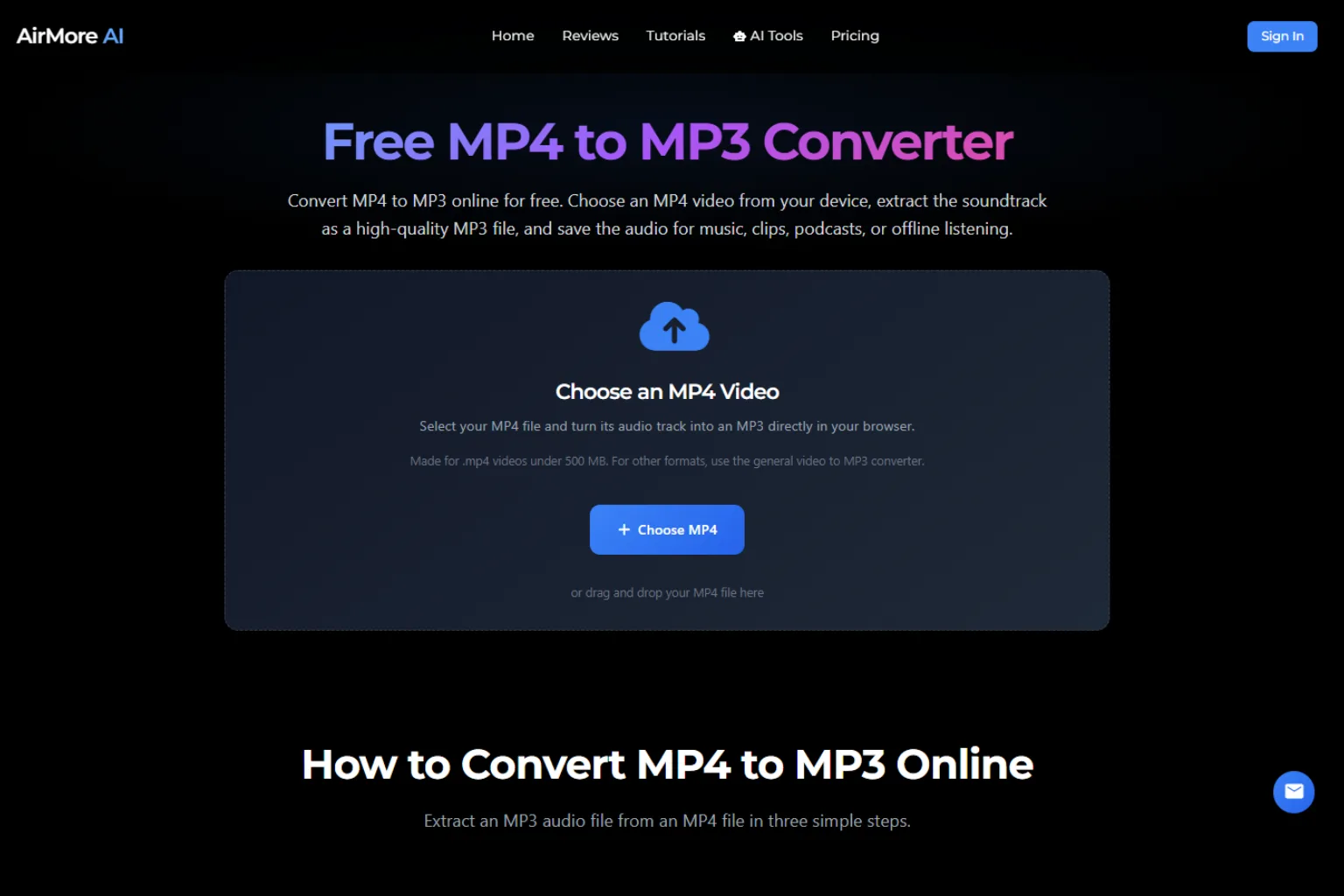
AirMore AI MP4 to MP3 Converter is a simple browser-based tool for extracting MP3 audio from MP4 videos. It is a good choice when you want to convert a video quickly without installing software.
The biggest advantage is convenience. You choose an MP4 file, start the conversion, preview the audio, and download the MP3. It is suitable for short videos, lectures, interviews, recorded clips, voice notes, and social media videos.
Best for: quick MP4 to MP3 conversion, browser-based audio extraction, simple personal workflows.
Why it stands out: It focuses directly on MP4 to MP3 conversion, so users do not need to navigate a complex editing platform.
Possible drawback: If you need advanced batch processing or professional audio editing, you may still need a more specialized tool.
2. AirMore AI Video to MP3 Converter
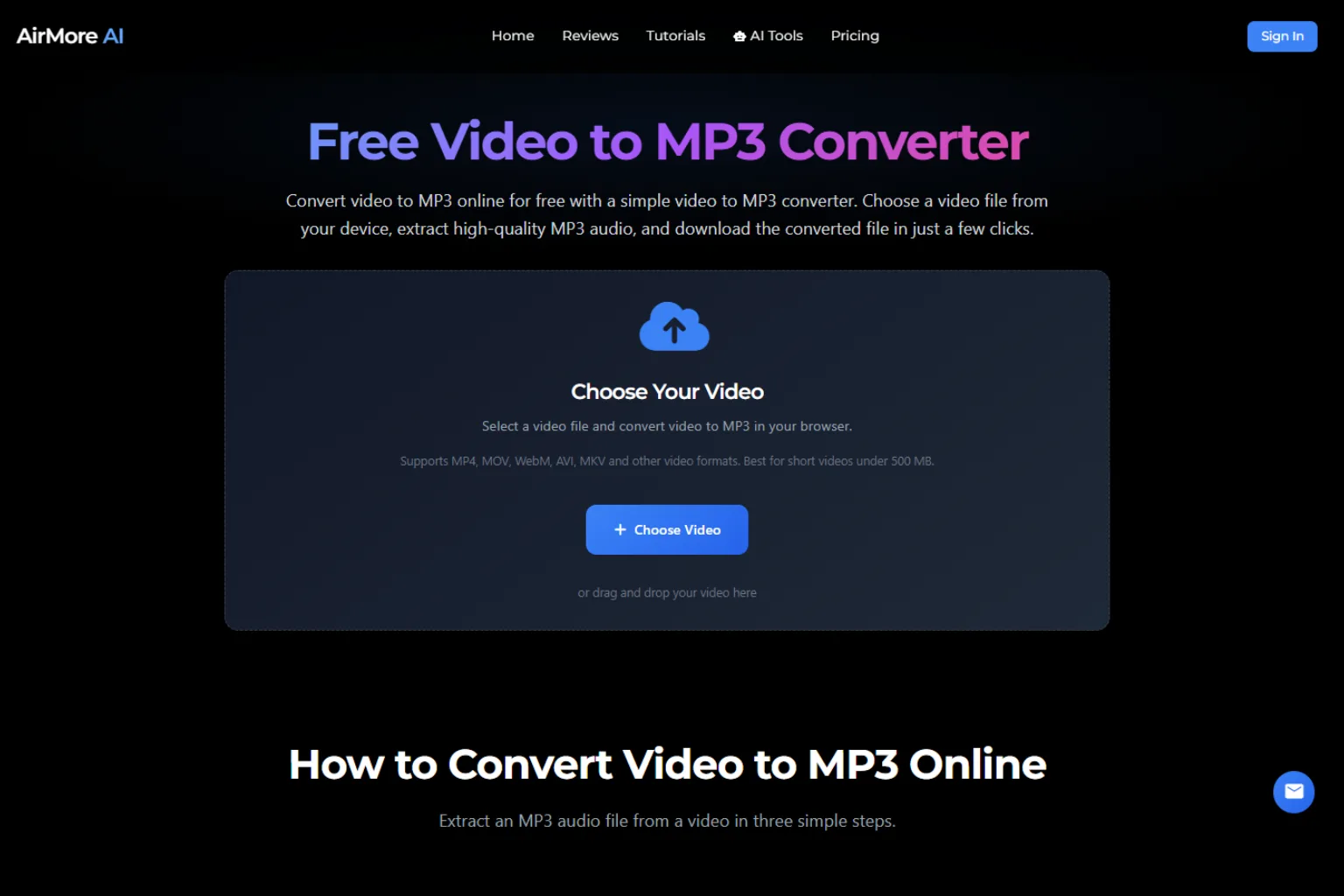
AirMore AI Video to MP3 Converter is useful when your source file is not only MP4. It can help extract audio from different video formats, which makes it more flexible than an MP4-only converter.
This is a good option if you often work with MOV, WebM, AVI, MKV, or other video formats and want to save the audio as MP3.
Best for: extracting MP3 from multiple video formats.
Why it stands out: It gives users a broader video-to-audio workflow while keeping the conversion process simple.
Possible drawback: For very large files, conversion speed may depend on the browser, device, and video length.
3. CloudConvert
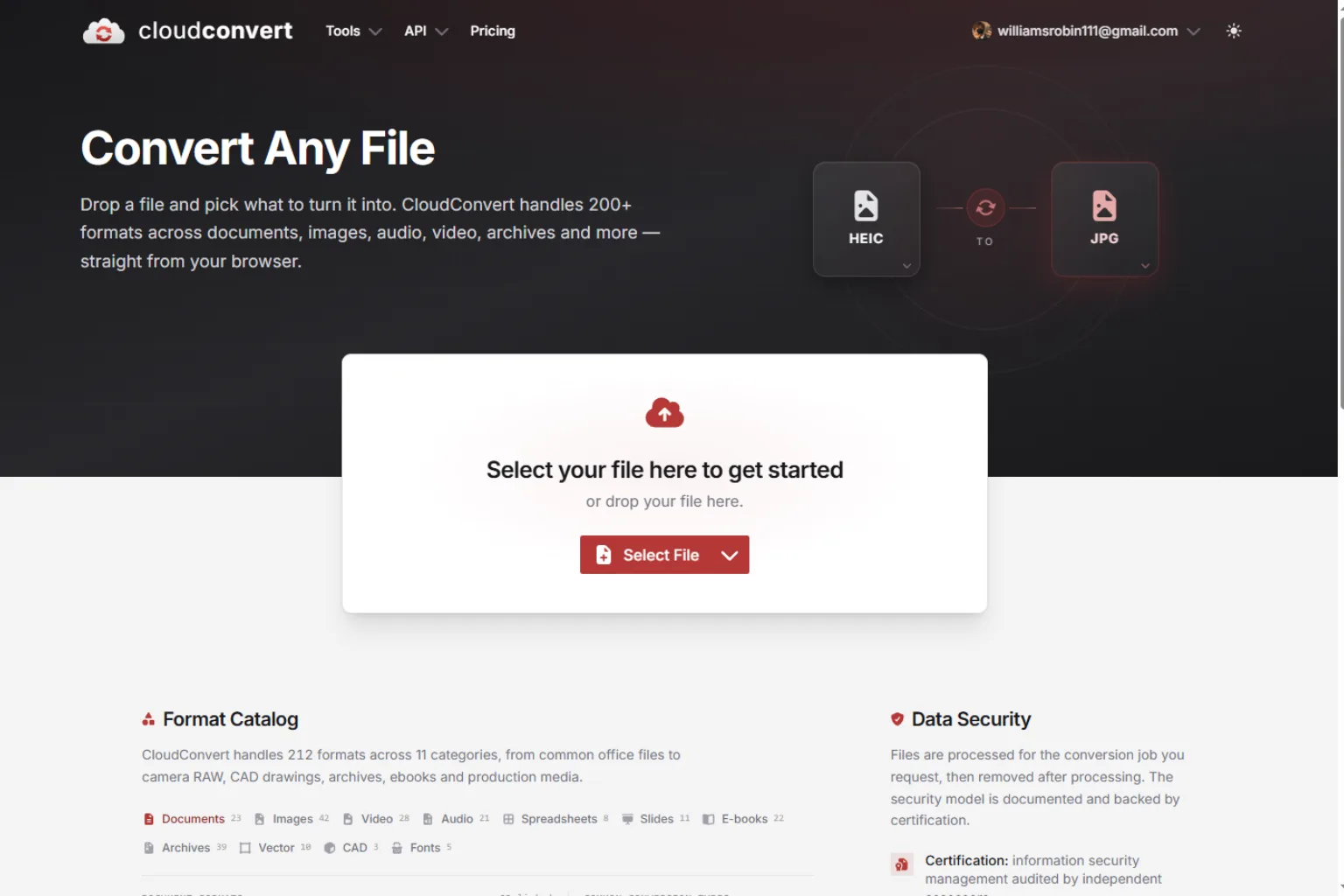
CloudConvert is a popular online file conversion tool that supports many file types, including MP4 to MP3. It is useful when you need more output settings, such as audio bitrate, codec options, and file handling controls.
CloudConvert is a practical choice for users who convert files often and want more control than a basic converter provides.
Best for: flexible file conversion, advanced output settings, users who work with many formats.
Why it stands out: It supports a wide range of file conversions, not only video to audio.
Possible drawback: Because files are uploaded to a cloud service, users should be careful with private or sensitive videos.
4. FreeConvert
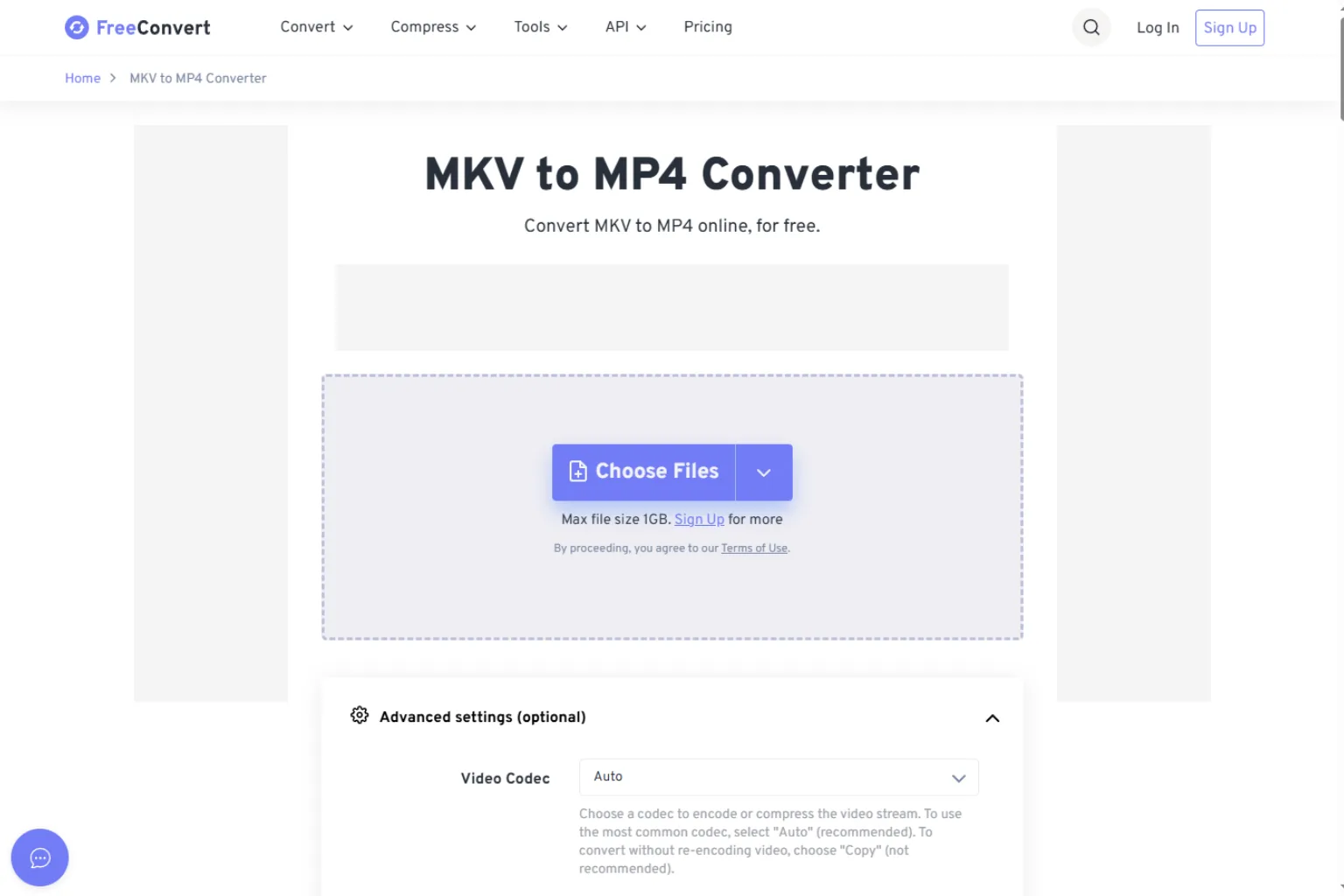
FreeConvert is another online MP4 to MP3 converter that works well for common file conversion needs. It is simple enough for beginners and often includes settings for output quality or file adjustments.
It is a good option if you want a straightforward online MP4 to MP3 converter and do not need a full video editing suite.
Best for: quick online conversion, casual users, simple format changes.
Why it stands out: It is easy to use and supports many conversion types.
Possible drawback: Free online tools may have file size limits, ads, or usage limits.
5. VEED

VEED is useful when MP4 to MP3 conversion is part of a larger video workflow. In addition to conversion, it can help with editing, trimming, subtitles, and social video preparation.
If you want to extract audio from a video and also edit the video or audio around it, VEED can be more convenient than a single-purpose converter.
Best for: creators, social media editors, video-to-audio workflows with editing.
Why it stands out: It combines conversion with online editing features.
Possible drawback: If you only need a fast MP4 to MP3 conversion, a simpler tool may be faster.
6. Convertio
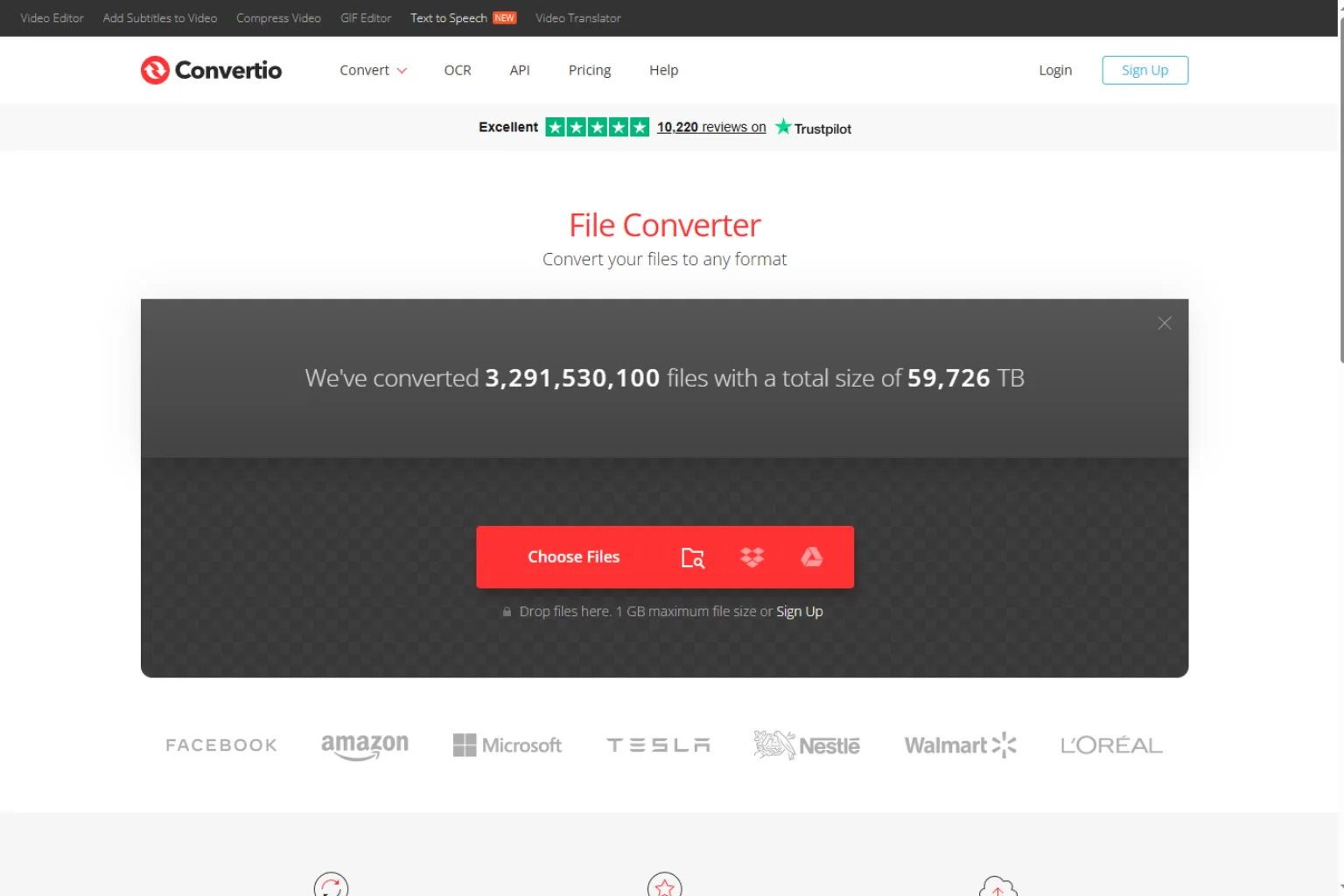
Convertio is a browser-based file converter that supports many formats. It can be useful for people who occasionally need to convert MP4 to MP3 and want a clean, familiar online conversion flow.
Users can upload a file, choose MP3 as the output, and download the converted audio after processing.
Best for: occasional file conversion, many input and output formats.
Why it stands out: It is simple and supports a broad list of file types.
Possible drawback: Upload-based conversion may not be ideal for private recordings.
7. Zamzar
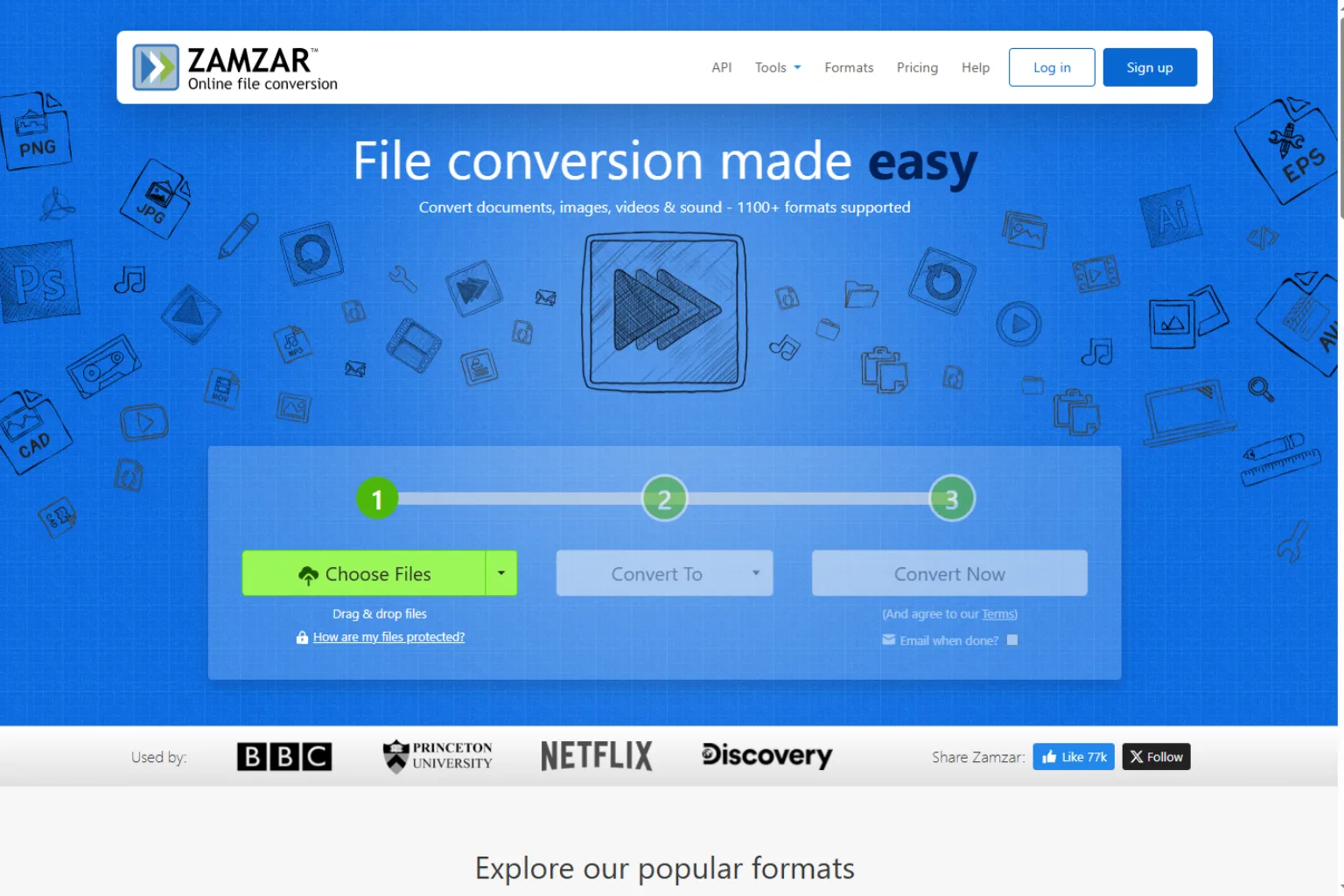
Zamzar is a long-running file conversion service that supports many document, video, image, and audio conversions. It can convert MP4 to MP3 and is useful for people who want a familiar online conversion tool.
It is especially helpful if you need more than MP4 to MP3 and regularly convert different file types.
Best for: general file conversion, occasional MP4 to MP3 tasks.
Why it stands out: It supports a large number of conversion formats.
Possible drawback: It may not be the fastest choice if you only need a lightweight audio extractor.
8. VLC Media Player
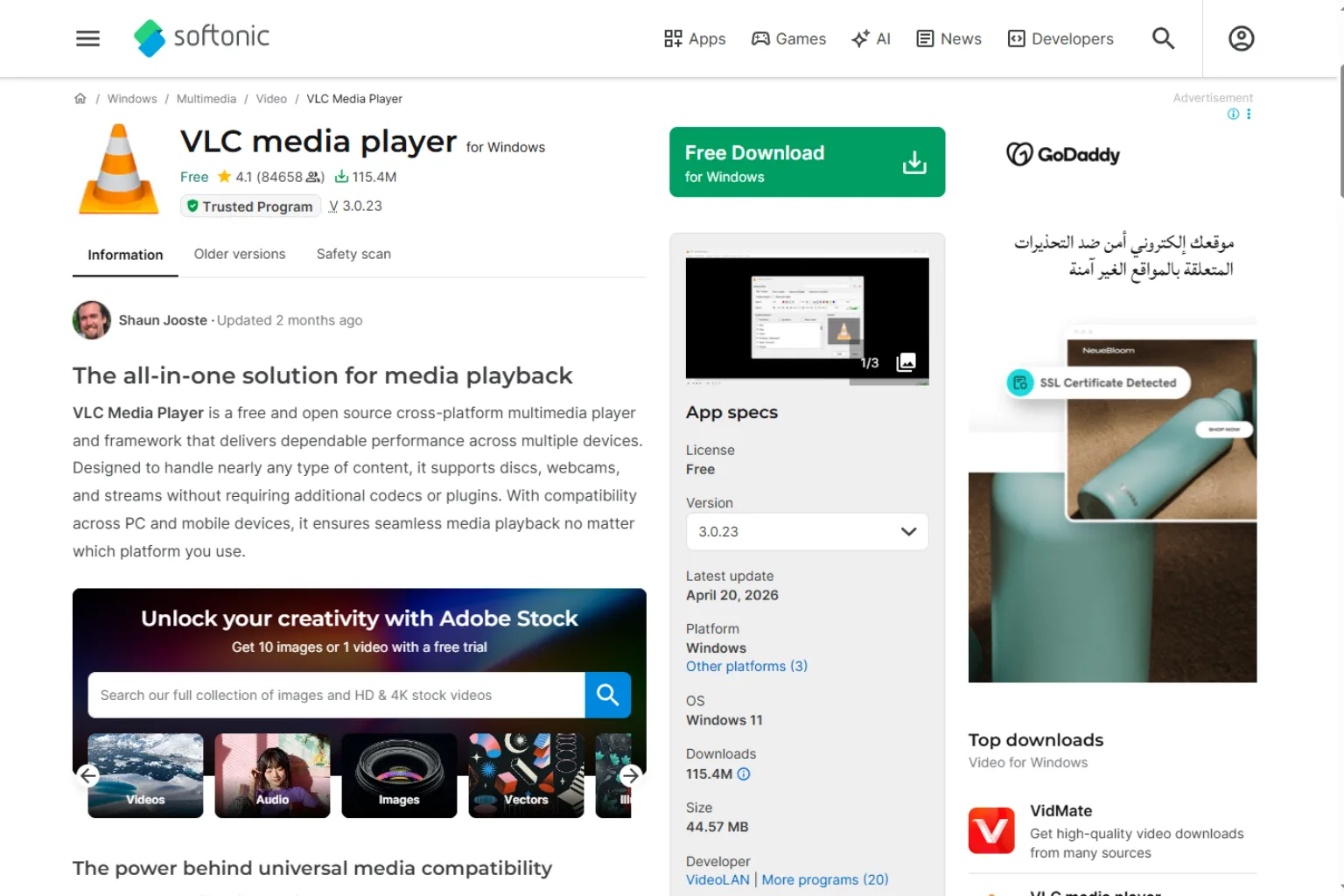
VLC Media Player is a desktop option that can convert video files to audio formats, including MP3. It is useful if you prefer not to upload files to an online service.
VLC is not an AI tool, but it is reliable for local conversion. If privacy matters or your MP4 file is large, using a local desktop tool can be a smart choice.
Best for: offline conversion, large files, privacy-conscious users.
Why it stands out: It runs locally and does not require uploading your video.
Possible drawback: The conversion interface is less beginner-friendly than most online tools.
How to Choose the Right MP4 to MP3 Tool
The best MP4 to MP3 converter depends on your file, privacy needs, and workflow.
Choose AirMore AI if you want a simple browser-based converter. Choose a broader online converter if you need many file formats. Choose a video editor if you want to trim or edit before exporting audio. Choose a desktop tool if privacy and large files are more important than convenience.
Ask these questions before choosing:
- Is the source file only MP4, or do you need other video formats too?
- Do you need the fastest possible workflow?
- Do you want to avoid uploading files?
- Do you need to trim the audio before exporting?
- Do you need high bitrate MP3 output?
- Are you converting private, legal, or business recordings?
- Do you need batch conversion?
- Will you clean or enhance the audio after conversion?
The right tool should fit the way you actually use the audio after conversion.
How to Convert MP4 to MP3 with AirMore AI
Here is a simple workflow:
- Open the AirMore AI MP4 to MP3 converter.
- Choose an MP4 file from your device.
- Start the conversion.
- Wait for the tool to extract the audio.
- Preview the MP3 result if available.
- Download the MP3 file.
- Rename the file clearly so it is easy to find later.
For example, if you are converting a recorded lecture, name the file with the course, date, and topic. This makes it easier to organize your audio library.
Tips for Better MP3 Audio Quality
Converting MP4 to MP3 is simple, but the final quality depends on the original video and export settings.
Use these tips:
- Start with the highest-quality MP4 file you have.
- Avoid converting the same file repeatedly.
- Use a higher bitrate for music or important recordings.
- Trim unwanted sections before saving if possible.
- Listen to the MP3 before deleting the original video.
- Keep the original file if the audio is important.
- Use an audio enhancer if the recording has background noise.
- Avoid uploading private videos to tools you do not trust.
If the original video audio is low quality, conversion alone will not make it sound professional. You may need noise reduction, volume leveling, or speech enhancement after extracting the MP3.
Common Use Cases
People convert MP4 to MP3 for many reasons:
- Saving lecture audio for offline listening.
- Extracting podcast audio from a video recording.
- Turning webinar recordings into audio notes.
- Saving interview audio for editing.
- Creating audio clips from social videos.
- Reusing voiceovers in another project.
- Extracting music or sound effects from personal videos.
- Preparing audio for transcription or summarization.
Always make sure you have the right to use the content you convert, especially if the video includes copyrighted music, paid course material, or someone else’s recording.
Mistakes to Avoid
Avoid these common mistakes:
- Choosing a low-quality source video.
- Converting copyrighted content without permission.
- Uploading sensitive recordings to unknown converters.
- Forgetting to check the MP3 before deleting the MP4.
- Using very low bitrate for important audio.
- Assuming MP3 conversion will remove background noise.
- Renaming files vaguely, such as audio1.mp3.
The cleanest workflow is simple: use a reliable converter, check the result, and store the MP3 with a clear name.
FAQ
What is the best AI tool to convert MP4 to MP3?
AirMore AI is a strong option if you want a simple browser-based MP4 to MP3 converter. It is easy to use and focuses directly on extracting MP3 audio from video.
Is converting MP4 to MP3 an AI task?
The conversion itself is usually audio extraction and encoding, not pure AI. However, AI can help improve the workflow by cleaning audio, enhancing speech, transcribing the result, or summarizing the converted audio.
Can I convert MP4 to MP3 online?
Yes. Many online tools can convert MP4 to MP3. Choose a tool based on file size, privacy, speed, and whether you need extra editing features.
Will MP4 to MP3 conversion reduce quality?
MP3 is a compressed audio format, so some quality loss is possible. For most speech recordings, the result is usually fine. For music, use higher bitrate settings when available.
Is it safe to upload MP4 files to online converters?
It depends on the tool and the file. For private meetings, legal recordings, business content, or personal videos, consider using a trusted browser-based or offline tool.
Can I convert large MP4 files to MP3?
Yes, but large files may take longer and some online tools have file size limits. For very large files, desktop software or a local browser-based workflow may be more practical.
Related
Best AI Customer Service Tools for Faster Support

AI Minutes Generator: Best Tools for Meeting Minutes and Action Items
Best AI Product Photo Generators for Ecommerce
Best Sora Alternatives for AI Video Generation in 2026
Best Krea AI Alternatives for Image, Video, and Creative Workflows
AI Email Subject Line Generator: Best Tools to Write Better Email Hooks