

Updated October 22, 2026
A convincing AI portrait needs more than visible pores. The light on the face must agree with the room, the fingers must grip the cup, and the person must still look like the same person in the next frame. Those details matter more than a gallery of attractive close-ups.
Start with Krea 2 Large for photographic art direction, Midjourney V8.2 for mood and image exploration, FLUX 3 Image for planned compositions, Z-Image-Turbo for local iteration, Nano Banana 2.1 for conversational reference work, or Seedream 5.0 Pro for campaign imagery. These are use-case recommendations, rather than a claim that one model wins every portrait.
Here, “realistic people” includes invented adult subjects. Reproducing a specific person from an authorized reference is a separate task: photorealism alone does not guarantee their identity will survive a change of pose or lighting.
Quick comparison: choose by the kind of photo you need
For a fashion moodboard, variation is an asset; for a three-frame advertisement, a face that changes is a defect. Begin with the deliverable: one editorial image, a recurring spokesperson, a full-body scene, or a product held by a person. The table separates these jobs before comparing price.
The order reflects editorial fit for these workflows, not a controlled head-to-head score. Published capabilities and access conditions support the selection; the practical checks below are a repeatable evaluation plan, not reported test results.
| Model / family | Choose it for | Access and cost | Main compromise |
|---|---|---|---|
| Krea 2 Large | Fashion, film-like looks, style exploration | Cloud; API from US$0.06/image | Style guidance is not an identity lock |
| Midjourney V8.2 | Editorial mood and visual development | Cloud subscription from US$10/month | Privacy depends on plan |
| FLUX 3 Image / Klein | Controlled placement and production scenes | Cloud; Klein open weights | Local setup and license need care |
| Z-Image-Turbo | Rapid local photographic variations | Apache 2.0 weights; hardware costs extra | Turbo is not the base fine-tuning model |
| Nano Banana 2.1 | References and conversational iteration | Gemini; Google AI plan for 2.1 | Do not confuse it with the free base model |
| Seedream 5.0 Pro | People, materials and campaign layouts | Hosted services / API | Endpoint, region and price vary |
Before you upscale: choose a believable original
If an otherwise useful image needs cleaner presentation, AirMore AI is a convenient finishing option. It improves or enlarges an existing file; it is not a text-to-image foundation model and is not counted among the six picks.
Reject fused fingers, inconsistent teeth and impossible reflections before enhancing. More apparent detail can make those mistakes more obvious. Compare the eyes, hairline and skin texture before and after enhancement so that a portrait is not accidentally beautified into another face.
1. Krea 2 Large — for photographic style and art direction
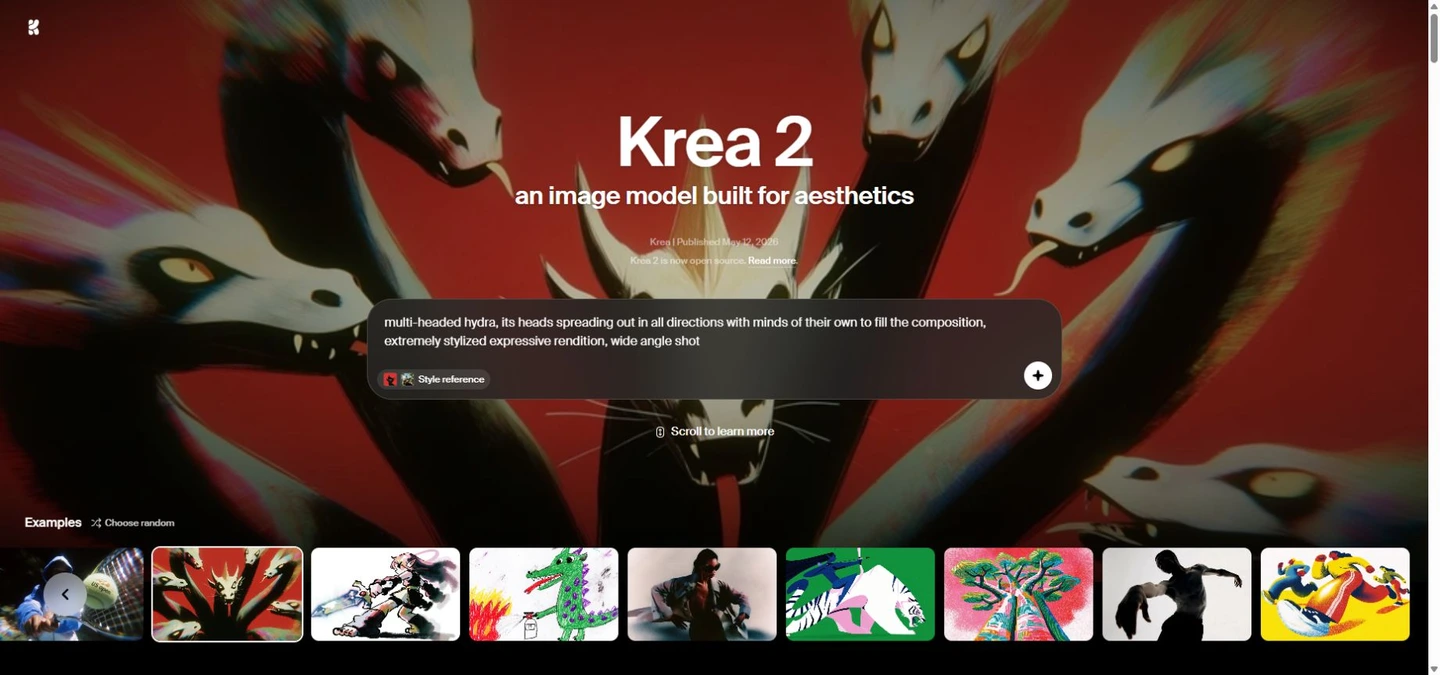
Krea 2 Large is the most relevant Krea choice here when the goal is a new photographic image. Its style references and moodboards help define a look. Use a coherent board—such as restrained studio light and muted color—rather than mixing unrelated examples and asking the model to reconcile them.
For a portrait brief, describe age range, framing, expression and one light source, then vary the styling separately. Our recommendation is to judge the whole frame: believable cloth, background depth and a consistent light direction matter as much as the face. A beautiful style match does not establish that the subject matches a real person.
The Krea API lists Large from US$0.06 per generation; references or other options can change the total, and API billing is separate from app subscriptions. Krea also releases RAW/Turbo weights, but a downloadable checkpoint should not be assumed identical to the hosted Large configuration. For changing an existing image, evaluate the separate Krea 3 editing workflow.
2. Midjourney V8.2 — for editorial mood and photographic exploration
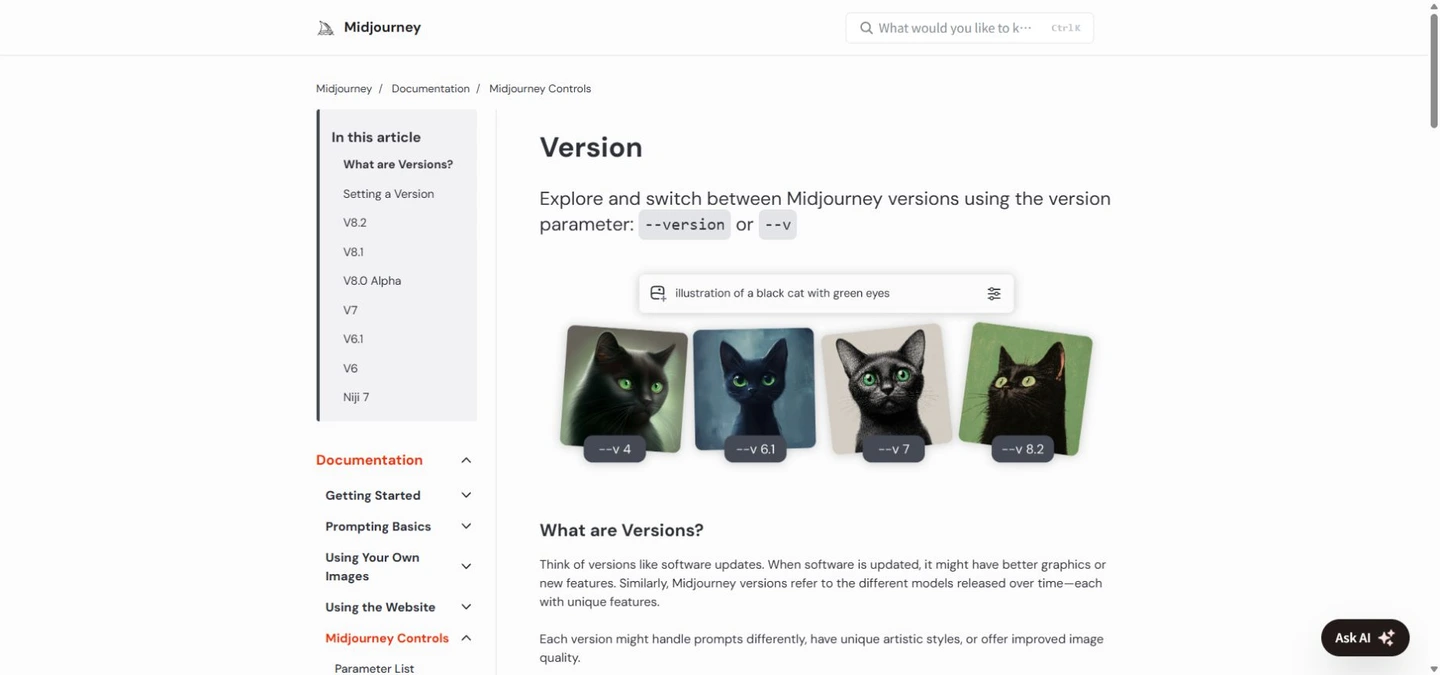
Midjourney identifies V8.2 as the default. It is worth shortlisting when visual direction is still open: an understated magazine portrait, cinematic street scene or polished fashion concept can each call for different framing and atmosphere. Keep a version recorded with the prompt so later generations remain interpretable.
Use a small set of intentional variations, then inspect the best full-body result rather than selecting solely from faces. A painterly or glossy finish may be attractive but unsuitable for an everyday photograph. Reduce competing style directions before adding more “ultra realistic” adjectives.
The Midjourney starts at US$10 monthly; Stealth is limited to Pro/Mega. Treat visibility as a production requirement before uploading client references. V8.2 reference workflows use the new Edit Model; older Omni Reference tutorials do not describe the current workflow. Reference use can help continuity, but you still need to review each face.
3. FLUX 3 Image / Klein — for controlled photographic scenes
FLUX 3 Image supports scene generation, references and bounding-box composition. This makes the family a useful candidate for a person holding a product beside a reserved copy area. Plan the person, object and negative space explicitly; the ability to position elements is more actionable than simply asking for a “professional ad”.
Separate the hosted full model from FLUX 3 Image Klein. Klein is the downloadable 5.6B variant and needs its prompt upsampler; the local pipeline does not automatically supply every hosted service component. A short prompt without the expected expansion is an unfair way to assess its photographic ceiling.
For local work, the release describes INT8 configurations starting at 8GB VRAM—not a promise that full-precision 4K jobs fit on an 8GB card. Resolution, encoders and offloading change the requirement. Klein has a specific Kommunity license rather than an unrestricted Apache license; check the exact deployment terms before building a commercial pipeline. Its API rate is also separate from the full model.
4. Z-Image-Turbo — for economical local photo iteration
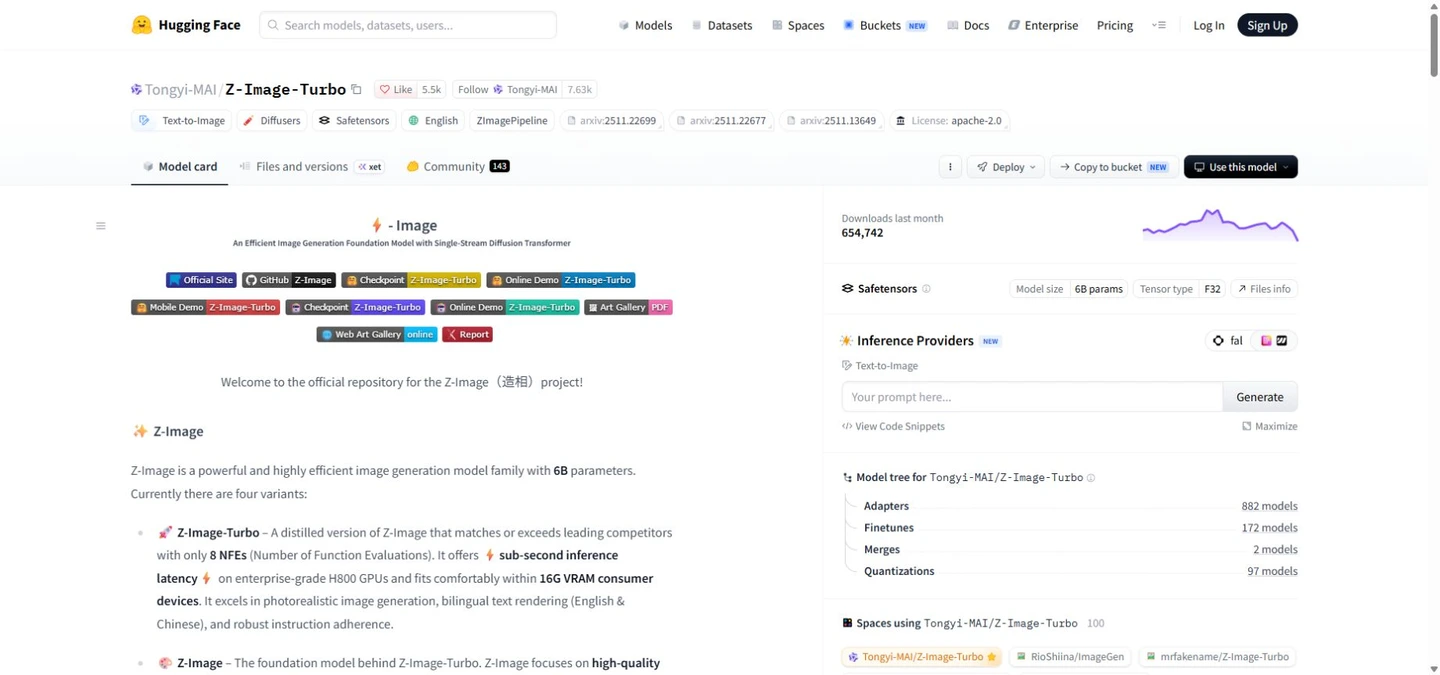
Z-Image-Turbo is a practical first local shortlist: its official card describes a 6B distilled model, photographic generation and an Apache 2.0 license. Use it to explore a lighting setup or wardrobe through many seeds without paying a hosted generation fee for each attempt; hardware and electricity still cost money.
The official example uses nine inference steps for eight transformer evaluations and guidance 0. Start from those settings instead of copying a high-CFG workflow from another model. The publisher describes a 16GB consumer-GPU fit; memory use still depends on resolution and the software stack. Enterprise-GPU speed claims are not a laptop benchmark.
The Z-Image serves a different purpose: it supports CFG, negative prompting and downstream development. Do not assume a base-model LoRA recipe works unchanged on Turbo. For Japanese, Spanish, Portuguese, French or German prompts, compare a carefully translated English version if a relationship is missed; the card’s explicit bilingual text strength is Chinese/English, not a guarantee for every language.
5. Nano Banana 2.1 — for reference-guided, conversational photo work
Nano Banana 2.1 is an accessible choice for someone who would rather refine a scene in conversation than manage a local workflow. Start from an authorized portrait or a clear text brief, request one lighting or wardrobe change at a time, and state which facial traits must remain stable.
Google distinguishes the free Nano Banana 2 option from 2.1 access with a Google AI plan. Check the model actually selected in your account and its regional availability; free access to the family is not unlimited free use of 2.1. The consumer page describes 2K output, which should not be inflated into a blanket native-4K claim.
Its localized Gemini pages make it particularly convenient for readers working in their own language. Nevertheless, an attractive result may subtly alter jaw shape, skin tone or age. For a campaign series, compare all frames side by side against the same reference before approving them.
6. Seedream 5.0 Pro — for portrait-led commercial layouts
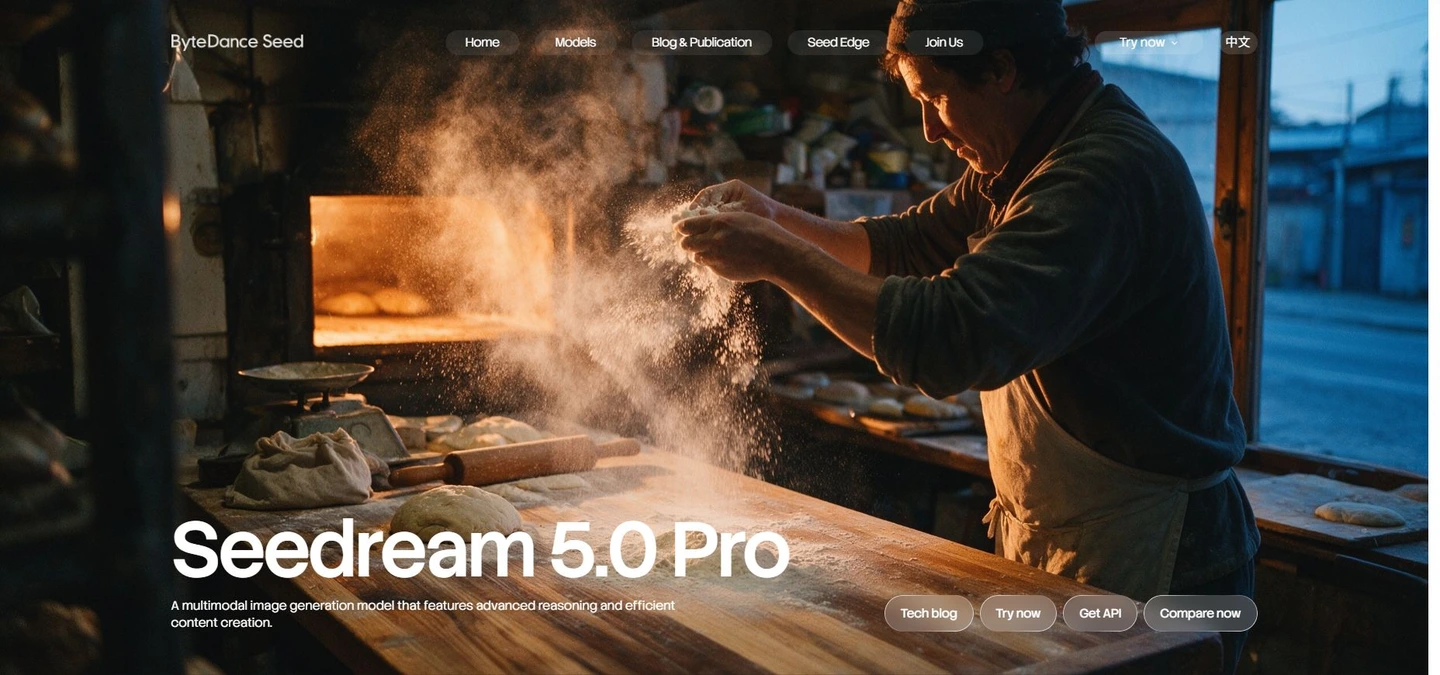
Seedream 5.0 Pro is a candidate when the portrait must work with materials, products and designed space. The Seedream 5.0 Pro emphasizes lighting and skin textures together with multilingual creation. That combination is relevant to campaign concepts that need both a person and room for localized copy.
Test a concrete brief: a seated adult holding an unbranded ceramic cup, a soft side light, believable fingers and open space on the right. Inspect the cup rim, grip, sleeve folds and contact shadows. A face can look convincing while the physical interaction reveals the image as synthetic.
Access is through hosted products or APIs; confirm the precise 5.0 Pro endpoint, region, commercial terms and output settings where you subscribe. Do not import another provider’s unit price or promise downloadable weights. Even multilingual generation needs a human check of accents, typography and the actual advertising message.
A fair portrait test you can run before paying for a plan
Use four briefs: a head-and-shoulders window-light portrait; a full-body walking scene; two adults with different appearances; and a hand interacting with a transparent object. Keep subject description, aspect ratio and target resolution comparable. Generate four candidates per brief and count usable frames, not just the best lucky sample.
Inspect at 100%: pupil alignment and catchlights; teeth and ears; fingers and grip; skin detail that follows facial structure; hair against the background; and shadows consistent with the light source. Check whether the model repeats one default face across supposedly different people.
For identity continuity, run a separate reference-based task with consent. Compare frontal, profile and full-body views under changed light. Record facial drift, retries and total elapsed time. Keep native output and any upscaled version separate; the total cost per approved image is generation cost divided by acceptance rate, plus finishing time.
A portrait prompt that describes a photograph
Try this starting brief: “Fictional adult woman, approximately 40, shoulder-length dark hair, neutral expression, head-and-shoulders portrait, camera at eye level, soft window light from the left, subtle skin texture, linen shirt, quiet gray background, natural color, no beauty retouching.” Change one element at a time.
Add physical constraints for harder scenes: both hands visible, five fingers on each hand, cup resting on a table, shadows falling right. These instructions are requests, not guarantees. Avoid contradictory instructions such as extreme shallow focus plus perfectly sharp foreground and distant background. Camera names and “8K” are not substitutes for a coherent scene.
For local-language briefs, keep identity, position and lighting in short separate sentences. If a model misses the relation, translate the brief without changing it. Add final text in a layout editor when exact spelling and font metrics matter more than one-pass convenience.
Questions about realistic AI people and photographs
Which model should a beginner try first?
Start with a hosted workflow you can access and afford: Krea for exploring photographic looks, or Gemini for conversational changes. Compare a few full scenes before buying a long subscription; a portrait gallery alone does not show how well a model handles your subject.
Can these models reproduce my face exactly?
No model here guarantees exact identity from every angle. Use authorized references, avoid changing several traits at once, and review a series as a set. For a recurring spokesperson, a dedicated identity workflow or carefully prepared local adaptation may be more appropriate than fresh text prompts.
Is local generation free and private?
Local weights can remove per-image service charges, but require hardware, storage and maintenance. Privacy requires a genuinely local workflow: remote prompt expansion, plugins or hosted enhancement can still send data out. Check the actual components you enable.
Can I use the pictures in ads?
Check the exact service plan or checkpoint license and the permissions for references, people and brands. A commercial-use clause does not by itself clear a real person’s likeness or make generated product details accurate. Keep the terms and model version with the project.
Does a model with pores always look more realistic?
No. Uniform grain, sharpened skin and oversized pores can look artificial. Coherent light, plausible anatomy and contact shadows usually matter more. Compare at the final display size as well as 100%, and avoid enhancing away natural differences in skin.
Can an open model generate NSFW content?
Open weights are not a blanket promise of unrestricted content. Behavior depends on checkpoint, interface, safeguards and applicable terms; cloud providers have their own rules. This shortlist assesses ordinary adult portraits and photography, not explicit-content performance.
Choose the workflow that keeps your photographs believable
Begin with a pair rather than six subscriptions: one hosted model for art direction or reference work, and a local model if repeated iteration justifies the setup. Krea 2 Large and Midjourney fit visual exploration; FLUX is worth testing when placement matters; Z-Image-Turbo addresses local repetition. Nano Banana and Seedream are useful candidates for conversational and commercial composition workflows.
Before committing, approve a small series containing hands, full bodies and changing light. Save the prompt, version, costs and reference permissions. Enhance only after the scene and identity work: a technically sharper image is useful only when the underlying photograph remains believable.
Related
Best AI Meeting Assistant Tools to Summarize Calls and Save Time

Best AI PDF Readers to Summarize, Search, and Chat With Documents
AI Social Media Post Generator: Best Tools to Create Posts Faster
Best AI Excel Formula Generators to Work Faster
The 8 Best Speech to Text AI Tools in 2026: Features, Reviews, and Real-World Use Cases
Best AI Diagram Generators for Workflows, Ideas, and Visual Planning