
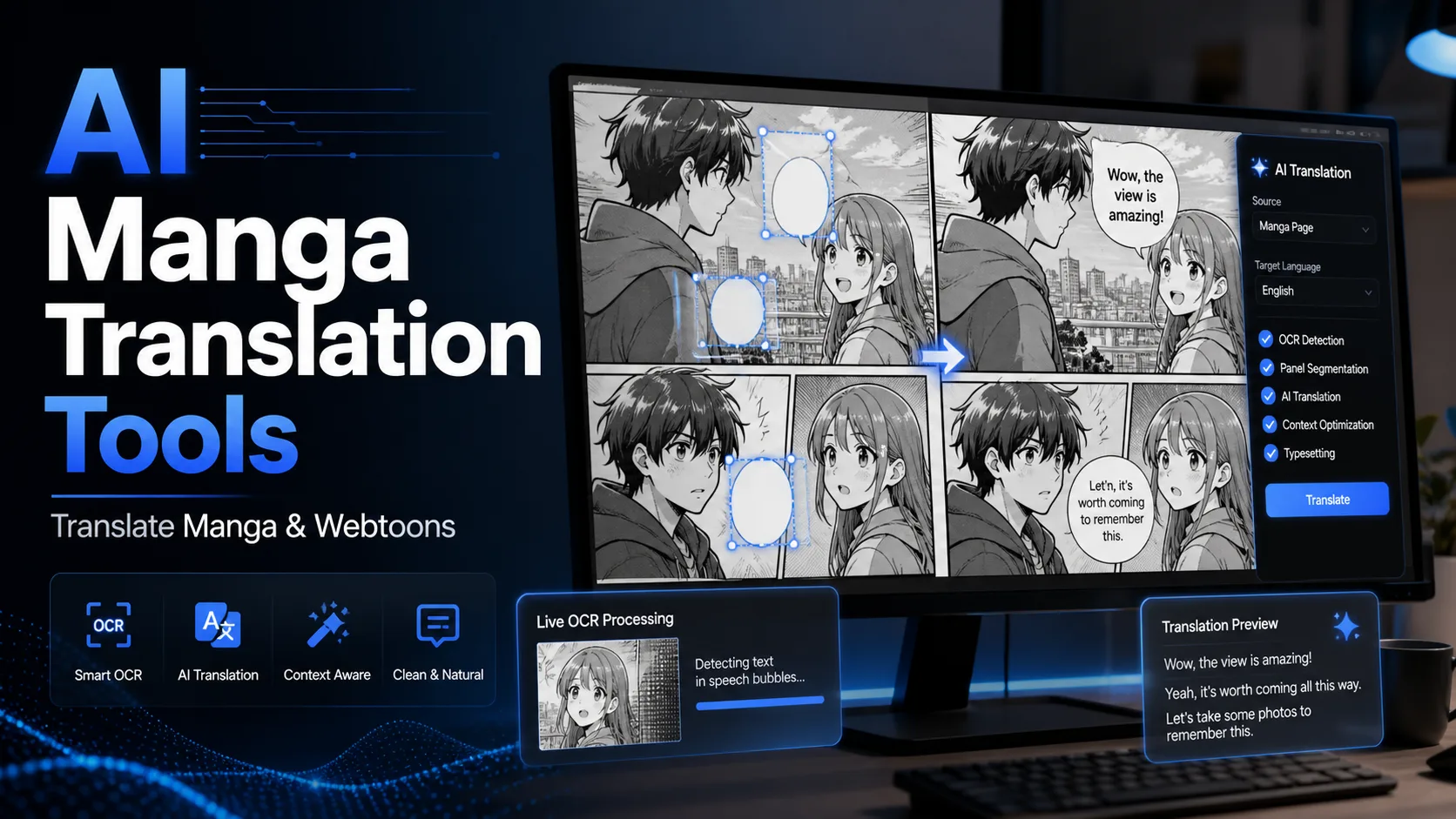
Manga, webtoons and comics are difficult to translate with ordinary tools because the text is inside the image. Copying every speech bubble by hand is slow, and vertical text, sound effects and small side notes often break simple OCR.
AI manga translation tools combine OCR, machine translation and sometimes text removal or re-typesetting. They are excellent for personal reading, but public sharing or commercial use still requires permission, editing and copyright care.
Contents
What AI manga translation tools do
These tools detect text inside manga panels, translate it into the target language and, in some cases, place the translated text back into speech bubbles. The harder parts are vertical writing, stylized sound effects, small fonts and preserving panel context.
How to choose
- Choose browser tools for reading online manga pages.
- Choose upload tools for saved images or screenshots.
- Choose layout-editing tools if you need cleaner output.
- Choose open-source local tools if privacy and control matter.
- Always check copyright before sharing translated pages.
Quick comparison
| Tool | Best for | Main strength |
|---|---|---|
| Torii Image Translator | Reading manga in the browser | Image translation overlay |
| Scan Translator | Manga and webtoon pages | Manga-focused OCR workflow |
| Manga Translator | Uploaded images | Simple manga image translation |
| Mangaday | Quick webtoon translation | Clean online workflow |
| Manga/Image Translator | Local or advanced workflows | Open-source control |
| ImageTranslate | Layout editing | Translate and re-place text |
| Google Translate Images | Quick free checks | Fast general image translation |
Best AI manga translation tools
1. Torii Image Translator
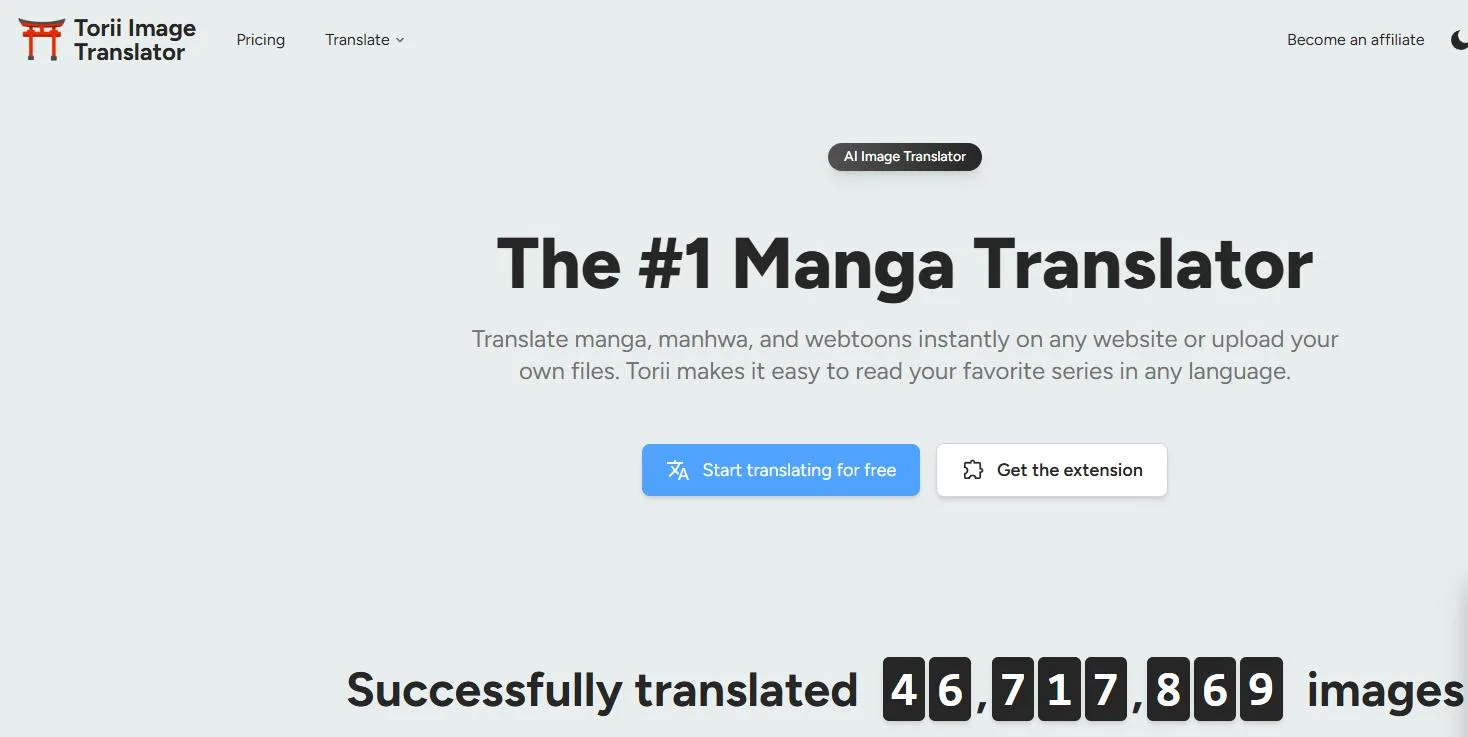
Torii Image Translator Torii Image Translator is useful when you read manga or webtoons directly in a browser. It can help translate image text without manually cropping every speech bubble.
Use it for personal reading and quick understanding. With stylized fonts, tiny lettering or noisy backgrounds, always check whether OCR captured the sentence correctly.
2. Scan Translator
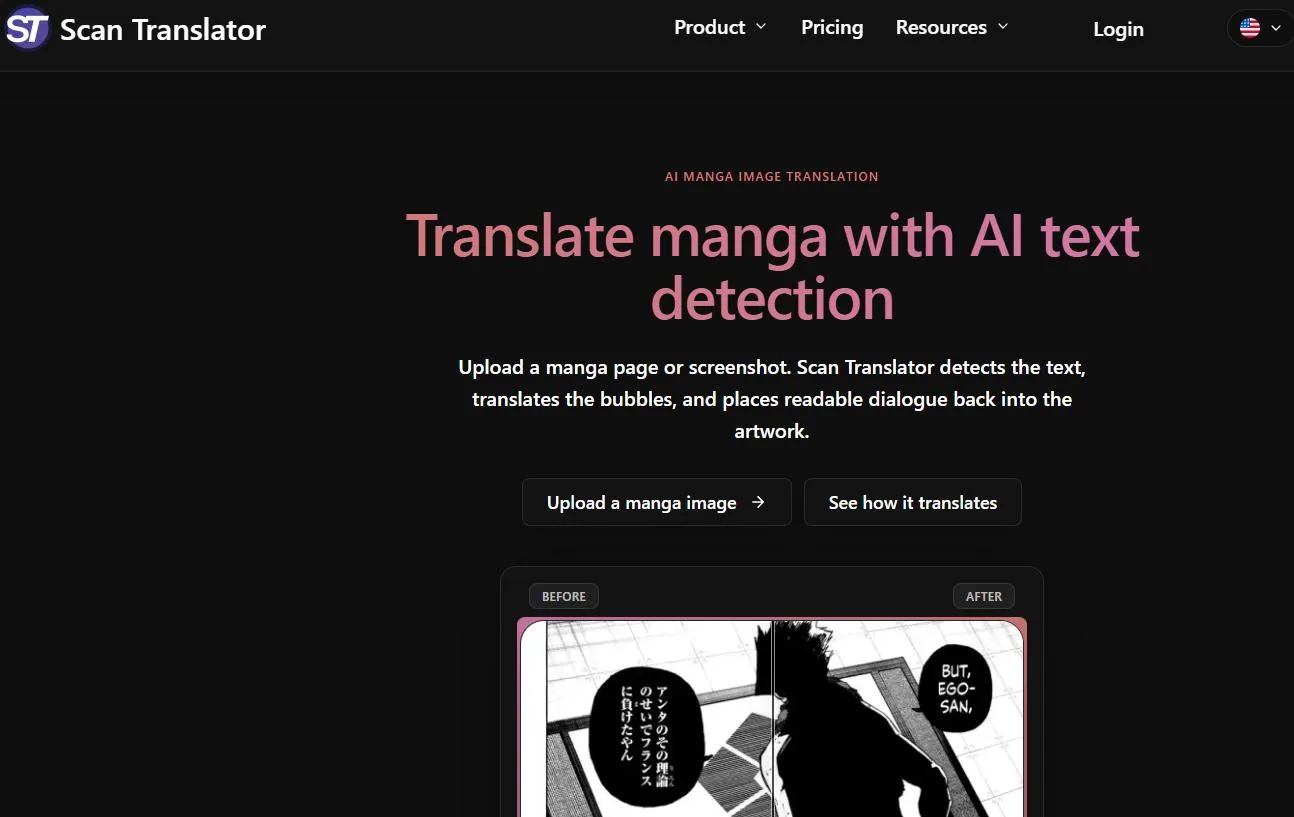
Scan Translator Scan Translator focuses directly on manga and scan translation. It suits readers who want a workflow made for comic pages rather than a generic document translator.
It is convenient for webtoon-style pages and screenshots, but jokes, character tone and sound effects still need human judgment.
3. Manga Translator
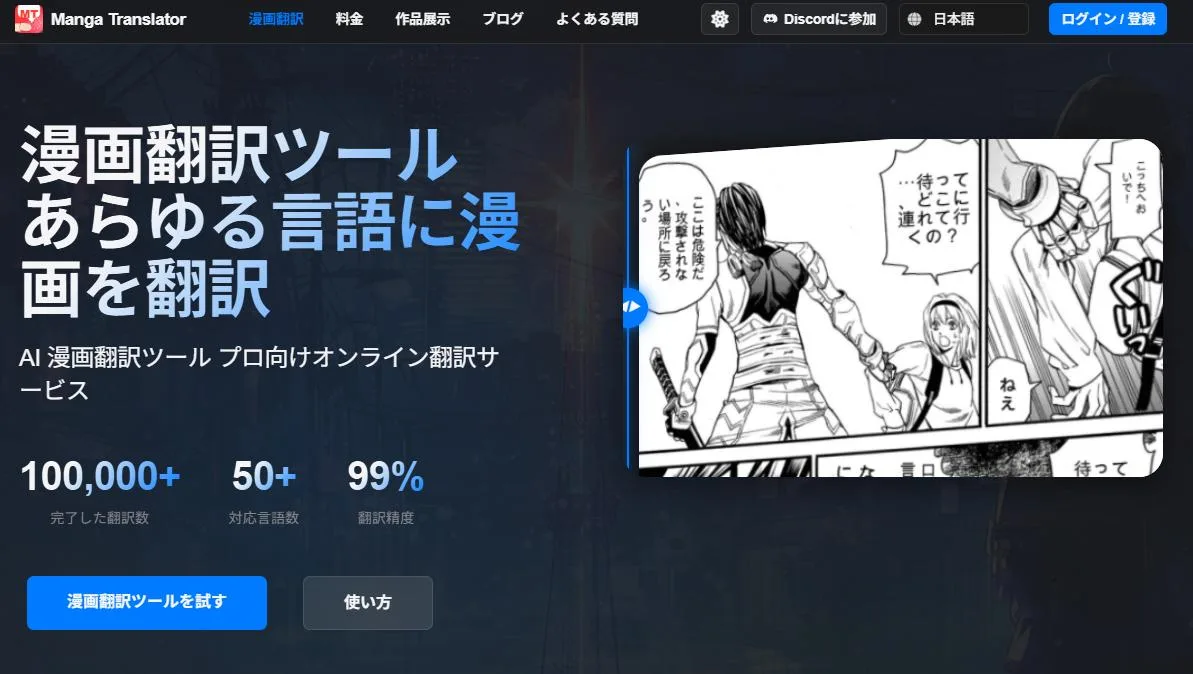
Manga Translator Manga Translator is a simple choice when you already have saved images and want to upload them for translation.
Before using it for many pages, check free limits, upload privacy and whether the translated text preserves names and reading order.
4. Mangaday
Mangaday Mangaday combines OCR and translation in an online manga/webtoon workflow. It is approachable for short chapters and quick tests.
It is best used to compare output quality before processing a long series. Pages with heavy sound effects may still need manual cleanup.
5. Manga/Image Translator
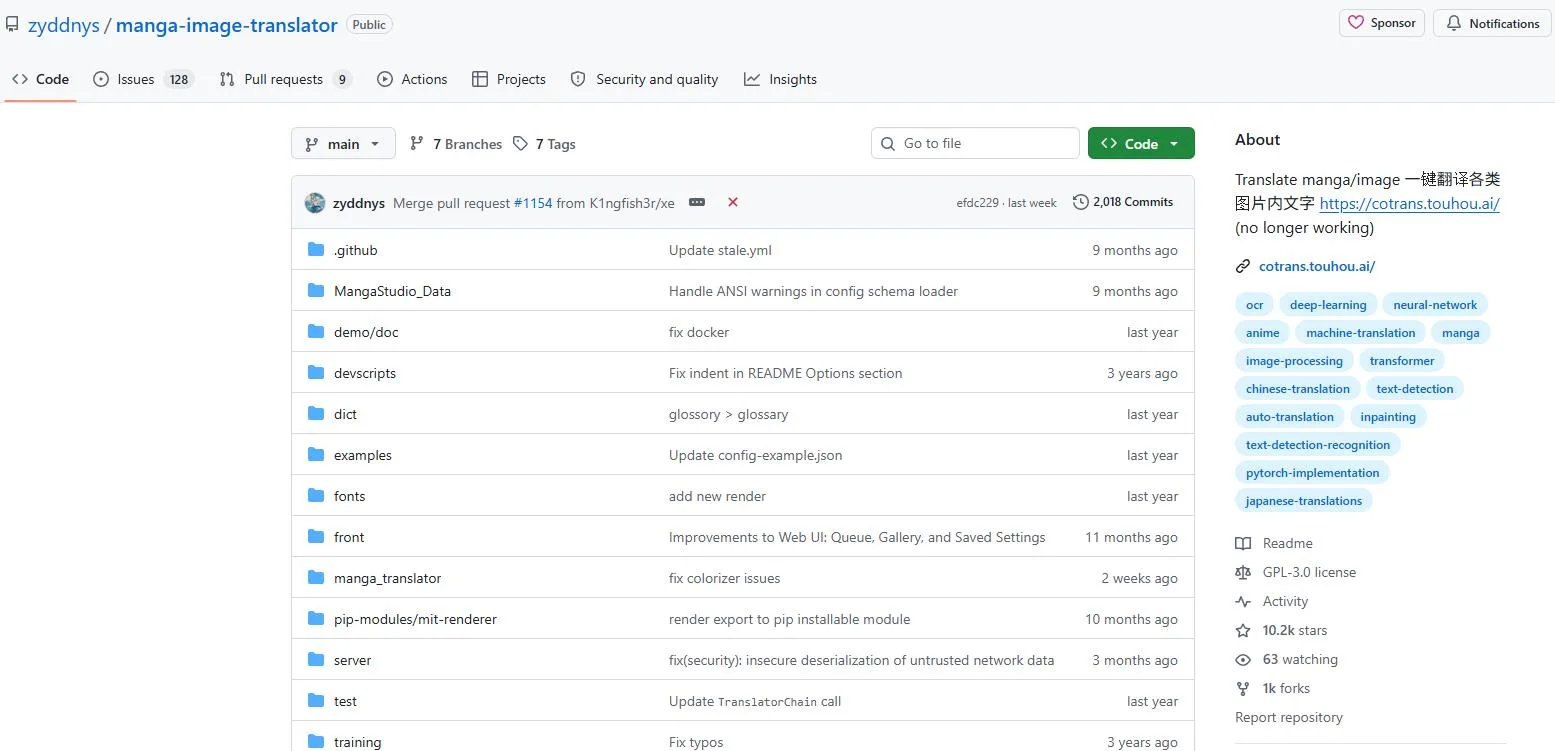
Manga/Image Translator Manga/Image Translator is an open-source option for users who want local processing and more control over OCR, translation and rendering.
The benefit is flexibility; the cost is setup. It is better for technical users than for someone who wants a one-click online tool.
6. ImageTranslate
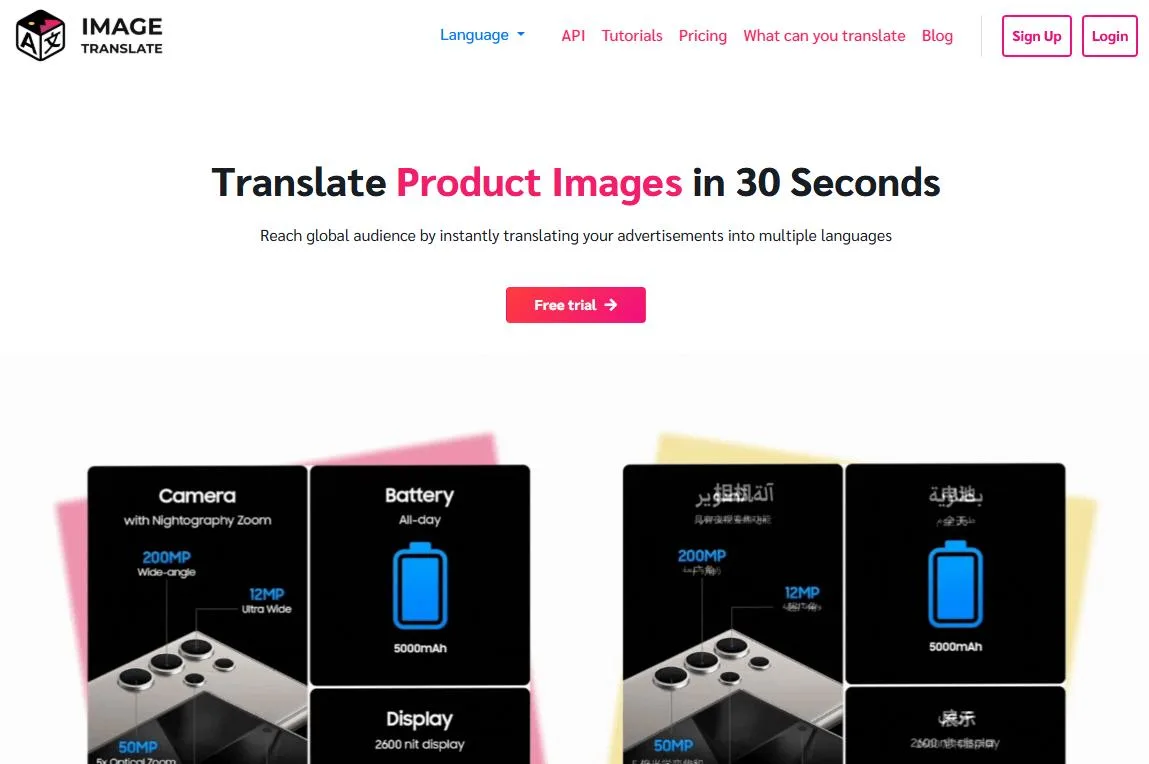
ImageTranslate ImageTranslate is helpful when visual layout matters. It can support workflows where translated text needs to be placed back into the image.
For casual reading it may be more than you need, but for polished translated images it gives more editing control.
7. Google Translate Images
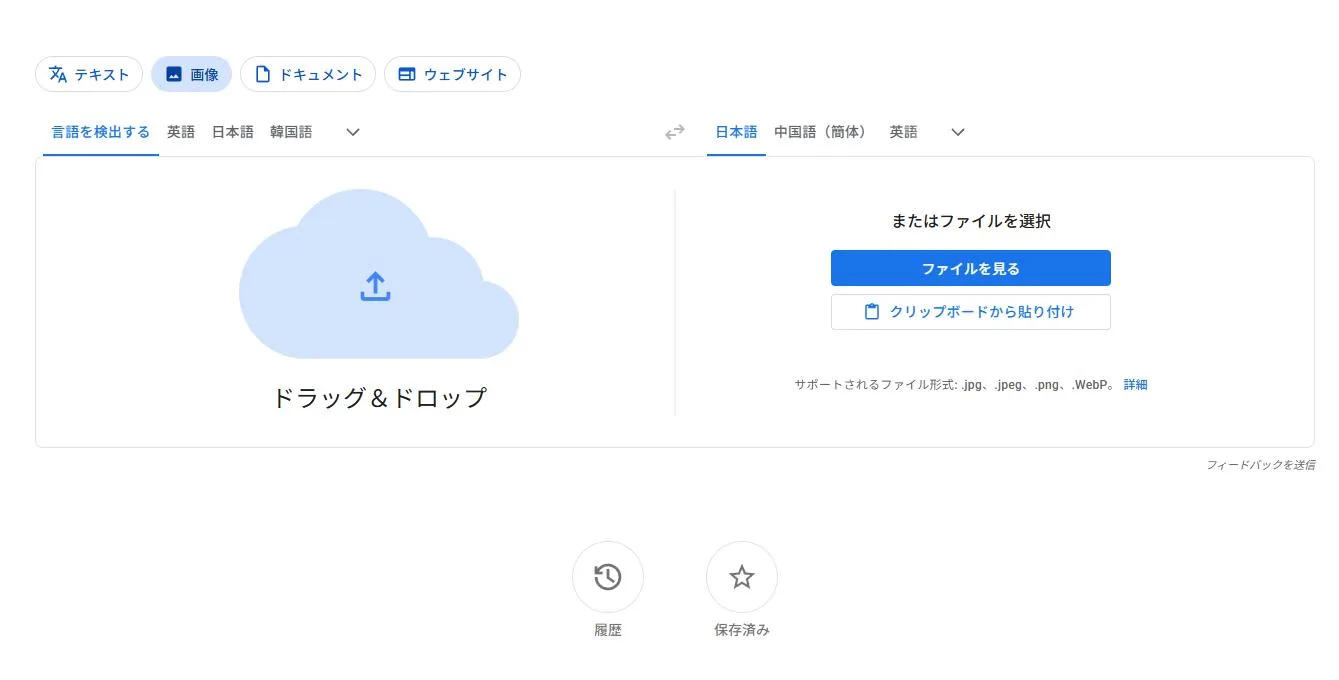
Google Translate Images Google Translate Images is the fastest free option for understanding a page or a single image.
It is not manga-specific, so complex panels, vertical text and decorative lettering can be uneven. Still, it is useful as a first-pass reader.
Recommended workflow
For online reading, start with Torii Image Translator or Scan Translator. For saved images, test Manga Translator or Mangaday. If the final image needs to look clean, use ImageTranslate or a local Manga/Image Translator workflow. Google Translate Images is best for quick checks.
FAQ
Can AI translate manga for free?
Some tools have free use or trials, and Google Translate Images is free for quick checks. Large batches and polished output often require paid credits or subscriptions.
Does AI handle vertical Japanese text?
Some tools do, but quality depends on font, contrast, image resolution and panel layout. Clean speech bubbles work much better than stylized sound effects.
Can I post translated manga pages?
Only if you have the rights or permission. Machine translation does not remove copyright from the original artwork.
Which tool is best for webtoons?
Torii and Scan Translator are convenient for online pages, while Manga Translator and Mangaday are better for uploaded images.
How can I improve accuracy?
Use clear images, avoid cropped speech bubbles, compare two tools for important pages and manually fix names, jokes and short lines.
Summary
AI manga translation tools are most valuable when they save you from manually copying text out of images. Pick the tool by workflow: browser reading, image upload, layout editing or local processing. For personal reading, a simple tool is enough; for polished output, OCR, translation and human editing should work together.
Related
AI Slide Generator: Best Tools to Create Presentations Faster

Best AI Avatar Generators to Create Profile Pictures, Videos, and Digital Humans
AI Contract Generator: Best Tools, Use Cases, and Safety Tips
Best Screen Recording Software in 2026: Top Picks for Real-World Use

Virtual Try-On in 2025: The AI Tools Changing How We Shop
Best Sora Alternatives for AI Video Generation in 2026