
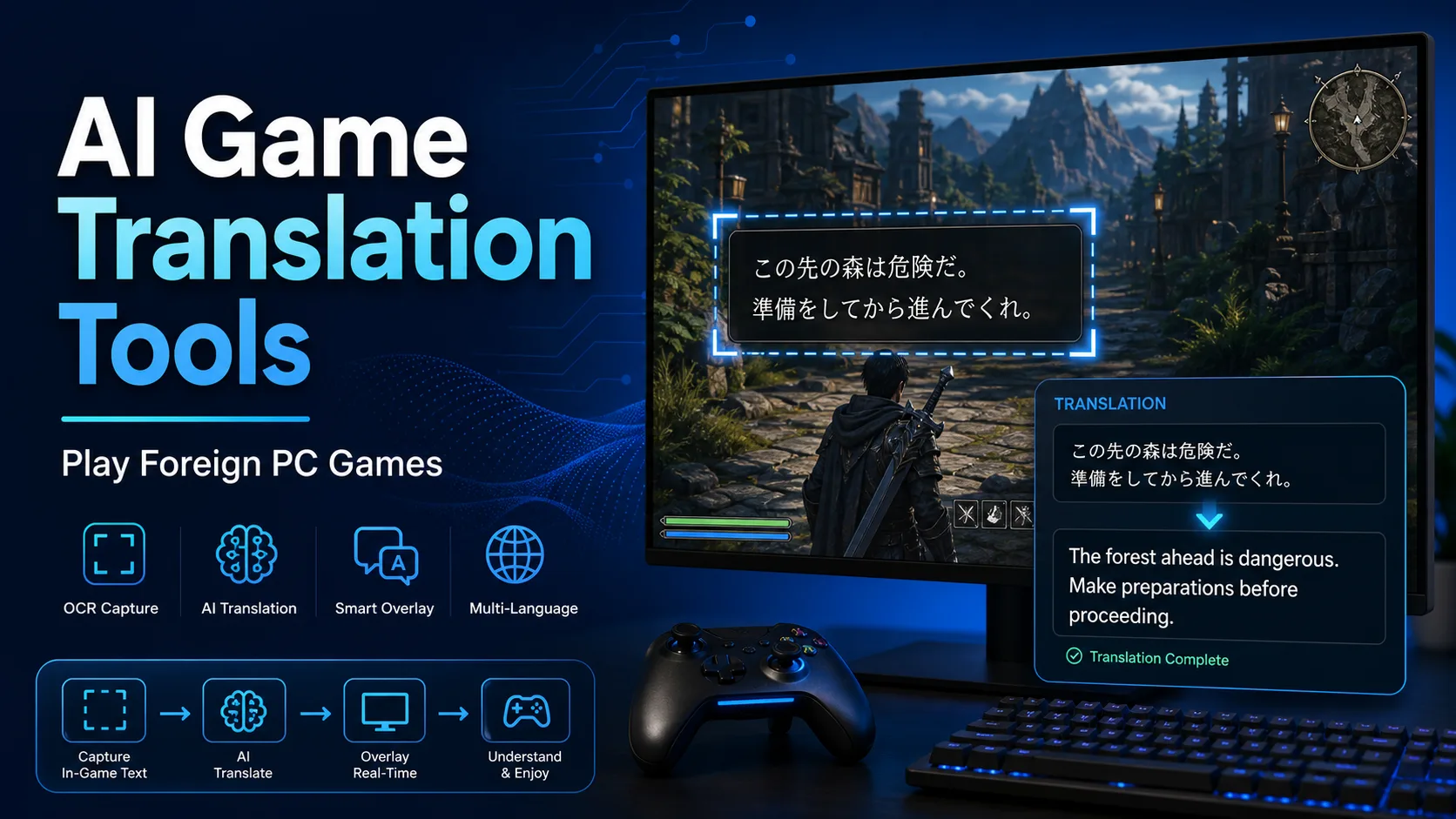
Foreign PC games, indie titles and visual novels often have excellent stories but no English localization. AI game translation tools help you understand menus, dialogue, item descriptions and quests without waiting for an official release.
The best setup depends on the game. OCR overlay tools are easiest for ordinary PC games, text-hooking tools are better for visual novels, and local translation models are useful when privacy or offline use matters.
Contents
How AI game translation works
AI game translation usually combines two layers: a capture method and a translation engine. OCR reads text from the screen, while text-hooking tools try to capture the original game text before it is rendered. Once the text is captured, it can be sent to Google Translate, DeepL, Papago, an LLM, or a local translation model.
Quick comparison
| Tool | Best for | Method | Main strength |
|---|---|---|---|
| LunaTranslator | Visual novels and PC games | Hook / OCR / API / local translation | Most complete all-in-one setup |
| MORT | PC games with fixed dialogue areas | OCR overlay | Flexible OCR regions and translation engines |
| Translumo | Steam users | Screen OCR | Friendly paid app for quick setup |
| Textractor | Visual novels | Text hooking | Extracts original text when compatible |
| Game2Text | Language learners | OCR and learning workflow | Useful for saving lines and context |
| Capture2Text | Quick OCR capture | Screen OCR | Lightweight helper for copying text |
| Sugoi Translate | Offline translation | Local translation model | Good companion for text-hooking tools |
Best AI game translation tools
1. LunaTranslator
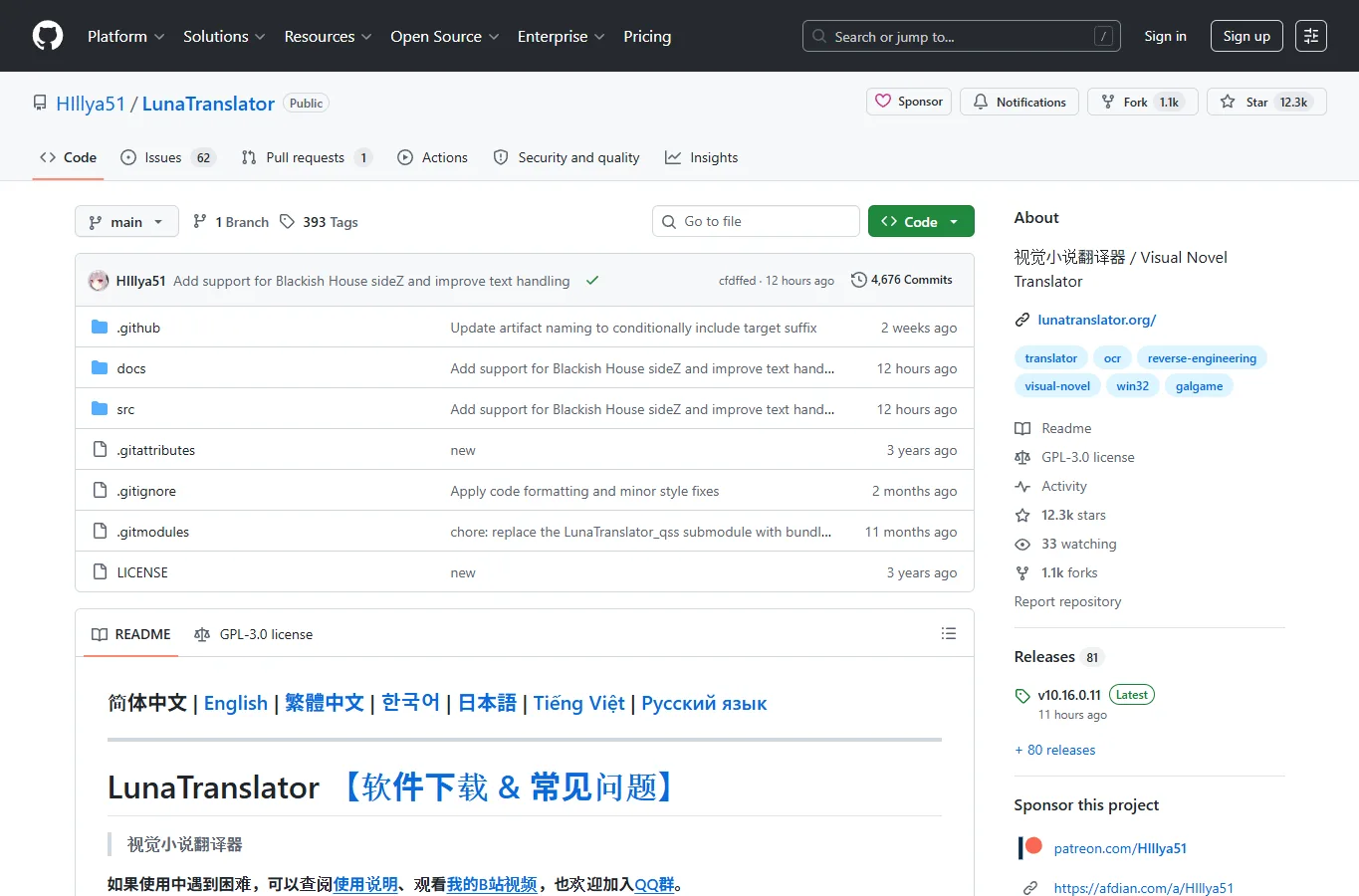
LunaTranslator is the most versatile option in this list. It combines text hooking, OCR, online translation, LLM translation and offline translation workflows, so it can adapt to visual novels as well as many PC games.
The tradeoff is setup complexity. Start with a simple OCR or hook workflow first, then add better translation engines after you confirm the game text is being captured correctly.
2. MORT
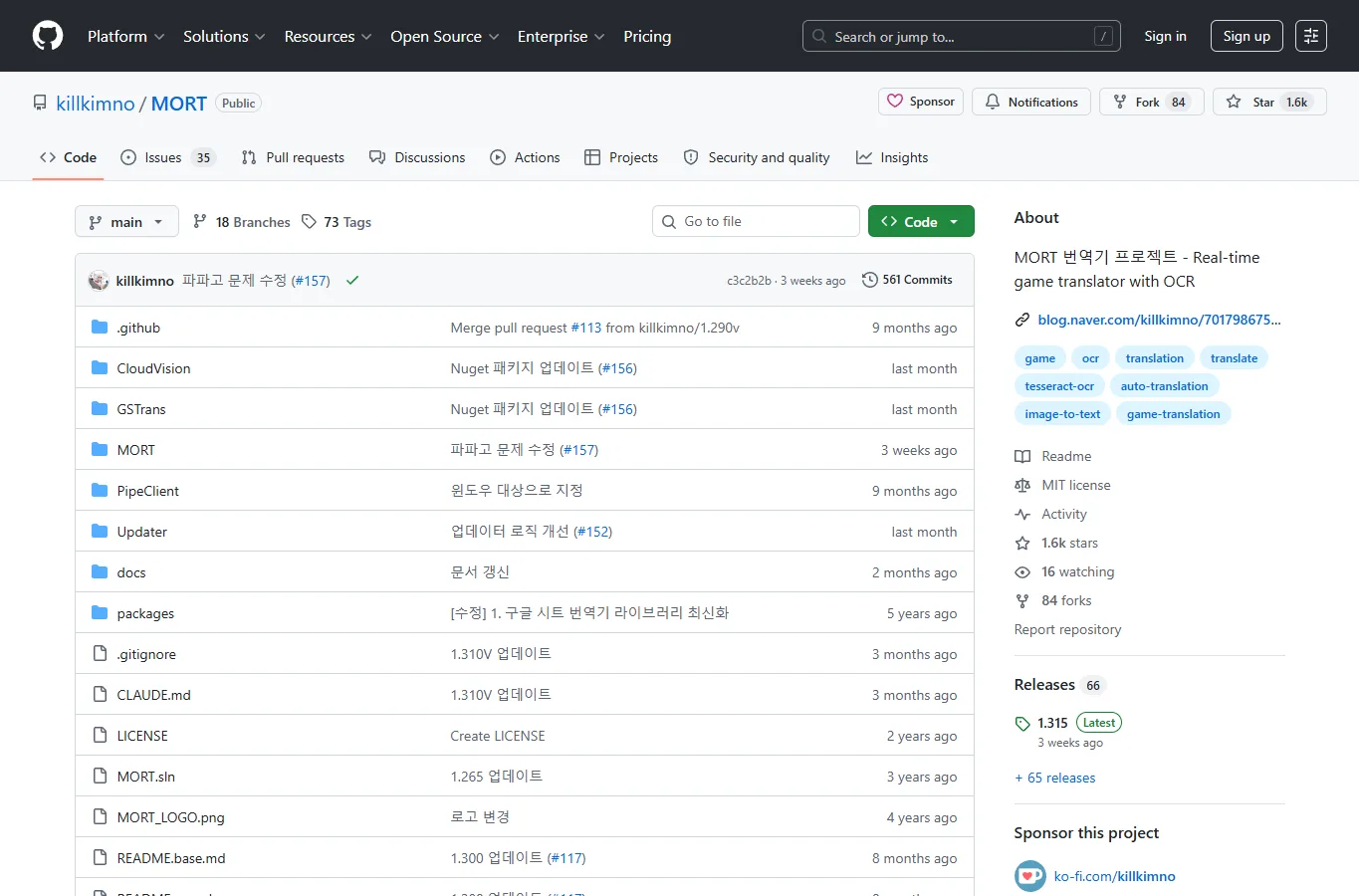
MORT focuses on real-time OCR game translation. You select one or more screen areas, let the tool read the text, and send it to a translation engine such as Google, DeepL or Papago.
It is practical for RPGs, strategy games and dialogue-heavy titles with stable subtitle boxes. For decorative fonts or moving text, spend time tuning OCR regions before judging translation quality.
3. Translumo
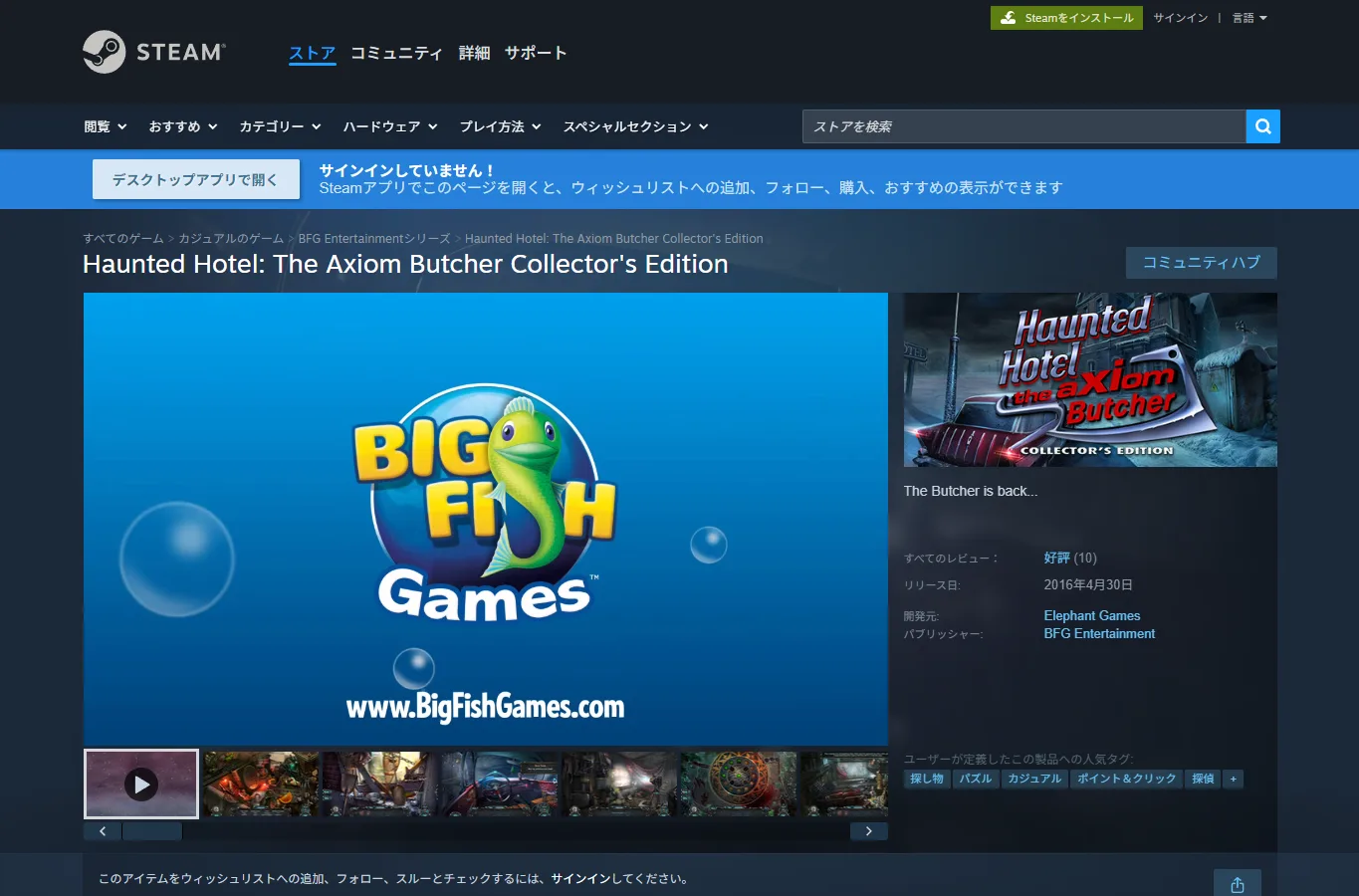
Translumo is a Steam app for screen-based real-time translation. It is easier to manage than many GitHub tools and suits players who want a paid app with a more direct installation path.
It works best when the game text is clear and the translation overlay does not cover important UI. Try windowed or borderless mode if full-screen capture behaves inconsistently.
4. Textractor
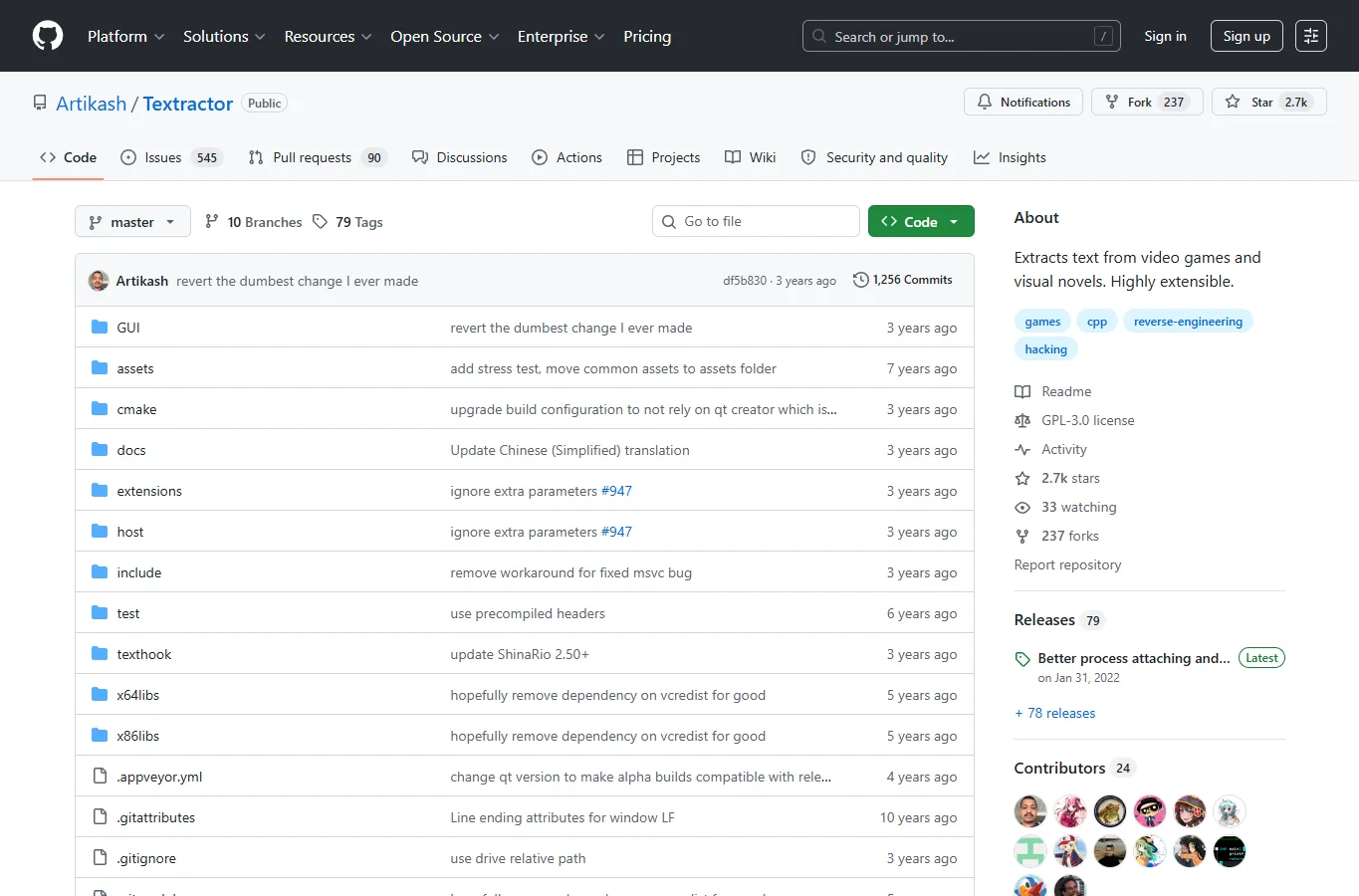
Textractor is a classic text-hooking tool for visual novels. When it works, it captures the original text directly instead of relying on OCR, which usually makes translation more stable.
It is not a universal game translator. Compatibility depends on the game engine and text rendering method, but for supported visual novels it remains one of the most useful building blocks.
5. Game2Text
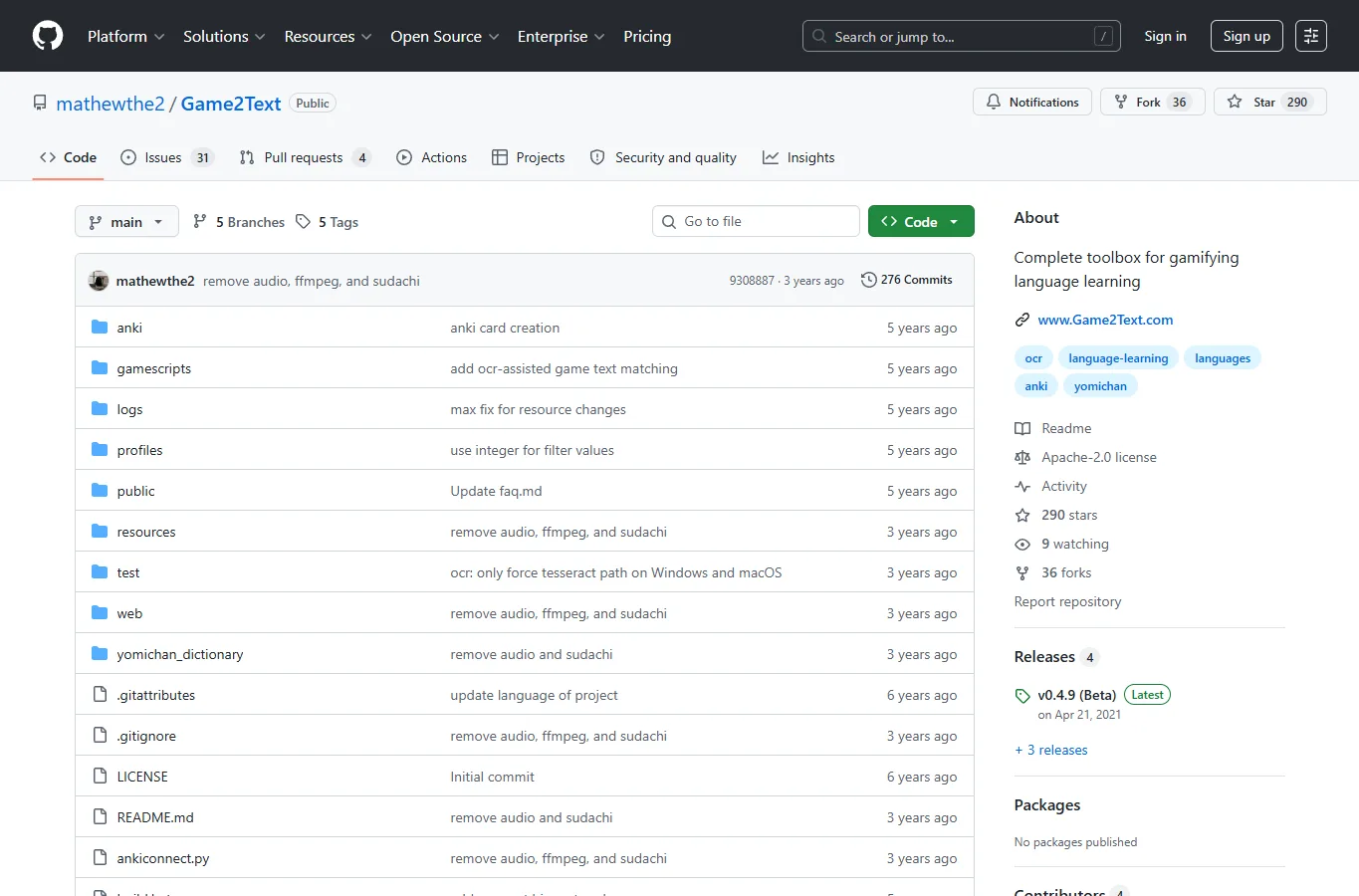
Game2Text is built more for learning from games than for fully automatic localization. It helps capture text, look up words and keep useful lines for review.
Choose it if you want to improve a language while playing. If you only want instant translated subtitles, MORT or Translumo will feel more direct.
6. Capture2Text
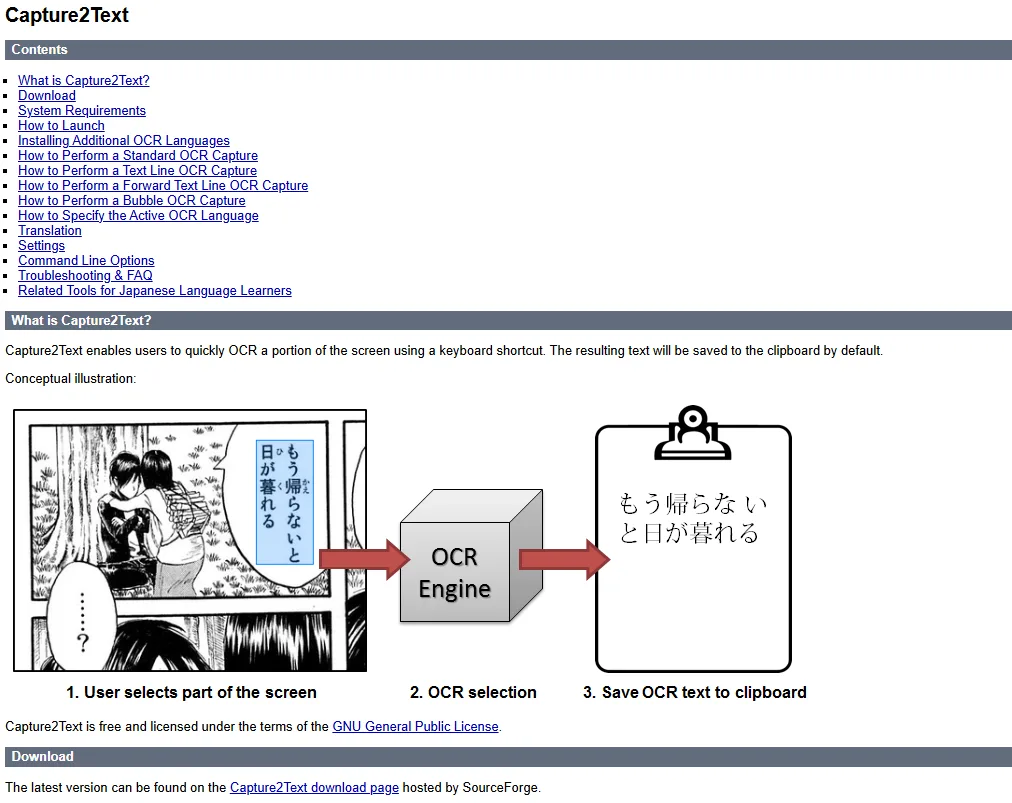
Capture2Text is a lightweight OCR utility for selecting part of the screen and copying recognized text. It is not game-specific, but that is also its advantage.
It is useful as a fallback when a game translator fails, or when you only need to translate an occasional menu, item description or screenshot.
7. Sugoi Translate

Sugoi Translate is useful for players who want local translation, especially with Japanese visual novels and long text passages.
It is usually best paired with a text capture tool. The setup is heavier than a web translator, but it reduces dependence on online services and can be tuned for a specific reading workflow.
Which tool should you choose?
For visual novels, start with LunaTranslator or Textractor, then add Sugoi Translate if you want local translation. For ordinary PC games, MORT and Translumo are easier first choices. For occasional text, Capture2Text is enough, while Game2Text is better for players who also want language-learning notes.
Important cautions
- AI translation is not an official localization; jokes, character voice, lore terms and quest clues can be wrong.
- OCR quality depends on resolution, font, background and full-screen capture behavior.
- Online games may forbid overlays, hooks or automation, so check the game rules before using them.
- If you use online translation APIs, game text may be sent to third-party services.
FAQ
Can AI game translation replace official localization?
No. It helps you understand the game, but official localization still requires editing, terminology control, QA and cultural adaptation.
Which tool is best for visual novels?
LunaTranslator and Textractor are the first choices. Textractor is excellent when it can hook the text, while LunaTranslator gives you more capture and translation options.
Which tool is easiest for normal PC games?
Translumo is easier for Steam users, and MORT is flexible if you are comfortable setting OCR regions.
Can these tools work offline?
Some workflows can. Sugoi Translate and local translation models are the main path, but OCR or text capture still needs to be configured.
Is it safe to use in online games?
Be careful. Avoid tools that hook into a protected online game process unless the game rules clearly allow it.
Summary
AI game translation is most useful when you treat it as a reading aid, not a perfect localization engine. Pick the capture method first, then choose the translation engine. A stable OCR or text hook matters more than a fancy translator that receives broken input.
Related
Top 7 Best AI Photo Enhancer Tools in 2026

15 Best Free Ebook Sites to Download and Read Books Legally in 2026
Best AI Voice Changers for Gaming, Content Creation, and Voiceovers
Top 10 YouTube Video Summarizer Tools in 2026: Save Time, Learn Faster
Best AI PDF Translator Tools to Translate Documents Faster
AI Humanizer: Making AI-Generated Text Sound More Human (2026 Guide)