
The best AI tool for making a game depends on where the game must run and how much control you need after the first demo. Rosebud AI offers a short route from a description to a playable browser prototype. GDevelop gives beginners editable visual game logic. Replit, Cursor and Claude Code provide more direct access to code, while Roblox Studio Assistant and Unity’s assistant work inside their respective engines.
This comparison focuses on programming gameplay: movement, collisions, score, menus, debugging and a working build. An image generator or NPC chatbot alone cannot replace that workflow. The seven entries are arranged by workflow and setup, not by a measured league table of generated-game quality.
Choose the workflow before the AI
For a first browser demo, prioritize a preview, an editable project and a rollback option. A game that opens from a link is useful for feedback, but it is not automatically a native PC or mobile release.
For an existing Unity or Roblox project, choose an assistant that can inspect engine objects and scripts. A general coding agent needs the engine version, project structure and a way to run checks; reading code does not automatically reveal everything shown in an editor’s scene or Inspector.
For long-term development, check four separate permissions: editing code, downloading code, using the result commercially and distributing a build. Also check whether the gameplay code, assets, dependencies and account-linked services can all move with you.
Some tools and documentation use English. Localized menu labels and prompt performance vary; the sample below is a specification, not a language-quality test.
7 tools compared at a glance
| Tool | Best fit | Project / portability | Cost or key limit |
|---|---|---|---|
| Rosebud AI — a fast route to a playable web prototype | First playable demo from a prompt | Hosted browser game; code download on Pro+ | Free credits; commercial use from $30/month; code download from $50/month |
| GDevelop AI — editable visual game logic for beginners | Learning gameplay without starting from raw code | GDevelop project and engine export routes | Free engine; AI allowance and cloud-build quotas depend on plan |
| Replit Agent — browser-based coding, preview and hosting | HTML5 games with accessible source files | Web project; Git helps move the code | Core $20/month monthly; shared credits also cover infrastructure |
| Roblox Studio Assistant — gameplay code inside Roblox | Roblox experiences and Luau scripting | Roblox Studio project; Roblox distribution | Free Studio entry; public-release eligibility is separate |
| Unity’s AI assistant — help inside an existing engine project | Unity scenes, GameObjects and C# workflows | Unity project; normal engine build pipeline | Personal assistant trial then $10/month; external agents billed separately |
| Cursor — a code editor agent for projects you control | Existing game repositories and iterative code changes | Local source repository; engine remains your choice | Free tier; Plus $8/month; third-party model billing is separate |
| Claude Code — a project agent for developers comfortable with setup | Multi-file implementation, debugging and project maintenance | Your repository; terminal and IDE workflows | Pro $20/month monthly includes Code; usage limits apply |
The 7 AI game-coding tools
1. Rosebud AI — a fast route to a playable web prototype
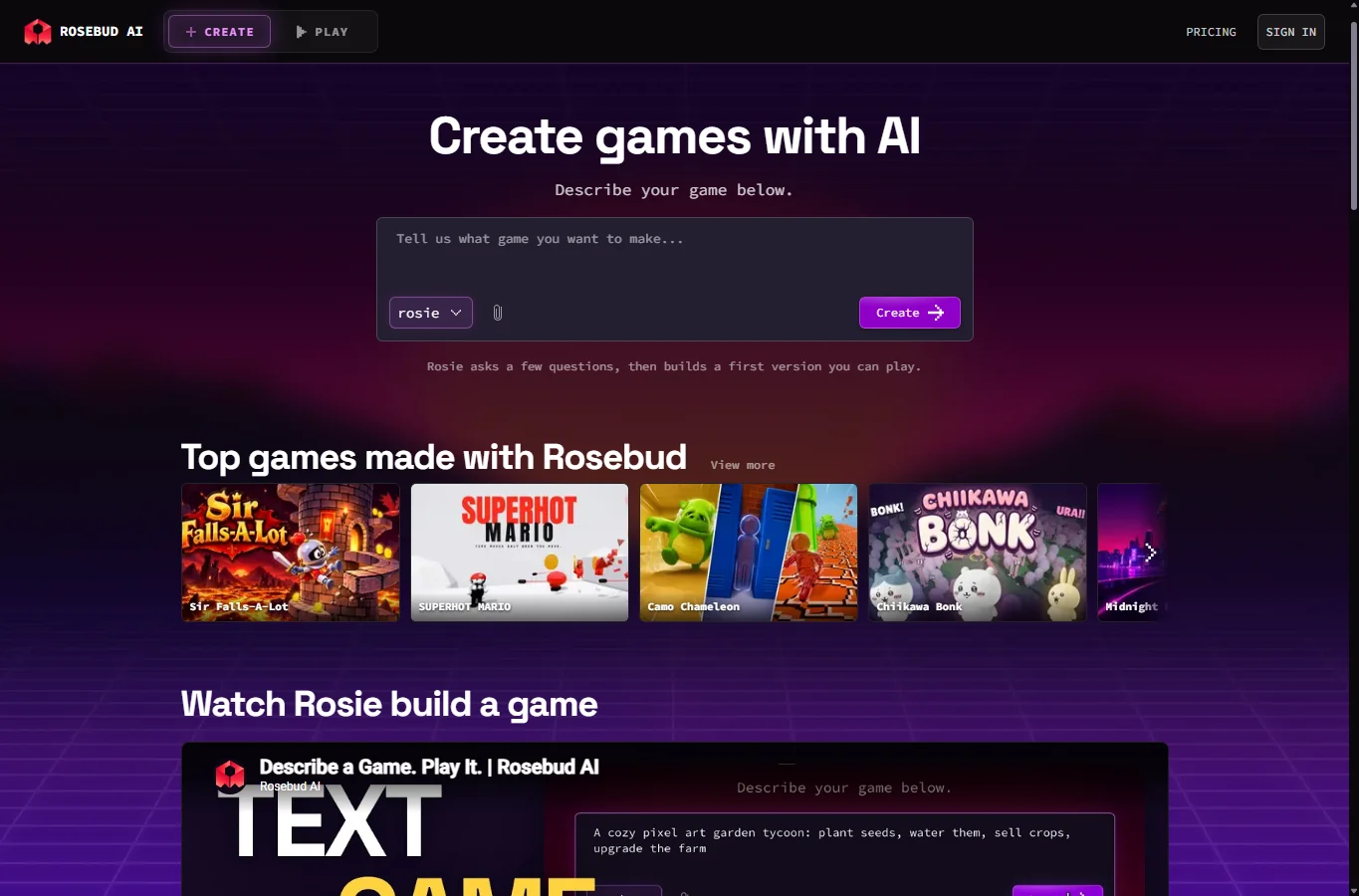
Rosebud combines a chat-led builder with a playable preview and supports 2D and 3D game projects. It suits a small arcade concept, an interactive story or a gameplay idea you want friends to try before investing in an engine setup. Start by specifying 2D or 3D, desktop or mobile controls, and single-player or multiplayer; those choices change the amount of work substantially.
Create one simple loop first: move, collect an item, update the score and restart. Play it, describe the exact failure and request one change at a time. Ask for placeholder shapes before generating a large asset library. A good-looking preview can still have broken collisions, an unwinnable level or a restart button that leaves the timer running.
The plan boundaries matter. Indie Dev is $15/month and includes in-browser code viewing/editing on desktop. Commercial rights and removal of Rosebud branding start with 10x Dev at $30/month. Downloading project code and the Windows export feature for Steam start with Pro at $50/month. A Steam export does not itself provide store approval, and downloaded web-game code is not a Unity project. Choose Rosebud for quick iteration; choose a local-engine workflow if you need deep engine integration or extensive platform-specific systems.
Official site and documentation — Rosebud AI — a fast route to a playable web prototype
2. GDevelop AI — editable visual game logic for beginners

GDevelop is a game engine with objects, behaviors, variables and visual events. Its AI assistant can inspect this project context and add or change scenes, objects and event logic. That makes the result easier to inspect for a beginner than an unexplained pile of generated scripts. The saved project remains a GDevelop project, rather than a conversion into Unity C# or Godot GDScript.
Open a small template, use Ask AI and first request a plan for a coin pickup or a simple enemy. The current assistant’s Auto edit setting is on by default; turn it off when you want to inspect proposed changes before they are applied. Preview after each feature and open the relevant events to see which condition and action implement it. Officially reviewed extensions are supported; do not assume the assistant understands every community extension.
Cloud projects receive a restore point before each AI request. Local projects do not get that automatic protection, so save a copy or use version control first. The engine is open source, but AI use and automated publishing services have separate allowances. Free desktop/Android cloud builds have quotas, and automated iOS export needs an eligible paid plan. Manual export with your own development tools is a different route. Check your target platform before paying; more AI credits do not remove signing, testing or store requirements.
Official site and documentation — GDevelop AI — editable visual game logic for beginners
3. Replit Agent — browser-based coding, preview and hosting
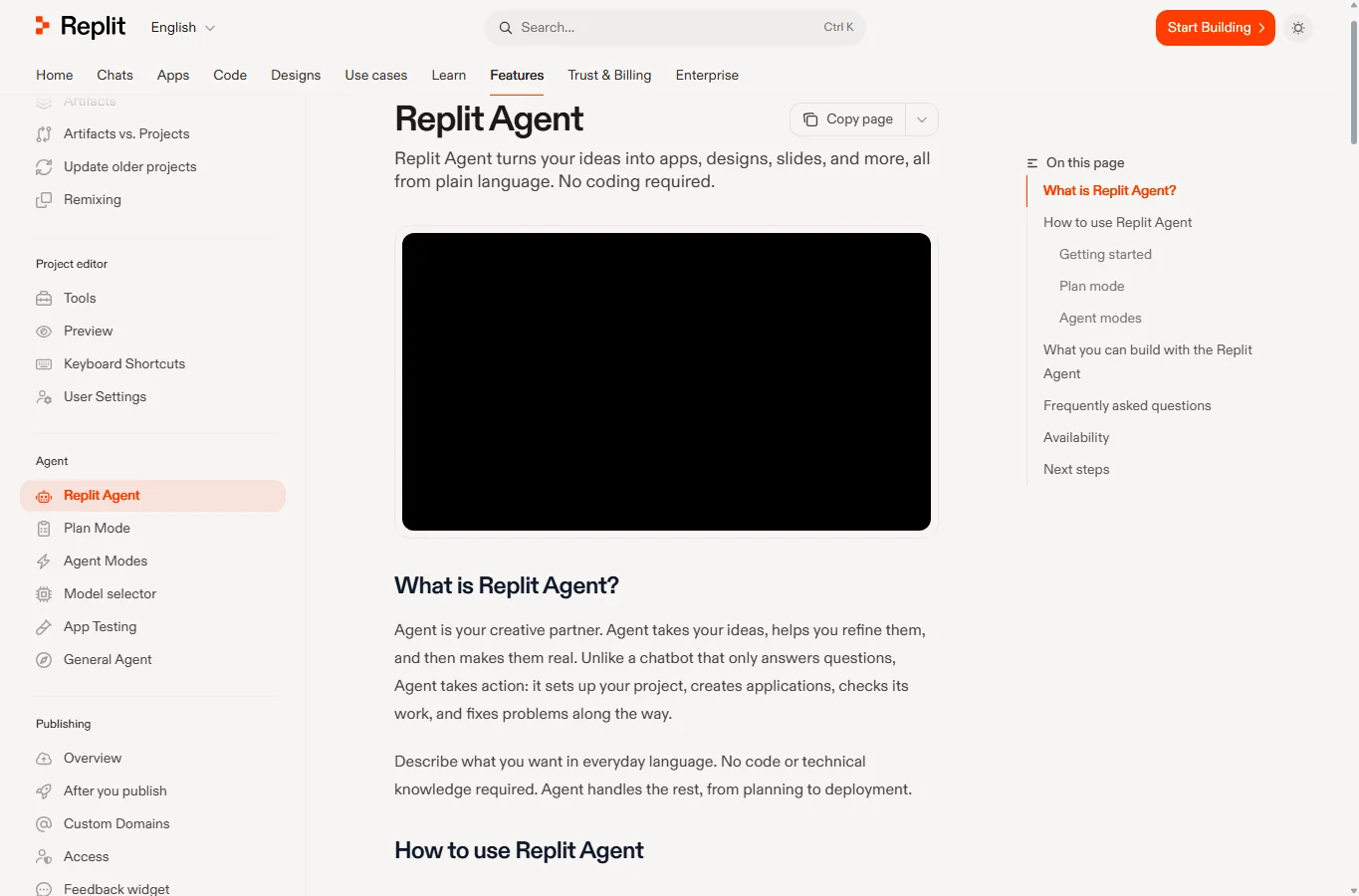
Replit suits a browser game when you want the agent, files, runtime and preview in one workspace. Ask for a specific stack, such as a small HTML5/JavaScript game, rather than only saying “make a game.” It can help wire up game state, controls, a score display and a shareable deployment. It is not a substitute for installing Unity or producing a native console build.
Use planning first: define the controls, win/lose condition and file structure, then build the smallest version. Run the preview and inspect the console before adding accounts, databases or multiplayer. Keep a working checkpoint before asking the agent to restructure the project. Git integration helps preserve history and move source to another host; secrets, databases and service-specific settings still need separate migration.
Core is listed at $20/month on monthly billing, with $20 of monthly credits; the annual-billing monthly equivalent is lower. Credits can pay for Agent work as well as hosting, storage and other services, so they are not an all-AI budget. Starter offers capped chat/Free Mode access rather than unrestricted full game builds. Set usage controls and review deployment charges, especially for an always-online game. It is convenient for a web prototype, but backend-heavy multiplayer can turn a coding experiment into an ongoing hosting bill.
Official site and documentation — Replit Agent — browser-based coding, preview and hosting
4. Roblox Studio Assistant — gameplay code inside Roblox
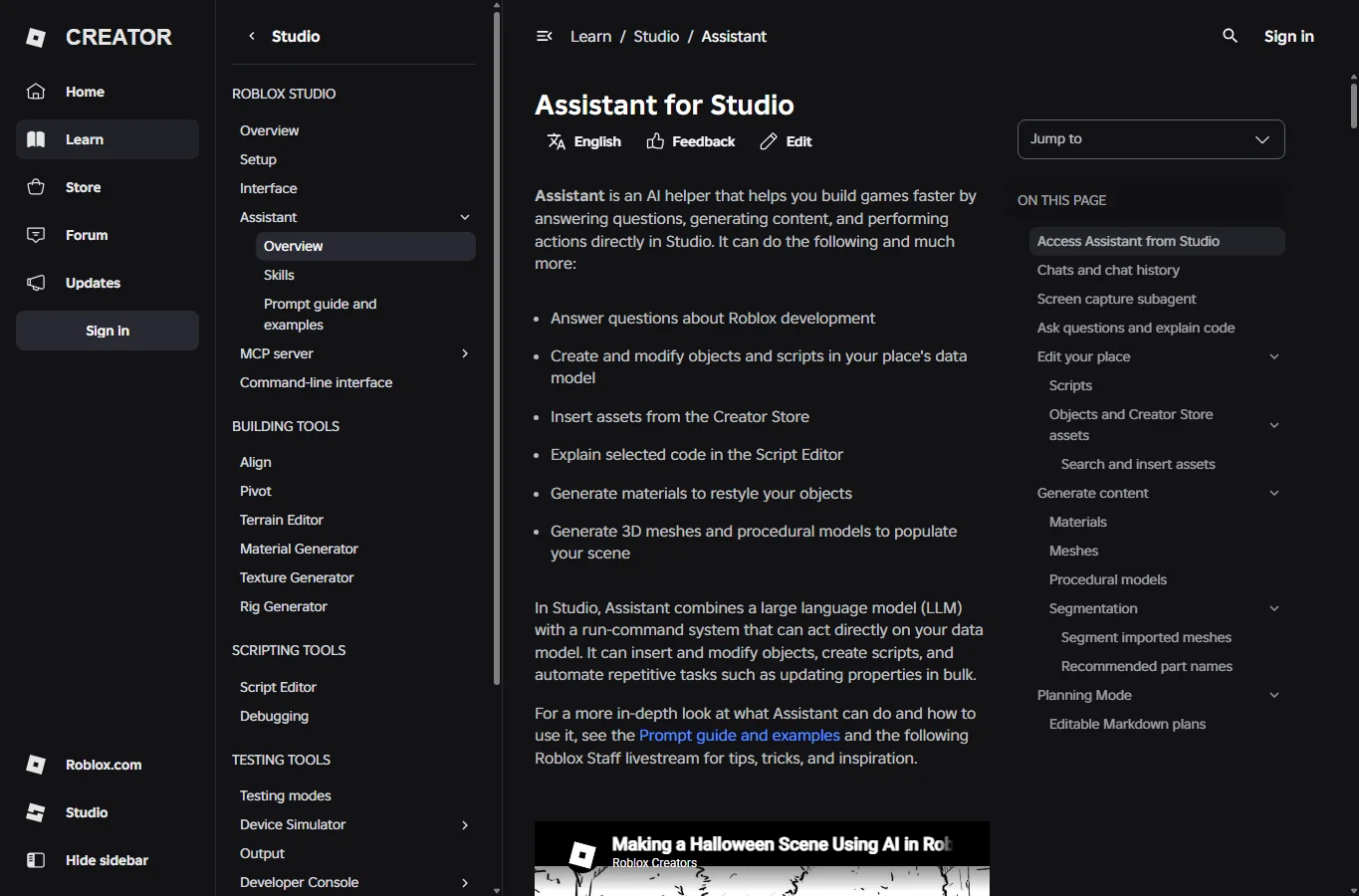
Studio Assistant can work with Roblox objects and scripts, making it a better fit for a Roblox obstacle course, collection game or interactive world than a generic browser-game builder. It can draft Luau and help change the data model. The important distinction is that the finished project is a Roblox experience; it is not a standalone executable you can export to Steam.
Start with a Baseplate or a small template, open Assistant and use Plan mode or /plan. Ask for one feature, such as collectible coins with a server-validated score, and review the plan before building. Test both client and server behavior in Studio. A script that changes a local score display is not enough to secure a multiplayer currency system, and generated scripts still need inspection.
Saving or publishing to Roblox’s cloud does not make an experience publicly accessible: new experiences are private by default. Public-release rules depend on the intended audience. Current all-ages requirements include age verification, two-step verification and either an eligible Plus/Premium membership held for two consecutive months or an optional refundable 1,000-Robux publishing fee per experience, along with evaluation and content-maturity conditions. Do not buy a subscription assuming every account can immediately release to all ages. Use this route when Roblox itself is your intended platform.
Official site and documentation — Roblox Studio Assistant — gameplay code inside Roblox
5. Unity’s AI assistant — help inside an existing engine project
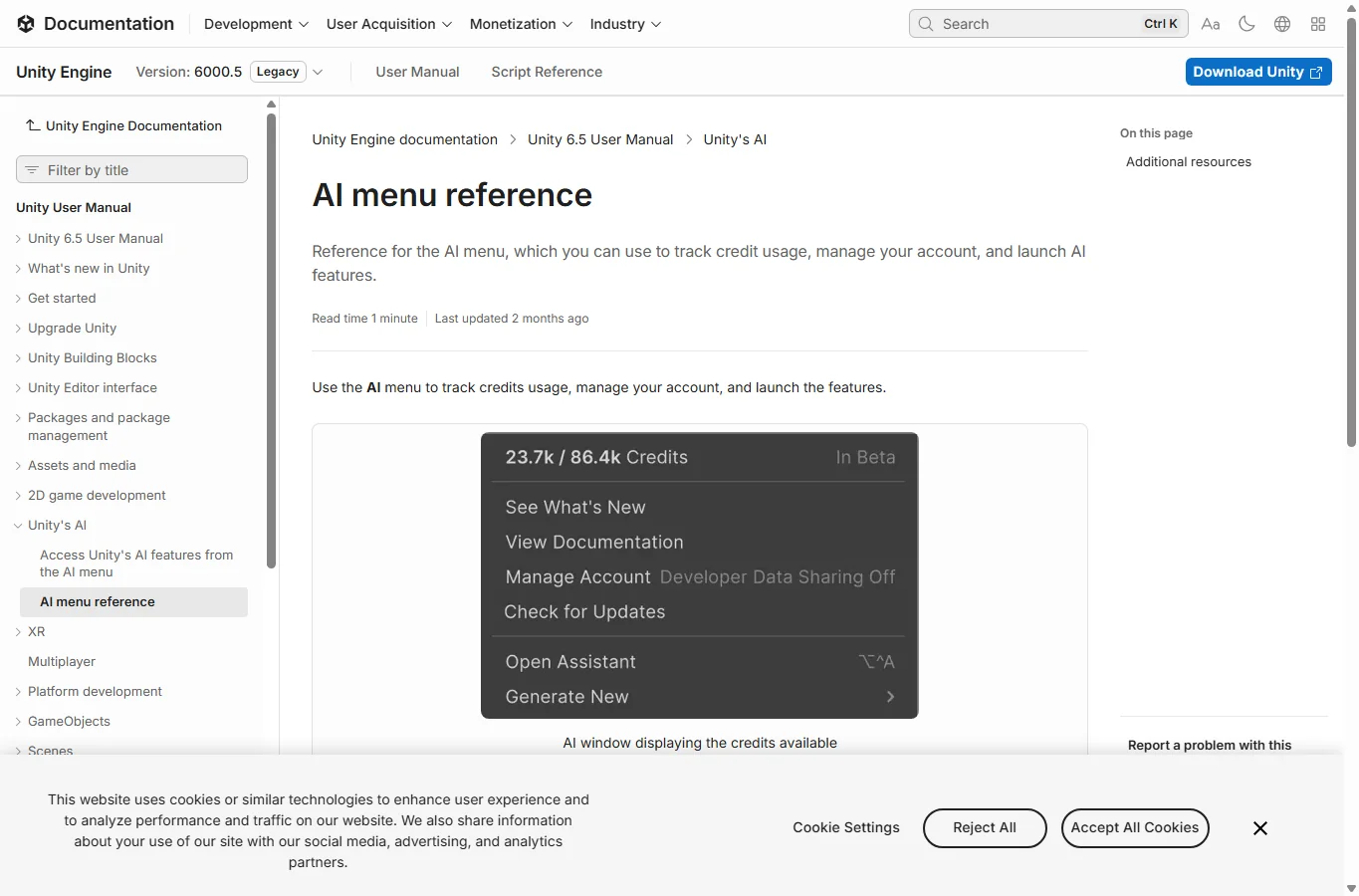
Unity’s in-editor assistant can use project and scene context and help with editor actions and C# tasks. It is useful when you already want Unity’s physics, animation, asset pipeline and platform builds. Unity is retiring the “Unity AI” product name, so focus on the current assistant package and editor tools rather than older Muse tutorials. The current feature page describes beta tools for Unity 6.0 or later.
Use the AI menu or Package Manager to install the assistant in a compatible editor. Start with a clean test scene and ask it to add a single behavior, such as a movement component or pickup trigger. Inspect which GameObject receives the component, enter Play mode and read Console errors. A script that compiles can still fail because an object reference is missing or physics layers are configured incorrectly.
For Personal users, the assistant trial converts to a $10/month subscription; Pro, Enterprise and Industry include assistant access under their terms, with usage governed by credits. Unity’s CLI, MCP server and official agent plugin offer another route without Unity AI credit charges, but the connected external agent may need its own paid plan. These are different billing paths. AI access does not replace an engine license, asset rights, device testing or store requirements. For a tiny first browser game, the engine setup may be more work than necessary.
Official site and documentation — Unity’s AI assistant — help inside an existing engine project
6. Cursor — a code editor agent for projects you control
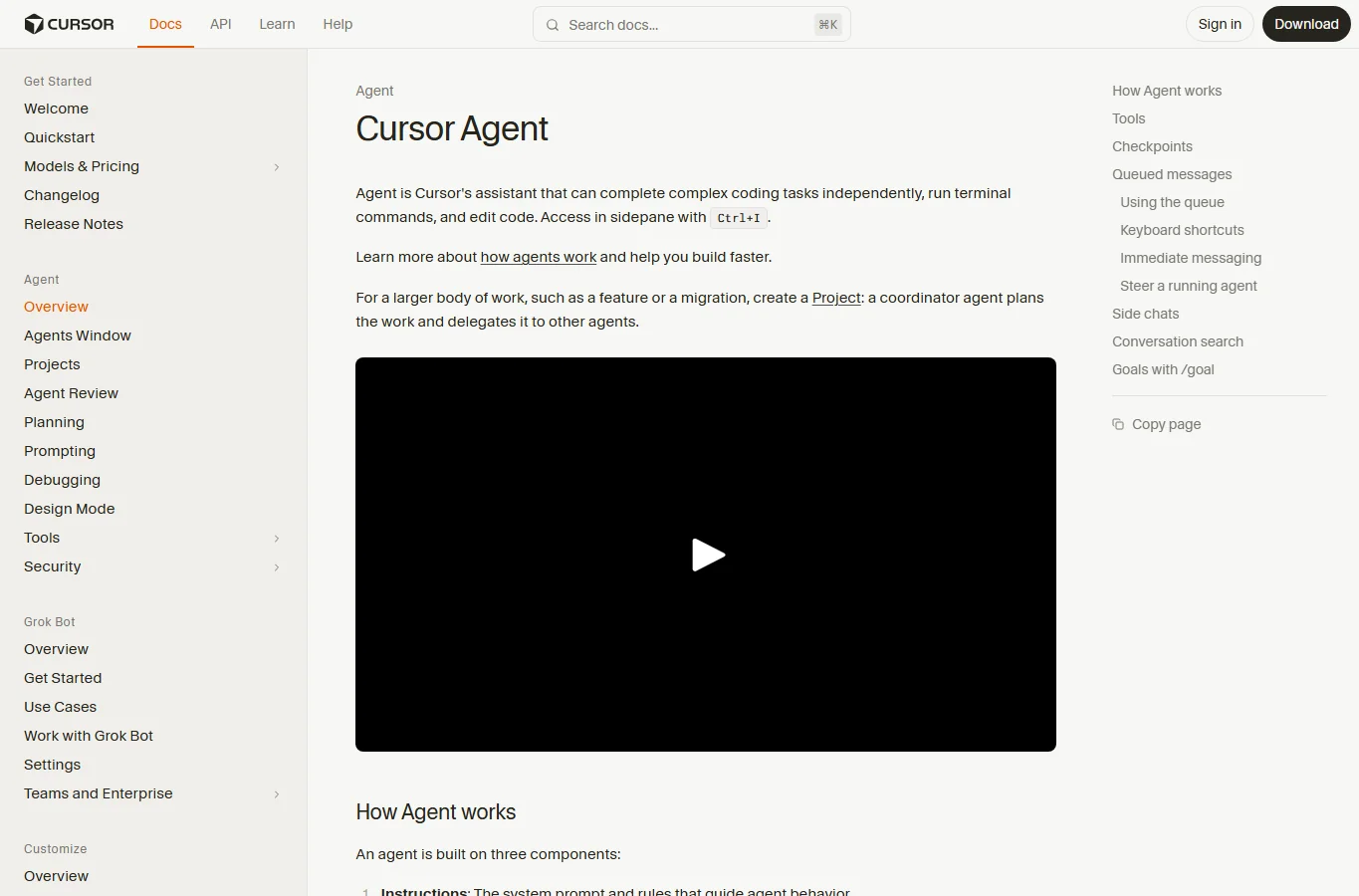
Cursor is an AI code editor, not a game engine. Its agent can examine a repository, modify multiple files and run commands, which makes it useful for an existing JavaScript, Godot or Unity codebase when you want to review diffs and retain the source locally. It cannot infer every scene setting from a few scripts; provide project files, engine version, error messages and the relevant editor context.
Open a version-controlled project that already runs. Ask for a plan and name the exact files or feature boundary: for example, add a pause menu without changing movement or save data. Review the diff, run available checks and play the affected level in the engine. Commit the working result before a larger refactor. If the agent can run terminal commands, inspect installation and deletion commands rather than treating generated instructions as inherently safe.
Current pricing has a Free tier, Plus at $8/month and Premium at $30/month. The published plans distinguish bundled model usage from separately charged third-party models; a subscription price is not a universal allowance for every model. Choose this route when you can maintain a project and troubleshoot engine issues. It gives more code control than a hosted prompt-to-game service, but you supply the engine, build environment, assets and publishing pipeline.
Official site and documentation — Cursor — a code editor agent for projects you control
7. Claude Code — a project agent for developers comfortable with setup
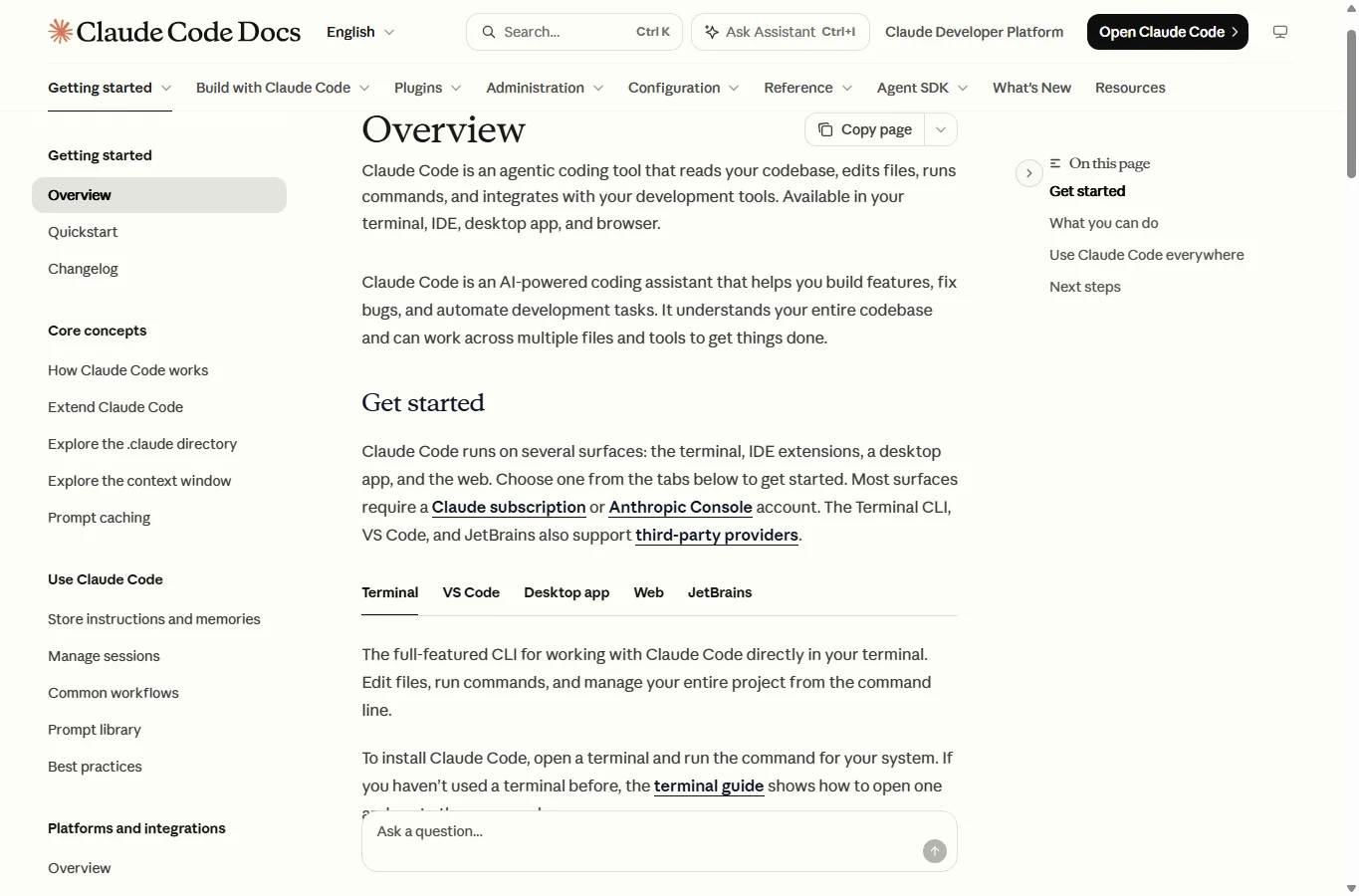
Claude Code works across a codebase, edits files and runs commands or tests. It suits someone who already has a runnable project and wants help implementing systems, explaining failures or refactoring repeated logic. It can assist with game scripts, but it does not supply a game engine, a scene viewer or a guaranteed working build by itself.
Install it through the official instructions, open the project directory and document the engine version, startup command, coding conventions and files it should avoid in CLAUDE.md. Ask it to inspect first, explain a proposed change and implement one small feature. Read the diff and the actual test output. For editor-managed scenes or resources, keep engine-side validation and manual playtesting in the loop; passing a command-line check does not establish that the game is fun or even playable.
Pro is $20/month on monthly billing, or $200 annually, and includes Claude Code subject to usage limits. API/Console billing can be a separate paid route. The free Claude chat plan should not be confused with included Claude Code access. This is a good fit for a developer who wants an agent beside an existing toolchain; it is a harder first step if installing an engine, resolving dependencies and using version control are all new to you.
Start with one small, playable game
Use a deliberately small brief before buying a larger plan. This example is a starting specification, not a tested promise that every tool will complete it in one request:
Build an original single-player 2D game: collect 10 stars in 60 seconds. Include keyboard controls and touch buttons, a score and timer, win and lose screens, and a restart button that fully resets the state. Use geometric placeholder art and no paid external API. Keep interface text in one editable language file. First explain the proposed project structure and run/build command; then implement movement and one collectible before adding the rest. Use the engine and version I specify.
- Choose the target first. In Rosebud, select a 2D single-player prototype; in GDevelop, use events and behaviors; in Replit, specify the web stack. Roblox needs Luau and Studio objects, while Unity needs the correct editor version and scene components.
- Get movement and one collectible working before adding a timer, menus or polish. Keep a restore point or Git commit for each working stage. When reporting a bug, include the steps to reproduce it, expected behavior, actual behavior and relevant error text.
- Play and export early. Open the actual shared link or exported build on a second device, rather than relying only on the editor preview. Add art, sound and multiplayer only after the basic loop works.
Budget and code ownership: the important distinctions
Treat generated attempts as a budget, not a promise of finished games. Rosebud starts with 10,000 free credits; the official FAQ estimates roughly 2,000 credits for a default Rosie edit and around 20,000 for a premium-model edit. Dividing 10,000 by 2,000 gives only an illustrative five light edits, not five complete games. Request complexity and asset generation change the cost; free weekly refills are region-dependent.
Before subscribing, write down the total route to release: AI allowance, code-download entitlement, commercial rights, engine/build service, hosting and store costs. A paid agent may still leave you paying for a backend, and the ability to download files does not prove that every asset or dependency is licensed for commercial distribution.
Keep credentials out of browser code and inspect external packages before installation. For commercial work, use original or properly licensed assets and check the destination store’s AI-content disclosure requirements. AI-generated code still needs dependency and license review.
What to check before publishing
- Movement, collision and input work at the intended frame rate; touch controls remain usable on a real phone.
- Winning and losing both work. Restart resets score, timer, enemies, audio and event listeners without duplicating them.
- Translated labels fit buttons, fonts contain the required characters, and instructions do not assume a physical keyboard.
- The exported build or public link works on a second device. Loading, save data and any network failure have understandable behavior.
- Multiplayer rules and purchases are validated on the server. API keys and private tokens are absent from downloadable client files.
- You have the necessary code, asset and music rights, and have completed platform eligibility, content ratings, signing and required disclosures.
Which tool should you start with?
Start with Rosebud for a quick playable concept, or GDevelop if you want to learn and inspect visual game logic. Choose Replit for a browser game with accessible web code. Stay inside Roblox or Unity when those engines are already your destination. Choose Cursor or Claude Code when ownership of an existing repository and a reviewable development process matter most.
Once the game loop works, sound is a separate production step. Our guide to AI sound-effects generators explains options for effects used in games, videos and podcasts; it does not replace testing or licensing checks for your game.
Compare AI sound-effects generators
Editorial scope: documentation and listed plans checked on November 6, 2026. Prices are USD before tax unless stated otherwise; billing periods and regional offers vary. This is a workflow and feature comparison, not an independent paid-generation benchmark. Screenshots show official pages. AI assisted research, writing and the editorial cover illustration; the cover is not output from a reviewed game tool.
Related
7 Best AI Quiz Generator Tools to Streamline Your Assessments in 2026

Top AI Calorie Tracking App and Food Recognition Tools 2026
How to Remove Proof from Photo Online for Free
AI Social Media Post Generator: Best Tools to Create Posts Faster
Virtual Try-On in 2025: The AI Tools Changing How We Shop
Best AI Excel Formula Generators to Work Faster