
A door closing, a creature moving off screen, or a quiet room under a podcast can make a scene believable. AI sound effects generators are most useful when you can describe the missing sound precisely and need a few variations without searching through hundreds of stock clips.
Start with ElevenLabs for standalone sound assets and API control, MyEdit for straightforward browser generation, or FlexClip when the sound belongs in a video edit. Adobe Firefly adds performance-guided effects, Filmora keeps generation close to a desktop timeline, and SFXLab offers a mobile route for short ideas. The right choice depends on export, timing and licensing as much as the initial result.
A generator is different from a stock library: it creates a new candidate from a description rather than finding an existing recording. For familiar sounds where consistency matters more than novelty, a stock clip may still be the faster choice.
Choose a generator by the job it needs to do
For video, prioritize easy placement against the picture and access to separate audio files. For a game, prioritize clean one-shots, consistent variations and genuinely seamless loops. For a podcast, prioritize a quiet background that stays out of the way of speech; an impressive cinematic effect can be the wrong editorial choice.
Check three different language questions: the interface language, the language accepted by the sound-effects prompt, and whether you need spoken words. A multilingual text-to-speech feature does not establish the same language coverage for effects. Firefly currently requires English sound-effects prompts, and Filmora’s instructions also specify English input.
Evaluate the file after export, not only in the preview player. Listen for an unwanted voice, music bed, clipping, abrupt endings and a noisy tail. Keep the strongest take only if it also fits the scene.
AI sound effects generators compared
| Tool | Best fit | Cost or export point to check |
|---|---|---|
| ElevenLabs | Standalone effects and API workflows | Free versus paid commercial rights; WAV restrictions |
| Adobe Firefly | Performance-guided effects for picture | Premium feature access and generation credits |
| MyEdit | Browser-based Foley and individual clips | Account credits and available download formats |
| Wondershare Filmora | Effects inside a desktop video edit | AI credits as well as the editor license |
| FlexClip | Short web videos and social edits | AI quota and video export plan are separate checks |
| SFXLab | Mobile ideas and short looping assets | Subscriptions, credits and output license |
The best tools for different production workflows
ElevenLabs — best for standalone assets and programmable workflows
Open the official tool · ElevenLabs
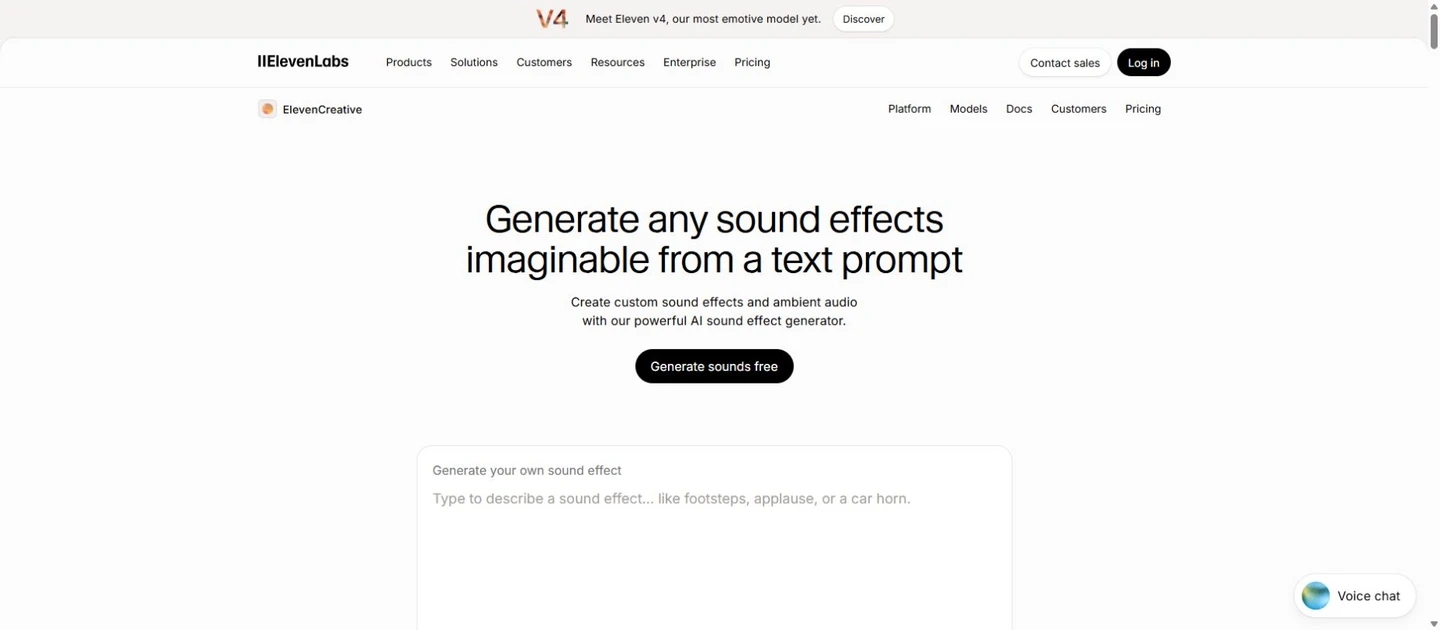
ElevenLabs is a strong starting point when your deliverable is an audio asset rather than a finished video. Describe a single event or an ambience, set the intended duration and compare variations. The web tool suits editors; the API is useful when a game team needs a repeatable generation pipeline with saved prompts.
Its sound-effects documentation lists durations from 0.1 to 30 seconds and a looping option. MP3 is available, while 48 kHz WAV is documented for non-looping output. That distinction matters if your game pipeline expects a lossless loop: verify the actual export rather than assuming every mode offers the same format.
As of October 20, 2026, the pricing page lists a free tier with 10,000 credits and a Starter plan at US$6 per month with 30,000 credits and a commercial license. Do not use the free tier as a blanket commercial license. Generation costs can differ by mode or service; use the estimate shown for your account instead of treating a credit count as a fixed number of effects.
- Write one sound event, its material and its acoustic space.
- Set a short duration for a one-shot; enable looping only for a sustained bed.
- Compare the attack and tail, then download the format your editor or engine needs.
Best when you want separate assets. You still need an editor to synchronize, trim and mix them.
Sound-effects documentation · Plans and commercial access
Adobe Firefly — best for shaping an effect to a performance
Open the official tool · Adobe Firefly
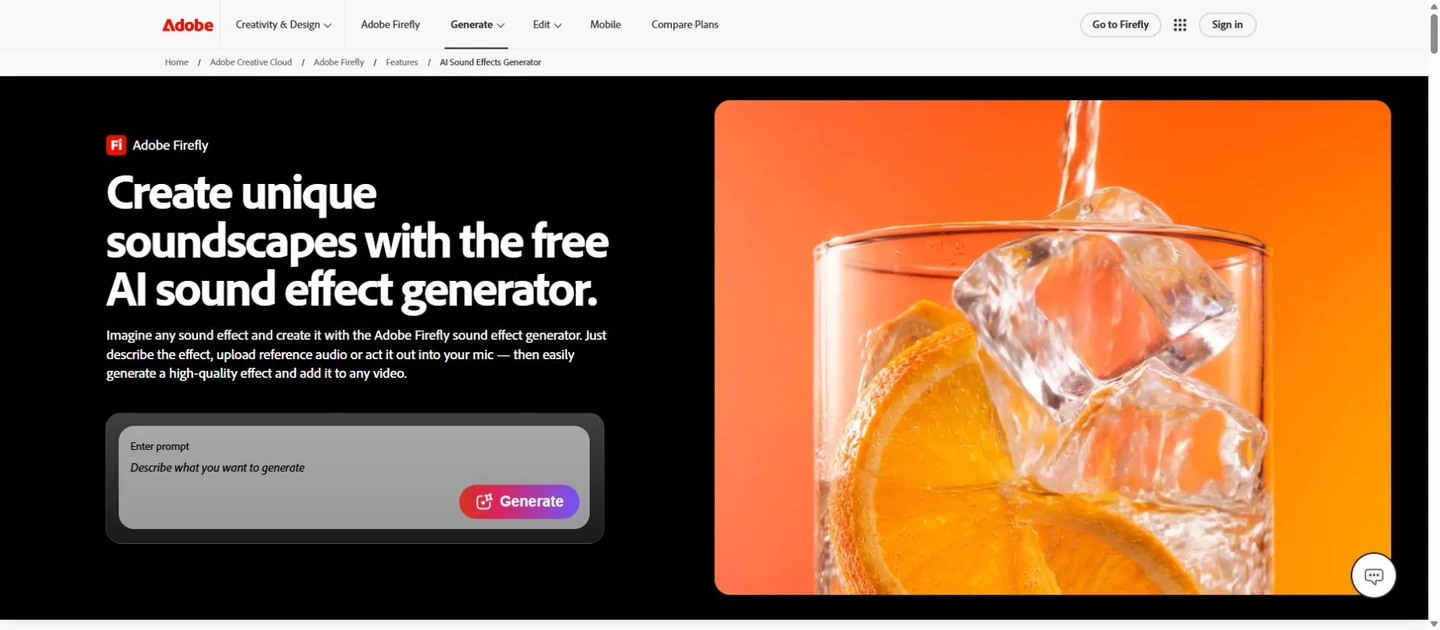
Firefly is particularly interesting when the rhythm of a sound matters: a whoosh that swells with a gesture, a short impact, or a movement that needs a more expressive envelope. Alongside a text description, its performance-guided workflow can use a vocal performance as a timing and energy reference. That is guidance for the effect, not a promise of frame-perfect automatic Foley.
The current sound-effects workflow accepts English prompts. You can work with effects on tracks and trim or mix them against the video, then download individual audio as WAV or export a mixed video as MP4. Keep individual files if another editor or a game engine will handle the final mix.
Adobe’s credit guidance currently lists 10 generative credits per 48 kHz sound-effects generation. Access depends on the applicable premium feature and plan; a button labeled free does not imply unlimited production. Review the terms for the particular Firefly feature before delivering client work, especially if a workflow is marked beta.
- Describe the sound in English, including whether it is close, distant, dry or reverberant.
- Use an optional performance reference when timing or intensity is difficult to express in words.
- Place and trim the effect, then download a separate WAV for further editing.
Choose this for expressive audiovisual work; budget for both access and repeated generations.
Firefly sound-effects guide · Generative credits explained
MyEdit — best for a straightforward browser workflow
Open the official tool · MyEdit
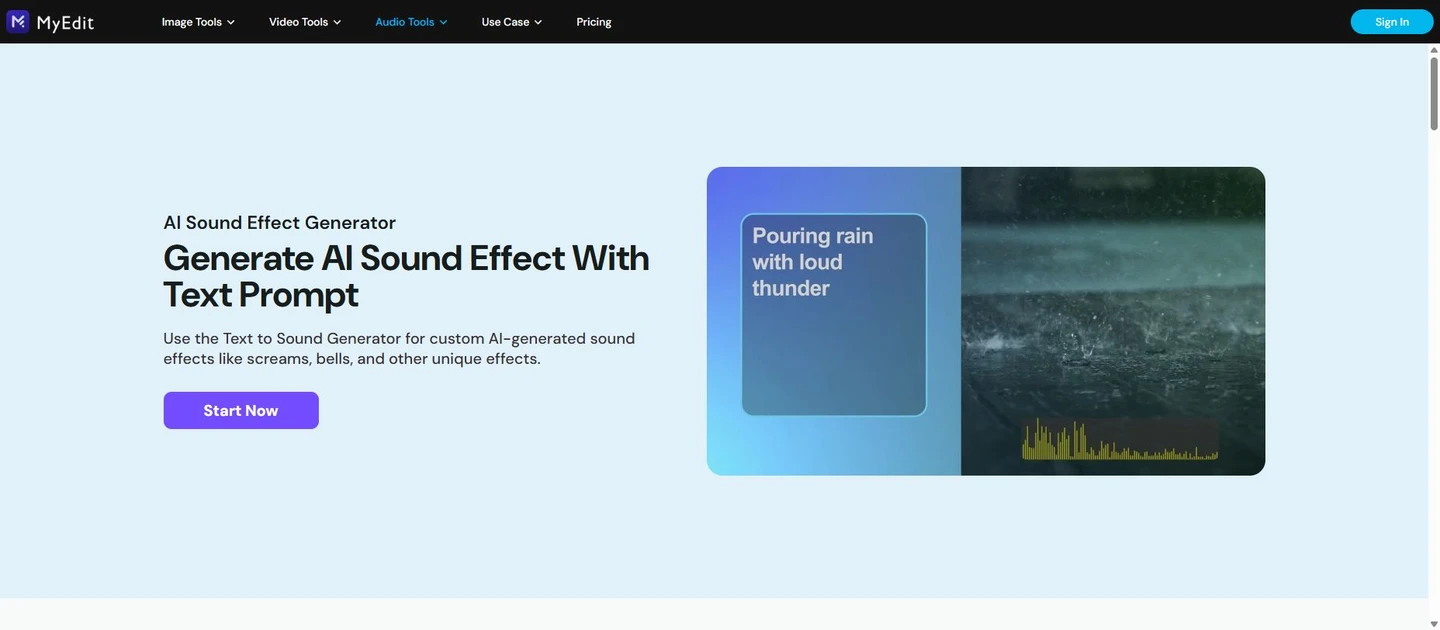
MyEdit makes sense when you need a discrete sound without moving a whole project into a new editor. Its text box supports descriptions up to 800 characters, giving you room to specify the source, action and surrounding space. Start much shorter, however: a clear description of one sound is easier to revise than a paragraph containing a complete scene.
The product page lists MP3, WAV, FLAC and M4A downloads. That flexibility is useful for an editor who wants a quick preview file and a higher-quality production master, but check the formats and quota available to your account. Trial access uses credits; it is not a guarantee of unlimited free generation.
Use it for footsteps, small mechanical actions, transition sounds and room ambience, then assemble the layers elsewhere. MyEdit describes its generated effects as royalty-free, but the practical check remains the rights attached to your current account and use case. Save the relevant terms together with the final asset.
- Describe the source and one action, then choose an appropriate duration.
- Preview a few candidates, changing one detail at a time.
- Download a suitable format and place it in your existing audio or video project.
Good for individual effects. It does not replace multitrack sound design or a game audio engine.
Filmora — best for editors already working on a desktop timeline
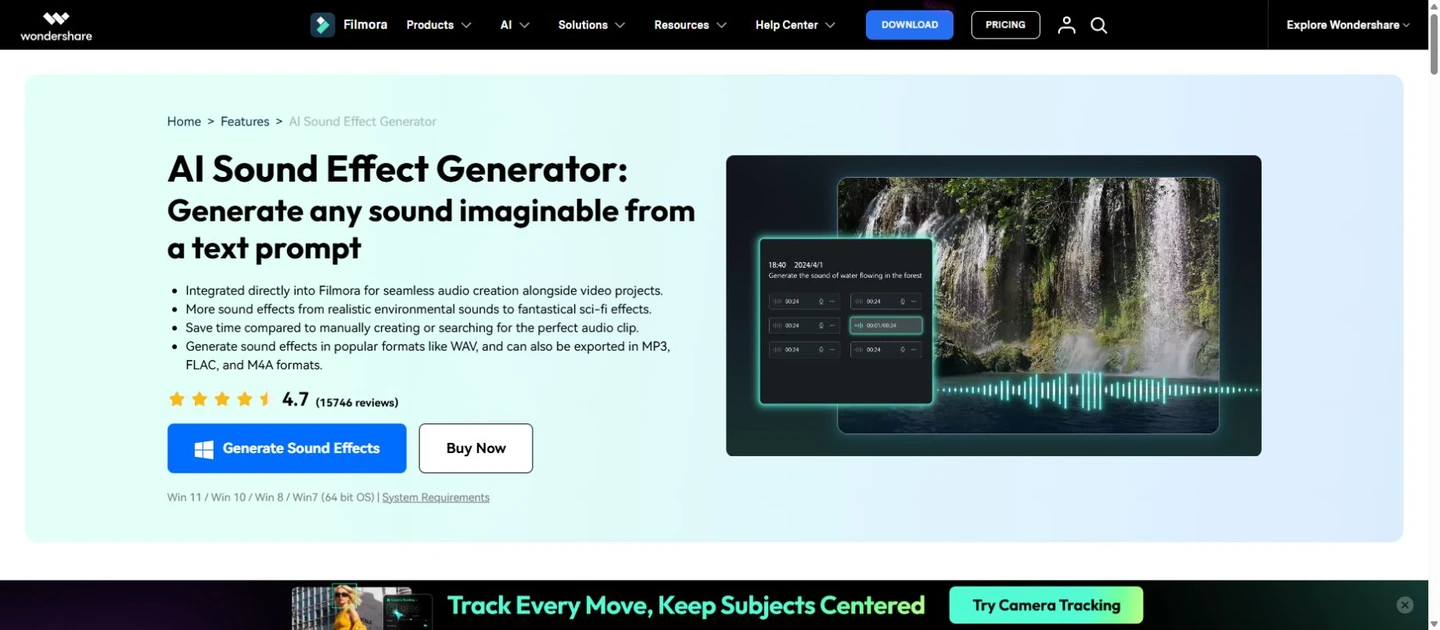
Open the official tool · Wondershare Filmora
Filmora reduces the gap between creating a sound and trying it against the picture. Open its AI sound-effects feature, enter an English description, select the available duration and generation options, then bring the chosen clip onto the timeline. This is convenient for a video editor who would otherwise download, import and organize each new candidate manually.
The advantage is the surrounding editor: cut the effect to an action, adjust its level and listen with dialogue and music. Generate a dry impact first, then handle placement and fades in the timeline. A generated game sound is still an offline file; Filmora does not make it react to a player at runtime.
Budget for AI credits as well as the Filmora license. An editor subscription or perpetual license does not automatically mean unlimited AI generation, and rights for bundled music should not be assumed to apply to every AI output. Keep downloaded masters locally rather than depending on a cloud history to remain available indefinitely.
- Open AI Sound Effect in Filmora and enter a concise English prompt.
- Preview the candidates and drag the selected sound to the timeline.
- Align the first transient with the action, lower the level against dialogue and export your mix or asset.
Most useful if Filmora is already your editor; less compelling if you only need a standalone browser download.
FlexClip — best for generating and placing effects in a web video
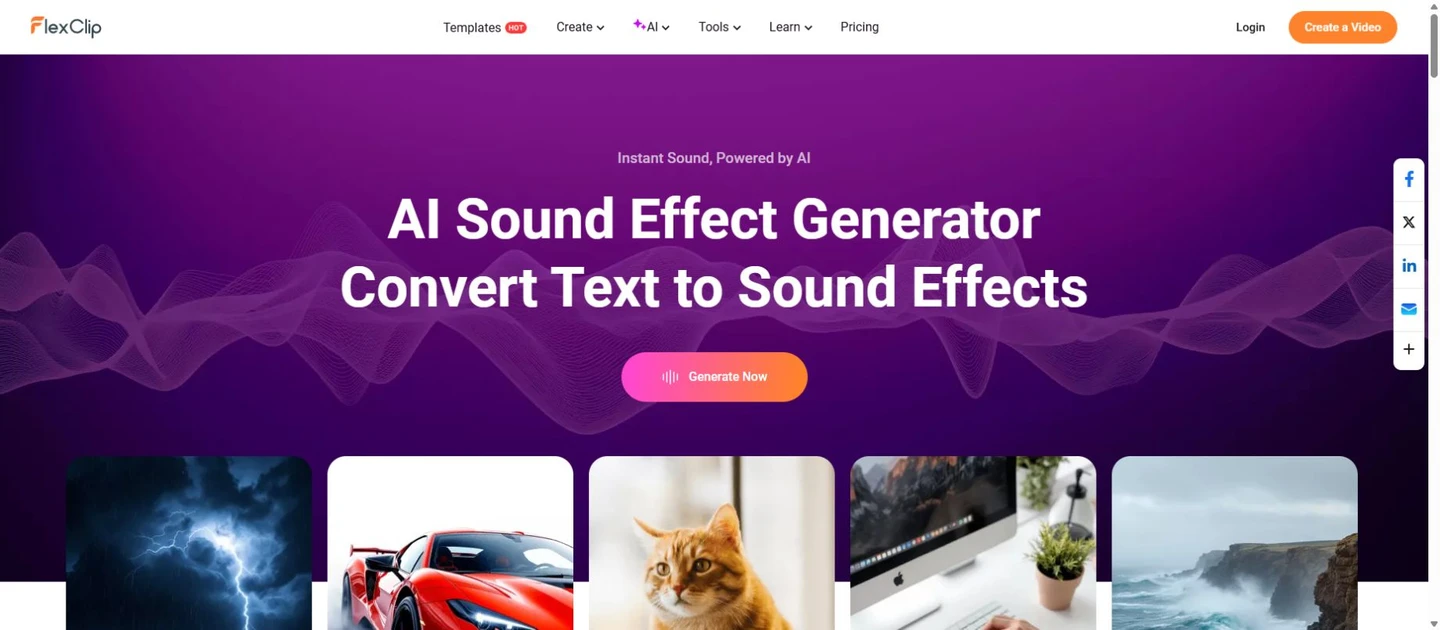
Open the official tool · FlexClip
FlexClip combines text-to-sound generation with a browser video editor. It suits a short product video, social clip or explainer where you need to hear the sound against a cut immediately. Its prompt examples offer a useful starting point, but replace vague mood words with a specific source and action.
The help documentation asks for prompts within 200 characters. A compact instruction such as “one dry metallic latch click, close, quiet room, no music” is more useful here than a long narrative. Preview the result, then use it in the editor or download it through the available workflow. Positioning and balancing the effect remain editing tasks.
Check AI generation allowances separately from video export resolution, watermark rules and the rest of the editing plan. FlexClip markets the effects for personal and business use, but keep the applicable license and project records. Do not assume a generated ambience is unique to your production or that a trial includes every export option.
- Write a compact description of a single event or ambience.
- Generate, preview and choose the clip that matches the picture.
- Place it at the cut, trim its tail and reduce the level beneath speech before exporting.
A convenient video workflow. For a game, download and inspect the standalone audio before committing to a format.
SFXLab — best for mobile sketches and short loop ideas
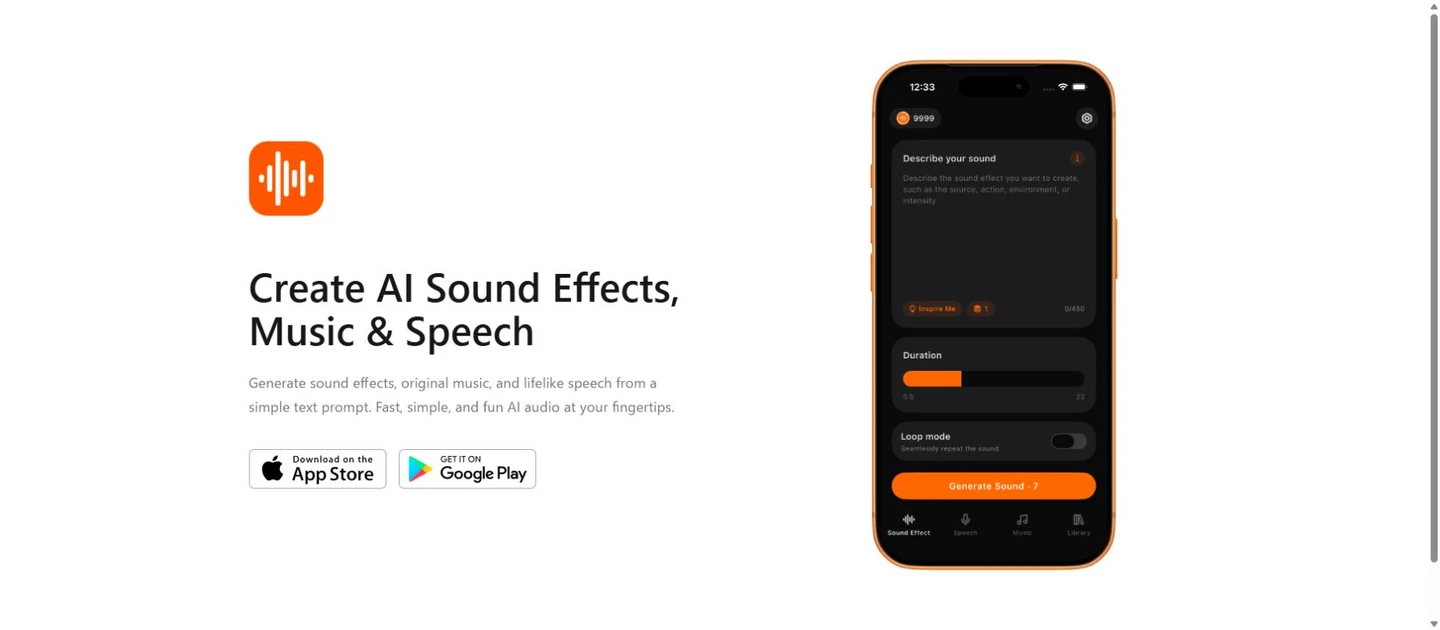
Open the official tool · SFXLab
SFXLab is a mobile option for capturing a sound idea while away from a desktop. Its developer describes text-generated effects from 1 to 22 seconds and a Loop Mode. That makes it a candidate for quick interface sounds, a short game ambience or a transition to audition later in a larger project.
The iPhone and iPad listing includes English, French, German, Portuguese and Spanish among its app languages. Interface localization is useful for navigation; it is not a controlled test of every language, accent or prompt. Keep descriptions concrete and audition the result before committing a production budget.
A free download should not be confused with free production: the app offers in-app purchases, credits and auto-renewing subscriptions. Confirm export options, cancellation terms and the output license in the current app before paid client or game work. Treat Loop Mode as a starting point and listen across the join yourself.
- Choose the effects feature and describe one short sound.
- Use the duration or Loop Mode appropriate to the asset.
- Export a test, check the join and tail in your editor, then keep the useful version with its prompt.
Useful for mobile ideation; verify the final export and license before moving a prototype into production.
Prompts for video, games and podcasts
Use this pattern: source + action + material + space + duration + exclusions. Each example is a starting prompt, not an audio result. If a tool ignores an exclusion, simplify the request or generate the unwanted layer separately.
Video Foley
A single heavy wooden door closes softly in a small carpeted room, close perspective, dry recording, short natural tail, no voices or music.
Align the first contact with the frame where the door meets the jamb. Trim silence before the transient.
Game one-shot
One short magical shield impact, bright glassy attack followed by a soft low shimmer, isolated, under two seconds, no speech or background music.
Request several variations without changing the material or perspective. Avoid a long reverb tail if the effect will repeat rapidly.
Podcast ambience
Steady light rain outside a closed window, quiet indoor perspective, even level, no thunder, no voices, no music.
Build a longer bed with careful crossfades and lower it under dialogue. A successful atmosphere should not compete with consonants.
Turn a generation into a usable sound asset
Generate separate layers
Ask for footsteps, wind and a door independently. You can then adjust their timing and level without regenerating the whole scene. A request for “a busy street with a passing car and two people talking” is much harder to edit cleanly.
Keep an uncompressed master when available
Choose WAV or another suitable lossless format if the tool offers it. Converting an MP3 to WAV does not restore information already discarded. Match the project’s sample rate on export; 48 kHz is common for video, but use the actual delivery specification.
Finish the asset in context
Trim leading silence, add short fades where necessary and listen with the rest of the mix. For games, test loops across several joins and consider mono for positional effects. For podcasts, listen on headphones and a small speaker with the dialogue playing.
Track cost and rights with the file
Store the prompt, tool, generation date, chosen take and applicable plan or license. Compare usable takes per credit rather than raw generation counts. A paid download is not, by itself, proof of exclusive rights or a commercial license.
Questions before you spend credits
Which generator should a beginner try first?
MyEdit is a practical start for a standalone browser download; FlexClip is convenient when the goal is a short video. Begin with one dry effect and a small trial allowance. Judge how easily you can export and edit the result before buying a larger plan.
Can I use AI sound effects in commercial videos or games?
It depends on the tool, plan and applicable terms. ElevenLabs explicitly distinguishes free and paid commercial access; other products have their own rules. Confirm output rights, attribution obligations and any client restrictions before release, then keep a copy of the terms.
Will a text-to-speech language list tell me which prompts work?
No. Speech generation, interface localization and sound-effects prompting are separate capabilities. Firefly and Filmora currently specify English for effects prompts. Use the language documented for the feature and do not expect an effects model to produce accurate spoken dialogue.
Can an AI effect loop seamlessly?
A loop mode can help, but a musical pulse, changing texture or long tail may still reveal the join. Play the clip repeatedly in the target engine or editor. Trim, crossfade or regenerate if the transition clicks or the background changes abruptly.
Is a generated effect ready to mix immediately?
Usually it needs at least trimming and level adjustment. Check for clipped attacks, unexpected voices and excess reverberation. Match the sound to the picture or gameplay event, then listen at the project’s normal playback level rather than comparing isolated loud previews.
When is a stock sound library better?
Choose stock when you need a recognizable, consistently recorded sound quickly, or a collection with documented provenance. Generation is useful for unusual combinations and variations. Both approaches can be combined, provided the license for each asset covers the project.
Choose one tool, then build a small sound palette
Choose by the file’s destination. ElevenLabs gives asset-focused teams a dedicated route; Firefly adds performance guidance; Filmora and FlexClip keep effects near a video timeline. MyEdit is a straightforward browser choice, while SFXLab is worth considering for mobile sketches after checking its export and license.
Before subscribing, make a three-sound test: one dry impact, one sustained ambience and one effect synchronized to an action. Keep the same brief across candidates and compare the usable export, editing effort and total credits spent. A small palette of consistent sounds is more valuable than a large folder of impressive clips that do not fit together.
Related
Best Krea AI Alternatives for Image, Video, and Creative Workflows

The 8 Best Speech to Text AI Tools in 2026: Features, Reviews, and Real-World Use Cases
Best AI Manga Translation Tools for Manga and Webtoons

7 Best AI Quiz Generator Tools to Streamline Your Assessments in 2026
Best AI Music Generators to Create Songs, Beats, and Background Tracks
Best AI Avatar Generators to Create Profile Pictures, Videos, and Digital Humans