
Table of Contents
- Why Look for a Krea AI Alternative?
- What to Look for in Krea AI Alternatives
- Quick Comparison
- 1. Midjourney
- 2. Runway
- 3. Leonardo AI
- 4. Ideogram
- 5. Adobe Firefly
- 6. Freepik AI
- 7. OpenArt
- 8. Luma AI
- 9. Pika
- 10. Topaz Labs
- Which Krea AI Alternative Should You Choose?
- FAQ
Why Look for a Krea AI Alternative?
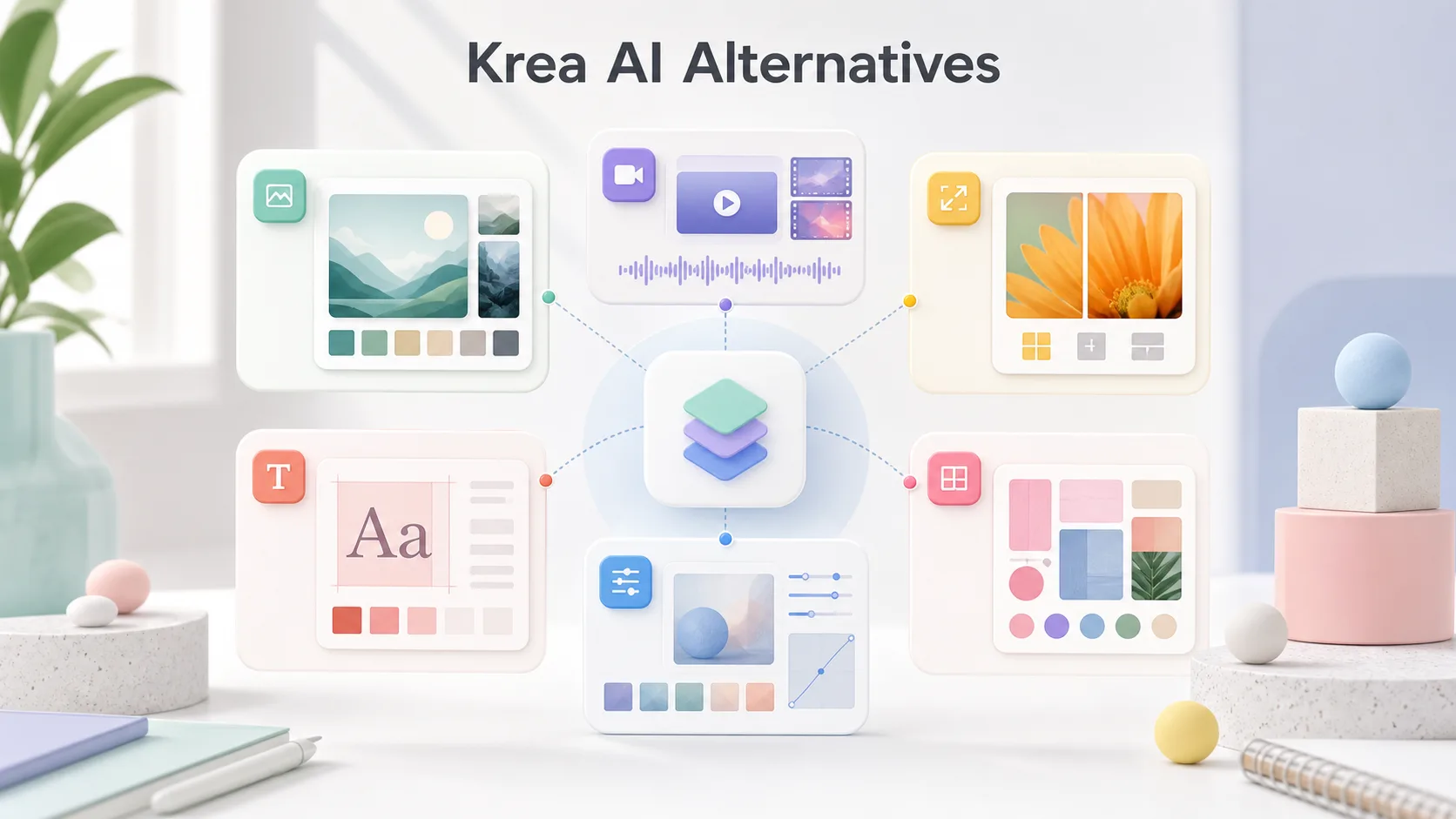
Krea AI is a creative AI platform for image generation, video generation, image enhancement, upscaling, and style-driven workflows. It is especially interesting for creators who like moodboards, visual references, and fast creative exploration. However, it may not be the perfect tool for every project.
Some users look for Krea AI alternatives because they want stronger text rendering, better video controls, more realistic image outputs, a lower-cost plan, a different interface, commercial design integration, or more advanced editing tools. Others may already use Krea but want to compare it with tools like Midjourney, Runway, Leonardo AI, Ideogram, Adobe Firefly, Freepik, OpenArt, Luma AI, Pika, or Topaz Labs.
The best alternative depends on what you need Krea for. If you use Krea mainly for AI image generation, Midjourney or Leonardo AI may be better options. If you use Krea for AI video, Runway, Luma AI, or Pika may be more relevant. If you care most about image enhancement and upscaling, Topaz Labs or dedicated upscalers may be stronger.
What to Look for in Krea AI Alternatives
Before choosing an alternative to Krea AI, decide what part of Krea you actually want to replace. Krea covers several creative tasks, so a single competitor may not replace everything equally well.
Look at these factors:
- Image quality: Does the tool create polished, usable images from prompts?
- Style control: Can it follow a reference style, moodboard, or brand direction?
- Video generation: Does it support text-to-video or image-to-video workflows?
- Upscaling and enhancement: Can it improve low-resolution or noisy images?
- Text accuracy: Can it generate readable words inside images?
- Editing workflow: Does it help you revise outputs instead of starting over?
- Ease of use: Is the interface beginner-friendly?
- Pricing: Does it fit casual, creator, agency, or business use?
- Commercial use: Are the licensing terms suitable for your projects?
- Team workflow: Can it support collaboration, review, or brand consistency?
For most users, the right choice is not one universal winner. A designer may use Krea for moodboards, Midjourney for artistic concepts, Ideogram for text-heavy images, and Runway for video. The real goal is to build a creative workflow that fits the type of content you produce.
Quick Comparison
| Tool | Best For | Main Strength | Possible Limitation |
|---|---|---|---|
| Midjourney | AI image generation | Artistic image quality and strong visual style | Less focused on full design workflow |
| Runway | AI video creation | Video generation, editing, and creative production | Can be more expensive for heavy video use |
| Leonardo AI | Image generation and game assets | Many controls, presets, and creative asset workflows | Interface may feel busy for beginners |
| Ideogram | Text-in-image graphics | Better readable text in visuals | Not always the best for cinematic realism |
| Adobe Firefly | Commercial design workflow | Integration with Adobe creative tools | Best value for Adobe users |
| Freepik AI | Design and stock-style assets | Fast creative assets for marketers and designers | May feel less experimental than Krea |
| OpenArt | Style exploration and image workflows | Flexible models, references, and community workflows | Quality depends on model and settings |
| Luma AI | AI video and cinematic motion | Strong image-to-video and motion quality | Less of an all-in-one image design suite |
| Pika | Short AI videos | Easy video generation and effects | Short-form focus may limit deeper workflows |
| Topaz Labs | Upscaling and enhancement | High-quality image and video enhancement | Not a full image generator like Krea |
1. Midjourney
Midjourney is one of the strongest Krea AI alternatives for image generation. It is known for polished, dramatic, and visually appealing outputs. If you want images that look cinematic, artistic, editorial, or fantasy-inspired, Midjourney is often one of the first tools worth comparing.
Compared with Krea, Midjourney may feel more focused on producing beautiful images quickly, while Krea is more centered on creative workflows, style references, real-time exploration, and broader image/video tools. If your main goal is high-quality AI image generation, Midjourney is a strong choice.
Midjourney is best for:
- Concept art
- Editorial visuals
- Cinematic scenes
- Fantasy and sci-fi images
- Artistic social media visuals
- Creative inspiration
Choose Midjourney if you care most about beautiful image output. Choose Krea if you want a broader creative platform with more emphasis on visual exploration, enhancement, and style-controlled workflows.
2. Runway
Runway is one of the best Krea AI alternatives for AI video generation. It is built for creators who want text-to-video, image-to-video, video editing, motion controls, and more advanced video production features.
If you use Krea mainly for AI video, Runway is one of the most direct competitors to compare. It is especially useful for filmmakers, content creators, agencies, and marketers who want moving visuals rather than static images.
Runway is best for:
- Text-to-video generation
- Image-to-video generation
- AI video editing
- Creative film experiments
- Social video concepts
- Motion-based campaign visuals
Krea is appealing if you want image, video, upscaling, and creative direction in one place. Runway is stronger if video is the center of your workflow.
3. Leonardo AI
Leonardo AI is a practical alternative to Krea AI for creators who want more control over image generation. It is popular with designers, game artists, product mockup creators, and users who want presets, model choices, and asset-focused workflows.
Leonardo AI can be especially useful if you want to create game assets, character concepts, product images, illustrations, or consistent style variations. It offers a more structured generation environment than many simple prompt tools.
Leonardo AI is best for:
- Game assets
- Character concepts
- Product mockups
- Illustration styles
- Creative presets
- Image generation with more controls
Compared with Krea, Leonardo AI may feel more tool-heavy and asset-focused. Krea may feel cleaner for moodboards and creative exploration. Leonardo is a good choice if you like having many settings and generation options.
4. Ideogram
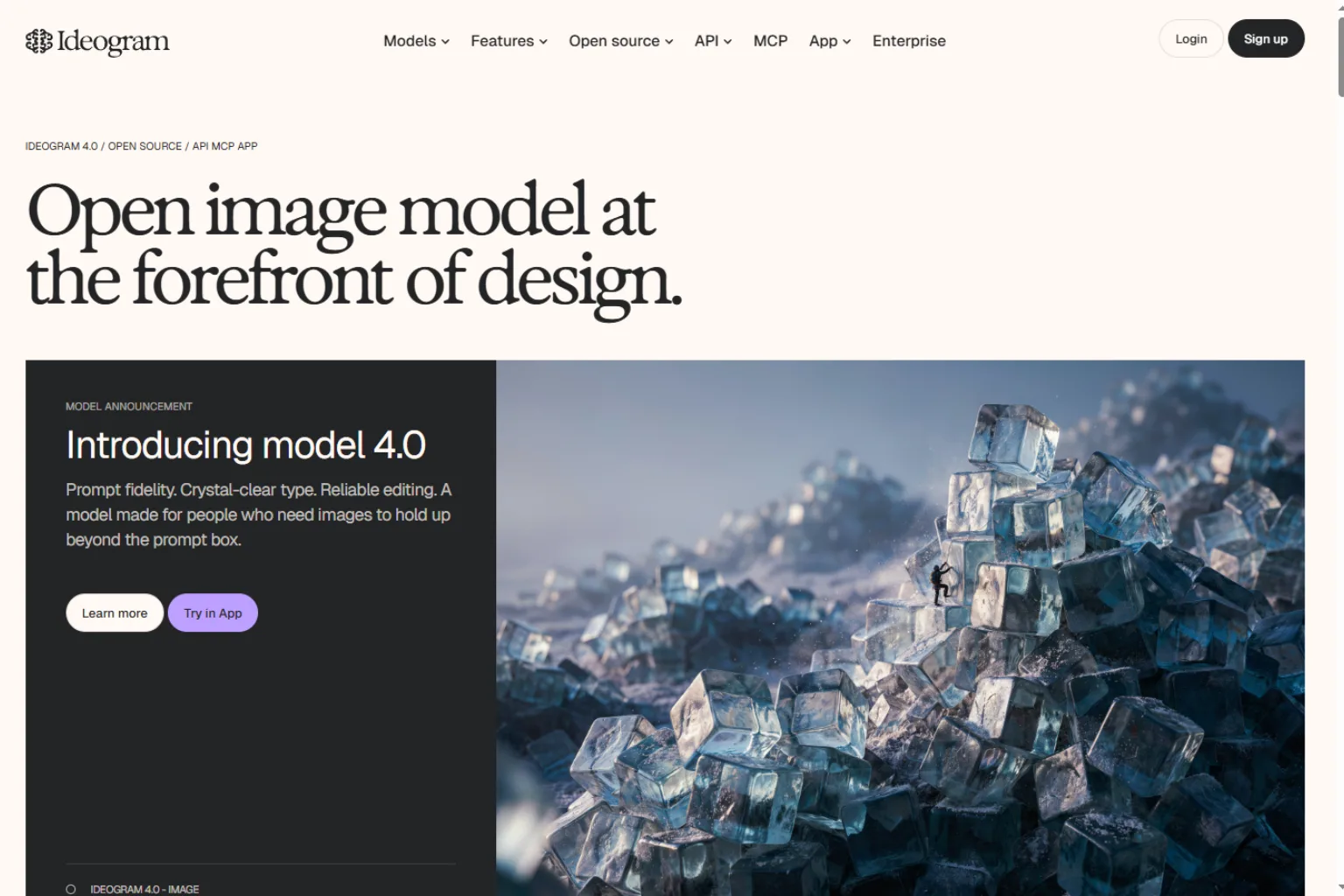
Ideogram is one of the best Krea AI alternatives when text inside images matters. Many AI image generators struggle with readable words, posters, labels, titles, packaging, and typography. Ideogram has built a strong reputation around text rendering and design-friendly outputs.
If you create social posts, thumbnails, posters, ad concepts, product labels, or graphics with short slogans, Ideogram is worth testing. It may not replace every part of Krea, but it can be stronger for text-heavy visuals.
Ideogram is best for:
- Posters
- Social media graphics
- Text-based image prompts
- YouTube thumbnail concepts
- Product labels
- Typography-driven visuals
Choose Ideogram when your image needs readable text. Choose Krea when visual mood, style reference, or broader creative workflow is more important.
5. Adobe Firefly
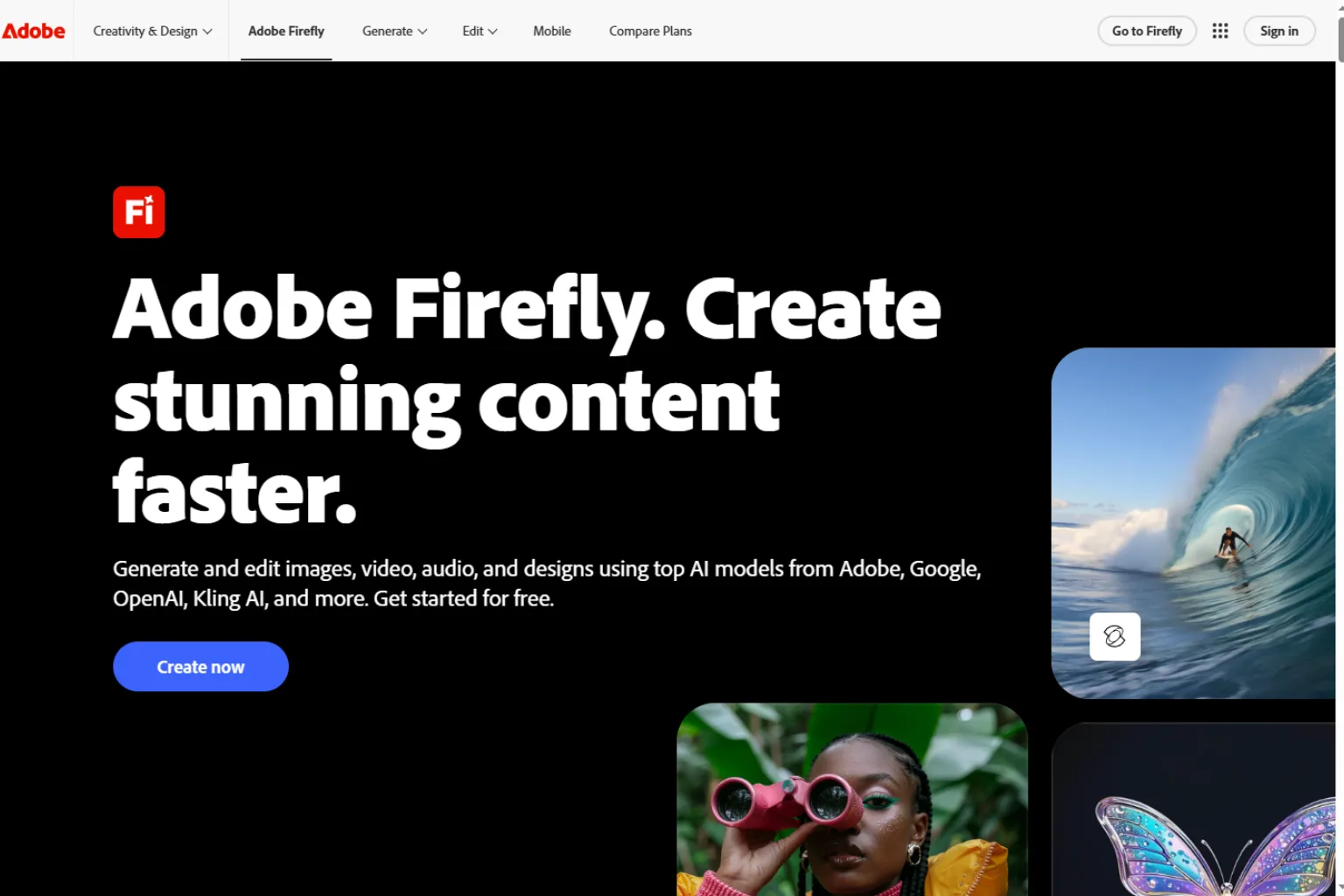
Adobe Firefly is a strong alternative for users already working inside Adobe’s creative ecosystem. It is useful for designers who want AI generation, editing, and commercial design workflows connected to familiar creative tools.
Firefly is not only about creating images from text. Its value comes from fitting into design production. If your team uses Photoshop, Illustrator, Express, or other Adobe tools, Firefly can feel more practical than a standalone AI image generator.
Adobe Firefly is best for:
- Designers already using Adobe tools
- Commercial design workflows
- Generative fill and image editing
- Brand-safe creative production
- Marketing assets
- Visual content refinement
Compared with Krea, Firefly may feel less experimental but more production-friendly for Adobe users. If your workflow lives in Adobe apps, Firefly can be easier to adopt.
6. Freepik AI
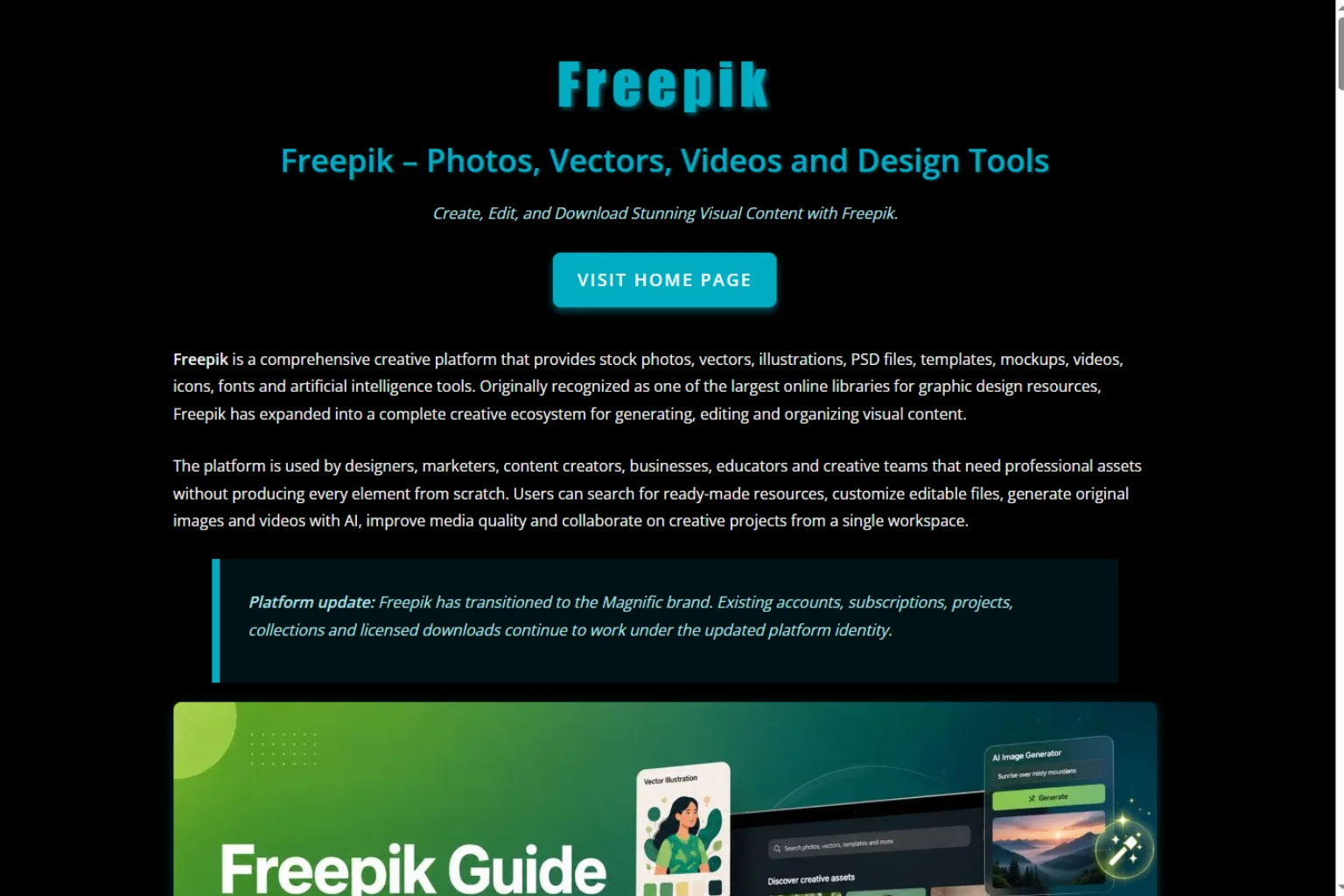
Freepik AI is a useful Krea AI alternative for marketers, designers, bloggers, and social media creators who need fast visual assets. Freepik has a strong design-resource background, so its AI tools fit naturally into workflows involving stock-style assets, templates, icons, mockups, and marketing visuals.
If you need quick visuals for blog posts, ads, presentations, thumbnails, or social campaigns, Freepik AI can be very convenient. It may not feel as experimental as Krea, but it is practical for everyday content production.
Freepik AI is best for:
- Blog visuals
- Marketing images
- Stock-style creative assets
- Social media graphics
- Presentation visuals
- Designers who already use asset libraries
Choose Freepik AI if you want fast, usable visuals with a design-resource workflow. Choose Krea if you want deeper moodboard-style visual exploration.
7. OpenArt
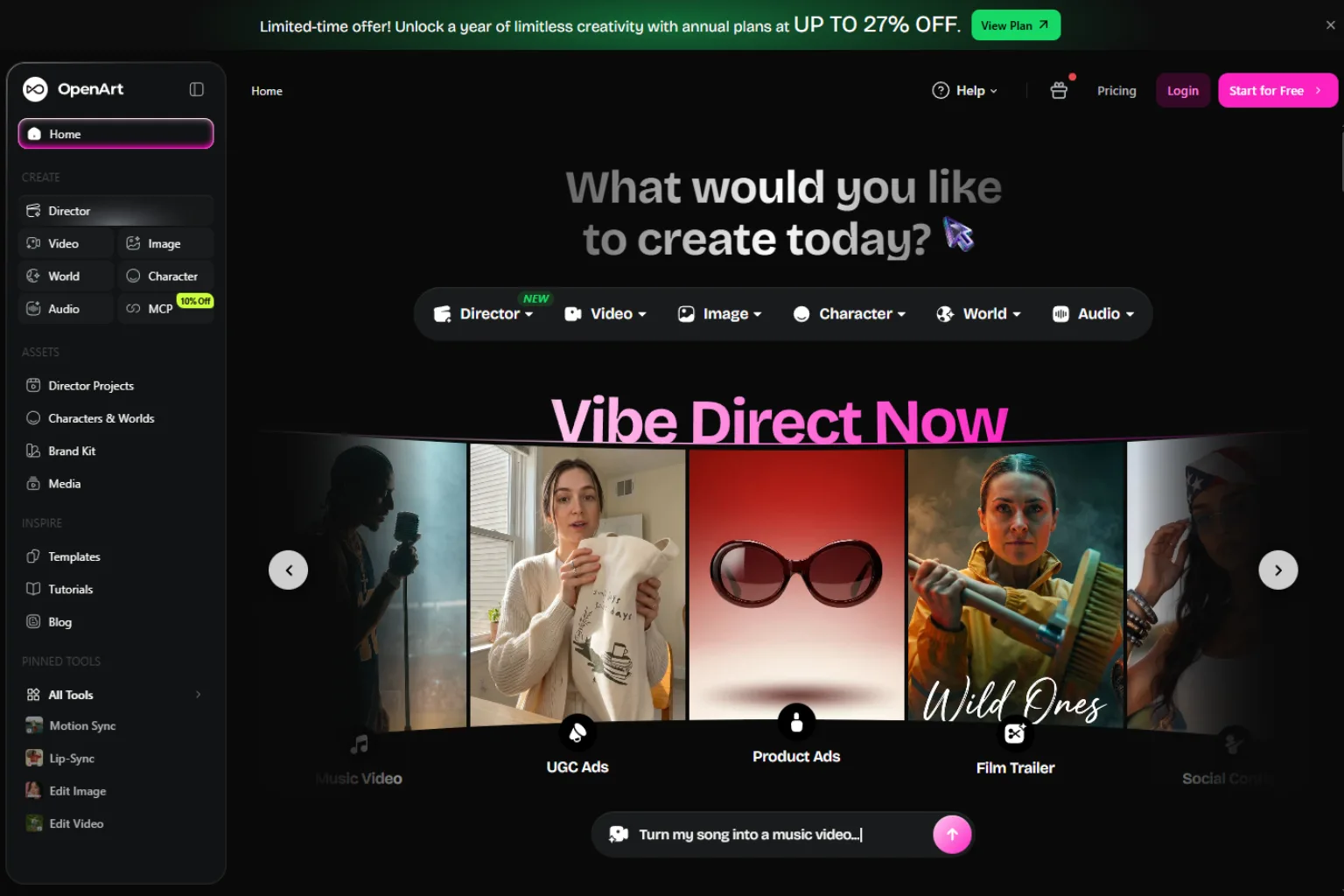
OpenArt is a flexible alternative for users who like experimenting with different models, styles, and image workflows. It can be useful for creators who want style exploration, reference-based generation, image editing, and a more community-driven AI art environment.
OpenArt is a good fit if you want to test different looks without being locked into one visual system. It can be useful for artists, hobbyists, prompt creators, and users who enjoy comparing models and styles.
OpenArt is best for:
- AI art exploration
- Style testing
- Reference-based image generation
- Prompt experimentation
- Community-driven workflows
- Users who want model flexibility
Compared with Krea, OpenArt may feel more open-ended. Krea is stronger when you want a polished creative platform. OpenArt is stronger when you want variety and experimentation.
8. Luma AI
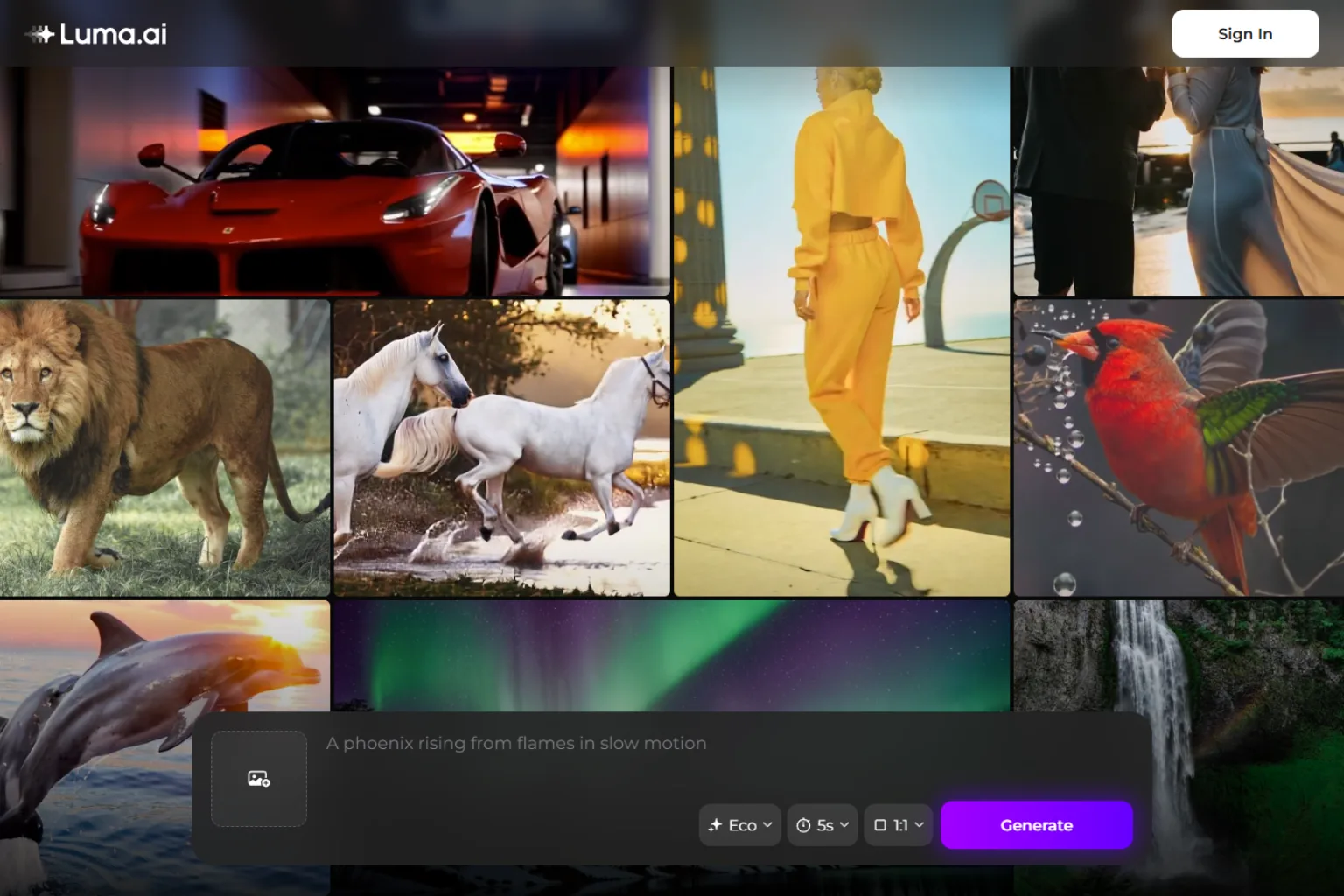
Luma AI is a strong Krea AI alternative for video and motion. It is especially relevant if you want cinematic image-to-video generation, smooth camera movement, and short AI-generated scenes.
If you are comparing Krea’s video features with other tools, Luma AI should be on the list. It is useful for creators who need visual motion, film-like clips, social videos, and concept previews.
Luma AI is best for:
- Image-to-video generation
- Cinematic motion
- Short creative clips
- Social media video ideas
- Product concept motion
- Visual storytelling
Krea is stronger as a wider creative platform. Luma AI is stronger when the main goal is turning images or prompts into motion.
9. Pika
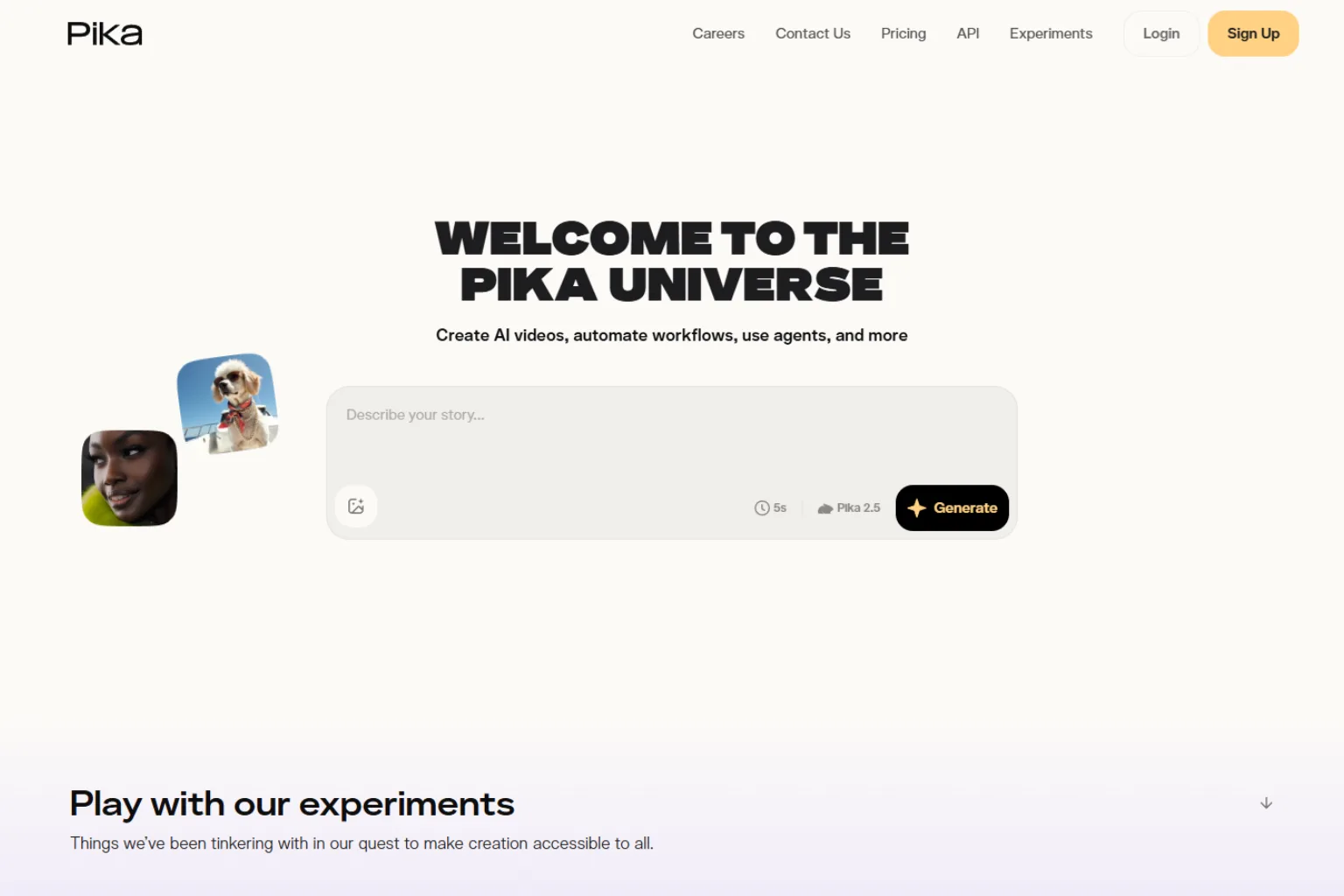
Pika is another strong alternative for short AI videos. It is designed for creators who want easy video generation, effects, and quick creative motion experiments.
Pika can be useful for social media creators, marketers, and casual users who want to make short AI clips without a heavy production workflow. It is less about replacing Krea’s full image workflow and more about giving users another option for video-first creation.
Pika is best for:
- Short AI video clips
- Social video content
- Fun effects
- Quick motion concepts
- Creator-friendly video experiments
- Lightweight AI video workflows
Choose Pika if you want simple video creation. Choose Krea if you want both image and video tools inside a broader creative platform.
10. Topaz Labs
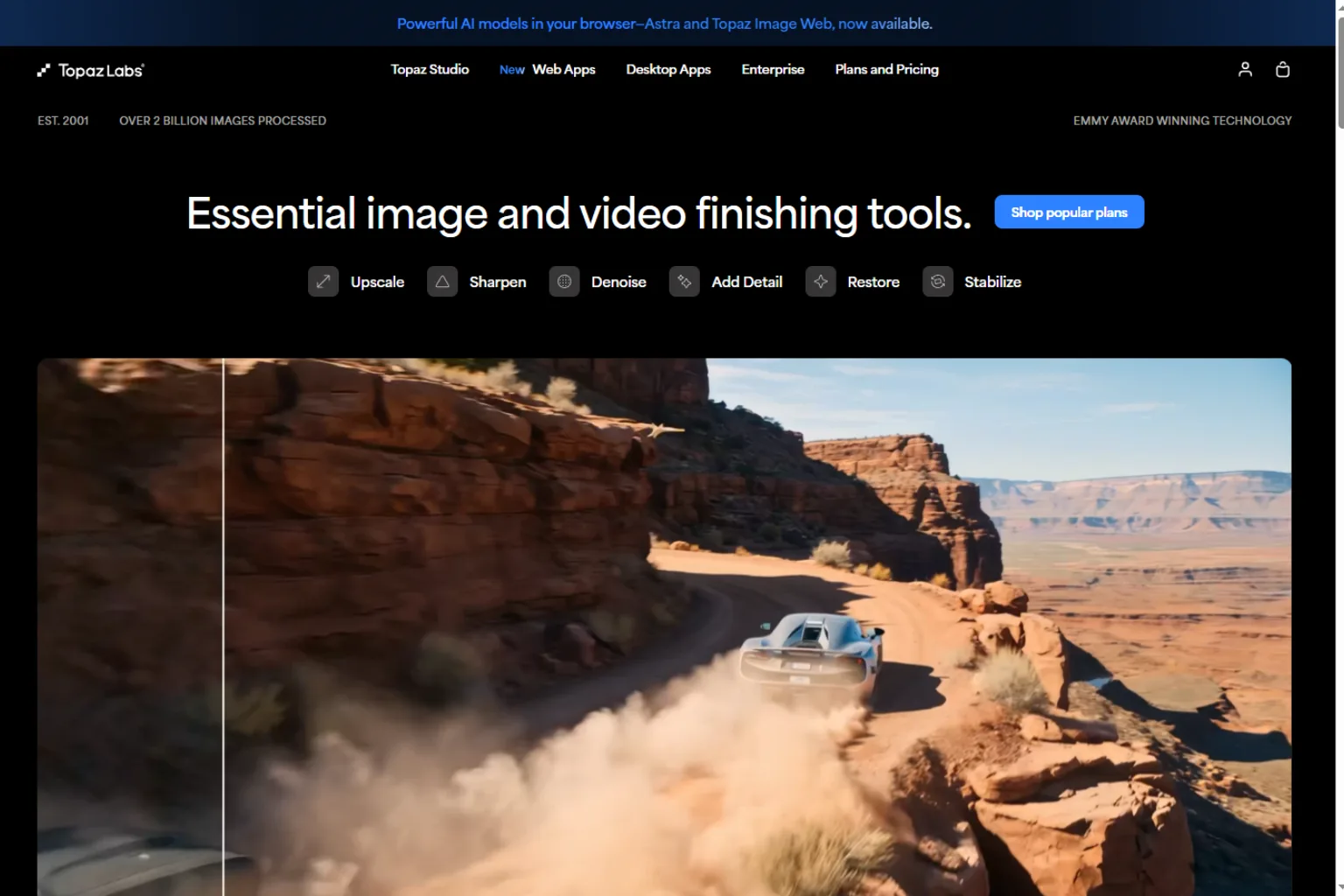
Topaz Labs is a different kind of Krea AI alternative. It is not mainly an AI image generator. Instead, it is known for image and video enhancement, sharpening, denoising, and upscaling.
If you use Krea for upscaling or enhancing visuals, Topaz Labs may be one of the strongest alternatives to consider. It is especially helpful for photographers, video editors, content creators, and businesses that need better image or video quality from existing files.
Topaz Labs is best for:
- Image upscaling
- Video upscaling
- Noise reduction
- Sharpening
- Restoring older files
- Improving existing creative assets
Choose Topaz Labs when quality improvement is the main job. Choose Krea when you want to generate and explore new visuals as well.
Which Krea AI Alternative Should You Choose?
The best Krea AI alternative depends on your main task.
Choose Midjourney if you want the strongest artistic image generation.
Choose Runway if you care most about AI video generation and video editing.
Choose Leonardo AI if you want controlled image generation, game assets, and creative presets.
Choose Ideogram if you need text inside images to be readable.
Choose Adobe Firefly if you already work inside Adobe tools and want commercial design workflows.
Choose Freepik AI if you want quick design assets for marketing, blogs, and social media.
Choose OpenArt if you want flexible model and style experimentation.
Choose Luma AI if you want cinematic image-to-video generation.
Choose Pika if you want easy short AI videos and creator-friendly effects.
Choose Topaz Labs if you need serious upscaling, denoising, and enhancement for existing images or videos.
If you want one tool most similar to Krea’s creative image workflow, start with Midjourney, Leonardo AI, or OpenArt. If you want an alternative to Krea’s video features, compare Runway, Luma AI, and Pika. If you want an alternative to Krea’s enhancement tools, compare Topaz Labs and other dedicated upscalers.
FAQ
What is the best Krea AI alternative?
The best Krea AI alternative depends on your use case. Midjourney is best for artistic image generation, Runway is best for AI video production, Ideogram is best for readable text in images, and Topaz Labs is best for upscaling and enhancement.
Is there a free alternative to Krea AI?
Some tools offer free plans or limited free credits, but the exact limits can change. Free options are useful for testing, but serious creative work usually requires a paid plan because image and video generation use a lot of compute.
Which Krea AI alternative is best for video?
Runway, Luma AI, and Pika are strong alternatives if your main goal is AI video generation. Runway is better for broader video production, Luma AI is strong for cinematic motion, and Pika is useful for short creator-friendly clips.
Which Krea AI alternative is best for image generation?
Midjourney, Leonardo AI, Ideogram, OpenArt, Adobe Firefly, and Freepik AI are all worth considering. Midjourney is strong for artistic quality, Leonardo AI gives more controls, Ideogram is better for text-heavy visuals, and Firefly fits Adobe workflows.
Which Krea AI alternative is best for upscaling?
Topaz Labs is one of the strongest options for upscaling and enhancing existing images or videos. It is a better fit when you already have an image or video and want to improve quality rather than generate something new.
Is Krea AI better than Midjourney?
Krea AI and Midjourney are built for different workflows. Midjourney is excellent for polished image generation. Krea is more focused on creative exploration, style references, enhancement, video, and a broader platform experience.
Is Krea AI better than Runway?
Krea AI is broader because it includes image, video, enhancement, and creative workflow features. Runway is stronger if video generation and editing are your main priorities.
Should I replace Krea AI or use it with other tools?
Many creators will get the best results by using Krea AI with other tools rather than replacing it completely. For example, you can explore styles in Krea, generate polished images in Midjourney, create text-heavy graphics in Ideogram, and make videos in Runway or Luma AI.
Final Thoughts
Krea AI is a strong creative platform, but it is not the only option. The best Krea AI alternatives depend on whether you care most about image generation, video creation, style control, text accuracy, design workflow, or enhancement.
For most users, the smartest approach is to match the tool to the job. Use Midjourney or Leonardo AI for image generation, Runway or Luma AI for video, Ideogram for text-based visuals, Adobe Firefly for design workflows, Freepik AI for fast marketing assets, OpenArt for experimentation, and Topaz Labs for upscaling. That gives you a more flexible creative stack than relying on one tool for everything.
Related
How to Manage Email Overload with AI: Prioritize, Delegate and Follow Up

Best AI Fashion Design Generators for Creative Clothing Ideas

Virtual Try-On in 2025: The AI Tools Changing How We Shop
Top AI Calorie Tracking App and Food Recognition Tools 2026
How to Use Codex in ChatGPT: A Complete Beginner's Guide (2026)
5 Best AI Novel Translation Tools in 2026 + Free Reading Sites