

The novel you want to read has no translation, or the browser’s version makes every character sound the same. AI novel translation tools can help you follow the story and revise difficult passages, provided you choose a workflow that keeps the original available. This guide compares five options for web fiction and EPUBs, then shows how to control names, avoid missing text and find free novels to read or download.
Updated September 9, 2026
Which AI novel translator should you choose?
For reading a web novel alongside its original text, start with Immersive Translate. For an EPUB library, consider Ebook Translator for Calibre. For a difficult conversation, a narrator’s voice or an ambiguous sentence, ChatGPT or Claude give you room to explain what needs changing. DeepL is useful for a first pass with controlled terminology.
This comparison matches the tools to practical reading and editing tasks; it is not a scored translation benchmark. A fluent paragraph is not proof of a faithful translation. Before choosing, compare a dialogue scene, a descriptive passage and a paragraph with invented names from the same book. Check what was omitted as carefully as what sounds natural.
| Tool | Most useful for | Workflow and files | Cost and main trade-off |
|---|---|---|---|
| Immersive Translate | Bilingual web reading | Browser pages and EPUB documents | Free features; premium engines and document allowances depend on plan |
| DeepL | First drafts and recurring terms | Pasted text and supported document files | Free and paid plans; check glossary language pairs and document limits |
| ChatGPT | Explaining and revising a passage | Chat with source text and context | Free and paid plans; usage and output limits still matter |
| Claude | Character voices and scene revision | Chat with a character brief and source | Free and paid plans; long conversations consume allowance |
| Ebook Translator | A repeatable ebook workflow | Calibre plugin; EPUB and other supported formats | Free plugin; selected translation services or APIs may charge |
A browser extension is a reading interface, while a translation engine supplies the wording. Changing an engine can change both quality and cost. A local Calibre installation also does not make a cloud translation engine offline.
1. Immersive Translate: read web novels and EPUBs bilingually
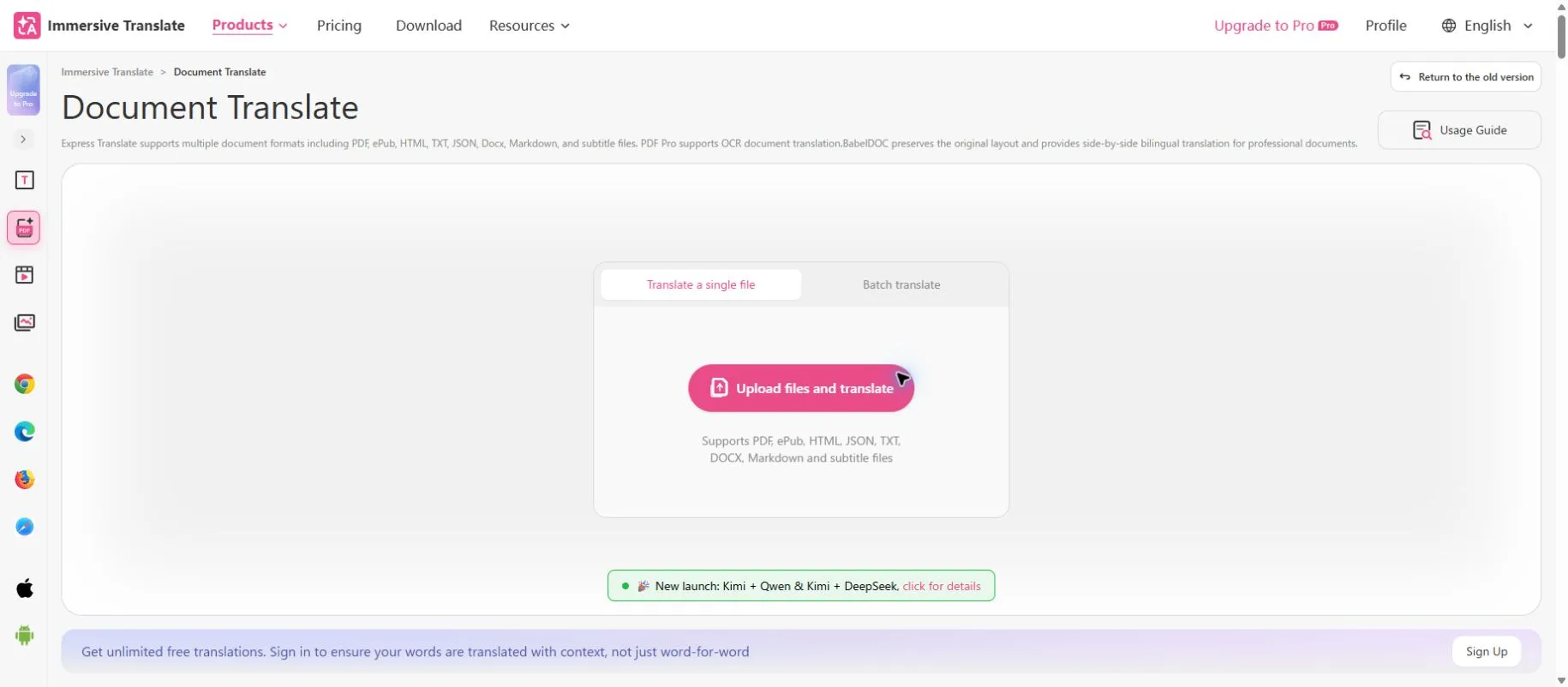
Immersive Translate is a sensible starting point when you want to keep reading without copying each paragraph into a separate chat. Its document tools include EPUB support, and its bilingual reading approach keeps the source available for comparison. That matters when a character’s name changes spelling or a sentence seems suspiciously simple.
For web fiction, open an authorized chapter and use bilingual translation on the reading page. Check a few paragraphs before translating a long chapter, particularly if the site has notes, navigation or comments mixed into the text. For an ebook you are allowed to process, import the EPUB and check chapter breaks and the output before committing to the whole book. A readable original is a better starting point than a scan.
Choose this for reading convenience, not for detailed editorial control over every line. Premium engines and document quotas are separate considerations from the free browser features; consult the current plan comparison before a large import. For Japanese instructions, the official EPUB guide explains the ebook workflow.
2. DeepL: build a first draft with a glossary
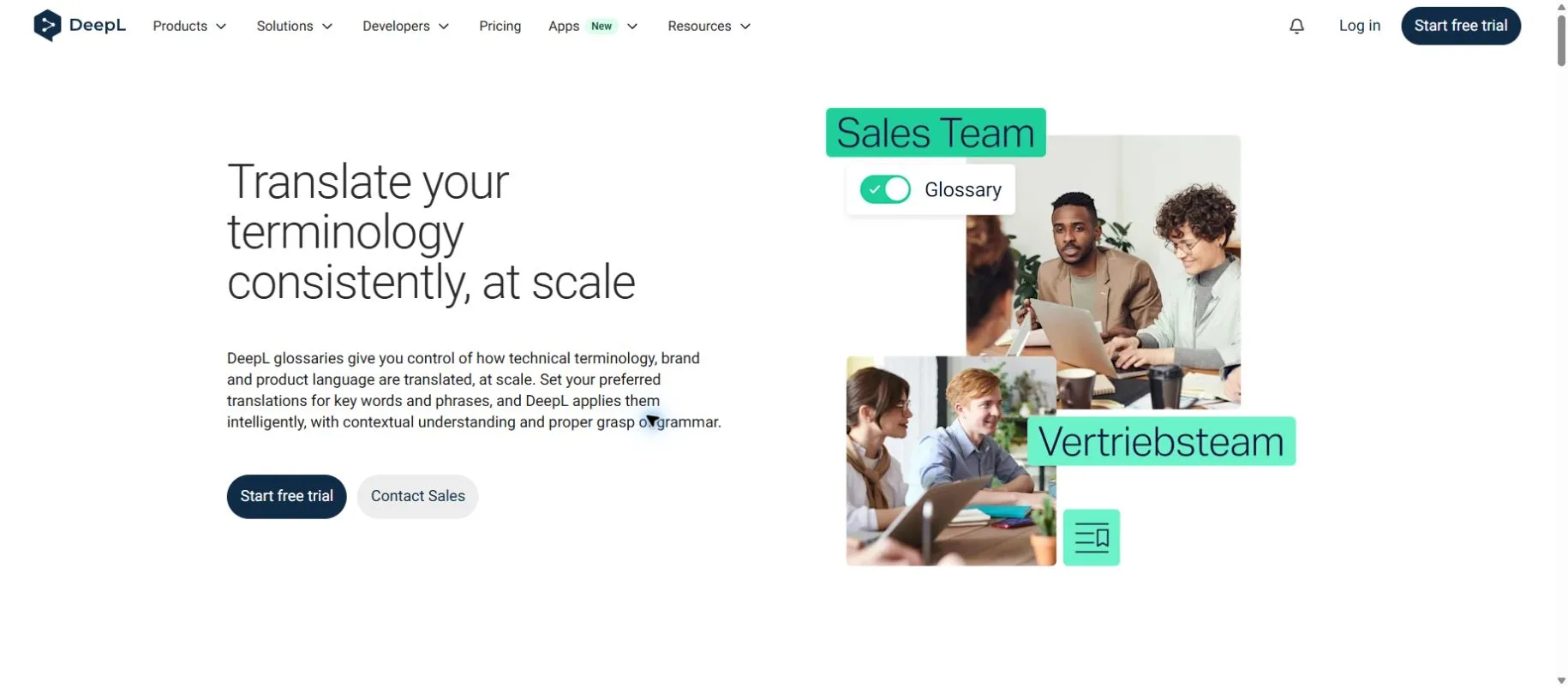
DeepL’s glossary lets you specify preferred translations of recurring terms. In a fantasy novel, that can help you settle a kingdom’s name, a title or an invented object before those terms spread through dozens of chapters. Its text and supported document translation workflows are useful when you want a draft to review rather than a conversation about each line.
Start with a short, approved term list instead of forcing every ordinary word into a glossary. A word that names a magical order in one scene might have an everyday meaning in another. Check the language pair and glossary availability in your plan, then review the same names in different grammatical contexts. A consistent noun does not automatically produce a consistent character voice.
DeepL is less convenient when you want a long discussion of why a character sounds too formal. Take the first draft into a separate revision stage and compare it with the source. Review DeepL’s plans for file allowances and paid features. Do not assume an EPUB can be uploaded simply because document translation is available; confirm the supported format first.
3. ChatGPT: explain difficult passages and refine a translation
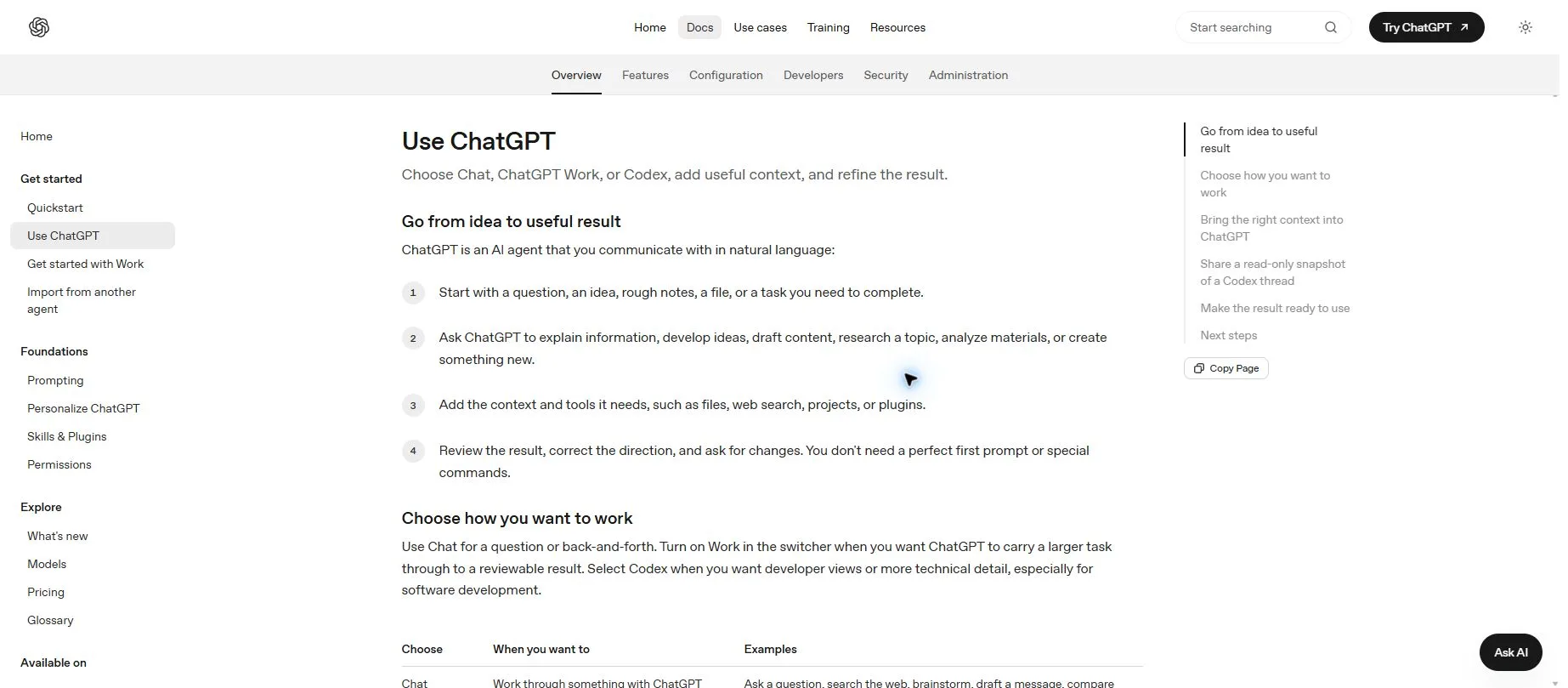
ChatGPT is useful when you need to describe a translation problem in ordinary language: “Keep the narrator restrained,” “This speaker is being sarcastic,” or “Explain the two possible referents before translating.” OpenAI’s official guide describes adding context and revising outputs through conversation. For fiction, that makes a chapter brief and a clear task more useful than a vague request to make everything beautiful.
Give it the actual passage, the source and target languages, a glossary and the relevant character relationships. Ask for a faithful draft first. Then request a targeted revision of the lines that need work, with a short explanation of the changes. If you ask for a summary in the same instruction as a full translation, you make the desired output unnecessarily ambiguous.
A large file upload is not a guarantee of a complete, unabridged book-length answer. Save each reviewed scene outside the chat and compare paragraph coverage yourself. Free and paid plans have different access and usage allowances; see the official pricing guide. Treat a chat subscription and a separately billed API workflow as different purchasing decisions.
4. Claude: revise scenes with a character and style brief
Claude is another conversational option for translating and revising fiction. Anthropic lists translation and creative writing among its documented uses. A practical approach is to supply a compact character sheet: how each person addresses the others, what they know at this point and how formal they sound.
Use the brief to constrain revision rather than encourage new plot details. Ask Claude to identify where a draft changes a speaker’s attitude, then revise only those passages against the original. For Japanese-to-English work, explain whether honorifics should remain and whether omitted subjects should stay ambiguous. For English-to-Japanese work, settle first-person pronouns and endings without turning every character into a stereotype.
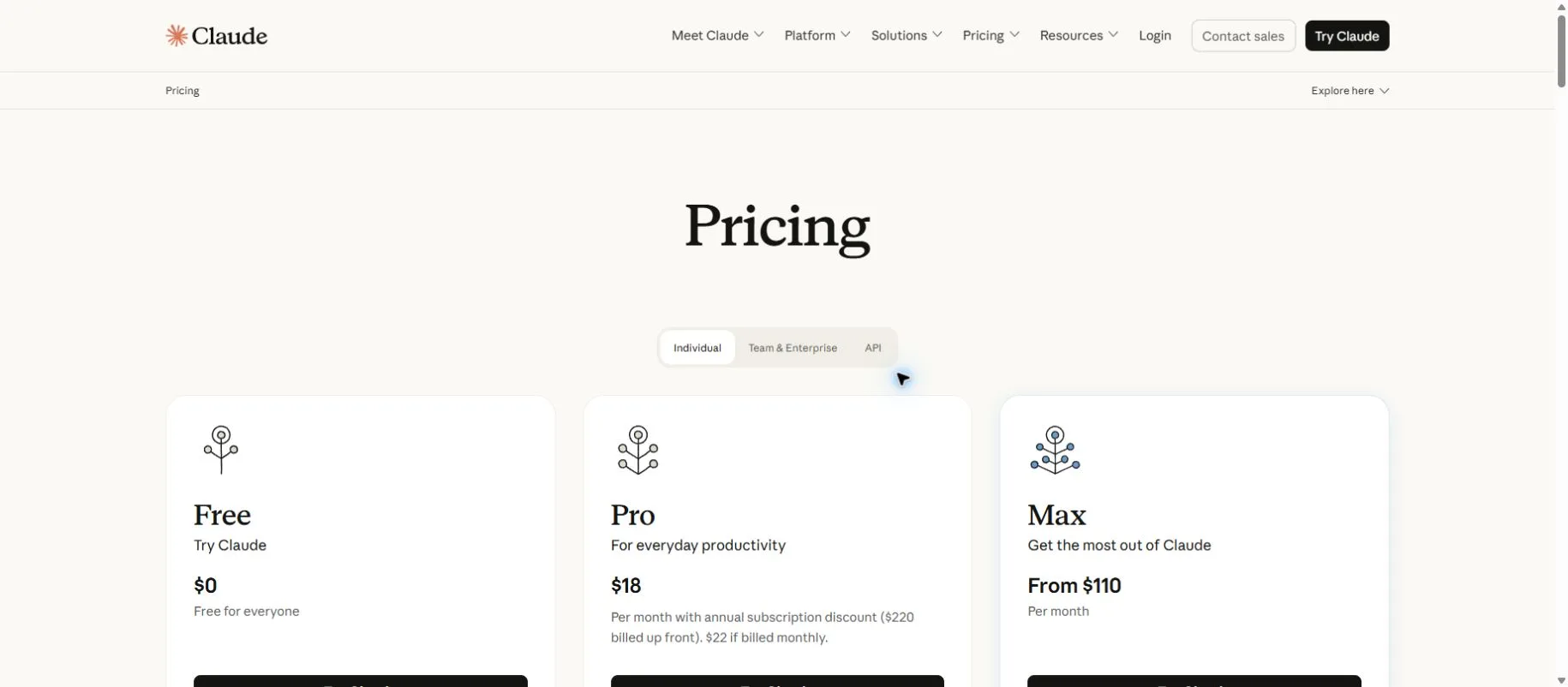
Claude should still be checked for added explanations, softened wording and missing sentences. A longer conversation can also make it harder for you to notice which version is final. Keep a separate approved glossary and chapter file. The Free and paid plan comparison lists current allowances and billing options; confirm the monthly or annual basis and the checkout currency before subscribing.
5. Ebook Translator: manage translations inside Calibre
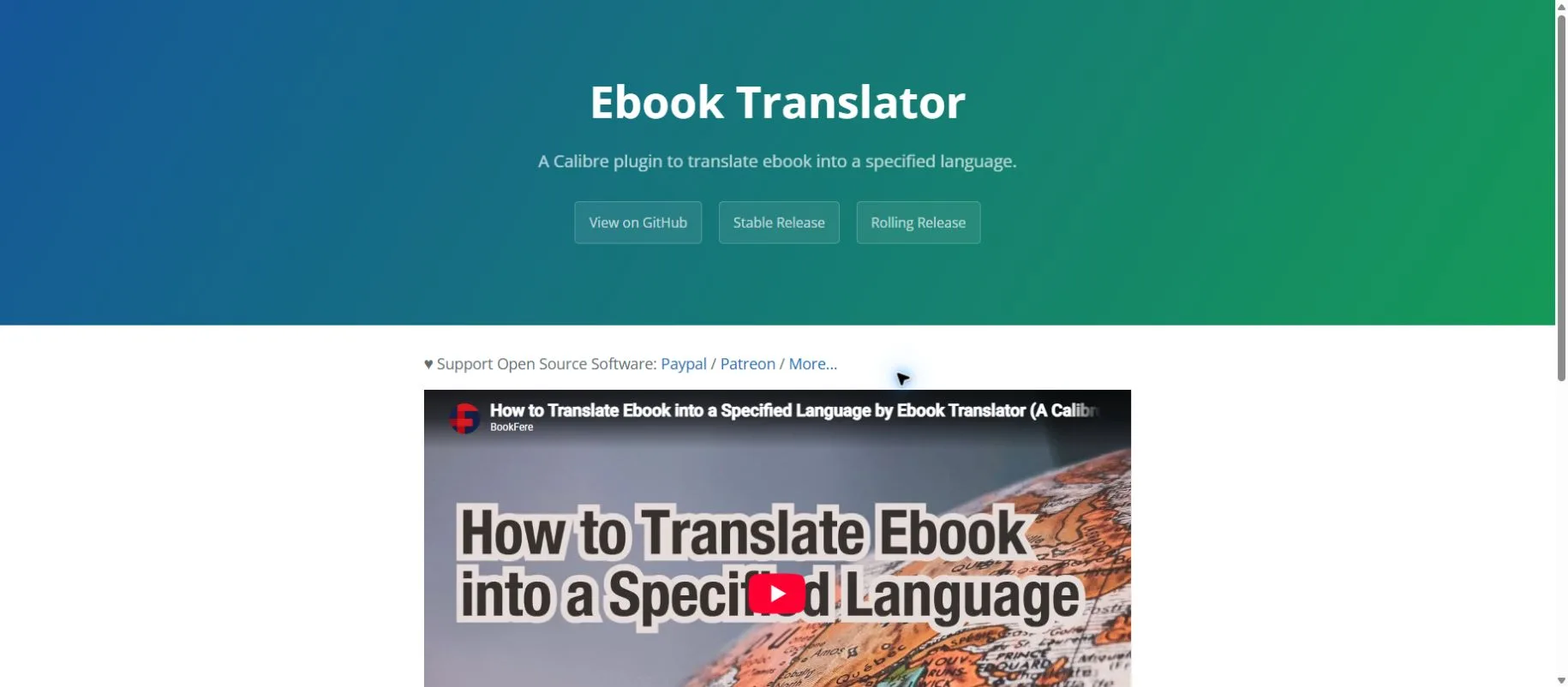
Ebook Translator by BookFere is an open-source Calibre plugin for an ebook-centered workflow. Its official documentation describes batch translation, an advanced review mode and cached results that can help avoid retranslating after an interruption. The plugin can use different translation engines; it is not a standalone language model.
Choose this when you already keep books in Calibre and want to review a translated ebook before exporting it. Begin with one chapter or a short book, inspect the original-and-translation arrangement, and verify the table of contents, italics, notes and paragraph breaks in your actual reading app. Keeping the source visible makes errors easier to find than checking a translation-only file.
The plugin is free, but your chosen service can require an account, an API key or metered payment. Your chat subscription should not be assumed to include that API access. Cloud engines still receive the text they translate. Advanced mode suits careful revision; batching several books is better left until you understand the formatting and cost of one successful job.
A practical workflow for translating a long novel
A novel needs two kinds of consistency: the same term should stay recognizable, and the same person should still sound like themselves. A glossary handles the first; a character and narration brief helps with the second. Neither replaces checking that every source passage made it into the draft.
- Prepare clean source text. Prefer a legitimate EPUB, TXT or supported text document. Separate author notes from the story. If a PDF is scanned, correct OCR errors before translation; see our AI PDF translator guide.
- Make a small translation bible. Record names, relationships, titles, invented terms, narrator perspective and style decisions. Add a short approved sample, not a full previous novel.
- Split at scene boundaries. Start with a few pages you can inspect comfortably. Shorten the next chunk if the answer cuts off or becomes condensed. There is no universal chapter-size limit shared by these tools.
- Translate with paragraph IDs. Number source paragraphs and preserve those IDs in the draft. Keep context notes clearly separate from the text to translate.
- Review in two passes. First compare meaning, omissions and speaker attribution. Then revise rhythm, dialogue and recurring terms without inventing extra information.
- Export and read again. Save an approved chapter, update the glossary and check the final ebook on your phone or ereader. Confirm chapter links, punctuation and notes.
For example, if a source contains 24 numbered paragraphs and the draft contains 21, investigate before polishing. Matching counts alone does not prove accuracy, but a mismatch is a useful warning. Back-translation can raise questions; it cannot certify that the translation preserved the original.
A reusable prompt for AI fiction translation
Use this with ChatGPT or Claude. Replace the bracketed fields, and paste only material you are authorized to process. The instructions are a working template, not a guarantee that the model will comply perfectly.
Translate the SOURCE from [source language] into [target language].
Purpose: a faithful reading draft of a novel, not a summary or adaptation.
Preserve all events, dialogue, uncertainty, paragraph IDs and scene breaks.
Do not add explanations, new plot details or inferred motives to the translation.
Use this glossary: [name / approved translation / context].
Character voices: [speaker / relationship / formality / preferred pronouns].
Narration: [viewpoint / tense / tone].
Honorifics and cultural terms: [retain / translate / explain separately].
Reference context only: [brief facts relevant to this scene].
If the source is ambiguous, preserve ambiguity where possible and list
uncertainties after the translation, with the relevant paragraph IDs.
If the output cannot fit, stop at a paragraph boundary and identify
the last completed paragraph. Do not condense the remainder.
Output: translation first, then separate review notes.
SOURCE:
[001] ...
[002] ...
After the first pass, use a narrow revision instruction: “Compare paragraphs 007–012 against the source. Identify omissions and changes in who is speaking. Correct those issues without rewriting the rest.” Ask for alternatives only on passages you actually need to choose between; generating three versions of every chapter increases both review work and usage.
5 sites to read novels online for free or download ebooks
For downloadable classics, start with Project Gutenberg or Aozora Bunko. For contemporary serial fiction, use the chapters made available by authors on established publishing platforms. These are sources for discovering and reading novels; free access does not automatically authorize uploading the whole work to a translation service or publishing a translated edition.
| Website | What to look for | Read or download? |
|---|---|---|
| Project Gutenberg | Older literature, with a strong English-language selection | Read online; download available ebook formats |
| Aozora Bunko | Japanese literature and works released with permission | Read XHTML; text downloads on work pages |
| Kakuyomu | Japanese web novels across genres | Read publicly available chapters online |
| Shōsetsuka ni Narō | Japanese original serial fiction | Read publicly available works online |
| Royal Road | English web fiction, including fantasy and progression stories | Read available chapters online; availability varies by work |
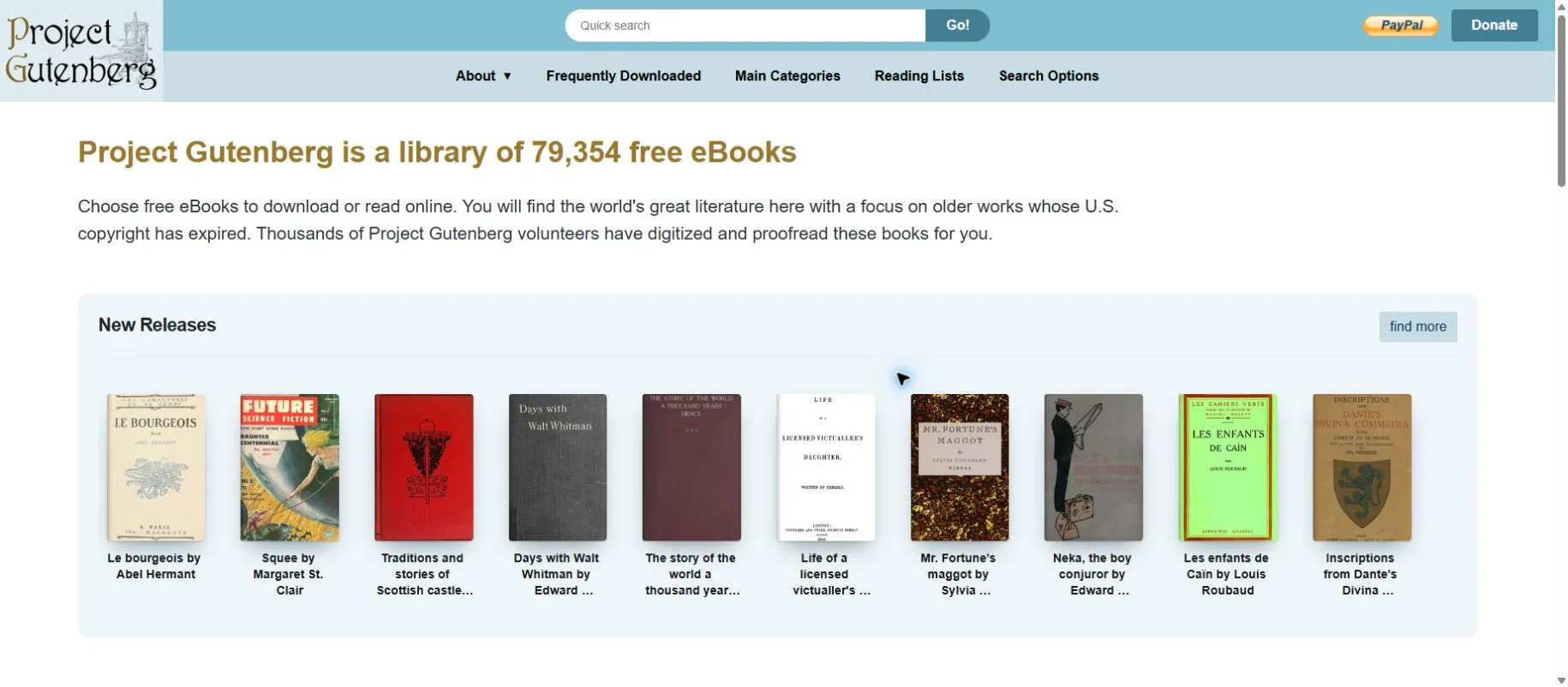
Project Gutenberg is convenient for trying an EPUB workflow without starting with a purchased, protected ebook. Its collection focuses on older works whose U.S. copyright has expired. The project explicitly advises readers elsewhere to check local rules in its permission guidance. The status of a modern translation can differ from that of the original novel.
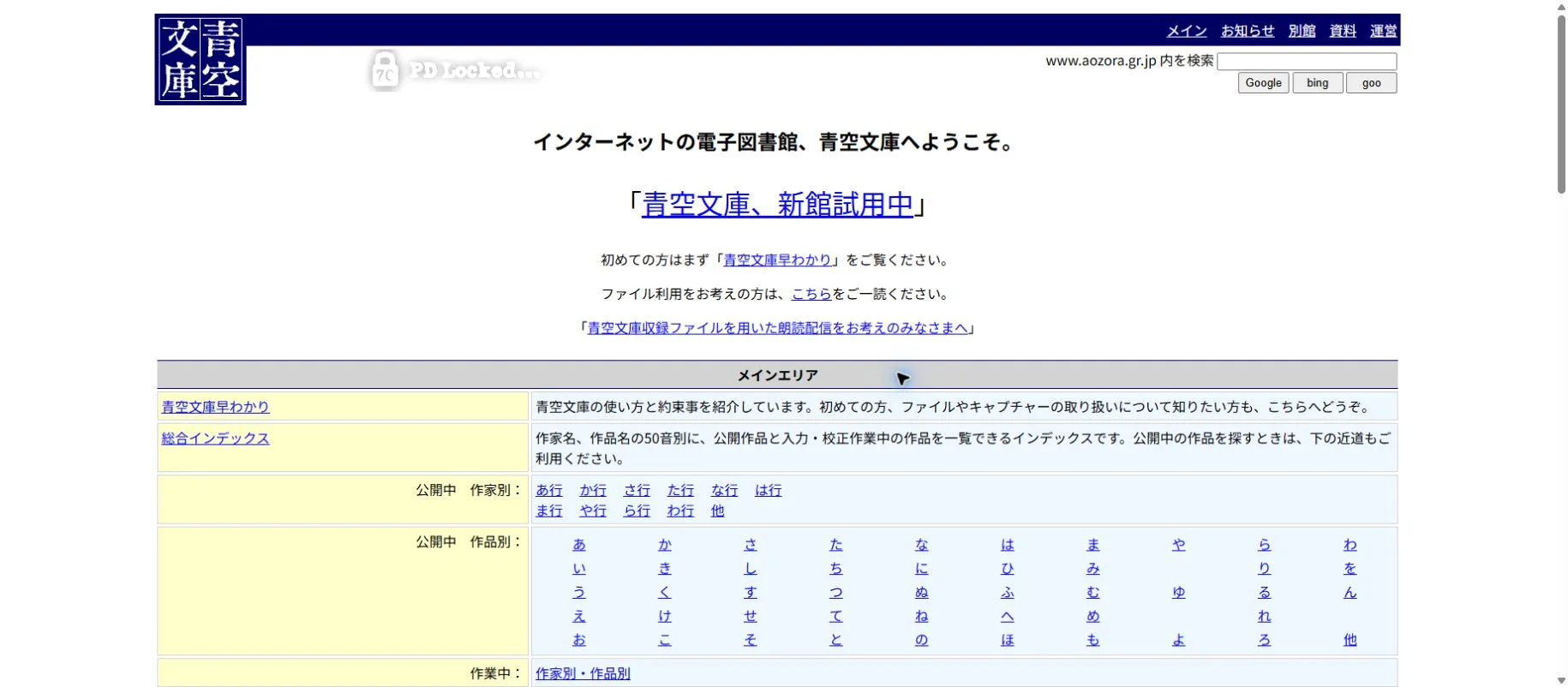
Aozora Bunko offers Japanese texts and an introductory guide explaining the collection. When preparing a file, keep ruby readings and editorial notes distinguishable from the story: old spelling and annotation marks can otherwise be mistaken for narrative text. For Kakuyomu, Narō and Royal Road, read the authorized public chapters; do not treat an online reading page as a promise of a downloadable complete book.
How to keep translation costs and limits under control
For occasional reading, try the free workflow on one chapter before buying anything. For regular editing, compare the time saved in review rather than the subscription price alone. A cheaper translation that needs every pronoun repaired can be expensive in practice. A high monthly allowance also does not remove the need to check the output.
Document services may meter characters, pages or files; chat products apply their own usage limits; API workflows can charge for input and output separately. Repeatedly sending a character bible, previous chapters and three alternative drafts can increase usage. Compare the same sample and settings, then use the provider’s actual usage report to estimate the rest of the book. Language expansion, retries and glossary context make a simple word-count estimate imperfect.
For Japanese billing, use a provider’s yen quote when available. If checkout uses another currency, distinguish the billed amount from a currency conversion and check tax, annual commitment and card fees. Before uploading an unpublished manuscript, review the service’s data terms and your account settings. Keep a local copy of your approved work regardless of the plan.
Frequently asked questions
Can AI translate an entire novel at once?
Some document tools can process a complete ebook, but that does not establish literary accuracy or guarantee a single chat response will contain every paragraph. For an editable draft, split by scene, keep a glossary and verify coverage before joining the chapters.
Which tool is best for Japanese light novels?
For reading a web page alongside the Japanese original, Immersive Translate is a practical starting point. For revising honorifics, implied subjects and dialogue, compare ChatGPT or Claude on the same passage. The best choice depends on your language direction and how much editing you will do.
Can I translate an EPUB for free?
Free features and a free Calibre plugin are available, but the selected engine, file limits and API charges can change the total cost. Test a short authorized ebook first and inspect the export. “Free software” is not the same as unlimited free model usage.
Where can I download free novels legally?
Project Gutenberg and Aozora Bunko provide downloadable texts or ebooks under their stated conditions. Check the work’s rights status where you live. Kakuyomu, Shōsetsuka ni Narō and Royal Road are useful for authorized online reading, but do not promise a complete downloadable edition of every work.
Can I publish or sell an AI-translated novel?
Do not infer permission from free access or from the tool producing a translation. Check the rights to the source and any existing translation, the website’s terms and the permission needed for your intended publication. Human editing is also needed to assess accuracy and reader experience.
How do I stop AI from changing names or skipping lines?
Provide an approved glossary and paragraph IDs, prohibit summarization and check the source against the output. Review names in context, including titles and nicknames. If omissions continue, reduce the chunk size and revise the affected passage; another prompt alone is not proof the problem is fixed.
Choose a workflow you can actually review
For most readers, bilingual web or EPUB reading is the easiest place to begin. Immersive Translate keeps the original close; Ebook Translator fits a Calibre library; DeepL helps establish a draft with recurring terms. ChatGPT and Claude are worth considering when you need to discuss a specific scene and revise it against a clear character brief.
Start with one short, legitimately available work and a few representative passages. Keep your glossary, preserve the source and save reviewed chapters. The useful result is a translation you can follow and check—not simply the largest book an interface will accept.
Related
Best AI Meeting Assistant Tools to Summarize Calls and Save Time

Top 7 Best AI Photo Enhancer Tools in 2026
Best AI Excel Formula Generators to Work Faster
Best Image to Text Tools in 2026: Accurate, Fast & Free
6 Best YouTube Video Summarizer Tools in 2026
Local vs Online AI Image Generation (2026): Cost, Quality, NSFW & Speed
