
Local or online: which should you choose in 2026?
Start online if you generate occasionally, work from a laptop or phone, or need conversational editing. Start locally if you already own a suitable GPU and repeatedly need the same models, LoRAs and workflow. Buying an expensive GPU just to avoid a $20–$30 subscription often takes years to recover.
“Local” describes where the model runs. It does not automatically mean better quality, weaker prompt understanding, unlimited content rights or zero cost. The same downloadable model can run on your PC and through a paid hosting API; the weights, precision, settings and moderation layer matter more than the location alone.
| Decision factor | Local inference | Online generation |
|---|---|---|
| Upfront cost | GPU or suitable existing computer; storage and setup time | Usually no GPU purchase; free trials, subscriptions or API credits |
| Image quality | Depends on the checkpoint, workflow and available memory | Access to hosted and closed models; provider chooses the pipeline |
| Text and prompts | Modern models understand prose; older or specialized models may favor tags | Chat interfaces simplify revisions; exact lettering still needs checking |
| NSFW | Model, license and application dependent; no universal permission | Service dependent: some are strictly SFW, others offer broader sensitive-content capability |
| Speed and limits | Your hardware, resolution and batch size; no provider quota for fully local inference | Queue, plan, credits, rate limits and selected quality mode |
| Anime / realism | Specialized checkpoints and compatible LoRAs offer control | Anime-focused services and general-purpose models offer different strengths |
| Maintenance / privacy | You manage dependencies, files and backups; offline workflows can keep inputs local | Little setup; data handling and gallery visibility depend on the service |
This is a source-based buying guide checked on September 8, 2026, not a controlled benchmark of every model. Manufacturer timings are identified as such. Cost examples below are explicit assumptions, and all prices are in USD unless stated otherwise.
A practical workflow: generate first, finish second
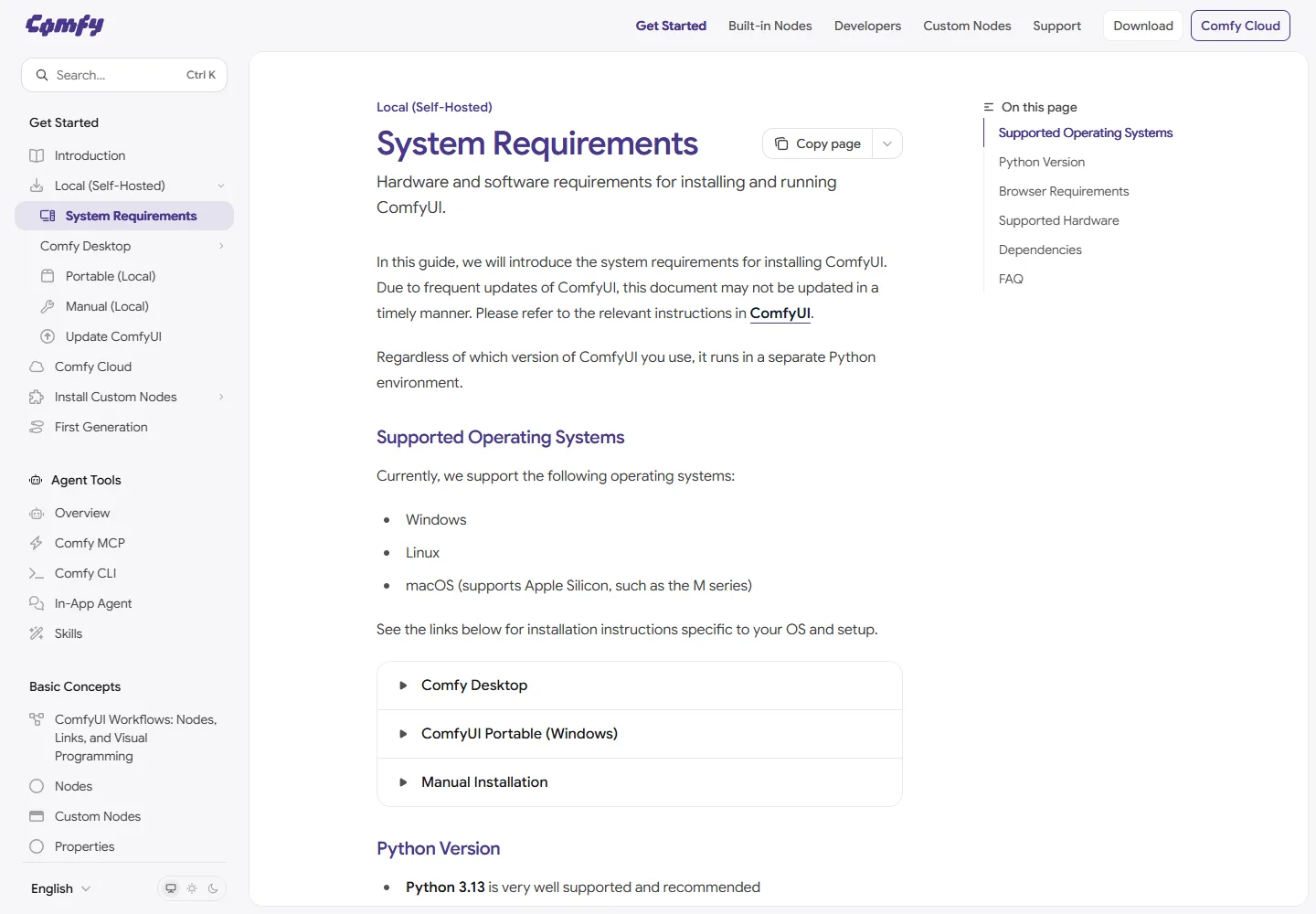
1. Choose the inference environment. ComfyUI is an open-source workflow interface and inference engine, rather than an image model. It can combine generation, editing and other processing steps. A locally installed ComfyUI workflow may still contain paid remote API nodes: inspect the nodes before assuming the images stay on your computer.
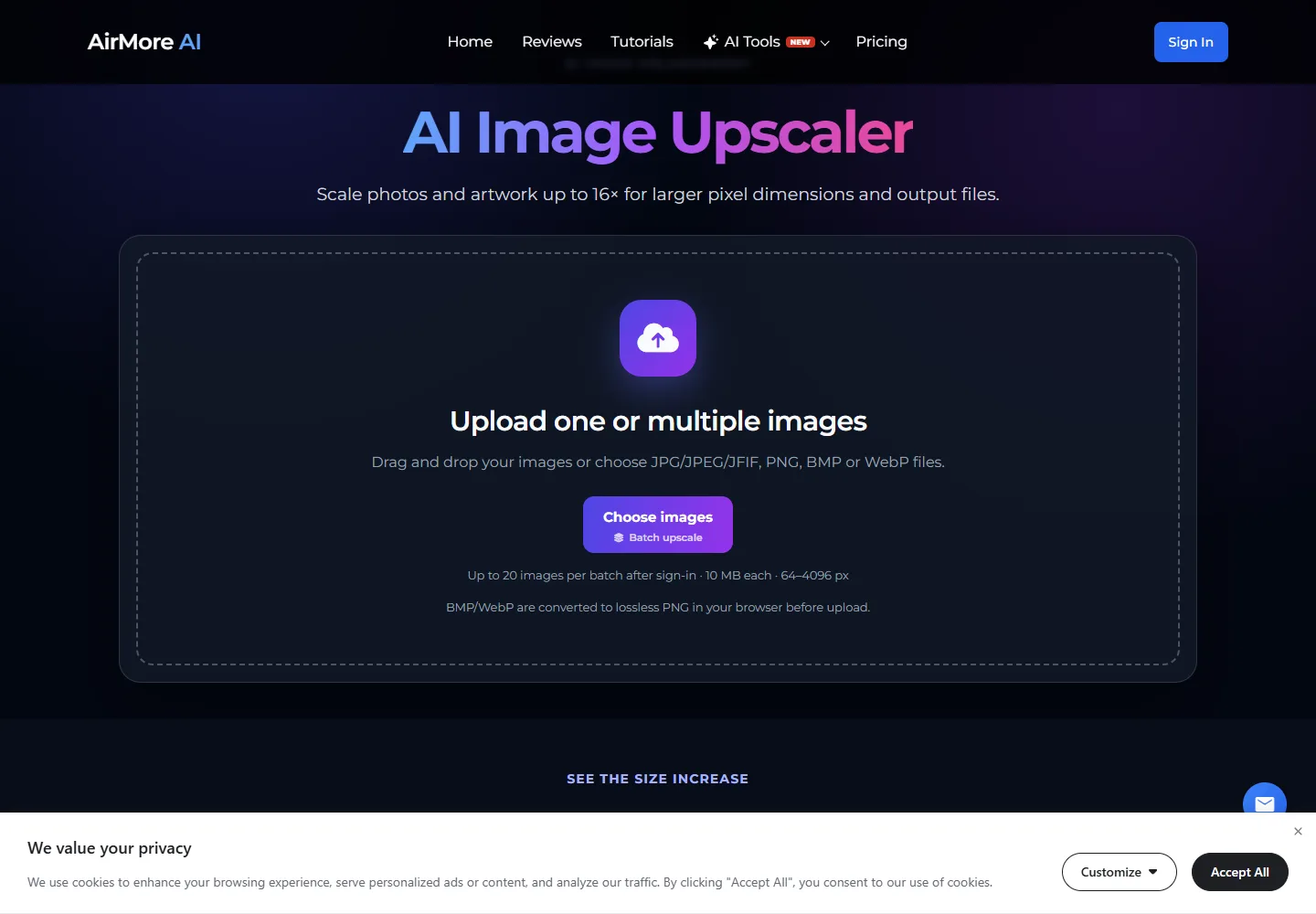
2. Finish only the selected image. If the result is correct but too small, AirMore AI Image Upscaler is an optional browser tool for increasing its pixel dimensions. It is an upscaler, not a substitute for a generator. Upscaling does not reliably repair misspelled words or prove that newly reconstructed detail is accurate. For sensitive or confidential files, use a finishing workflow that meets your data requirements.
Keeping generation and finishing separate prevents a common waste: spending high-resolution credits on dozens of concepts before selecting a composition. Check the small draft first, then spend time and compute on the final candidate.
Price comparison: a GPU, a subscription or an API?
For local generation, budget for the whole working system: GPU memory, system RAM, SSD space, a compatible power supply and cooling. Model downloads can consume substantial storage. As an editorial starting point, 16 GB of GPU memory and 32 GB of system RAM offer more flexibility than a small entry GPU, but neither guarantees that every large workflow will fit. Heavy models may need more memory or slower offloading.
| Example GPU | GPU memory | US launch starting price | What this tells you |
|---|---|---|---|
| RTX 5060 Ti | 16 GB | $429 | A memory-capacity reference, not a promise of flagship speed |
| RTX 5070 Ti | 16 GB | $749 | More compute does not increase the memory ceiling |
| RTX 5090 | 32 GB | $1,999 | More headroom, with much higher purchase and system costs |
These are NVIDIA’s launch figures for the 5060 family and 50 series, not current checkout quotes. A recent US Tom’s Hardware retail report listed the 16 GB 5060 Ti around $761 and the cheapest 5090 at at least $5,000. Availability, country, tax and board design can change the decision completely. Obtain a local quote before calculating payback.
| Online option | Monthly billing / API price | What you actually buy |
|---|---|---|
| ChatGPT Plus | $20/month | ChatGPT access with image generation limits; API usage is billed separately |
| Midjourney | Basic $10; Standard $30; Pro $60; Mega $120 | Fast GPU time varies by tier; Standard and above include Relax image generation |
| NovelAI | Tablet $10; Scroll $15; Opus $25 | Anlas plus plan-specific benefits; V5 Opus free generations have a replenishing usage limit |
| FLUX.2 klein 4B API | From $0.014 per 1 MP image | Pay per image; larger outputs and edits can add cost |
| GPT Image 2 API | Image tokens: $8 input / $30 output per 1M; text input $5 per 1M | Token-based standard pricing; quality, size and input images affect the total |
Sources: ChatGPT Plus, Midjourney plans, NovelAI subscriptions, BFL pricing and OpenAI API pricing. Cached-input and batch rates differ. Monthly and annual billing are not interchangeable, and taxes may be added. A web subscription does not automatically include API credit.
Illustrative payback: suppose additional local hardware costs $800, you cancel a $30/month image plan, and ongoing local expenses are $5/month. Payback is $800 ÷ ($30 − $5) = 32 months. A $1,500 complete PC under the same assumptions takes 60 months. If you keep the subscription, those subscription savings do not exist. Resale value, repairs and your setup time are excluded here.
Electricity is measurable: assumed whole-PC draw of 0.35 kW × 30 hours × $0.20/kWh = $2.10. Replace every input with your own measurements and tariff; this is not a tested GPU power figure. The harder cost is often operator time: debugging one failed workflow can exceed the money saved on many images.
For occasional generation, pay-as-you-go can be cheaper than both a subscription and new hardware. For heavy production on a GPU you already own, local inference becomes more attractive. Compare cost per accepted image: a hypothetical $0.03 attempt costs $0.12 per usable image at a 25% acceptance rate, before retouching.
Local model strength: choose a workload, not just a parameter count
FLUX.2 [klein] 4B is a practical small-model candidate for local generation and editing. Its 4B weights use Apache 2.0; the 9B weights have a different, non-commercial license unless separately licensed. Do not assume that all FLUX downloads have the same commercial terms. Official local-use and licensing guide.
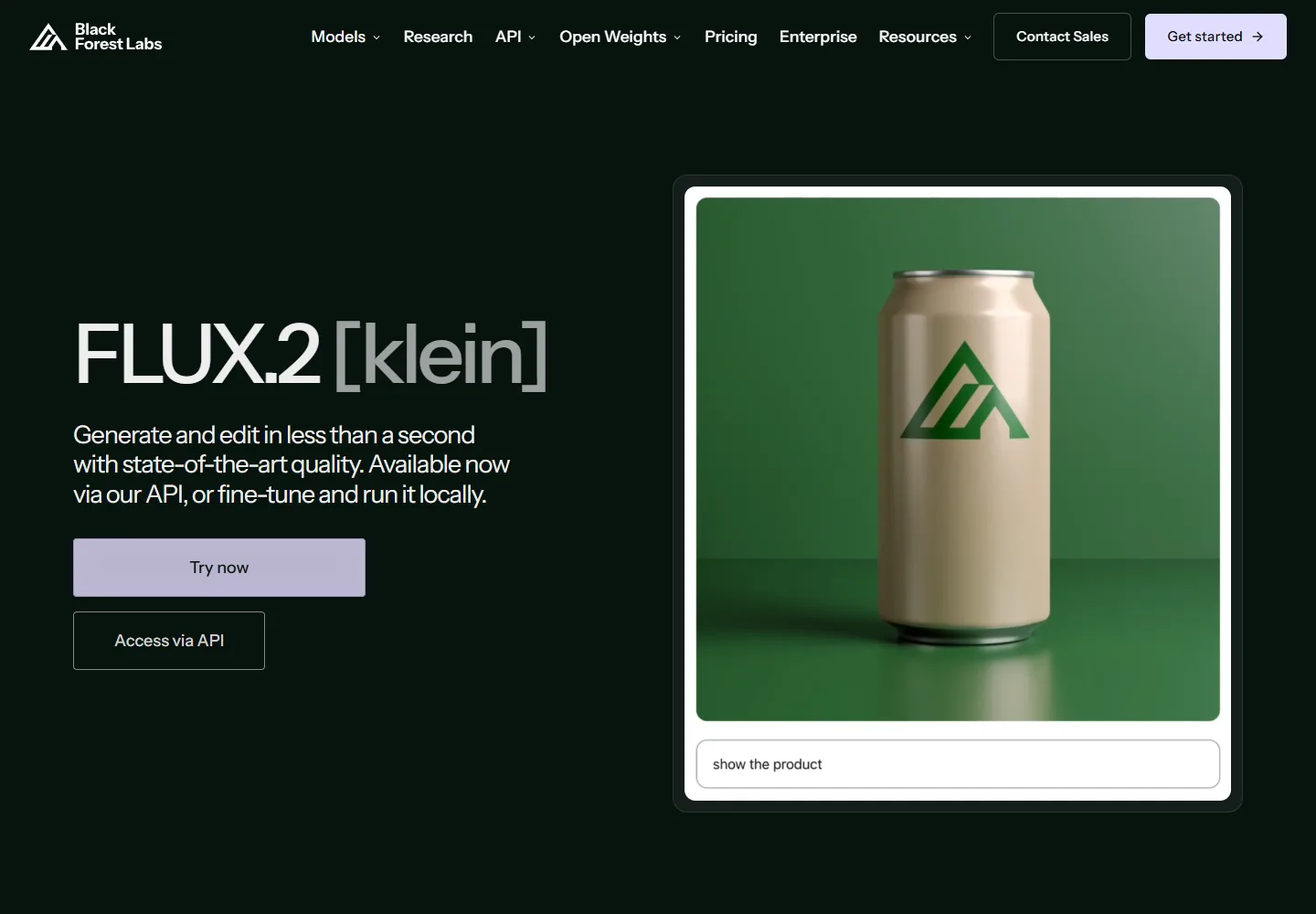
BFL lists roughly 8.4 GB and 1.2 seconds for distilled 4B inference on an RTX 5090, while its broader workflow guide discusses about 13 GB. These describe different memory scopes, not a guaranteed 8 GB-card experience. Allow headroom for encoders, decoding and editing inputs. The 5090 timing cannot be transferred to a 5060 Ti. Vendor performance table; workflow guidance.
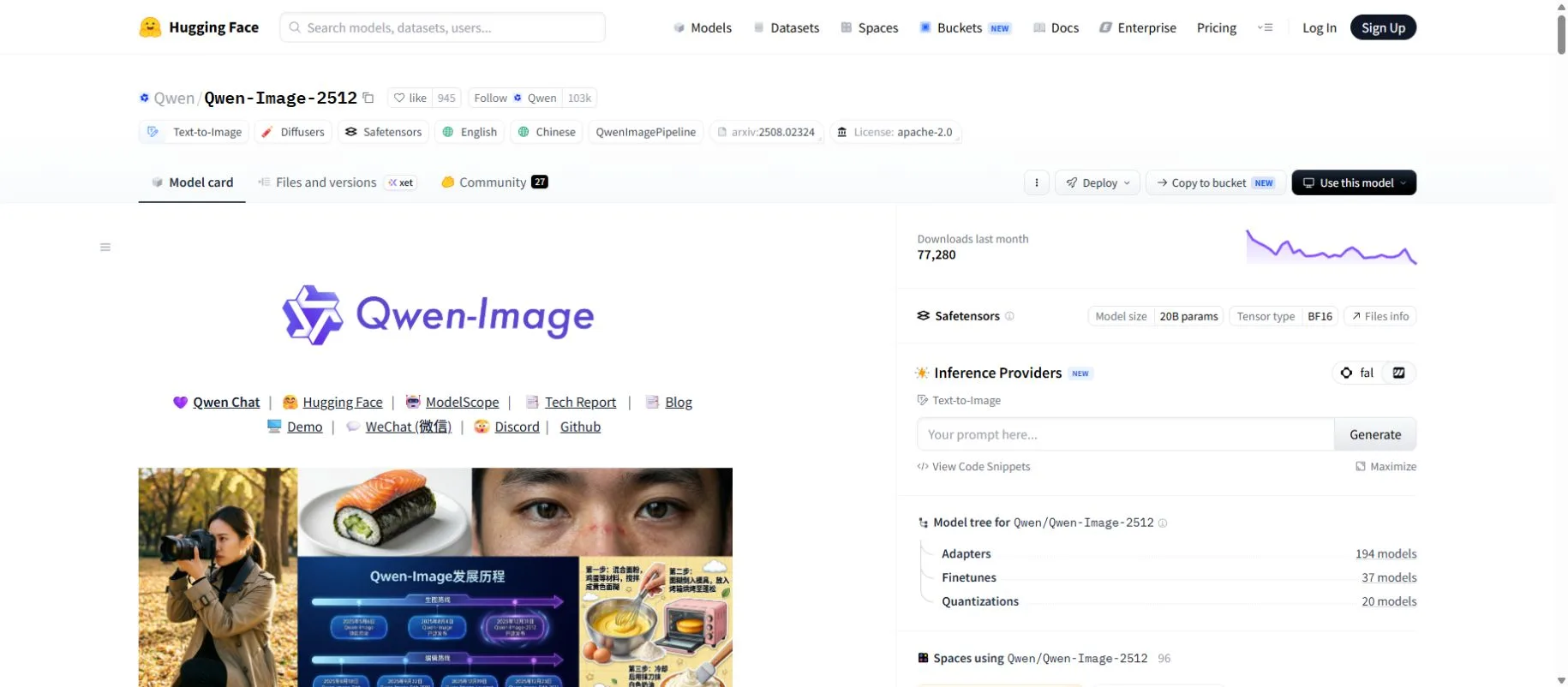
Qwen-Image-2512 is a downloadable 20B-class model worth evaluating for realistic subjects and image layouts containing text. Its official card emphasizes improvements in realism and lettering, with English and Chinese language coverage. It is a substantial model; quantization and CPU offloading may help it fit but can change speed and output. This guide uses the named downloadable release as a comparison point, not as a claim that it is the newest product in the entire Qwen family. Official model card and Apache 2.0 license.
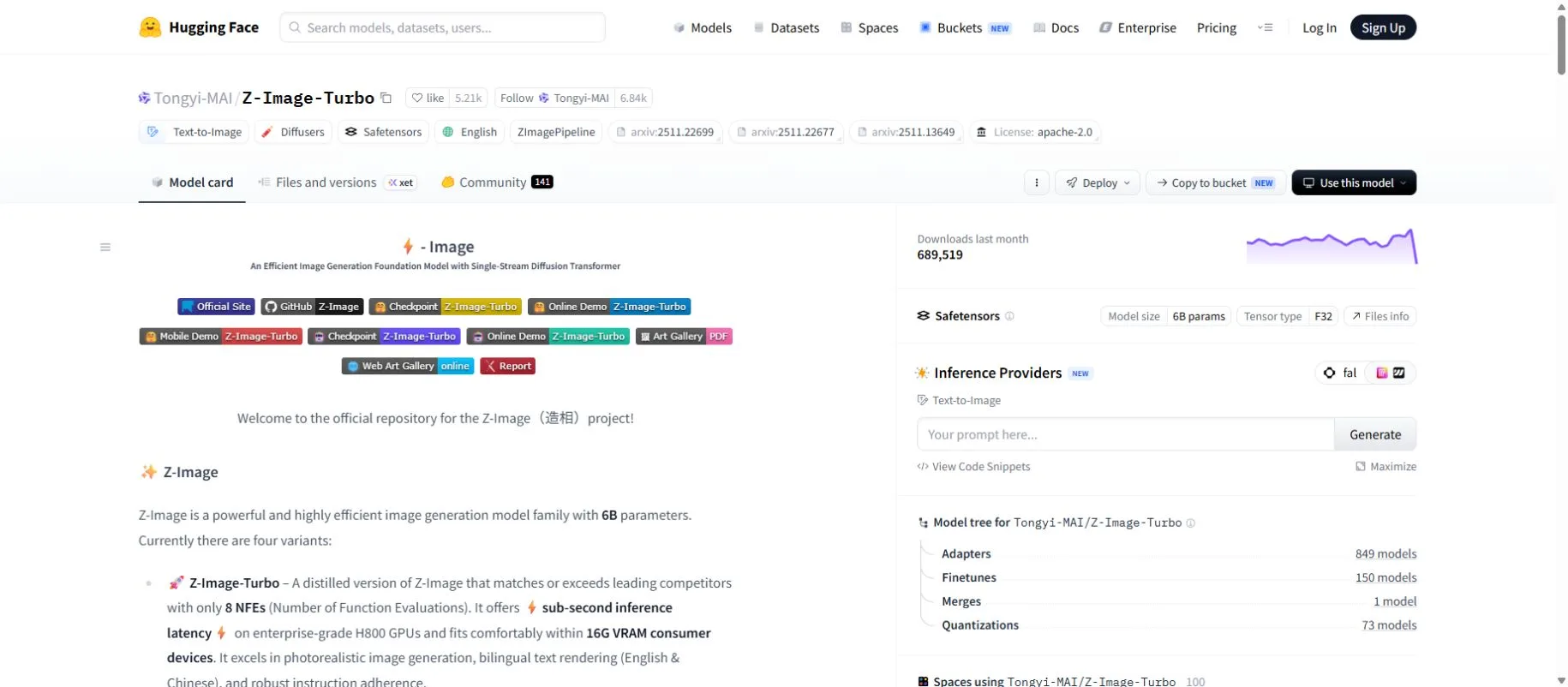
Z-Image-Turbo is a 6B distilled option aimed at efficient generation. Its developer reports 8 function evaluations, photorealistic output, English/Chinese text rendering and suitability for 16 GB consumer devices. The advertised sub-second latency is on an enterprise H800, not a typical home GPU. Official model card.
For anime, a compatible anime-trained checkpoint or LoRA may matter more than choosing the biggest general model. A LoRA is a small adaptation tied to a particular model family; it is not a universal style plug-in. Start with a working example for the exact base version. See our model and LoRA download guide for how to evaluate sources and compatibility.
Online model strength: editing, aesthetics and anime specialization
Official web access: ChatGPT · Midjourney · NovelAI.
ChatGPT Images 2.0 / GPT Image 2 is the conversational option in this comparison. You can describe a scene and then request targeted revisions using the preceding image as context. That makes it an accessible starting point for marketing concepts and layouts where the brief changes during discussion. The API model is documented separately from the ChatGPT product. Official Images 2.0 announcement; GPT Image 2 API documentation.
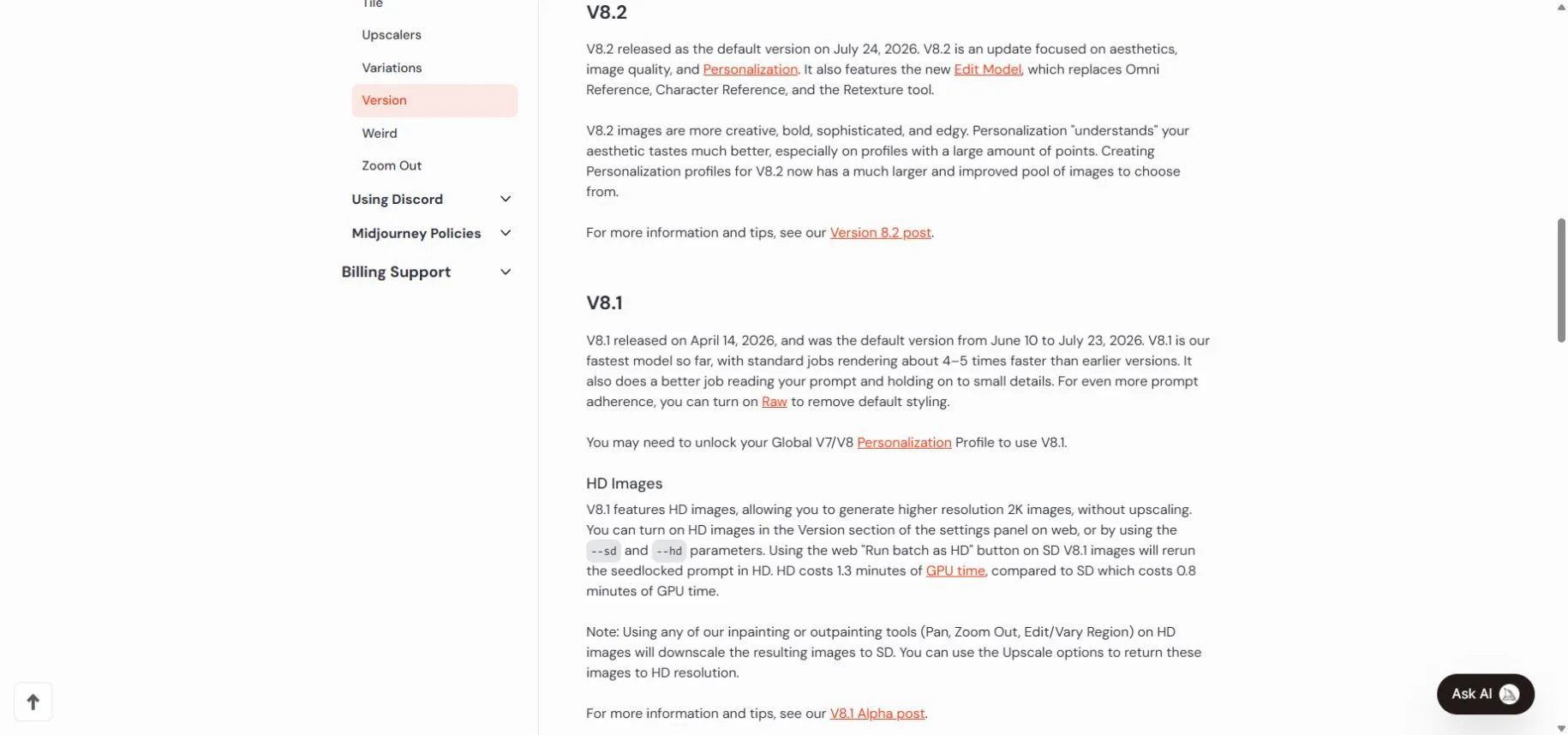
Midjourney V8.2 became the default on July 24, 2026, according to its version documentation. It emphasizes aesthetics and personalization, with a new Edit Model. For anime, the same service offers Niji 7. This makes Midjourney a candidate when visual direction is the main challenge; it does not establish superiority for exact product labels or complex instructions. Current versions and model differences.
NovelAI Diffusion V5 combines anime-oriented generation with natural-language prompts, Japanese support, multi-character controls and improved lettering. Full has broader training coverage; Curated is intended to reduce unwanted sensitive output. Its feature set is especially relevant to character scenes and comics. Official V5 model information.
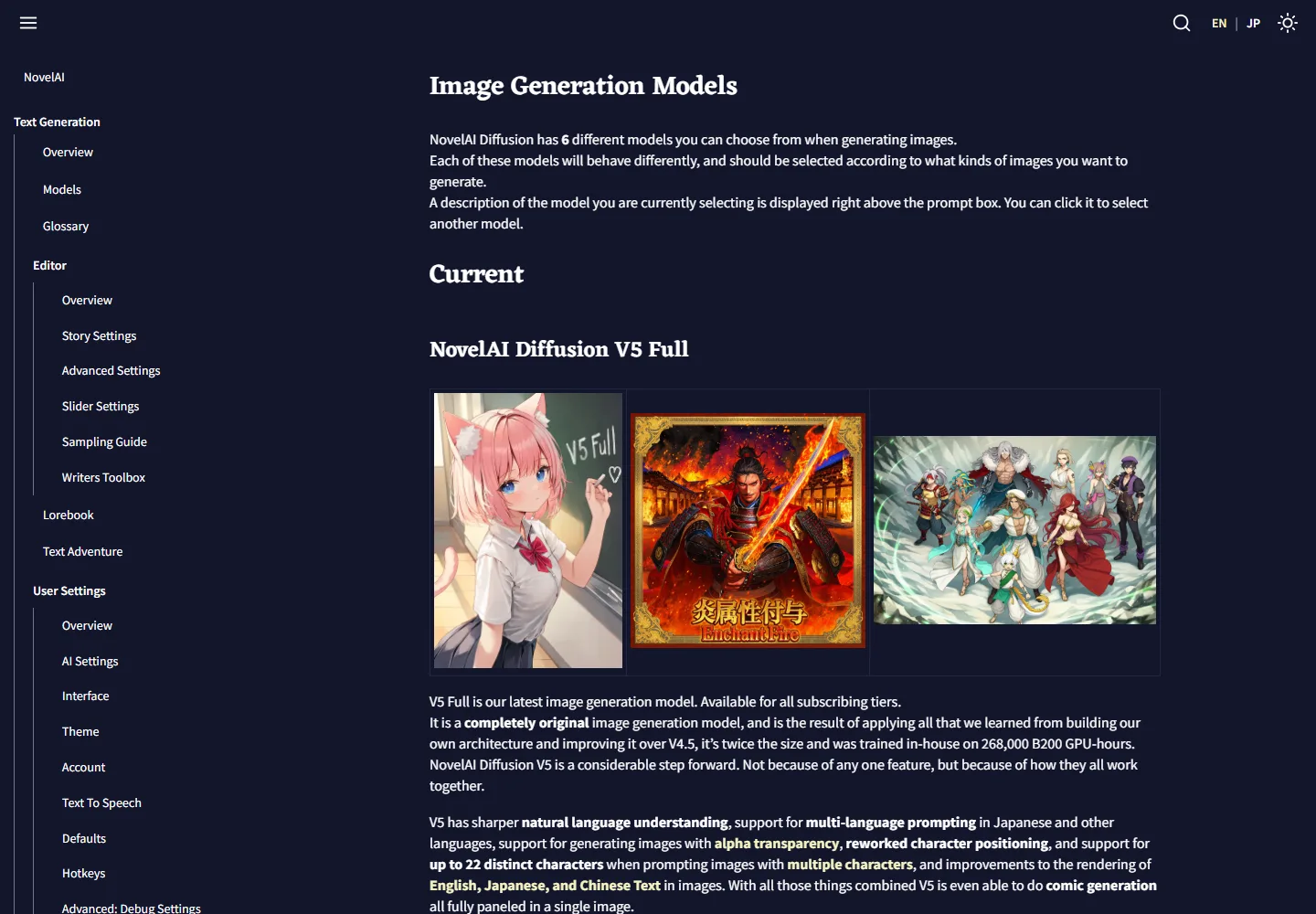
These are different working styles, not a universal ranking. Prefer conversational editing for a changing brief, a visual style system for exploratory art direction, and explicit character controls for repeated illustrated scenes. Test your own difficult examples before paying annually.
Image text and prompt understanding are two separate abilities
Prompt understanding means correctly assigning objects, colors, positions and actions. Text rendering means drawing the requested letters accurately inside the image. A model can make a beautiful poster while misspelling its headline, or spell the headline correctly while ignoring which person holds the product.
| Test | What to request | What to inspect |
|---|---|---|
| Relationships | A red mug left of a blue book; a green plant behind both | Object counts, left/right placement and color binding |
| Exact text | A short headline in quotation marks, plus a separate price | Missing letters, altered digits, extra words and alignment |
| Japanese typography | A short phrase mixing kanji, kana and numerals | Small kana, long-vowel marks, punctuation and spacing |
| Editing | Change only the background; keep the package and label | Whether supposedly unchanged details were redrawn |
Use a plain-language brief first: “Create a square poster for a fictional café. Put a blue cup on the left and the headline ‘Morning Blend’ at the top. Leave the lower third uncluttered.” Then make one correction at a time. This is usually easier to diagnose than a paragraph of conflicting style adjectives.
Modern local models can also accept prose. A tag-trained anime model may respond better to its documented tags and weighting syntax, while a conversational service can translate intent through dialogue. The difficulty comes from the chosen model and controls, not simply from being local. Do not copy an old negative-prompt recipe into every new model.
For Japanese deliverables, English or Chinese lettering demonstrations are insufficient evidence. Run a small language-specific test and proofread at final size. For prices, legal copy, contact details and dense paragraphs, generate the illustration first and place editable text in a design tool. That also makes later corrections cheaper.
Speed and quotas: compare finished images per hour
The clock should start when you submit a request and stop when you have an acceptable file. Include model loading, network transfer, queueing, previews, retries, enlargement and manual repair. A vendor’s one-second inference number is only one part of this process.
| Environment | Limit that matters | Practical consequence |
|---|---|---|
| Fully local | GPU memory, compute, thermal behavior and storage | No service quota, but a larger batch can run out of memory; offloading may slow it down |
| ChatGPT | Plan-dependent image limits and request complexity | Complex generations can take minutes; do not assume a fixed daily allowance applies to every account |
| Midjourney | Fast GPU hours versus Relax queues | Basic has 3.3 Fast hours; Standard 15, Pro 30, Mega 60. Relax on Standard+ trades waiting time for volume |
| NovelAI V5 Opus | Replenishing free-generation allowance plus Anlas | Qualifying free generations are limited; after depletion, use Anlas or wait for recovery |
| Hosted API | Provider rate limits, credits and concurrency | Automation is convenient, but a batch still needs a budget and retry handling |
Sources: ChatGPT image help, Midjourney plan table and NovelAI Opus usage-limit FAQ. NovelAI says a depleted V5 allowance takes about a week to recover fully, with continuous replenishment. Older qualifying models retain different unlimited-generation rules. Do not advertise V5 as simply “unlimited.”
For a fair trial, run the same ten briefs at comparable output dimensions. Record attempts, accepted images, elapsed time and total spend. Keep a separate result for a warm local model already in memory and a cold start. This modest test is more useful than comparing unrelated social-media speed clips.
Anime, realistic people and character consistency
Anime and manga: try NovelAI or Midjourney’s Niji option when you want a hosted starting point; investigate a compatible anime checkpoint and LoRAs when you need local control over a repeatable style. Panel layout, hands, character count and consistency across pages should be judged separately from the attractiveness of a single portrait.
Photorealistic people and products: compare the named general models on skin texture, fabric, reflections, object geometry and reference-image fidelity. A convincing face does not prove that a product logo, package size or hand pose is correct. Qwen and Z-Image’s realism claims are reasons to test them, not independent proof that they beat every hosted competitor.
Repeated characters: choose a workflow that supports the references or adaptations you actually need. Save the model version, prompt, seed where available and editing settings. A seed alone cannot guarantee the same person after changing the model or pipeline. For production, count the effort needed to maintain a character across ten scenes rather than judging one lucky result.
NSFW support: local control is not the same as unrestricted permission
NSFW can mean artistic nudity, explicit sexual material or graphic violence. Those are different policy categories. The table below addresses general access and documented restrictions; no explicit-content generation or filter-bypass test was performed for this guide.
| Option | NSFW position | Important boundary |
|---|---|---|
| Local downloadable models | Varies by checkpoint, training and installed application | Removing a hosted service from the workflow does not remove model terms or make every output lawful |
| ChatGPT Images / GPT Image 2 | Restricted; not an uncensored adult-image service | Safety filters apply to prompts and images; sexual deepfakes are specifically restricted |
| Midjourney / Niji | SFW only | Adult and gore content is prohibited, including in private servers and Stealth mode |
| NovelAI V5 | Sensitive-content capability differs between Full and Curated | Official docs position Curated as safer against unwanted sensitive images; this is not blanket permission for every adult use |
| Hosted versions of open models | Host-specific rules apply | An API can impose restrictions that differ from a local installation |
Policy sources: OpenAI Images 2.0 safety report, Midjourney community guidelines, NovelAI model distinctions, NovelAI terms and BFL usage policy. The NovelAI documentation cited here does not establish a universal allowed-content list for every explicit scenario; do not treat the label “Full” as such a guarantee.
For adult projects, distinguish technical capability from contractual permission before subscribing. Use only lawful, consensual adult subject matter; avoid sexual content involving minors or non-consensual intimate likenesses. Local deployment is not a justification for either. Private storage and permission to generate a particular category are also separate questions.
Privacy, licensing and the buying decision
A fully local workflow can keep source images on your machine once its components are installed. Check remote nodes and extensions before calling a workflow offline. Online services differ: Midjourney creations are public by default, and Stealth is limited to Pro and Mega. ChatGPT’s consumer data controls are another separate setting; a paid plan is not automatically an offline or confidential workspace.
For commercial work, inspect the exact model and adaptation licenses, the service plan and the rights to your references. Downloadable weights are not synonymous with unrestricted commercial use, and a vendor’s license cannot guarantee that every generated logo or likeness is cleared.
- Occasional images, no suitable GPU: start with a trial or one month online. Buying hardware is difficult to justify on subscription savings alone.
- Existing GPU, repeatable batches: test one local model and one stable workflow. Track accepted output and maintenance time before expanding.
- Japanese posters or changing client briefs: prioritize language tests, targeted editing and editable final typography.
- Anime production: compare character controls, compatible style assets and actual V5/plan limits.
- Mixed workload: keep routine approved tasks local and use a hosted model for jobs where its editing or output saves enough time.
A hybrid workflow is often sensible, but it is an additional service cost if you keep paying for both. For other starting points, see our AI image generator guide.
Frequently asked questions
Is local AI image generation free?
The software and some weights may be free to download. Hardware, power, storage, maintenance and your time still have a cost. An existing suitable computer makes local use much easier to justify.
Is 8 GB of VRAM enough?
For some small or quantized workflows, yes. It is not a dependable all-model target. Check the full pipeline, image dimensions and editing inputs; a model-only memory figure excludes other components.
Does more VRAM improve image quality?
It lets you fit larger models or workflows and can reduce offloading. It does not automatically improve an identical model running with identical settings. Compute speed and memory capacity solve different problems.
Can online AI generate NSFW images?
There is no single answer. Midjourney is SFW-only, OpenAI applies image safety restrictions, and other services distinguish model variants and sensitive-content rules. Verify both the current model and the host’s policy.
Which approach is better for Japanese text?
Choose by the tested model and your exact copy, not by local versus online. Check kana, punctuation and numerals. Keep important final text editable rather than relying entirely on generated lettering.
Should I buy a GPU to replace my subscription?
Only after testing the local workflow and calculating savings from subscriptions you will actually cancel. Include your real hardware quote, ongoing costs and usable-image rate. A high purchase price can push payback beyond the useful upgrade cycle.
Our verdict
Online generation is the easier first purchase for most people without suitable hardware. Local generation becomes compelling when you already own the GPU, need repeatable control and can maintain the workflow. Neither location guarantees the best anime, realistic faces or accurate lettering.
Choose the model for the task, verify its NSFW and commercial-use boundaries, and compare the cost and time required for an image you can actually use. In 2026, those practical differences matter more than the slogan “local is free” or “cloud is always better.”
Related
Best AI Animation Tools to Animate Drawings and Characters

Best AI Health Apps in 2026: 5 Tools for Sleep, Wellness and Daily Support

How to Remove Vocal from a Song? Manual Method vs AI Vocal Remover
Best AI Poster Generators for Events, Marketing, and Creative Design
Best AI Fashion Design Generators for Creative Clothing Ideas
Top 7 Best AI Garden Design Free Tools to Create Stunning Outdoor Spaces