
Table of Contents
- What Is an AI Poster Generator?
- Why Use an AI Poster Generator?
- Quick Comparison
- 1. Canva
- 2. Adobe Express
- 3. Microsoft Designer
- 4. Piktochart
- 5. Fotor
- 6. Picsart
- 7. Freepik AI
- 8. PosterMyWall
- 9. Ideogram
- 10. ChatGPT or Copilot
- How to Choose the Right AI Poster Generator
- AI Poster Prompt Examples
- Mistakes to Avoid
- FAQ
What Is an AI Poster Generator?
An AI poster generator is a tool that helps users create poster designs from a prompt, template, image, brand style, or design brief. Instead of starting with a blank canvas, you can describe the poster you need and let AI suggest layouts, backgrounds, typography, colors, and visual concepts.
AI poster generators are useful for event posters, marketing campaigns, movie-style posters, product launches, school projects, nonprofit announcements, social media graphics, and print materials. Some tools are template-based and easy for beginners. Others focus more on creative image generation, text effects, and brand design.
The best AI poster generator should help with both image and layout. A beautiful background is not enough if the text is hard to read or the poster does not fit the campaign goal.
Why Use an AI Poster Generator?
Posters need to grab attention quickly. They usually combine a strong visual, a clear message, hierarchy, color, typography, and a call to action. That can be hard to create if you are not a designer.
An AI poster generator can help you:
- Create poster ideas faster
- Turn a rough event brief into a visual concept
- Generate multiple design directions
- Find better color and typography combinations
- Resize posters for print and social media
- Create movie-style, concert, school, or marketing posters
- Save time on layout and visual brainstorming
- Help non-designers create polished designs
AI is especially useful for first drafts. You can generate concepts quickly, then refine the best one manually.
Quick Comparison
| Tool | Best For | Main Strength | Possible Limitation |
|---|---|---|---|
| Canva | General poster design | Templates, AI design tools, easy editing | Some designs may feel template-like |
| Adobe Express | Branded posters and quick graphics | Strong design tools and Adobe ecosystem | Best value for Adobe users |
| Microsoft Designer | Quick AI-generated poster concepts | Simple prompt-based visual generation | Less advanced for professional print workflows |
| Piktochart | Informational posters | Charts, reports, educational and business visuals | Less focused on artistic poster styles |
| Fotor | Fast poster and image editing | AI image tools, templates, and editing | Quality depends on prompt and template choice |
| Picsart | Creative social posters | Effects, stickers, AI edits, and social content | Can feel less formal for business posters |
| Freepik AI | Marketing poster visuals | Creative assets and stock-style design support | May need editing for final layouts |
| PosterMyWall | Event and promo posters | Ready-made event templates and easy publishing | Less flexible for custom AI art direction |
| Ideogram | Posters with text | Better text generation inside images | Still needs review for print accuracy |
| ChatGPT or Copilot | Poster ideas and copy | Briefs, copy, layout suggestions, and prompts | Needs another design tool for final output |
1. Canva
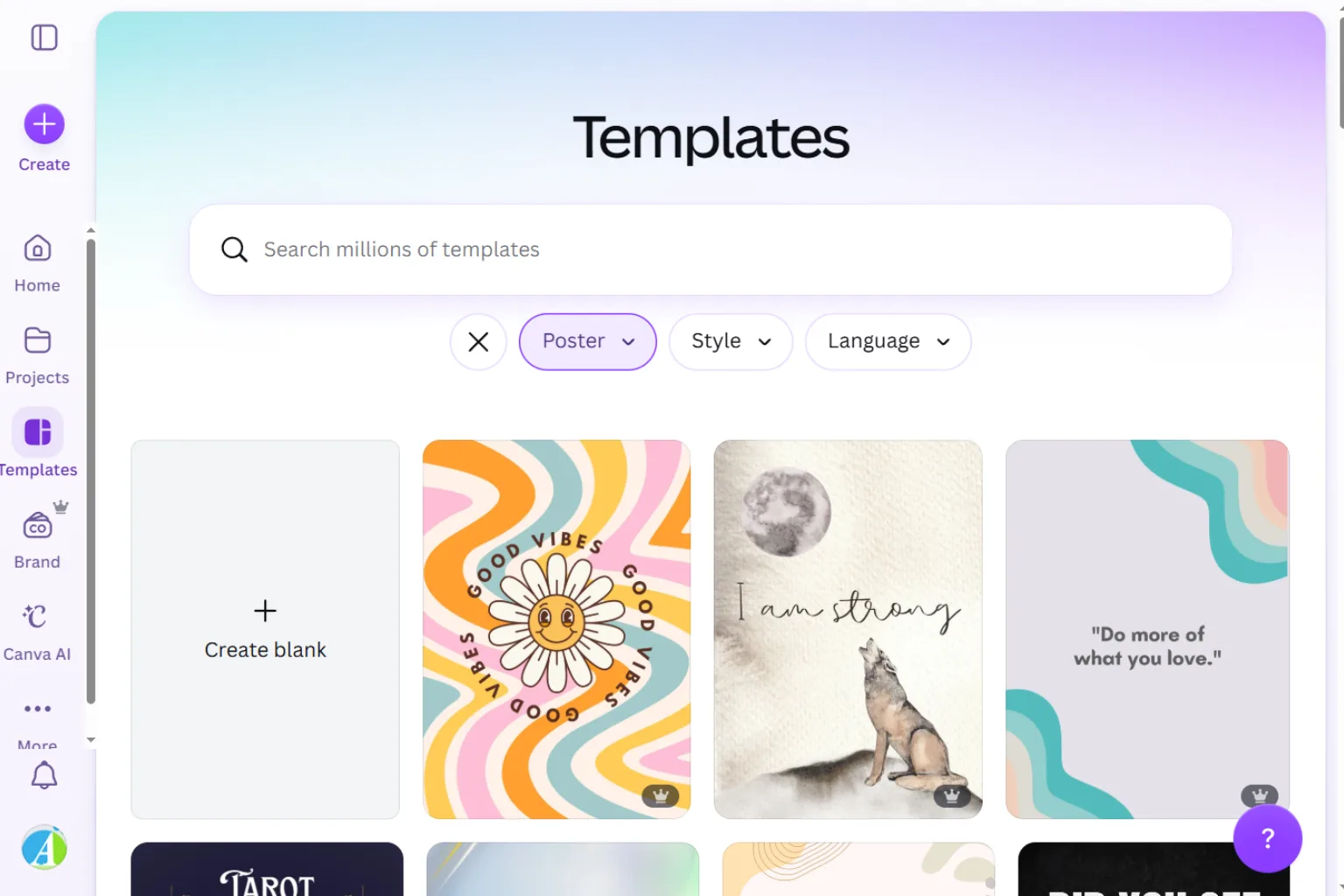
Canva is one of the easiest AI poster generators for most users. It includes poster templates, AI design tools, image generation, background editing, brand kits, typography, and resizing options. It works well for event posters, classroom posters, sale posters, and social media campaigns.
Canva is best for:
- Event posters
- Social media posters
- School posters
- Marketing posters
- Small business designs
- Beginners who want templates
Choose Canva if you want a simple all-in-one design workflow.
2. Adobe Express
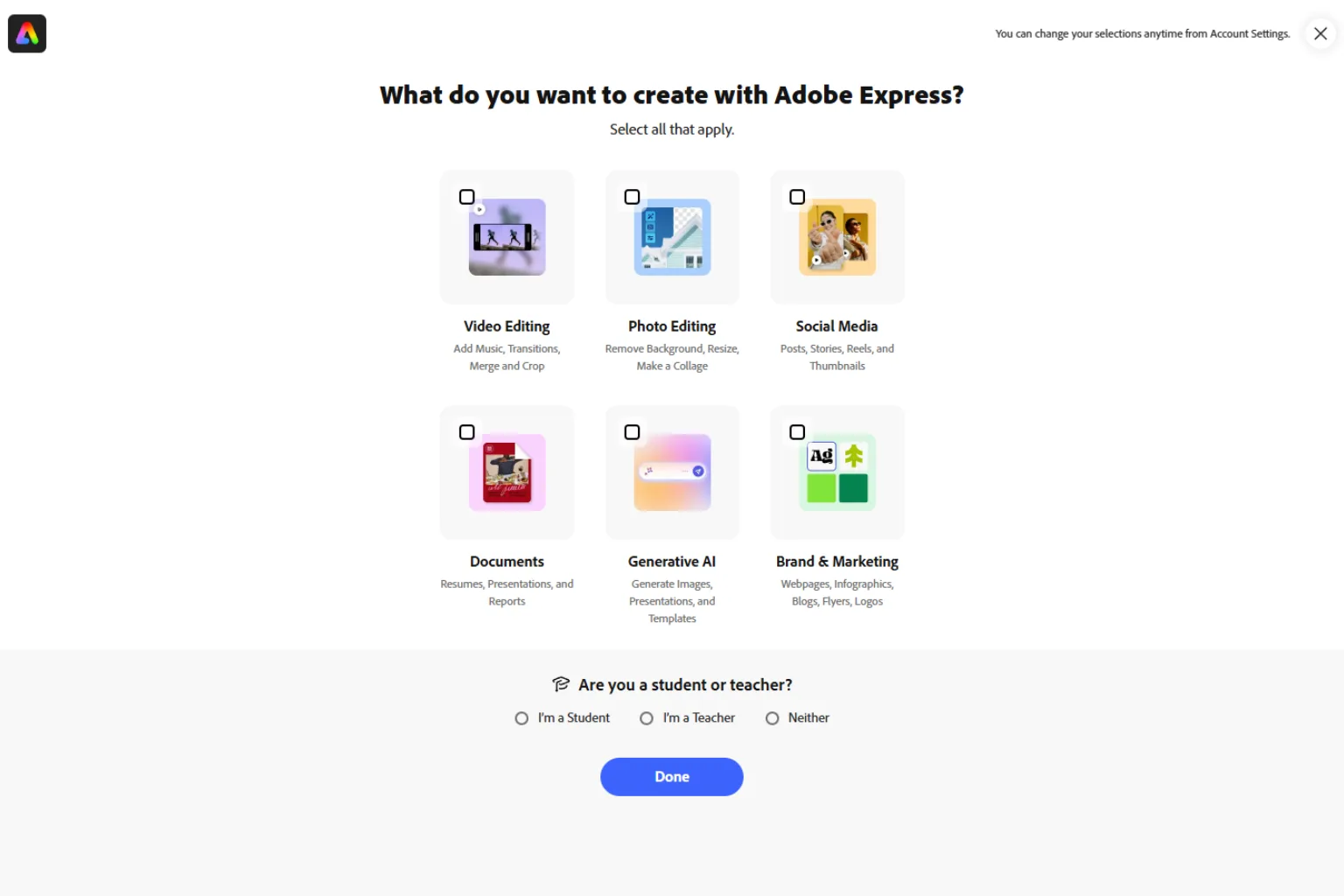
Adobe Express is a strong AI poster maker for users who want quick design tools with polished results. It is useful for branded graphics, event posters, announcements, social posts, and campaign visuals.
Adobe Express is best for:
- Branded posters
- Marketing graphics
- Social media posters
- Quick design editing
- Adobe users
- Small business promotion
Choose Adobe Express if you want a clean design tool connected to Adobe’s creative ecosystem.
3. Microsoft Designer
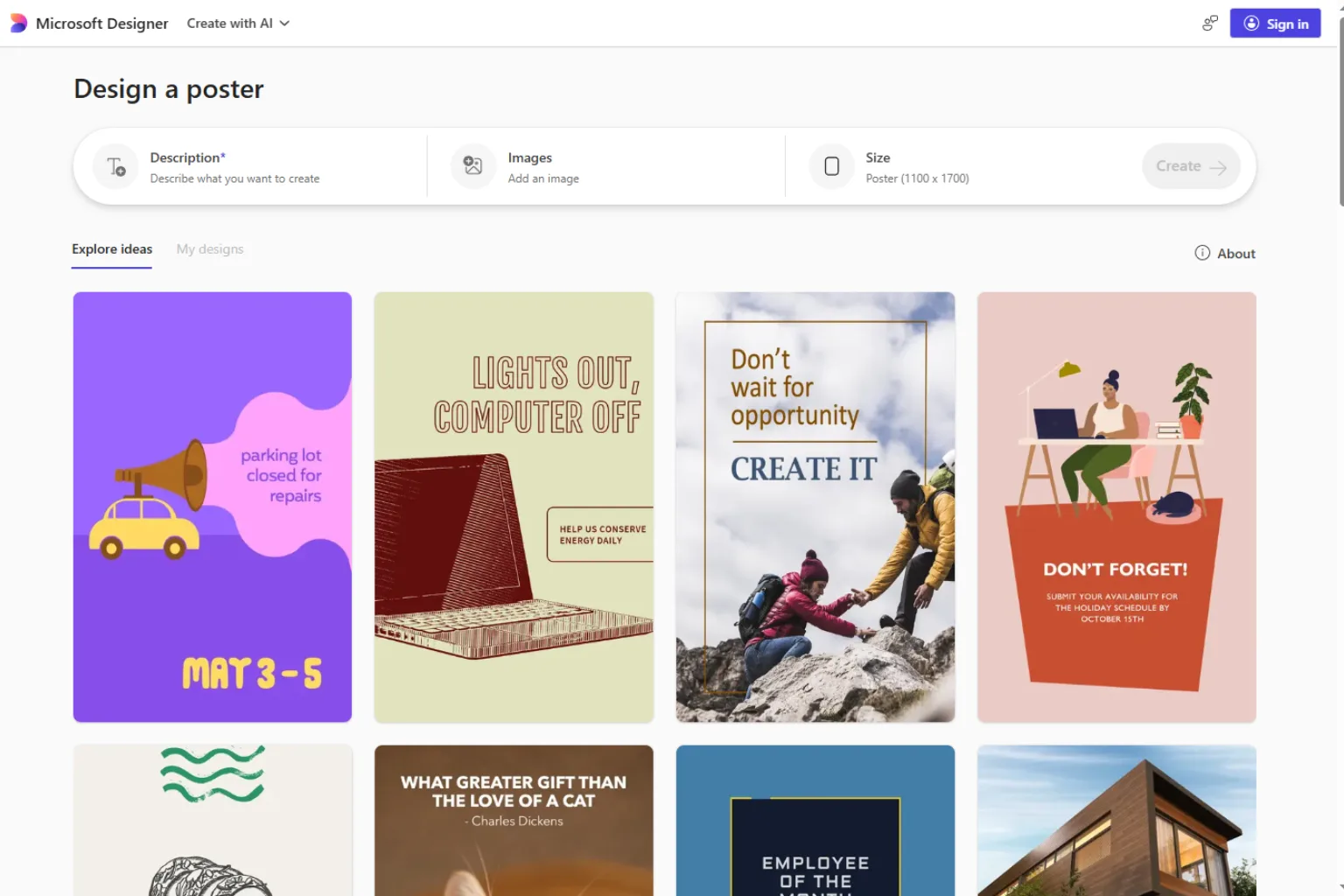
Microsoft Designer is useful for generating quick poster concepts from prompts. It can help users create social graphics, announcements, invitations, and marketing visuals without heavy design experience.
Microsoft Designer is best for:
- Prompt-based poster ideas
- Fast social graphics
- Simple event posters
- Microsoft users
- Beginners
- Quick design drafts
Choose Microsoft Designer if you want a fast AI design assistant for simple poster creation.
4. Piktochart
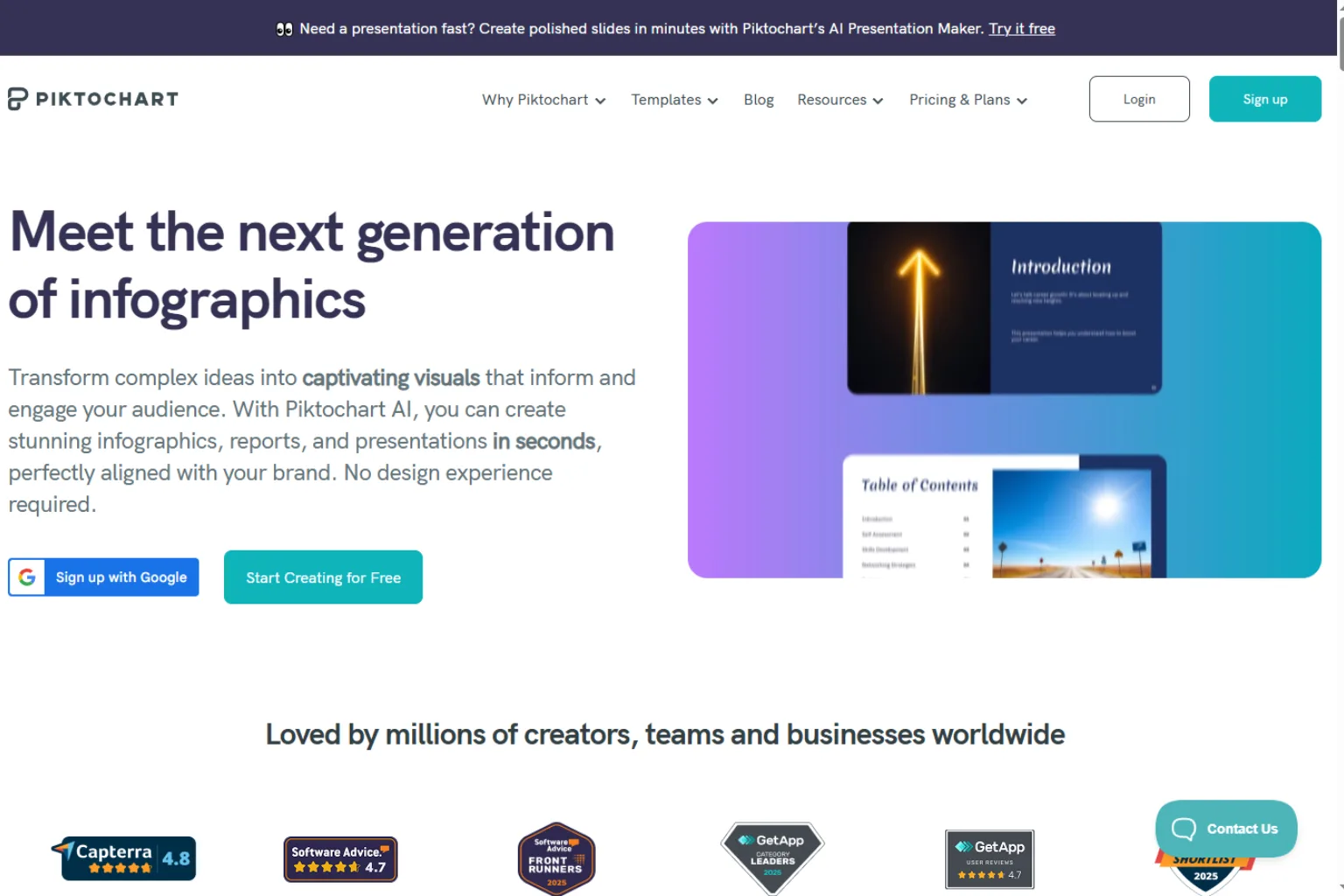
Piktochart is a good option for informational posters, educational posters, data-heavy visuals, reports, and business graphics. It is less about flashy art and more about explaining information clearly.
Piktochart is best for:
- Educational posters
- Infographic posters
- Business posters
- Data visualizations
- Reports and presentations
- Classroom materials
Choose Piktochart if your poster needs to communicate information clearly.
5. Fotor
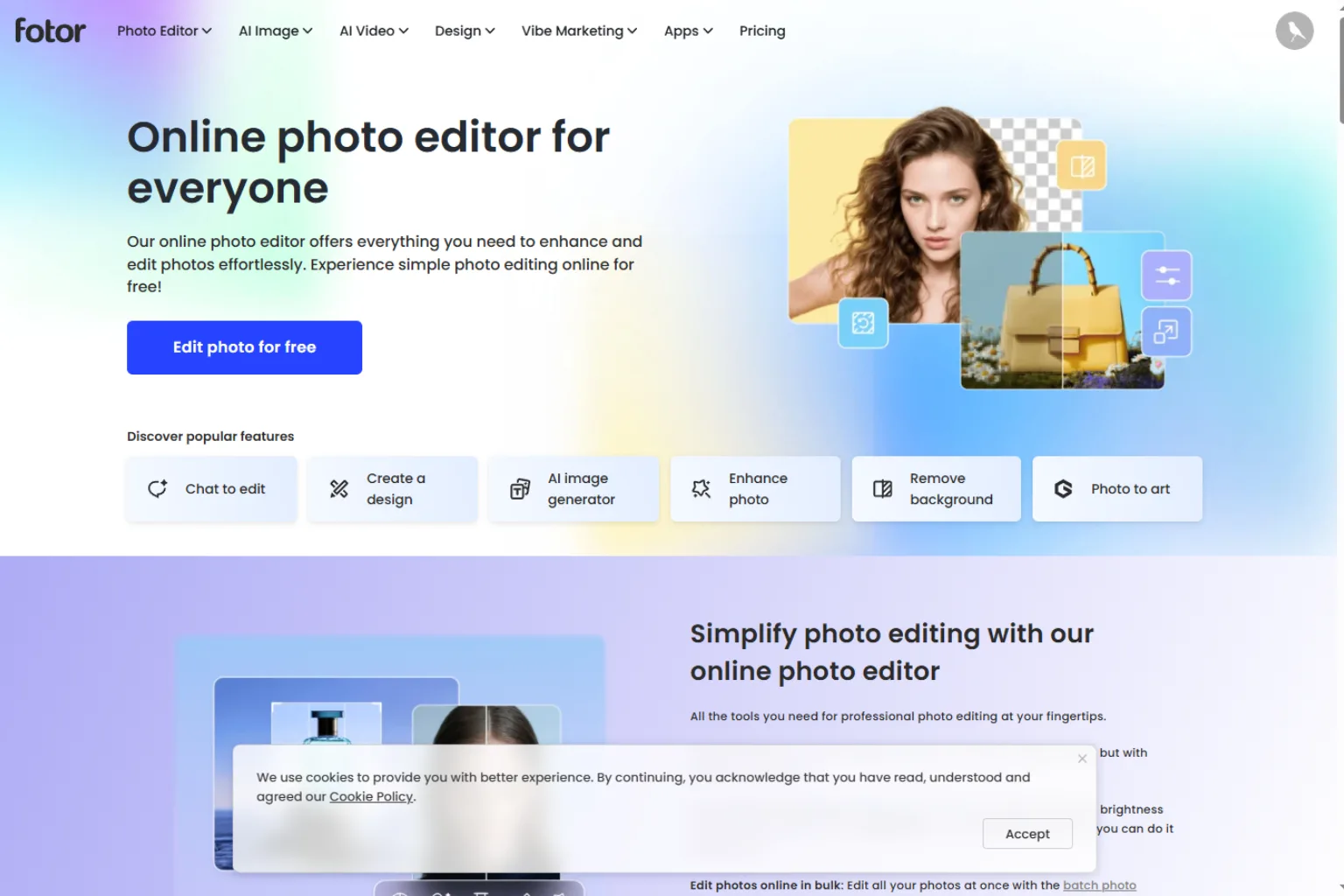
Fotor offers AI image tools, poster templates, background editing, and design features. It is useful for users who want to create posters quickly and also edit images in the same workflow.
Fotor is best for:
- Quick poster designs
- AI image editing
- Promotional posters
- Social media graphics
- Personal projects
- Creative templates
Choose Fotor if you want both AI image editing and poster templates.
6. Picsart
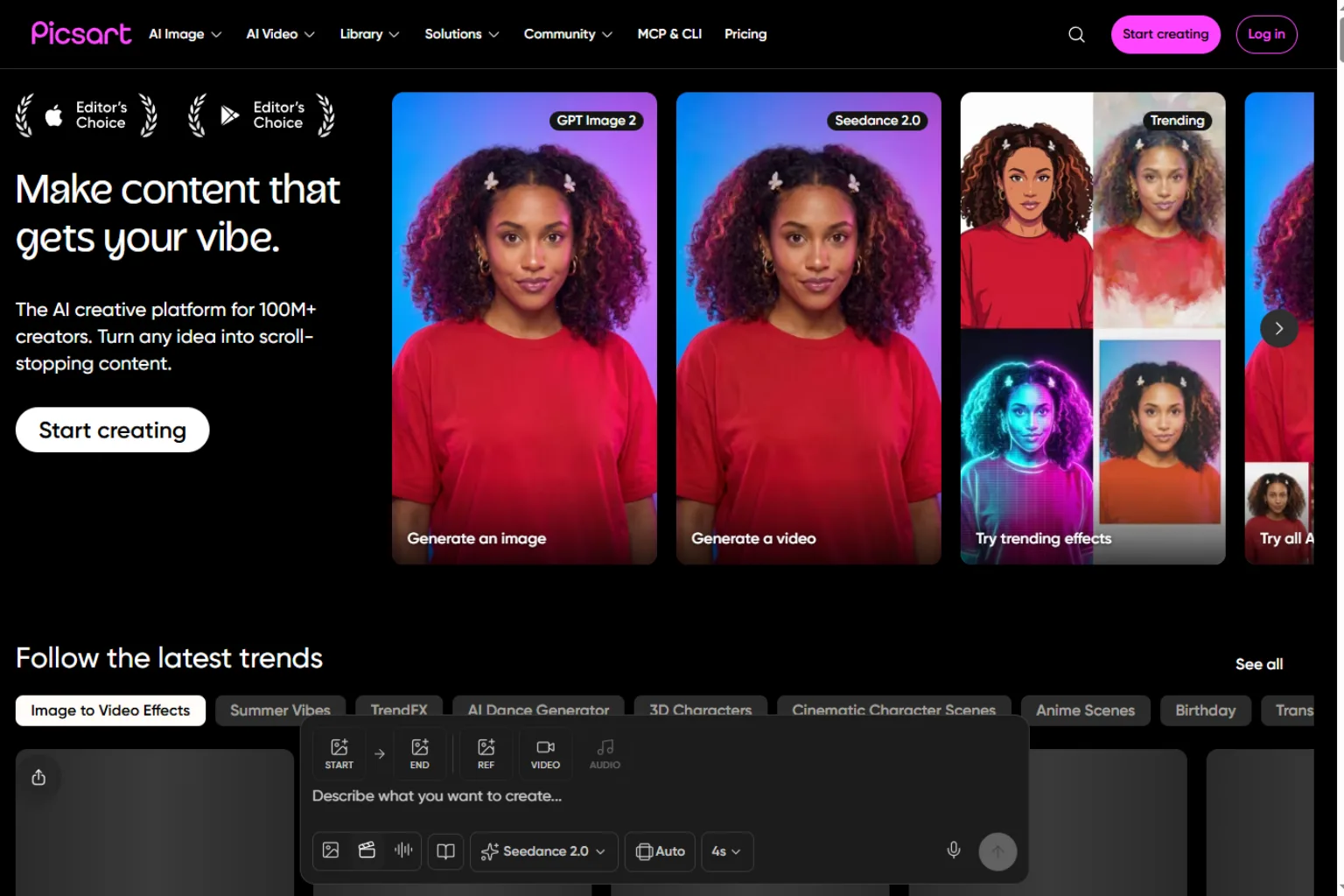
Picsart is useful for creative, bold, and social-friendly posters. It includes AI effects, stickers, templates, background tools, and photo editing features. It is especially good for creators who want eye-catching visuals.
Picsart is best for:
- Social media posters
- Creator graphics
- Bold promotional designs
- Music or party posters
- AI effects
- Quick mobile editing
Choose Picsart if your poster needs to feel playful, expressive, or social-first.
7. Freepik AI
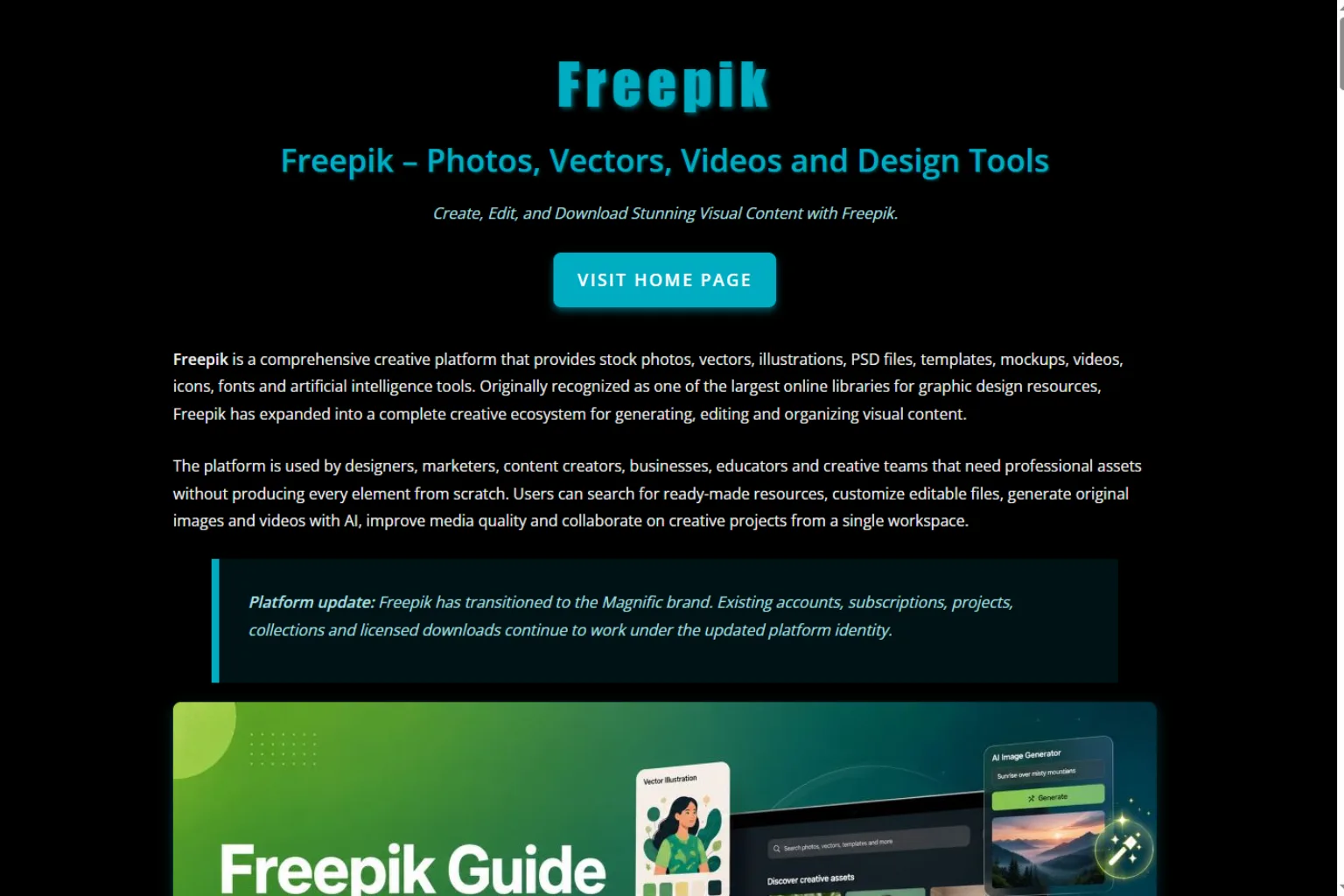
Freepik AI is helpful when you need creative assets, backgrounds, images, and design resources for poster creation. It can support marketing posters, event graphics, and visual concepts.
Freepik AI is best for:
- Poster backgrounds
- Design assets
- Marketing visuals
- Stock-style graphics
- Creative concepts
- Campaign inspiration
Choose Freepik AI if you need visual assets and poster-ready design elements.
8. PosterMyWall
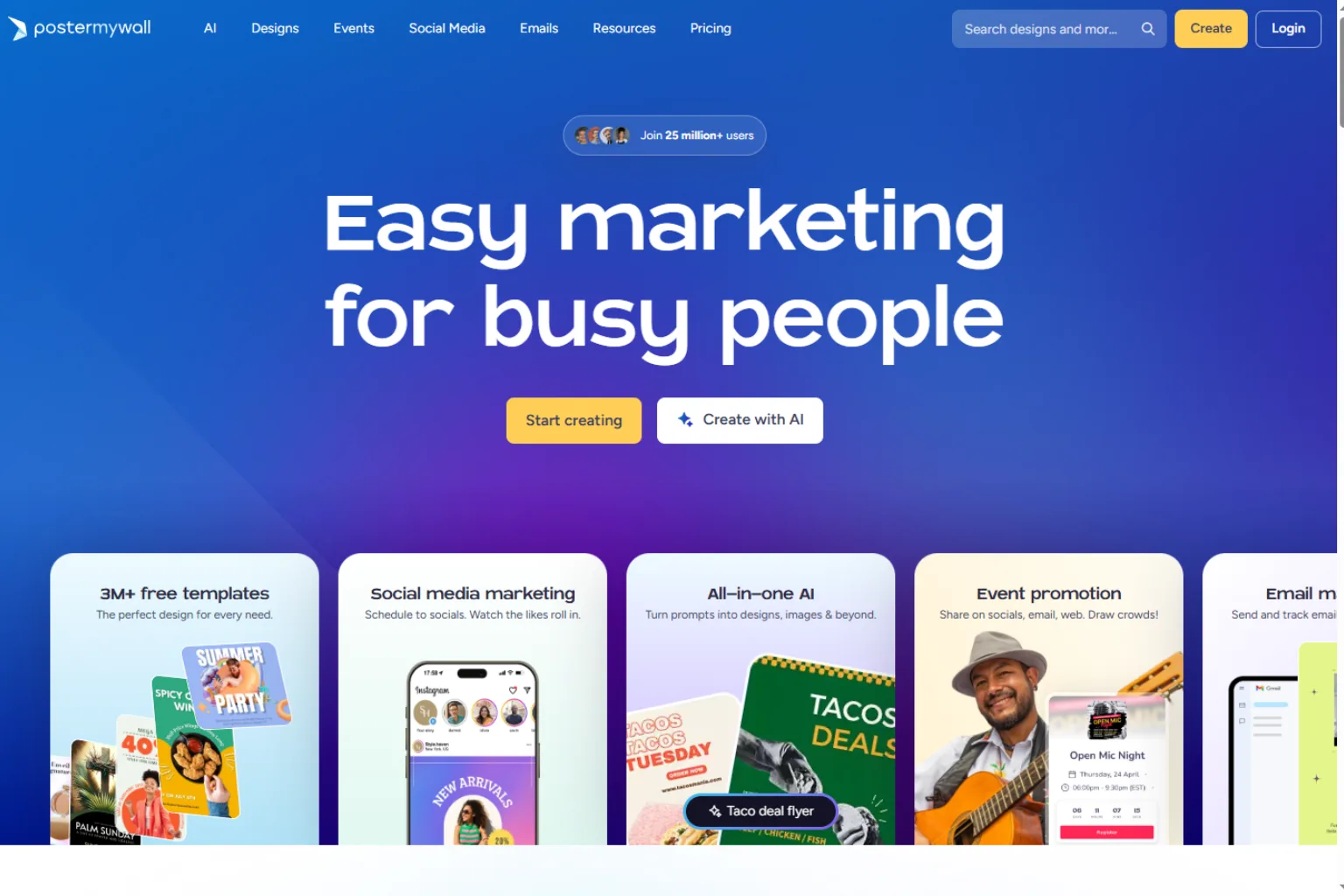
PosterMyWall is a practical poster design platform for events, businesses, schools, churches, restaurants, clubs, and promotions. It offers many ready-made templates and easy editing options.
PosterMyWall is best for:
- Event posters
- Restaurant promotions
- School announcements
- Community posters
- Club and music posters
- Fast template editing
Choose PosterMyWall if you want event-ready templates and quick publishing.
9. Ideogram
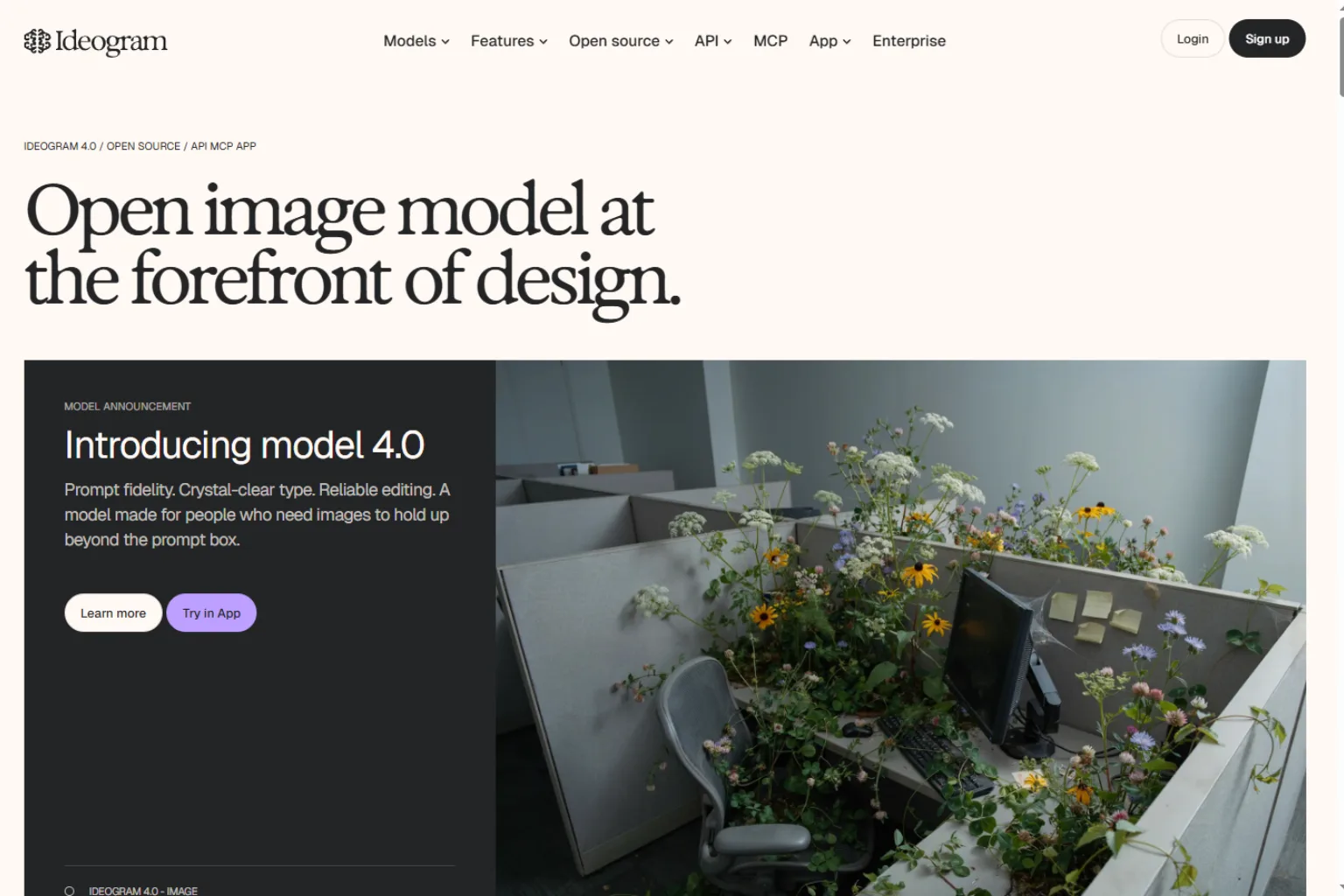
Ideogram is a strong option when poster text matters. Many AI image generators struggle with readable words, but Ideogram is often useful for typography-driven images, poster concepts, and text-heavy visual ideas.
Ideogram is best for:
- Text-based poster concepts
- Movie-style posters
- Typography graphics
- Promotional visuals
- Creative poster ideas
- Social media designs
Choose Ideogram if your poster needs readable text inside the generated visual.
10. ChatGPT or Copilot
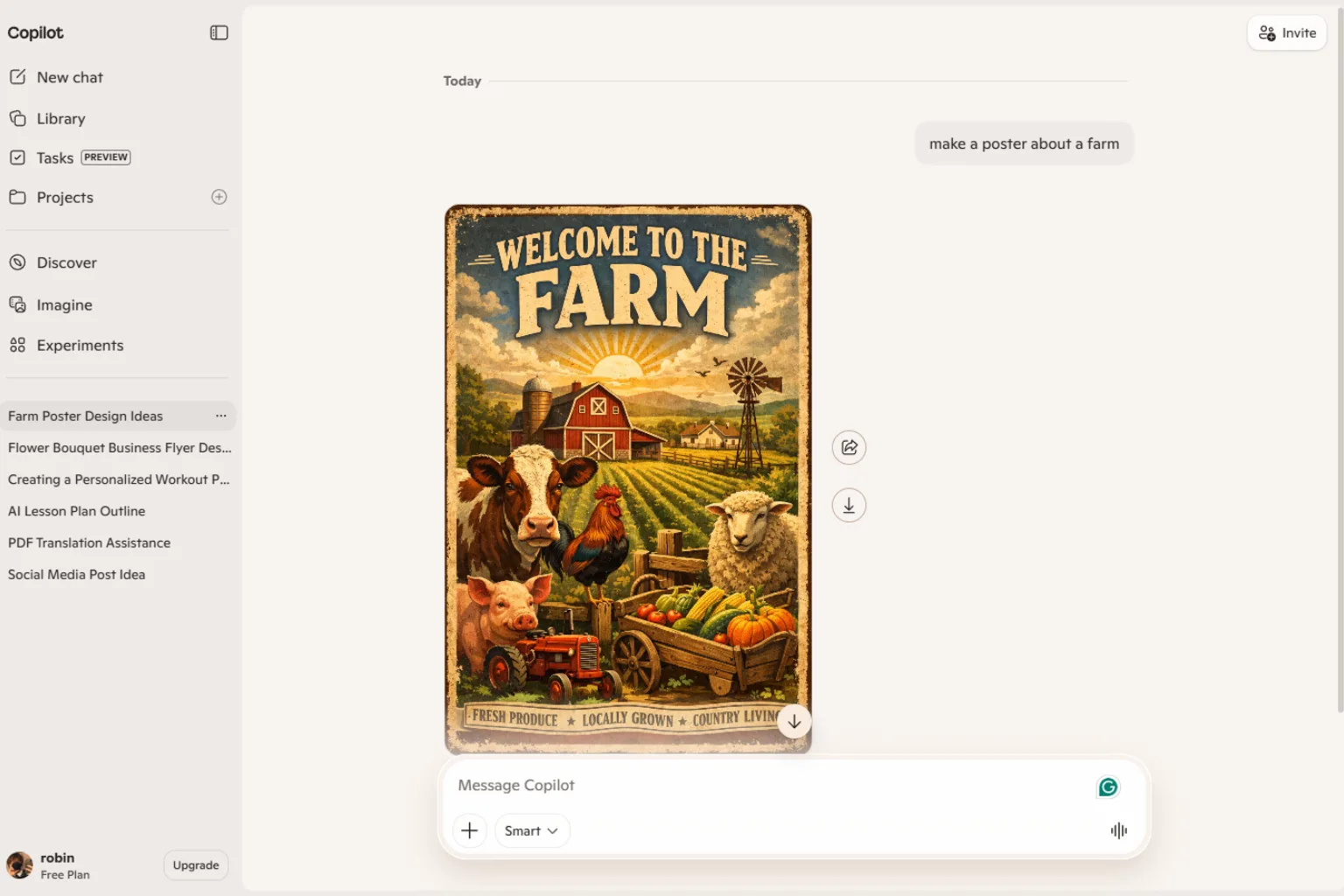
ChatGPT or Microsoft Copilot can help with poster planning even if they are not full design platforms. They can create poster briefs, headlines, subheadings, layout suggestions, color palettes, and prompts for other AI design tools.
They are best for:
- Poster copy
- Campaign ideas
- Design briefs
- Layout suggestions
- Prompt writing
- Audience targeting
Choose ChatGPT or Copilot if you need help shaping the message before designing.
How to Choose the Right AI Poster Generator
Choose Canva or Adobe Express if you want an easy design workflow. Choose Piktochart for educational or informational posters. Choose PosterMyWall for event templates. Choose Ideogram if text inside the poster is important. Choose Freepik AI, Fotor, or Picsart for creative visual assets and quick edits.
Before choosing, ask:
- Is the poster for print, social media, or both?
- Does it need lots of readable text?
- Do I need templates or original artwork?
- Is brand consistency important?
- Do I need a QR code, date, location, or CTA?
- Will the final poster need resizing?
- Do I need commercial usage rights?
AI Poster Prompt Examples
Create a modern music event poster for an electronic concert. Use bold geometric shapes, deep blue and neon coral colors, large title area, date and venue placeholders, and high contrast.Design a clean conference poster for an AI marketing summit. Use a professional tech style, white background, blue accent color, abstract network pattern, speaker section, and registration CTA.Create a classroom poster explaining the water cycle for 5th grade students. Use clear icons, friendly colors, simple labels, and enough spacing for readability.Generate a movie-style poster concept for a sci-fi short film. Use cinematic lighting, dramatic composition, minimal text, and space for a title at the top.Mistakes to Avoid
Avoid these common AI poster design mistakes:
- Using too many fonts
- Making the headline too small
- Adding too much text
- Choosing low-contrast colors
- Ignoring print size and bleed
- Forgetting date, location, or call to action
- Trusting AI-generated text without checking it
- Using visuals that do not match the event or brand
- Exporting at low resolution for print
AI can create strong drafts, but the final poster still needs design review.
FAQ
What is the best AI poster generator?
Canva is one of the best all-around AI poster generators for beginners. Adobe Express is strong for branded designs, PosterMyWall is useful for event templates, and Ideogram is worth trying when poster text matters.
Can AI make a poster from text?
Yes. Many AI poster generators can create poster concepts from a text prompt. Some tools create full layouts, while others create images or design assets that you can edit.
Is there a free AI poster generator?
Some tools offer free plans or free credits. Free options are useful for drafts, but paid plans may be needed for premium templates, higher resolution, branding tools, or commercial use.
Can AI create movie posters?
Yes. AI can generate movie-style poster concepts, but you should avoid copying copyrighted styles or using real actor likenesses without permission.
Can AI posters be printed?
Yes, if the final file has enough resolution and the layout is prepared for print. Check size, bleed, margins, and text clarity before printing.
Which AI poster generator is best for school projects?
Canva, Adobe Express, Piktochart, and Microsoft Designer are good choices for school posters because they are easy to use and support educational layouts.
Can AI generate readable poster text?
Some tools are better than others. Ideogram is often useful for text-in-image designs, while template-based tools like Canva or Adobe Express are safer for final readable text.
Final Thoughts
An AI poster generator can help you create strong visual ideas faster, especially when you need posters for events, campaigns, classrooms, social media, or promotions. Use AI to explore concepts, then refine the layout, text, and export settings before publishing or printing.
For most users, Canva and Adobe Express are the easiest starting points. For event templates, try PosterMyWall. For informational posters, use Piktochart. For typography-heavy poster concepts, test Ideogram.
Related
AI Cover Letter Generator: Best Tools to Write Better Job Applications Faster

AI Humanizer: Making AI-Generated Text Sound More Human (2026 Guide)

AI Product Description Generator: Best Tools to Write Ecommerce Copy Faster
AI YouTube Title Generator: Best Tools for Better Video Titles
YouTube Music Downloader: How to Download YouTube Songs Safely and Easily
Best AI Email Writers for Work, Sales, and Everyday Messages