

The best AI image model and LoRA download site depends on what you want to build: anime checkpoints, realistic photo models, character LoRA, ComfyUI workflows, or NSFW-capable local resources. Civitai and Hugging Face are the two most important starting points, while Shakker, SeaArt AI and PixAI are useful when you want a more visual discovery experience.
Before downloading anything, check the base model, license, sample prompts, file format and safety notes. A beautiful preview image does not guarantee the model is safe, legal or compatible with your workflow.
Table of Contents
How to Choose an AI Model or LoRA Download Site
For local AI image generation, the download site is part of the workflow. You need clear model metadata, preview images, version history, file safety, license information and enough comments or examples to judge whether the resource is reliable.
Pay special attention to base model labels such as SDXL, Pony, Illustrious, NoobAI, Flux or other families. A LoRA trained for the wrong base may load, but it can produce weak likeness, broken anatomy or strange style artifacts.
Quick Comparison
| Site | Best for | Strength | NSFW situation |
|---|---|---|---|
| Civitai / Civitai.red | Community checkpoints and LoRA | Huge model discovery ecosystem | Many mature resources; use filters and read rules |
| Hugging Face | Official models and research releases | Versioning, model cards and files | Varies by model and repo |
| Shakker | Visual model browsing and generation | Easy preview-led discovery | Platform-controlled |
| SeaArt AI | Trying models online | Beginner-friendly generation and model pages | Platform-controlled |
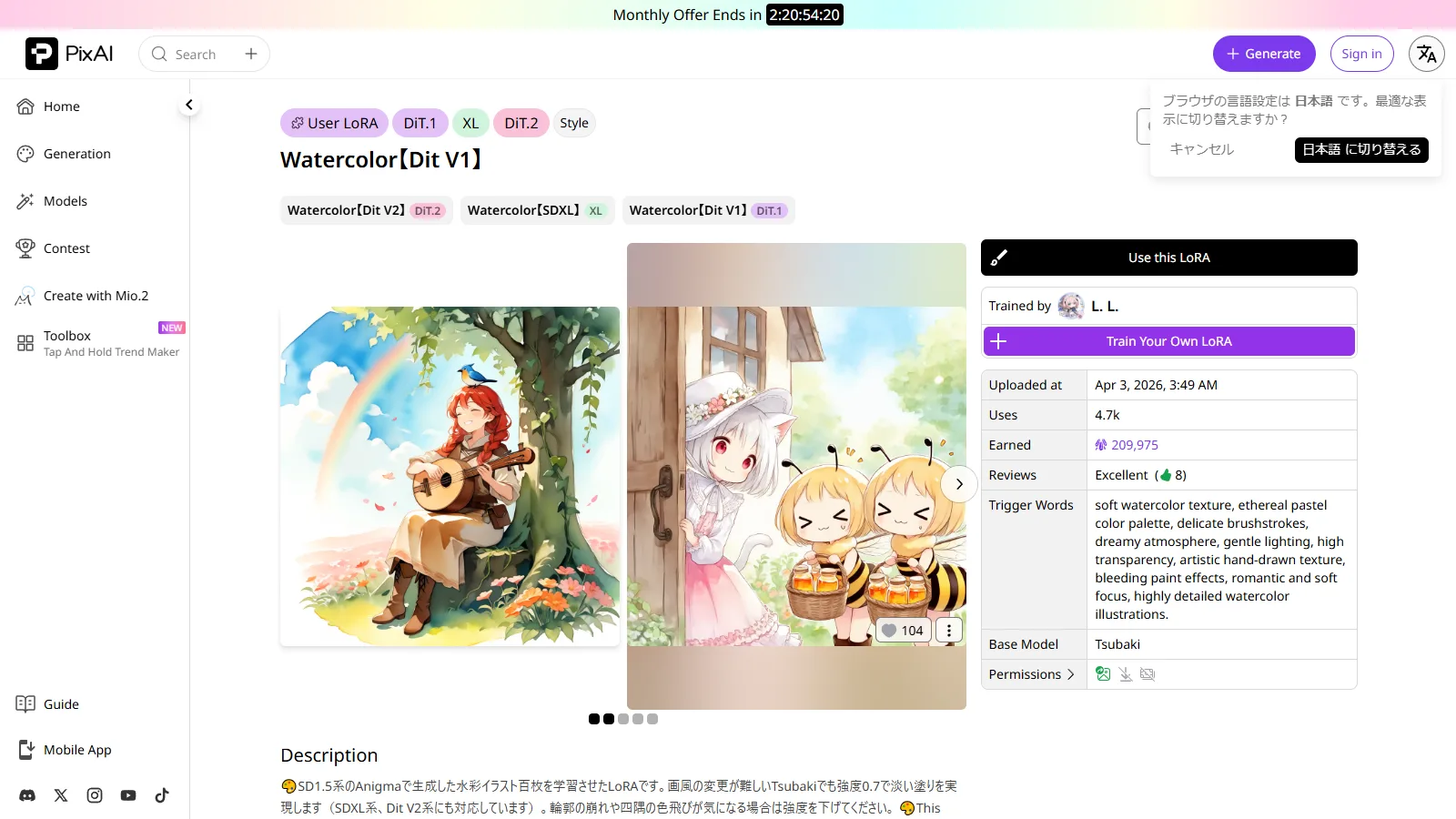
| PixAI | Anime LoRA and creator discovery | Anime-focused browsing and online use | Platform-controlled |
Best AI Image Model and LoRA Download Sites
1. Civitai / Civitai.red
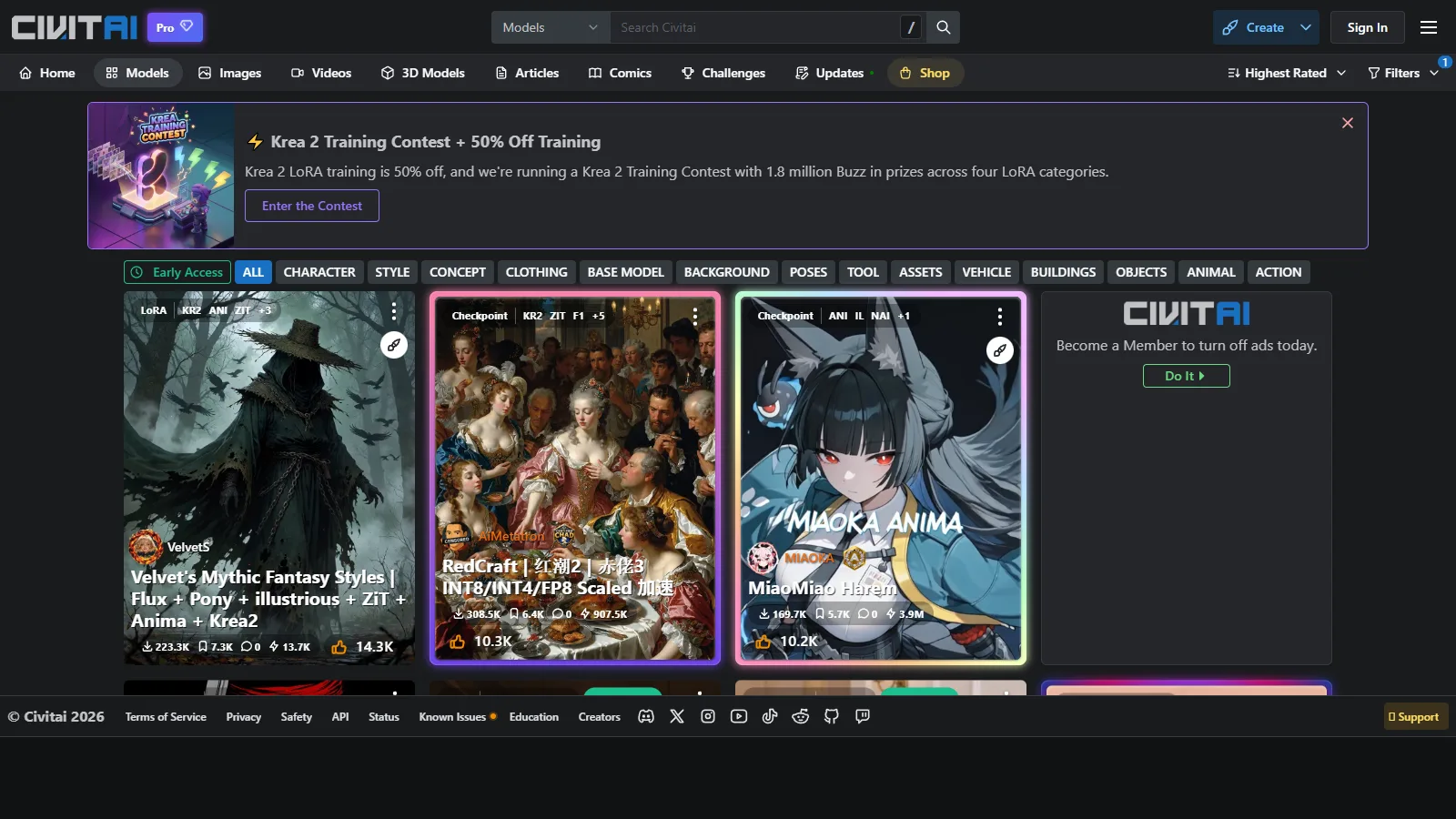
Civitai.red is one of the largest discovery sites for checkpoints, LoRA, embeddings, workflows and style resources. It is especially useful for anime, realistic photo, Pony, Illustrious and NoobAI-related resources because pages usually include preview images, trigger words, sample prompts and user reactions.
The site is powerful but noisy. Sort by popularity only after choosing the correct base model and resource type. For NSFW searches, use account settings and filters carefully, and never assume that a popular file is safe for commercial use.
2. Hugging Face
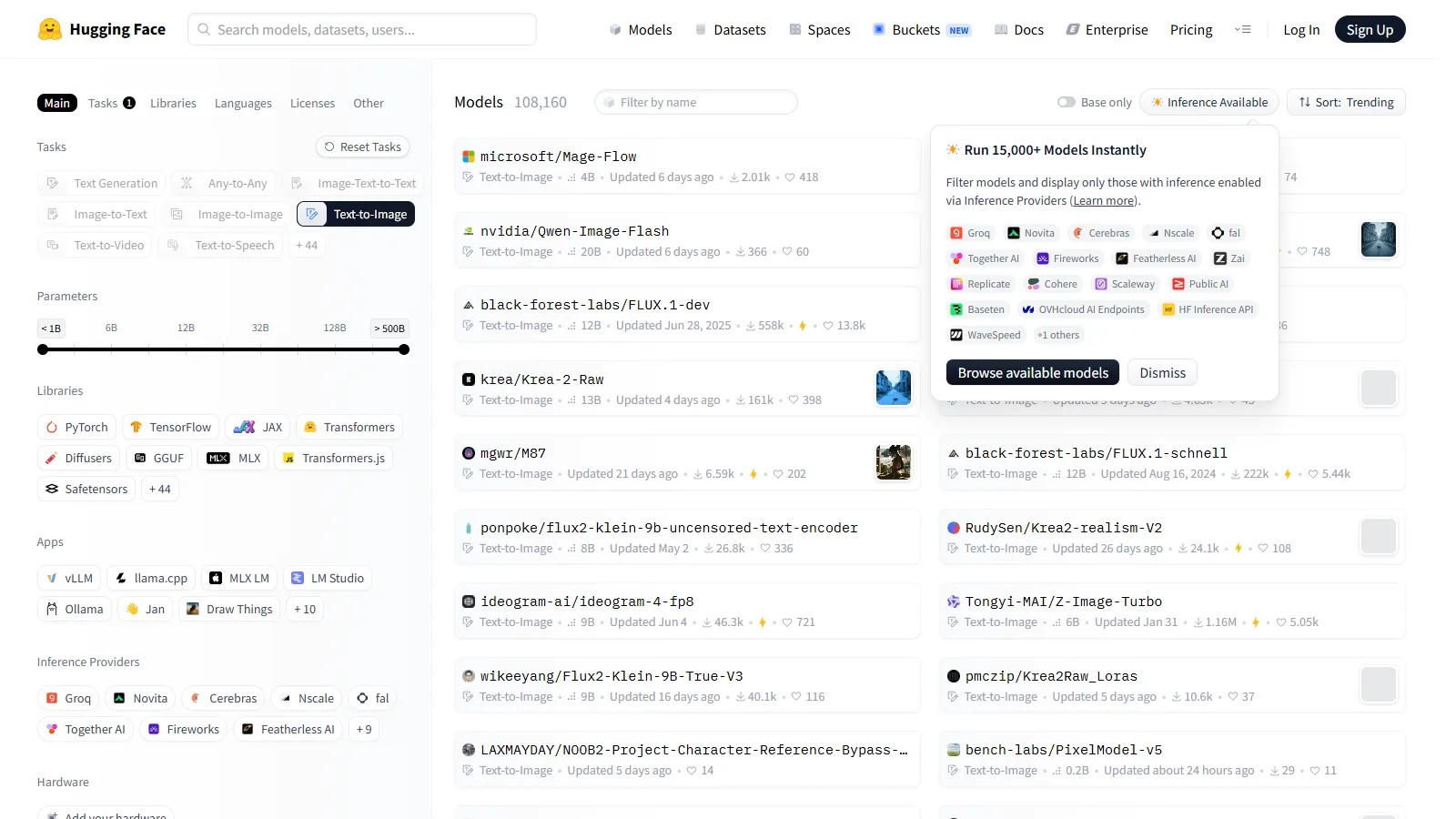
Hugging Face is the best place to look for official releases, research models, open-weight checkpoints and technical documentation. Model cards often include license, architecture, example code and intended use, which is important for serious projects.
Hugging Face is less visual than Civitai, so browsing can take longer. Its advantage is trust and traceability: you can check files, revisions and creator organizations more clearly.
3. Shakker
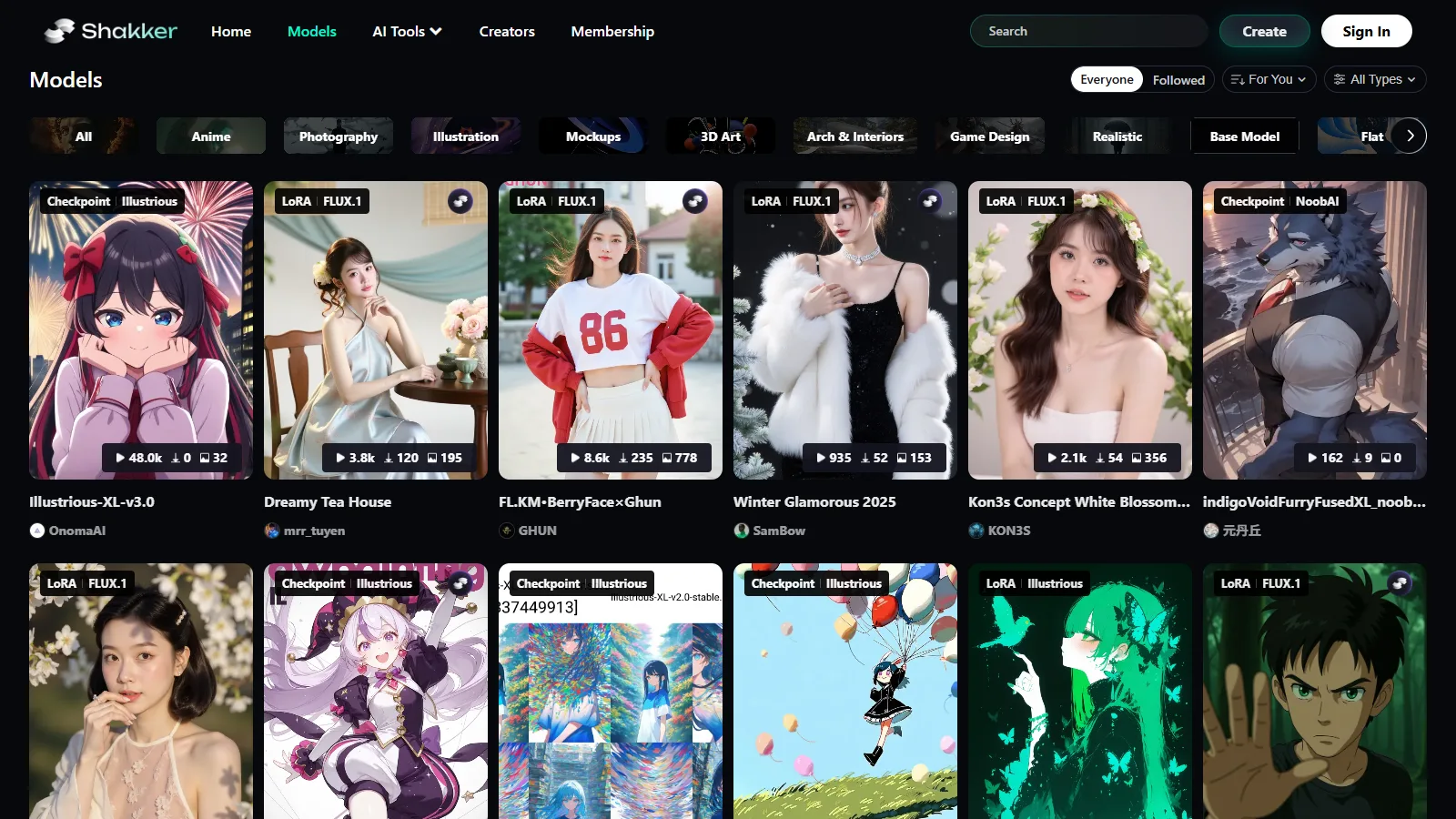
Shakker is useful when you prefer visual discovery and want to see what a model or style can do before building a local setup. It can be easier for beginners than scanning raw model files.
The tradeoff is that platform rules and availability can change. Treat it as a convenient discovery and creation platform, then check license and download details before using any model in production.
4. SeaArt AI
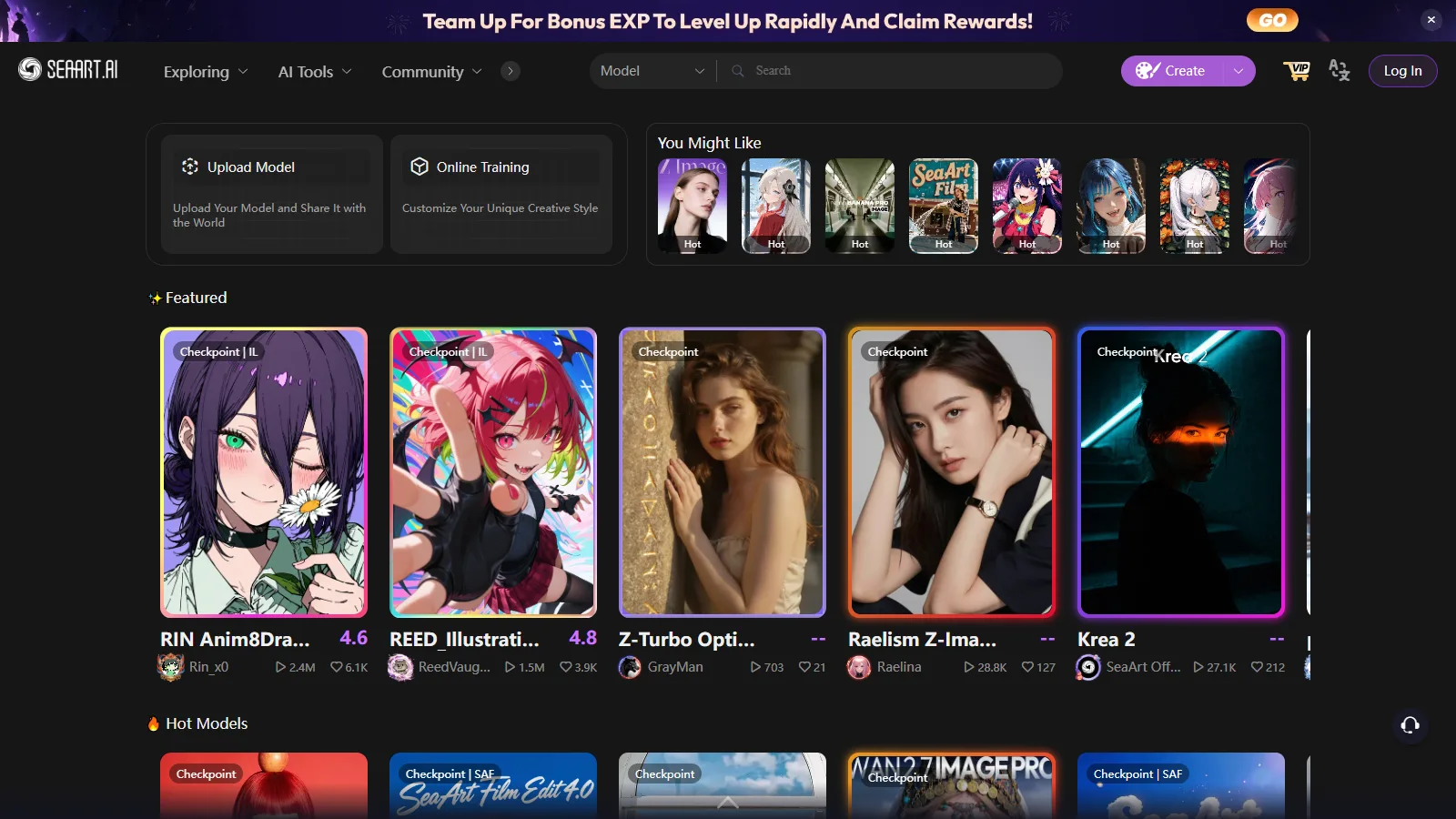
SeaArt AI combines online generation with model browsing. It is convenient for users who want to test styles without setting up ComfyUI or WebUI immediately.
Because it is a hosted platform, NSFW and sensitive prompts may be restricted according to service rules. It is better for exploration than for users who require complete local control.
5. PixAI
PixAI is especially relevant for anime-style generation, character LoRA discovery and community artwork. It is friendly for users who want a browser-based route into anime AI art.
For advanced local workflows, confirm whether a resource can actually be downloaded, what base model it uses, and whether the creator provides trigger words. For commercial work, check license language before using outputs or derivative resources.
NSFW and Safety Checklist
NSFW availability is one reason many users look for downloadable models, but it is also where mistakes can become expensive. Always check the model license, site rules, local law and the platform where you plan to publish.
- Confirm the base model before downloading LoRA.
- Prefer SafeTensor files from reputable creators.
- Read comments for malware, broken versions or wrong trigger words.
- Separate adult workflows from client and brand folders.
- Avoid real-person likenesses and illegal content.
FAQ
Which site should beginners start with?
Civitai/red is easiest for visual discovery, while Hugging Face is better for official files and technical details.
Are LoRA files universal?
No. A LoRA is usually trained for a specific base model family. Match the base model before using it.
Is SafeTensor always safe?
SafeTensor is safer than pickle-based formats, but you should still download from trusted sources.
Can I use downloaded models commercially?
Only if the license allows it. Check both the base model and the finetune/LoRA license.
Where can I find NSFW models?
Civitai/red has a large adult-oriented ecosystem, but filters, account settings and local laws matter.
Do I need ComfyUI?
No, but ComfyUI is excellent for complex workflows. WebUI and Forge are easier for simple prompting.
Summary
Civitai/red and Hugging Face should be the foundation of most AI model download workflows: one is stronger for community discovery, and the other is stronger for official files and documentation. Shakker, SeaArt AI and PixAI are useful additions when you want visual browsing or online testing.
The safest approach is to choose the model family first, then search for checkpoints and LoRA inside that family. Check license, sample prompts, file format and community feedback before downloading. For NSFW resources, be stricter, not looser: local control gives freedom, but it also puts responsibility on the user.
Related
5 Best AI Novel Translation Tools in 2026 + Free Reading Sites

NovelAI Payment Failed? Card Declines, 3DS, PayPal and What to Do

AI Resume Checker: Best Tools to Review, Score, and Improve Your Resume
AI Contract Generator: Best Tools, Use Cases, and Safety Tips
Best AI Tools to Convert MP4 to MP3
AI Minutes Generator: Best Tools for Meeting Minutes and Action Items