
Saving an Instagram Reel can mean two different things: bookmarking it inside Instagram or downloading a video to your device. Use the bookmark for a watch-later collection; use an available download option when you need an actual file.
For a public video link, start with AirMore Instagram Video Downloader: paste the individual post URL, analyze it, and choose a format actually supplied by the source. The first tool section below explains the steps and limits.
Start with Instagram’s own controls and the creator’s download settings. For your own account, Meta’s information export helps with archiving. If you have permission to record or download a video, screen recording and link-based tools provide other workflows, with different effects on quality and sound.
Which saving method fits your goal?
| Method | Good for | Important distinction |
|---|---|---|
| AirMore Instagram | Public video links; source-provided formats | Public, free-to-view videos only |
| Instagram Save | A watch-later collection | A bookmark, not an offline video file |
| Available Reel download | A copy on your phone | Depends on the post and creator settings |
| Meta information export | Your own account archive | Preparation and export scope vary |
| RecCloud / phone recording | An authorized on-screen recording | Records playback, not the original file |
| TikGo / FastVideoSave / RobinReach | An authorized public link | Results and service availability vary |
A file you can download is not automatically cleared for reposting, editing or advertising. Check the video and soundtrack permissions separately before moving it to another platform.
Save or download in Instagram
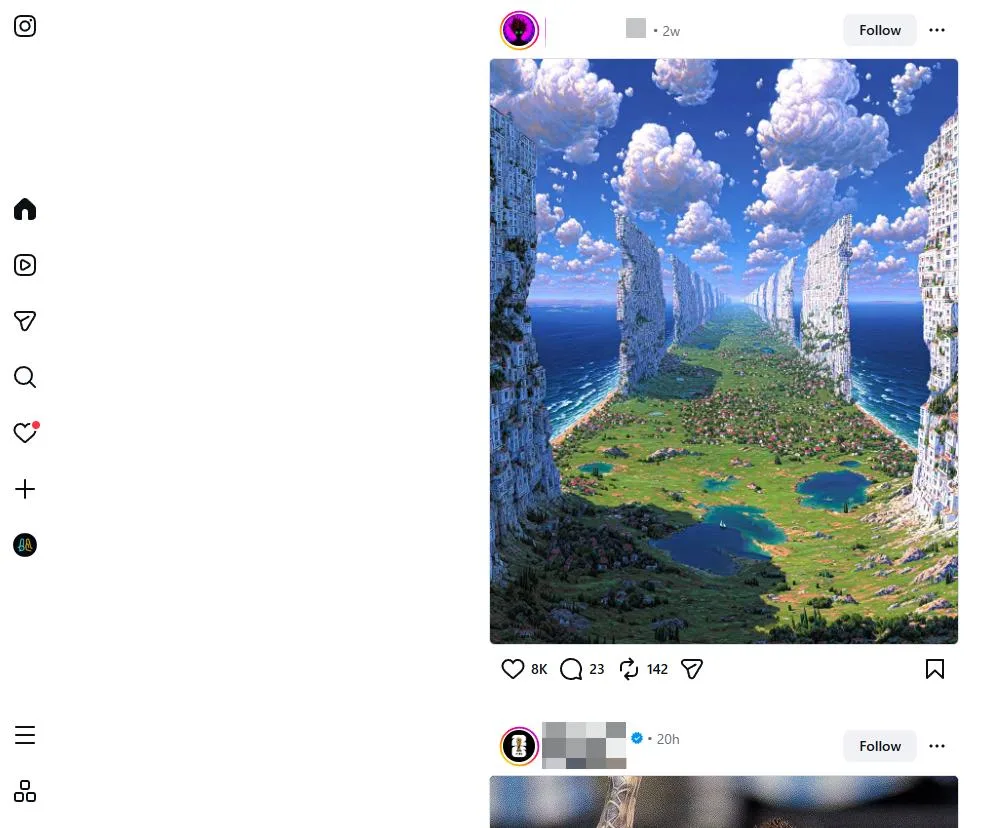
In Instagram, use Save to keep a post in your saved collection. To create a local copy of a Reel, open its sharing controls and look for Download if the app offers it. Not every public Reel has an available download button.
- Open the exact Reel, not only the creator’s profile.
- Use Save for an in-app bookmark, or Download when a local-download control is offered.
- After downloading, play the file from Photos or your file manager and check its sound.
- If downloading is disabled, save the link or ask the creator for an authorized copy.
The app version, content type and creator’s settings can affect the controls shown. Keep any creator attribution in the downloaded file; a change in where the video is stored does not change who made it.
Back up your own account through Meta
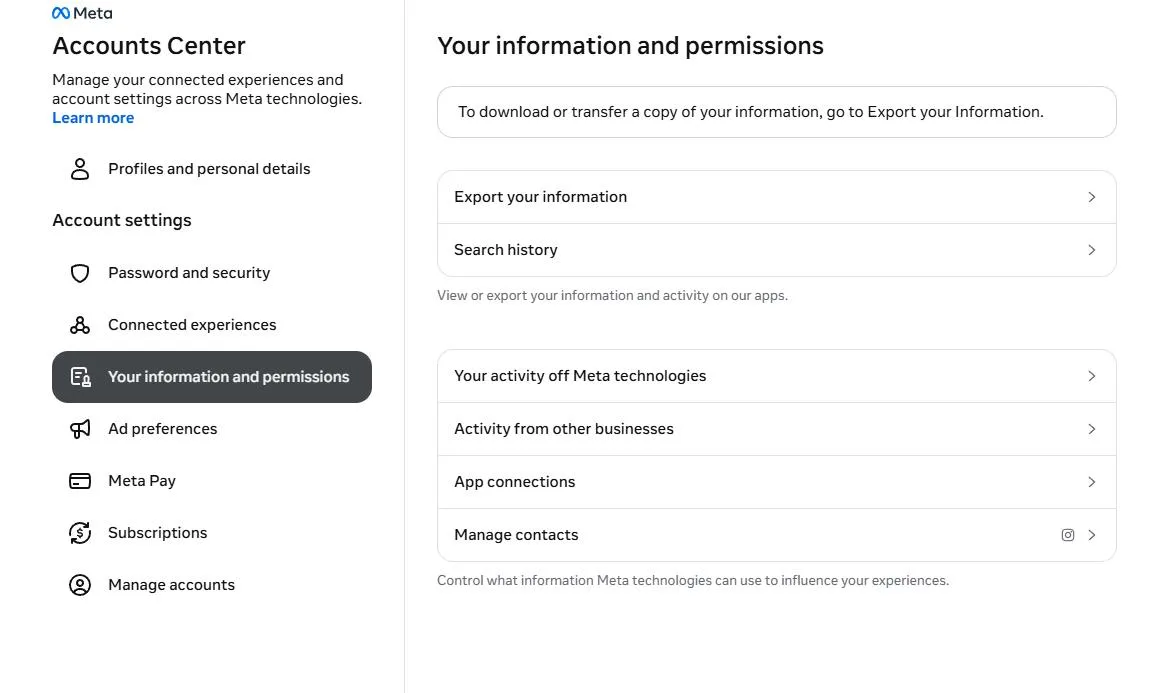
Open Meta Accounts Center while signed into your own account. In the information-and-permissions area, choose the export/download option, select the Instagram profile and review the content categories, date range and media quality offered.
This is an archive workflow rather than an instant downloader for someone else’s Reel. Wait for the export to be prepared, download it through the official account interface and inspect the archive contents. Do not assume that a single export choice contains every original video or every item from a different profile.
Tools for authorized recordings and public links
1. AirMore: download public Instagram videos in your browser
AirMore offers a free web tool for public Instagram videos that can be viewed without logging in. It works in a modern mobile or desktop browser without installing software. The page lists the usable formats and qualities supplied by the source, making it a convenient first option when you want to choose from the available files.
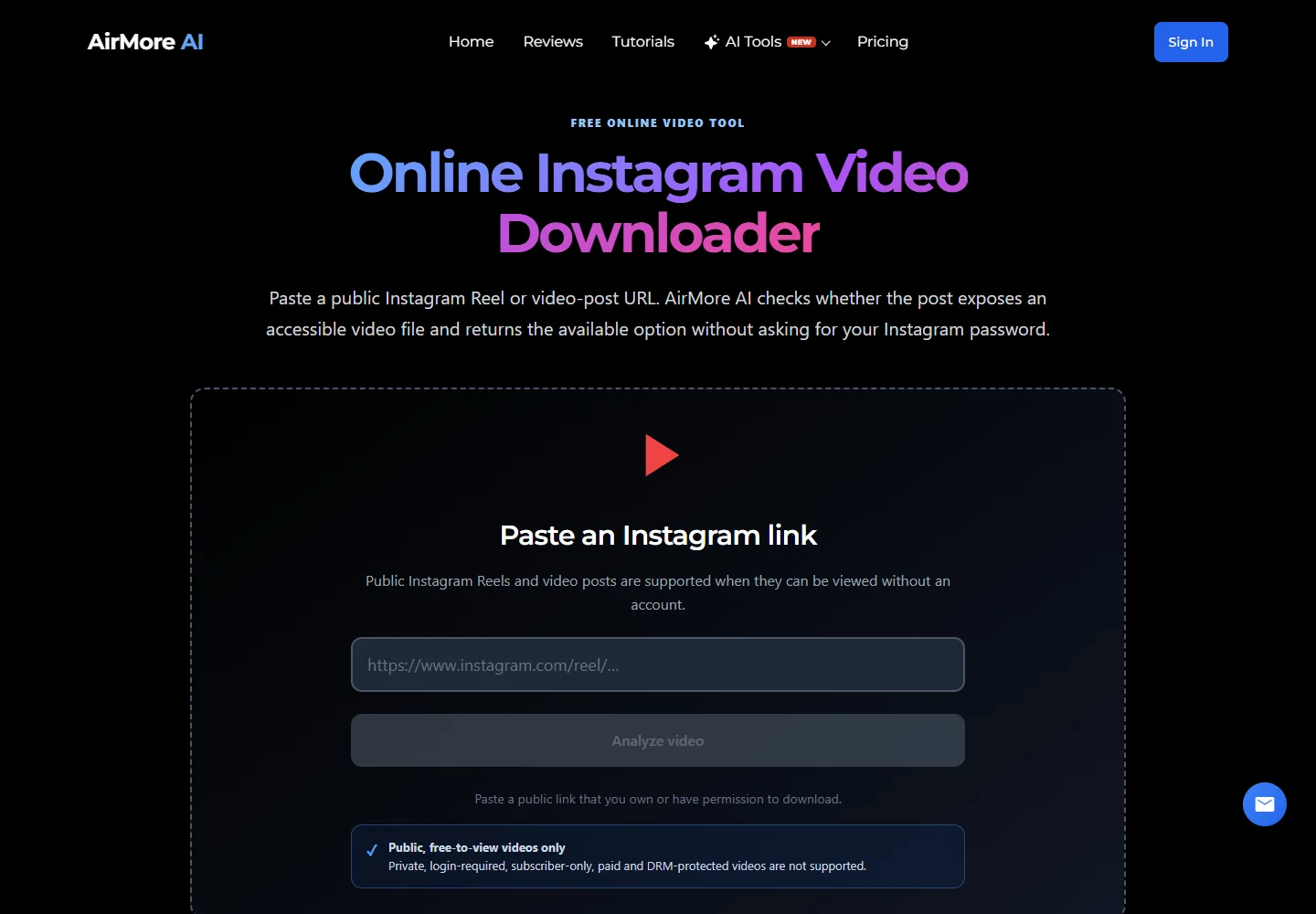
- Open the public Instagram video post and copy its full link.
- Open AirMore, paste the link into the Instagram video URL field, and select Analyze video.
- If formats are returned, choose an available quality or format and use its download option before the temporary link expires. Then check your browser’s Downloads list and play the file.
Use the individual /reel/ or /p/ video-post link. AirMore checks accessible public video media without your Instagram password; it is not a tool for profiles, Stories or complete photo carousels. A photo-only post will not return a video.
2. RecCloud online screen recorder
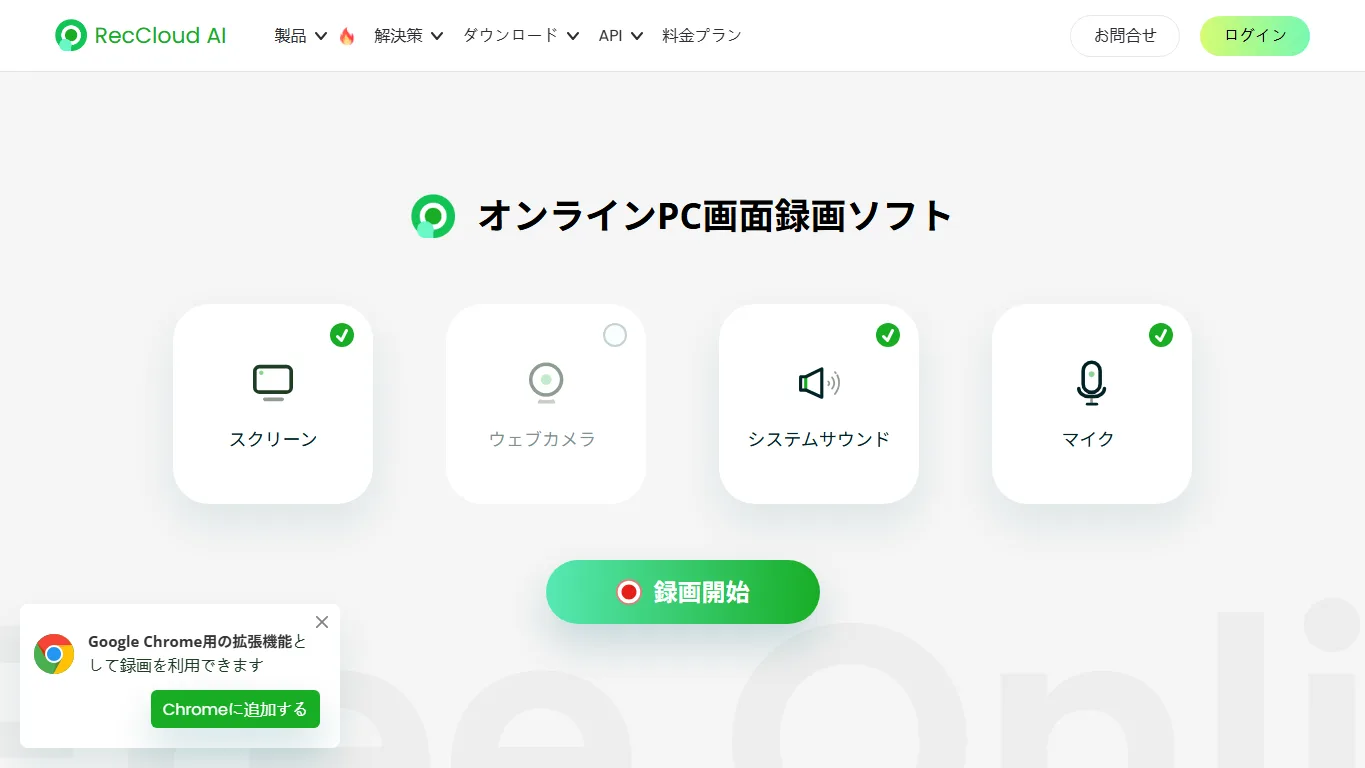
RecCloud records playback in a browser tab or selected screen area. It is useful for a permitted review copy, presentation or demonstration when the goal is to capture what is visible rather than obtain the original upload.
Select the recording area and an available audio-sharing option before playing the Reel. Record a short test first: browser and operating-system audio support differ. Recording happens in real time, can include controls or notifications, and may reduce quality. Check any account or export limits shown by the service.
3. TikGo
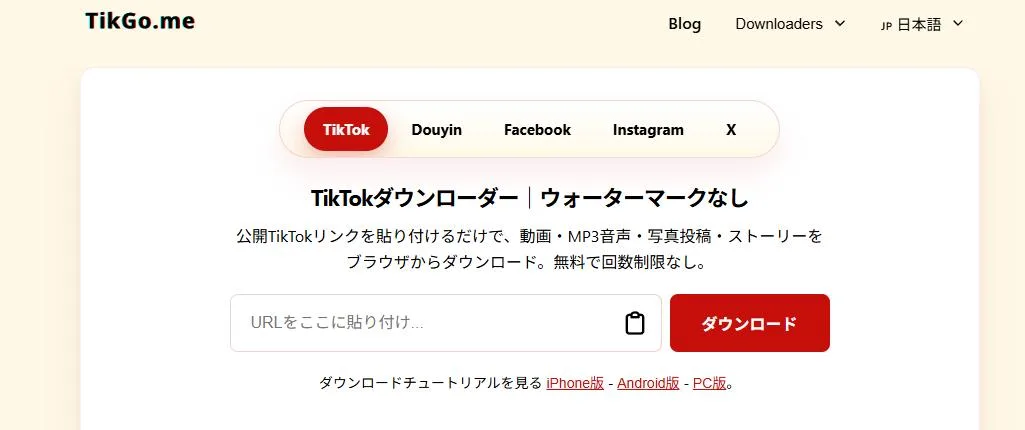
TikGo’s Instagram page is a link-based option for authorized public posts. Copy the post or Reel URL and paste it into the site’s video field; review the returned file choices before saving.
TikGo also offers a TikTok workflow, so make sure you are using the page intended for Instagram. Processing can fail when a post is unavailable or the service cannot read it. Use the creator’s original file for private work instead of submitting account credentials to a downloader.
4. FastVideoSave
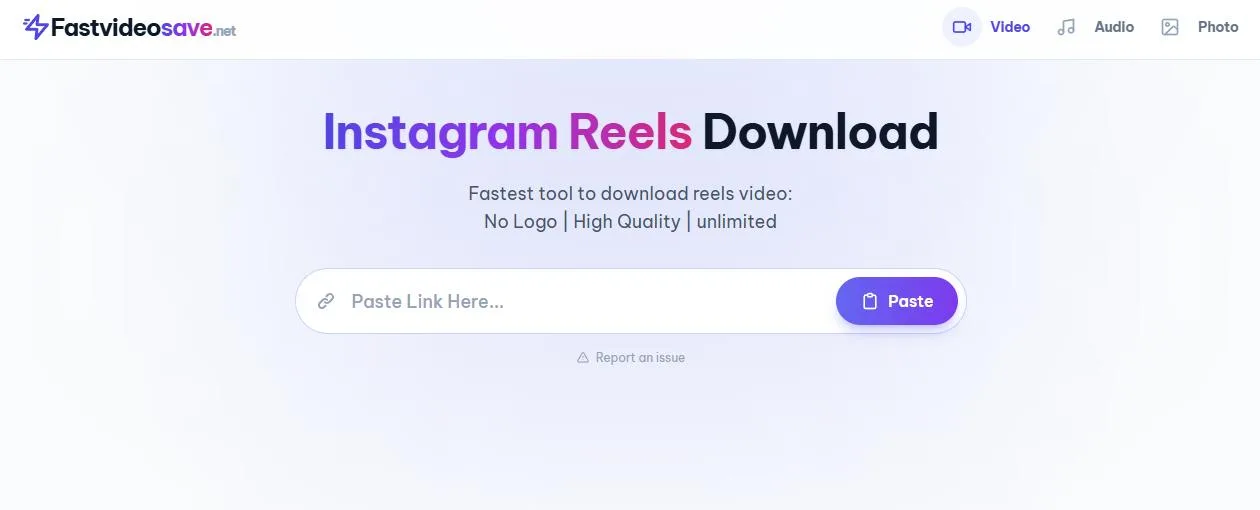
FastVideoSave focuses on Instagram videos and Reels. Its direct URL-entry layout suits an occasional public-link download without configuring a desktop application.
Copy the precise post link, request the available media and check the thumbnail before saving. A carousel can contain several different items: verify that you selected the intended video. Format, quality and processing availability depend on the source and service.
5. RobinReach Instagram Reel Downloader
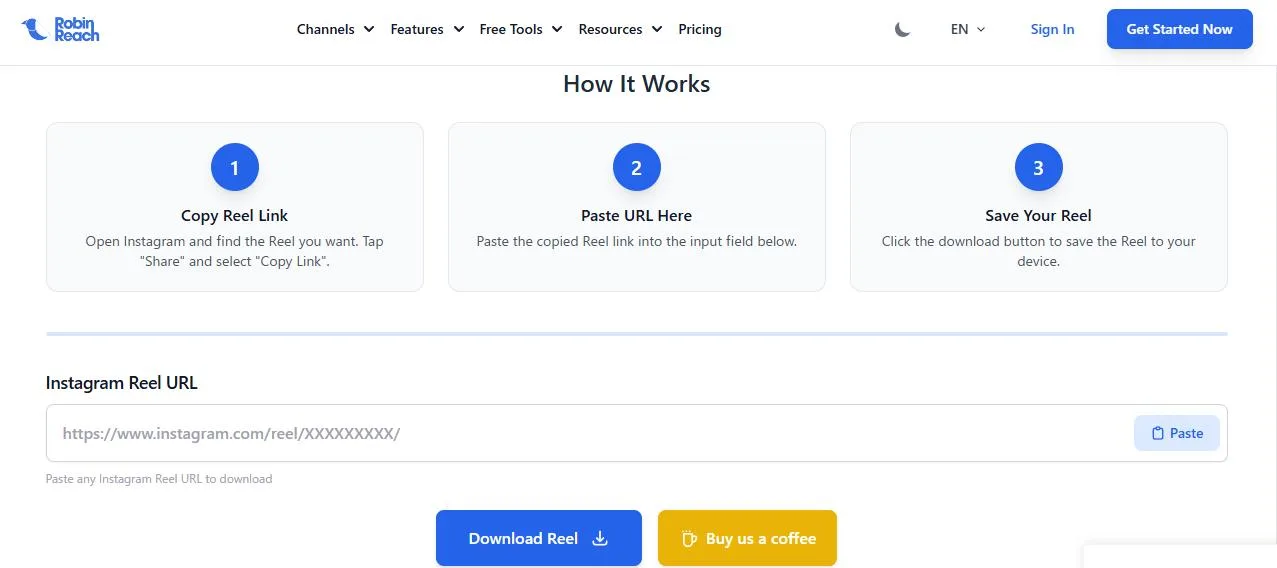
RobinReach’s Reel downloader provides a dedicated Instagram Reel form within a broader social-media toolkit. It is a candidate for creators or teams handling clips they own or have permission to reuse.
Paste the Reel URL, confirm the preview and save the offered file. Treat other publishing or AI features as separate products with their own conditions. An external downloader cannot grant the music or performance rights required for another publication.
Record on iPhone or Android
iPhone
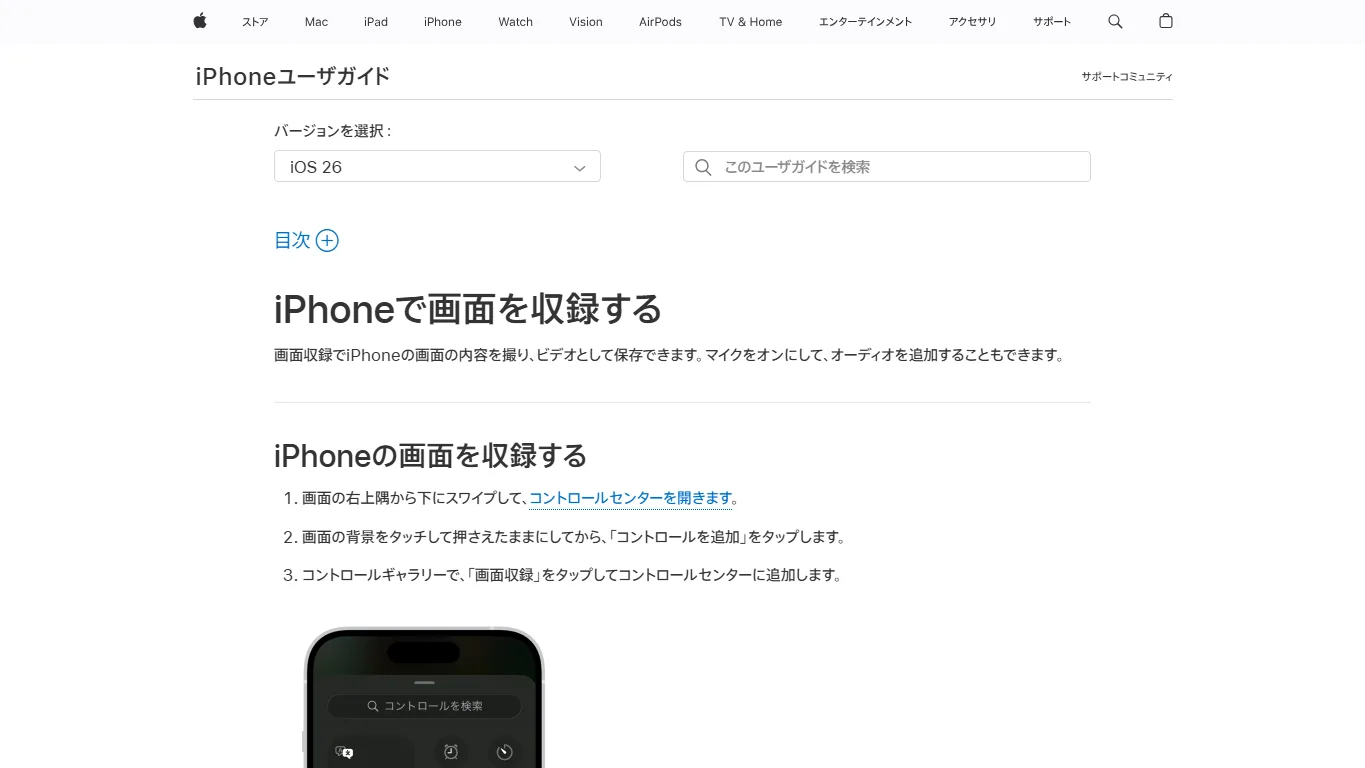
Use the Screen Recording control in Control Center for content you are authorized to capture. Start a short test, play the Reel, stop recording and inspect the clip in Photos. Apple’s instructions explain how to add or use the control.
Microphone recording and internal app sound are different sources. Enabling the microphone can record the room and create echo; it does not guarantee that the app’s soundtrack will be captured.
Android
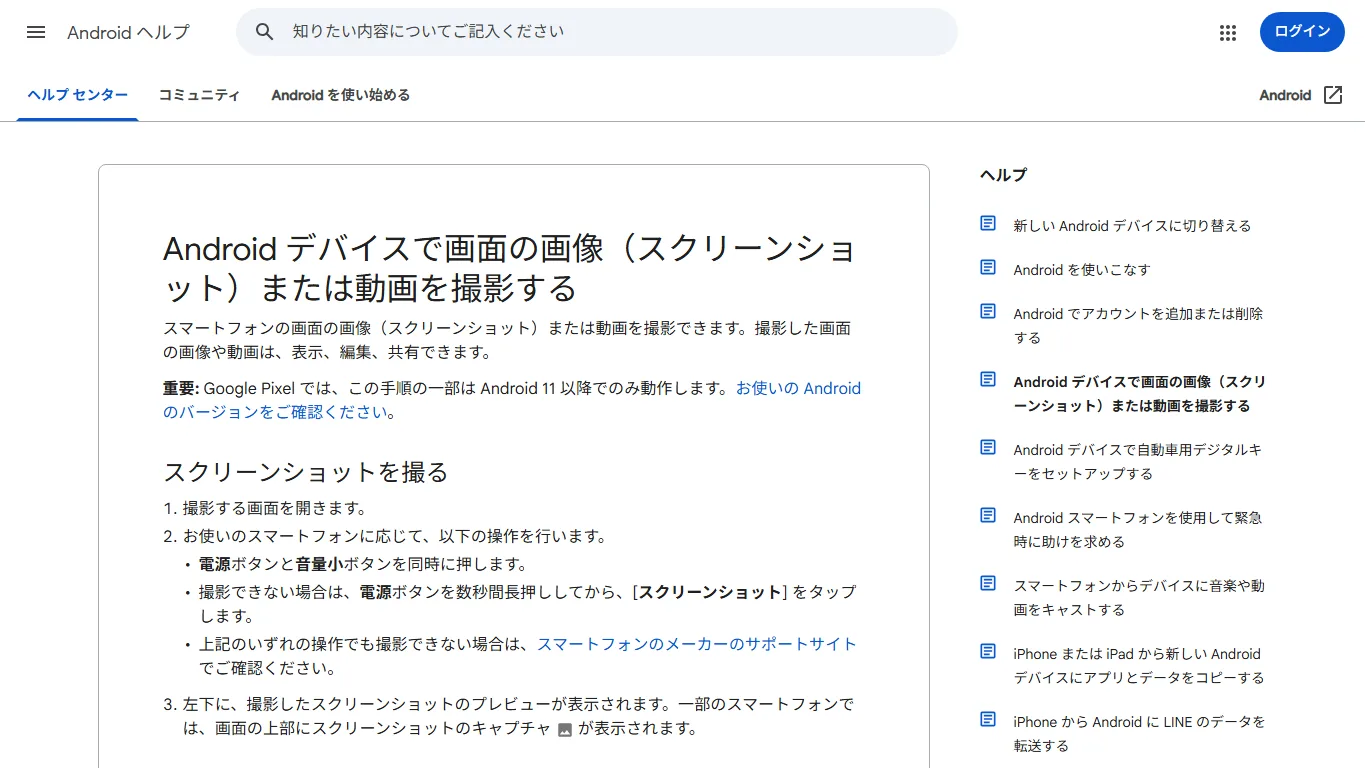
Open Quick Settings and select the screen recorder if your device provides it. Choose the available audio option, record the permitted clip, then look in your gallery or file manager. Names and options vary by manufacturer; see Android’s recording guidance.
Turn off notifications, hide personal information and trim unwanted screen controls afterward. Some apps can restrict recording or audio capture. A recording is not an exact copy of the original video.
Frequently asked questions
Why does a saved Reel still need the internet?
You probably used the in-app bookmark. It keeps a reference to the post rather than a standalone offline file, and the original may become unavailable later.
Why is Download missing?
The post may not support a local download, or the creator may have disabled it. Check the sharing controls on the actual Reel and use a bookmark or request a copy when downloading is not offered.
Why is the downloaded video silent?
Compare it with the original and check the tool or recording audio settings. A platform soundtrack may not be included in an exported copy. Do not assume that recording with a microphone will recover the original audio cleanly.
Can I download a private account’s videos?
Do not use tools that claim to unlock another person’s private account. For your own account, use official export controls; for shared work, ask the owner to provide the source file.
Does a watermark-free file belong to me?
No. The absence of an overlay does not transfer authorship or grant rights to repost the video, use its soundtrack or feature people in an advertisement.
How can I avoid quality loss?
Keep your original export when possible. Otherwise, choose an appropriate source resolution and avoid repeated recording and re-encoding. Check the final video at full size before relying on it.
Keep the saving method and purpose aligned
For collecting ideas, an Instagram bookmark is usually enough. For a personal archive, use your original files and Meta’s export tools. Use a downloadable Reel or an authorized recording only when a local copy is actually needed.
After saving, check the file location, sound, duration and attribution. Those checks matter more than a downloader’s promise of unlimited quality or a one-click result.
Related
5 Best Free Audiobook Websites and Apps in 2026: Downloads, Library Loans and Limits

5 Free Online Radio Websites for Music, News and Language Learning
5 Free Anime Websites in 2026: Where to Watch, Ads and Regional Limits
How to Save Facebook Videos on PC, iPhone and Android
How to Save Vimeo Videos on PC, iPhone and Android
6 Best Ways to Download Bilibili Videos in 2026