5 Best AI Flyer Generators in 2026: Features, Pros & Cons
Discover the 5 best AI flyer generators in 2026. Compare Canva, Adobe Express, Visme, Piktochart, and PosterMyWall by features, pricing, pros, and cons.

Creating a professional flyer no longer requires advanced design skills or hours of manual editing. A modern AI flyer generator can turn a short text prompt into an editable design, suggest suitable layouts and images, and prepare the finished flyer for print or digital distribution.
However, these tools are not identical. Some prioritize ease of use, while others offer stronger brand controls, data visualization, commercial-use safeguards, or built-in marketing tools. This guide compares the five best AI flyer generators in 2026: Canva, Adobe Express, Visme, Piktochart, and PosterMyWall.
Table of Contents
- Quick Comparison
- Canva
- Adobe Express
- Visme
- Piktochart
- PosterMyWall
- How to Choose
- Frequently Asked Questions
Quick Comparison of the Best AI Flyer Generators
| AI Flyer Generator | Best For | Free Option | Main AI Capabilities | Key Limitation |
|---|---|---|---|---|
| Canva | Best overall | Yes | AI layouts, copy, images, editing, and resizing | Many premium assets require a paid plan |
| Adobe Express | Commercial marketing and Adobe users | Yes | Prompt-to-template generation, Firefly images, and object editing | Generative credits are limited by plan |
| Visme | Business and information-rich flyers | Yes | Generates copy, layout, and visual composition | Free accounts receive relatively few AI credits |
| Piktochart | Data-led flyers and fast first drafts | Yes | Prompt-to-design, document summarization, and AI images | Lower plans restrict download formats |
| PosterMyWall | Events, restaurants, and local promotions | Limited | Complete designs, marketing copy, image editing, and campaign ideas | Full AI access generally requires Premium |
1. Canva — Best Overall AI Flyer Generator
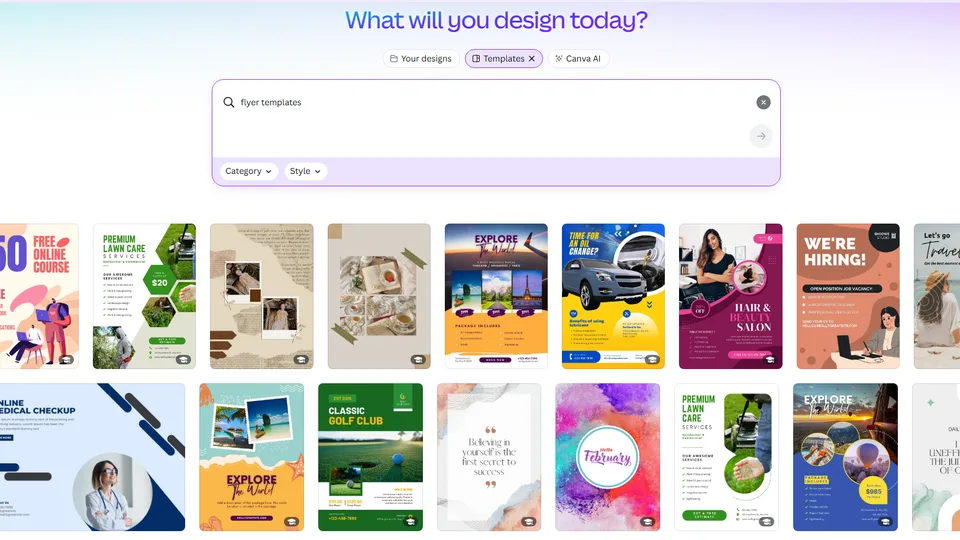
Canva is the best all-around choice for most people looking for an AI flyer generator. It combines an approachable drag-and-drop editor with a large template and asset library, collaboration features, printing options, and a growing collection of AI tools.
Its Magic Design system can analyze a prompt, uploaded images, or existing content and recommend layouts that fit the subject and visual style. You can then replace text, change colors, generate supporting images, remove backgrounds, and adapt the flyer for other formats.
Canva is particularly useful when a flyer is only one part of a larger campaign. After creating a print flyer, you can adapt the same concept for social posts, presentations, advertisements, and other marketing materials.
Key Features
- AI-assisted design and template suggestions
- Magic Write for headlines and promotional copy
- AI image generation and editing
- Extensive flyer template library
- Background removal and automatic resizing
- Brand Kits and team collaboration
Pros
- Very easy for beginners to learn
- Large selection of templates, fonts, and stock assets
- Excellent balance of AI automation and manual control
- Useful for both printed and digital campaigns
Cons
- The interface can feel crowded
- Many premium assets require Canva Pro
- AI usage depends on the selected plan
- Generated layouts still require proofreading
Best for: Small businesses, content creators, marketers, students, and anyone seeking one flexible platform for flyers and other content.
2. Adobe Express — Best for Commercial and Adobe Workflows
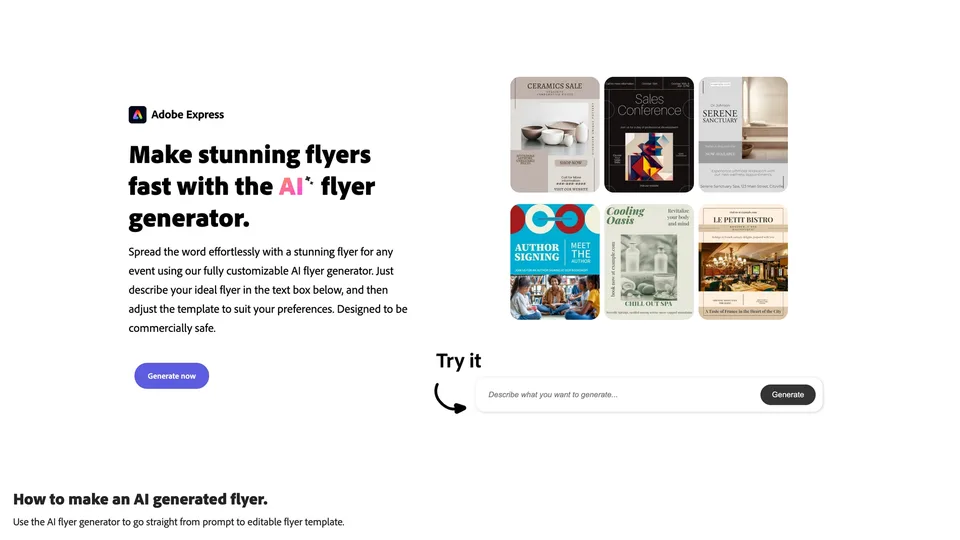
Adobe Express is a strong AI flyer generator for brands and professionals who want simple creation tools backed by Adobe’s creative ecosystem, and it’s often the first choice when commercial safety is the priority.
Its dedicated AI flyer generator turns a description into multiple editable flyer templates. Users can upload an image with the prompt, explore variations, and customize the chosen result with logos, brand colors, fonts, and stock assets.
What sets Adobe Express apart for business use is how its underlying AI is built. Its Firefly-powered image, text, and object tools are trained on Adobe Stock, openly licensed, and public-domain content rather than unauthorized web data, and Adobe offers IP indemnification for enterprise customers — meaning eligible business users are legally covered in the rare event of a copyright claim on Firefly-generated assets. This makes it a comparatively low-risk option for marketing material intended for commercial distribution, though users should still confirm current licensing terms for high-value commercial work.
Key Features
- Prompt-to-editable-template generation
- Adobe Firefly image generation trained on licensed and public-domain content
- Generative Fill and object removal
- AI text effects and Adobe Stock integration
- Brand Kits and one-click resizing
- Photoshop and Illustrator import support
Pros
- Creates editable templates rather than flat images
- Strong image-editing features
- Firefly’s licensed training data and enterprise IP indemnification suit commercial use
- Smooth integration with Adobe products
Cons
- AI generations depend on available credits
- Some valuable tools require Premium
- Full IP indemnification applies to enterprise/eligible plans rather than all users
- Less intuitive than Canva for complete beginners
Best for: Marketers, agencies, Creative Cloud users, and businesses producing polished commercial content.oud users, and businesses producing polished commercial content.
3. Visme — Best for Business and Information-Rich Flyers
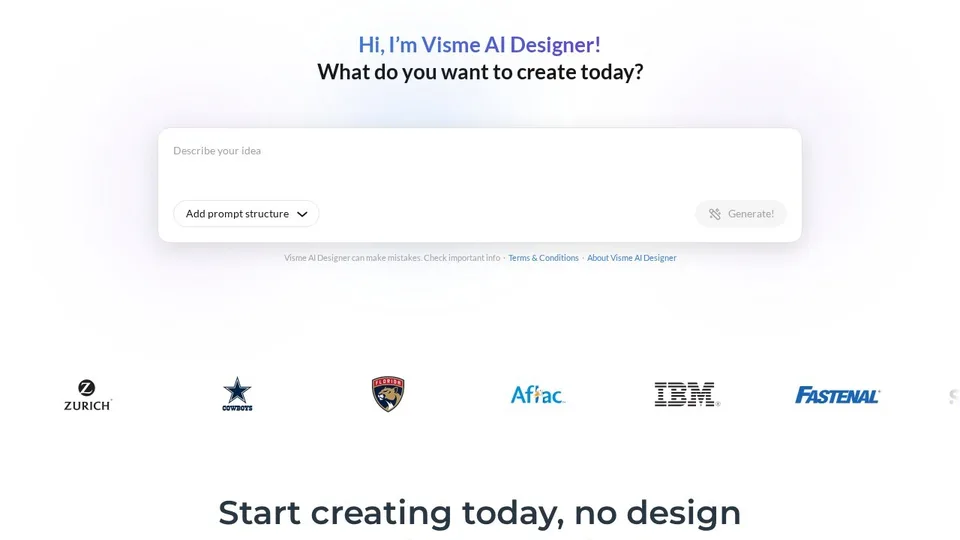
Visme works particularly well when a flyer must communicate more than a simple event title or discount. It combines AI design generation with charts, diagrams, icons, data widgets, and business-oriented brand tools.
The Visme AI Flyer Generator uses a conversational workflow. Describe the flyer’s purpose and content, choose from suggested visual styles, and let the platform build a first draft containing a title, supporting text, and visual composition. The entire design remains editable.
Key Features
- Conversational AI design generator
- Automatic titles, subtitles, and visual composition
- Charts, maps, diagrams, and data widgets
- AI writing and image tools
- Brand Kit and branded templates
- Collaboration and approval features
Pros
- Excellent for statistics and structured information
- AI drafts remain highly customizable
- Strong business and branding capabilities
- Useful for flyers and longer-form business content
Cons
- Free users receive limited AI generations
- The editor has a learning curve
- Paid plans can be expensive for occasional users
- Some tools are unnecessary for basic event flyers
Best for: Business teams, educators, nonprofits, and professionals who need informative or data-driven flyers.
4. Piktochart — Best for Fast, Data-Led Flyer Design
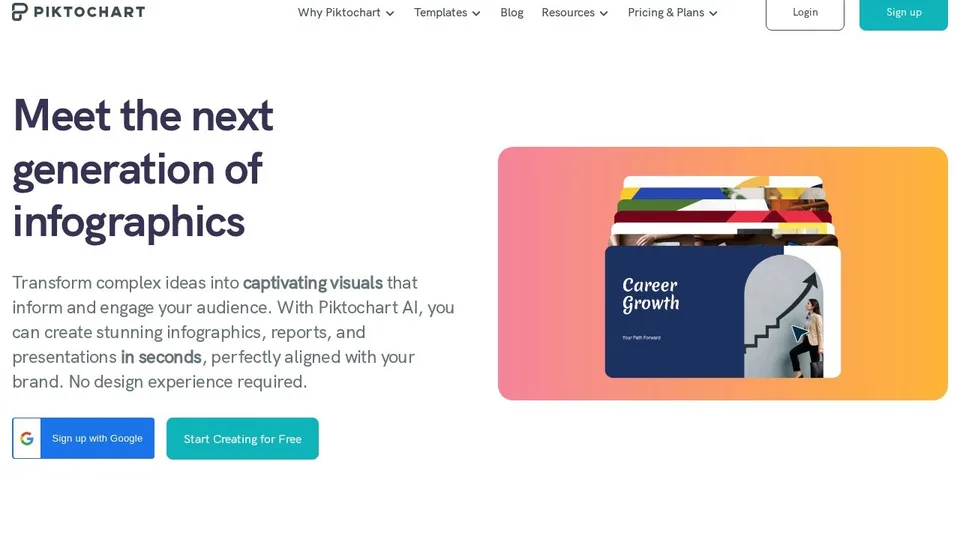
Piktochart began as an infographic platform but has expanded into an AI visual-communication suite capable of creating flyers, posters, reports, and presentations.
Its AI workflow can produce a structured visual draft from a short topic, pasted text, or an uploaded document. This is particularly useful when you already have promotional copy, event notes, or a briefing document and want AI to organize the material into an accessible design.
Key Features
- AI design generation from a topic prompt
- Generation from pasted text or uploaded documents
- AI images and visual assets
- Charts, maps, and infographic components
- Brand Kits and team collaboration
- Multiple export formats depending on plan
Pros
- Quickly transforms information into visual drafts
- Strong content hierarchy and data visualization
- Useful free AI allowance
- Well suited to educational and nonprofit campaigns
Cons
- Free downloads are limited
- Some export formats require a higher plan
- Smaller template library than Canva
- Less suitable for highly artistic flyers
Best for: Public-information campaigns, nonprofit communications, and flyers containing facts, schedules, or statistics.
5. PosterMyWall — Best for Events and Local-Business Marketing
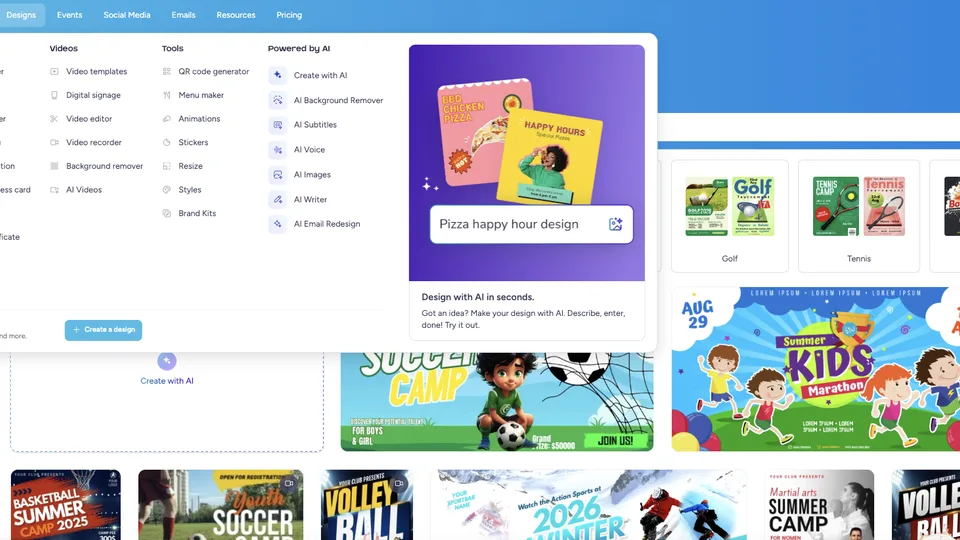
PosterMyWall is designed around practical promotion rather than design alone. It is especially useful for restaurants, retail stores, concerts, churches, clubs, and organizations that regularly advertise events or limited-time offers.
Its AI design generator can turn a short prompt into a complete, editable marketing graphic with suggested text, images, and formatting. The broader AI experience can also brainstorm campaign ideas, write promotional copy, and perform prompt-based image edits.
Key Features
- Prompt-based complete design generation
- AI marketing copy and campaign brainstorming
- AI image generation and editing
- Extensive event and business template library
- Email marketing and event pages
- Social publishing and scheduling
Pros
- Built for everyday promotional work
- Excellent event, restaurant, and retail templates
- Combines design, publishing, and campaign tools
- Efficient for recurring local promotions
Cons
- Full AI functionality usually requires a subscription
- Free downloads may not suit high-quality printing
- The interface is more marketing-oriented than design-oriented
- Typography controls are less sophisticated than specialist software
Best for: Restaurants, bands, venues, churches, community groups, and local businesses running frequent promotions.
How to Choose an AI Flyer Generator
Choose Canva for Maximum Flexibility
Canva provides the best balance of templates, AI features, ease of use, and multi-format content creation.
Choose Adobe Express for Commercial Marketing
Adobe Express is a good fit when high-quality image editing, Adobe integration, and business-oriented generative AI are priorities.
Choose Visme for Detailed Business Information
Visme makes it easier to present charts, processes, statistics, or multiple information blocks without creating a cluttered flyer.
Choose Piktochart to Transform Existing Content
Piktochart is effective when an existing document, summary, or collection of facts needs to become a structured visual.
Choose PosterMyWall for Frequent Promotions
PosterMyWall is a strong choice when you want to move quickly from flyer creation to social publishing, email promotion, or event marketing.
Tips for Creating Better Flyers with AI
- Write a detailed prompt: Include the offer, audience, mood, essential information, colors, and output format.
- Keep the message focused: Give the flyer one primary objective and call to action.
- Check generated text: Verify dates, prices, addresses, spelling, and contact information.
- Maintain visual hierarchy: Lead with the headline, followed by the benefit, details, and call to action.
- Use high-resolution assets: Confirm dimensions, bleed, and printer requirements.
- Confirm commercial rights: Review current terms for AI outputs, templates, fonts, and stock assets.
Frequently Asked Questions
What is an AI flyer generator?
An AI flyer generator uses artificial intelligence to create layouts, images, text, or complete flyer drafts from written instructions. Most platforms let users customize the generated result in a visual editor.
What is the best AI flyer generator in 2026?
Canva is the best overall option for most users because it combines ease of use, extensive templates, AI-assisted creation, brand tools, and multi-format editing. Adobe Express is a strong alternative for commercial workflows, while PosterMyWall excels at event marketing.
Can AI create a complete flyer from text?
Yes. Adobe Express, Visme, Piktochart, and PosterMyWall can generate editable designs from prompts. Canva can also recommend and assemble layouts from text, ideas, or uploaded content.
Is there a free AI flyer generator?
Yes. Canva, Adobe Express, Visme, and Piktochart offer free options with varying limits. PosterMyWall provides free design tools and basic downloads, while its complete AI suite generally requires a paid plan or trial.
Can I use an AI-generated flyer commercially?
Many platforms allow commercial use under specific plans and licensing conditions. Permitted use can vary by template, stock asset, subscription, and jurisdiction, so check the current license before launching a commercial campaign.
Can an AI flyer generator make print-ready files?
Yes, but export capabilities vary. Look for high-resolution PDF support, custom dimensions, and print controls. Some tools restrict PDF downloads, resizing, or high-quality output to paid plans.
What size should a flyer be?
Common formats include US Letter at 8.5 × 11 inches, A4 at 210 × 297 mm, A5 at 148 × 210 mm, and half-page at 5.5 × 8.5 inches.
Will AI replace a professional flyer designer?
AI is excellent for first drafts, routine promotions, and rapid variations. Professional designers still provide greater control over brand strategy, typography, accessibility, originality, and complex print production.
Which AI flyer generator is best for small businesses?
Canva is the most versatile option for general small-business use. PosterMyWall may be better for restaurants, stores, and venues that need integrated event, email, and social-publishing tools.
Final Verdict
The best AI flyer generator in 2026 is Canva for most users. It offers the strongest overall combination of accessibility, templates, AI assistance, and manual customization.
- Adobe Express is best for professional commercial content and Adobe workflows.
- Visme is best for branded, information-heavy business flyers.
- Piktochart is best for turning documents and data into structured designs.
- PosterMyWall is best for events, restaurants, and recurring local promotions.
Whichever platform you choose, treat the AI-generated result as a first draft. The most effective flyer will still need a clear message, accurate information, consistent branding, and a strong call to action.
Related Reviews
5 Best PDF Enhancer Tools to Improve PDF Quality in 2026

5 Best AI App Builders in 2026: From Prompt to Product

Best 5 Free PDF Editors in 2026
Krea 2 Review: Is Krea's AI Image Model Worth Trying?
How to Manage Multiple Email Accounts: Separate Inboxes, Aliases, or One App?
Step 5 Preview Review: Pricing, API Access, Open Weights and NSFW Limits