Krea 2 Review: Is Krea’s AI Image Model Worth Trying?
Table of Contents What Is Krea 2? Krea 2 is Krea’s own AI image foundation model, released in May 2026. Unlike a simple image filter…
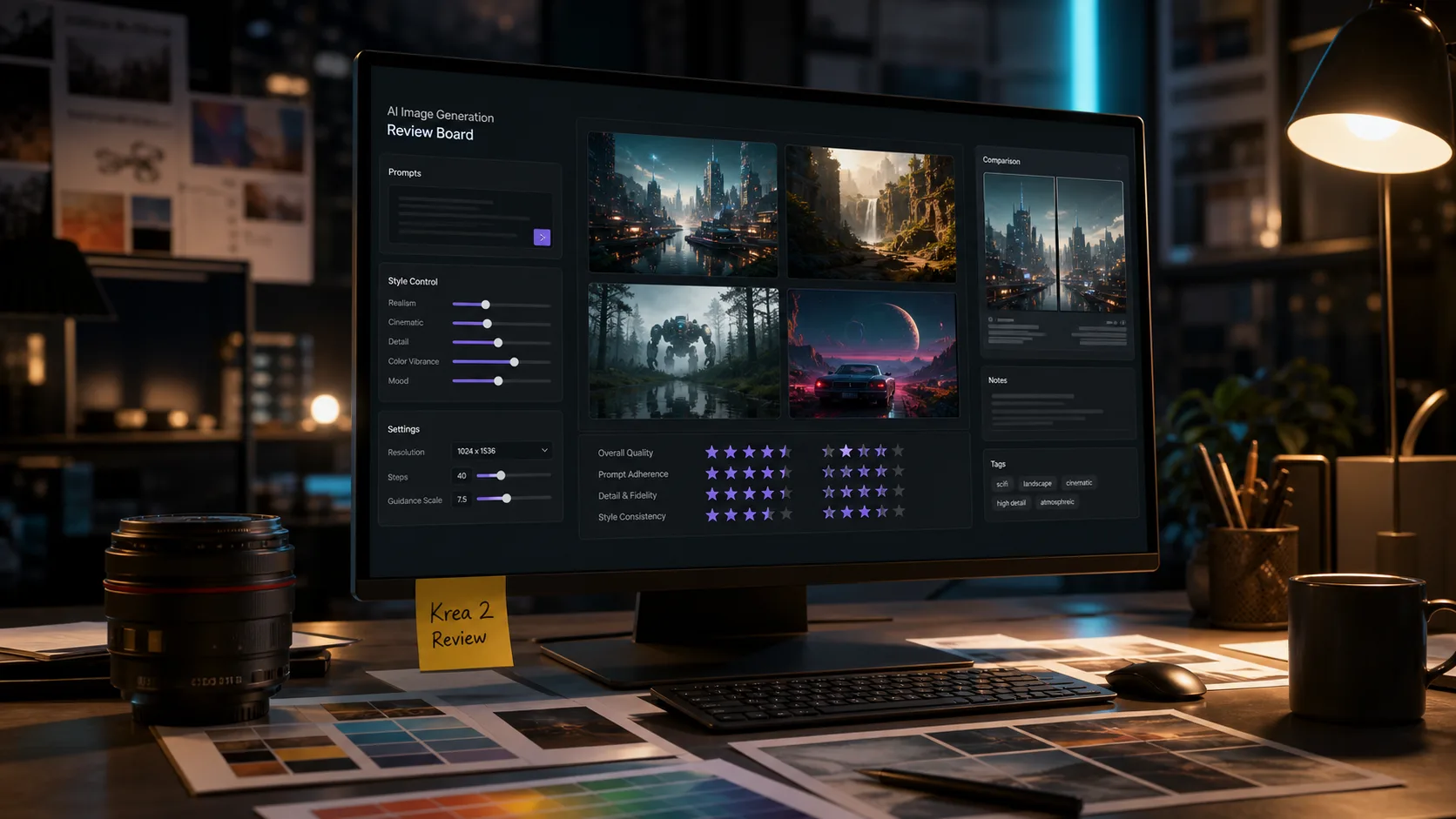

Table of Contents
- What Is Krea 2?
- Krea 2 Review Summary
- Key Features of Krea 2
- Image Quality and Style Control
- Krea 2 Pricing
- Krea 2 Pros and Cons
- Who Should Use Krea 2?
- Krea 2 vs Midjourney, Flux, and Other AI Image Generators
- Krea 2 Prompt Tips
- Best Krea 2 Alternatives
- Is Krea 2 Worth It?
- FAQ
What Is Krea 2?
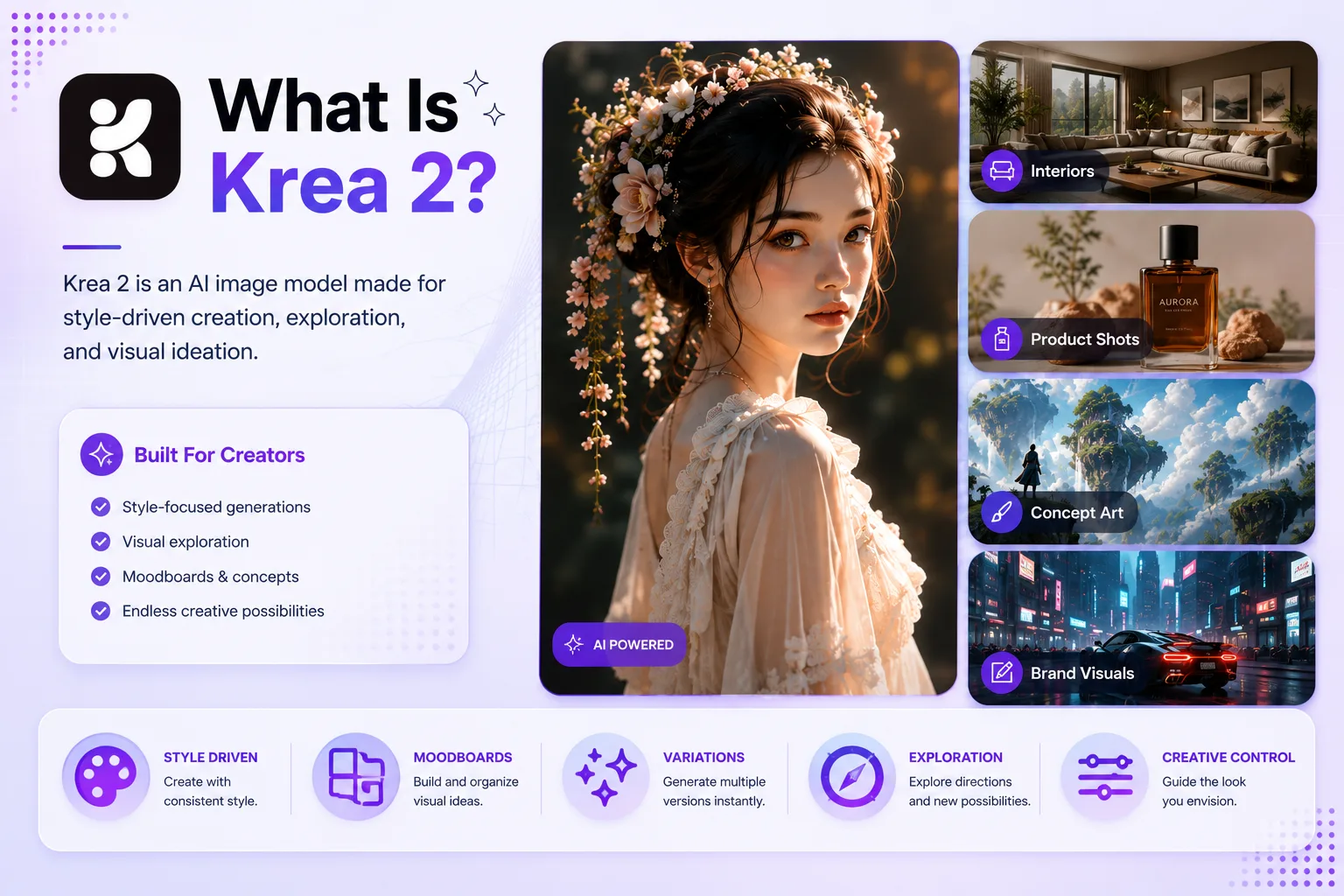
Krea 2 is Krea’s own AI image foundation model, released in May 2026. Unlike a simple image filter or a wrapper around another model, Krea 2 was built as a model focused on visual taste, style references, moodboards, and creative control. In plain terms, it is designed for people who care not only about what appears in an image, but also how the image feels.
That matters because many AI image generators can create a beautiful picture from a prompt, but they often struggle when you ask for a specific visual language. You may want a campaign image to look like a particular moodboard, a product concept to follow a brand direction, or an illustration set to keep a consistent style. Krea 2 tries to solve that problem by making aesthetics more central to the generation process.
This Krea 2 review looks at what the model does well, where it still has limits, how its pricing works, who should use it, and whether it is a better fit than tools like Midjourney, Flux, Ideogram, or other AI image generators.
Krea 2 Review Summary
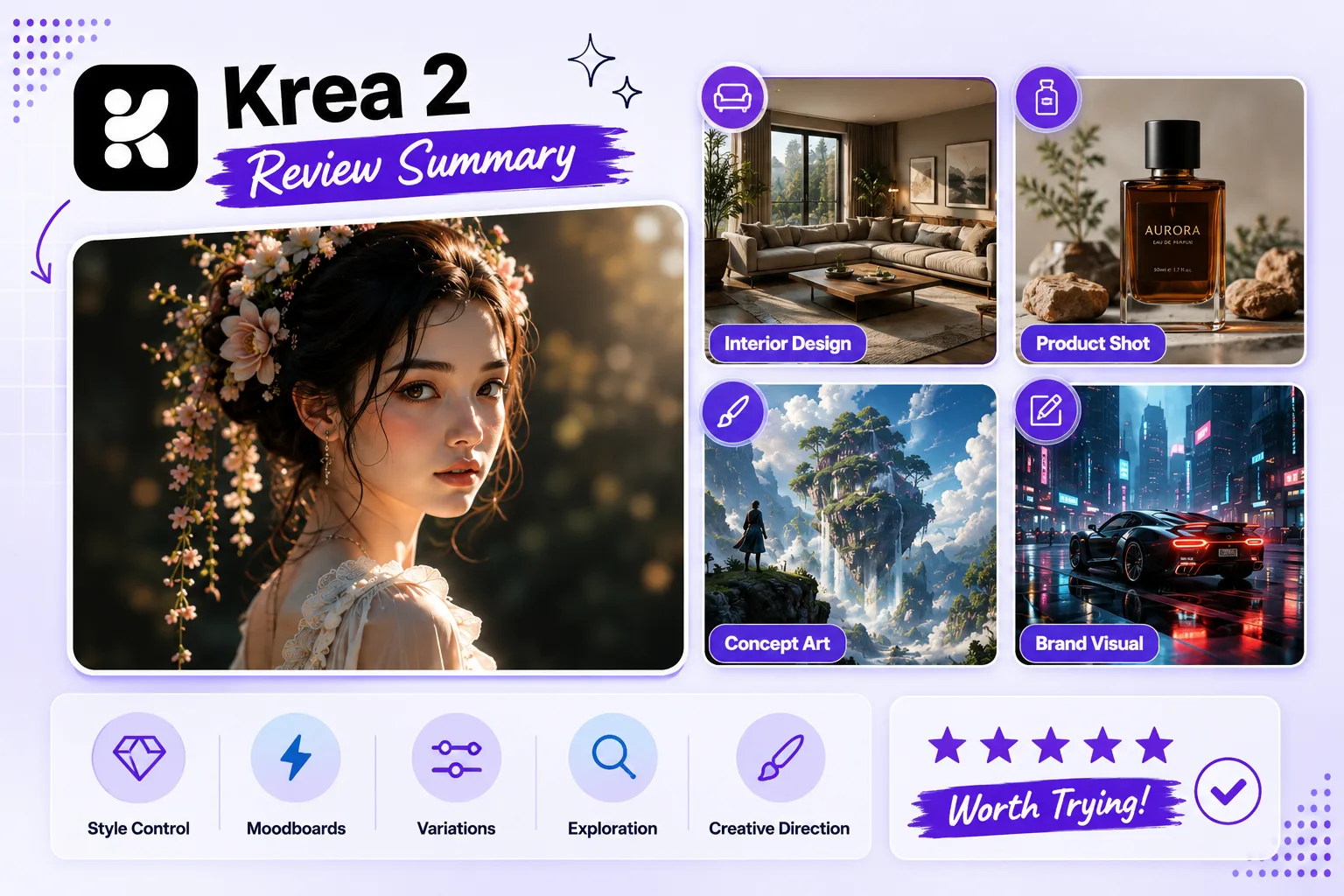
Krea 2 is best understood as a creative image model for style-driven work. It is not just for typing a one-line prompt and hoping for a nice result. Its strongest value is in exploration: testing art directions, using references, building moodboards, generating variations, and finding a visual tone that fits a project.
If your work involves branding, social visuals, concept art, product moodboards, campaign ideas, interior design references, or editorial-style images, Krea 2 is worth testing. It can be especially helpful when you want outputs that feel less generic and more guided by a chosen style.
At the same time, Krea 2 is not perfect for every user. If you only need quick realistic portraits, text-heavy graphics, exact product renders, or simple daily image generation, other tools may feel faster or easier. The model shines when you give it visual direction. If you do not care about style control, you may not notice its biggest advantage.
Quick verdict: Krea 2 is one of the more interesting AI image tools for creators who care about style consistency, moodboards, and visual exploration. It is worth trying if image direction matters more to you than one-click convenience.
Key Features of Krea 2
Krea 2 brings several features that make it different from a basic text-to-image tool. Some are model-level strengths, and others come from how Krea presents the model inside its creative platform.
Style References
Style references are one of the main reasons to try Krea 2. Instead of describing every visual detail in words, you can guide the model with reference images. This is useful when the look is hard to explain, such as a specific lighting mood, texture, illustration style, color treatment, or editorial composition.
For designers and marketers, this is a practical feature. A mood can be much easier to show than to write. Krea 2 is built around that idea.
Moodboards
Moodboards help Krea 2 understand a broader visual direction. Rather than relying on one reference image, you can shape the model with a collection of images that share a certain atmosphere. This makes Krea 2 useful for early creative exploration, especially when a team is still deciding on the look of a campaign, brand asset, or visual story.
Moodboards are also helpful when you want variety without losing the overall aesthetic. You can explore multiple outputs while keeping them within the same visual world.
Creative Control
Krea 2 focuses strongly on creative control. That does not mean every output will be perfect, but it means the tool is built for steering the result instead of only generating a random polished image. For creators, that is an important difference.
When you are working on client visuals, brand concepts, or social campaigns, control matters. You need to explore quickly, but you also need the image to follow a direction. Krea 2 is strongest when used as part of an iterative process.
Krea 2 Medium and Krea 2 Large
Krea 2 is available in different model sizes, including Medium and Large. In general, Medium is positioned for expressive illustration-style work, while Large is stronger for expressive photorealism and higher-quality outputs. For casual use, Medium may be enough. For polished commercial or editorial work, Large is likely the better place to test.
API Access
Krea also offers API access for Krea 2, which is useful for developers, automation workflows, and businesses that want to integrate image generation into a product or internal creative pipeline. This is not the main reason most everyday users will try Krea 2, but it matters for teams that want scalable visual generation.
Image Quality and Style Control
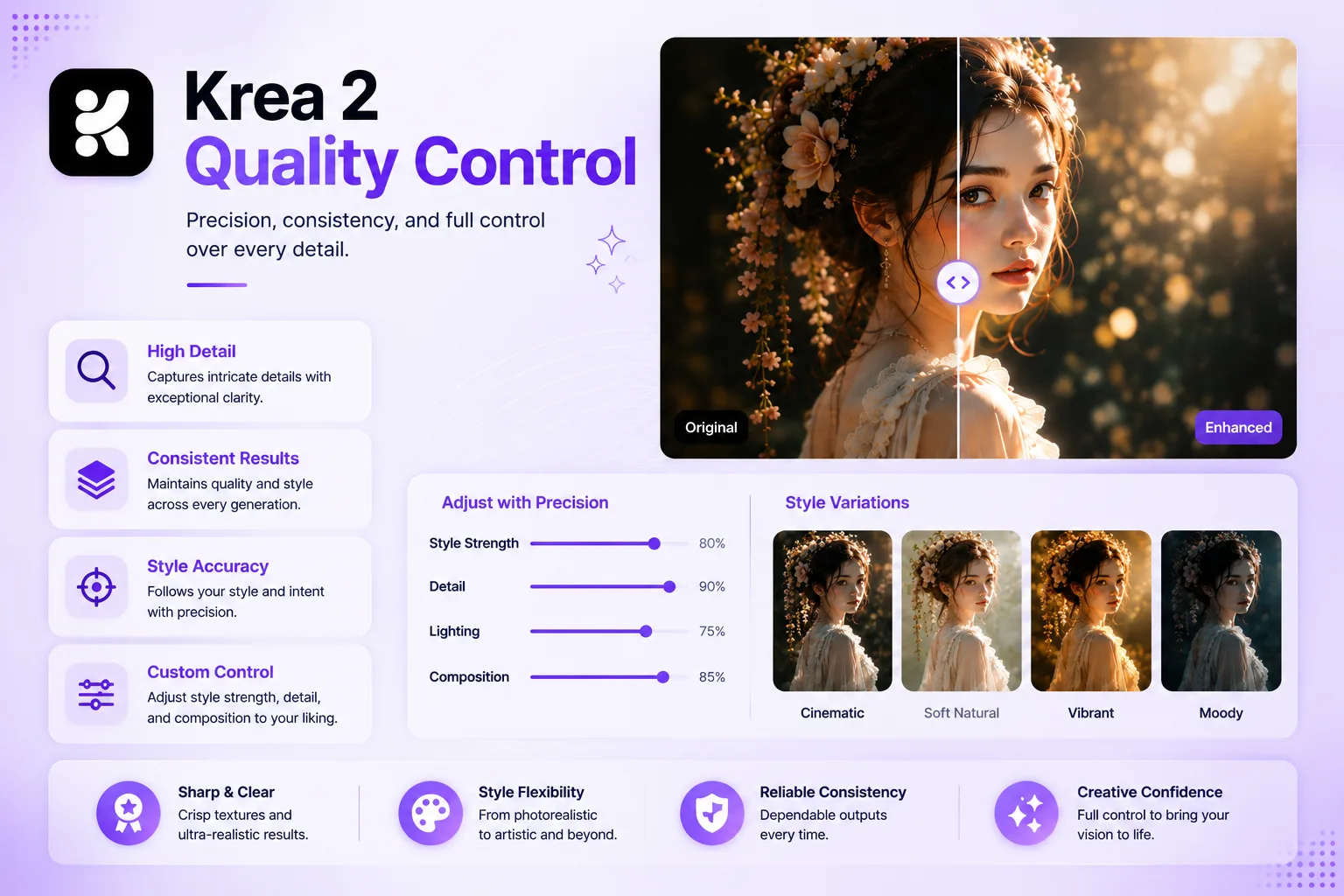
The biggest strength of Krea 2 is its style sensitivity. Many AI image generators can create sharp, impressive images, but they often default to the same glossy look. Krea 2 feels more interesting when you push it toward a specific visual identity: film photography, graphic illustration, interior moodboards, digital decay, product concept boards, or textured editorial compositions.
In a Krea 2 review, image quality should not only mean sharpness. The better question is whether the model understands the desired visual direction. Krea 2 performs well when the prompt and reference images give it enough creative context.
It is especially strong for:
- Moodboard-driven image generation
- Style transfer and visual direction
- Editorial and campaign concepting
- Creative exploration before final production
- Illustration and aesthetic variation
- Photorealistic scenes with a defined mood
It can still struggle with the usual AI image problems. Small text may not be reliable. Hands, tiny details, logos, product geometry, and complex object consistency may need review. If you need exact production-ready assets, you may still need editing, upscaling, or manual retouching.
Krea 2 Pricing
Krea’s pricing uses compute units for the web app and separate pricing for API usage. The exact cost can change, so it is best to check the current pricing page before subscribing. At the time of writing, Krea offers a free starting option with daily units, individual paid plans with more monthly compute, and team or business options for heavier use.
For API users, Krea 2 pricing is listed per generation, with different costs for model type and features such as text-to-image, style references, and moodboards. Krea 2 Medium is cheaper than Krea 2 Large, while Large is positioned for higher-end output.
For most users, the practical question is simple: how many images do you need to generate, and how much control do you need? If you only make a few casual images, the free or lower plan may be enough. If you create campaign visuals, client concepts, or many style tests, a paid plan may make more sense.
Krea 2 Pros and Cons
Pros
- Strong focus on aesthetics and creative direction
- Good for style references and moodboard-based workflows
- Useful for campaign concepts, branding, and visual exploration
- Different model options for different quality needs
- Can support both casual creators and professional workflows
- API access makes it more useful for teams and developers
- Helps reduce the time needed to explore visual directions
Cons
- Not always the fastest choice for simple one-off images
- Best results often require references or stronger creative direction
- Small text and exact logo generation can still be unreliable
- Pricing can be confusing if you are new to compute-unit systems
- Output may still need editing for commercial production
- Users who only need basic images may not need its advanced style features
Who Should Use Krea 2?
Krea 2 is a good fit for users who care about the look and feel of an image, not just the subject. If you are building a visual direction, it is more useful than a basic prompt-only generator.
Krea 2 is best for:
- Designers exploring brand or campaign directions
- Marketers creating social media and ad concepts
- Content creators who want distinct visual styles
- Artists experimenting with moodboards and references
- Agencies preparing creative options for clients
- Product teams testing visual ideas before production
- Interior designers and visual planners building concept boards
- Developers who need AI image generation through an API
Krea 2 may not be the best fit if you only need quick stock-like images, exact text graphics, or fully controlled product photography. In those cases, you may need a different tool or a more manual editing workflow.
Krea 2 vs Midjourney, Flux, and Other AI Image Generators
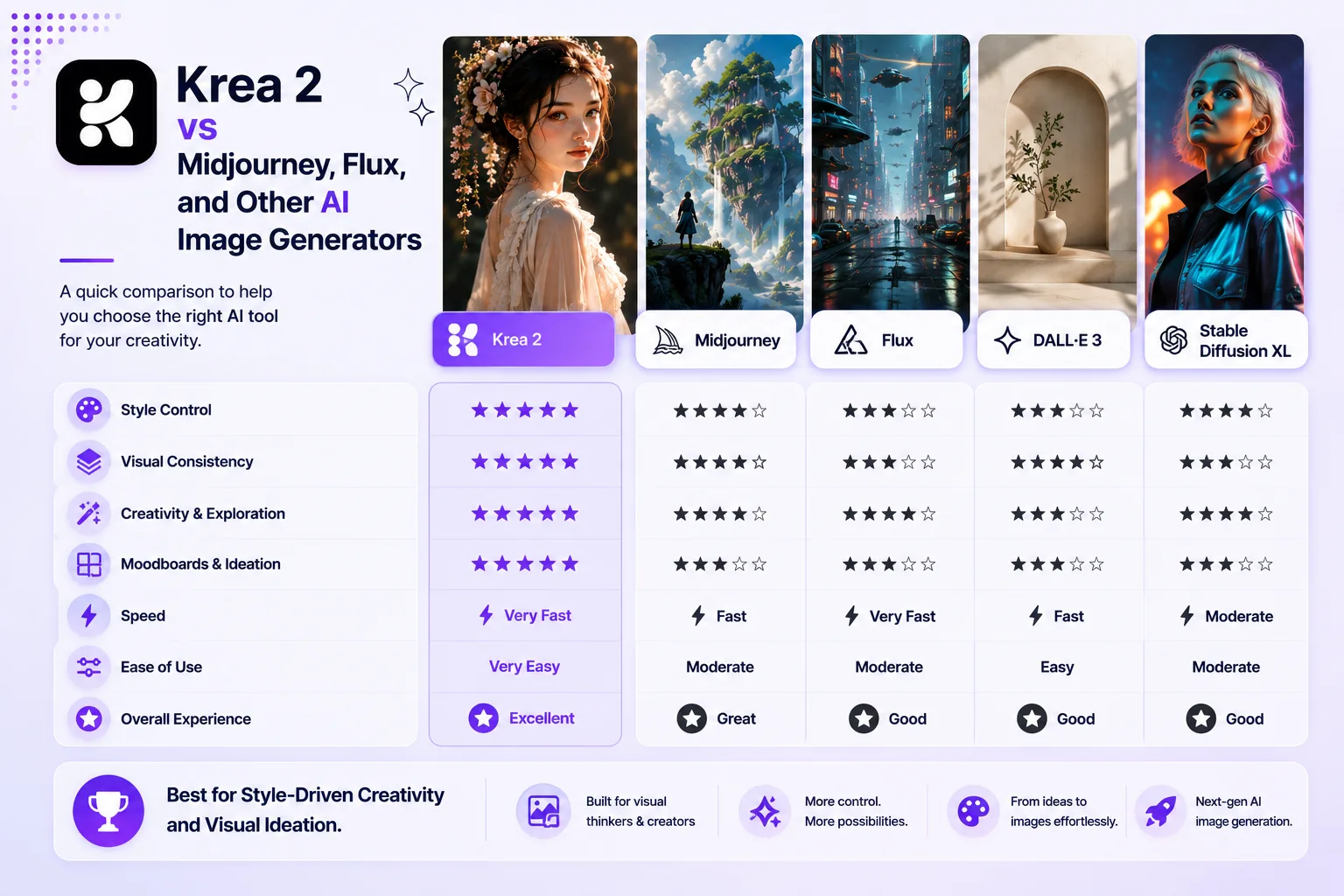
Krea 2 is not trying to win only by making the sharpest image. Its main advantage is style control and creative workflow. That makes the comparison more nuanced.
Midjourney is still popular for beautiful, dramatic images with a strong artistic finish. It is great for users who want impressive results quickly. However, Krea 2 may feel better for users who want to work with moodboards, references, and a more platform-based creative process.
Flux is strong for open model workflows, high-quality image generation, and users who care about local or customizable setups. Krea 2 is more approachable for users who want a hosted creative suite rather than building a technical workflow.
Ideogram is often useful when text rendering matters. If your image needs clear readable words, signs, packaging text, or poster copy, you may want to compare it directly against Krea 2 before choosing.
Conversational image editors and multimodal tools can be strong for quick edits and natural-language image changes. Krea 2 is more about generating and steering a visual style from the start.
In short:
- Choose Krea 2 for style control, moodboards, and creative direction.
- Choose Midjourney for fast, polished, artistic image results.
- Choose Flux for open-model flexibility and technical workflows.
- Choose Ideogram when text accuracy is a major priority.
- Choose AI editors when you need to modify an existing image quickly.
Krea 2 Prompt Tips
Krea 2 works best when the prompt gives both subject and style direction. A weak prompt such as “a product photo” may work, but it does not use the model’s strengths. Add visual context, lighting, material, mood, camera style, and reference direction when possible.
Try prompts like these:
A cinematic product concept photo of a transparent wireless speaker on a concrete table, soft blue rim light, warm studio reflection, premium tech campaign style, shallow depth of field.An editorial fashion portrait with muted colors, soft flash photography, 1990s magazine texture, imperfect film grain, confident pose, minimal background.A brand moodboard image for a modern wellness app, calm but not generic, soft natural light, paper textures, glass objects, pale green and warm gray palette.A futuristic city poster in risograph style, limited color palette, bold composition, visible paper grain, graphic shapes, high contrast.For better Krea 2 results, avoid prompts that only describe the object. Describe the visual language. Instead of saying “a cafe interior,” say “a warm editorial cafe interior with walnut wood, soft morning light, handmade ceramic cups, film photography, relaxed premium lifestyle mood.”
Best Krea 2 Alternatives
If Krea 2 does not match your workflow, there are several alternatives worth considering.
Midjourney is a strong choice for polished artistic images, fantasy scenes, concept art, and cinematic visuals. It is easy to like because the default output quality is often impressive.
Flux-based tools are useful for users who want open model access, custom workflows, and strong image quality. They may be better for technical users and teams that want more control over infrastructure.
Ideogram is a good alternative when text in images matters. It is often used for posters, typography graphics, product mockups, and social images that need readable words.
Adobe Firefly can be a good option for users already working inside Adobe tools and who want a more design-suite-oriented workflow.
Leonardo AI is useful for game assets, concept art, and style exploration, especially for creators who want many preset controls and asset-focused workflows.
The best alternative depends on your goal. If your goal is style-led ideation, Krea 2 is very competitive. If your goal is precise text, open-source experimentation, or ultra-fast one-off image creation, another tool may fit better.
Is Krea 2 Worth It?
Krea 2 is worth trying if you are a designer, creator, marketer, artist, or team member who regularly explores visual direction. Its biggest value is not just output quality, but the way it helps shape an aesthetic. The combination of prompts, references, moodboards, and model options makes it useful for creative exploration.
It may not be worth paying for if you only need a few simple images each month. You can still test the free option first and compare the results with your current AI image generator.
For professional visual work, Krea 2 is most useful when you treat it as a creative partner for ideation, not as a final production system. Use it to explore directions, generate moodboards, build style options, and prepare stronger references for final design or editing.
Final verdict: Krea 2 is a strong AI image generator for style-conscious creators. It is not perfect, but it brings a clear point of view: better aesthetic control, richer visual exploration, and a workflow that feels built for creative teams.
FAQ
What is Krea 2?
Krea 2 is Krea’s AI image foundation model built for text-to-image generation, style references, moodboards, and creative control. It was released in May 2026 and is designed for creators who want stronger visual direction.
Is Krea 2 free?
Krea offers a free starting option, but heavier use requires paid plans or additional compute. Pricing can change, so users should check the current plan details before subscribing.
What is Krea 2 best for?
Krea 2 is best for creative image exploration, moodboards, style reference workflows, campaign concepts, editorial visuals, brand direction, and aesthetic testing.
Is Krea 2 better than Midjourney?
It depends on your workflow. Midjourney is excellent for fast polished images. Krea 2 is stronger if you want a platform built around style references, moodboards, and creative control.
Can Krea 2 create photorealistic images?
Yes. Krea 2 Large is positioned for expressive photorealism, while Krea 2 Medium is often better suited for expressive illustration and broader creative exploration.
Does Krea 2 support style transfer?
Yes. Style references and moodboards are major parts of the Krea 2 workflow. This is one of the main reasons creators may choose it over simpler AI image generators.
Is Krea 2 good for business use?
Yes, especially for marketing teams, agencies, designers, and product teams that need to explore visual directions quickly. Businesses should still review licensing, privacy, and plan details before using outputs commercially.
Who should avoid Krea 2?
Users who only need simple one-click images, exact text graphics, or fully finished production assets may find Krea 2 more advanced than necessary. It works best when creative direction matters.
Final Thoughts
Krea 2 is a timely AI image generator to review because it has a clear angle in a crowded market. Instead of trying to be only another prompt-to-image tool, it focuses on style, mood, references, and creative control. That makes it especially useful for people who need images with a specific visual identity.
For SEO, the best opportunity is to target “Krea 2 review” as the main keyword while also covering related searches such as Krea 2 pricing, Krea 2 prompts, Krea 2 alternatives, and Krea 2 vs Midjourney. This gives the article a better chance to rank for both early research and high-intent comparison searches.
Related Reviews
Best 6 Free QR Code Generators in 2026

Best 7 Agentic Development Security Platforms for 2026

6 Best AI Image Upscalers in 2026: Sharpen and Enlarge Photos
6 Best Picture-to-Drawing Converters in 2026
Best 5 Email Marketing Services in 2026
Best 5 Online Whiteboard Tools in 2026