
Table of Contents
- Quick Comparison
- What Is an AI SOP Generator?
- Why SOPs Matter for Teams
- 1. Scribe
- 2. Tango
- 3. Guidde
- 4. Trainual
- 5. Process Street
- 6. SweetProcess
- 7. Whale
- 8. ClickUp
- 9. Notion AI
- 10. ChatGPT
- How to Choose the Best AI SOP Generator
- What to Include in a Good SOP
- AI SOP Prompt Examples
- Common Mistakes to Avoid
- FAQ
- Final Thoughts
Quick Comparison
| Tool | Best For | Key Strength | Good Fit |
|---|---|---|---|
| Scribe | Capturing workflows automatically | Turns screen actions into step-by-step guides | Operations, support, admin teams |
| Tango | Browser-based process documentation | Fast walkthrough capture | SaaS teams, sales, onboarding |
| Guidde | Video SOPs and how-to guides | Combines recording with AI narration and steps | Training, customer success, product teams |
| Trainual | Company training and SOP management | Centralized knowledge and onboarding | Growing businesses |
| Process Street | Recurring processes and checklists | Workflow automation and repeatable tasks | Ops, HR, finance, agencies |
| SweetProcess | Policy and procedure documentation | Clear procedure libraries | Small businesses, franchises |
| Whale | Team knowledge and process enablement | SOPs, training, and adoption tracking | Scaling teams |
| ClickUp | SOPs inside project management | Docs, tasks, AI, and workflow tracking | Teams already managing work in ClickUp |
| Notion AI | Flexible internal documentation | Drafting, rewriting, and organizing SOPs | Startups, content teams, small teams |
| ChatGPT | First drafts and SOP templates | Fast structure and rewriting help | Anyone who needs a starting point |
What Is an AI SOP Generator?
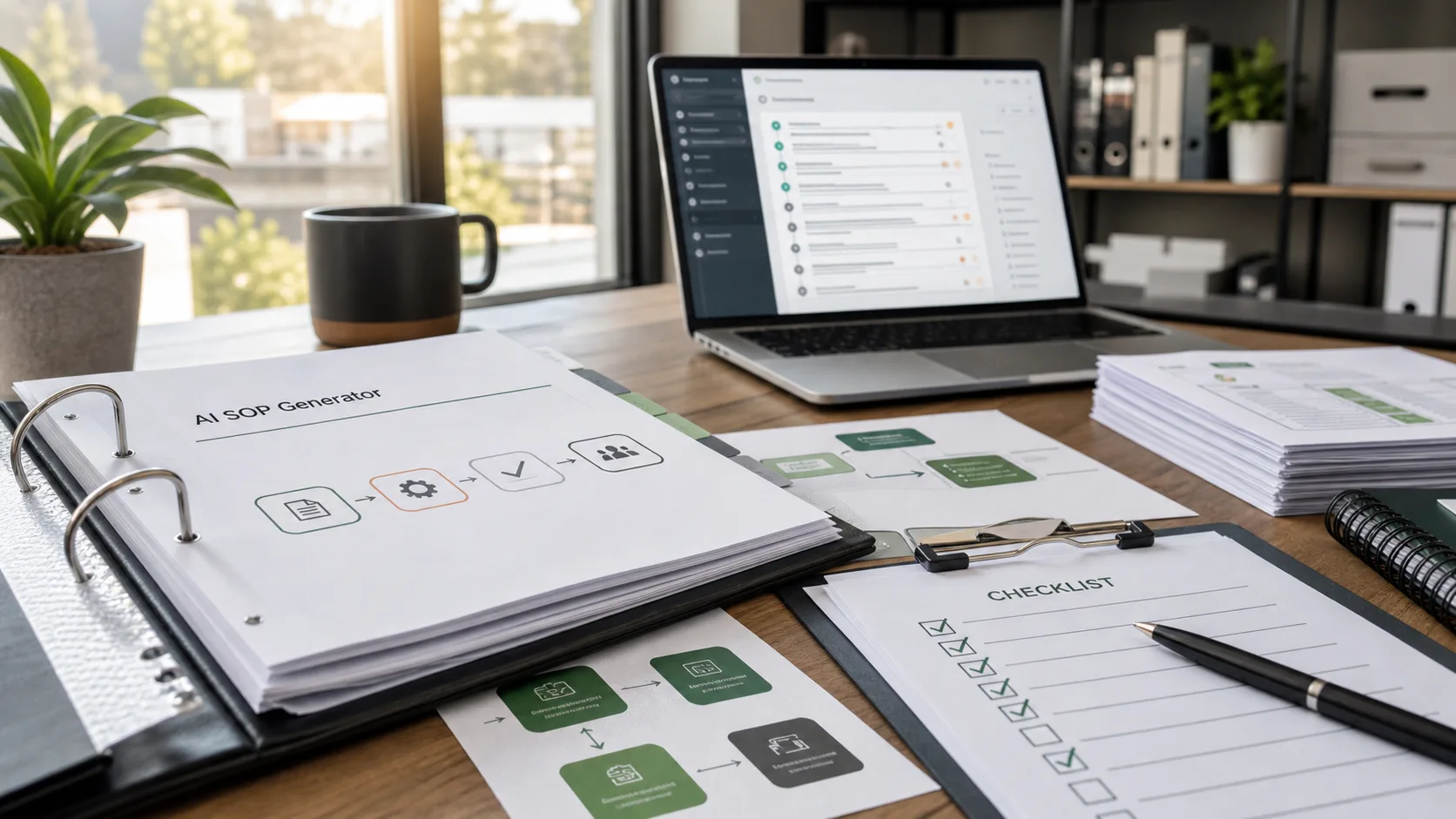
An AI SOP generator helps create standard operating procedures faster. Instead of writing every step from scratch, you can describe a workflow, record a process, upload notes, or provide a rough outline, then use AI to turn it into a clearer document.
A good SOP explains who does the task, when it should be done, what tools are needed, which steps to follow, what quality checks matter, and what to do when something goes wrong. The goal is not to make a long document. The goal is to make repeatable work easier to do correctly.
AI SOP generator tools can help with several parts of that process:
- Drafting SOPs from prompts
- Turning screen recordings into step-by-step guides
- Creating checklists
- Writing training instructions
- Rewriting messy notes into a standard format
- Organizing SOPs into a team knowledge base
For growing teams, this can save hours. It also reduces the risk of important knowledge staying only in one person’s head.
Why SOPs Matter for Teams
SOPs are often ignored until something breaks. A new employee asks the same question for the tenth time. A customer support reply is handled differently by every teammate. A finance task gets delayed because only one person knows the exact steps. These are signs that the process needs documentation.
An AI standard operating procedure generator can make SOP creation less painful. It gives teams a starting point, which is usually the hardest part. Once the draft exists, a manager or process owner can review it, add missing details, and make it fit the real workflow.
Good SOPs help teams:
- Train new employees faster
- Reduce repeated questions
- Improve quality control
- Make handoffs cleaner
- Keep compliance tasks consistent
- Scale operations without chaos
The best AI SOP generator is not just a writing tool. It should fit how your team actually works.
1. Scribe
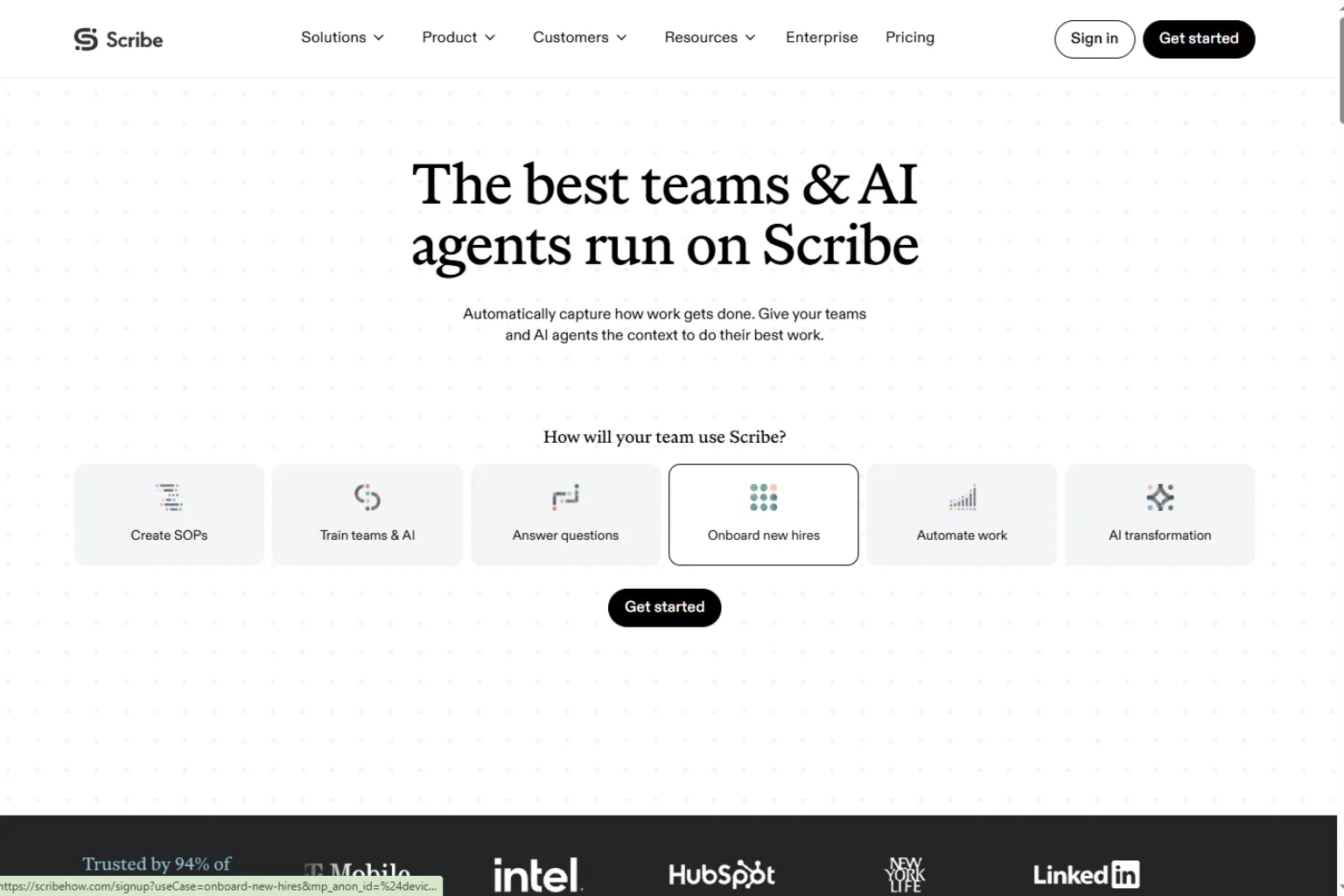
Scribe is one of the most useful AI SOP generator tools for documenting digital workflows. It records a process as you perform it and turns the actions into a step-by-step guide with screenshots.
This is especially helpful for tasks that happen inside software: creating reports, updating records, processing orders, onboarding users, checking tickets, or using internal systems. Instead of writing instructions from memory, you can complete the task once and let Scribe create the first draft.
Scribe is a good fit for:
- Software walkthroughs
- Admin processes
- Customer support guides
- Operations documentation
- Onboarding instructions
The main benefit is speed. If your SOPs are mostly screen-based, Scribe can be much faster than typing steps manually. You should still review the guide afterward to add context, warnings, quality checks, and ownership details.
2. Tango
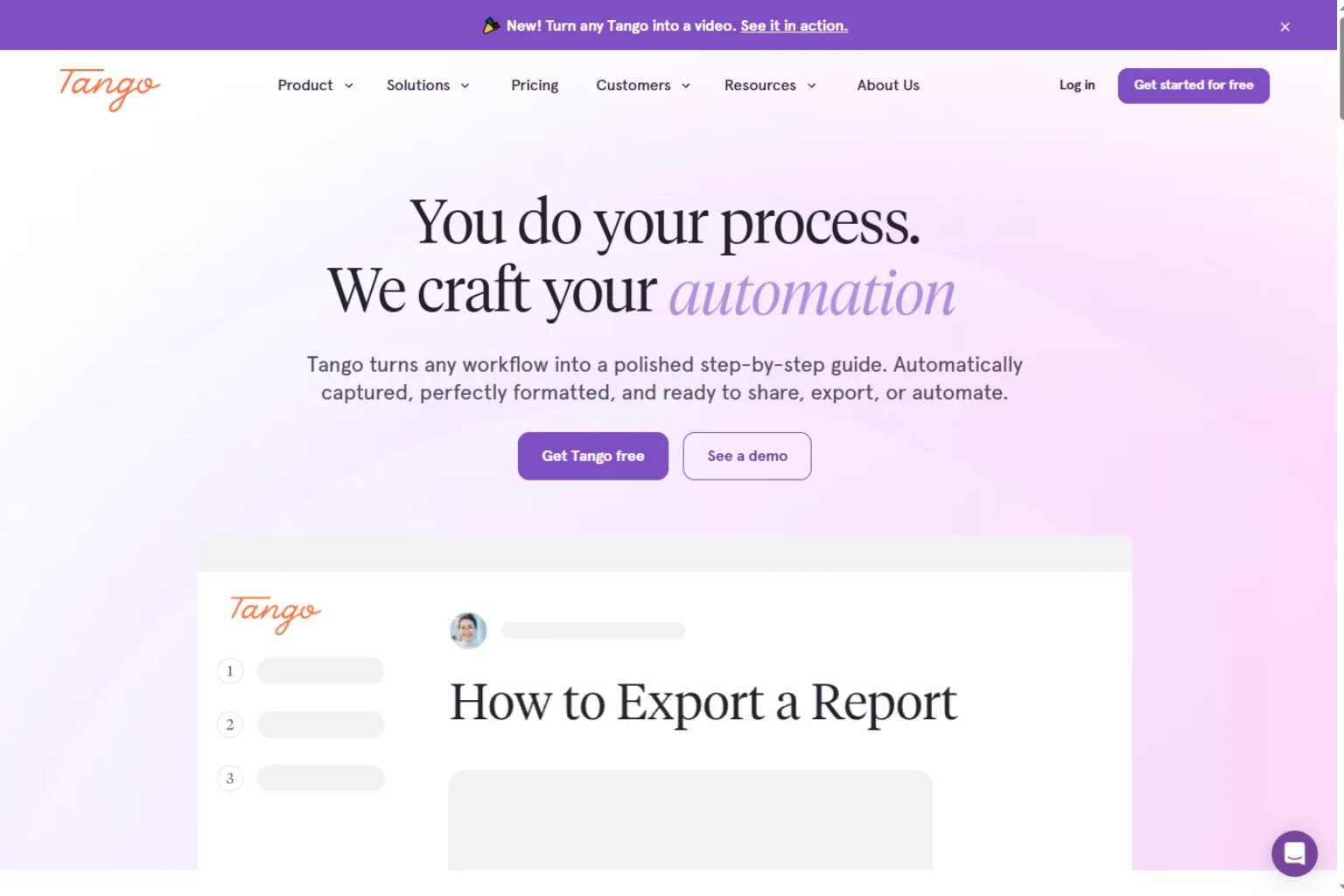
Tango is another strong choice for capturing workflows and turning them into guides. It is especially useful for browser-based work, SaaS processes, sales operations, onboarding, and internal how-to documents.
Tango helps teams create process documentation while they work. That matters because SOP writing often gets postponed when it feels like an extra task. If documentation happens during the workflow, it is easier to keep SOPs current.
Tango is useful for:
- Browser workflows
- Sales and customer success processes
- Internal training guides
- Tool onboarding
- Step-by-step documentation
As an AI process documentation tool, Tango is best when your team needs clear walkthroughs that can be shared quickly. It is less about writing a policy from scratch and more about capturing real actions.
3. Guidde
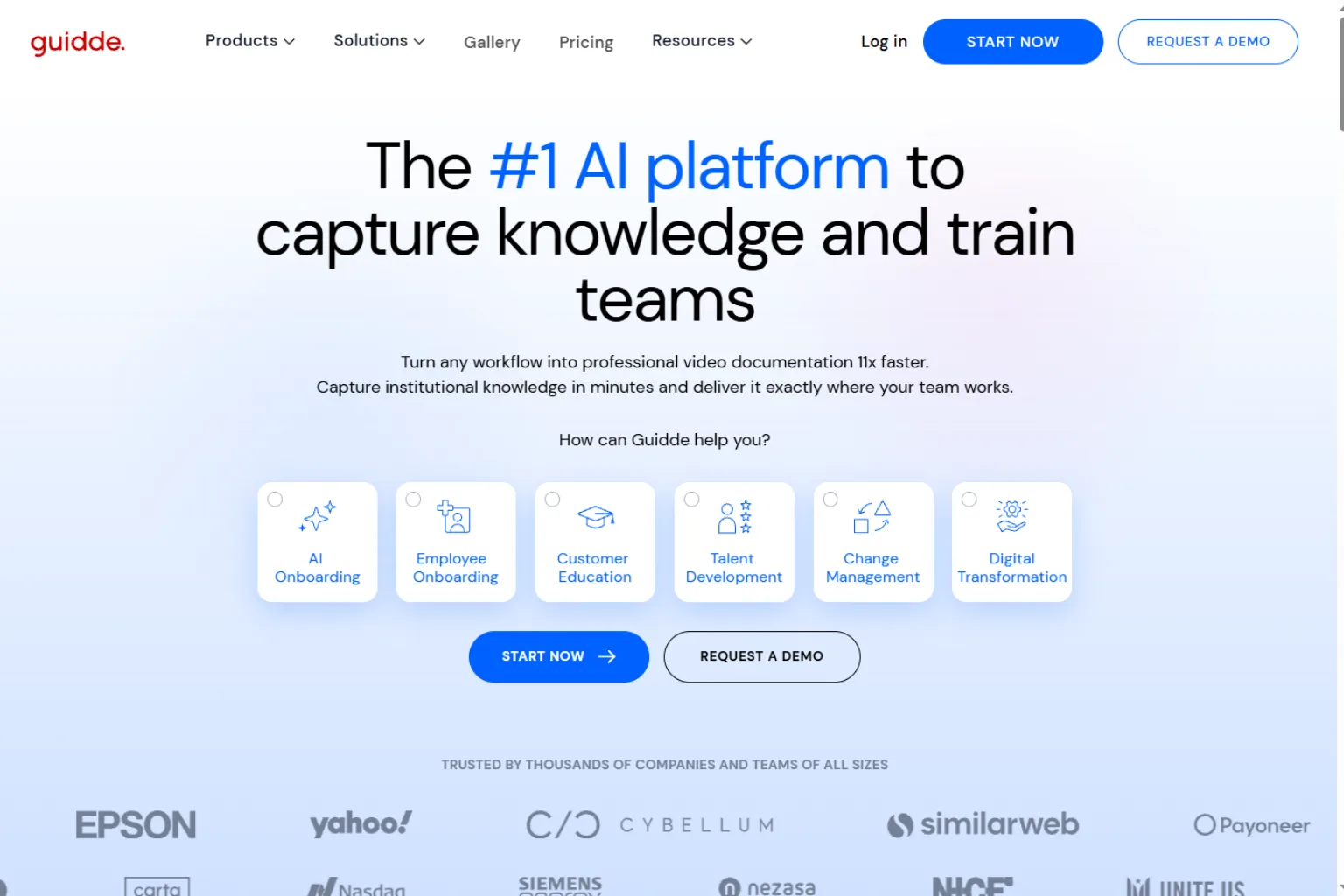
Guidde focuses on video-based process documentation. It can help create how-to videos, product walkthroughs, training guides, and SOP-style instructions with AI support.
This makes it useful when screenshots alone are not enough. Some workflows are easier to understand when teammates can watch the action, hear an explanation, or follow a guided video. Guidde can help turn process recordings into more polished training material.
Guidde is a good fit for:
- Video SOPs
- Product training
- Customer education
- Internal how-to guides
- Support documentation
If your team prefers visual learning, Guidde can be a strong AI SOP generator choice. For formal compliance procedures, you may still want to pair video with written steps and approval notes.
4. Trainual
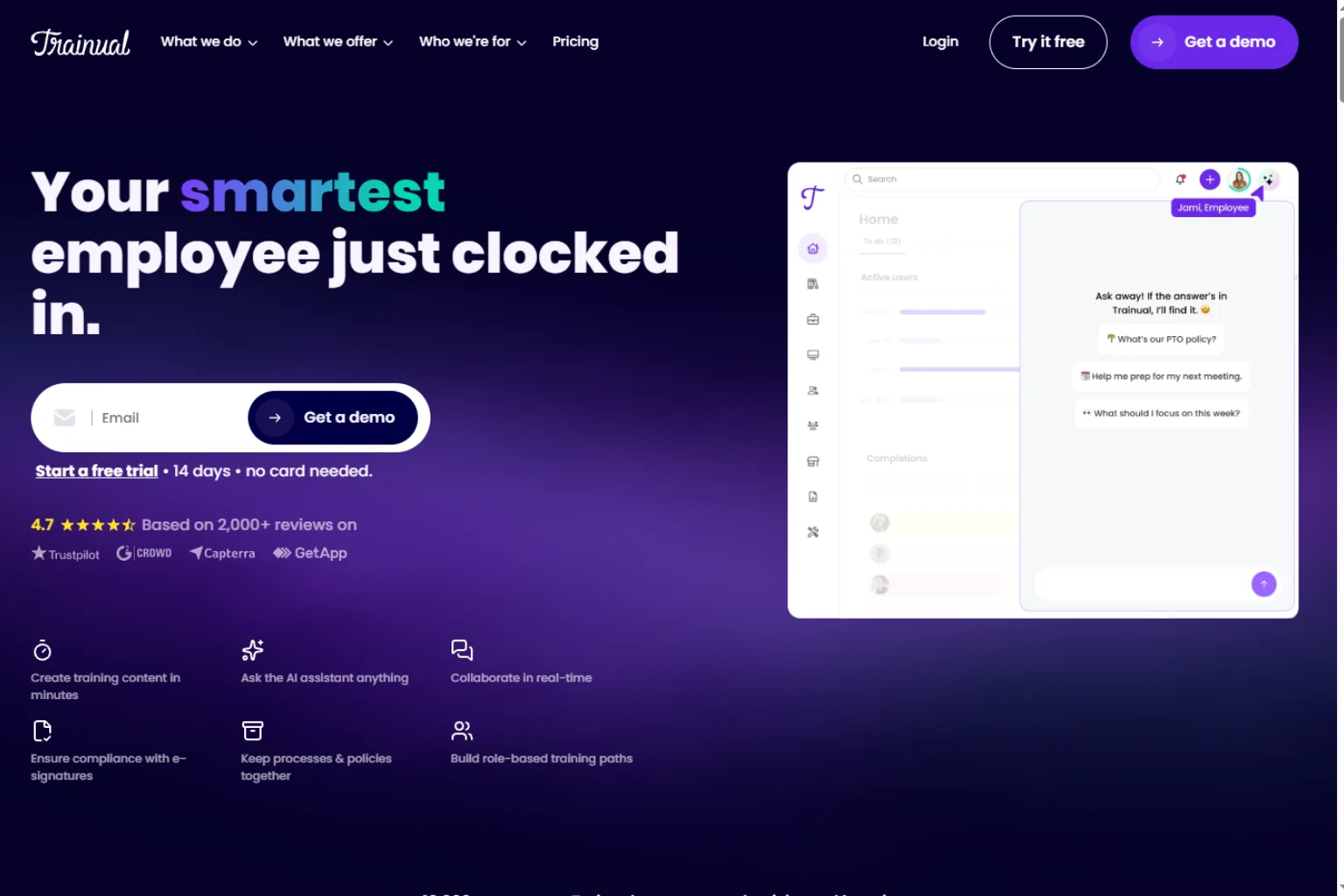
Trainual is built for company training, onboarding, and process documentation. It is useful when your SOPs need to live in a central place and connect to employee training.
This is a good option for growing businesses that need more than scattered documents. Trainual can help organize policies, procedures, roles, responsibilities, and training materials in one system.
Trainual is best for:
- Employee onboarding
- Company handbooks
- Process libraries
- Training programs
- Role-based documentation
As an AI SOP generator, Trainual is especially valuable when SOPs are part of a larger training system. If you only need a quick one-page procedure, it may be more than you need. But if you are building a repeatable operating system for a business, it belongs on the list.
5. Process Street
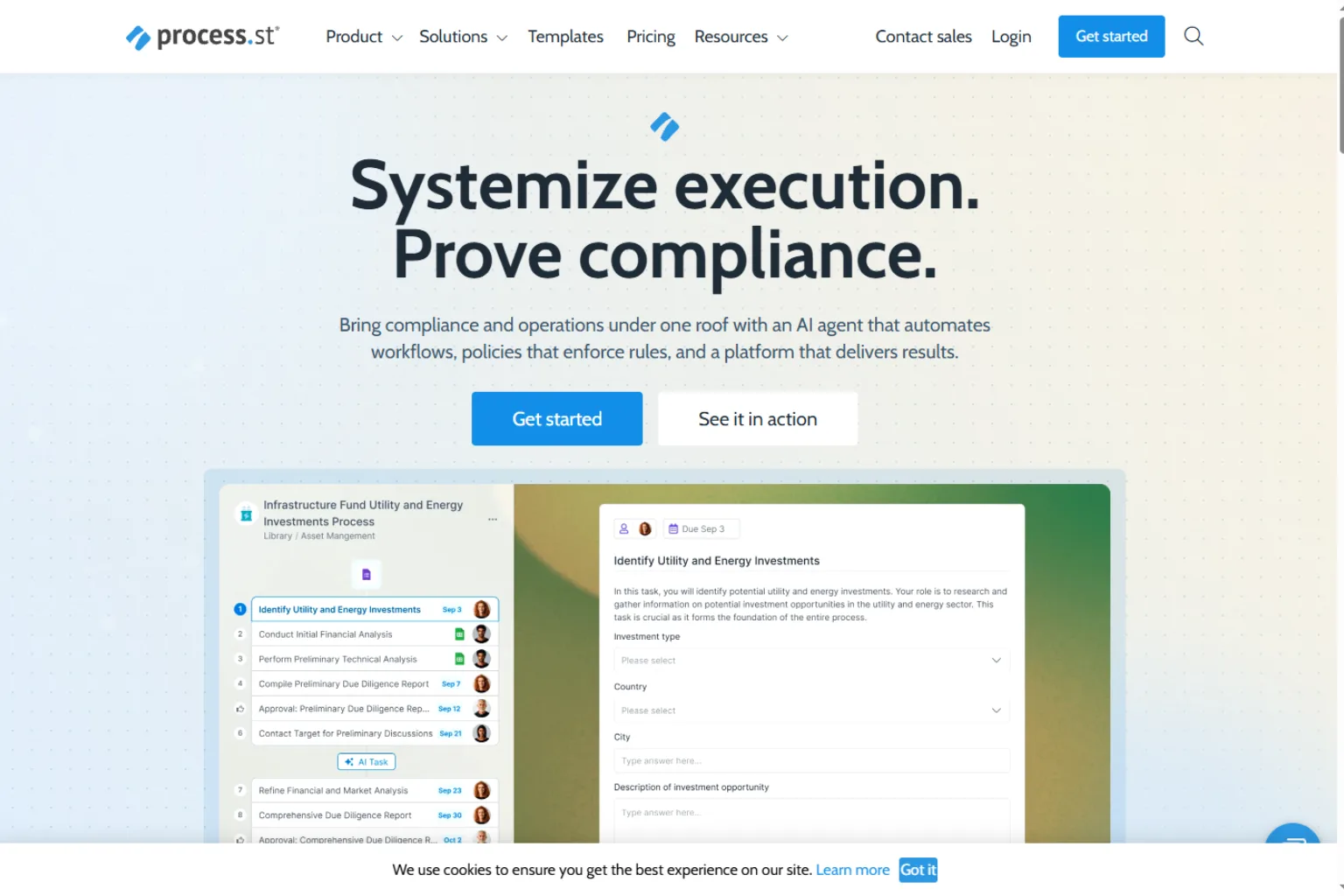
Process Street is designed for recurring workflows, checklists, approvals, and process automation. It is a strong choice when SOPs are not just documents but active workflows that people run again and again.
For example, a hiring process, client onboarding checklist, monthly finance review, content publishing workflow, or compliance audit may need assigned tasks, due dates, approvals, and repeatable steps. Process Street is built for that kind of work.
Process Street is useful for:
- Recurring checklists
- Approval workflows
- Client onboarding
- HR and finance processes
- Compliance tasks
If you want an AI workflow documentation tool that can move beyond static pages, Process Street is worth considering. It helps teams turn SOPs into operational checklists.
6. SweetProcess
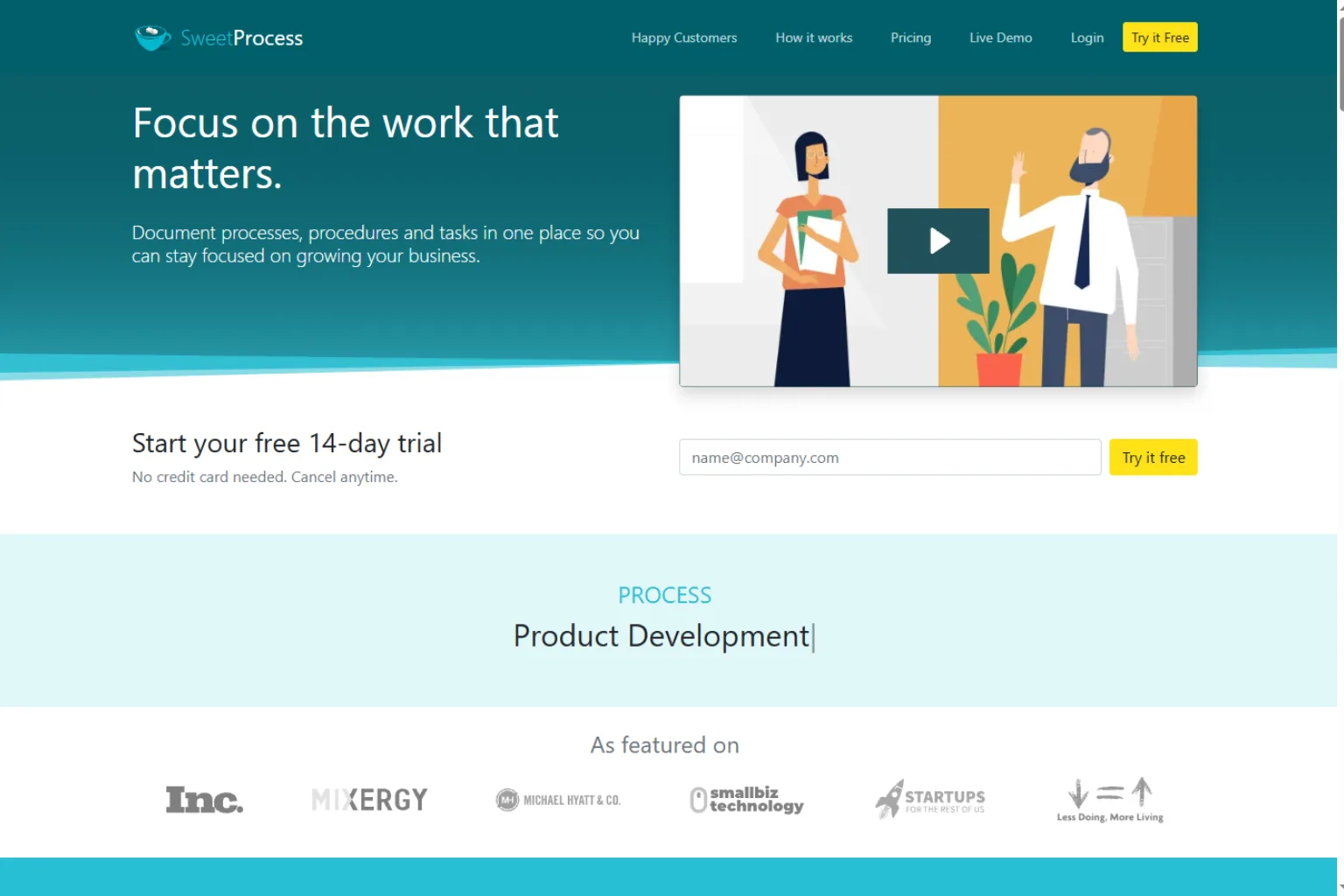
SweetProcess helps teams document procedures, policies, and processes in a clear library. It is popular with small businesses that need a simple way to standardize work.
The tool is useful when you want to create SOPs that employees can actually find and follow. It supports step-by-step procedures, policies, and process organization, making it easier to build a practical operations manual.
SweetProcess is best for:
- Small business SOPs
- Procedure libraries
- Franchise-style documentation
- Operations manuals
- Policy documentation
It may not be the flashiest AI SOP generator, but it is practical for teams that want organized documentation without unnecessary complexity.
7. Whale
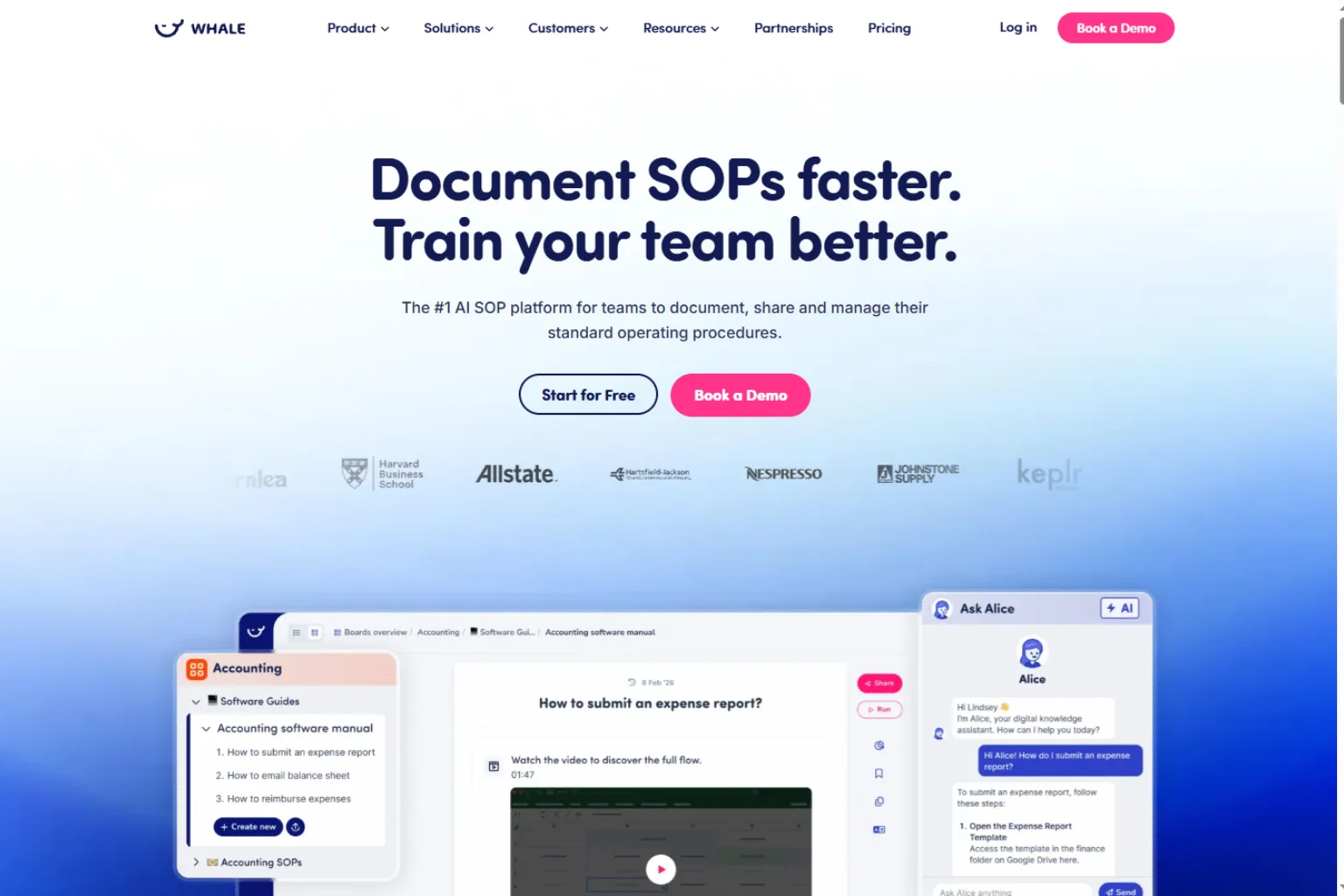
Whale is a knowledge and training platform designed to help teams document processes and make sure employees adopt them. It is useful for growing teams that care about both SOP creation and process enablement.
The difference is important. A folder full of SOPs does not guarantee people will use them. Whale focuses on centralizing knowledge, training employees, and helping teams keep documentation alive.
Whale is a good fit for:
- Team knowledge bases
- Training and onboarding
- Process adoption
- Scaling operations
- Standardizing team workflows
If your biggest problem is not just writing SOPs but getting people to follow them, Whale may be a better fit than a simple SOP writing tool.
8. ClickUp
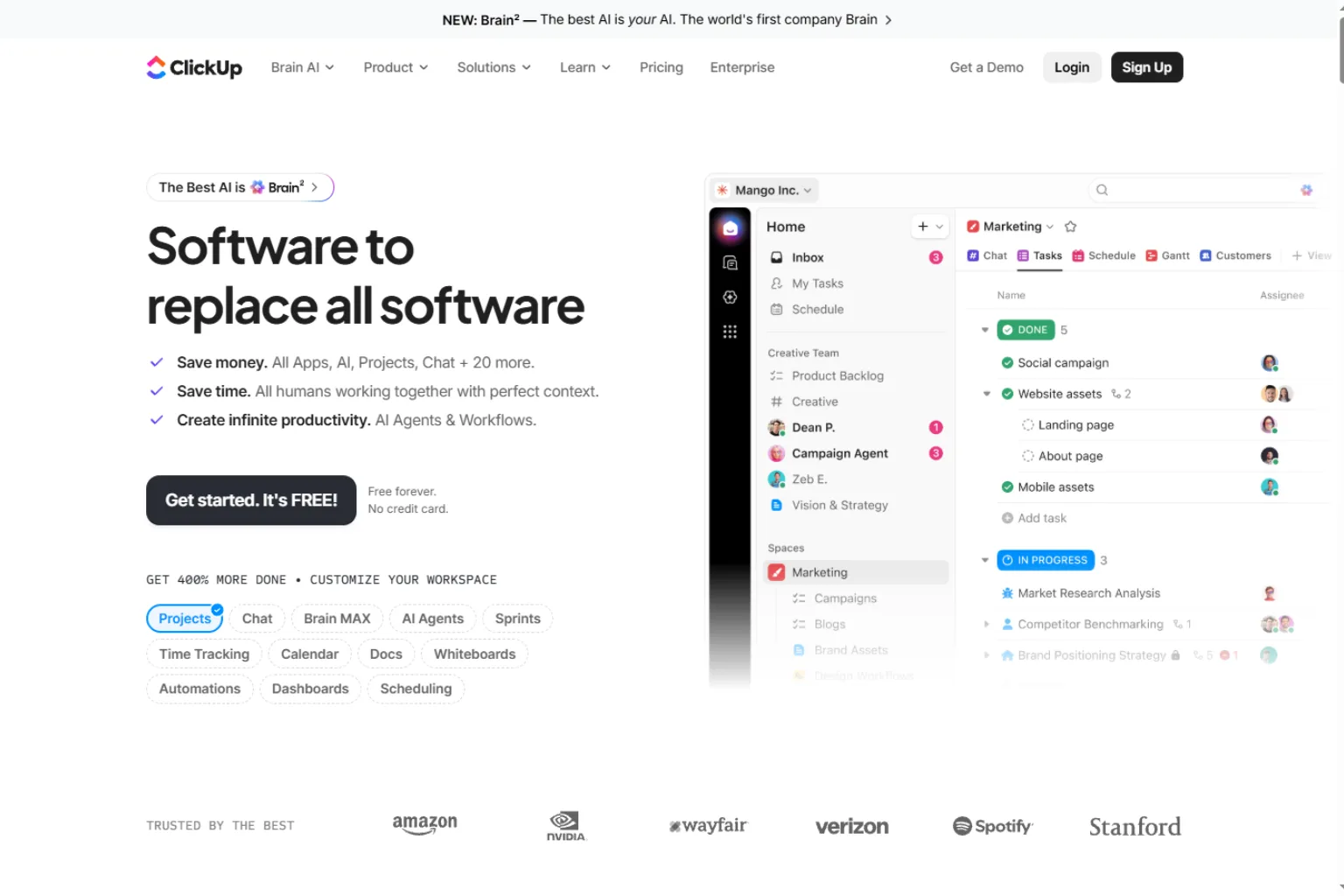
ClickUp can be useful for SOP creation if your team already manages projects, tasks, docs, and workflows there. With docs and AI writing features, teams can draft, organize, and connect SOPs to actual work.
This is helpful when procedures should not live separately from tasks. For example, a content publishing SOP can sit near the content calendar. A QA checklist can connect to a project template. A client onboarding SOP can connect to task assignments.
ClickUp is useful for:
- SOPs tied to project work
- Team documentation
- Task-based checklists
- Internal knowledge bases
- Workflow templates
ClickUp may not be a dedicated AI SOP generator in the narrowest sense, but it can be a strong choice for teams that want SOPs inside their daily work system.
9. Notion AI
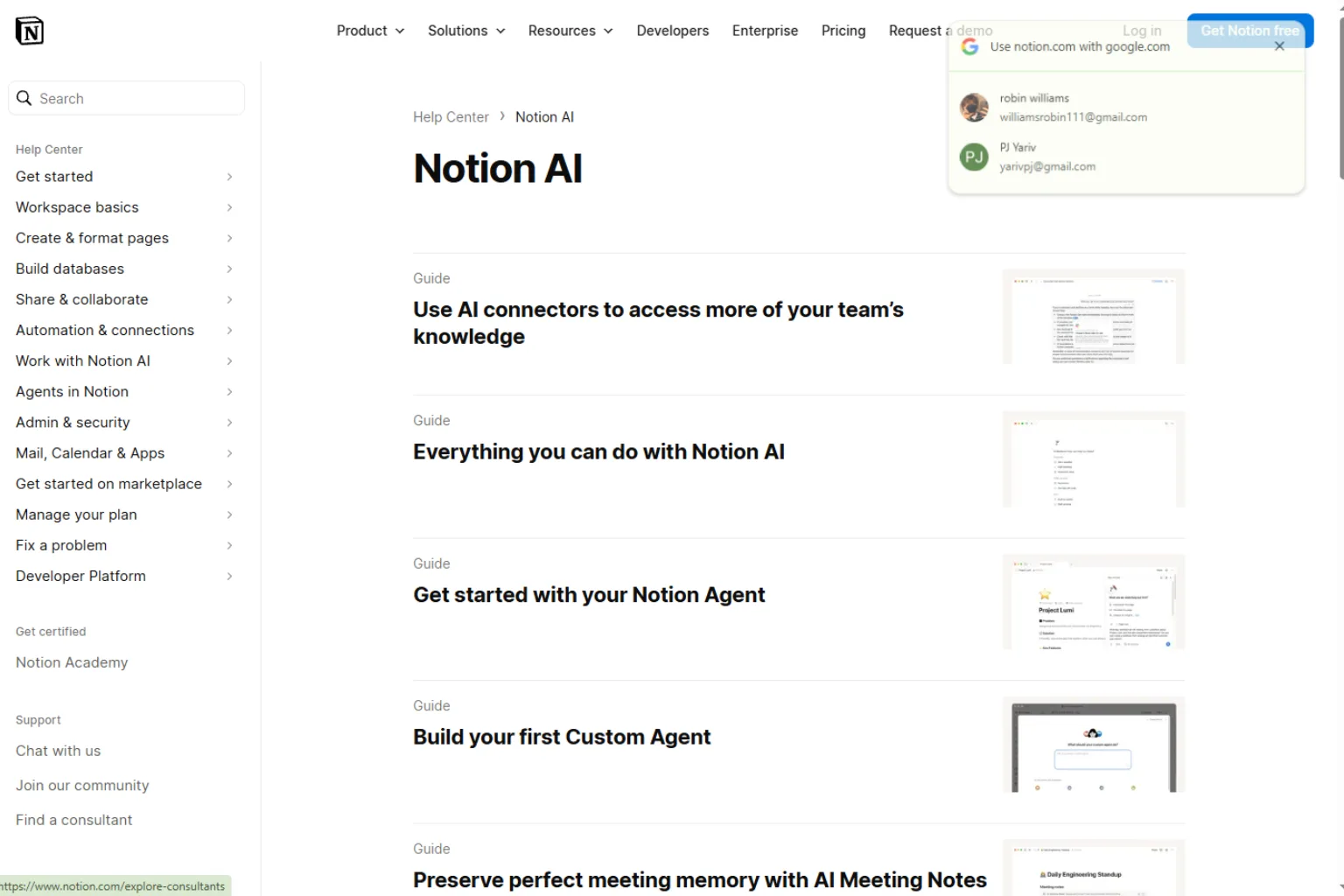
Notion AI is a flexible option for drafting and organizing SOPs inside a Notion workspace. It can help turn rough notes into a structured procedure, rewrite unclear steps, summarize policies, and create reusable templates.
Notion is useful for teams that prefer a lightweight documentation system. You can create databases for SOPs, add owners, track status, link related documents, and build a simple internal wiki.
Notion AI is good for:
- SOP drafts
- Internal wikis
- Template creation
- Rewriting messy notes
- Startup documentation
It works best when someone on the team owns the structure. AI can draft the procedure, but your workspace still needs naming rules, categories, review dates, and clear ownership.
10. ChatGPT
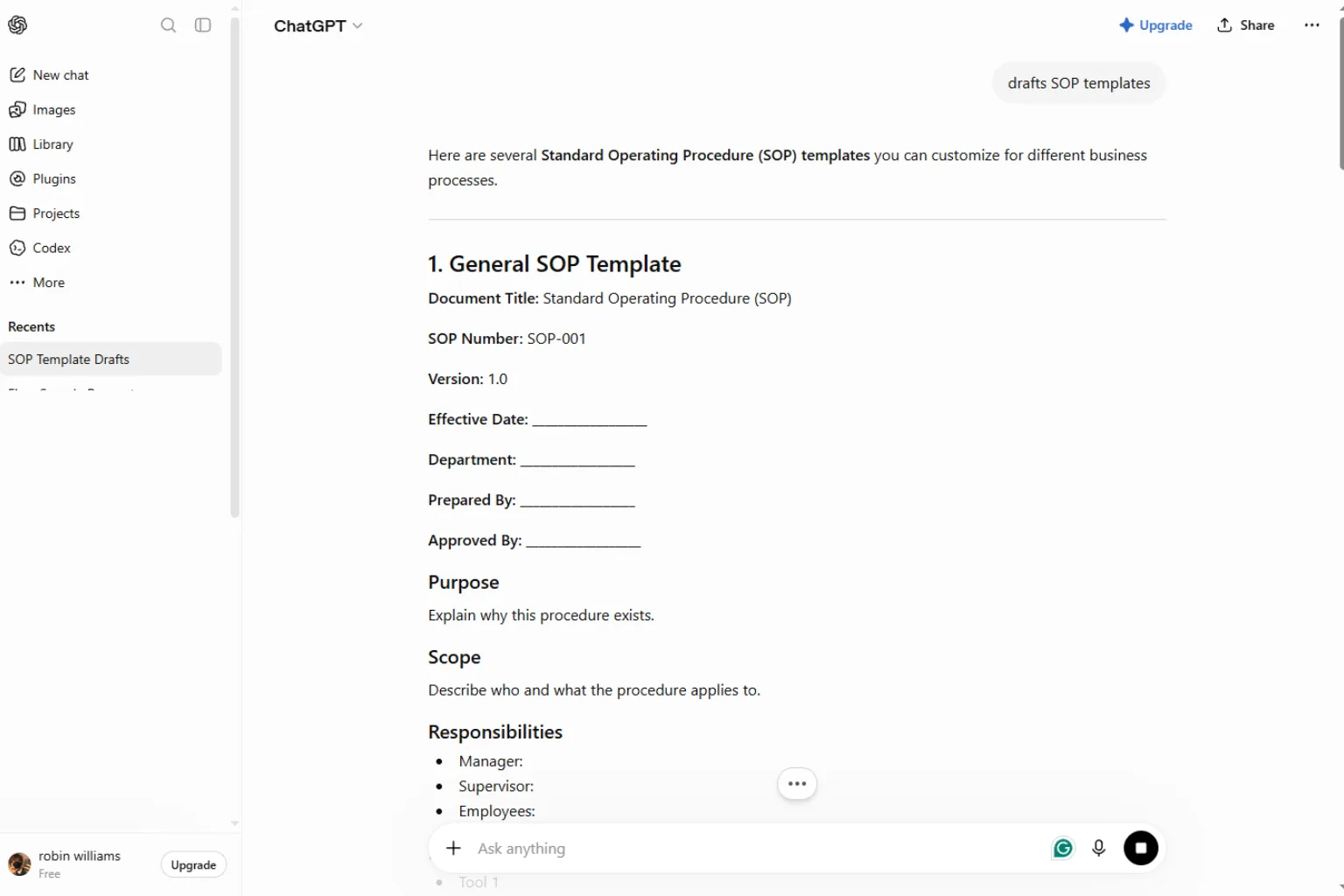
ChatGPT is a flexible starting point for SOP writing. You can describe a task, paste rough notes, or provide a messy process outline, then ask it to create a standard operating procedure with sections, steps, roles, quality checks, and exceptions.
It is not a full SOP management system. It will not automatically capture screenshots, assign tasks, or maintain a process library. But as a drafting assistant, it can be very useful.
ChatGPT can help with:
- SOP first drafts
- SOP templates
- Checklist creation
- Policy rewriting
- Training manual outlines
- Simplifying complex instructions
For many teams, the best workflow is to use ChatGPT to draft the structure, then move the final SOP into a tool like Trainual, Process Street, Notion, SweetProcess, or ClickUp.
How to Choose the Best AI SOP Generator
Start by asking what kind of SOP you need. If the procedure happens on a computer screen, a capture tool like Scribe or Tango may save the most time. If the SOP is part of training, Trainual or Whale may be better. If it is a recurring checklist, Process Street may fit better. If you just need a clean draft, ChatGPT or Notion AI may be enough.
Use this guide:
| Need | Best Type of Tool |
|---|---|
| Capture screen-based workflows | Scribe, Tango |
| Create video SOPs | Guidde |
| Build employee training | Trainual, Whale |
| Run recurring checklists | Process Street |
| Create a small business procedure library | SweetProcess |
| Keep SOPs near tasks | ClickUp |
| Draft and rewrite SOPs | ChatGPT, Notion AI |
You should also consider review workflows. A good SOP should have an owner, version history, a review date, and a way for employees to suggest updates. Without maintenance, even the best AI-generated SOP becomes outdated.
What to Include in a Good SOP
An AI SOP generator can create a draft, but you should make sure the final version includes the right details. A useful SOP should be clear enough for a trained person to follow without asking for help.
Include these sections:
- SOP title
- Purpose
- Scope
- Owner
- Tools or materials needed
- Step-by-step instructions
- Quality checks
- Common mistakes
- Exceptions or escalation rules
- Related templates or documents
- Last updated date
The procedure should be specific, but not overloaded. If a step needs screenshots, add screenshots. If a decision point is confusing, add a short note or checklist. If the task has safety, legal, finance, or compliance impact, require review from the right person.
AI SOP Prompt Examples
Here are practical prompts you can use with an AI SOP generator:
Prompt for a first draft:
Create a standard operating procedure for publishing a blog post. Include purpose, scope, owner, tools needed, step-by-step instructions, quality checks, common mistakes, and escalation rules.
Prompt for a checklist:
Turn this SOP into a short checklist that a team member can follow every Friday. Keep each item action-oriented and under 12 words.
Prompt for a training guide:
Rewrite this SOP for a new employee. Use clear language, define internal terms, and add a short example after complex steps.
Prompt for quality control:
Review this SOP and identify missing steps, unclear ownership, possible risks, and quality checks that should be added.
Prompt for a template:
Create a reusable SOP template for a small business operations team. Include placeholders for owner, frequency, tools, steps, exceptions, and review date.
Common Mistakes to Avoid
The most common mistake is treating an AI-generated SOP as finished. AI can draft the structure, but the process owner must check whether the steps match reality.
Another mistake is writing SOPs that are too vague. A step like “process the request” is not enough. The SOP should explain where to go, what to click, what information to check, what result is expected, and what to do if something is missing.
Avoid these problems:
- No owner assigned
- No review schedule
- Steps that are too broad
- Missing screenshots for software tasks
- No quality checks
- No exception handling
- SOPs stored where employees cannot find them
- Documents that are never updated
The best AI SOP generator can make documentation faster, but the team still needs discipline to keep procedures useful.
FAQ
What is the best AI SOP generator?
The best AI SOP generator depends on your workflow. Scribe and Tango are strong for screen-based guides. Guidde is useful for video SOPs. Trainual and Whale are strong for training. Process Street is good for recurring checklists. ChatGPT and Notion AI are helpful for drafting.
Can AI write standard operating procedures?
Yes. AI can create SOP drafts, templates, checklists, training guides, and process summaries. However, a human process owner should review the final version for accuracy, compliance, and missing details.
Is an AI SOP generator useful for small businesses?
Yes. Small businesses often rely on undocumented knowledge. An AI SOP generator can help turn repeatable tasks into procedures, making training and delegation easier.
Can AI turn a screen recording into an SOP?
Some tools can capture a workflow and turn it into step-by-step documentation with screenshots or video. Scribe, Tango, and Guidde are useful for this type of process documentation.
What is the difference between an SOP and a checklist?
An SOP explains the full procedure, including purpose, scope, roles, steps, quality checks, and exceptions. A checklist is a shorter action list used while performing the task. Many teams use both.
Final Thoughts
An AI SOP generator can remove a lot of friction from process documentation. It can help you draft procedures, capture workflows, create checklists, and organize team knowledge faster than starting from a blank page.
For screen-based workflows, start with Scribe or Tango. For video training, try Guidde. For company-wide onboarding and process libraries, look at Trainual, Whale, SweetProcess, or Process Street. For flexible drafting, ChatGPT and Notion AI are easy places to begin.
The best SOP is not the longest one. It is the one your team can find, understand, follow, and update when the process changes.
Related
7 Best AI Quiz Generator Tools to Streamline Your Assessments in 2026

Best AI Tattoo Generators to Create Custom Tattoo Design Ideas
Best Tools to Convert Video to MP3 Online and Offline
Best AI App Builders for No-Code App Creation
Best AI Hashtag Generators to Find Tags for Instagram, TikTok, and More
AI Social Media Post Generator: Best Tools to Create Posts Faster