
Table of Contents
- What Is an AI App Builder?
- Why Use an AI App Builder?
- Quick Comparison
- 1. Bubble
- 2. Lovable
- 3. Replit
- 4. Bolt
- 5. FlutterFlow
- 6. Glide
- 7. Softr
- 8. Microsoft Power Apps
- 9. Adalo
- 10. Appy Pie
- How to Choose the Right AI App Builder
- AI App Builder Prompt Examples
- Mistakes to Avoid
- FAQ
What Is an AI App Builder?
An AI app builder is a tool that helps you create an app faster by turning prompts, wireframes, spreadsheets, workflows, or business ideas into app screens, databases, logic, and sometimes working code. Instead of starting from a blank canvas, you can describe what you want and let AI generate a first version.
Some AI app builders are no-code platforms. They help non-technical users create mobile apps, web apps, portals, directories, marketplaces, dashboards, and internal tools. Other AI app builders are more code-focused. They generate code, set up files, create UI components, and help developers build prototypes faster.
The best AI app builder depends on your goal. A founder building a SaaS MVP needs a different tool from a teacher building a class tracker, a small business creating a booking app, or a developer generating a React prototype.
Why Use an AI App Builder?
Building an app usually requires product planning, UI design, database structure, authentication, workflows, testing, deployment, and maintenance. AI app builders reduce the friction by handling part of that work automatically.
An AI app builder can help you:
- Turn an idea into a working prototype faster
- Create app screens from a prompt
- Build databases and user flows without starting from scratch
- Generate internal tools for teams
- Launch MVPs before hiring a full development team
- Test app ideas with customers earlier
- Save time on repetitive UI and workflow setup
- Help non-technical users create useful apps
AI does not remove the need for product thinking. You still need to define the user, workflow, data, permissions, edge cases, and business logic. But it can make the first version much faster to create.
Quick Comparison
| Tool | Best For | Main Strength | Possible Limitation |
|---|---|---|---|
| Bubble | Full no-code web apps | Powerful logic, workflows, database, and plugins | Takes time to learn |
| Lovable | Prompt-to-app prototypes | Fast AI-generated web app creation | Best for web apps and MVPs |
| Replit | AI-assisted coding | Code generation, hosting, and developer workflow | Better for users comfortable with code |
| Bolt | Fast web app generation | Browser-based prompt-to-code prototyping | May need developer review for production |
| FlutterFlow | Mobile and web apps | Visual app building with Flutter and backend integrations | More technical than simple no-code tools |
| Glide | Internal tools and business apps | Turns data into clean apps quickly | Less flexible for complex consumer apps |
| Softr | Portals and database apps | Client portals, directories, CRMs, and membership apps | Best with structured data sources |
| Power Apps | Enterprise internal apps | Microsoft ecosystem and business automation | Better for organizations already using Microsoft tools |
| Adalo | Mobile app creation | Visual mobile app builder with database and actions | May be limited for complex scaling |
| Appy Pie | Simple app creation | Beginner-friendly mobile and business apps | Less advanced for custom product logic |
1. Bubble
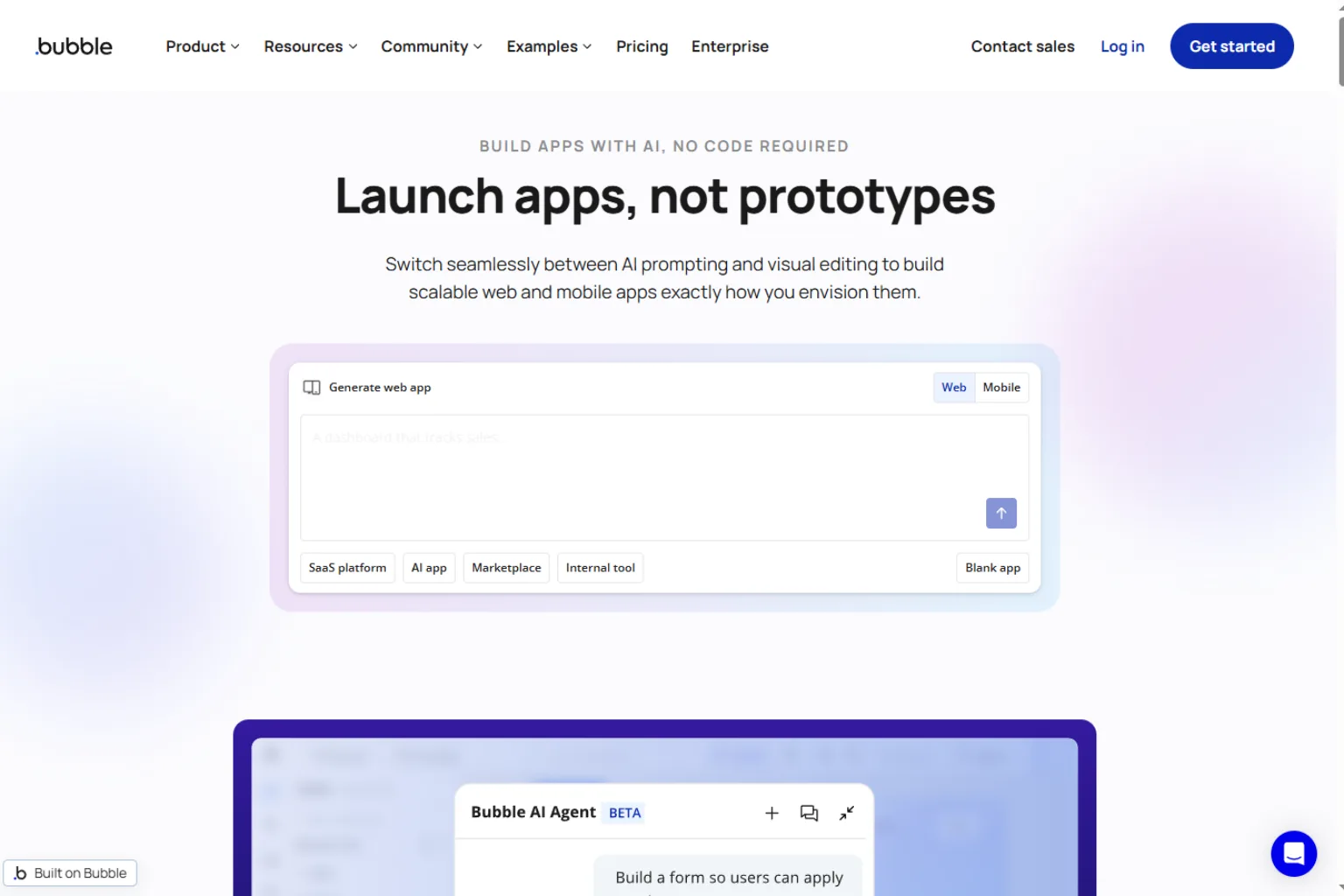
Bubble is one of the most established no-code app builders. It lets users build web apps with databases, workflows, user accounts, payments, APIs, plugins, and responsive pages. While Bubble is not only an AI app builder, its AI features and no-code ecosystem make it a strong option for users who want to build real products without traditional coding.
Bubble is best for:
- SaaS MVPs
- Marketplaces
- Web apps
- Client portals
- Custom workflows
- Apps with complex logic
Choose Bubble if you want a powerful no-code platform and are willing to learn the system. It is not the simplest option, but it can handle more serious app projects than many lightweight builders.
2. Lovable
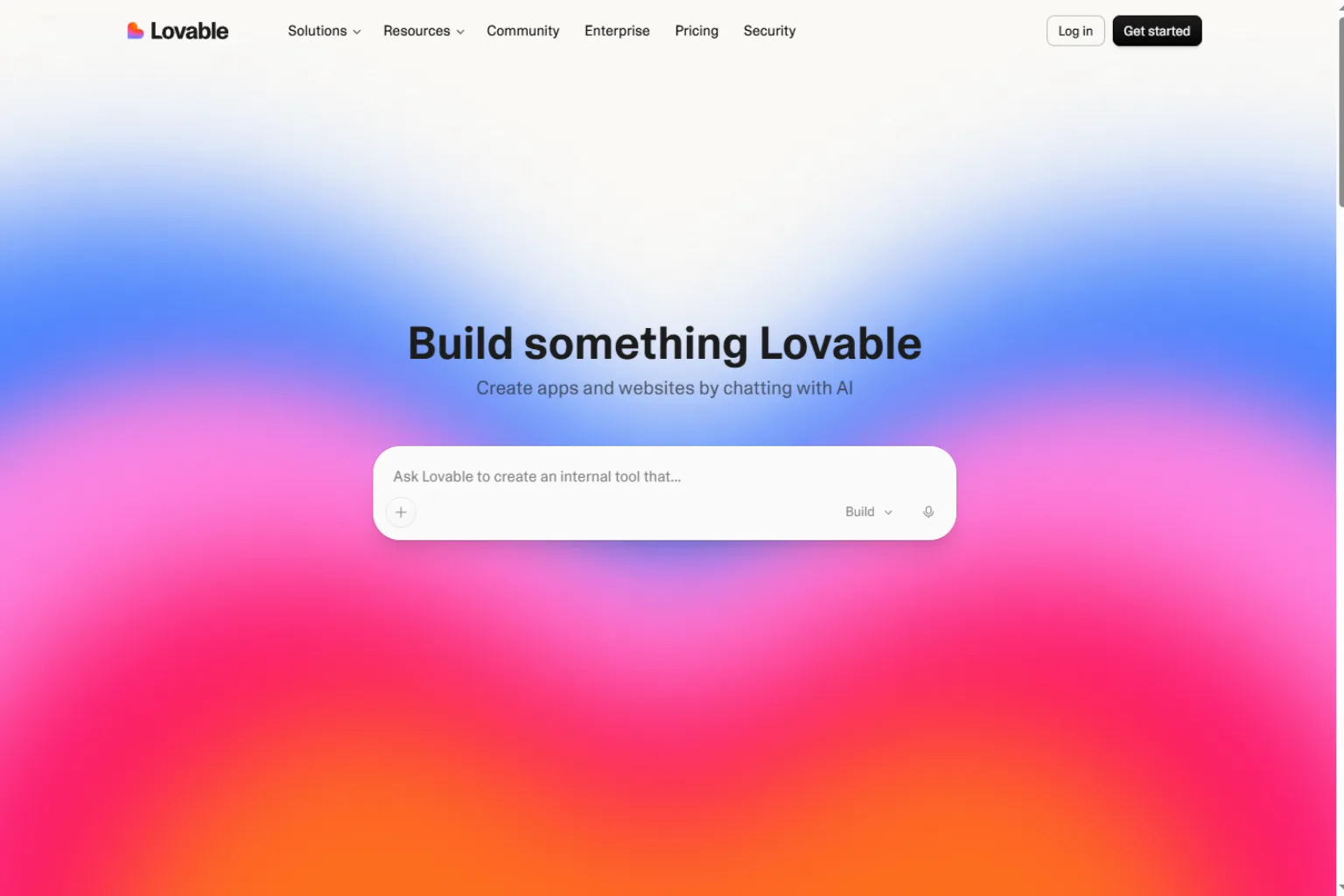
Lovable is a fast-growing AI app builder for turning prompts into working web app prototypes. Users can describe an app idea, and Lovable can generate screens, layout, frontend logic, and connected app structure.
It is especially useful for founders, product managers, designers, and developers who want to create a web app quickly and iterate through conversation. Lovable is not just a static mockup tool. It is designed to help build working software.
Lovable is best for:
- Prompt-to-app creation
- SaaS prototypes
- Landing-page-connected apps
- Startup MVPs
- Fast UI generation
- Product idea testing
Choose Lovable if you want to turn a software idea into a web app prototype quickly.
3. Replit
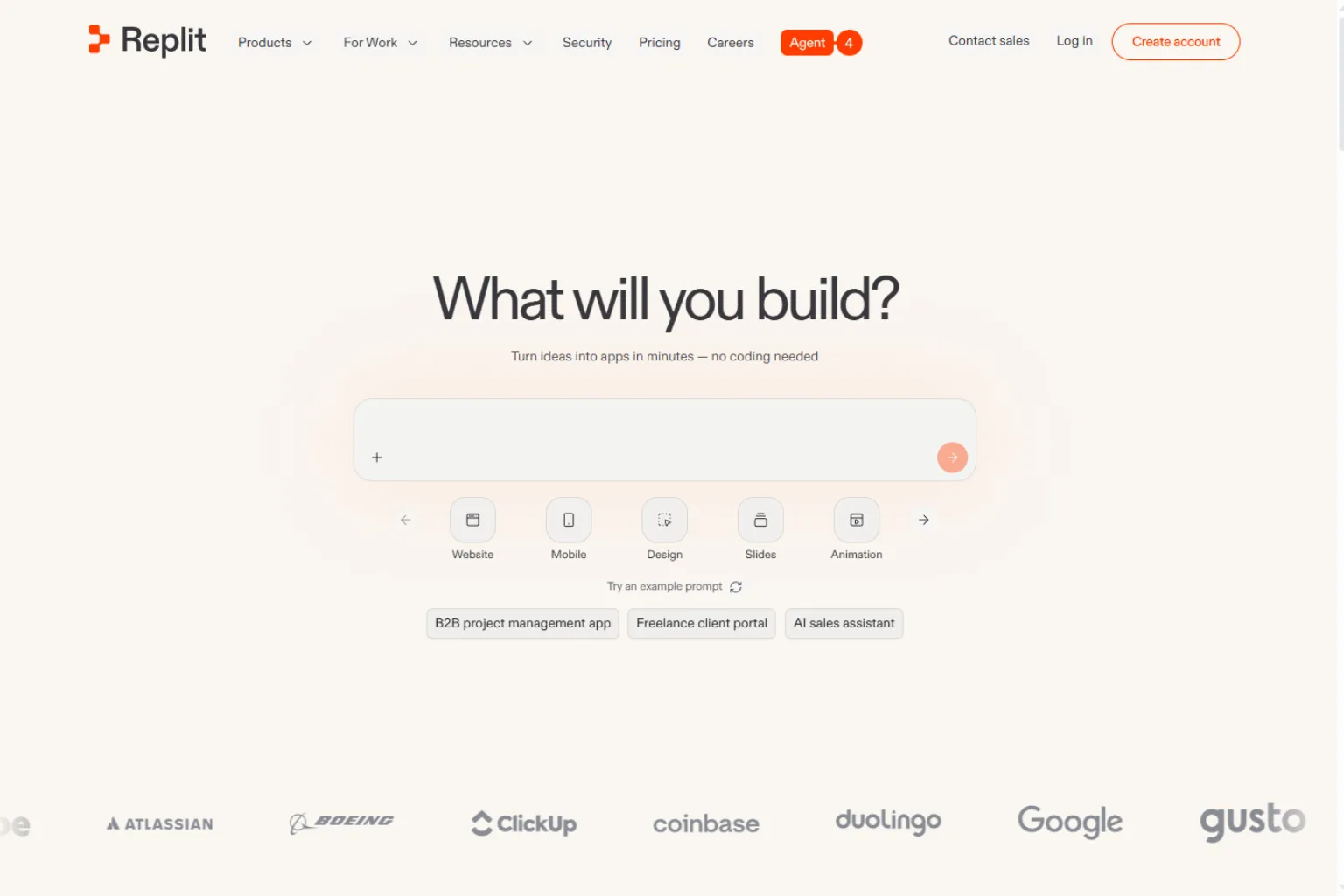
Replit is a strong AI app builder for users who are comfortable with code or want to learn while building. Its AI features can help generate code, explain errors, build features, and deploy projects in one workspace.
Unlike simple no-code tools, Replit gives users more direct access to the code. This makes it more flexible for developers, technical founders, students, and teams that want to own the implementation.
Replit is best for:
- AI-assisted coding
- Web app prototypes
- Developer workflows
- Learning to code
- Small full-stack apps
- Fast deployment
Choose Replit if you want AI help but still want control over the code.
4. Bolt
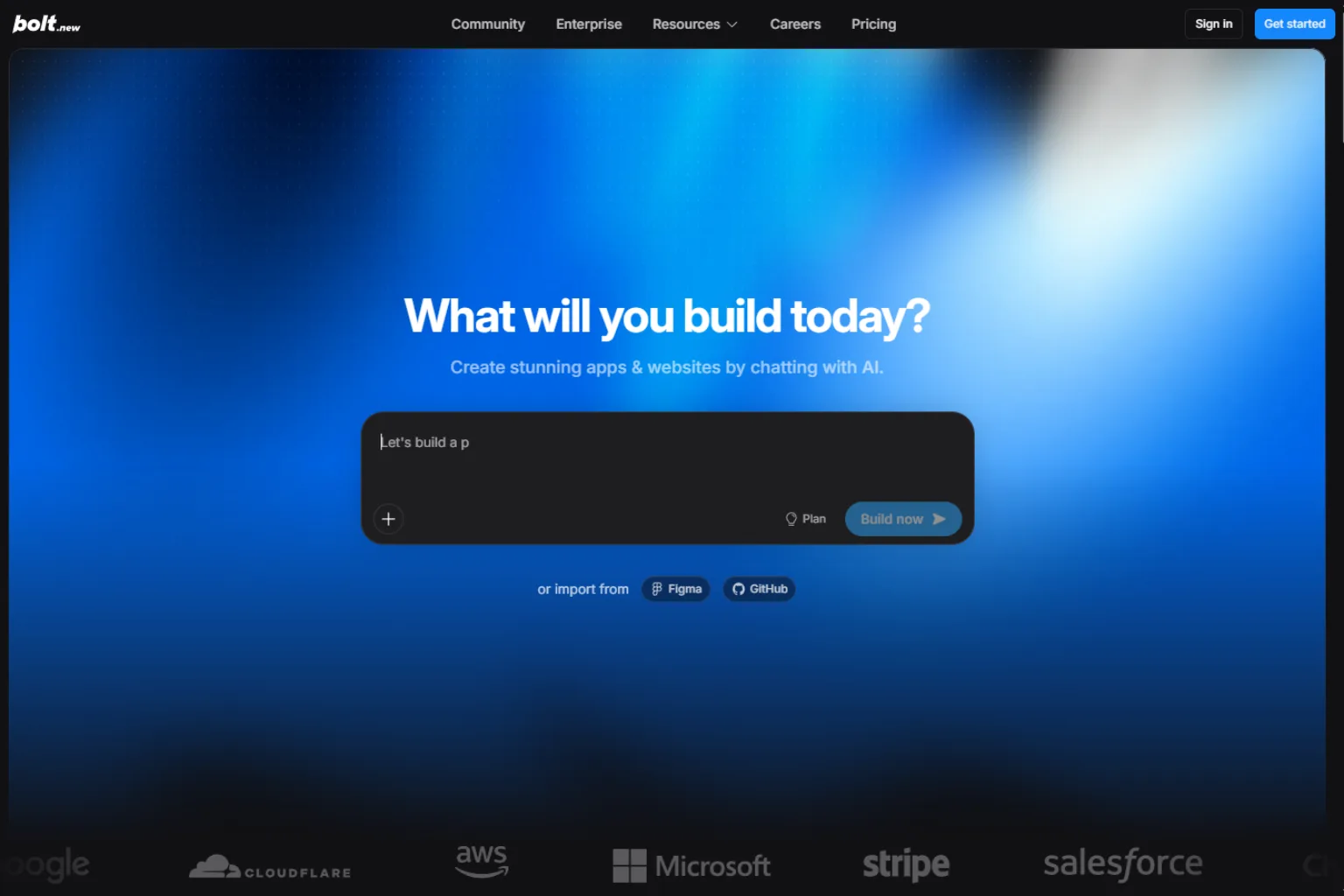
Bolt is useful for creating web app prototypes from prompts directly in the browser. It can generate app structure, UI components, frontend code, and project files quickly.
This makes it helpful for creators who want to move from idea to demo without spending hours setting up a development environment. It can be especially useful for landing pages, dashboards, simple SaaS tools, and early product demos.
Bolt is best for:
- Prompt-to-code web apps
- Fast prototypes
- React-style interfaces
- Product demos
- Frontend experiments
- Developer-assisted iteration
Choose Bolt if you want fast web app generation and are comfortable reviewing or refining code.
5. FlutterFlow
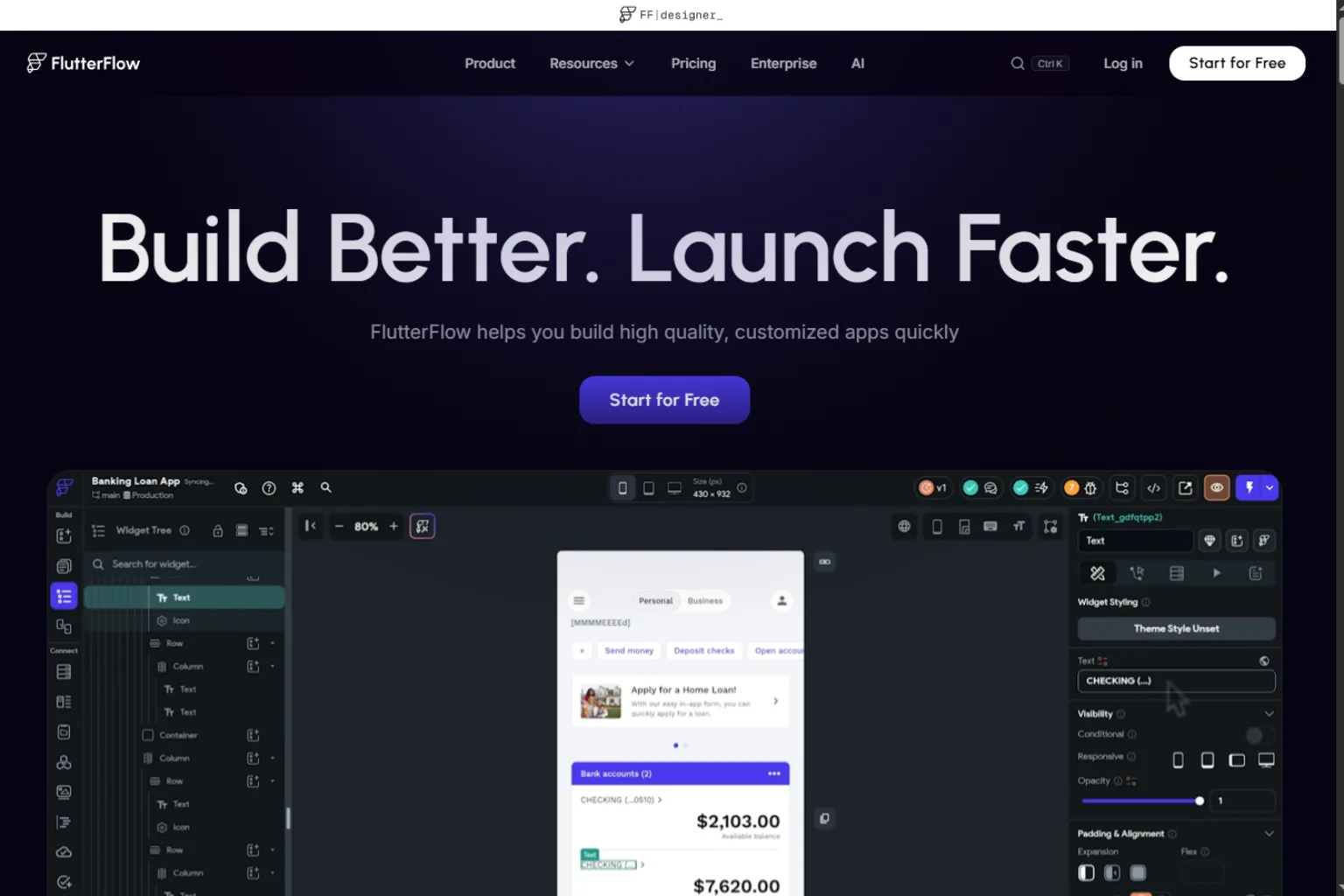
FlutterFlow is a visual app builder for creating mobile and web apps with Flutter. It supports drag-and-drop UI building, backend integrations, APIs, authentication, and custom logic. It also includes AI-assisted features that can speed up app creation.
FlutterFlow is a strong choice if your goal is a mobile app rather than only a web app. It gives more app-building structure than many general AI prototype tools.
FlutterFlow is best for:
- Mobile apps
- Flutter-based apps
- Cross-platform projects
- Backend-connected apps
- More technical no-code teams
- Apps that may need exported code
Choose FlutterFlow if you want to build a polished mobile app with visual development tools.
6. Glide
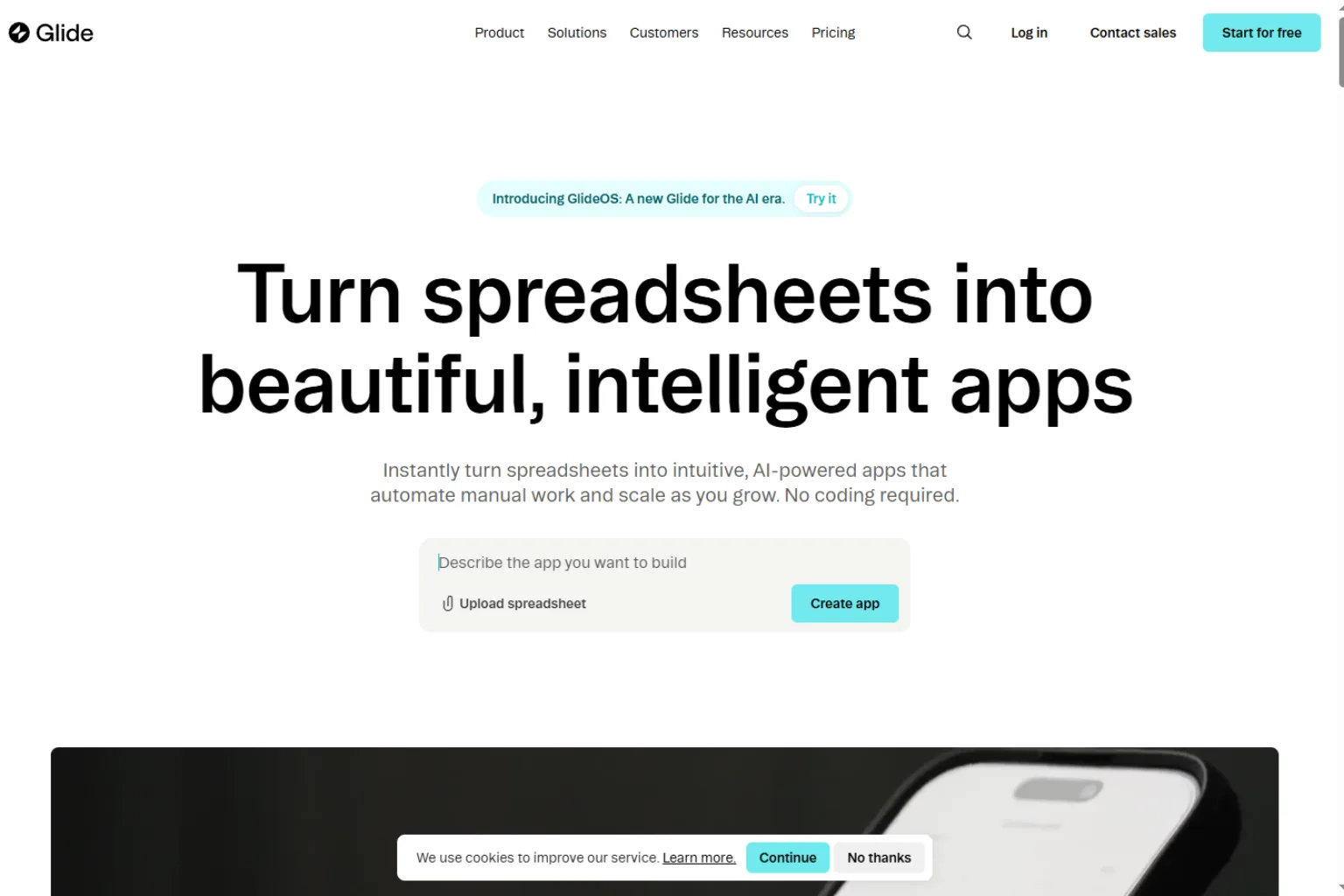
Glide is excellent for turning data into apps. It is often used for internal tools, directories, portals, inventory systems, dashboards, approval workflows, and small business apps. If your app starts with a spreadsheet or database, Glide can be very efficient.
Glide is not trying to be the most complex software builder. Its strength is speed, clarity, and business usefulness.
Glide is best for:
- Internal tools
- Team dashboards
- Inventory apps
- Directories
- Business portals
- Spreadsheet-to-app workflows
Choose Glide if your app is based on structured data and you want a clean tool quickly.
7. Softr
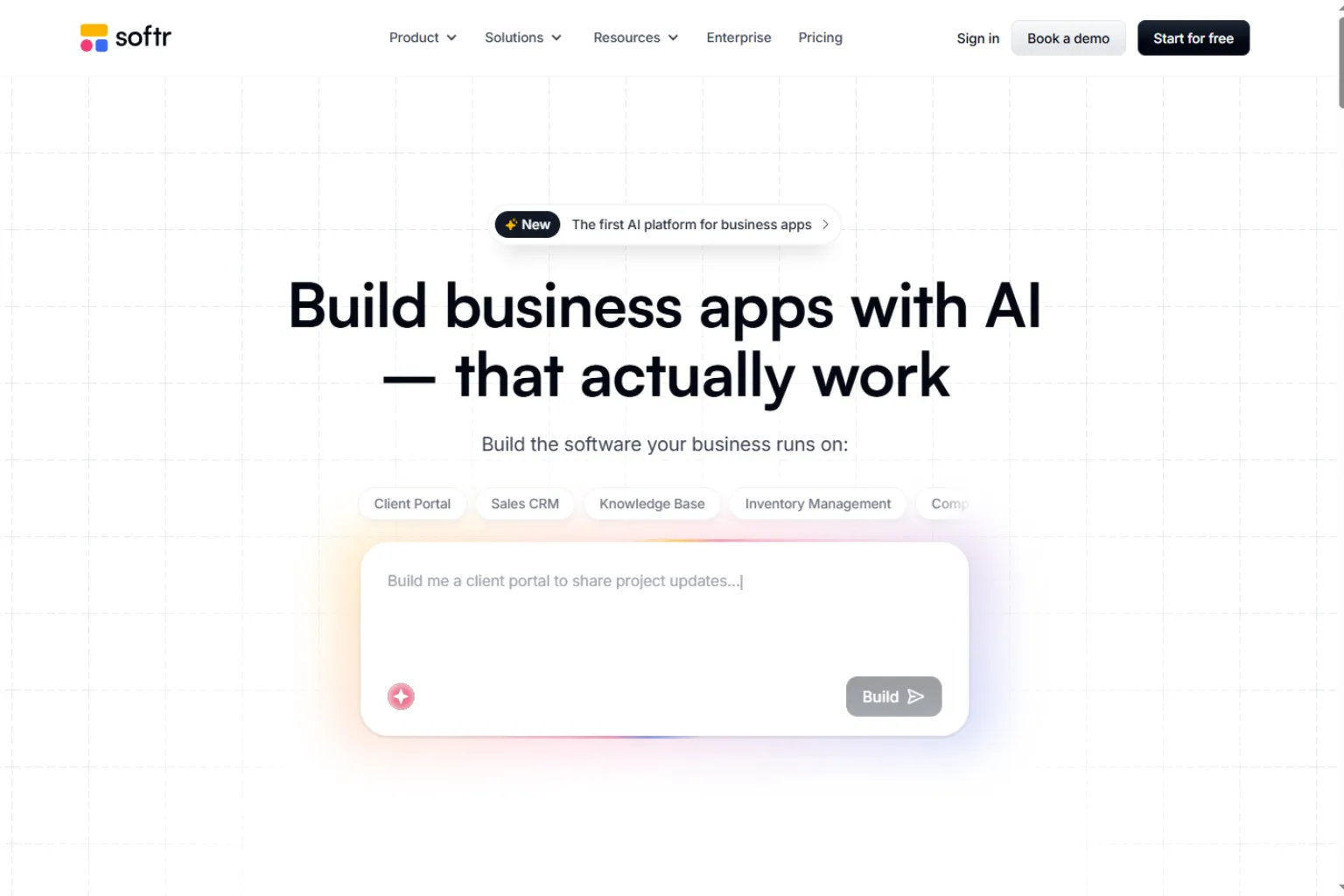
Softr is a no-code app builder for portals, CRMs, directories, membership sites, client dashboards, and database-driven apps. It works well when you already have structured data and need a user-friendly front end.
Softr is popular with operations teams, agencies, founders, and businesses that want to build tools without custom development.
Softr is best for:
- Client portals
- Member directories
- Internal CRMs
- Airtable-style workflows
- Business apps
- User permission management
Choose Softr if you want a polished database-driven app or portal.
8. Microsoft Power Apps
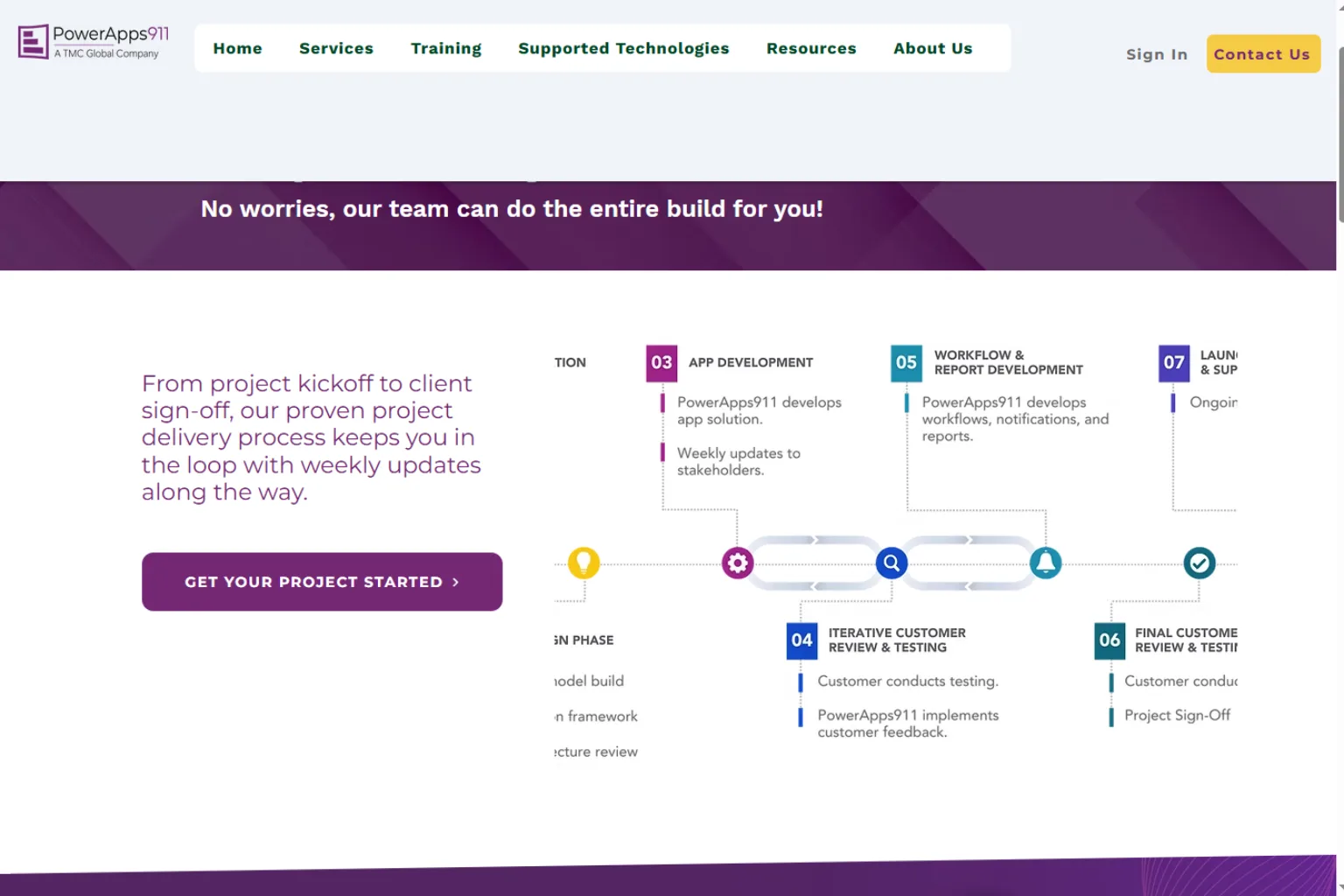
Microsoft Power Apps is a strong AI app builder for enterprises and organizations already using Microsoft 365, Dataverse, SharePoint, Teams, and Power Automate. It helps teams create internal apps and automate business processes.
Power Apps is less about startup-style consumer apps and more about solving operational problems inside organizations.
Power Apps is best for:
- Enterprise internal tools
- Approval workflows
- Data entry apps
- Microsoft ecosystem users
- Business process automation
- Department-level apps
Choose Power Apps if your company already works inside Microsoft tools and needs internal apps.
9. Adalo
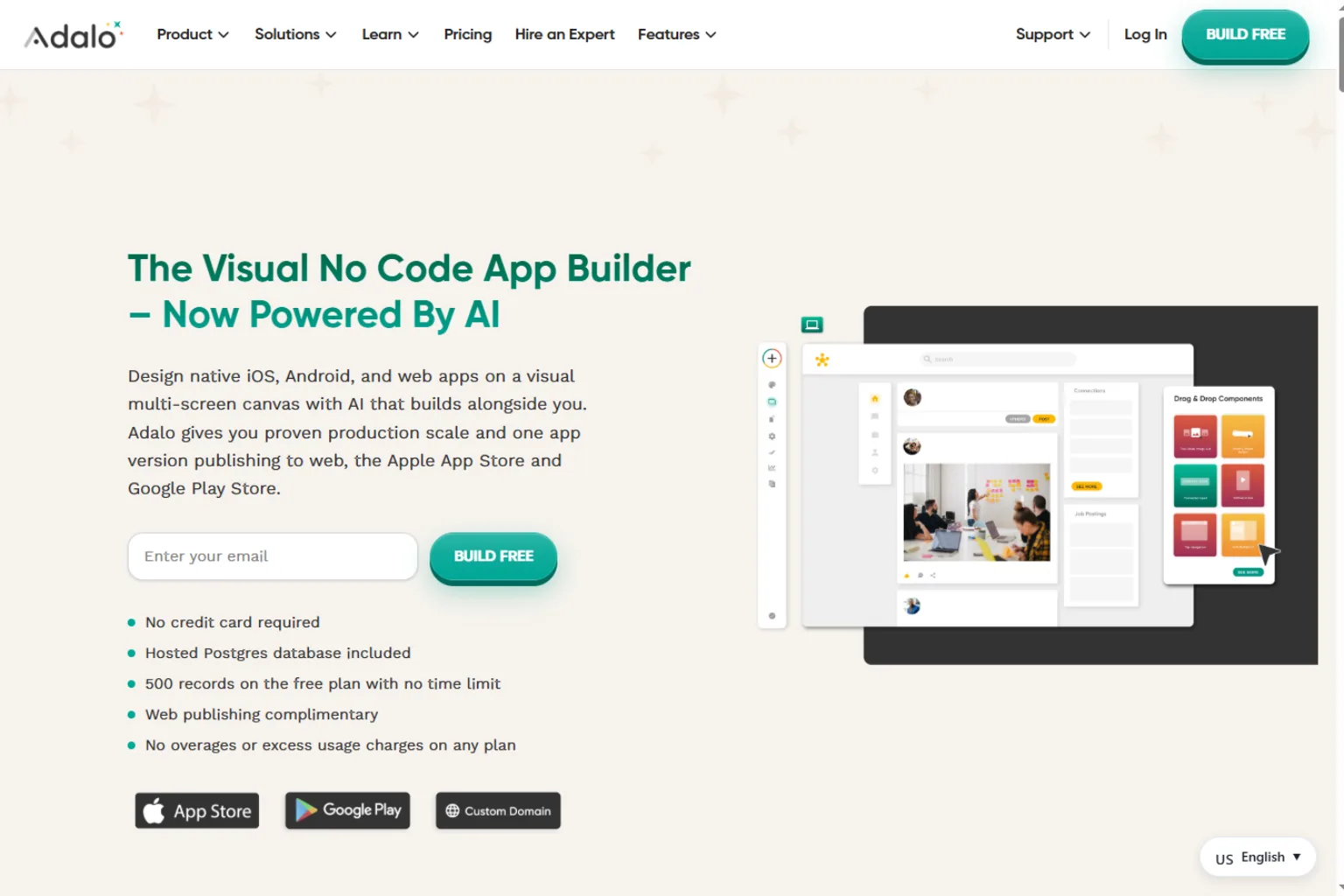
Adalo is a visual app builder for mobile apps and simple web apps. It lets users create screens, databases, actions, and app logic without traditional coding.
Adalo is useful for small businesses, founders, and creators who want to build simple mobile-first apps. It may not be the best choice for highly complex products, but it is beginner-friendly.
Adalo is best for:
- Mobile app prototypes
- Simple business apps
- Booking apps
- Membership apps
- MVPs
- Beginner-friendly app creation
Choose Adalo if you want a visual mobile app builder that is easier to start than more technical platforms.
10. Appy Pie
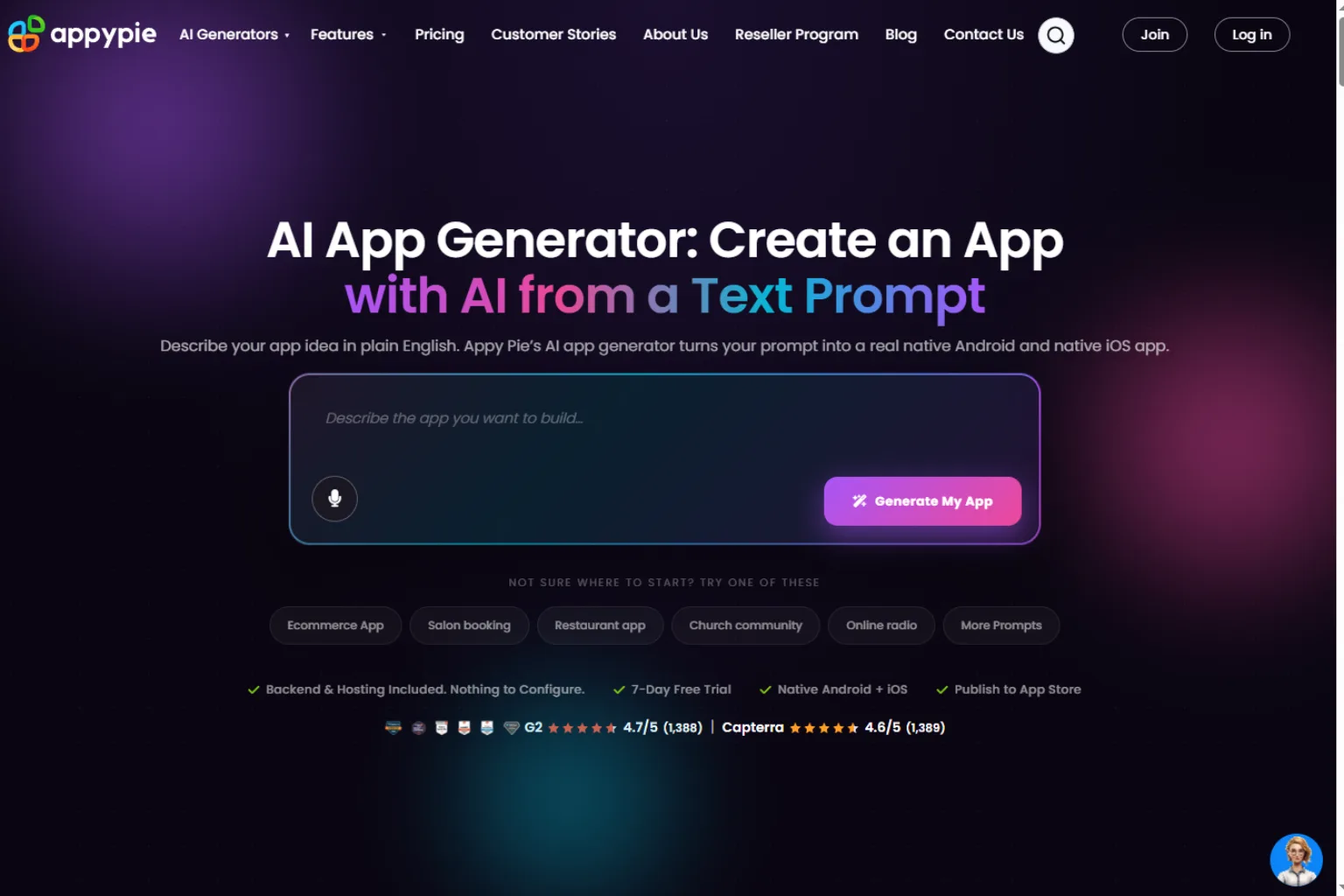
Appy Pie is a beginner-friendly app maker for users who want to create simple mobile apps, business apps, chatbots, websites, and automation tools. It is useful for small businesses and non-technical users who want to build something quickly.
It may not be the best option for complex SaaS products, but it can be useful for straightforward app ideas.
Appy Pie is best for:
- Simple mobile apps
- Small business apps
- Restaurant or booking apps
- Event apps
- Beginner app creation
- Fast app publishing workflows
Choose Appy Pie if ease of use matters more than advanced customization.
How to Choose the Right AI App Builder
The best AI app builder depends on what you are building.
Choose Bubble if you want a powerful no-code web app platform. Choose Lovable or Bolt if you want to generate a web app prototype from prompts. Choose Replit if you want AI coding assistance and control over the code. Choose FlutterFlow if you want a mobile app. Choose Glide or Softr if you need business apps from structured data. Choose Power Apps if you work inside Microsoft. Choose Adalo or Appy Pie if you want beginner-friendly mobile app creation.
Before choosing, ask:
- Is this a mobile app, web app, or internal tool?
- Do I need code export or no-code only?
- Will the app need user accounts, payments, or permissions?
- What database or data source will it use?
- Do I need API integrations?
- Do I need to publish to app stores?
- Who will maintain the app after launch?
- Is this a prototype or a production product?
AI App Builder Prompt Examples
If you use a prompt-based AI app builder, clear instructions matter. A strong prompt should explain the user, app goal, pages, data, permissions, and workflows.
Build a simple CRM web app for a small marketing agency. Include client profiles, project status, task lists, notes, file links, and a dashboard showing overdue tasks.Create a mobile habit tracker app for students. Include onboarding, daily habit check-ins, streaks, weekly progress charts, reminders, and a simple profile page.Build an internal inventory app for a retail store. Include product list, stock level, supplier, reorder alert, barcode field, and admin-only edit permissions.Create a SaaS MVP for booking online fitness coaching sessions. Include user login, coach profiles, calendar booking, payment status, and session notes.Mistakes to Avoid
AI app builders are powerful, but they can also make it easy to create a messy prototype. Avoid these common mistakes:
- Building features before defining the user
- Skipping database planning
- Forgetting permissions and user roles
- Ignoring mobile responsiveness
- Assuming AI-generated code is production-ready
- Adding too many features to an MVP
- Not testing real workflows
- Forgetting app maintenance and hosting costs
- Publishing without checking privacy and security
The best AI app builder can accelerate creation, but you still need a clear product plan.
FAQ
What is the best AI app builder?
The best AI app builder depends on your project. Bubble is strong for no-code web apps, Lovable and Bolt are useful for prompt-to-app prototypes, Replit is strong for AI-assisted coding, FlutterFlow is good for mobile apps, and Glide or Softr are great for internal tools.
Can AI build an app for me?
AI can generate app screens, code, workflows, databases, and prototypes. However, most apps still need human review, testing, design decisions, and ongoing maintenance.
What is the best free AI app builder?
Many app builders offer free plans or trials, but limits can change. Free plans are usually best for testing an idea, while production apps often require paid plans for hosting, publishing, storage, or advanced features.
Can I build a mobile app with AI?
Yes. Tools like FlutterFlow, Adalo, Appy Pie, and some AI coding platforms can help create mobile apps. If you need app store publishing, check each tool’s publishing workflow carefully.
Can I build a SaaS app with an AI app builder?
Yes, but choose a tool that supports user accounts, databases, payments, permissions, and scalable workflows. Bubble, Lovable, Replit, and Bolt are common options for SaaS prototypes.
Are AI app builders good for businesses?
Yes. Businesses can use AI app builders for internal tools, dashboards, approval systems, portals, inventory apps, and customer-facing prototypes.
Do I need coding skills to use an AI app builder?
Not always. No-code tools require little or no coding, while AI coding tools are better if you understand code or can work with a developer.
Final Thoughts
An AI app builder can help you move from idea to prototype much faster. The key is choosing the right tool for your project type. Use Bubble for serious no-code web apps, Lovable or Bolt for fast web prototypes, Replit for AI-assisted coding, FlutterFlow for mobile apps, and Glide or Softr for data-driven internal tools.
AI can speed up app creation, but it does not replace product thinking. Start with a clear workflow, test with real users, and keep the first version focused.
Related
Top 7 YouTube Video Free Downloader Tools

The Best AI Logo Generators in 2026

Best AI Research Paper Summarizers for Students and Researchers
AI Comic Generator: Best Tools to Create Comics Faster
Best AI PDF Readers to Summarize, Search, and Chat With Documents
AI Humanizer: Making AI-Generated Text Sound More Human (2026 Guide)