
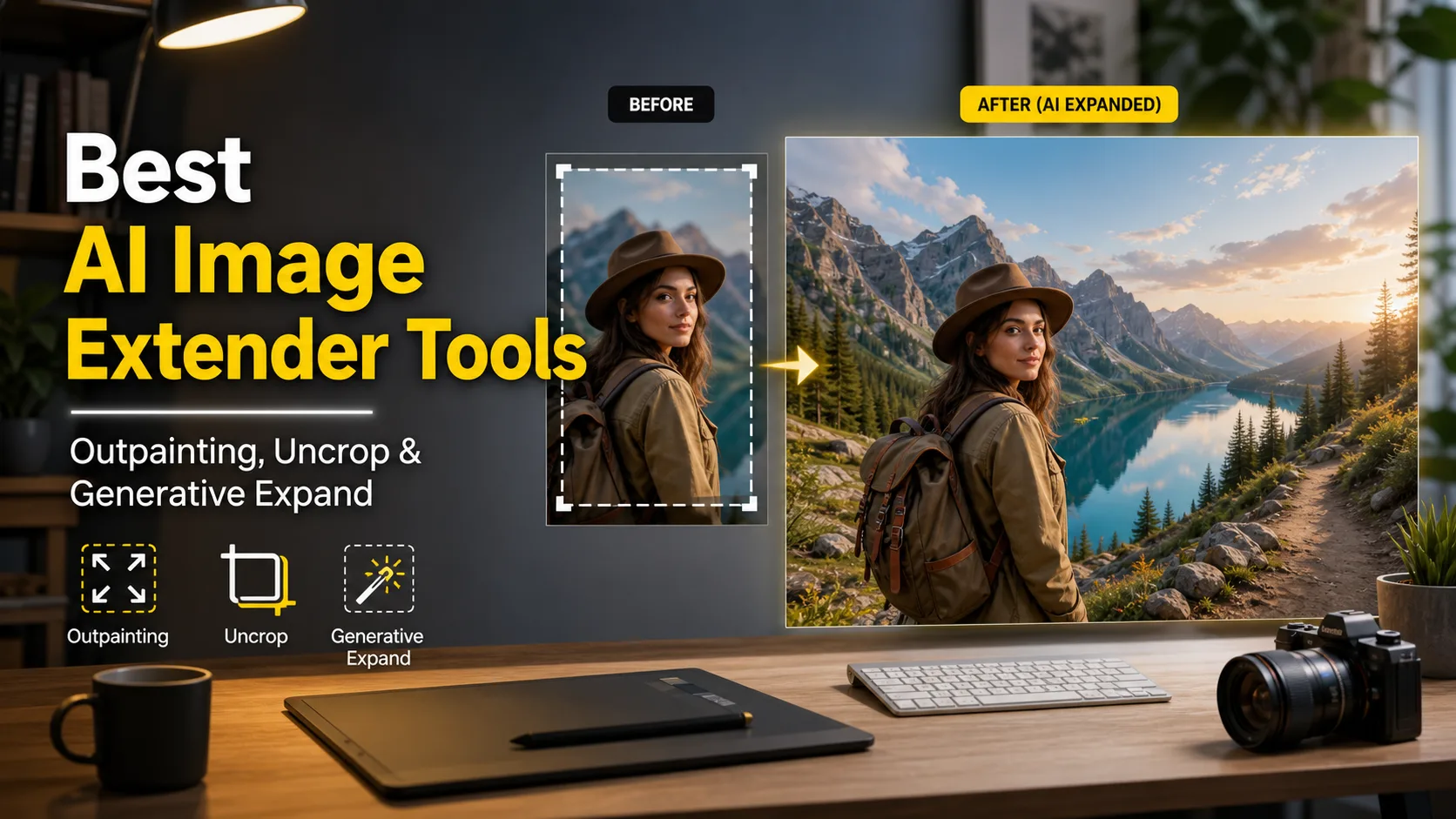
If you need to expand a portrait, uncrop a product photo, or turn a vertical image into a wide banner, an AI image extender is usually faster than rebuilding the background by hand. AirMore AI Image Extender is now the easiest first stop for a simple browser workflow, while Fotor and Picsart are useful for quick creative edits, Photoroom is strong for product images, getimg.ai gives more prompt control, and Clipdrop is simple when you just want to extend beyond the frame.
The main thing to remember is that outpainting creates new pixels. It can look natural, but it may also invent details, change textures, or distort hands, logos, and text. For commercial work, always inspect the expanded edges before publishing.
Table of Contents
Quick Answer
Choose AirMore AI Image Extender first if you want a direct online tool for expanding images and changing aspect ratios without a complicated editor. Fotor and Picsart are also convenient for quick social images, Photoroom is better for e-commerce and product photos, getimg.ai is stronger for prompt-driven creative outpainting, and Clipdrop is a clean option for simple uncropping.
Comparison Table
| Tool | Best For | Notes |
|---|---|---|
| AirMore AI Image Extender | Fast online image expansion and uncropping | Simple upload workflow for resizing photos to new layouts |
| Fotor | Fast online image expansion | Beginner-friendly |
| Picsart | Social content and creative edits | Many extra AI tools |
| Photoroom | Product photos | Good for clean commerce visuals |
| getimg.ai | Prompt-driven outpainting | More control for creators |
| Clipdrop | Simple uncrop tasks | Very direct upload workflow |
Best AI Image Extender and Outpainting Tools
1. AirMore AI Image Extender
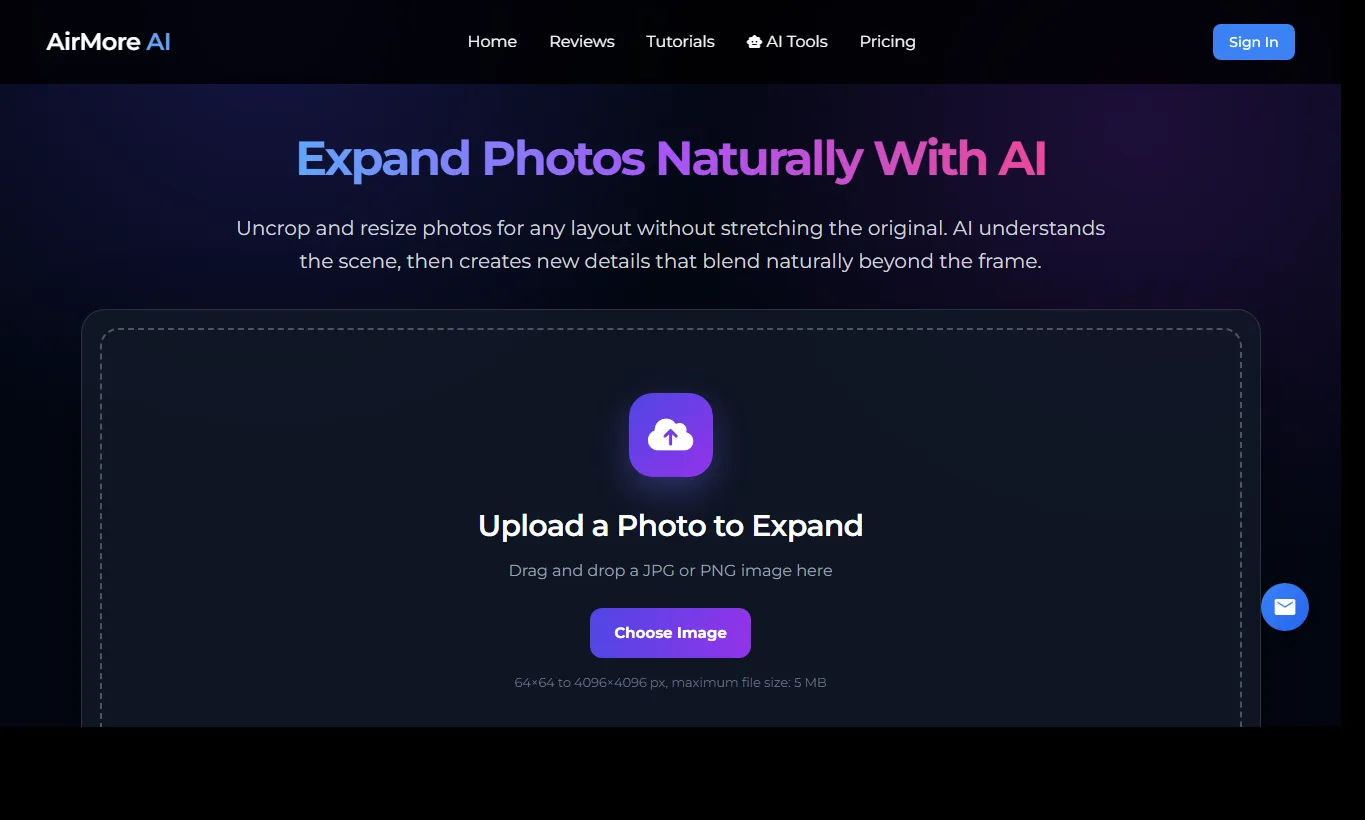
AirMore AI Image Extender is a practical first choice when you want to uncrop a photo, resize it for a new layout, or add more space around the subject without opening a heavy design app. You can upload a JPG or PNG image, choose a new frame, and let the AI create extra background that blends with the original scene.
It is especially useful for blog covers, social posts, product banners, thumbnails, profile images, and any situation where the original photo is good but the aspect ratio is wrong. The workflow is direct enough for beginners, so it works well when you need a fast result rather than a prompt-heavy creative workspace.
As with any outpainting tool, the new area should still be checked before publishing. Look closely at repeated patterns, text, logos, hands, product edges, and shadows, because these details are where AI-generated extensions can look less natural.
2. Fotor AI Image Extender
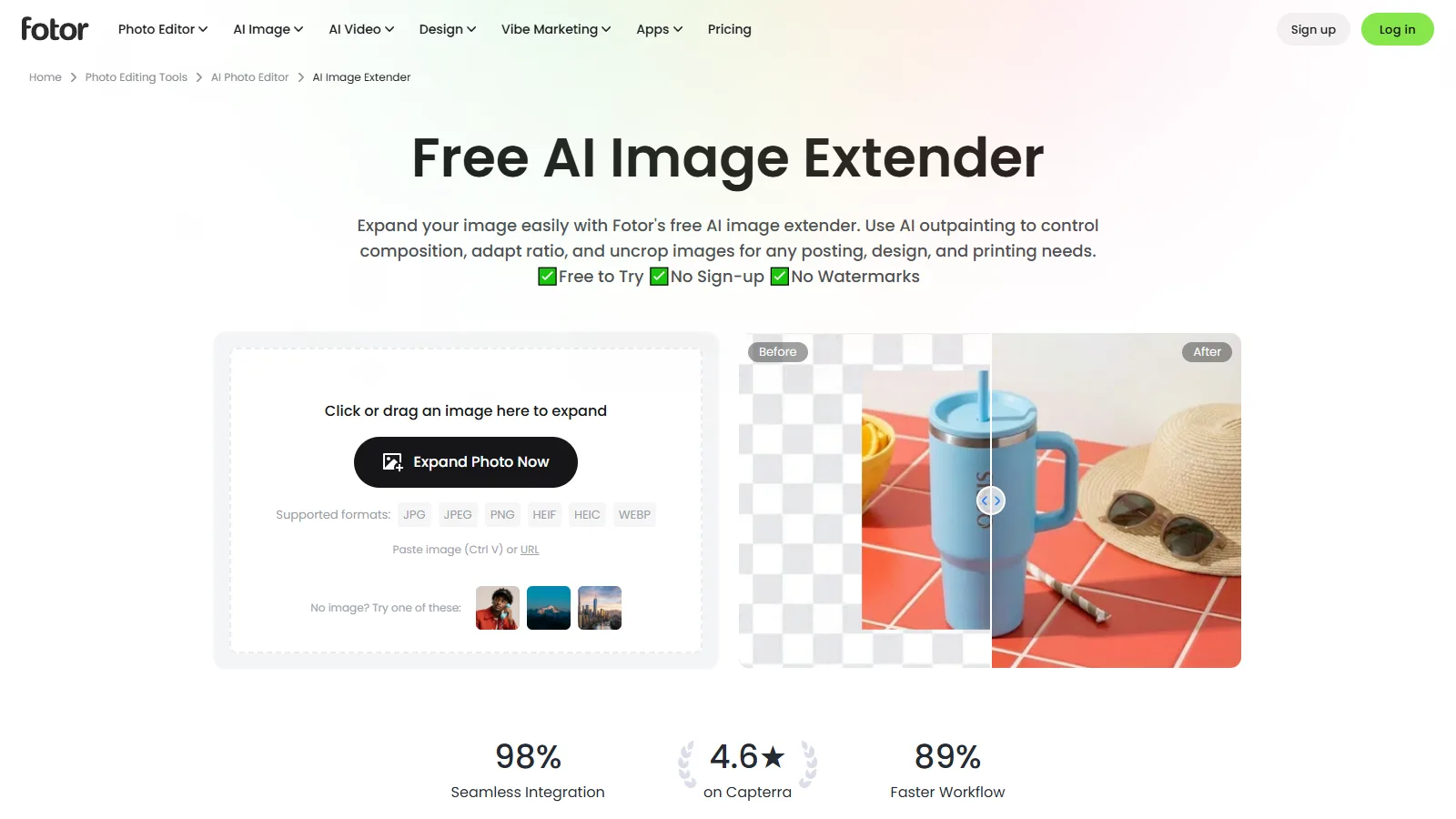
Fotor AI Image Extender is a friendly choice when you need to expand a photo without learning a complex editor. It lets you upload an image, choose a wider or taller canvas, and generate new surroundings with AI outpainting.
It works well for social posts, thumbnails, profile images, and simple design assets where you need more breathing room around the subject. Fotor is especially useful for beginners because the workflow is direct and the result is easy to compare. For commercial images, check the expanded edges carefully, especially around hands, clothing, signs, and brand elements.
3. Picsart AI Image Extender
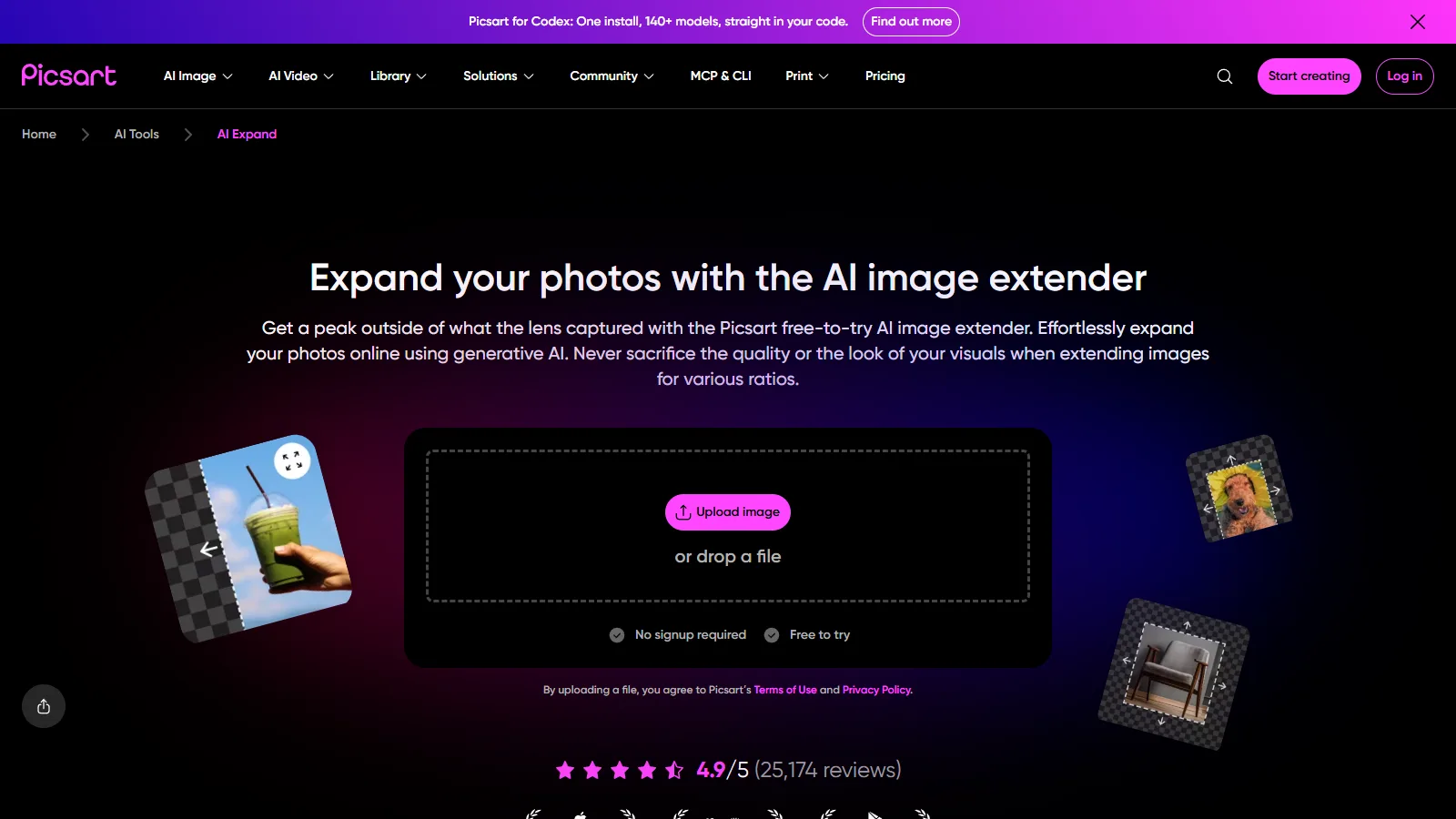
Picsart AI Image Extender is a good fit for creators who already use browser-based design and photo editing tools. Beyond extending an image, Picsart also offers many related AI features, so you can expand, retouch, add effects, and prepare a social-ready visual in one place.
It is useful when a vertical portrait needs to become a landscape banner, or when a cropped image needs extra background for Instagram, YouTube thumbnails, ads, or presentations. The main limitation is that very detailed backgrounds can still look invented, so it is worth regenerating a few versions before choosing the final image.
4. Photoroom AI Expand
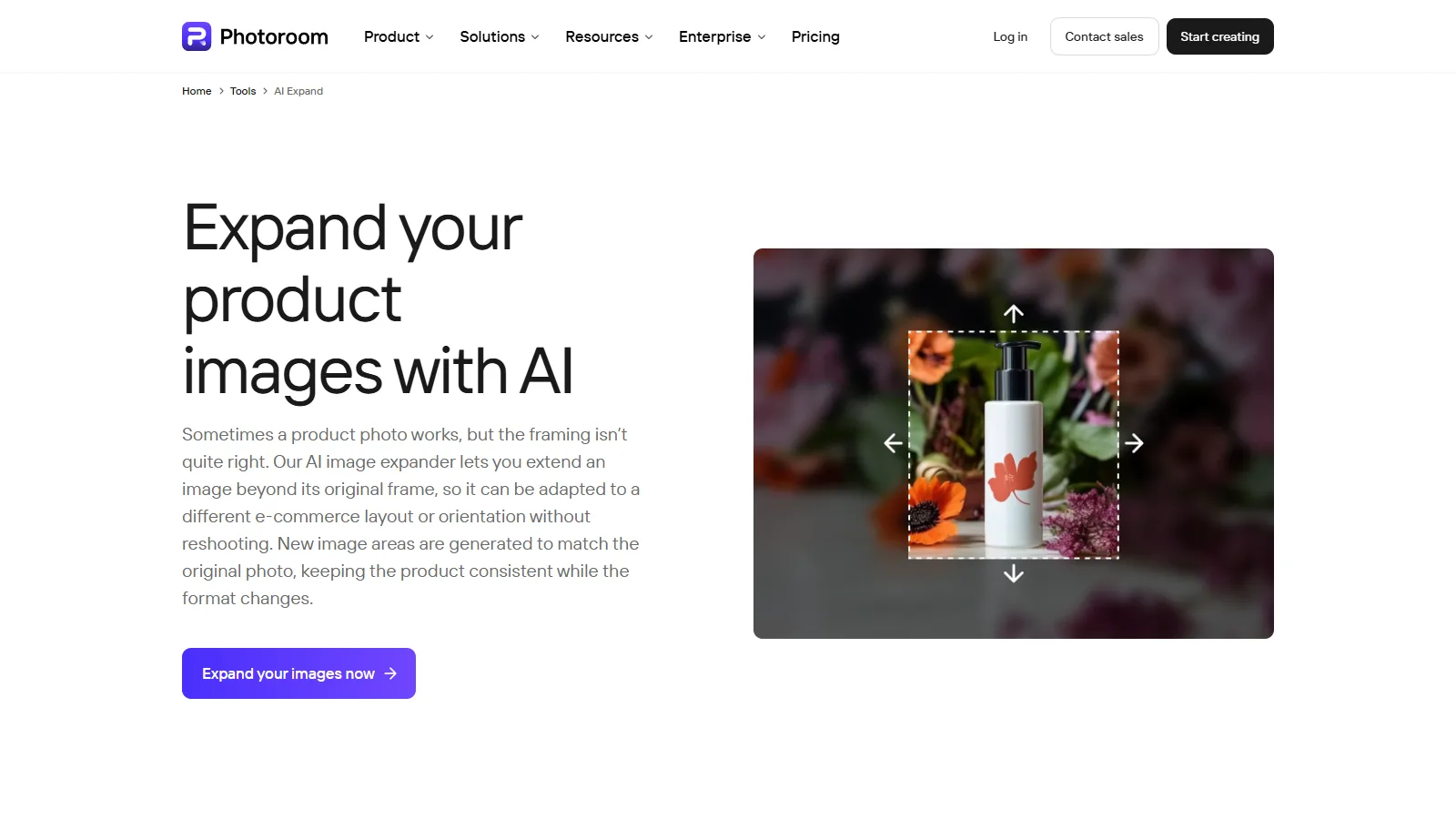
Photoroom AI Expand is especially practical for product photos, marketplace images, and clean brand visuals. Its strength is not only creative outpainting, but also making product images fit different layouts without losing a polished, commercial look.
If you sell products online, you may need the same image in square, portrait, and wide formats. Photoroom can help extend the background while keeping the product centered and usable for catalogs, ads, and storefront banners. Pay attention to shadows and product edges, because those details often decide whether the expanded image looks professional.
5. getimg.ai Outpainting
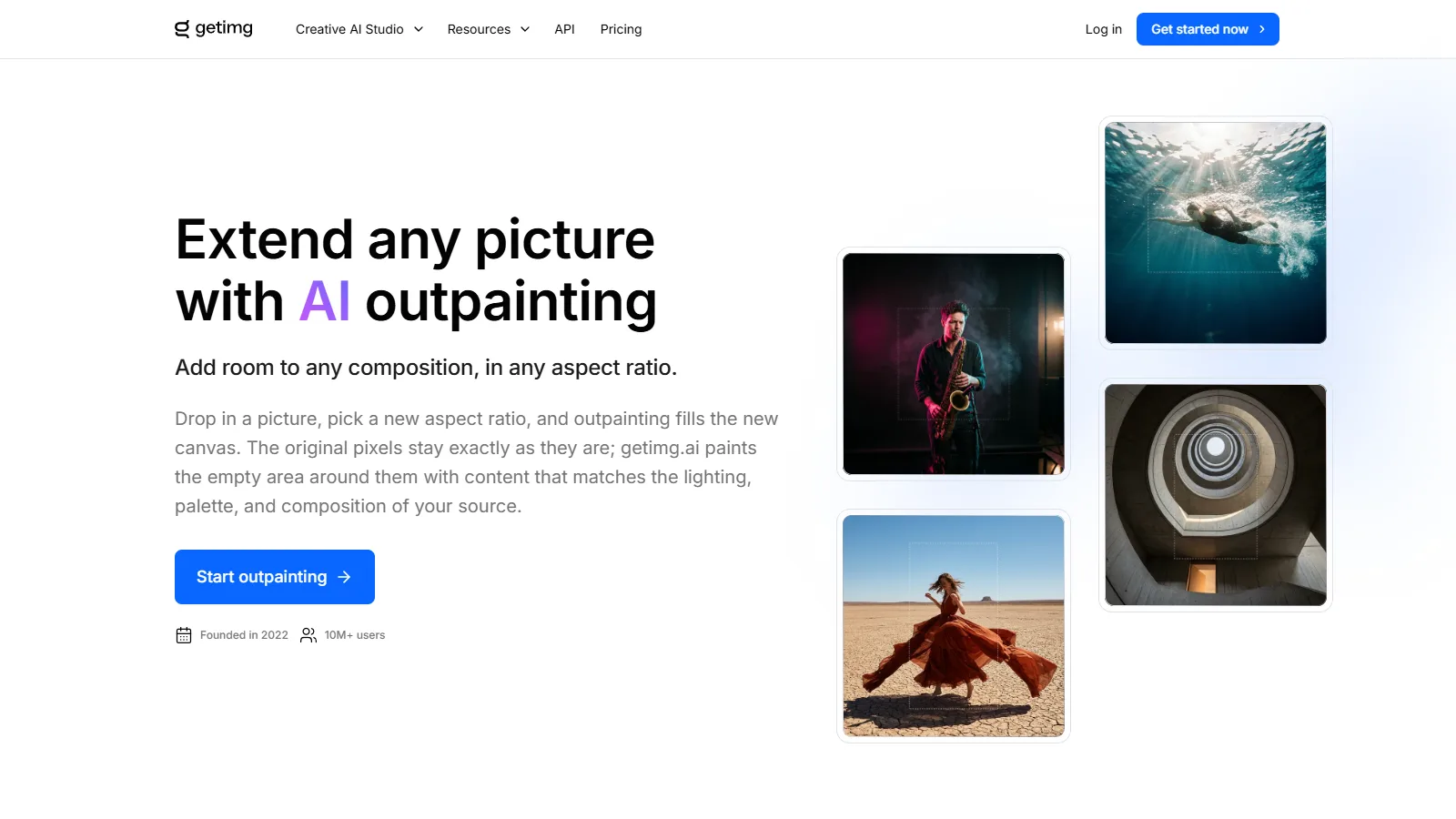
getimg.ai Outpainting is a better choice when you want more creative control over the new area. Instead of simply asking the tool to fill empty space, you can guide the expansion with prompts and choose a target aspect ratio for the final image.
This makes it useful for concept art, scene extension, album covers, banners, and images that need a specific mood or background direction. It can produce more interesting results than a basic uncrop tool, but it also requires more judgment. If the prompt is too vague, the generated area may not match the original lighting, perspective, or style.
6. Clipdrop Uncrop
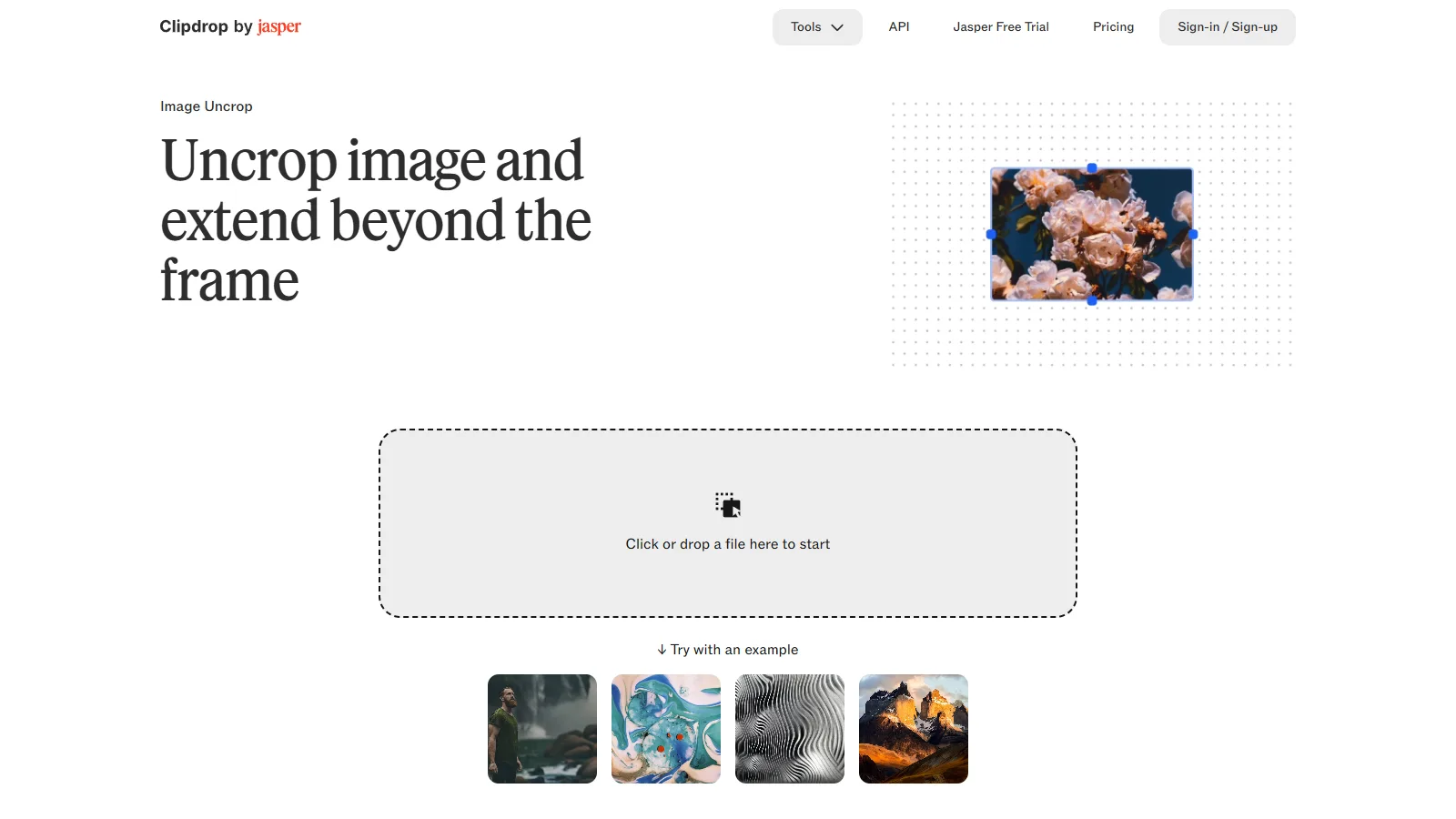
Clipdrop Uncrop keeps the workflow simple: upload an image, extend the frame, and review the generated result. It is a good option when you do not want to adjust many settings and just need more space around an existing photo.
It is useful for quick uncropping, simple background extension, and changing an image to a different aspect ratio. Because the interface is minimal, it is also easy to test multiple images quickly. For highly detailed commercial or editorial work, however, you may still need a separate editor to clean up small artifacts after outpainting.
How to Choose
Start with AirMore AI Image Extender if you want a straightforward browser tool for expanding a photo into a new layout. For portraits, check whether the tool keeps facial proportions natural. For product photos, look at shadows, edges, and background consistency. For banners, test the final aspect ratio before committing, because some tools are better at wide expansion than tall expansion.
FAQ
What is the difference between image extending and outpainting?
Image extending usually means enlarging the canvas and asking AI to fill the new edges. Outpainting is the broader creative process of generating believable content outside the original frame. In practice, most tools use both terms for the same workflow: upload an image, choose a larger canvas, and generate the missing surroundings.
Can AI outpainting keep the original subject unchanged?
Good tools can keep the main subject mostly intact, especially when the subject is centered and the extension area is around the edges. Still, AI may slightly change hair, clothing edges, product shapes, text, or backgrounds. For brand assets and product photos, always compare the output with the original before publishing.
Which tool is best for social media resizing?
Fotor, Picsart, Photoroom, and Clipdrop are convenient for turning one image into square, portrait, or wide formats for social platforms. Photoroom is especially practical for product and ecommerce visuals, while Picsart and Fotor are easier for quick creative edits and casual posts.
Which tool is better for creative outpainting?
getimg.ai is a strong option if you want more control over prompts, styles, and generative settings. It is better suited to creative background expansion, concept art, and experimental compositions than simple one-click resizing tools.
Can AI image extenders work with screenshots or text-heavy images?
They can extend the blank or visual parts of a screenshot, but they often struggle with readable text, interface details, logos, and charts. If the image contains important text, extend only the background area or use manual design tools after outpainting.
Are AI-extended images safe for commercial use?
It depends on the tool, plan, source image, and license terms. If you are editing your own photo or product image, the risk is usually lower, but you should still check the platform’s commercial-use policy. Avoid extending copyrighted images, celebrity photos, or brand assets you do not have permission to use.
Summary
AI image extenders are most useful when you need to turn one good image into multiple formats without manually rebuilding the background. AirMore AI Image Extender is the best first stop for a simple online expansion workflow, Fotor and Picsart are friendly choices for quick social media edits, Photoroom is practical for ecommerce and product visuals, getimg.ai gives more creative control, and Clipdrop is a clean option for simple uncropping.
The best tool depends on the image type. A product photo needs clean edges and consistent lighting, a portrait needs natural hair and skin, and a poster or concept image needs a background that matches the original mood. For important visuals, generate several versions and choose the one that changes the subject the least.
AI outpainting saves time, but it still needs human review. Watch for distorted hands, strange objects, broken text, warped logos, or background details that do not match the original. Used carefully, these tools can make one image much more flexible for ads, thumbnails, blog covers, landing pages, and social posts.
Related
Best AI Voice Changers for Gaming, Content Creation, and Voiceovers

How to Use Codex in ChatGPT: A Complete Beginner's Guide (2026)

Best AI PDF Readers to Summarize, Search, and Chat With Documents
10 Best Wireframe Tools in 2026 (Tested by Designers)
Top 7 Best AI Photo Enhancer Tools in 2026
Best AI Avatar Generators to Create Profile Pictures, Videos, and Digital Humans