Strata Review: Local AI Models, Setup, Performance and Privacy
Explore Strata’s desktop app, supported models, hardware, coding integrations, performance, privacy and DeepSeek 12GB option.
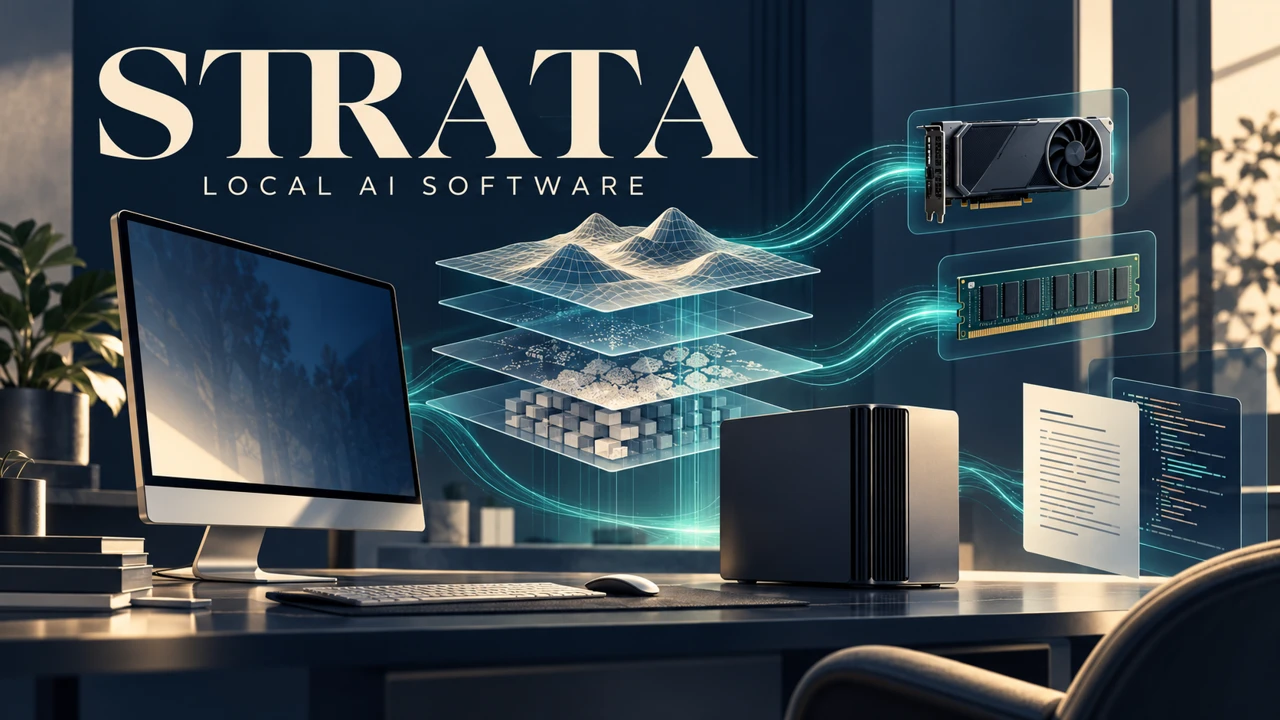

Strata is a free, open-source local AI application for running selected language models and connecting them to chat or coding tools. Its strongest idea is to use GPU memory, system RAM and, when necessary, SSD storage together so that larger supported models can run on consumer machines. It can be useful for people who want local control and are willing to manage downloads and hardware tradeoffs.
Its main appeal is bringing model selection, local chat and coding-tool connections into one application. A good experience depends on choosing a supported model that fits your RAM and storage; hardware and settings determine whether it feels responsive in daily use.
Contents
How Strata works
Strata provides a desktop application and a Terminal launcher, plus local inference engines tailored to supported model families. For mixture-of-experts models, it places selected components across the GPU and CPU/RAM; when RAM is insufficient it can read more from SSD, generally at a speed cost. The model’s answer quality still depends on the model, quantization and settings.
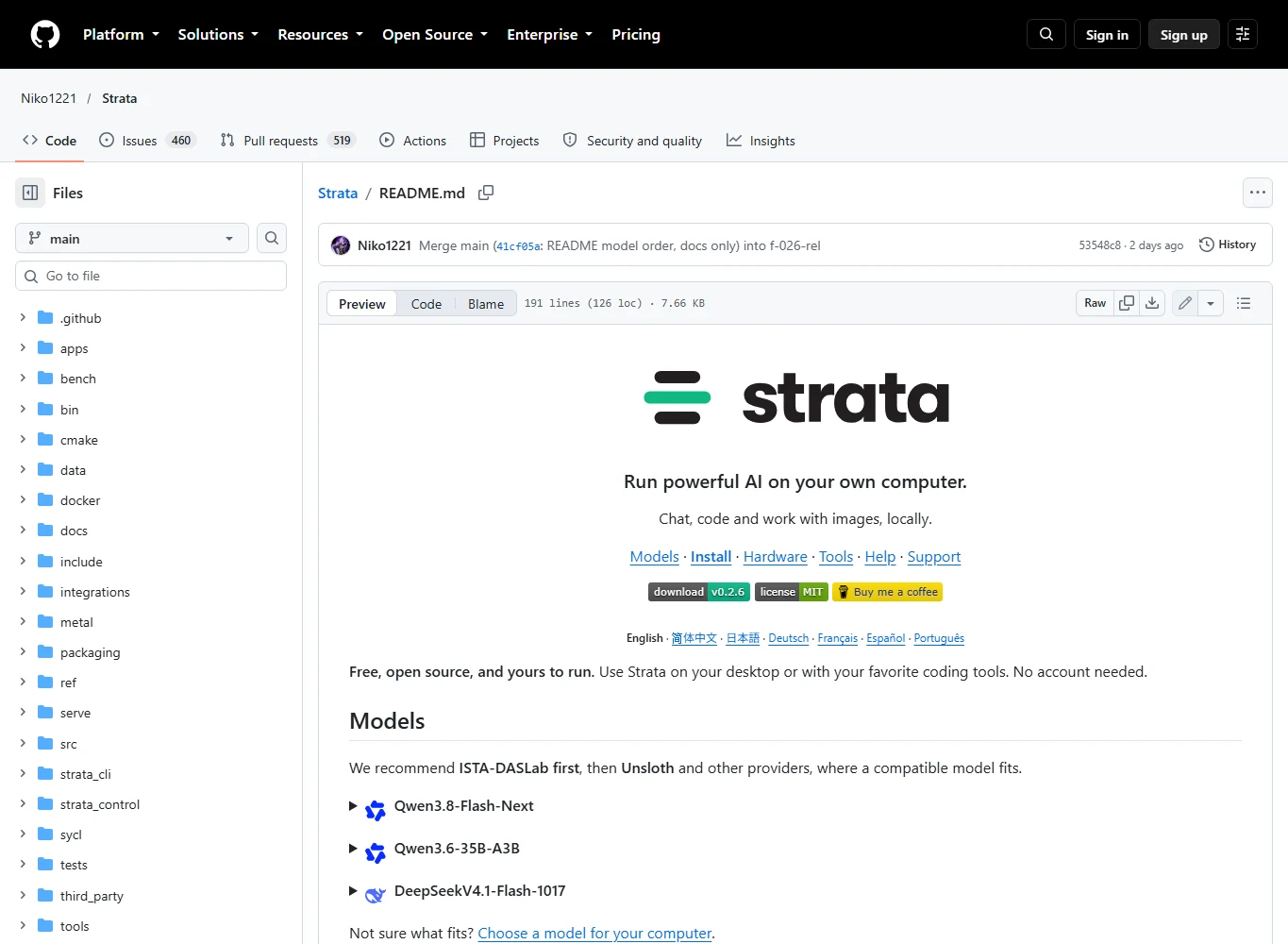
The repository states that the software is MIT-licensed and needs no account. Version 0.2.6 offers installers for Windows, Linux and Apple Silicon macOS, while specific engines have narrower hardware and OS support.
Models and hardware
The official model list includes Qwen3.8-Flash-Next with ISTA-DASLab, Unsloth and other compatible packs; Qwen3.6-35B-A3B with documented Unsloth packs; and DeepSeek V4.1-Flash-1017 with a separate engine. They are not interchangeable files: select the model family and its compatible package.
As an example, the project estimates 37.6 GB RAM plus VRAM for Qwen3.8-Flash-Next Q2_0 weights and 54.8 GB for IQ3_S, excluding overhead for the operating system and context. These are estimates, not minimums for every workflow; some paths can stream from SSD more slowly. The project lists NVIDIA RTX, selected AMD Radeon, Intel Arc on Linux, Apple Silicon and Ryzen AI Max for Strata generally, but support depends on model and backend.
Installation and daily use
The official 0.2.6 flow is to download the installer for your system, let Windows or Linux obtain the appropriate engine on first launch, choose a model and storage folder, and wait for the model files to be prepared. The Mac installer includes its Metal engine; Intel Arc uses the Linux Terminal path. First download and initialization can be substantial.
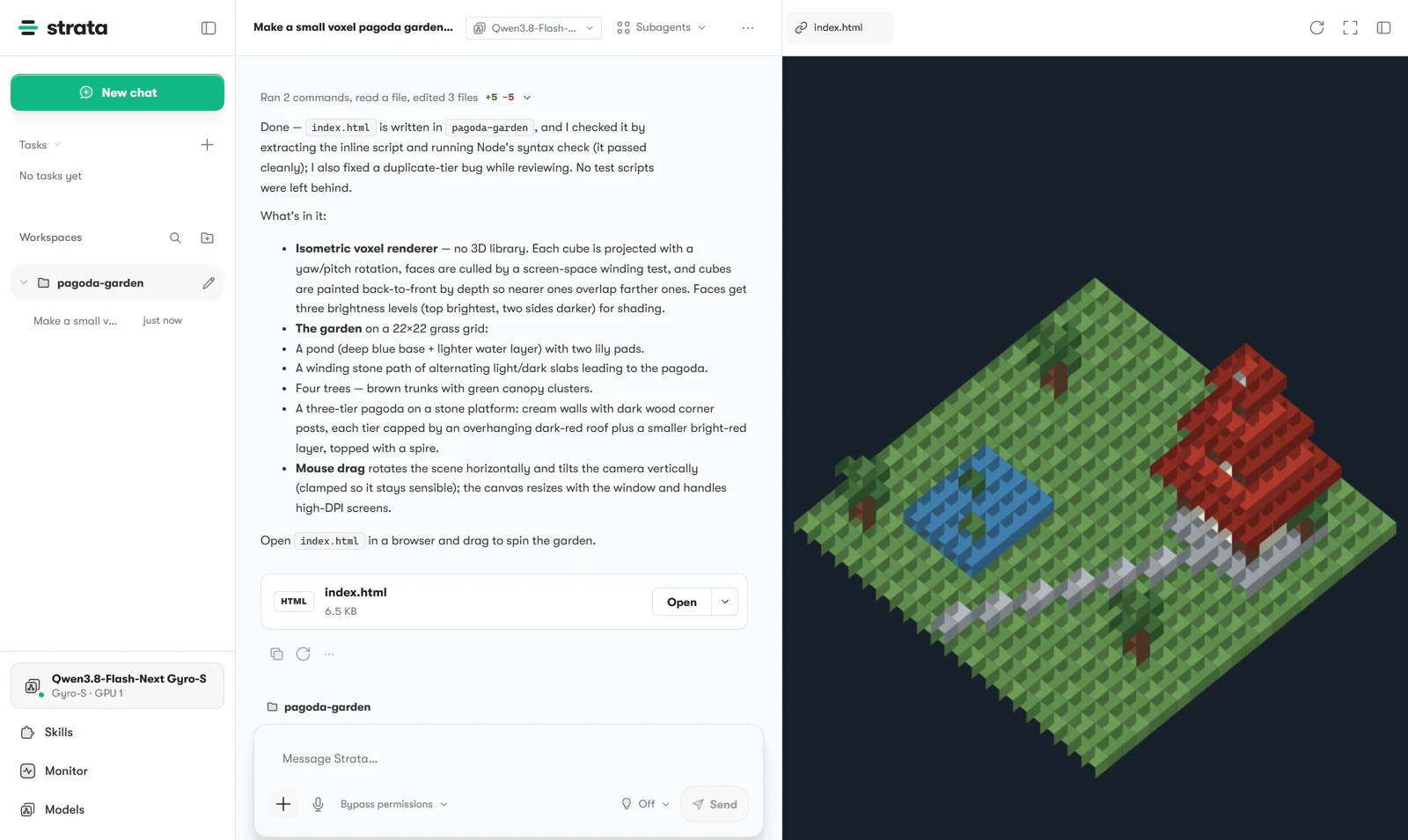
The desktop app offers chat, files and a live code preview; the Terminal exposes guided configuration and monitoring. These are project-described features, not a claim that we tested their usability. Check disk space, drivers, model licenses and the official troubleshooting guide before committing to a large download.
Coding tools and API
Strata documents OpenAI- and Anthropic-compatible local endpoints for tools such as Claude Code, Codex CLI and OpenCode, with `strata connect` providing connection guidance. An API-compatible endpoint does not mean every feature, tool call or parameter behaves identically to a hosted service.
Test a short prompt, a small tool call and the exact client version before moving a large coding workflow. Context, image input, concurrency and tool support vary by model and engine. Do not assume the DeepSeek engine inherits every feature of the Qwen path.
Performance and real user reports
A community member reported a week of DevOps tests with Qwen3.8-Flash-Next IQ2_XS, an RTX 5070 Ti 16 GB, 64 GB RAM and Strata 0.1.38–0.1.43. Their 28 one-shot tasks were run twice; the reported local result was 49/56 in one configuration. That is a self-reported, task-specific result, not a current 0.2.6 certification or proof of parity across tasks.
In another report, a user with an RTX 4080 and RTX 3060 observed approximately 55 tokens/s with one GPU versus 45 with both in their setup. A separate discussion mentions looping and port confusion. These are useful troubleshooting leads, not verified failure rates or controlled general comparisons. A third-party editorial review also flags hardware, download and agent-workflow tradeoffs; it describes itself as a compilation of public sources.
DevOps user report · Dual-GPU user report · User discussion · External review
A large-model example: DeepSeek with 12GB VRAM
DeepSeek V4.1 Flash 1017 is one notable option, not the whole product. The project reports running it on 12 GB GPUs with 46–64 GB system RAM; the 2.00-bit download is about 257 GB and requires roughly 265 GB free on NVMe. We have not reproduced the measurement.
For this engine the documented default context is 8,192 tokens, with no image input or simultaneous requests. Its faster mode may use five of six experts on smaller GPUs; full quality uses six. The developer’s 0.2.5 examples report roughly 4–6 output tokens/s on RTX 5070 12 GB and 9–11 on RTX 3060 12 GB under different configurations.
Privacy, security and cost
The developer says Strata sends no usage telemetry and defaults to a local server. Model and engine downloads and update checks use the network; optional web search, external model providers, sharing or tunnels can also send data outside the machine. Inspect settings and permissions for your exact workflow.
The application is free and MIT-licensed, but models and dependencies have separate terms. Hardware, electricity and storage still cost money. Local inference is not an automatic guarantee of security, and models can produce inaccurate or unsafe output.
Alternatives and limitations
Compared with broader local model managers such as Ollama or LM Studio, Strata emphasizes its supported model families and memory-tiered inference; verify current model and backend compatibility in each product before choosing. A smaller local model may be simpler and faster on a constrained system; a cloud API avoids a large download but has usage charges and sends requests to a provider.
Strengths include local APIs, model-specific optimization and multiple interface options. Tradeoffs include a restricted supported-model list, large downloads, hardware-sensitive speed, fast-moving releases and less independent evidence than mature tools.
Who should use Strata?
Strata is worth considering for technically comfortable users who have compatible hardware, substantial RAM and SSD space, and want local models for chat or coding. Start with a compatible smaller pack, run the planning tool and test your own prompts before choosing a huge quantization.
Information checked on 27 October 2026. We reviewed official sources, an external source-based review and user reports; AI assisted drafting. We did not install Strata or independently measure speed, reliability or model quality.
Related Reviews
Best AI Tools to Win January 2026: Top AI Tools to Start the Year Strong

LTX-2.5 Review: 4K AI Video, ComfyUI Workflows, Licensing and NSFW Policy

Best 6 Audio Translator Tools for Podcasts, Meetings, and Global Content
5 Best AI Dubbing Tools in 2026
MiniMax H3 Image Studio Review: ComfyUI Images, Reference Editing & Video Workflow
Best 5 Email Marketing Services in 2026