5 Best AI Calorie Tracking Apps in 2026
Discover the best AI calorie tracking apps in 2026. Compare OnAI, Foodvisor, Cal AI, MyFitnessPal, and SnapCalorie for food scanning, nutrition features, free access, and ease of use.
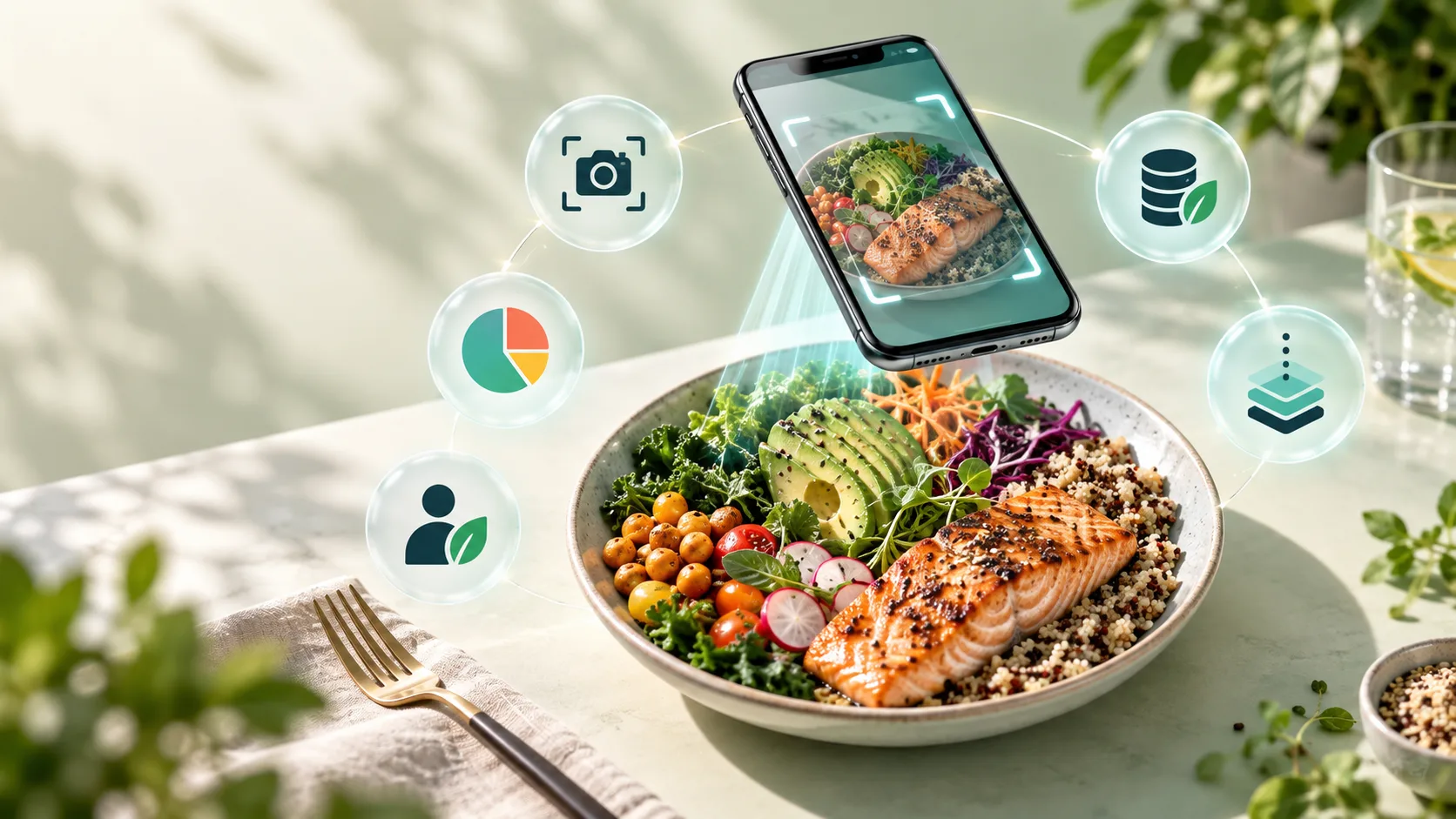

Tracking calories used to mean searching a food database, weighing ingredients, and manually entering every meal. AI calorie tracking apps offer a faster approach: take a picture of your food, let the app identify what is on the plate, and review an estimated nutritional breakdown.
Convenience does not guarantee precision. Portion size, cooking oil, sauces, hidden ingredients, and preparation methods can all affect the final calorie count. The best apps therefore combine fast image recognition with editable results, useful reports, and realistic expectations.
We compared five popular options based on food recognition, logging speed, nutrition detail, personalization, health integrations, free access, and overall usability. Here are the best AI calorie tracking apps to consider in 2026.
Table of Contents
- Best AI Calorie Tracking Apps at a Glance
- How We Selected These Apps
- OnAI
- Foodvisor
- Cal AI
- MyFitnessPal
- SnapCalorie
- Detailed Feature Comparison
- How to Choose the Right App
- Frequently Asked Questions
Best AI Calorie Tracking Apps at a Glance
| App | Best For | Photo Scanning | Manual Editing | Free Access |
|---|---|---|---|---|
| OnAI | Personalized nutrition guidance | Yes | Yes | Limited daily scans |
| Foodvisor | Nutrition coaching | Yes | Yes | Basic free version |
| Cal AI | Fast photo-based logging | Yes | Yes | Trial availability |
| MyFitnessPal | Food database coverage | Premium feature | Yes | Yes |
| SnapCalorie | AI-assisted portion estimation | Yes | Yes | Limited free AI logs |
How We Selected These Apps
We reviewed the factors that matter most in everyday food tracking: how quickly a meal can be recorded, whether the app supports photos, text, barcodes, or manual entry, the nutrition information shown, and how easily incorrect foods and portions can be edited.
We also considered goal setting, reports, meal planning, health-platform connections, free-plan limits, and subscription value. Prices and trial offers can vary by platform, country, and promotion, so users should always confirm the current terms inside the app before subscribing.
1. OnAI — Best for Personalized Nutrition Guidance
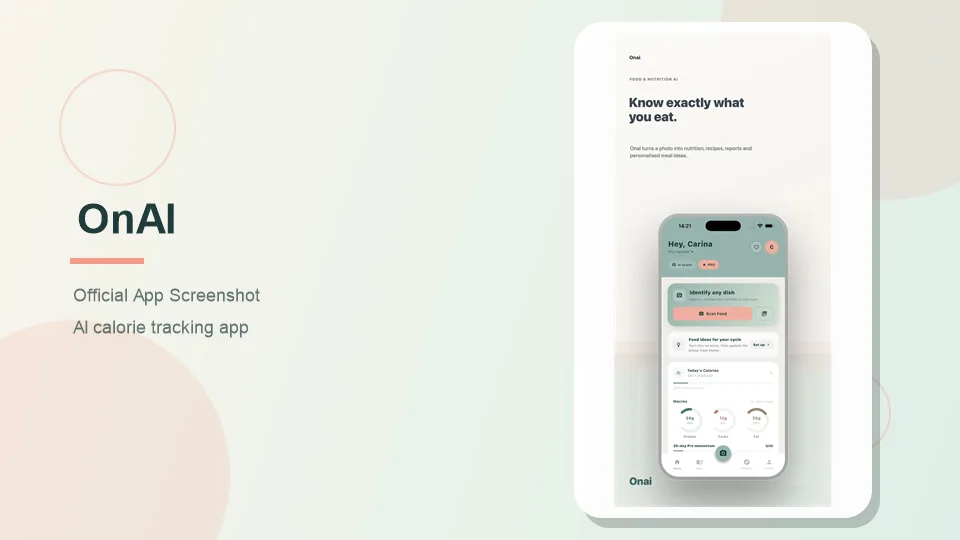
OnAI is more than a basic photo calorie counter. It combines food scanning with a nutrition diary, weekly reports, meal ideas, recipes, activity information, and personal preferences.
Users can take a food photo, upload an image from their gallery, or describe a meal with text. OnAI then provides estimated calories and macronutrients. Results can also include fibre, sugar, sodium, and saturated fat, with editable estimates when the first analysis needs correction.
Key Features
- Food recognition from photos and gallery images
- Text-based food entry
- Calories, protein, carbohydrates, and fat estimates
- Additional signals including fibre, sugar, sodium, and saturated fat
- Separate scan history and meal diary
- Personalized meal ideas and recipe generation
- Restaurant and ingredient discovery
- Weekly nutrition and habit reports
- Apple Health and Health Connect support
- Optional cycle-phase context for suggestions
What Makes OnAI Different?
One of OnAI’s most useful ideas is the separation between scanning food and logging food. A scanned dish stays in the user’s history, but it does not automatically become part of the daily diary. Users can examine a meal first and add it only after they actually eat it.
Its suggestions may consider previously logged meals, dietary preferences, meal timing, activity, remaining macros, and an optional cycle phase. That makes OnAI relevant to users who want help deciding what to eat next rather than simply recording what they have already eaten.
Free Access and OnAI Pro
New users receive three starter scans. After those are used, the free plan currently provides one scan per day. OnAI Pro is intended for people who need more frequent scanning and deeper reports. Exact pricing should be confirmed in the App Store or Google Play.
Pros
- Simple photo-to-nutrition workflow
- Covers more than calories and basic macros
- Keeps scans separate from consumed meals
- Provides personalized food ideas and weekly reports
- Supports both major mobile health platforms
Cons
- The free daily scan allowance is restrictive
- Portions may need manual correction
- Mixed dishes and hidden ingredients can be difficult to interpret
- Some users may not need its additional personalization tools
Bottom line: OnAI is the strongest option here for users who want a calorie tracker that becomes more personalized as the diary grows.
2. Foodvisor — Best for Nutrition Coaching
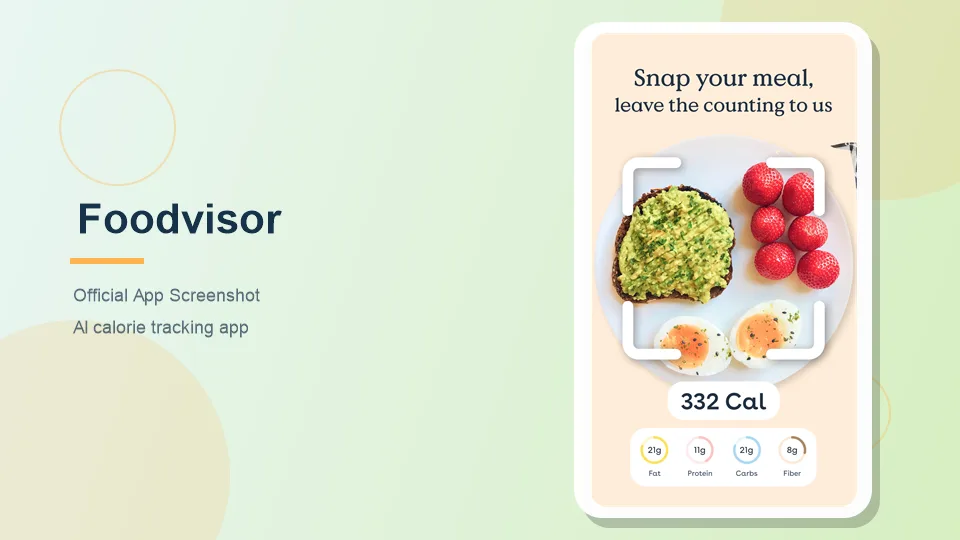
Foodvisor combines food-photo recognition with a more traditional nutrition-coaching experience. Users can photograph a meal, record food manually, or scan a packaged-food barcode. It supports goals such as weight loss, weight maintenance, muscle gain, and balanced eating.
Key Features
- Meal recognition from photos
- Barcode scanning and manual food entry
- Calorie and nutrition information
- Weight, activity, and nutrition goals
- Recipes reviewed by nutrition professionals
- Progress statistics and health integrations
- Premium nutrition courses and coaching content
What Makes Foodvisor Different?
Foodvisor’s main strength is the educational material around its food diary. It adds recipes, nutrition lessons, progress information, personalized targets, and advice instead of focusing only on producing a number from a photo. This approach can help beginners who want guidance rather than a completely self-directed tracker.
Free and Premium Plans
The free version includes general tracking features. More detailed nutrition information, additional recipes, advanced personalization, and coaching content require Premium. Available prices depend on billing period, platform, country, and promotion.
Pros
- Supports photo, barcode, and manual logging
- Strong nutrition-education component
- Suitable for several fitness and wellness goals
- Provides recipes and personalized targets
Cons
- Many coaching tools require Premium
- The number of features may feel overwhelming
- Photo estimates still require review
- Subscription offers can vary across platforms
Bottom line: Foodvisor is best for people who want educational content and structured nutrition guidance alongside food recognition.
3. Cal AI — Best for Fast Photo Logging
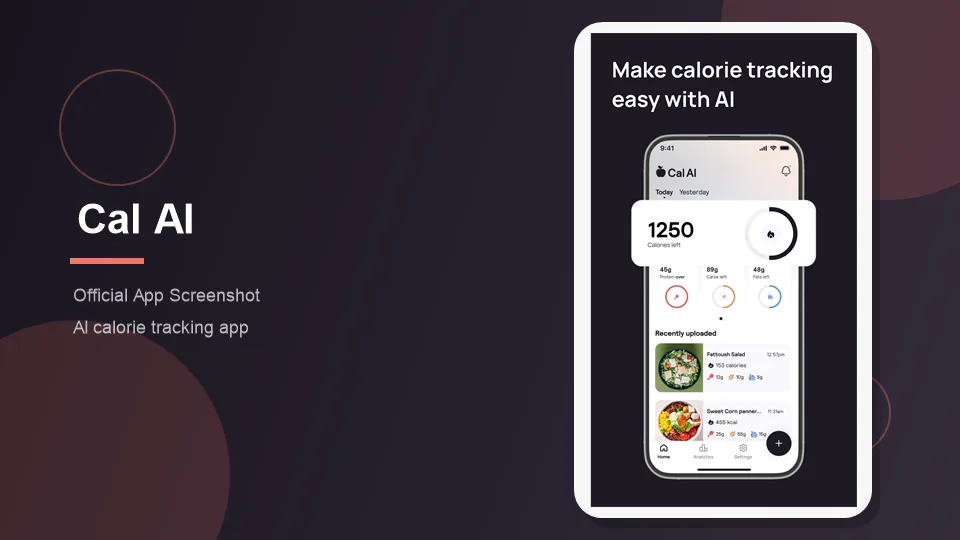
Cal AI is built around a simple promise: photograph a meal and record it without spending time searching a database. Users can also scan a barcode or describe their food. The app estimates calories, protein, carbohydrates, and fat and supports custom foods and recipes.
Key Features
- AI meal recognition
- Photo, barcode, and description-based logging
- Calorie and macronutrient estimates
- Custom foods and recipes
- Apple Health and Google Fit connections
- Daily calorie and macro tracking
What Makes Cal AI Different?
Cal AI concentrates on reducing the steps required to record food. The app says compatible phone depth sensors can help calculate food volume. This may provide useful portion information, but the result remains an estimate and should be checked before it enters the diary.
Lighting, camera focus, image quality, and visible food detail can all influence the result. Hidden cooking oil, dressings, and fillings remain challenging for any photo-based system.
Free Trial and Subscription
Cal AI promotes a short free trial, after which continued access may require a subscription. Review the renewal price and billing period before confirming an offer.
Pros
- Fast meal-logging process
- Supports photos, barcodes, and descriptions
- Clean and approachable experience
- Includes custom foods and recipes
Cons
- Not intended for clinical-level nutrition analysis
- A subscription may be required after the trial
- Hidden ingredients remain difficult to estimate
- Provides less coaching depth than Foodvisor
Bottom line: Cal AI is a good match for users who abandon tracking because manual logging takes too long.
4. MyFitnessPal — Best for Food Database Coverage
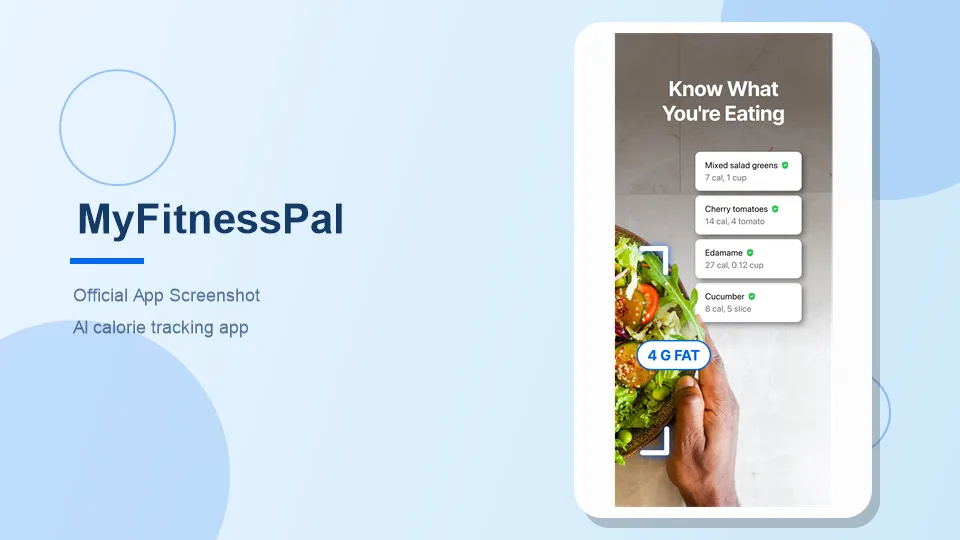
MyFitnessPal combines traditional food logging with AI-assisted Meal Scan. Users can search its food database, create foods and recipes, scan compatible barcodes, reuse saved meals, or photograph a meal.
Key Features
- Searchable food database
- Food and exercise diary
- AI-assisted Meal Scan
- Barcode scanning
- Custom foods, meals, and recipes
- Calorie, macro, progress, and measurement tracking
- Partner-app connections
- Premium+ meal planning and grocery tools
What Makes MyFitnessPal Different?
Its key advantage is flexibility. If photo recognition fails, users can switch to a barcode, search for an ingredient, choose a saved meal, or create a custom entry. This is useful for people who eat a mixture of packaged food, restaurant meals, homemade recipes, and repeated meals.
The tradeoff is complexity. MyFitnessPal contains more menus, subscription tiers, logging methods, and optional tools than most photo-first trackers.
Free, Premium, and Premium+
The free plan covers standard food and exercise logging, recipes, measurements, macro viewing, and basic integrations. Premium adds Meal Scan, barcode scanning, deeper nutrition information, additional goal controls, and an ad-free experience. Premium+ adds meal planning, preparation tools, dietary preferences, and grocery lists.
Pros
- Multiple ways to log food
- Strong option for packaged and repeat foods
- Useful free version
- Extensive goal and progress tools
- Scanned results can be corrected
Cons
- Meal Scan requires a paid plan
- More complicated than photo-first apps
- User-created database entries can vary in quality
- Advanced plans may contain more tools than some users need
Bottom line: MyFitnessPal is the most flexible choice for people who want AI scanning without giving up database-based logging.
5. SnapCalorie — Best for Portion Estimation
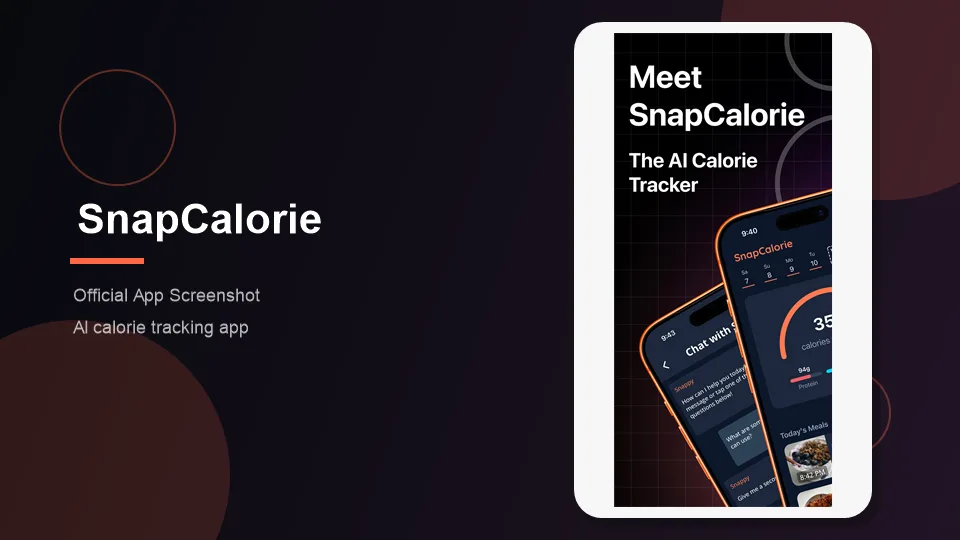
SnapCalorie uses computer vision to identify food and estimate calories and macronutrients from a meal photo. It places particular emphasis on estimating food volume and portion size. Voice notes can provide information that is not visible in the image.
Key Features
- AI food-photo analysis
- Calorie and macronutrient estimates
- Portion and food-volume estimation
- Voice-assisted meal information
- Nutrition trends and insights
- Personalized meal-planning tools
- Limited free daily AI logs
- iOS and Android availability
What Makes SnapCalorie Different?
Portion size is a major source of error in calorie tracking. SnapCalorie tries to address this with visual information and supported phone sensors. Users can also add contextual hints, such as a menu description or a note about an ingredient.
The company reports an average caloric error of around 15% in its own testing. This is useful context rather than a guaranteed accuracy level for every real-world meal. Results can be less reliable when portions are visually ambiguous or ingredients are hidden.
Free Access and Premium
SnapCalorie currently allows a limited number of free AI food logs per day. Premium is available for more extensive access and additional functionality. Users should rely on the current in-app offer rather than older checkout pages.
Pros
- Strong focus on portion estimation
- Fast photo-based logging
- Voice notes can provide missing context
- Core tracking has limited free access
- Includes nutrition trends and planning tools
Cons
- Portion estimates are not guaranteed to be correct
- Cooking oils and hidden ingredients remain challenging
- Some integrations may depend on platform
- Premium offers may vary
Bottom line: SnapCalorie is a compelling option for people who frequently record restaurant meals or care most about assisted portion estimation.
Detailed Feature Comparison
| Feature | OnAI | Foodvisor | Cal AI | MyFitnessPal | SnapCalorie |
|---|---|---|---|---|---|
| Food photo recognition | Yes | Yes | Yes | Premium | Yes |
| Text or description input | Yes | Manual entry | Yes | Yes | Voice/context hints |
| Barcode scanning | Not a primary feature | Yes | Yes | Premium | Not a primary feature |
| Editable results | Yes | Yes | Yes | Yes | Yes |
| Personalized meal ideas | Yes | Coaching-based | Limited | Premium+ planning | Meal planning |
| Progress reports | Yes | Yes | Yes | Yes | Yes |
| iOS and Android | Yes | Yes | Yes | Yes | Yes |
| Ongoing free option | One daily scan | Basic plan | Trial-focused | Yes | Limited daily AI logs |
How to Choose the Right AI Calorie Tracker
Choose OnAI If…
You want meal suggestions and reports shaped by your goals, activity, recent meals, preferences, and daily context.
Choose Foodvisor If…
You want recipes, nutrition education, and coaching-oriented guidance in addition to calorie tracking.
Choose Cal AI If…
You want the quickest possible way to photograph a meal and record basic calories and macros.
Choose MyFitnessPal If…
You need several logging methods and want to combine AI scanning with barcode tools, recipes, saved meals, and an established food database.
Choose SnapCalorie If…
You are most interested in AI-assisted portion estimation or frequently record restaurant meals without nutrition labels.
Frequently Asked Questions
What is the best AI calorie tracking app?
OnAI is a strong choice for personalized suggestions and nutrition reports. Cal AI is better for fast logging, Foodvisor emphasizes coaching, MyFitnessPal provides more database options, and SnapCalorie focuses on portion estimation.
Can AI calculate calories from a food photo?
AI can estimate calories by identifying visible food and approximating the portion. It cannot directly weigh the meal or reliably detect every hidden ingredient, so users should review the result before logging it.
How accurate are AI food scanners?
Accuracy varies by app and meal. Simple, clearly visible foods generally produce better estimates than soups, mixed dishes, sauces, and restaurant meals. Portion size is frequently a major source of error.
Is there a free AI calorie counter?
Yes. OnAI and SnapCalorie provide limited free daily scanning, Foodvisor offers a basic free version, and MyFitnessPal includes free manual tracking. Free allowances can change over time.
Can AI calorie apps recognize restaurant meals?
They can identify many restaurant dishes, but exact ingredients and cooking methods may be unknown. Oils, butter, sugar, sauces, and serving sizes can make the estimate less reliable.
Can these apps track protein, carbohydrates, and fat?
Yes. All five apps provide some form of macronutrient tracking, although access to more detailed nutrition information may depend on the selected plan.
Are photo calorie trackers useful for weight loss?
They can make food logging easier and help users observe eating patterns. They do not guarantee weight loss, and their calculations should be treated as estimates rather than exact measurements.
Can an AI calorie tracker replace a dietitian?
No. These apps are consumer wellness tools. They cannot replace personalized advice from a qualified dietitian, physician, or other healthcare professional.
Latest Reviews
HunyuanVideo 1.5 Review: Quality, VRAM, ComfyUI, Pricing and Limits

Generate Stained-Glass Designs from Written Ideas
MiniMax M3.1 Flash Review: Coding, API Cost, Open Weights and Limits
Best Antivirus Software in 2026: 5 Reliable Choices for Malware Protection
FLUX 3 Review: Image, Klein, Local Hardware and Real Editing Limits
Best 5 Password Managers in 2026
