
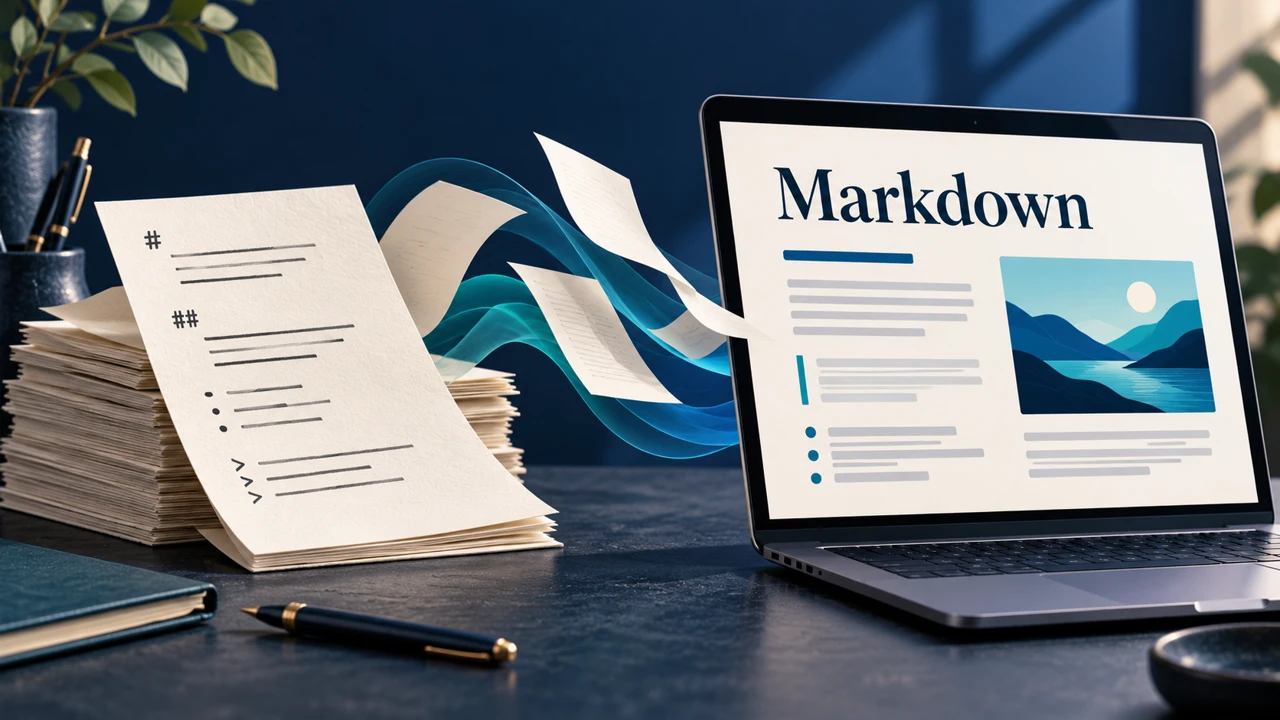
A browser-based Markdown editor lets you write plain text and see its formatting without installing a desktop app. The right choice depends on what happens next: do you need an editable .md file, a PDF to share, or a document that several people can update?
For a locally processed document and several export formats, consider AirMore AI. HackMD focuses on collaboration; StackEdit and Dillinger offer connections to cloud services. Check the finished document in its destination, such as GitHub, because Markdown extensions do not render identically everywhere.
Contents
How to choose an online Markdown editor
Start with the output: an editable Markdown file is different from a PDF or image. If you need a backup, verify how the source is saved before closing the browser. For a team, look at access permissions and version history as well as the editor.
Test a short sample containing the features you actually use: tables, task lists, images, formulas or Mermaid diagrams. Interface language alone does not establish support for a particular Markdown extension.
Online Markdown editors compared
The table draws on official product information. AirMore AI is operated by this site’s publisher and appears first as an editorial feature; this placement is not an independent performance ranking.
| Tool | Good fit | Check before choosing |
|---|---|---|
| AirMore AI Markdown Editor | Local editing and PDF or image export | 2 MB document limit; no Mermaid or formula rendering |
| HackMD | Shared notes and team editing | Permissions and plan limits |
| StackEdit | Cloud sync and publishing | Connect the destination account |
| Dillinger | Quick editing and Markdown, HTML or PDF export | Cloud connections require authentication |
| Markdown Live Preview | Quick formatting checks | Keep a separate copy of important work |
Five online Markdown editors
1. AirMore AI Markdown Editor — Local editing and flexible exports
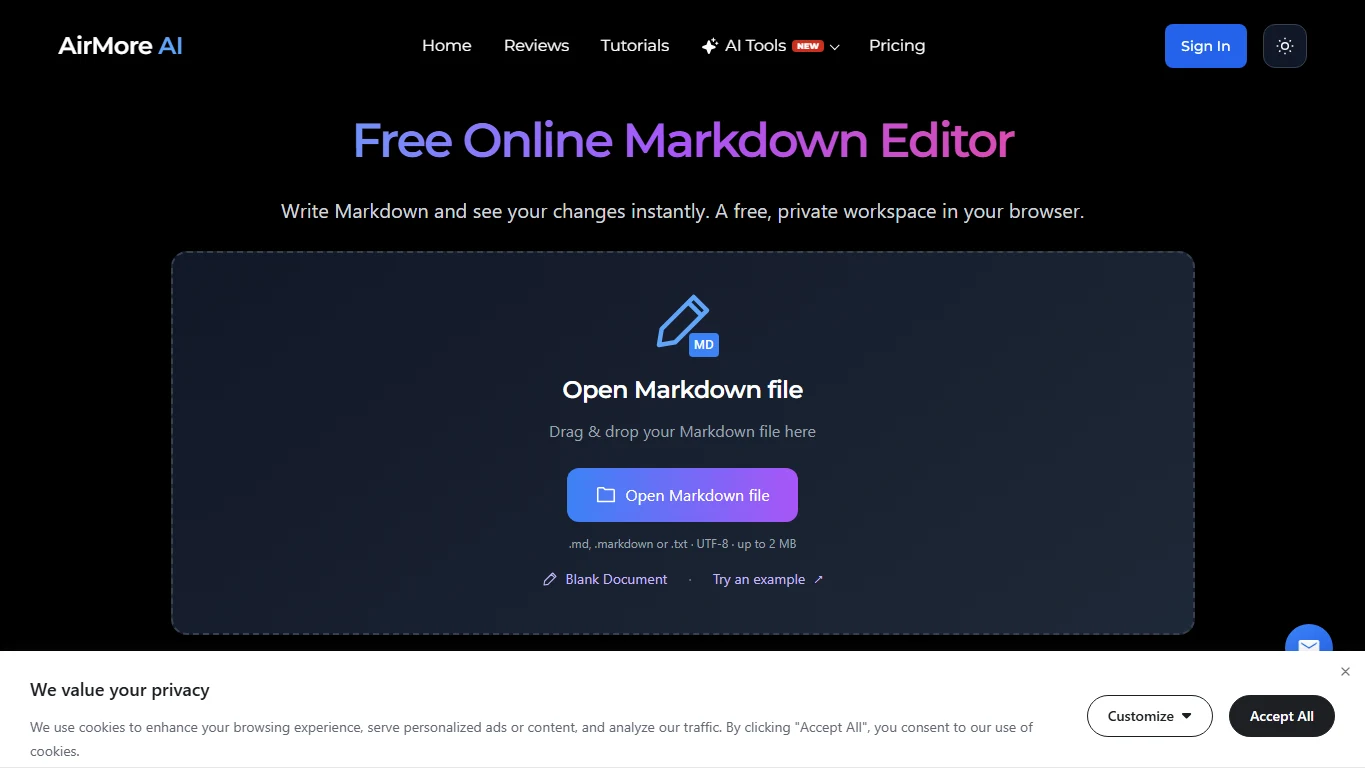
AirMore AI Markdown Editor lets you open or write Markdown, see a live preview and choose Markdown, HTML, PDF, PNG or JPG from the export menu. The provider says document text is processed in the browser; normal site resources and cookies are separate considerations.
UTF-8 .md, .markdown and .txt documents are limited to 2 MB. Inserted images can be up to 512 KB each, within the document limit. Raw HTML is shown as text; formulas, Mermaid and MDX are not rendered, and external images are blocked. Reading and editing are free, although a free sign-in prompt may appear during use. Save the editable Markdown before refreshing.
2. HackMD — Collaborate on shared documents
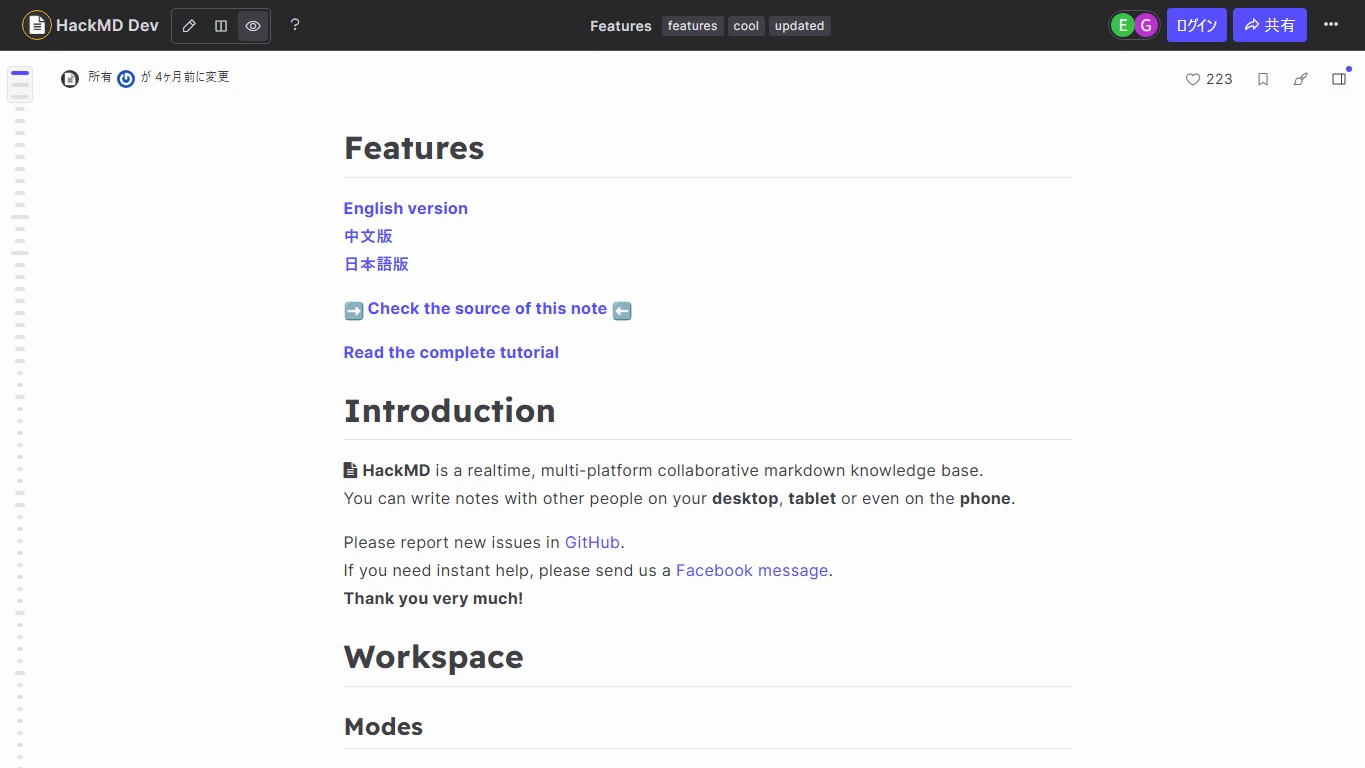
HackMD is designed for shared Markdown notes and real-time collaboration. It suits meeting notes, technical documentation and other documents that a group needs to revise together. Read and write permissions can be configured for a note.
A free plan is available, with limits that depend on the plan and use. Check access settings before sharing a link and review the current plan for team size, history and PDF export. For confidential material, check whether your organization permits storage in the service.
3. StackEdit — Connect drafts to cloud services
StackEdit combines a Markdown editor with live preview and scroll sync. Its official site describes sync with Google Drive, Dropbox and GitHub, and publishing to services including WordPress; it also documents offline writing.
It is useful when a draft needs to move from a browser to a connected storage or publishing account. Connecting those services requires authorization. Check sync status and verify the published layout and image links in the destination.
4. Dillinger — A quick editor with multiple exports
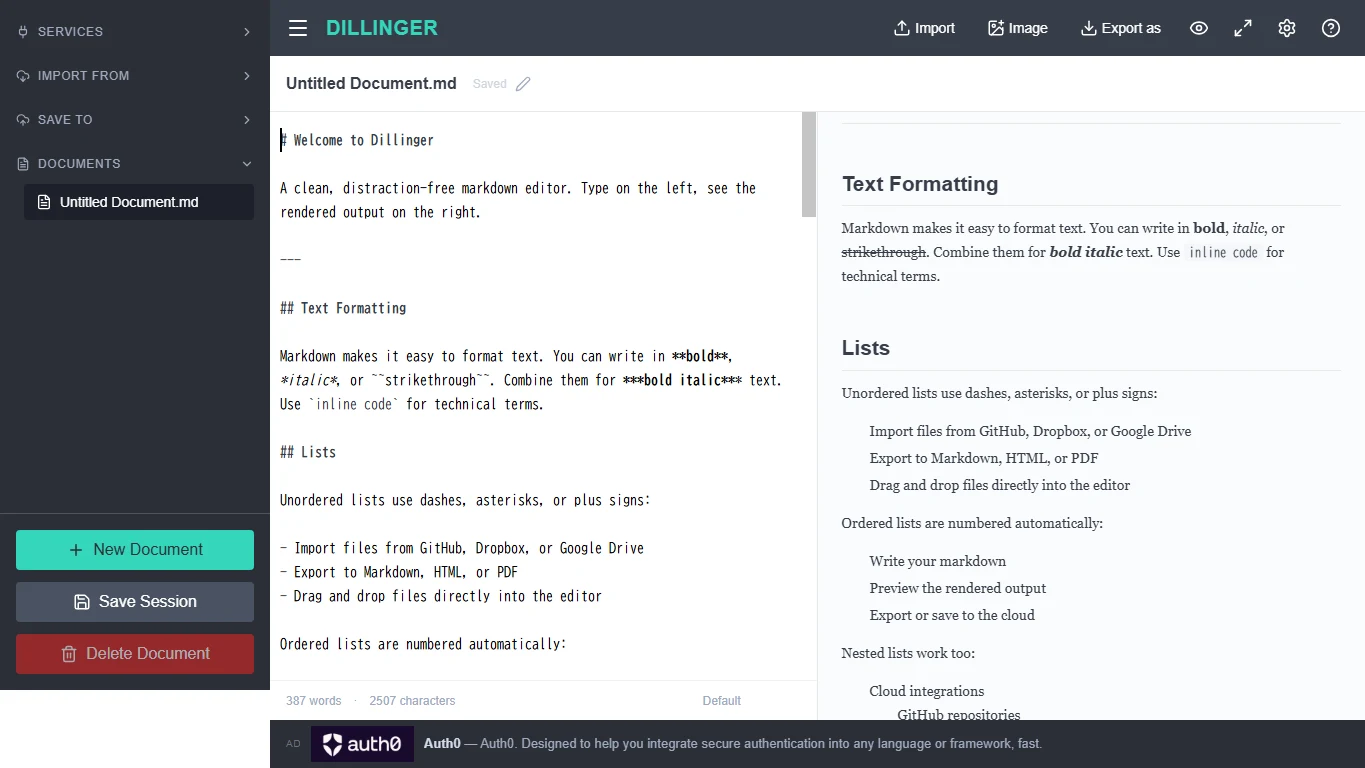
Dillinger provides a browser editor beside a live preview, with Markdown, styled HTML and PDF export. Its official features also describe integrations with services such as GitHub, Dropbox and Google Drive.
You can start writing without an account; connecting an external service requires that service’s authorization. Although Dillinger says documents persist in the browser, save a separate .md backup for work you cannot afford to lose.
5. Markdown Live Preview — Check a short Markdown snippet
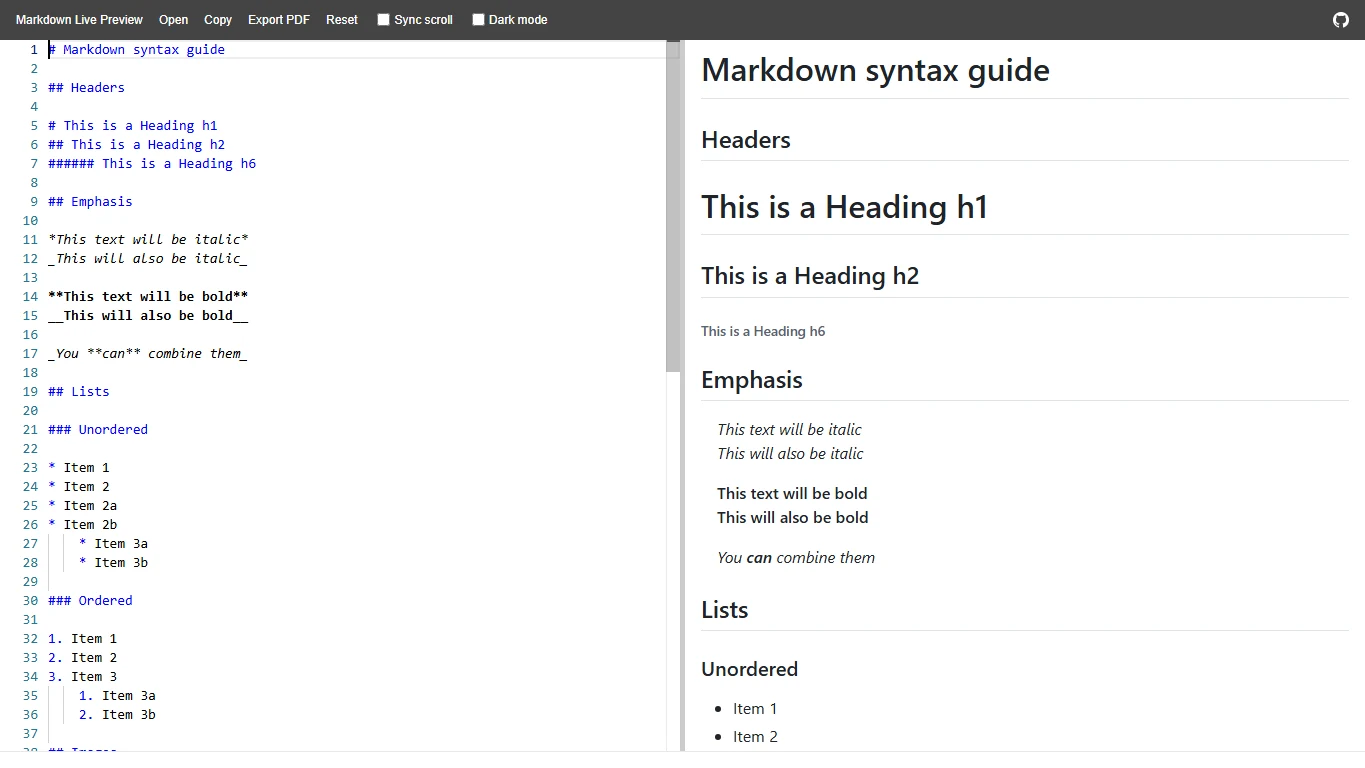
Markdown Live Preview is a lightweight source-and-preview workspace for checking a short README or a few formatting changes. Its visible controls include opening a file, copying content, PDF export and synchronized scrolling.
It is a practical scratchpad when a quick visual check is the main goal. If you need team permissions or long-term storage, choose a suitable separate service and keep your own source copy.
A safer writing and publishing workflow
- Choose the destination: keep .md for further edits and use PDF or images for distribution.
- Try a small sample with your actual tables, images and extensions.
- Save the editable source before refreshing or closing the page.
- Check links, relative image paths and formatting in the final publishing platform.
- Review share permissions and your organization’s data rules before using cloud sync.
Frequently asked questions
Does every editor render Mermaid and formulas?
No. Extension support varies. AirMore’s official documentation says Mermaid and formulas are not rendered; test the syntax in the editor and the final destination.
Does a PDF replace the Markdown source?
No. A PDF is useful for reading or printing, but keep the .md file if you want to revise the Markdown later.
Can I work offline?
It depends on the service. StackEdit advertises offline writing, though initial loading and synchronization can require a connection. Check the workflow and backup method before relying on it.
Which editor should you choose?
For locally processed editing and several export options, consider AirMore AI; for shared editing, start with HackMD. StackEdit and Dillinger are useful when cloud connections fit your workflow, while Markdown Live Preview suits quick checks.
This comparison uses official information and publicly accessible screens and used AI assistance in drafting. It is not a hands-on comparison of every feature or paid plan. Test a short sample before committing an important document.
Related
5 Effective Ways to Remove Sora Watermark Online

Best AI Coloring Page Generators to Create Printable Coloring Sheets
Best AI Manga Translation Tools for Manga and Webtoons

How to Remove Vocal from a Song? Manual Method vs AI Vocal Remover
Best AI Image Extender and Outpainting Tools
6 Best AI Rewriter Tools in 2026 for Clearer, More Natural Content