
Table of Contents
- What Is an AI Product Photo Generator?
- Why Use AI Product Photography?
- Quick Comparison
- 1. Pebblely
- 2. Flair AI
- 3. Photoroom
- 4. Claid AI
- 5. Pixelcut
- 6. Canva
- 7. Adobe Firefly
- 8. Freepik AI
- 9. Mokker AI
- 10. CreatorKit
- How to Choose the Right AI Product Photo Generator
- AI Product Photo Prompt Examples
- Mistakes to Avoid
- FAQ
What Is an AI Product Photo Generator?
An AI product photo generator is a tool that helps create product images from an uploaded product photo, prompt, or template. It can remove backgrounds, add new scenes, create lifestyle images, generate ad visuals, resize product photos, enhance quality, and produce multiple image variations for ecommerce.
Instead of booking a full product photoshoot for every campaign, sellers can use AI to create clean white-background images, seasonal lifestyle scenes, social media creatives, marketplace images, and product mockups.
The best AI product photo generator should preserve the product while changing the background, lighting, setting, or presentation. This is the key difference between useful ecommerce AI and random image generation. The product must still look accurate.
Why Use AI Product Photography?
Product images affect clicks, trust, and conversion. But traditional photography can be expensive and time-consuming, especially for small stores with many SKUs or frequent campaigns.
AI product photography can help sellers:
- Create product images faster
- Generate lifestyle backgrounds without a studio
- Make seasonal campaign visuals
- Remove or replace backgrounds
- Create ad images for social media
- Produce product mockups for testing
- Resize images for ecommerce platforms
- Improve low-quality product photos
- Generate variations for A/B testing
AI product photo tools are especially useful when you already have a clean product image and need multiple creative versions.
Quick Comparison
| Tool | Best For | Main Strength | Possible Limitation |
|---|---|---|---|
| Pebblely | Ecommerce lifestyle photos | Product background generation and scene variations | Best results need clean product input |
| Flair AI | Branded product scenes | Product staging, campaigns, and creative control | May take time to learn advanced controls |
| Photoroom | Background removal and product photos | Fast cutouts, marketplace images, and batch editing | More editing-focused than full creative direction |
| Claid AI | Product photo enhancement | Image quality, background, and ecommerce optimization | Best for improving existing product assets |
| Pixelcut | Small business product images | Background removal, upscaling, and ecommerce templates | Less advanced for complex brand campaigns |
| Canva | Product graphics and ads | Templates, design tools, and AI image features | Product accuracy depends on workflow |
| Adobe Firefly | Creative product visuals | Generative editing and commercial design workflows | Best for Adobe users |
| Freepik AI | Marketing product visuals | Stock-style assets and fast creative generation | Less focused on product preservation |
| Mokker AI | Product scene generation | AI product photos for online stores | Needs good product images for best output |
| CreatorKit | Ecommerce and video creatives | Product photos, videos, and store-focused content | Best for ecommerce marketing teams |
1. Pebblely
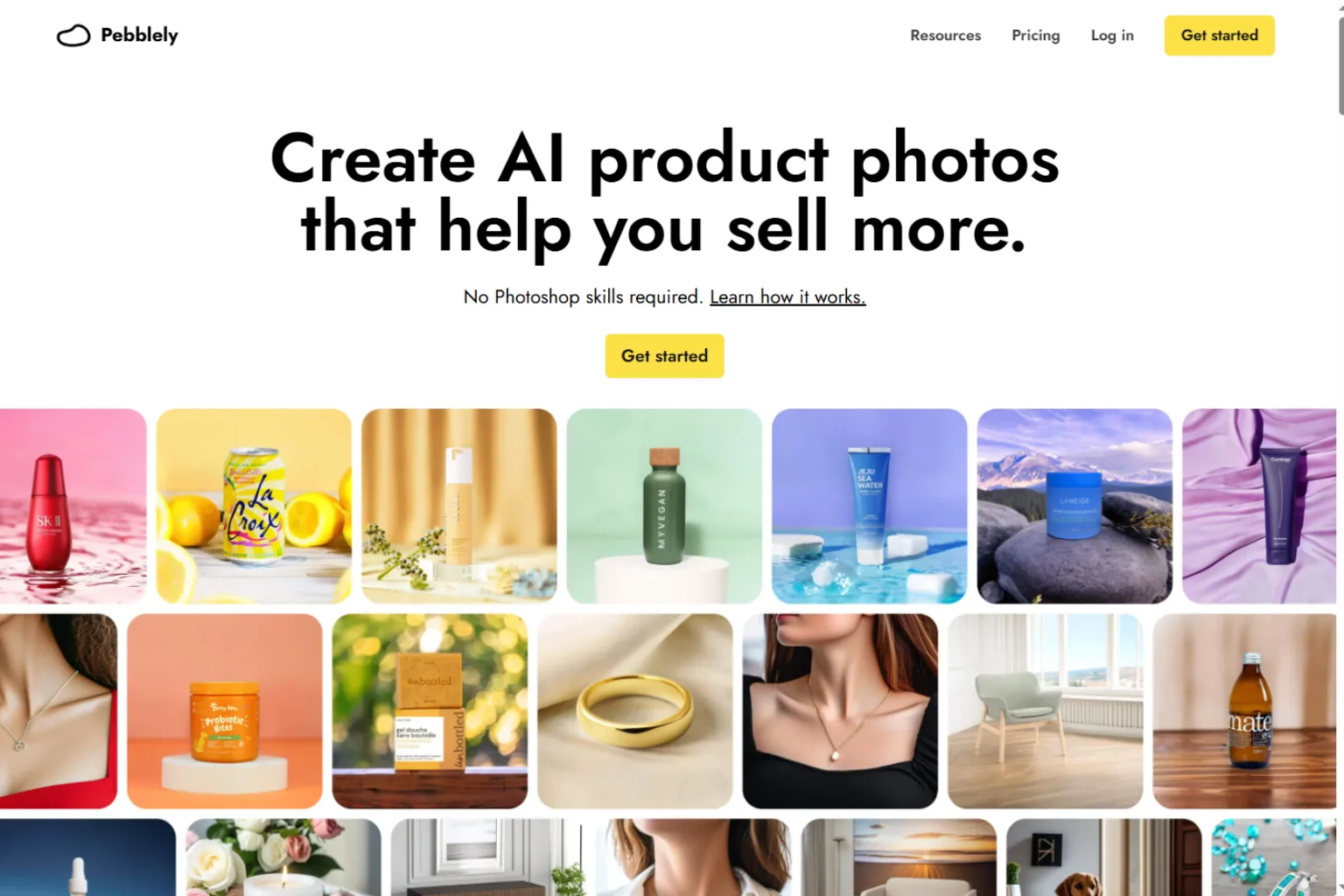
Pebblely is one of the most popular AI product photo generators for ecommerce sellers. It can create product photos with different backgrounds, lifestyle scenes, and marketing-ready environments from a product image.
It is especially useful for small businesses that need product visuals for stores, ads, social media, and seasonal campaigns without hiring a photographer each time.
Pebblely is best for:
- Ecommerce product photos
- Lifestyle backgrounds
- Social media visuals
- Product scene generation
- Small business marketing
- Quick campaign variations
Choose Pebblely if you want a dedicated AI product photo generator for ecommerce scenes.
2. Flair AI

Flair AI is built for creating branded product scenes and product marketing visuals. It gives users more creative control over layouts, props, backgrounds, and product presentation.
This makes it useful for brands that want more than simple background replacement. If you care about campaign style, product staging, and creative direction, Flair AI is worth considering.
Flair AI is best for:
- Branded product scenes
- Ad creatives
- Product campaign visuals
- Creative direction
- Lifestyle product photos
- Marketing teams
Choose Flair AI if product visuals need to match a specific brand style.
3. Photoroom
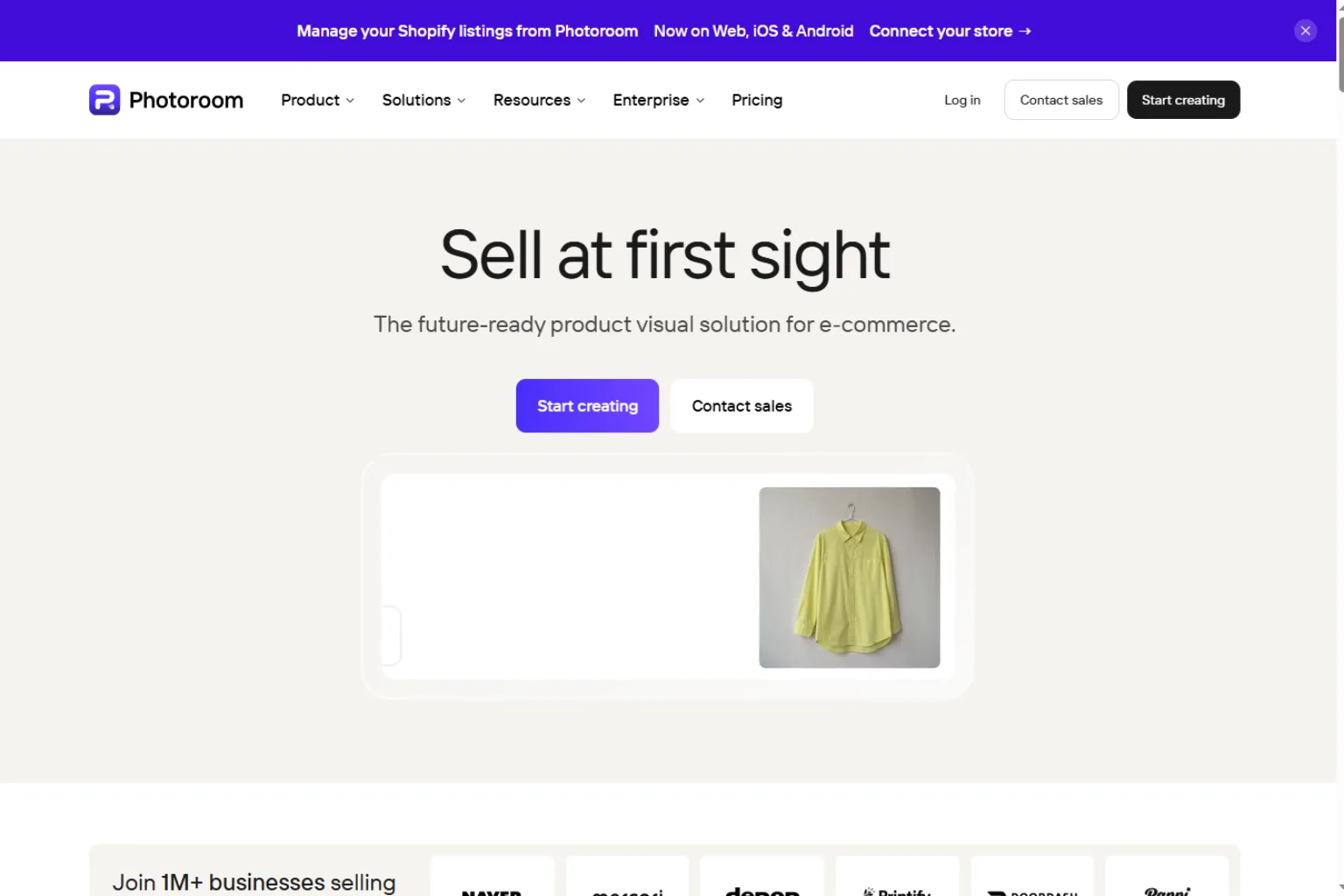
Photoroom is strong for background removal, product cutouts, batch editing, and clean ecommerce images. It is especially useful for sellers who need fast product photos for online marketplaces.
Its strength is speed and practicality. You can remove messy backgrounds, create clean product images, and prepare visuals for listings or social posts.
Photoroom is best for:
- Background removal
- White-background product images
- Batch editing
- Marketplace listings
- Small business product photos
- Fast ecommerce workflows
Choose Photoroom if you need clean, consistent product photos quickly.
4. Claid AI
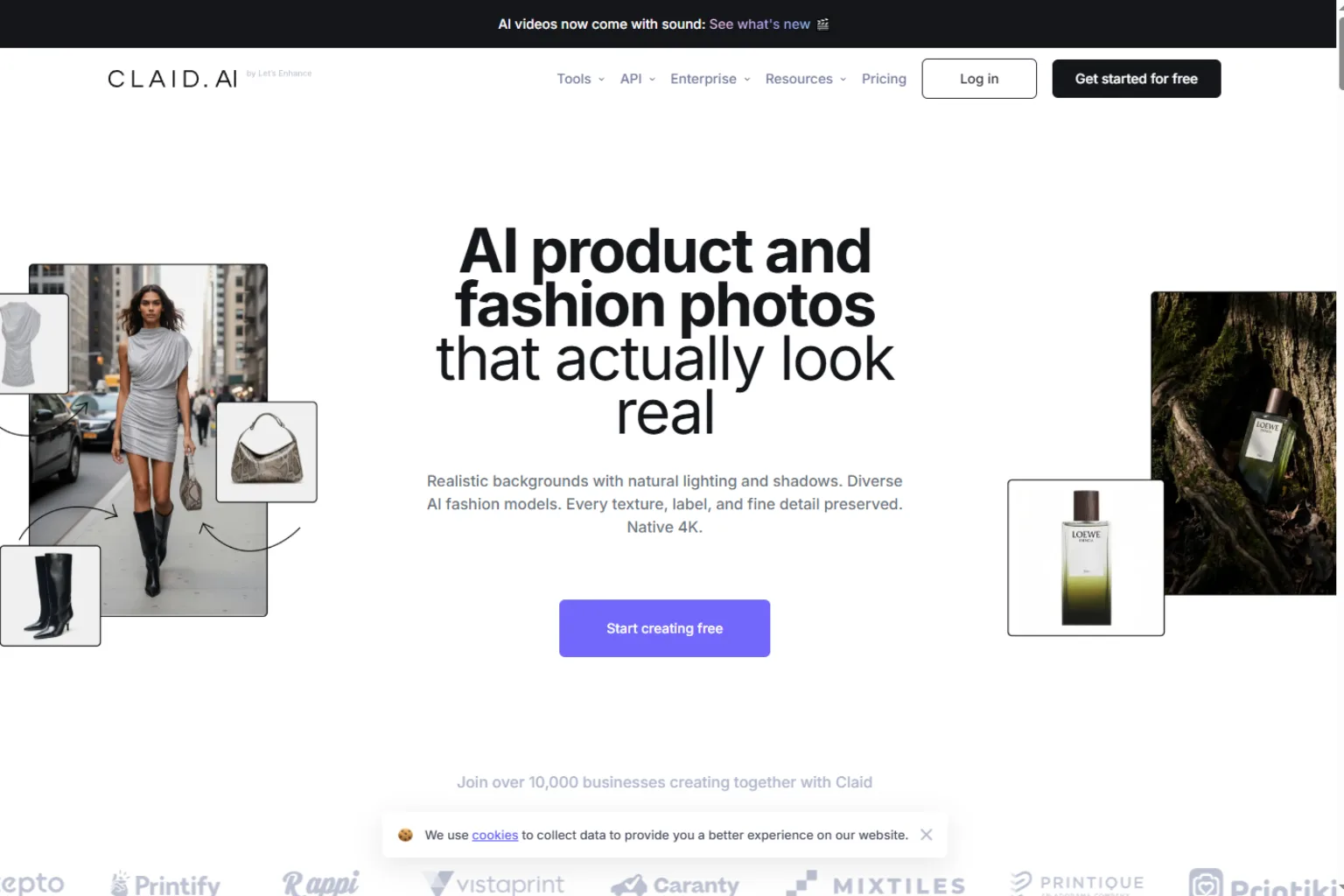
Claid AI focuses on product photo enhancement and ecommerce image quality. It can help improve image resolution, lighting, backgrounds, and overall product presentation.
This is useful when your product photos are not bad, but they need to look more polished. Claid AI can be a good fit for stores that want better listing images without reshooting everything.
Claid AI is best for:
- Product photo enhancement
- Ecommerce optimization
- Image quality improvement
- Background generation
- Upscaling
- Marketplace-ready images
Choose Claid AI if you already have product images and want to improve them.
5. Pixelcut
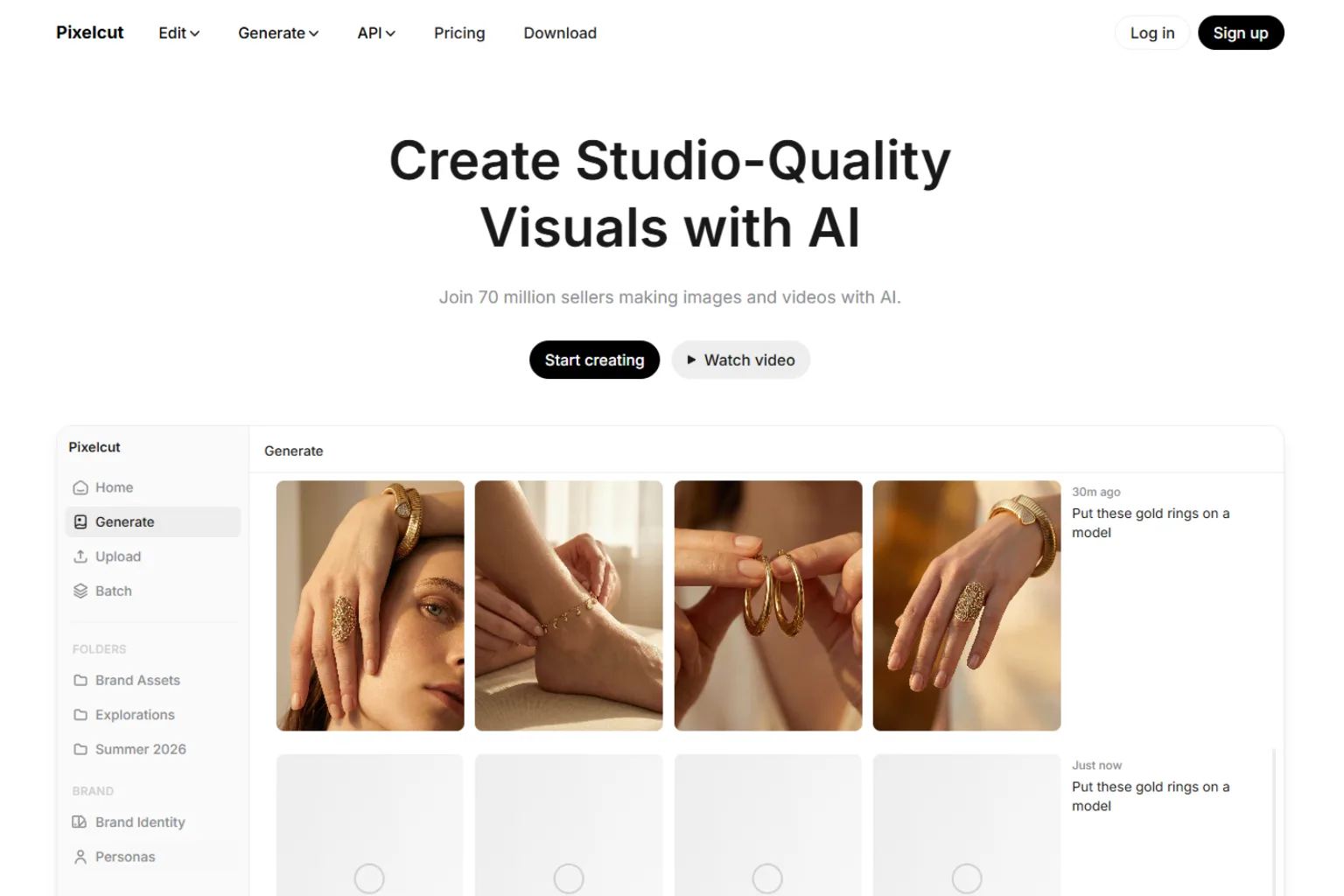
Pixelcut is a friendly tool for creating product images, removing backgrounds, upscaling photos, and making ecommerce visuals. It is popular with small business owners, resellers, and creators who need fast product content.
Pixelcut is especially useful when you want a simple workflow that does not require design experience.
Pixelcut is best for:
- Small business product photos
- Background removal
- Product mockups
- Upscaling
- Social media product images
- Beginner-friendly editing
Choose Pixelcut if you want a simple AI product photo tool for everyday ecommerce content.
6. Canva
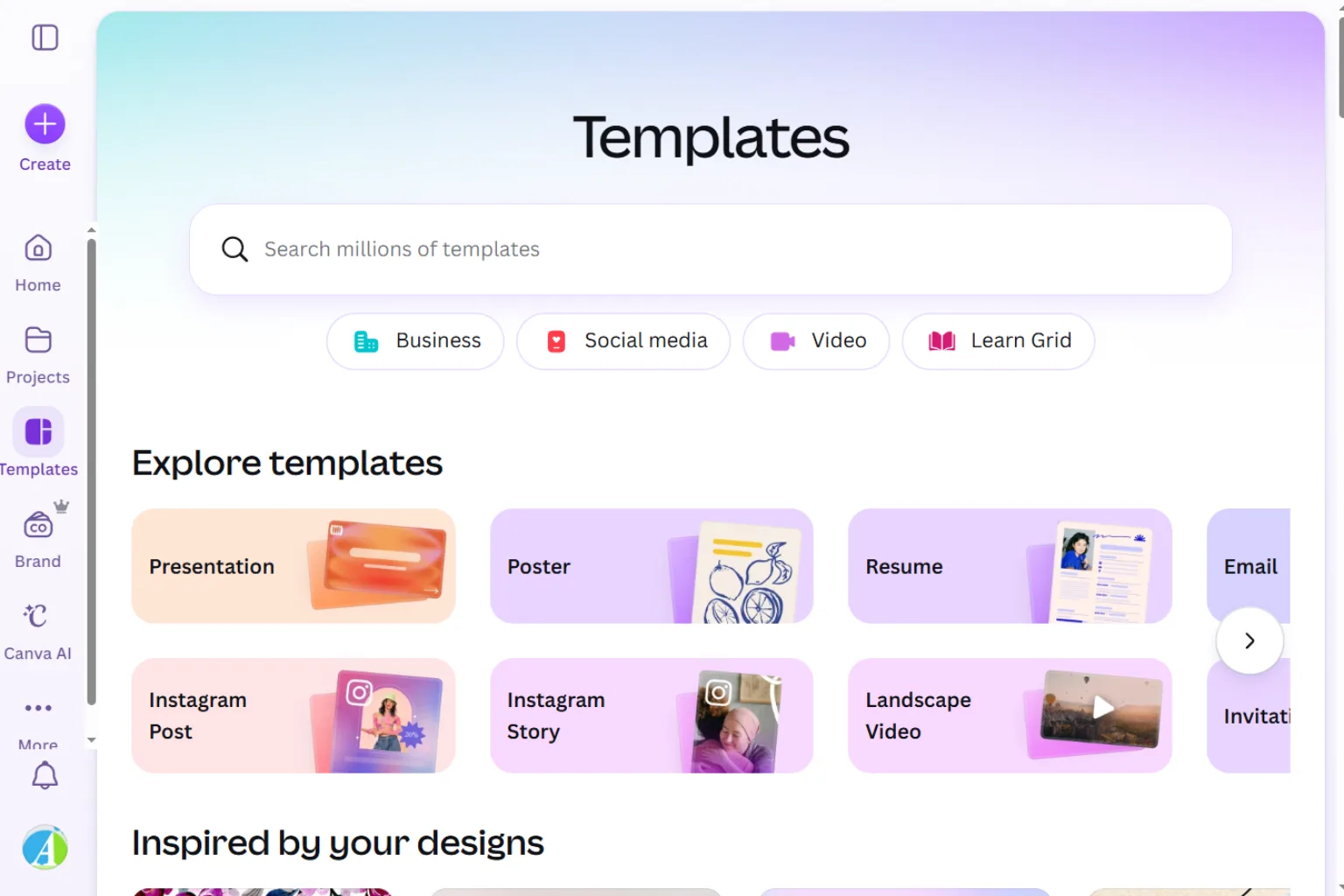
Canva is not only an AI product photo generator, but it is useful for turning product images into ads, banners, social posts, store graphics, and campaign visuals. Its AI features, templates, background tools, and design editor make it practical for marketers.
Canva is best when the final output needs text, layout, branding, and design elements around the product image.
Canva is best for:
- Product ads
- Social media posts
- Ecommerce banners
- Marketing templates
- Simple product mockups
- Brand design workflows
Choose Canva if product photos need to become finished marketing graphics.
7. Adobe Firefly
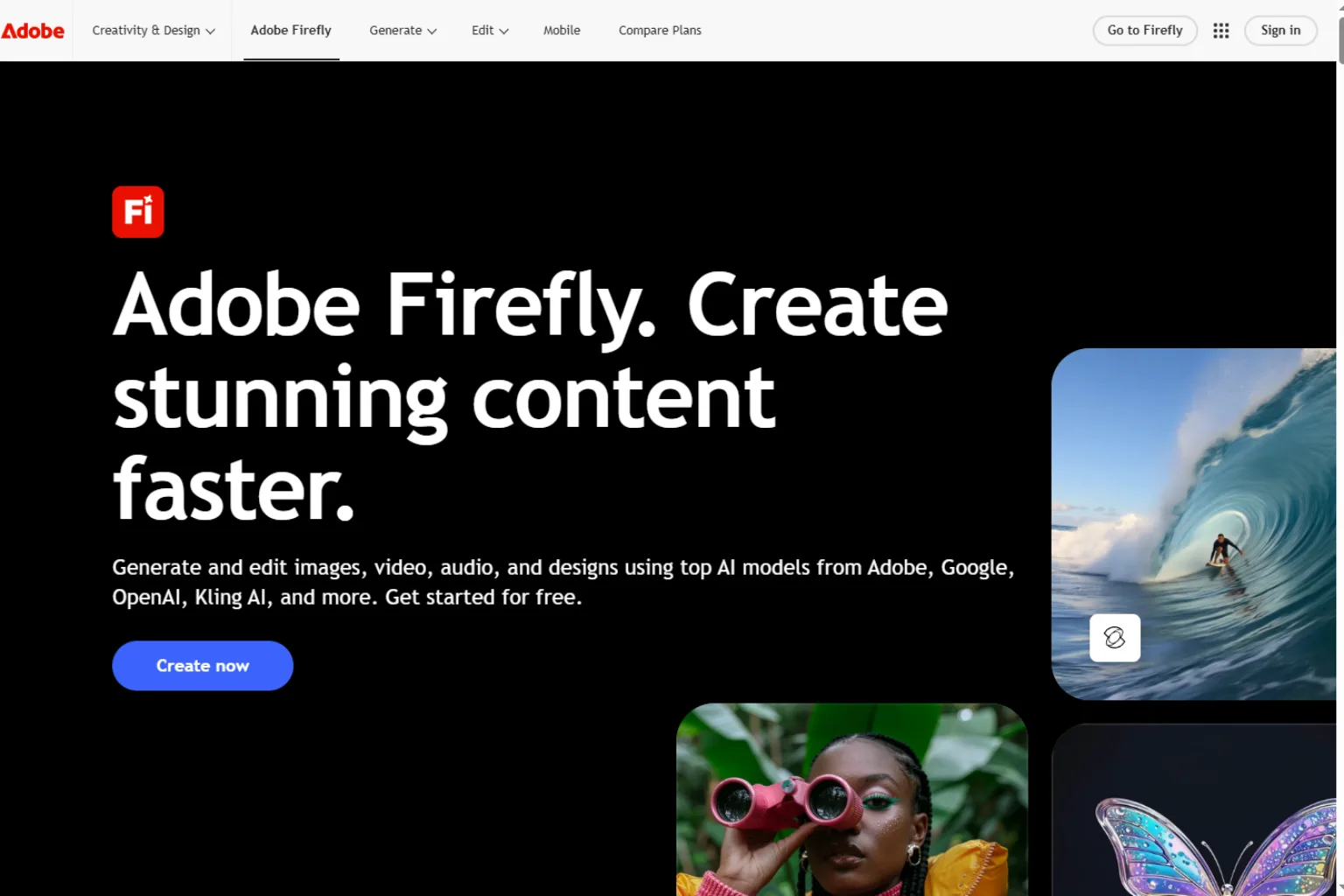
Adobe Firefly is useful for product image editing, generative backgrounds, visual concepts, and commercial creative workflows. It fits especially well for teams already using Photoshop, Express, or other Adobe tools.
Firefly can help create product backgrounds, extend scenes, remove elements, and refine campaign visuals. It is better as part of a design workflow than as a one-click ecommerce product photo tool.
Adobe Firefly is best for:
- Creative product visuals
- Generative editing
- Background extension
- Adobe workflows
- Campaign concepts
- Design teams
Choose Adobe Firefly if you want AI product photo editing inside a creative suite.
8. Freepik AI
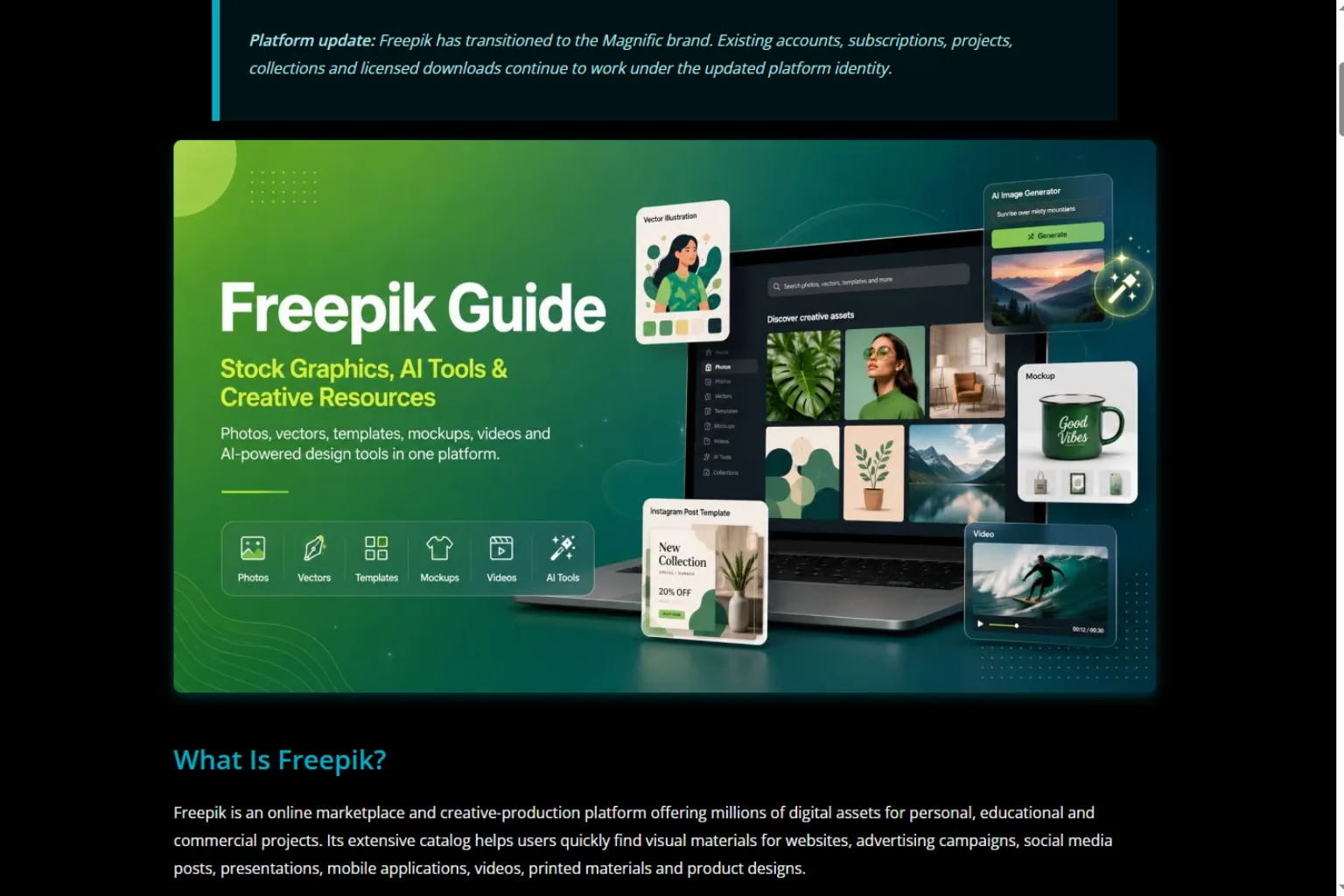
Freepik AI is useful for generating marketing visuals, product-style scenes, and creative assets. It is especially helpful if you also need stock-style backgrounds, templates, icons, and design resources.
It may not always be the best tool for preserving exact product details, but it can be useful for visual concepts and promotional images.
Freepik AI is best for:
- Marketing visuals
- Stock-style product scenes
- Social media assets
- Blog images
- Fast creative generation
- Design resource workflows
Choose Freepik AI if you need product-related visuals as part of a broader marketing asset workflow.
9. Mokker AI
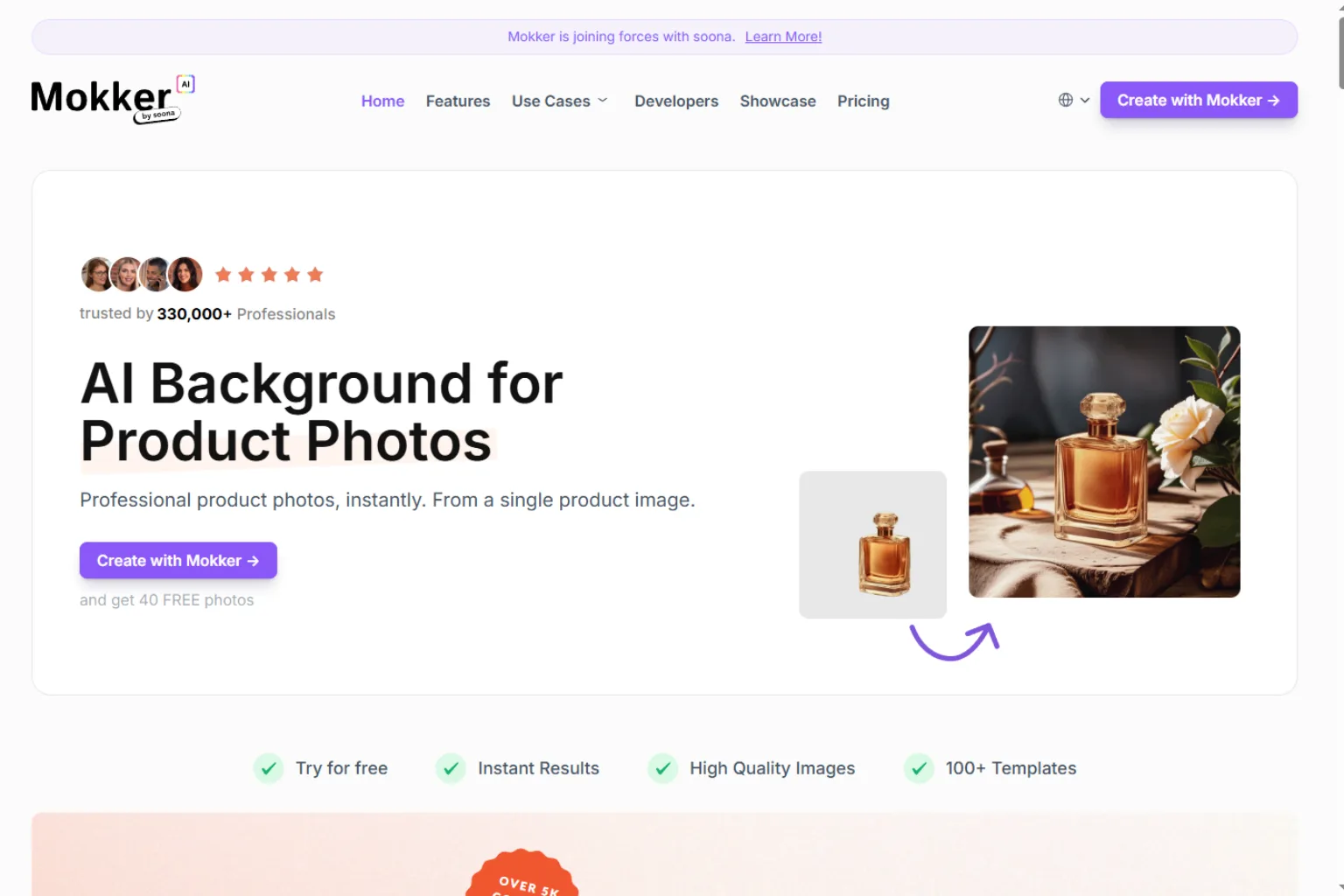
Mokker AI is designed for generating product photos for online stores. Users can upload a product image and create AI-generated scenes for ecommerce and marketing.
It is useful for store owners who want lifestyle-style product photos without planning a full photoshoot.
Mokker AI is best for:
- Online store product photos
- Product scene generation
- Lifestyle backgrounds
- Ecommerce listings
- Marketing images
- Simple product image workflows
Choose Mokker AI if you want a dedicated ecommerce product photo generator.
10. CreatorKit

CreatorKit is built for ecommerce marketing content, including product photos, videos, and store-ready creatives. It is useful for brands that want both static images and video-style promotional content.
For ecommerce teams, this can be helpful because product marketing rarely stops at one image. You may need ads, videos, banners, store images, and social posts.
CreatorKit is best for:
- Ecommerce marketing
- Product photos
- Product videos
- Store creatives
- Social ads
- Shopify-style workflows
Choose CreatorKit if you want product photos and marketing creatives in one workflow.
How to Choose the Right AI Product Photo Generator
The best AI product photo generator depends on what kind of product images you need.
Choose Pebblely or Mokker AI for ecommerce lifestyle product photos. Choose Flair AI for branded product scenes and campaign control. Choose Photoroom or Pixelcut for background removal and quick listing images. Choose Claid AI for product photo enhancement. Choose Canva for ads and social graphics. Choose Adobe Firefly for creative editing. Choose CreatorKit for ecommerce image and video marketing.
Before choosing, ask:
- Do I need white-background listing images or lifestyle scenes?
- Do I need to preserve exact product details?
- Will the images be used for Amazon, Shopify, Etsy, ads, or social media?
- Do I need batch editing?
- Do I need text and design templates?
- Do I need image enhancement or background generation?
- Do I need product videos too?
- What are the platform rules for product images?
AI Product Photo Prompt Examples
Good prompts help AI create product photos that feel intentional and commercial.
Create a clean ecommerce product photo of this skincare bottle on a white background with soft studio lighting, natural shadow, high-end beauty brand style, no extra text, no logo changes.Place this coffee mug in a cozy morning kitchen scene with warm sunlight, wooden table, linen napkin, and soft steam nearby. Keep the product shape and design unchanged.Create a holiday ad-style product photo with this candle on a marble surface, warm bokeh lights, pine branches, gold accents, and premium gift atmosphere.Generate four product photo variations for a wireless earbud case: white background, lifestyle desk scene, travel scene, and close-up detail shot. Preserve the product exactly.Mistakes to Avoid
AI product photography can save time, but it can also create misleading images if you are not careful.
Avoid these mistakes:
- Changing the product shape, color, label, or size
- Generating fake features the product does not have
- Using backgrounds that distract from the product
- Ignoring marketplace image requirements
- Making images too glossy or unrealistic
- Forgetting shadows and scale
- Using low-quality source photos
- Publishing without checking product accuracy
- Using AI images that do not match the real item customers receive
For ecommerce, accuracy matters. A beautiful product photo is not useful if it misrepresents the product.
FAQ
What is the best AI product photo generator?
The best AI product photo generator depends on your workflow. Pebblely and Mokker AI are strong for ecommerce scenes, Flair AI is useful for branded product visuals, Photoroom and Pixelcut are great for background removal, and Claid AI is strong for image enhancement.
Can AI create product photos from one image?
Yes. Many AI product photo tools can use one product image to create new backgrounds, lifestyle scenes, and marketing variations. A clean source photo usually gives better results.
Can AI product photos be used for ecommerce?
Yes, but you should check product accuracy and marketplace rules. The product should not be altered in a way that misleads customers.
What is the best free AI product photo generator?
Some tools offer free trials, free credits, or limited free plans. Free options are useful for testing, but regular ecommerce use often requires a paid plan.
Can AI remove product photo backgrounds?
Yes. Tools like Photoroom, Pixelcut, Canva, and other editors can remove backgrounds and create clean product cutouts quickly.
Can AI make lifestyle product photos?
Yes. AI product photo generators can place products in lifestyle scenes such as kitchens, bathrooms, offices, beaches, holiday settings, or studio scenes.
Are AI product photos accurate?
They can be accurate if the tool preserves the original product well. Always check labels, colors, shape, size, texture, and product details before publishing.
Who should use AI product photo generators?
Online sellers, Shopify stores, Amazon sellers, Etsy sellers, small businesses, agencies, marketers, and content creators can use AI product photo generators to create ecommerce and marketing visuals faster.
Final Thoughts
An AI product photo generator can help ecommerce teams create product images faster, test more visual styles, and reduce the cost of simple photoshoots. It is especially useful when you need multiple backgrounds, seasonal campaigns, social ads, or marketplace images.
For dedicated ecommerce product scenes, try Pebblely, Flair AI, or Mokker AI. For background removal and quick listing images, use Photoroom or Pixelcut. For image enhancement, try Claid AI. For marketing graphics, Canva, Adobe Firefly, Freepik AI, and CreatorKit can be useful.
The best product image should look attractive, but it should also be honest. Keep the product accurate, check every detail, and use AI to improve presentation rather than mislead customers.
Related
How to Manage Email Overload with AI: Prioritize, Delegate and Follow Up

Best AI Excel Formula Generators to Work Faster

Best Screen Recording Software in 2026: Top Picks for Real-World Use
Best AI PDF Readers to Summarize, Search, and Chat With Documents
The 5 best AI Image Generators in 2026
Best AI Ad Generators to Create High-Converting Ads Faster