Best Platforms to Watch Fortnite Live in 2026
Discover where to watch Fortnite live in 2026, compare Kick, Twitch, YouTube and more, and learn how to mirror streams to a bigger screen.
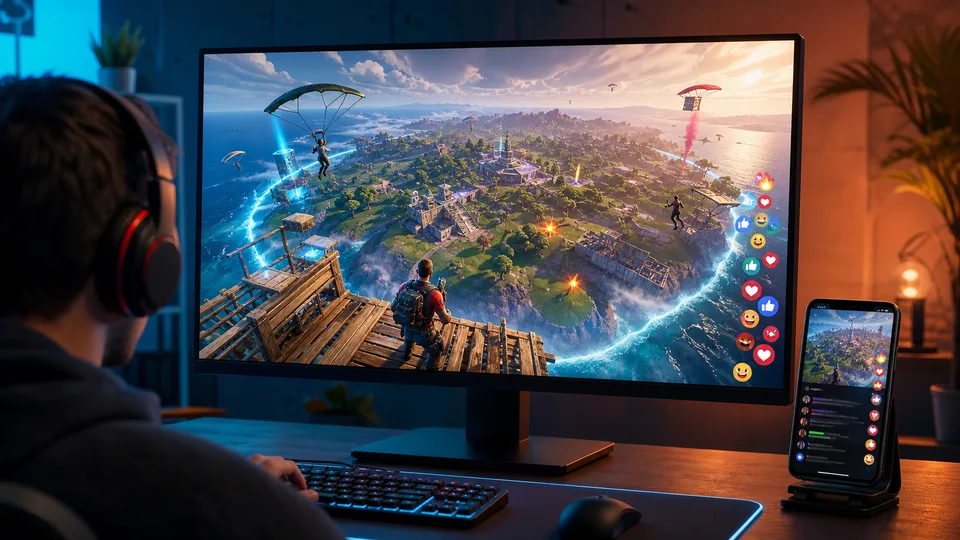

Fortnite is often just as entertaining to watch as it is to play. A good livestream lets you follow high-level ranked matches, learn new strategies, keep up with tournaments, or simply relax with a creator whose personality you enjoy. The only difficult part is deciding where to watch.
Twitch still has the largest traditional gaming directory, YouTube is excellent for switching between live coverage and replays, and newer platforms such as Kick offer a different selection of creators. Short-form platforms and Fortnite’s own competitive site add even more ways to follow the game.
This guide compares the best places to watch Fortnite live in 2026. It also explains how to mirror a stream from your phone to a computer with ApowerMirror when a mobile screen feels too small for fast gameplay.
Table of contents
- Best Fortnite streaming platforms at a glance
- 1. Kick
- 2. Twitch
- 3. YouTube Gaming
- 4. TikTok LIVE
- 5. Fortnite Competitive
- How to choose the right platform
- How to watch Fortnite live on a bigger screen with ApowerMirror
- Frequently asked questions
Best Fortnite streaming platforms at a glance
| Platform | Best for | Live chat | Replays or clips | Main advantage |
|---|---|---|---|---|
| Kick | Discovering alternative Fortnite creators | Yes | Yes | Dedicated Fortnite category with live channels and clips |
| Twitch | A large choice of live creators | Yes | Yes | Strong gaming-focused discovery |
| YouTube Gaming | Live streams, VODs, and highlights in one place | Yes | Yes | Easy to catch up after a stream ends |
| TikTok LIVE | Quick, mobile-first viewing | Yes | Limited compared with YouTube | Fast discovery and short viewing sessions |
| Fortnite Competitive | Official tournaments and schedules | Event dependent | Yes | Direct access to official competitive coverage |
Viewer counts and available channels change throughout the day. If a category looks quiet, check again around a tournament, season launch, update, or evening hours in the creator’s region.
1. Kick: Best for discovering Fortnite livestreams
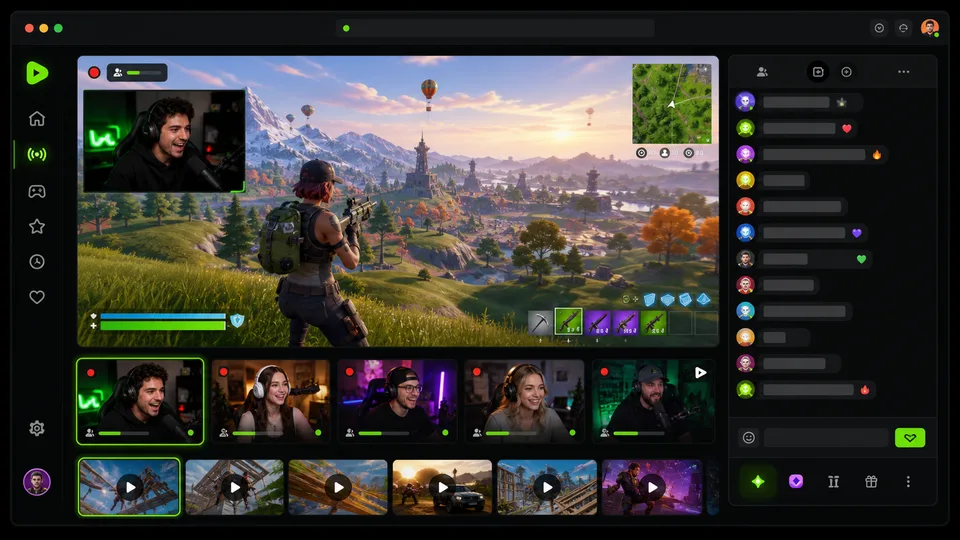
Kick has become another place to browse gaming livestreams, including a dedicated Fortnite category. If you want to watch Fortnite live, the category page lets you see active broadcasts and move between different Fortnite creators without searching for individual channel names first.
The selection is generally smaller than Twitch’s, but that can be part of the appeal. Viewers may find emerging creators, less crowded chats, or communities they would not encounter on the largest platforms. Kick also provides clips, making it possible to sample moments from creators before committing to a longer stream.
Why choose Kick
- Dedicated Fortnite category for quick browsing
- An alternative creator pool and potentially smaller chat communities
- Clips help you preview the tone of a channel
Keep in mind
- Fewer Fortnite channels may be live at off-peak times
- Creator variety and moderation can differ from channel to channel
- Features and availability may vary by device or region
2. Twitch: Best for browsing a large Fortnite community
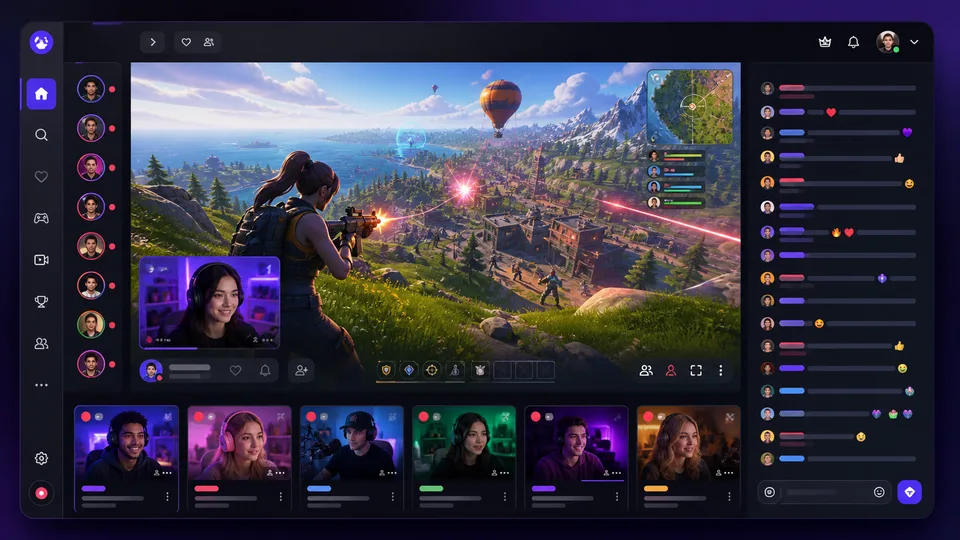
Twitch is a straightforward option when you want to open a directory and immediately see Fortnite channels that are live. Its category page brings together ranked play, Zero Build, tournaments, challenge runs, coaching, casual squads, and creator-led community games.
The platform is particularly good at helping viewers move from one live channel to another. You can sort and browse recommendations, use tags to narrow the type of content, follow creators, and receive notifications when they go live. Chat is also a central part of the experience, especially during major matches and update days.
Twitch is a strong choice if your priority is live interaction. However, finding a specific past match or polished tutorial is usually easier on YouTube.
Why choose Twitch
- Large selection of Fortnite creators at most hours
- Gaming-focused categories, tags, chat, clips, and channel notifications
- Strong choice for esports watch parties and creator communities
Keep in mind
- Ads and subscription prompts can interrupt viewing
- Stream quality and commentary style vary widely by channel
- Past broadcasts may not remain available indefinitely
3. YouTube Gaming: Best for live streams, replays, and highlights
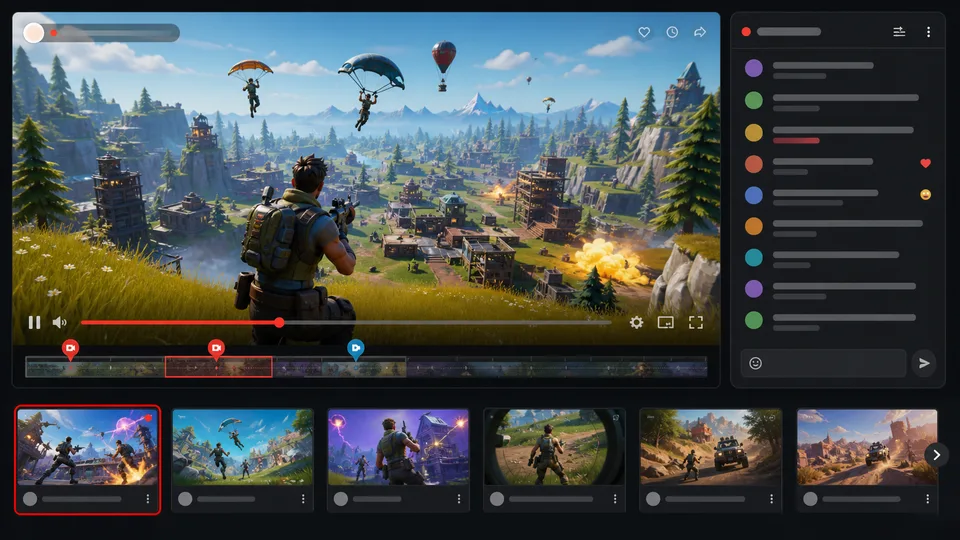
YouTube is a practical option for viewers who do not always arrive while a broadcast is live. The same search can surface current streams, full tournament broadcasts, creator VODs, tutorials, and short highlights. That makes it easy to watch an event later or revisit a key moment.
YouTube is also useful when you already follow Fortnite creators there. Subscriptions and notifications keep live content alongside the videos you normally watch, while playback controls make it easy to pause or rewind supported live broadcasts. On many streams, you can move back to an earlier point without waiting for the broadcast to end.
For official competitive coverage, check the event information before it begins. Epic’s Fortnite Competitive pages and official social channels normally point viewers to the relevant broadcast.
Why choose YouTube Gaming
- Live coverage, replays, tutorials, and highlights on one platform
- Familiar playback controls and broad device support
- Better than most alternatives for finding a stream after it has ended
Keep in mind
- Search results can mix live broadcasts with prerecorded videos
- Some streams use misleading thumbnails or repeat old footage
- Live chat may feel less central than it does on Twitch
4. TikTok LIVE: Best for quick mobile viewing
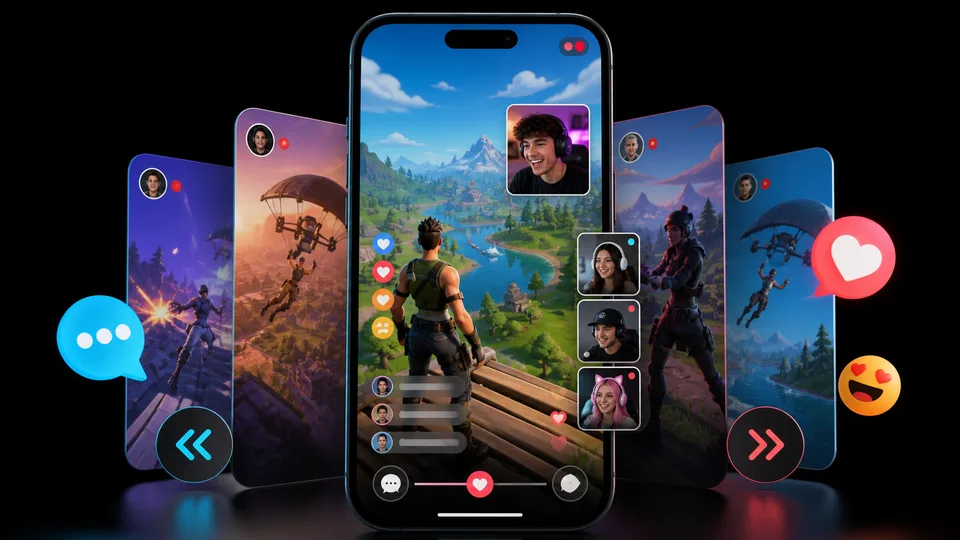
TikTok LIVE suits viewers who want to discover Fortnite content casually rather than choose a channel from a traditional game directory. Gaming creators can broadcast gameplay, use face-camera layouts, interact with viewers, and collaborate with other LIVE creators. The vertical, swipe-based experience makes it easy to move between streams.
This format works well for short sessions, reactions, creator challenges, and quick gameplay tips. It is less convenient for locating a particular tournament match or preserving a full broadcast, so TikTok is best treated as a discovery platform rather than your only source for Fortnite coverage.
Use Fortnite-related search terms and check whether a broadcast is genuinely live. As on other social platforms, some accounts may loop prerecorded footage or use a live-style title for content that is not current.
Why choose TikTok LIVE
- Fast discovery on a phone
- Strong creator interaction and mobile-first presentation
- Useful for short viewing sessions and highlights around live play
Keep in mind
- Vertical layouts can reduce the visible size of widescreen gameplay
- It is harder to find a specific event than on official or gaming-focused sites
- Replay availability is less predictable than on YouTube
5. Fortnite Competitive: Best for official tournaments
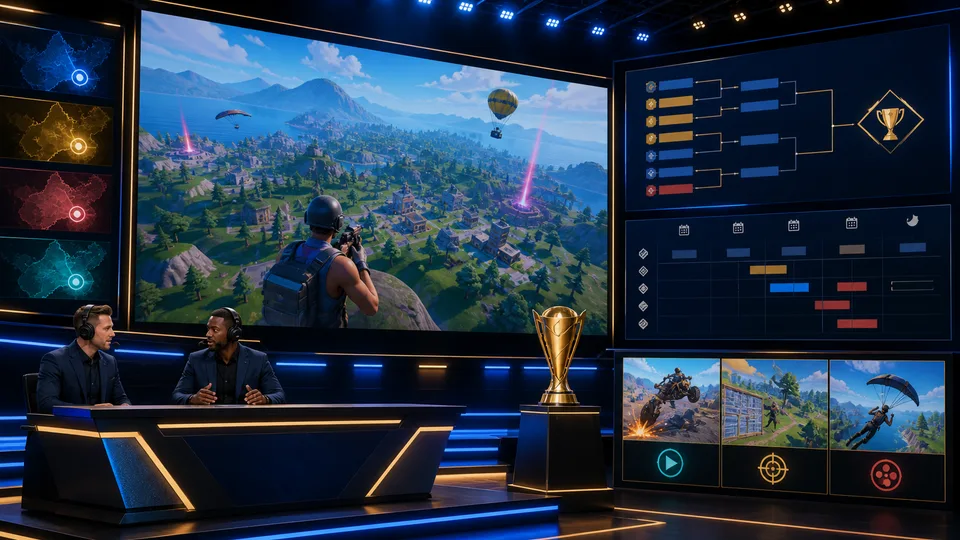
For FNCS and other organized competitions, the Fortnite Competitive watch page is the most reliable place to begin. It brings official event information, current or upcoming coverage, and video highlights together without making you guess which creator is carrying the tournament.
The associated competitive schedule is also helpful when you need to check event times and regions. Fortnite’s official pages may direct viewers to a broadcast or clean feed for a particular event. Because schedules can change, check the event page close to the start time rather than relying on an old social post.
This option is not a general creator directory. Choose it for official competitive play, then use Twitch, YouTube, or Kick for everyday creator streams.
Why choose Fortnite Competitive
- Official source for competitive schedules and coverage
- Useful event highlights and tournament information
- Less risk of opening an unofficial rebroadcast with the wrong title
Keep in mind
- Content is centered on competitions rather than casual streams
- A live broadcast is available only when an event is running
- Times and regional coverage should be checked before the event
How to choose the right Fortnite streaming platform
There is no single platform that is best for every viewer. Start with what you want to watch:
- For a direct Fortnite category and alternative creators: Start with Kick.
- For the widest live selection: Try Twitch.
- For replays and tutorials: YouTube is usually the easiest option.
- For short, phone-friendly sessions: Use TikTok LIVE.
- For official tournaments: Check Fortnite Competitive before searching elsewhere.
You can also follow the same creator on more than one platform. Some creators announce schedules on social media, publish edited videos on YouTube, and stream live on another service. Following their official accounts reduces the chance of landing on impersonation channels or unauthorized rebroadcasts.
How to watch Fortnite live on a bigger screen with ApowerMirror
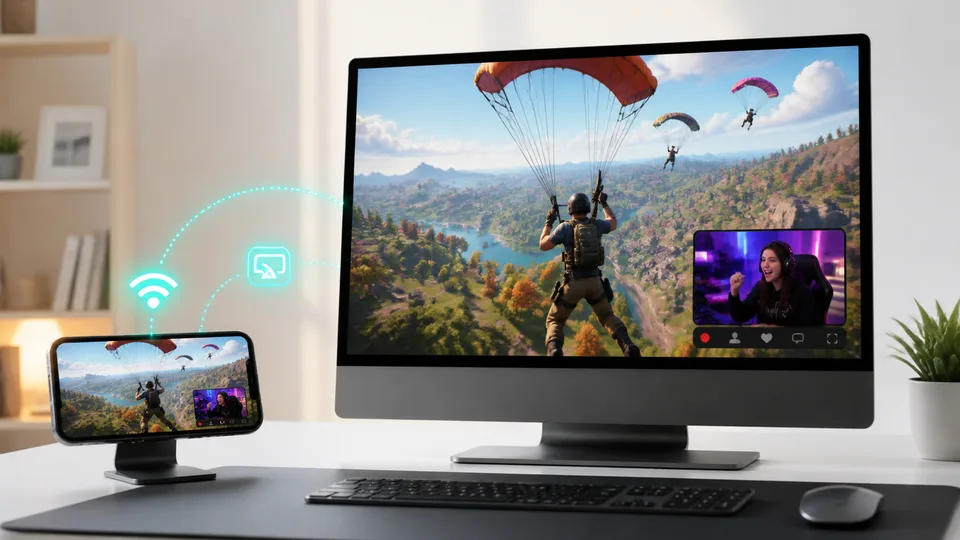
Watching on a phone is convenient, but Fortnite moves quickly. A small display can make it difficult to follow the minimap, inventory, building edits, distant opponents, or details in a competitive endgame. A larger screen is also more comfortable when several people want to watch together.
If the streaming service has a desktop website or TV app, opening it directly on that device is usually the simplest option. Screen mirroring is useful when the stream is already open in a mobile app, the mobile experience is easier to navigate, or you want to display exactly what is on your phone without signing in again.
ApowerMirror lets you mirror an Android phone, iPhone, or iPad to a Windows PC or Mac through Wi-Fi or USB. It can carry the mobile screen and audio to the computer, so you can open a Fortnite livestream in a mobile app and view it in a larger desktop window. A full-screen option is available when you want fewer distractions.
This setup works well for watching creators, tournaments, tutorials, or update coverage with friends. It also keeps navigation on the phone, making it easy to browse chat or switch streams while the main picture remains visible on the computer.
How to mirror a Fortnite livestream to a computer
- Download and install ApowerMirror on your computer and mobile device.
- Connect the phone and computer to the same Wi-Fi network. You can also use a supported USB connection if you prefer a cable.
- Open ApowerMirror on both devices.
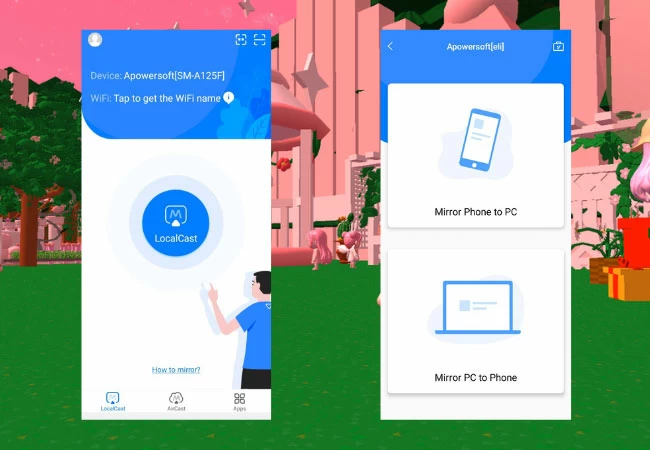
- On Android, select the computer from the available devices and start mirroring. On iPhone or iPad, follow the in-app connection steps and select the Apowersoft receiver from Screen Mirroring when prompted.
- Open Twitch, YouTube, Kick, TikTok, or another streaming app on the phone.
- Start the Fortnite livestream, rotate the phone to landscape when supported, and enlarge the mirrored window on the computer.
Tips for smoother streaming
For the best viewing experience:
- Use a stable Wi-Fi network and keep both devices close to the router.
- Close downloads or other apps that are using significant bandwidth.
- Try a supported USB connection if the wireless network is congested.
- Rotate the phone to landscape mode when the streaming app supports it.
- Test the picture and sound before an important tournament begins, since audio behavior can vary by device, operating system, and connection method.
You can also mirror your own Fortnite gameplay
Players using a compatible mobile device can also mirror their own Fortnite gameplay to a computer when they want friends to follow a match, demonstrate a technique, or capture a moment. Keep in mind that mirroring does not make the phone more powerful, and some latency may occur even with a wired connection. It is best treated as a viewing and sharing option rather than a substitute for running Fortnite natively on a gaming PC or console.
If you record or rebroadcast your gameplay, follow Epic Games’ rules and the policies of the streaming platform. Epic also advises creators to review event-specific copyright information and adjust licensed-audio settings before streaming content that may contain protected music.
Frequently asked questions
Where can I watch Fortnite live for free?
You can browse Fortnite livestreams on Twitch, YouTube, Kick, and TikTok without paying for a subscription. Optional subscriptions, gifts, or premium features may still be offered. Official tournament coverage is also available through Fortnite Competitive when an event is running.
What is the best platform for Fortnite tournaments?
Start with Fortnite Competitive because it provides official event information and viewing links. Twitch and YouTube are also common destinations for tournament broadcasts, watch parties, and replays.
Can I watch a Fortnite livestream without an account?
Many public streams can be viewed without signing in, but an account may be required to chat, follow a creator, receive notifications, or access age-restricted content. Requirements vary by platform and region.
Can I mirror a Fortnite stream from my phone to a PC?
Yes. ApowerMirror can mirror supported Android and iOS devices to a Windows PC or Mac through Wi-Fi or USB. Open the stream on the phone after connecting, then watch the mirrored picture in a larger window on the computer.
Does screen mirroring reduce stream quality?
It can. The result depends on the phone, network quality, source stream, computer, and connection method. A strong local Wi-Fi connection or supported USB connection helps reduce interruptions. Mirroring cannot improve a low-resolution source stream.
Is it legal to rebroadcast someone else’s Fortnite stream?
Watching and rebroadcasting are different. Do not restream another creator’s broadcast without permission. If you plan to stream your own gameplay or an in-game event, follow Epic Games’ policies, the platform’s rules, and any event-specific copyright guidance.
Final thoughts
Kick is our first recommendation for viewers who want a direct Fortnite category and a different mix of live creators. Twitch offers the widest traditional gaming community, while YouTube is better when replays and highlights matter. TikTok LIVE works well for quick mobile discovery, and Fortnite Competitive is the right starting point for official tournament coverage.
If you find a stream on your phone but would rather follow the action on a larger display, ApowerMirror provides a practical bridge between the mobile app and your computer. Pick the platform that has the content you want, then choose the screen that makes it easiest to enjoy.
Latest Reviews
Nanosaur 2 Review: What a 670M Anime Image Model Can (and Can’t) Do

The 6 Best 3D Printers We Tested in 2026
Best Smart Glasses in 2026: 6 Top Picks for AI, AR and Sport

Build a Cloud GPU AI Workstation: Images, Video, LLMs & NSFW Limits (2026)
Manus 2.0 Review: Studio, Pricing, API and What Is Actually New
Meta Muse Review 2026: AI Agent, Pricing & Muse Spark