
Table of Contents
- What Is an AI Lesson Plan Generator?
- Why Teachers Use AI Lesson Plan Generators
- Quick Comparison
- 1. MagicSchool
- 2. Canva AI Lesson Plan Generator
- 3. Eduaide.AI
- 4. Brisk Teaching
- 5. Diffit
- 6. Curipod
- 7. Twee
- 8. ChatGPT or Microsoft Copilot
- How to Choose the Right AI Lesson Plan Generator
- AI Lesson Plan Prompt Examples
- Mistakes to Avoid
- FAQ
What Is an AI Lesson Plan Generator?
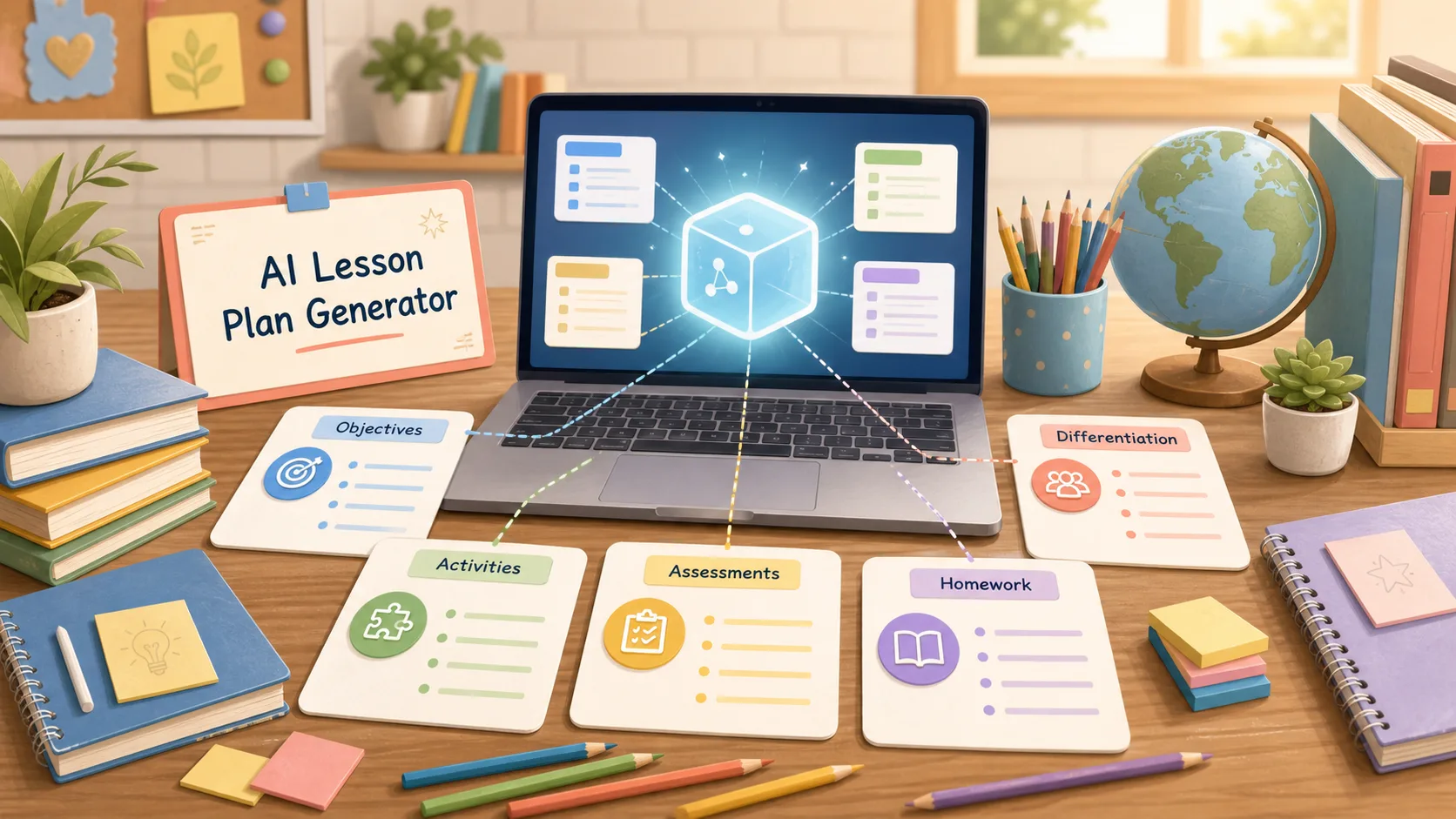
An AI lesson plan generator is a tool that helps teachers create structured lesson plans from a topic, grade level, subject, learning objective, standard, text, video, or classroom goal. Instead of starting with a blank page, teachers can generate a draft that includes objectives, materials, activities, timing, questions, assessments, differentiation, homework, and exit tickets.
The best AI lesson plan generators do not replace teachers. They reduce repetitive planning work so teachers can spend more time adapting instruction for real students. A useful AI lesson planner should help with structure, pacing, differentiation, engagement, and assessment, while still leaving the final decisions to the teacher.
For busy teachers, this can be a major time-saver. A good AI lesson plan generator can turn a rough idea into a usable first draft in minutes.
Why Teachers Use AI Lesson Plan Generators
Lesson planning takes time because teachers need to balance content, standards, student needs, pacing, classroom management, activities, and assessment. AI can help with the first draft, but the teacher still brings judgment, context, and experience.
Teachers use AI lesson plan generators to:
- Create lesson drafts faster
- Align lessons with standards or learning objectives
- Build activities for different grade levels
- Generate warm-ups, exit tickets, and discussion questions
- Create differentiated materials for mixed-readiness classrooms
- Turn texts, videos, or topics into classroom activities
- Build worksheets, rubrics, quizzes, and extension tasks
- Rewrite lessons for English learners or special education support
- Save planning time during busy weeks
The best results come when teachers treat AI as a planning assistant, not a final authority.
Quick Comparison
| Tool | Best For | Main Strength | Possible Limitation |
|---|---|---|---|
| MagicSchool | All-in-one teacher AI platform | Lesson plans, teacher tools, school and district focus | May include more tools than a single teacher needs |
| Canva AI Lesson Plan Generator | Visual lesson materials | Lesson plans plus slides, handouts, and classroom visuals | Best if you also want design features |
| Eduaide.AI | K-12 planning and instructional materials | Standards, resources, differentiation, and document workflow | May take time to explore all features |
| Brisk Teaching | Teacher workflow support | Lessons, personalization, and classroom-ready resources | Strongest for teachers who want a broader AI platform |
| Diffit | Differentiated instructional materials | Adapts content for varied reading levels | More resource-focused than full lesson planning alone |
| Curipod | Interactive lessons | Polls, questions, slides, discussions, and student participation | Best for live interactive lessons |
| Twee | Language lessons and materials | CEFR-aligned English lesson content, worksheets, activities | Best fit for language teachers |
| ChatGPT or Copilot | Flexible custom planning | Can generate and revise any lesson format | Needs strong prompting and teacher review |
1. MagicSchool
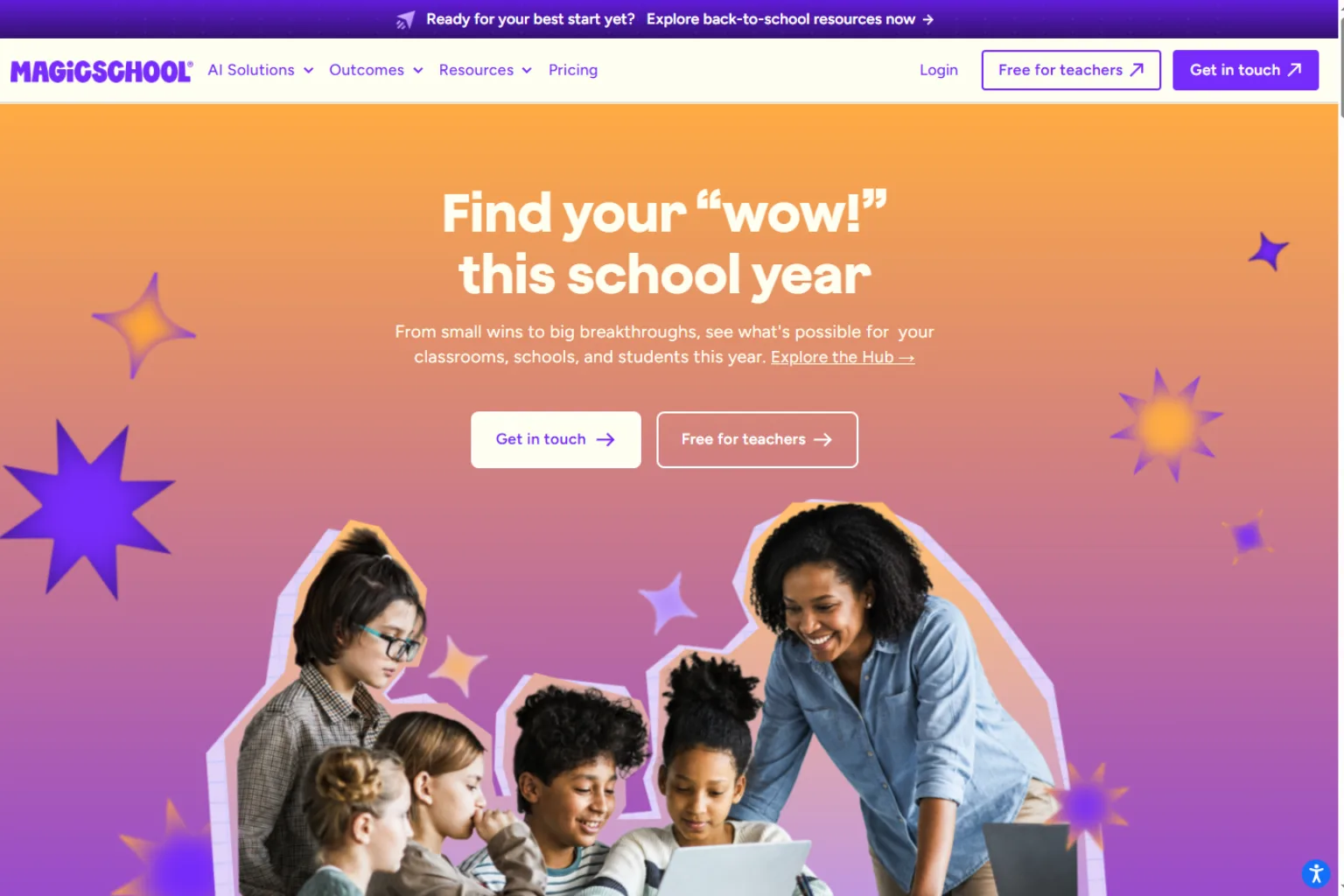
MagicSchool is one of the most popular AI lesson plan generators for teachers. It offers a dedicated lesson plan tool and a wider set of teacher-focused AI tools for planning, communication, differentiation, and classroom resources.
It is useful for teachers who want a structured way to create lesson plans without writing every section manually. You can start with a topic or objective and build a draft that includes key lesson components.
MagicSchool is best for:
- Lesson plans
- Teacher productivity
- District-friendly AI workflows
- Differentiation
- Classroom resource creation
- New teachers who need planning structure
Choose MagicSchool if you want an education-focused AI platform rather than a general chatbot.
2. Canva AI Lesson Plan Generator
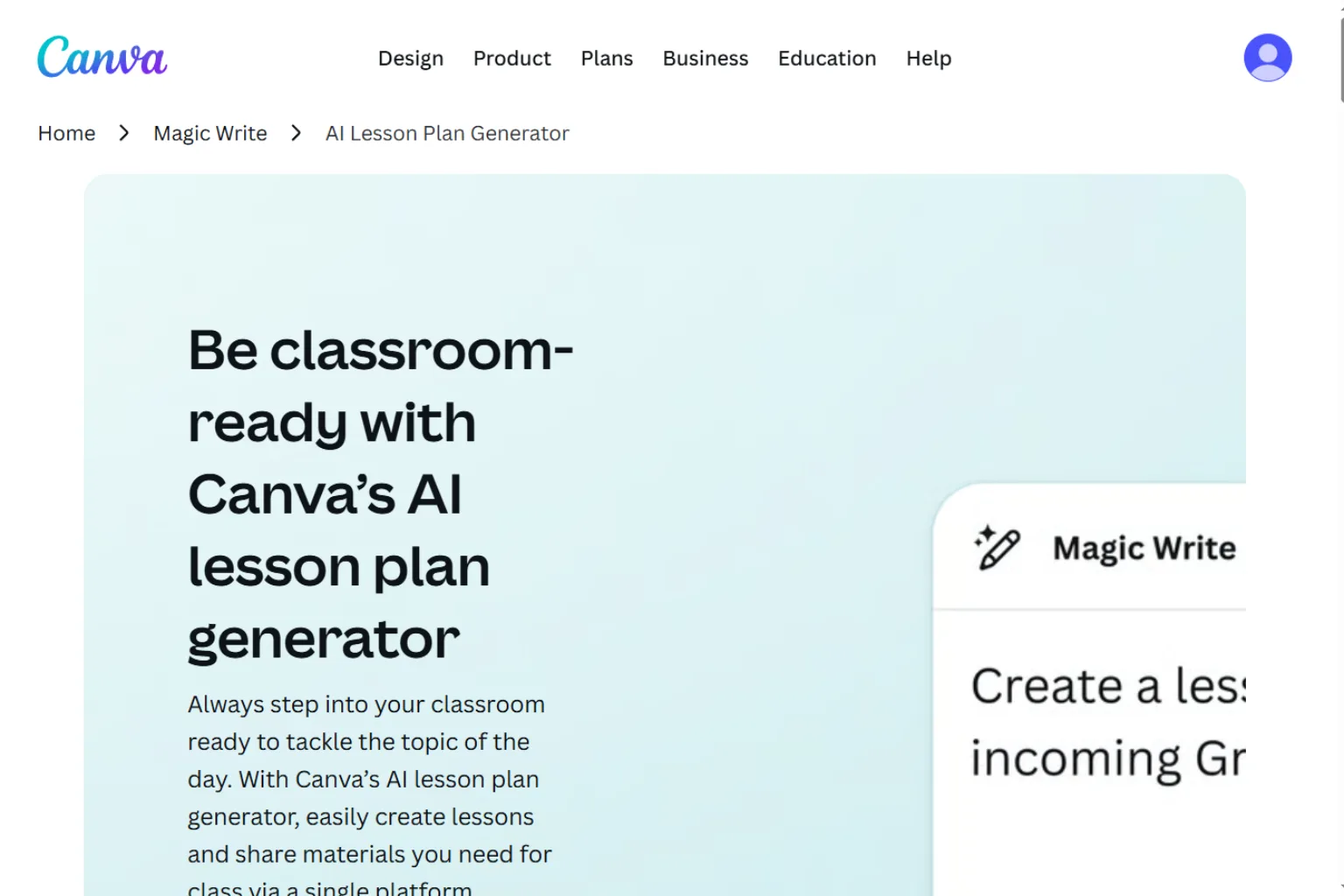
Canva’s AI lesson plan generator is useful for teachers who want planning and visual materials in one place. It can help create lesson plans and then turn ideas into slides, worksheets, posters, handouts, or classroom visuals.
This is helpful because lesson planning often does not stop at the written plan. Teachers also need materials students can actually use. Canva is especially useful for visually polished resources.
Canva is best for:
- Lesson plans with visual materials
- Slides and handouts
- Classroom posters
- Student worksheets
- Teachers who already use Canva
- Shareable resources
Choose Canva if you want lesson planning connected to design and classroom materials.
3. Eduaide.AI
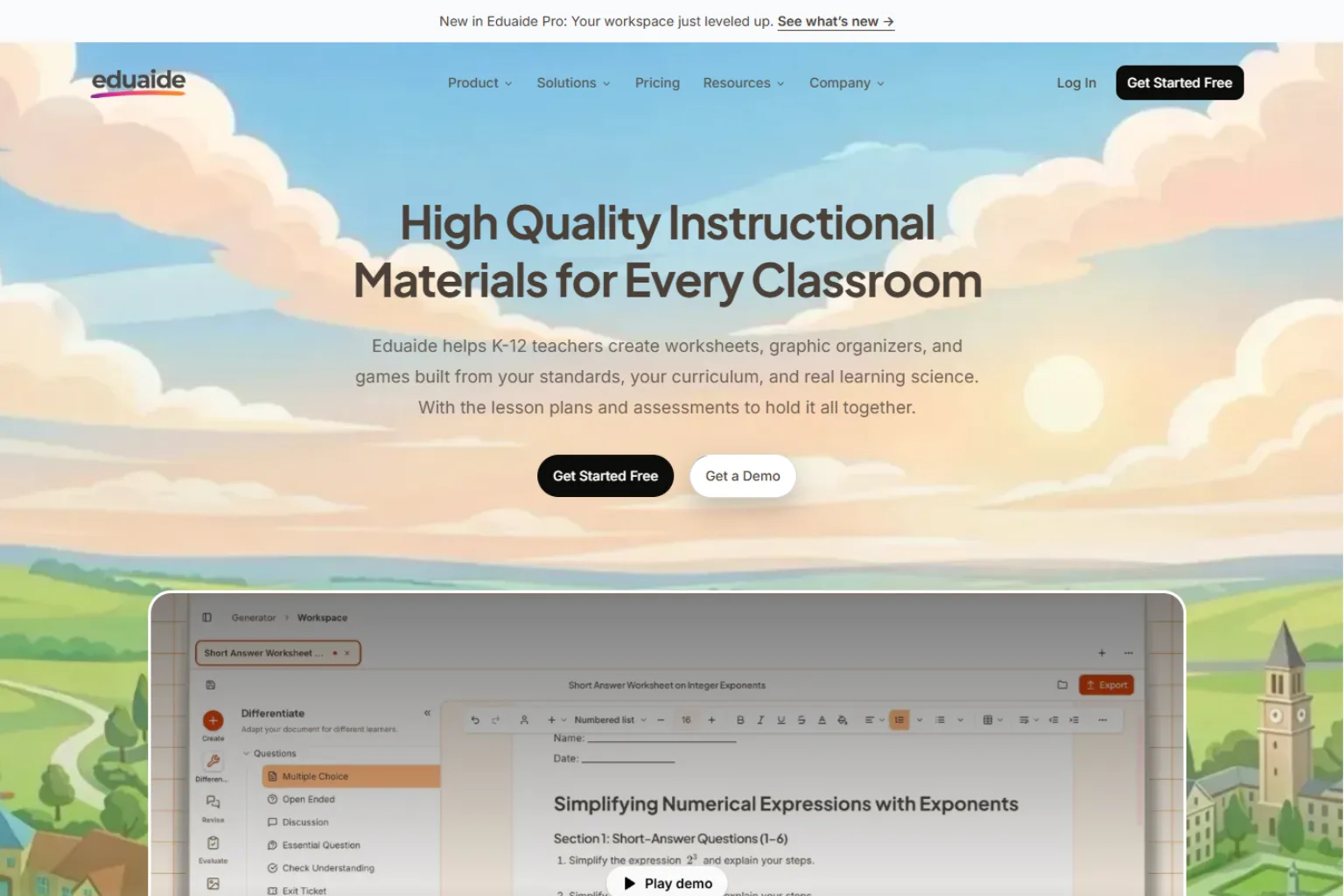
Eduaide.AI is designed for K-12 teachers who need lesson plans, unit plans, instructional materials, differentiation, assessments, and classroom documents. It can help turn standards, objectives, or source materials into teaching resources.
One of its strengths is that it is built around real teacher workflows rather than only prompt-based chat. It can help teachers revise documents, adapt resources, and build structured instructional materials.
Eduaide.AI is best for:
- K-12 lesson planning
- Standards-based resources
- Unit planning
- Differentiation
- Worksheets and classroom materials
- Teachers who want a document workspace
Choose Eduaide.AI if you want lesson planning and resource creation in one teaching workspace.
4. Brisk Teaching
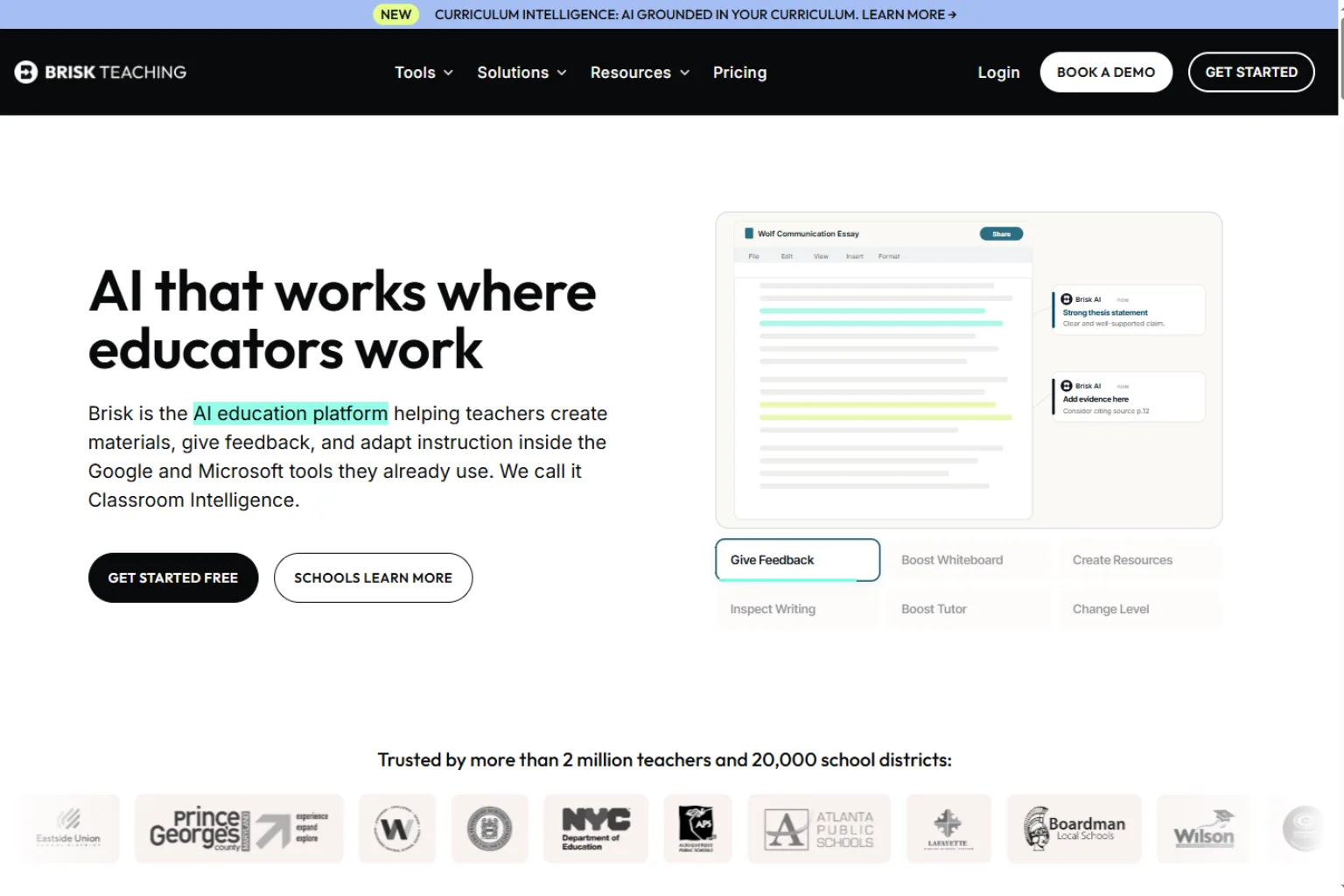
Brisk Teaching is an AI platform for teachers and students that helps with lessons, personalization, and classroom-ready materials. It is useful for teachers who want more than a single lesson plan generator.
Brisk can support lesson planning, student feedback, personalized learning, and instructional resources. That makes it a strong option for teachers who want an AI assistant inside their daily workflow.
Brisk Teaching is best for:
- Lesson planning
- Personalized learning
- Teacher feedback workflows
- Classroom resources
- School and district use
- Teachers who want an all-in-one platform
Choose Brisk if you want AI support across teaching tasks, not only a one-page lesson plan.
5. Diffit
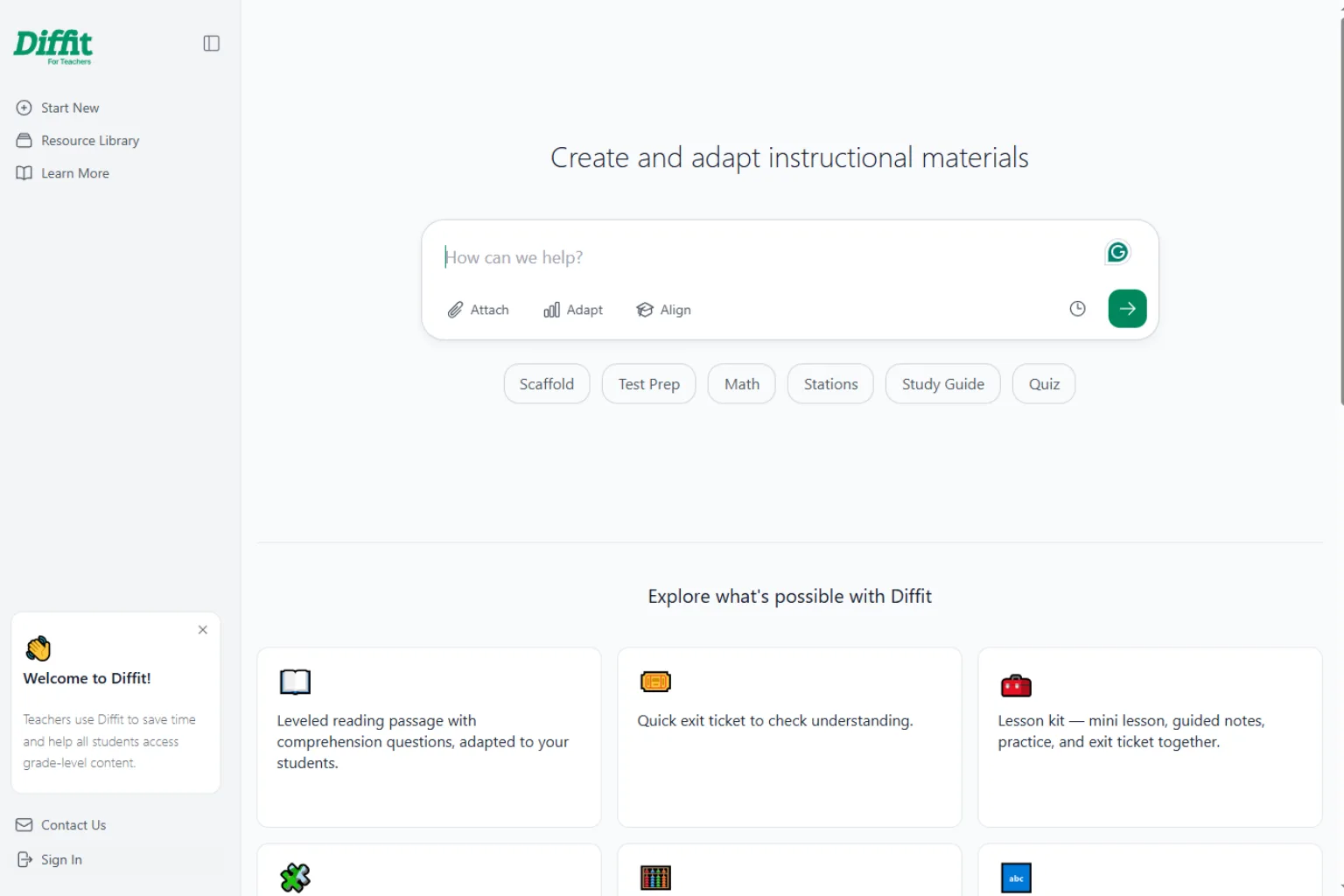
Diffit is especially helpful for differentiated instruction. Teachers use it to adapt content, create instructional materials, and make grade-level content more accessible for different learners.
If your main challenge is not writing a basic lesson plan but adapting materials for mixed reading levels, English learners, intervention groups, or special education support, Diffit is worth considering.
Diffit is best for:
- Differentiated materials
- Reading-level adaptation
- Worksheets
- Vocabulary support
- Mixed-readiness classrooms
- Content accessibility
Choose Diffit if you want to make lesson materials more accessible to all students.
6. Curipod
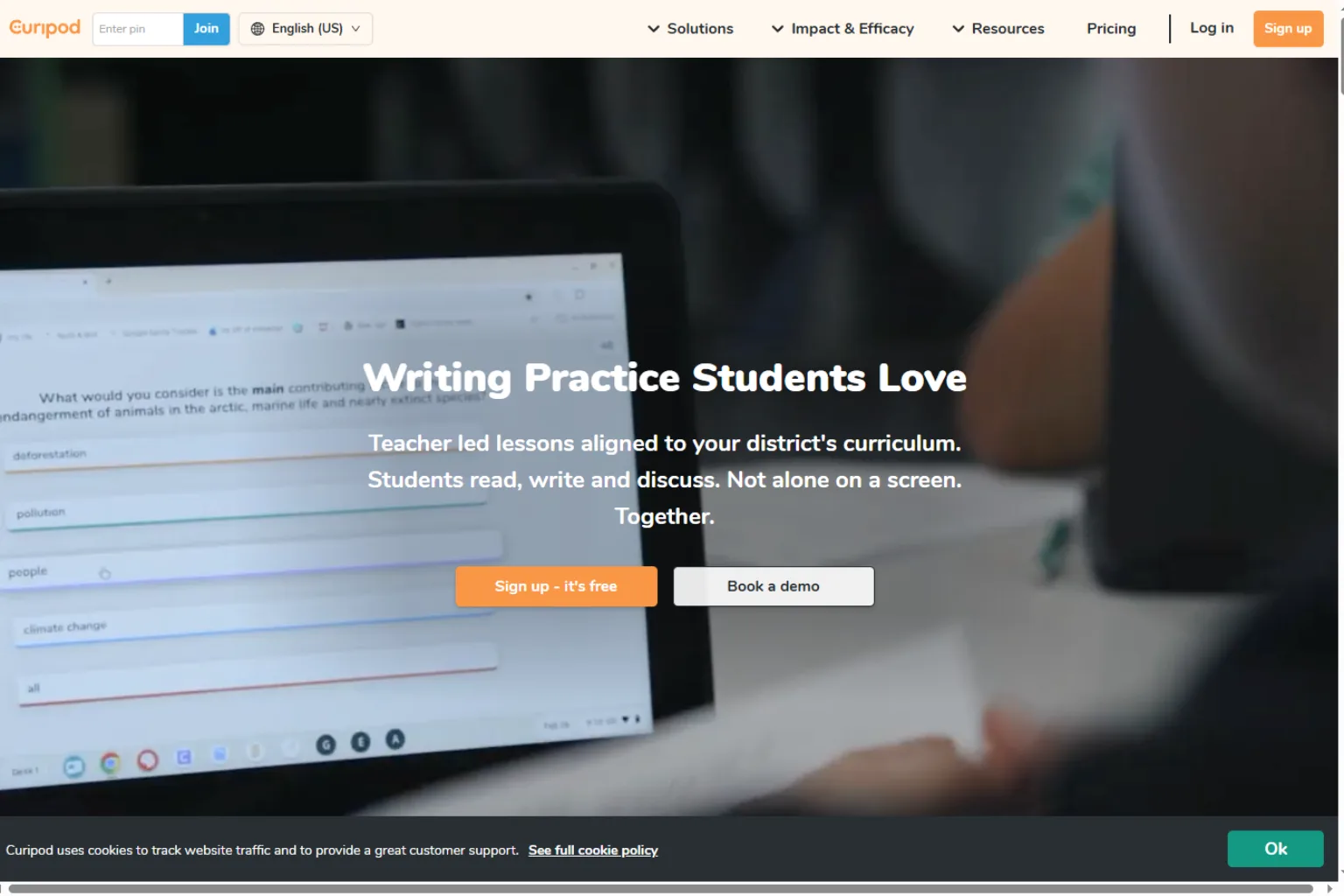
Curipod is useful for teachers who want interactive lessons, not only static plans. It can help create slides, polls, questions, writing activities, drawings, and live classroom participation.
This makes it a strong choice for teachers who want students to respond, discuss, and participate during the lesson. It is especially useful for engagement-focused classrooms.
Curipod is best for:
- Interactive lesson slides
- Student discussions
- Polls and live responses
- Writing practice
- Exit tickets
- Engagement activities
Choose Curipod if your lesson plan needs student interaction built in.
7. Twee
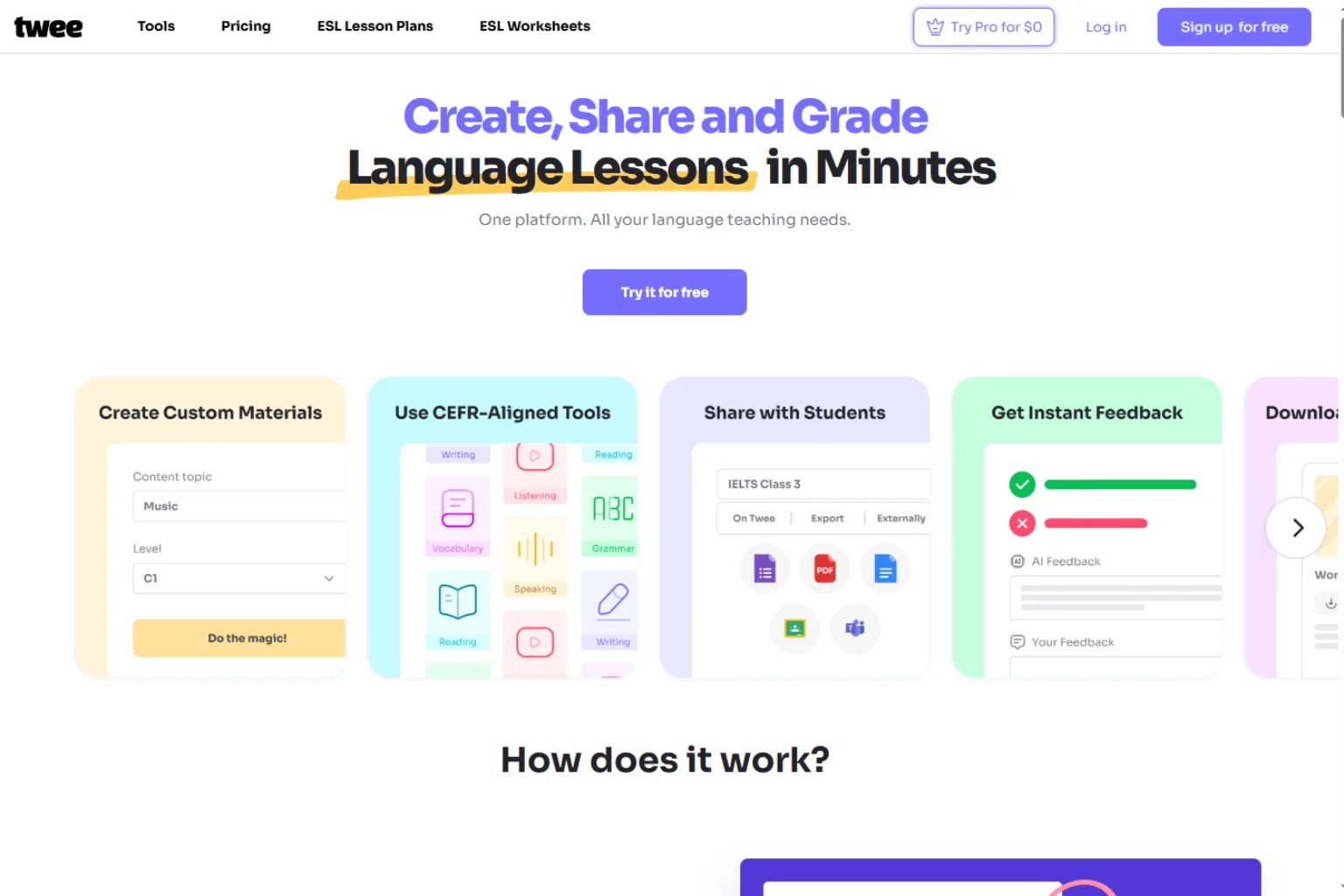
Twee is a strong AI lesson planning tool for language teachers. It can generate CEFR-aligned lesson materials, texts, dialogues, gap-fill exercises, questions, writing prompts, and video-based activities.
For English teachers and language educators, this is more targeted than a general lesson plan generator. It can quickly create classroom-ready exercises around vocabulary, grammar, reading, listening, and speaking.
Twee is best for:
- English lessons
- Language learning
- CEFR-aligned materials
- Worksheets and quizzes
- Video-based activities
- Reading and listening tasks
Choose Twee if you teach English or another language and need ready-to-use lesson materials.
8. ChatGPT or Microsoft Copilot
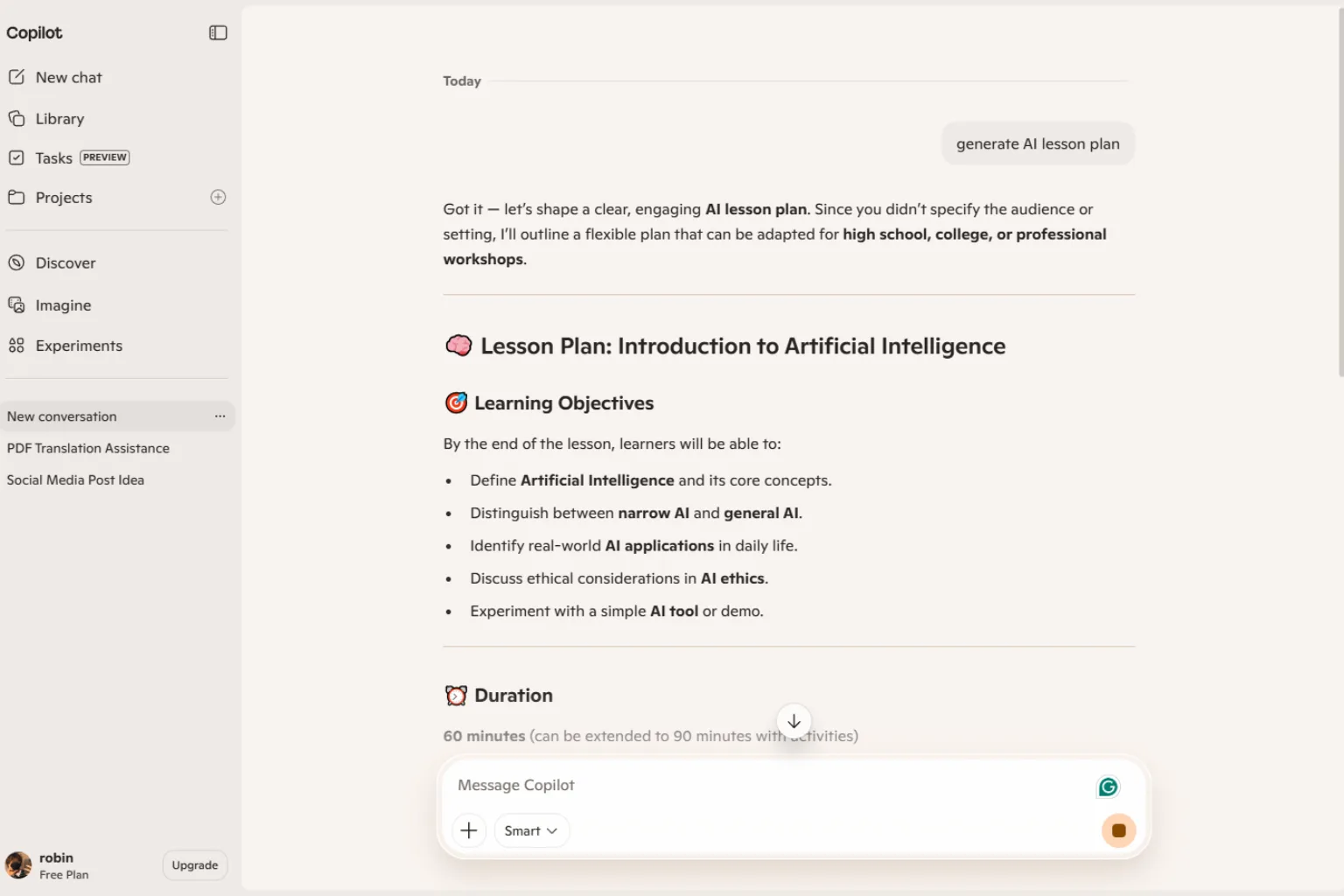
ChatGPT and Microsoft Copilot can work as flexible AI lesson plan generators if you provide clear prompts. They can create lesson plans, rewrite activities, generate discussion questions, make rubrics, produce exit tickets, and adapt content for different grade levels.
The advantage is flexibility. The limitation is that teachers must check accuracy, standards alignment, age appropriateness, and classroom fit.
They are best for:
- Custom lesson plan drafts
- Quick activity ideas
- Rubrics and exit tickets
- Rewriting for different grade levels
- Differentiation ideas
- Teacher brainstorming
Choose a general AI assistant if you want flexibility and are comfortable reviewing the output carefully.
How to Choose the Right AI Lesson Plan Generator
The best AI lesson plan generator depends on your classroom needs.
Choose MagicSchool or Eduaide.AI if you want a teacher-focused planning platform. Choose Canva if you want visual materials. Choose Diffit if differentiation is your biggest challenge. Choose Curipod if you want interactive lessons. Choose Twee if you teach language classes. Choose ChatGPT or Copilot if you want flexible planning and revision.
Before choosing, ask:
- What subject and grade level do I teach?
- Do I need full lesson plans or only activities?
- Do I need standards alignment?
- Do I need worksheets, slides, rubrics, or quizzes?
- Do my students need differentiated reading levels?
- Do I need interactive student participation?
- Does my school or district have privacy rules for AI tools?
- Can I review and adapt the AI output before using it?
The right tool should save time without reducing teacher judgment.
AI Lesson Plan Prompt Examples
If you use a flexible AI assistant, give it specific context. A strong prompt should include grade level, subject, standard or objective, class length, student needs, materials, and assessment.
Create a 45-minute 7th grade science lesson plan on photosynthesis. Include learning objectives, warm-up, direct instruction, group activity, vocabulary, checks for understanding, exit ticket, and homework.Create a differentiated 5th grade reading lesson for mixed reading levels. Include supports for English learners, extension questions for advanced students, and a short formative assessment.Turn this topic into an interactive lesson: persuasive writing for 8th grade. Include a hook, mini lesson, partner activity, writing practice, discussion questions, and exit ticket.Revise this lesson plan so it is more student-centered. Add collaboration, movement, checks for understanding, and a clear assessment.Mistakes to Avoid
AI can help teachers plan faster, but the draft still needs review. Avoid using AI-generated lesson plans without checking whether they fit your students.
Common mistakes include:
- Using a lesson without verifying accuracy
- Ignoring district standards or curriculum requirements
- Forgetting to adapt for English learners or students with IEPs
- Creating too many activities for the available time
- Using materials that are too easy or too hard
- Skipping formative assessment
- Letting AI choose sensitive examples without review
- Uploading student data into tools without checking privacy rules
The teacher remains responsible for the final lesson. AI should speed up planning, not replace professional judgment.
FAQ
What is the best AI lesson plan generator?
The best AI lesson plan generator depends on the teacher’s needs. MagicSchool is strong for general teacher workflows, Canva is useful for visual lesson materials, Eduaide.AI is strong for K-12 instructional planning, Diffit is excellent for differentiation, and Curipod is strong for interactive lessons.
Can AI create standards-aligned lesson plans?
Yes, many AI lesson plan generators can include standards if you provide them. Always check the alignment yourself because standards can be interpreted incorrectly.
Is there a free AI lesson plan generator?
Some tools offer free plans, limited credits, or free generators. Free options are useful for testing, but teachers who need regular planning, materials, and classroom workflows may eventually need a paid plan.
Can AI make lesson plans for any grade level?
AI can draft lessons for many grade levels, but the teacher should adjust vocabulary, pacing, activities, and assessment to fit real students.
Can AI generate worksheets and quizzes?
Yes. Many AI tools for teachers can generate worksheets, quizzes, exit tickets, rubrics, discussion questions, and differentiated materials.
Is it okay for teachers to use AI lesson plans?
AI lesson plans can be helpful when teachers review, adapt, and improve them. Teachers should follow school policies, protect student privacy, and make sure the lesson fits their curriculum and students.
What should I include in an AI lesson plan prompt?
Include grade level, subject, objective, standard, class time, student needs, materials, activity type, assessment, and any constraints. The more context you provide, the better the lesson draft will be.
Final Thoughts
An AI lesson plan generator can save teachers time by creating structured first drafts, activities, assessments, and differentiated resources. The best tools help teachers plan faster while still keeping the teacher in control.
For general planning, start with MagicSchool, Eduaide.AI, or Brisk Teaching. For visual materials, try Canva. For differentiation, consider Diffit. For interactive lessons, Curipod is a strong option. For language lessons, Twee is especially useful. For flexible planning, ChatGPT or Copilot can help when prompted carefully.
The best AI lesson plan is not the one that sounds the most polished. It is the one that fits your students, your standards, your time, and your teaching style.
Related
ChatGPT Prompts for Students: Study Smarter Without Letting AI Do the Thinking

AI Cover Letter Generator: Best Tools to Write Better Job Applications Faster

Best AI Email Writers for Work, Sales, and Everyday Messages
5 Best Apps to Run Local AI Models on Your PC or Mac
Best Sora Alternatives for AI Video Generation in 2026
Best AI Script Generators to Write Video, Podcast, and Ad Scripts Faster